 one99addons
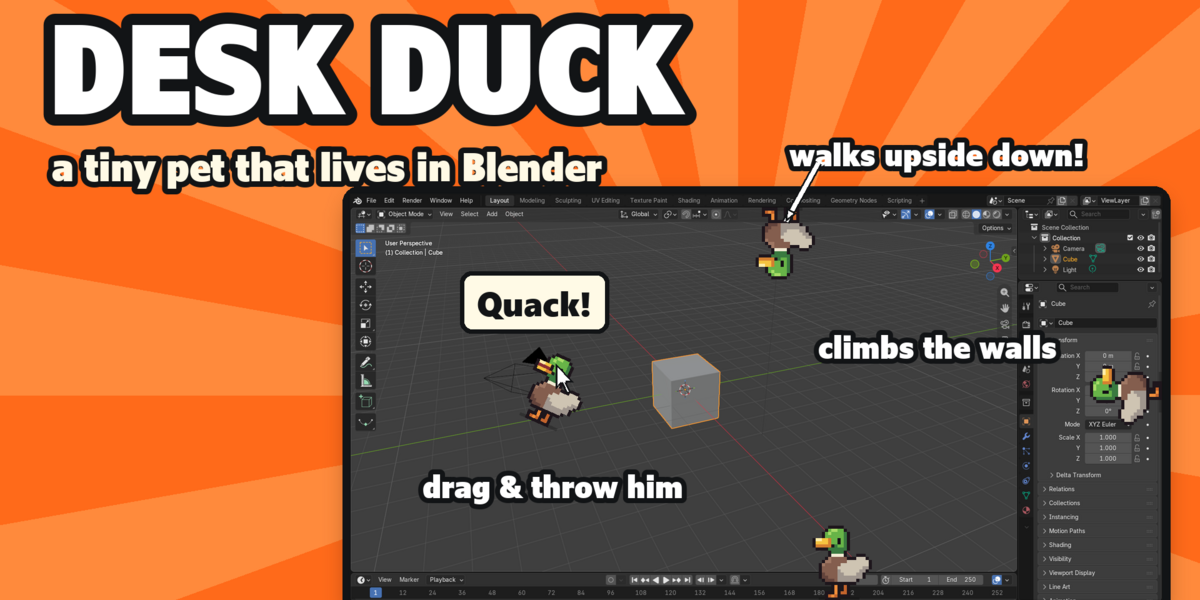
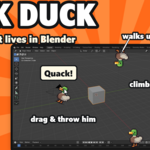
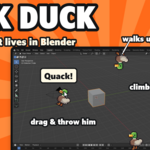

Desk Duck is a little pixel mallard who lives on the edges of your Blender window. Blender sessions are long and the interface is all grey, so he keeps you company without ever getting in the way of your work.
He walks the whole inside border of your window, corners included. On the sides he climbs the wall, and along the top he walks upside down.
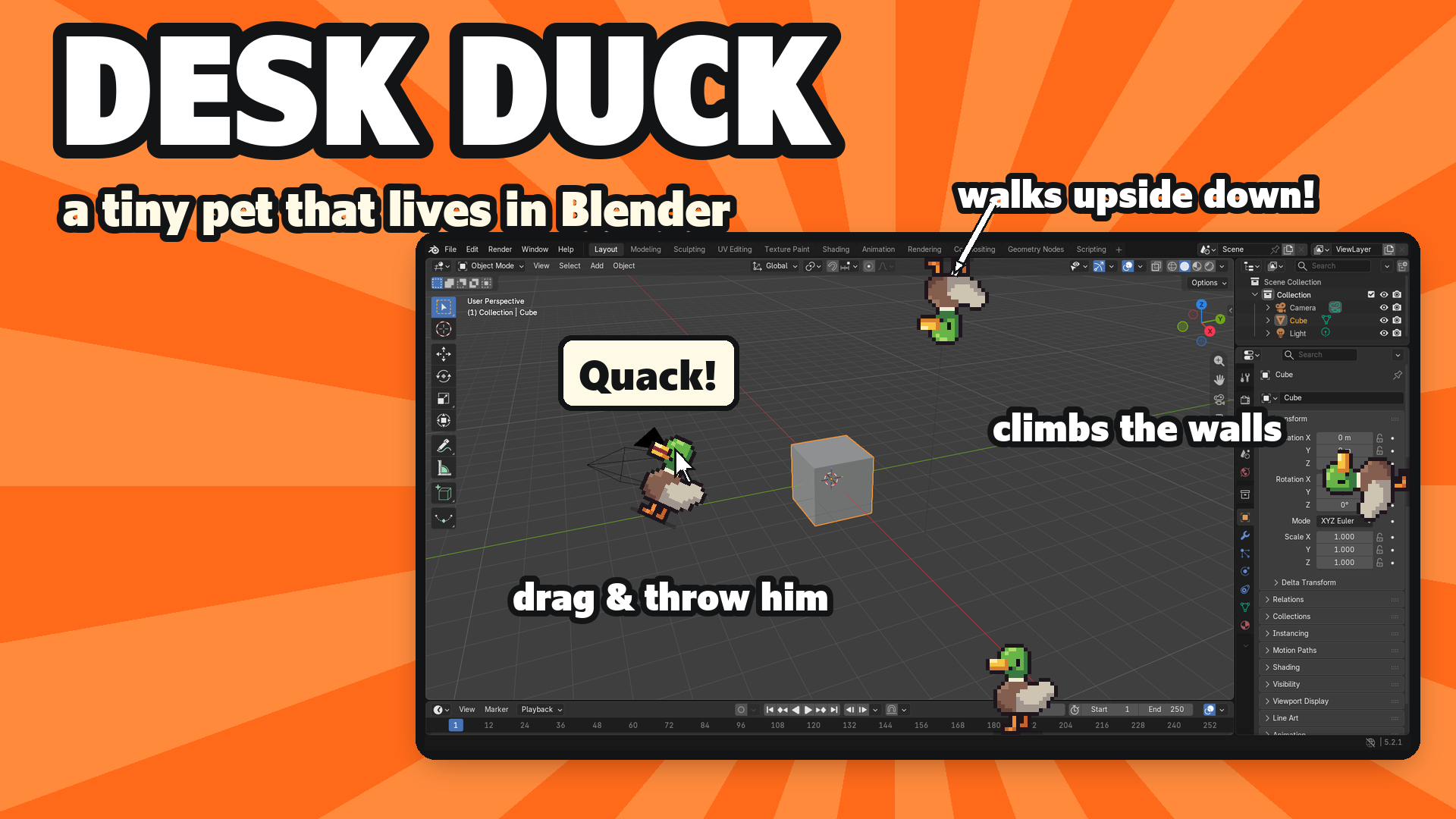
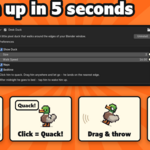
Click him and he quacks: a speech bubble says "Quack!" (sometimes "Quack quack!" or "Honk?") and you hear his own original quack sound. Drag him anywhere, swing him around and let go, and he falls and lands on the nearest edge, then walks on as if nothing happened.
Leave Blender alone for 2 minutes and he lies down for a nap, with little z z Z bubbles. After midnight he goes to bed and sleeps until 6 am. Tap him and he wakes up with a *yawn*.
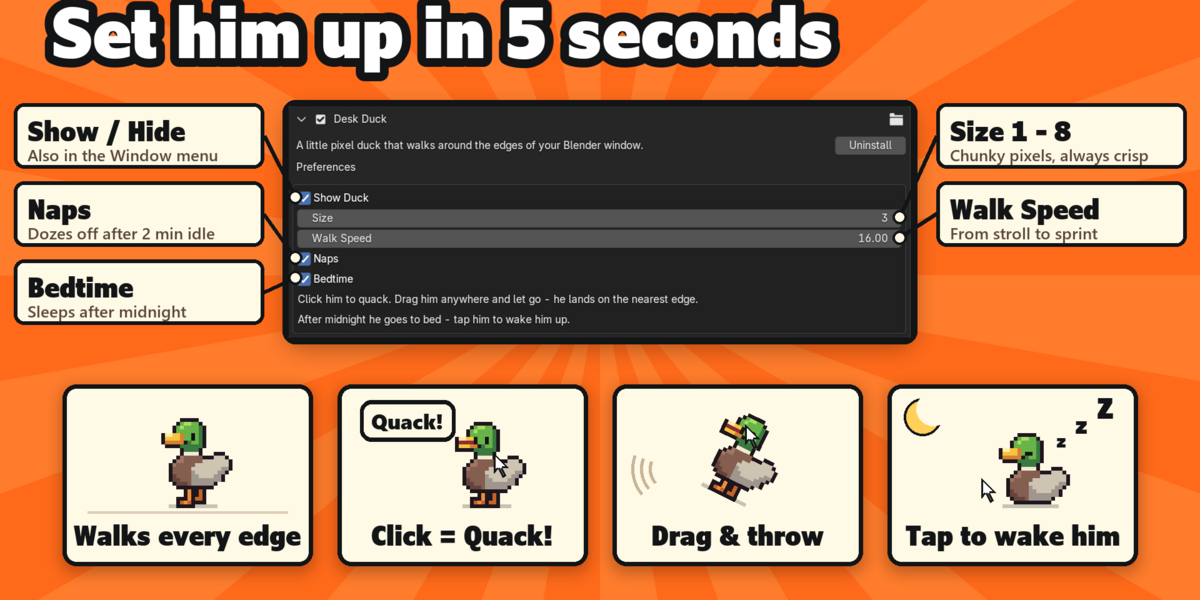
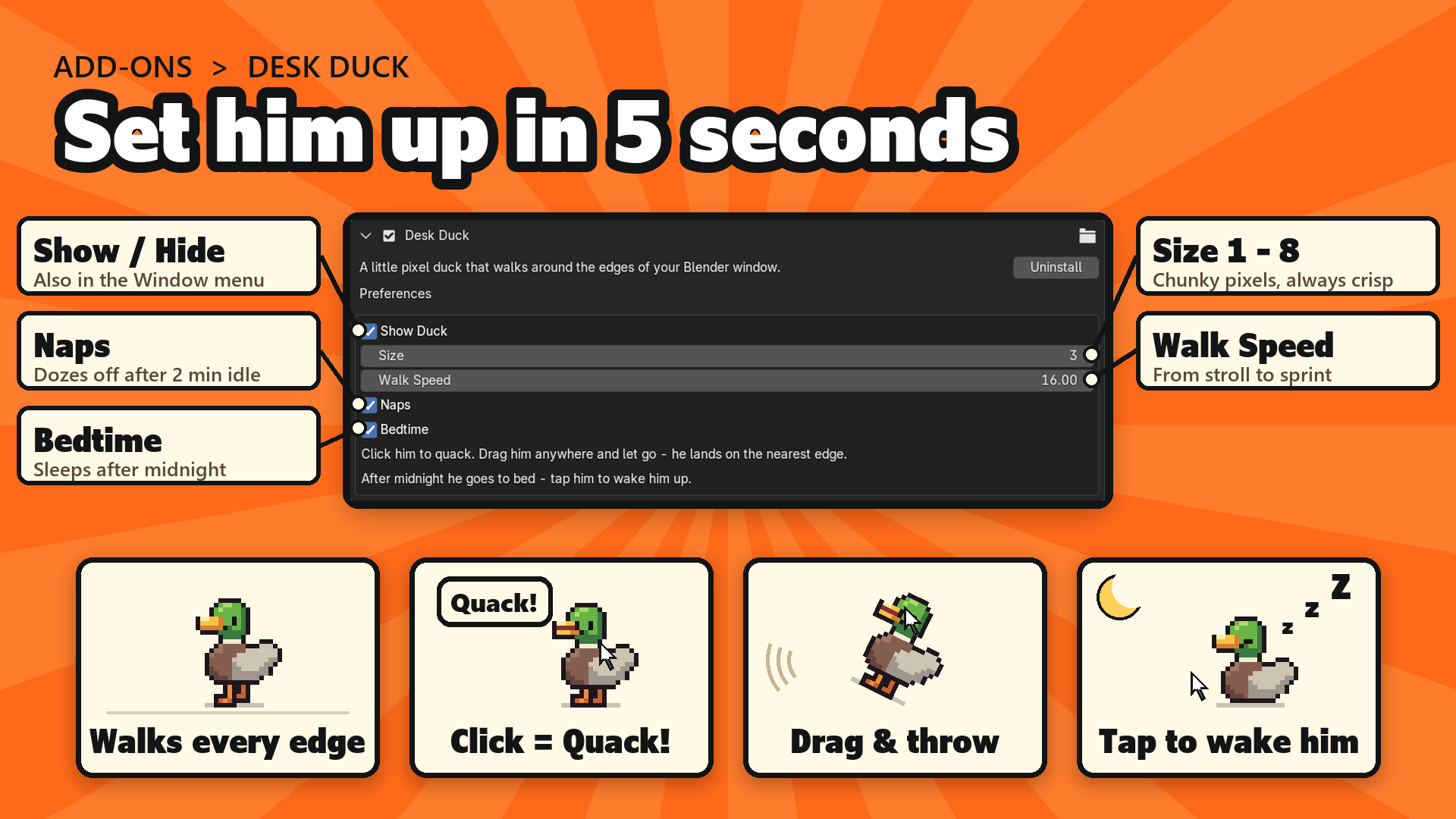
Everything is in Edit > Preferences > Add-ons > Desk Duck, and you can switch him on or off from the Window menu:
- Show Duck: on or off
- Size 1 to 8: chunky pixels, always crisp, follows Blender's UI scale
- Walk Speed: from a slow stroll to a sprint
- Naps: dozes off after 2 minutes idle
- Bedtime: sleeps after midnight, until 6 am
- Volume and Mute: for his quack
He is made of 8 hand-made pixel frames and 1 original quack sound, all by us. He works on his own (no internet, no external libraries) and plays nicely with Desk Cat, Desk Frog, Desk Axolotl, Desk Bat and our other pixel pets. We tested them all running together: playback of a 252,000-triangle animation measured 18.2 fps with them on and 18.2 fps with them off.
Great for streams and videos, and as a gift for Blender friends. Tip: throw him to the top edge and he walks upside down.
Requires Blender 5.2 or newer (tested on 5.2.2 LTS, Windows). To install, download desk_duck_v1.1.0.zip (do not unzip it), go to Edit > Preferences > Add-ons, open the drop-down arrow at the top right, choose Install from Disk... and pick the zip. Tick Desk Duck and he is already walking.
Good to know: he lives in the first (main) Blender window. While your mouse is right over the duck, the duck gets the click (that is how you pick him up); everywhere else Blender works as usual. Sounds use Blender's own audio system, so if Blender has no audio device he stays silent. He is cosmetic only and never touches your scene or your files.