 topchannel1on1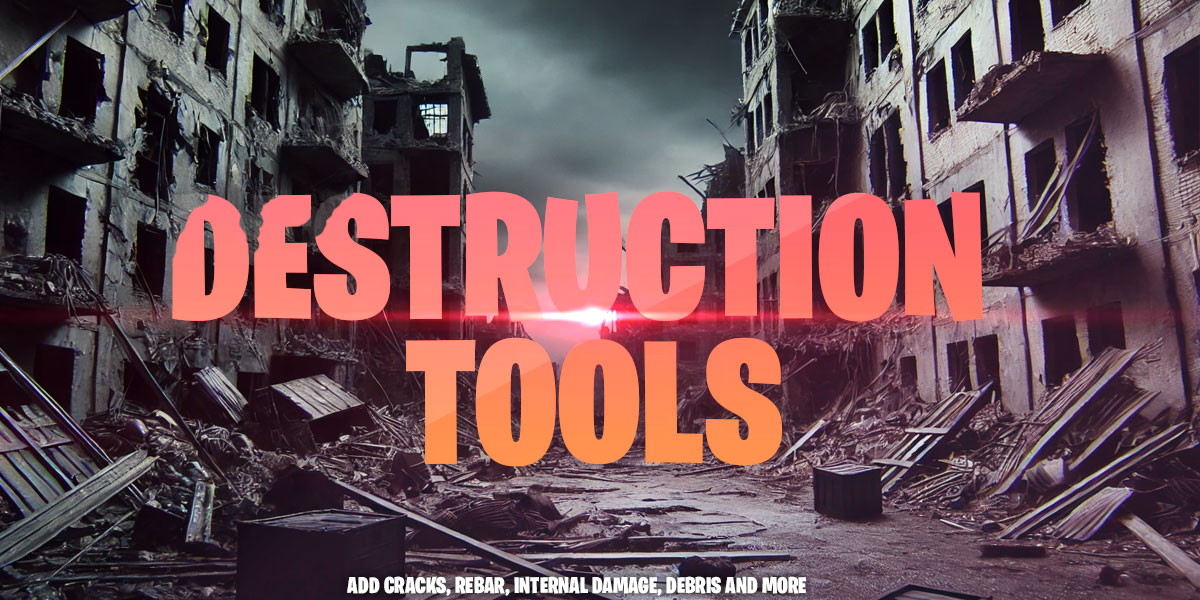
Blender add-on
Destruction Tools
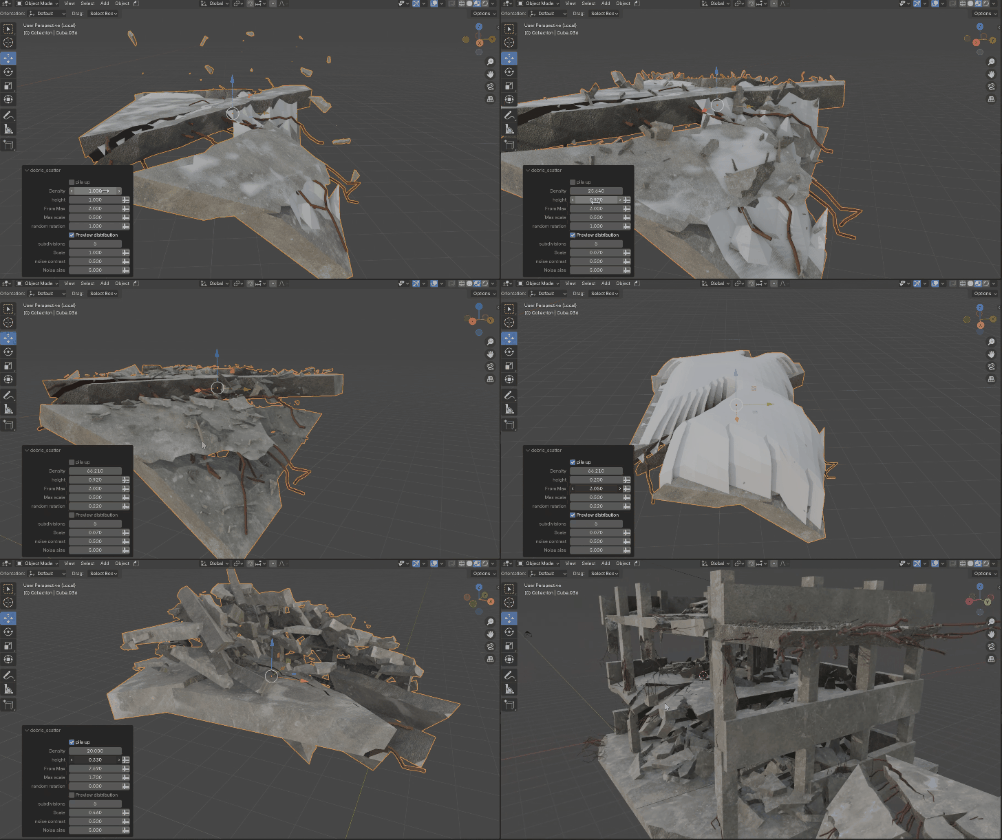
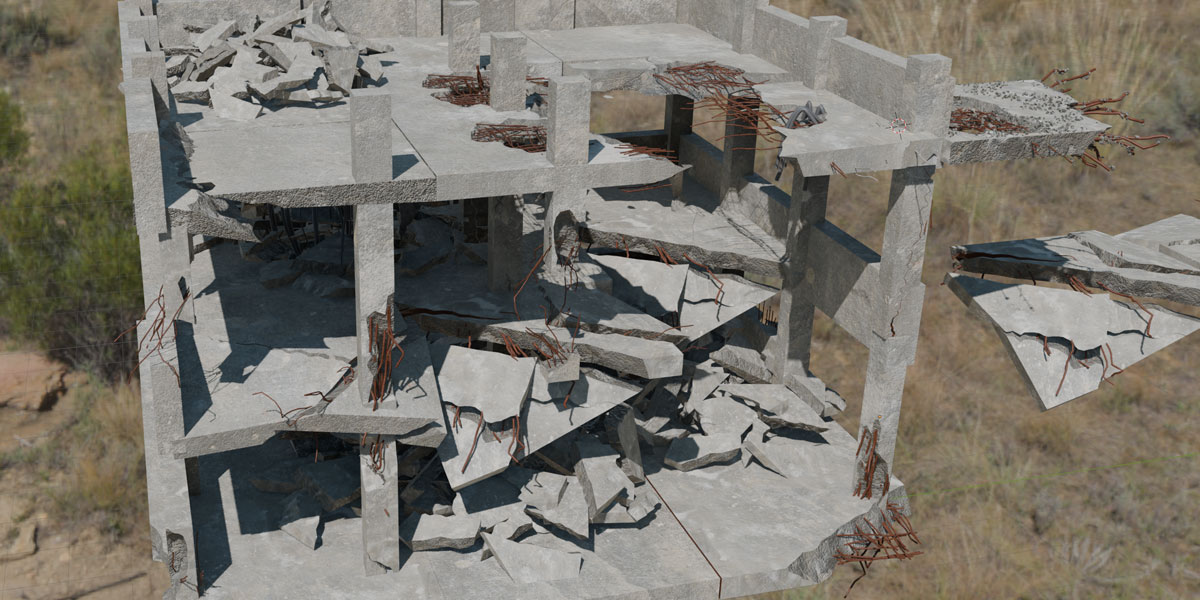
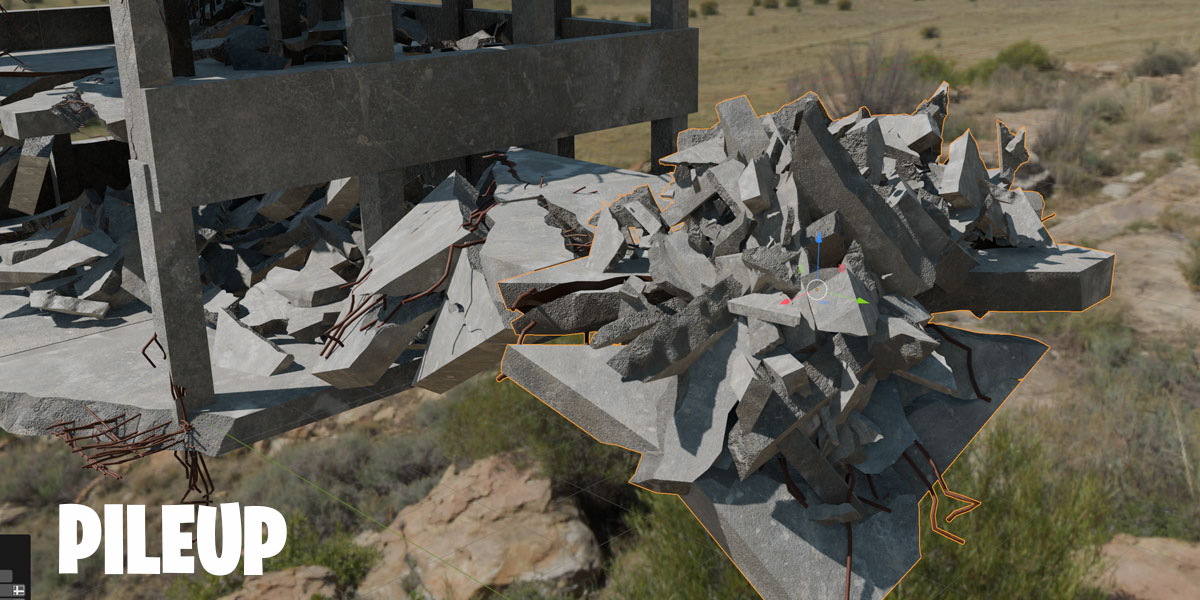
Break walls, columns and floors without leaving the viewport. Erode, crack and chip any mesh, fill the break with rebar, give it its own material and pile rubble at its feet. Every tool stays live until you apply it.
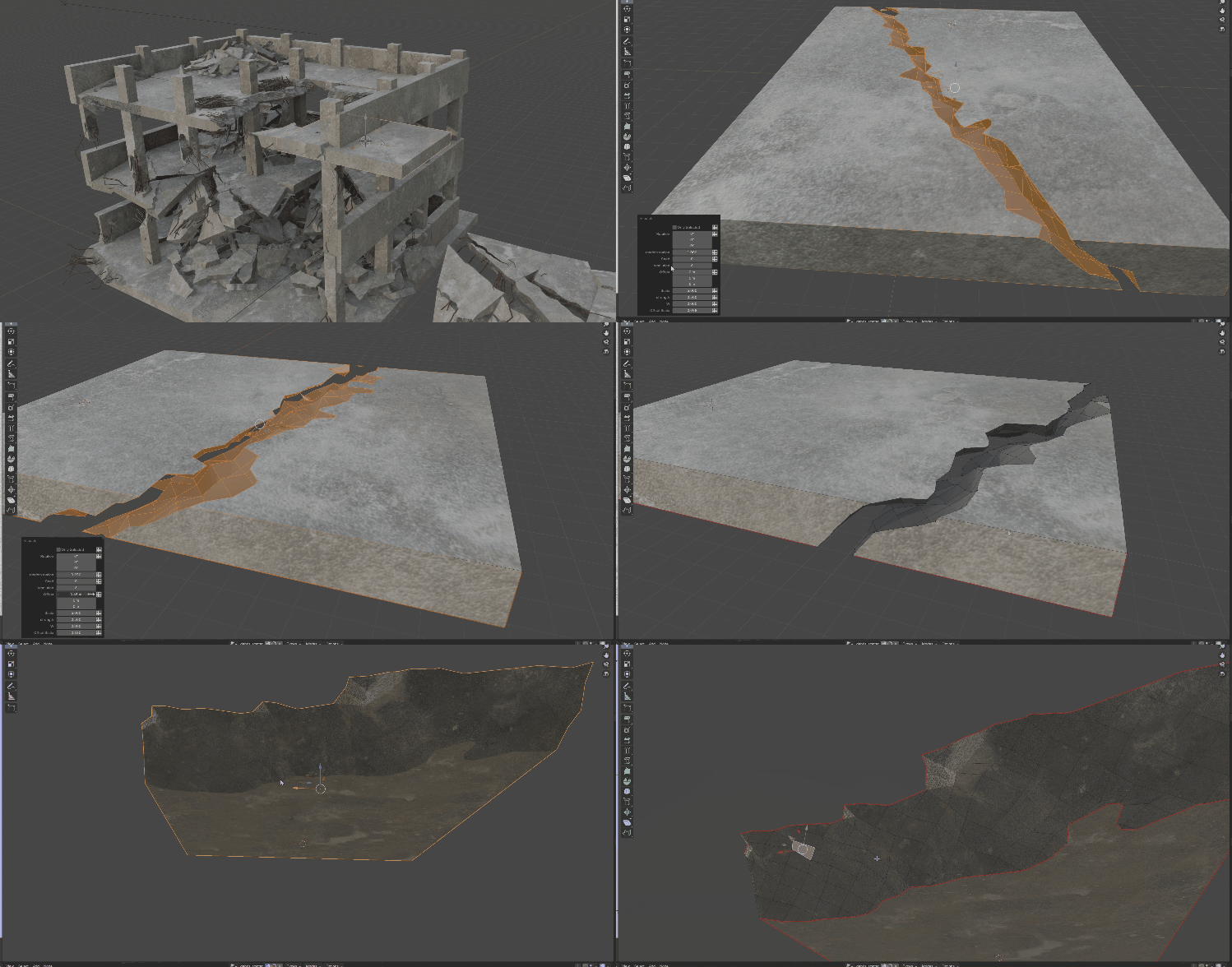
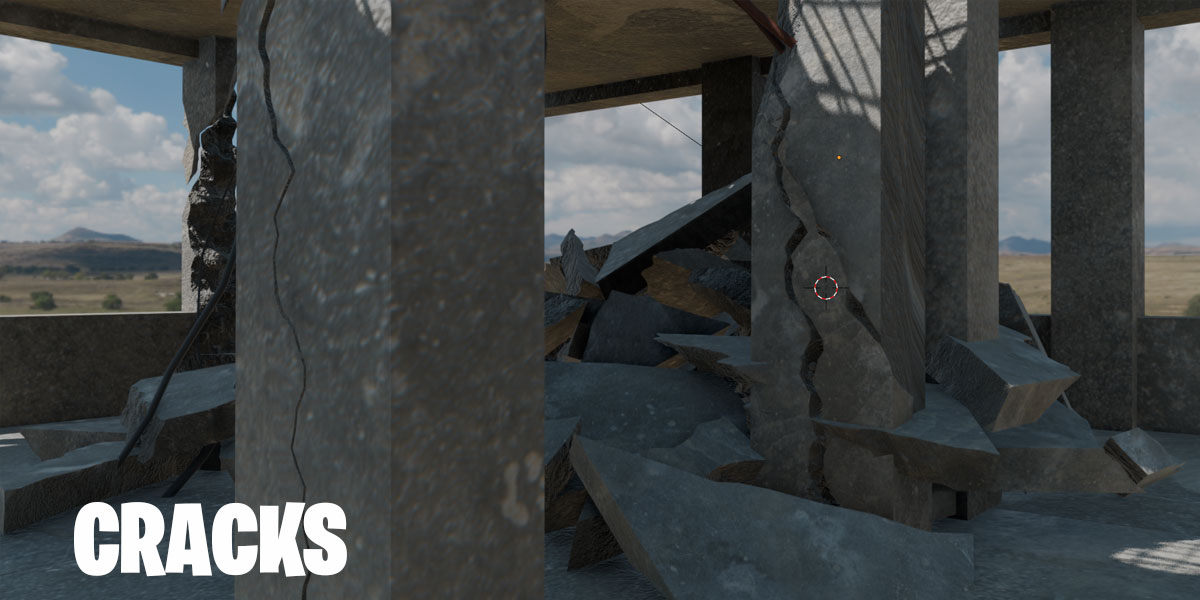
A plain wall and column eroded into broken concrete, tuned live with a few sliders.
How it works
Layers that talk to each other
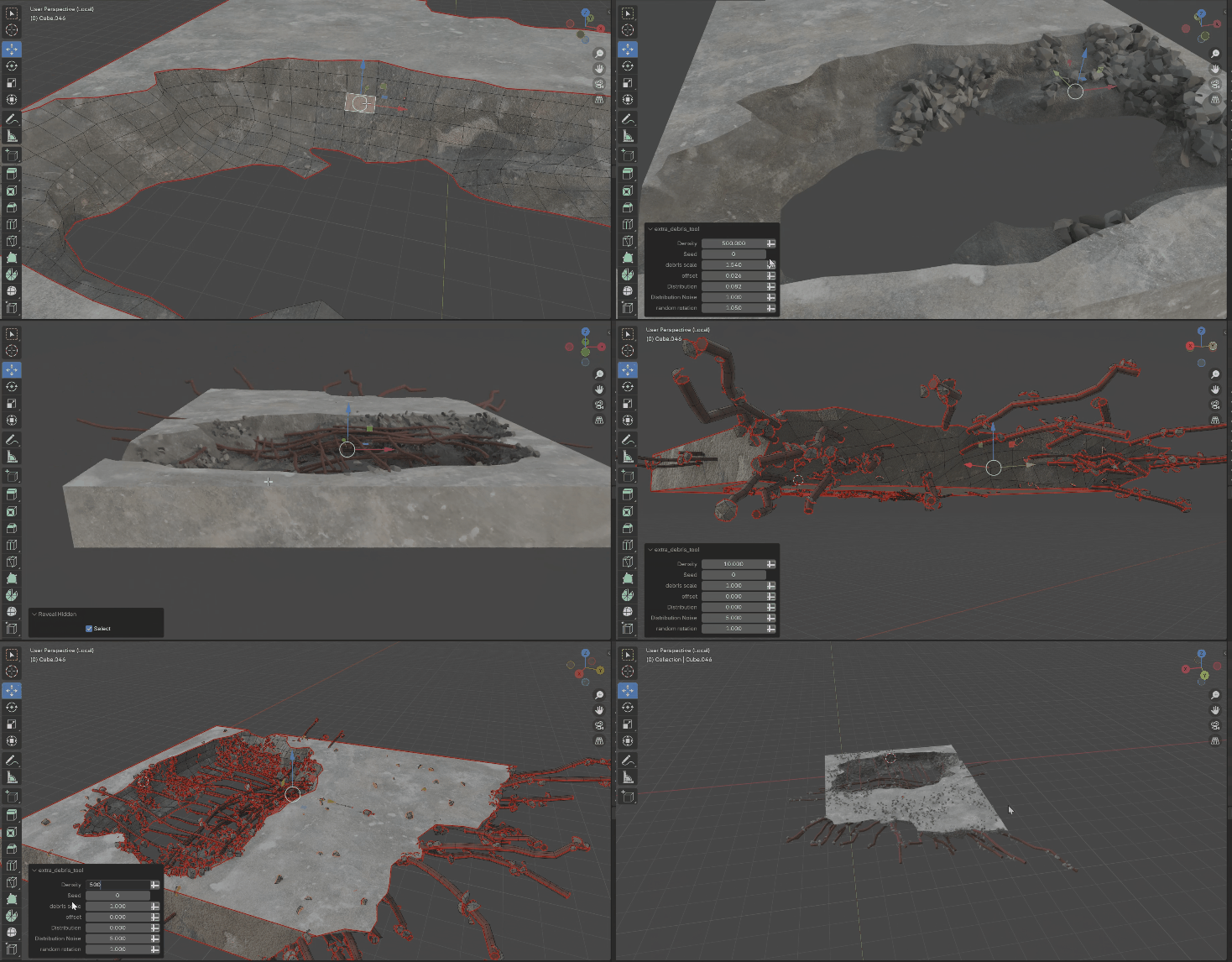
Pick a tool from the Destruction tab in the sidebar and it runs as a live layer on your object. Stack as many as you like, then bake them when you're happy.
- Tool Manager: every running tool gets a row. Pick it to change its settings, toggle it to compare, then Apply to bake it or Cancel to throw it away.
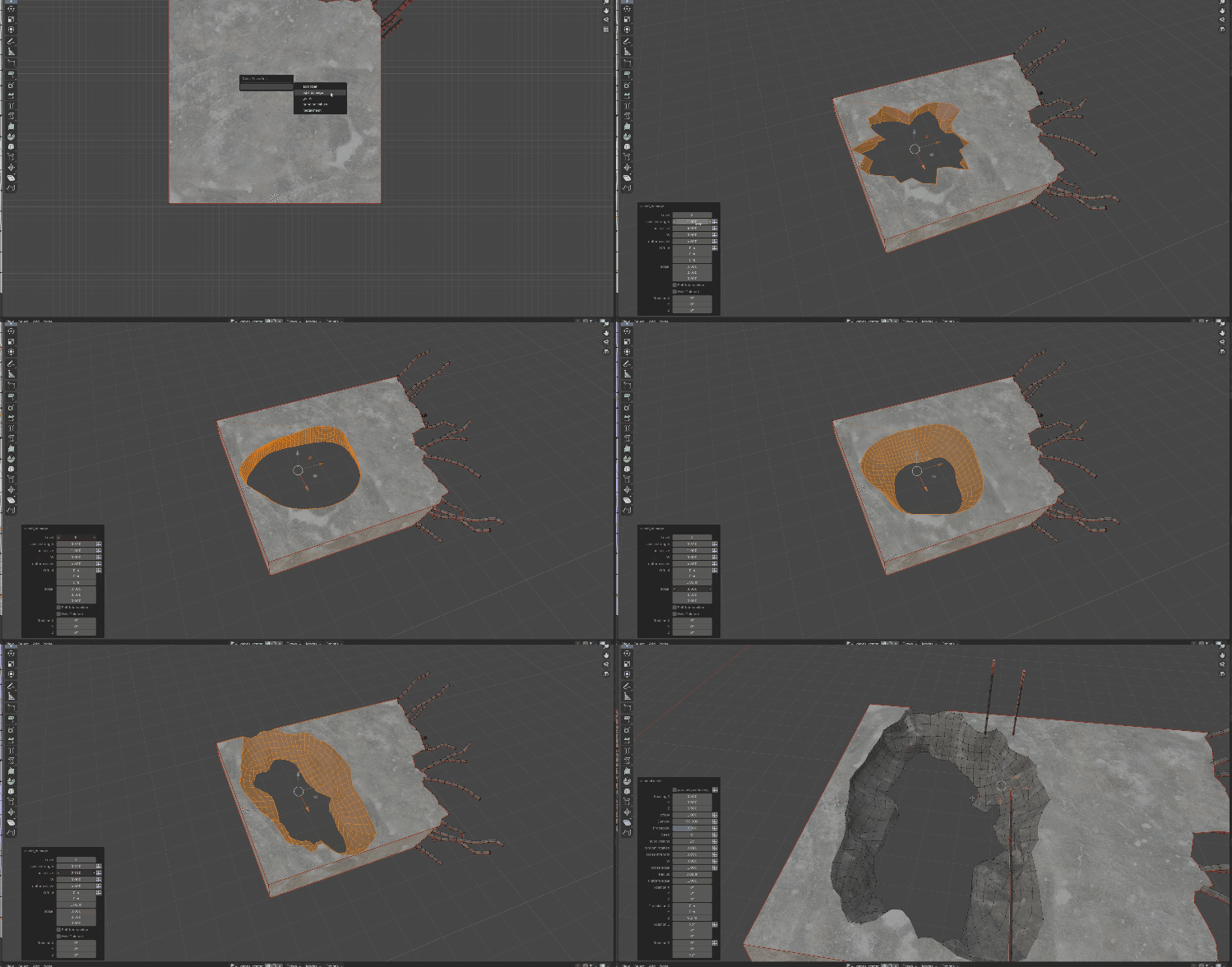
- Masks, not selections: tools that cut or add detail tag the faces they make. Later layers read those tags, so rebar grows in the break and the break gets its own material without you selecting a thing.
- Viewport gizmos: move, rotate and scale holes and cracks right on the model.
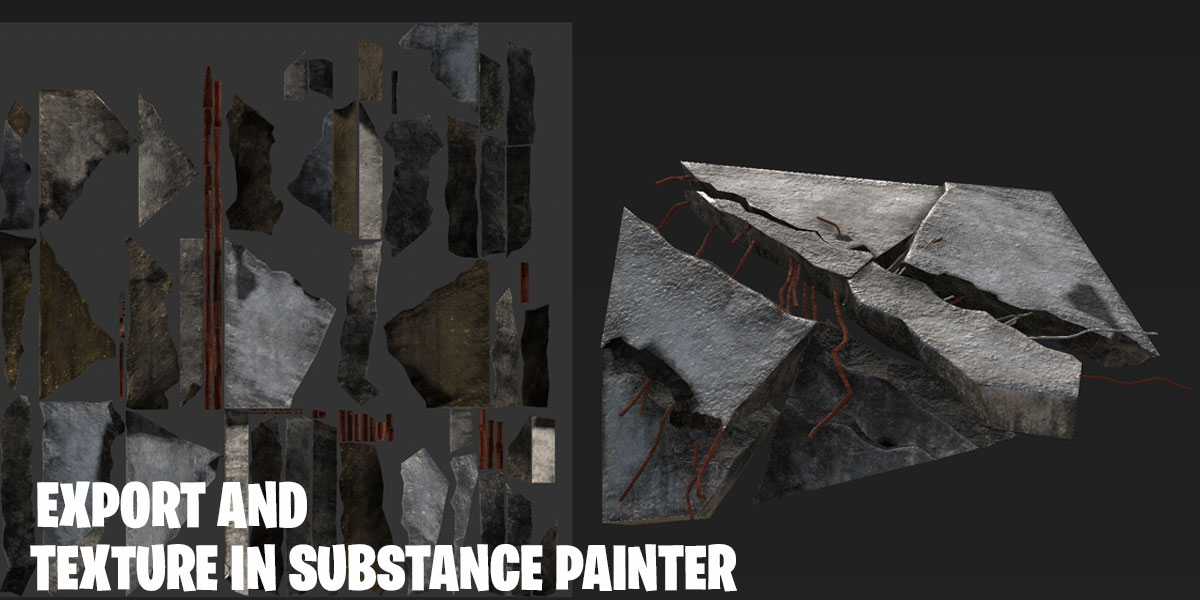
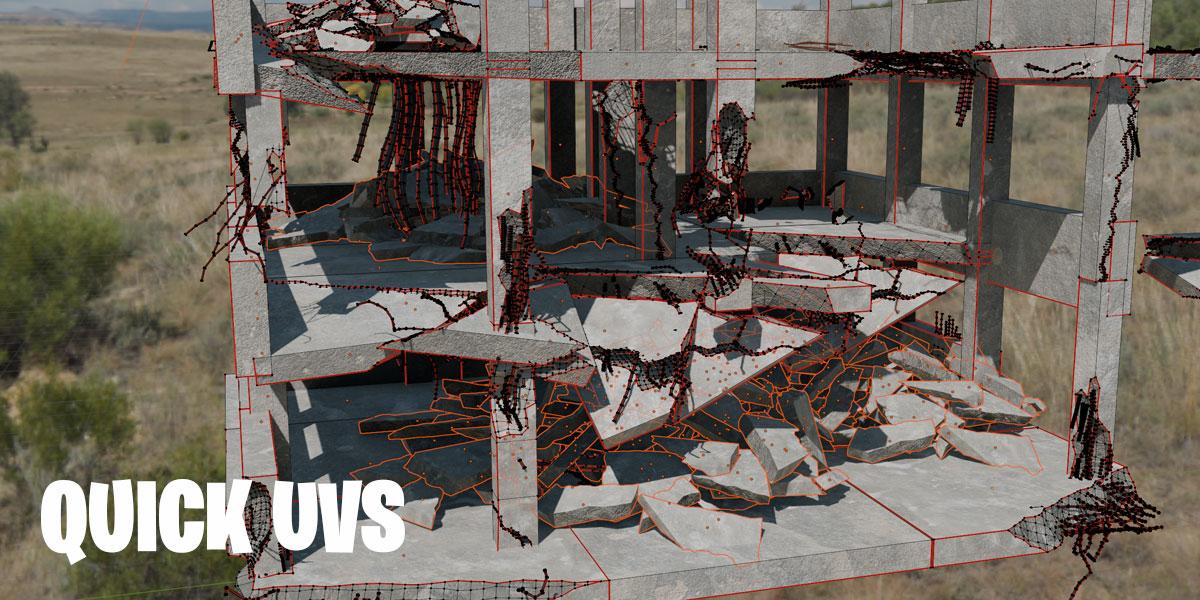
- Ready to texture: UV unwrapping is built into the tools, so the result goes straight to Substance Painter or Unreal.
Damage
Erode a whole object
Select a mesh and click Damage. It eats the object away with noise, edges and corners first, the way weathered stone and broken concrete wear.
- Resolution and erosion: how fine the damage is and how far it eats in.
- Shape the noise: scale, detail, and stretching along any axis for streaky or layered breaks.
- Finish it: smooth shading on the cut faces, UVs, and separate outside and inside materials.
Detail
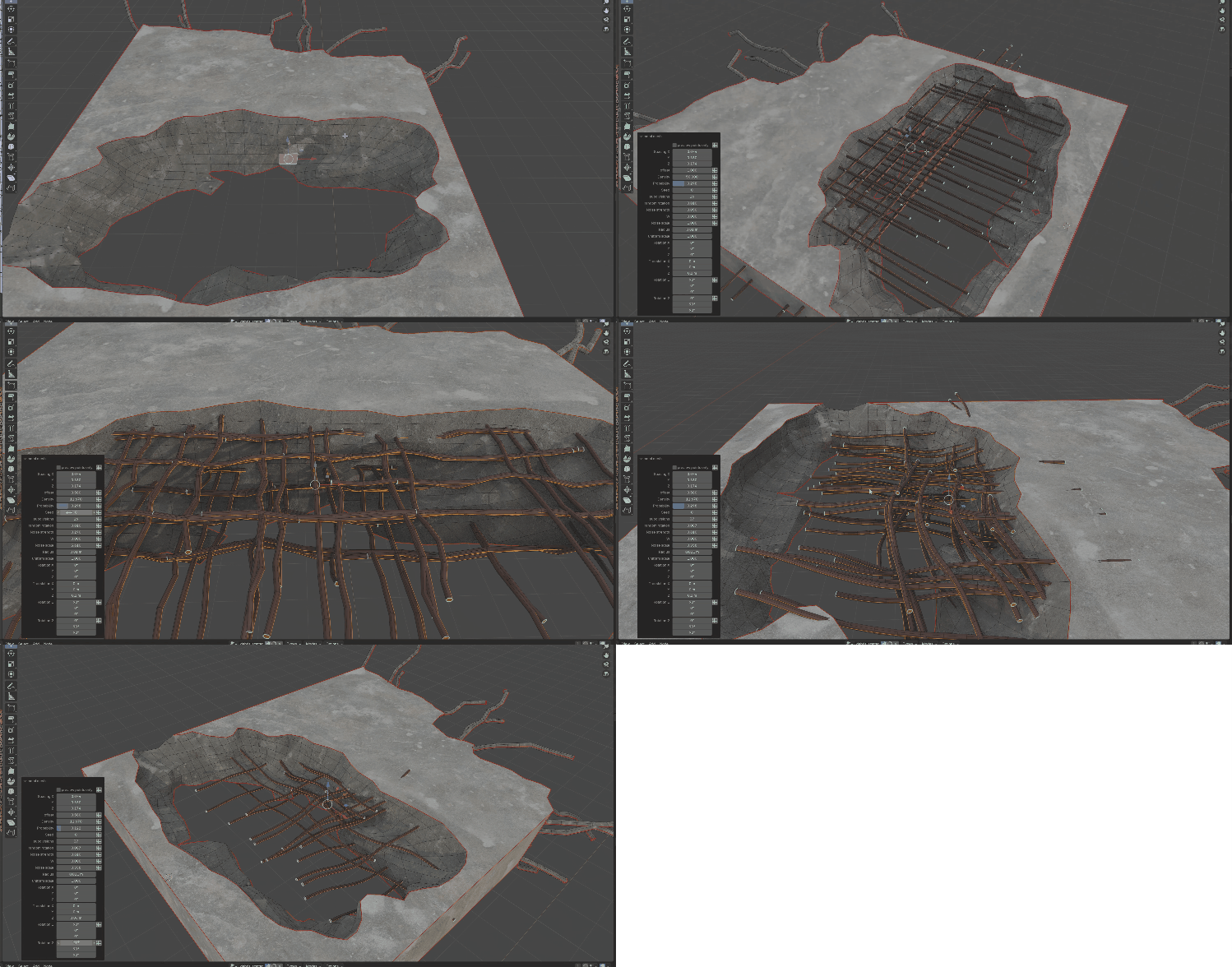
Rebar that grows out of the break
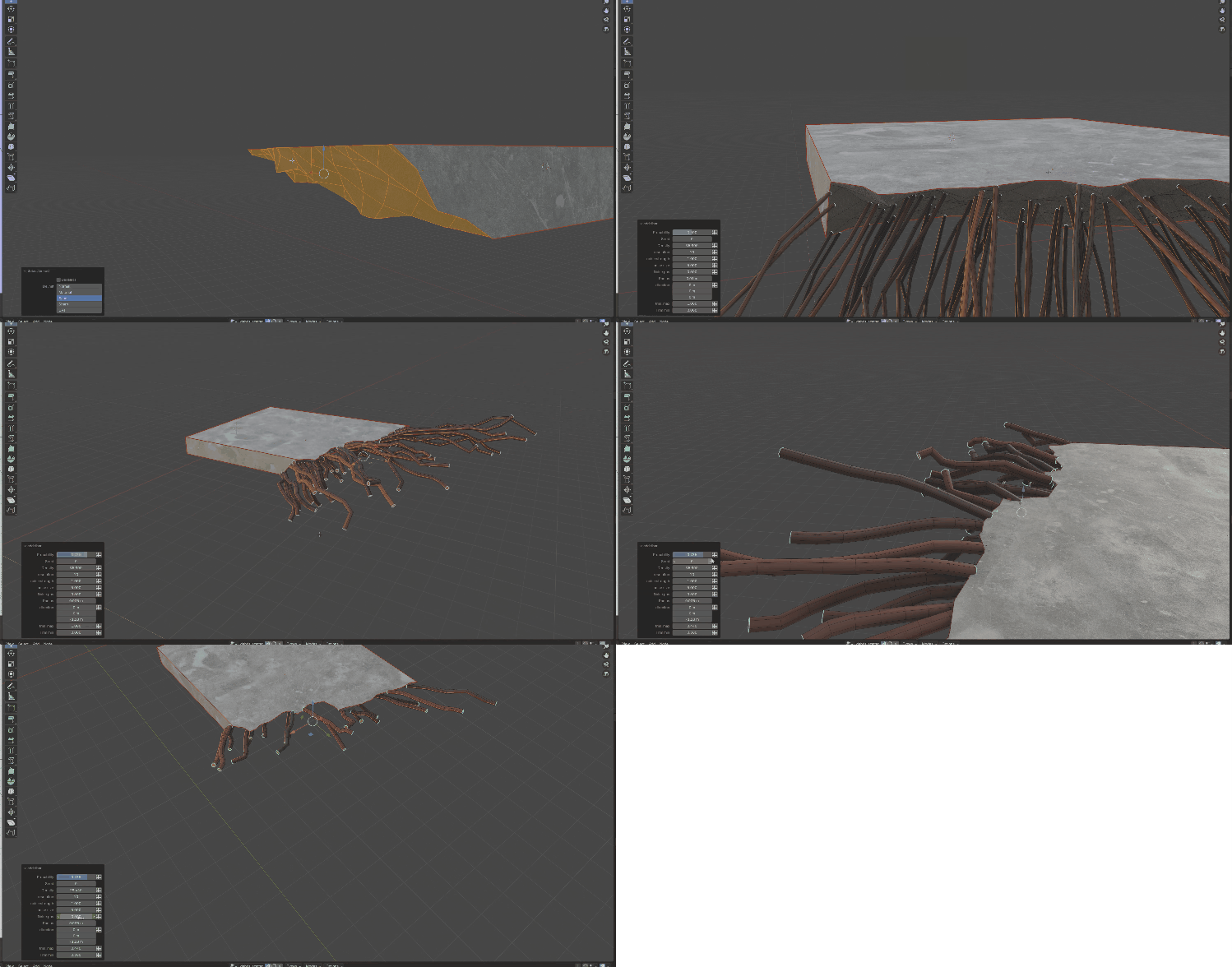
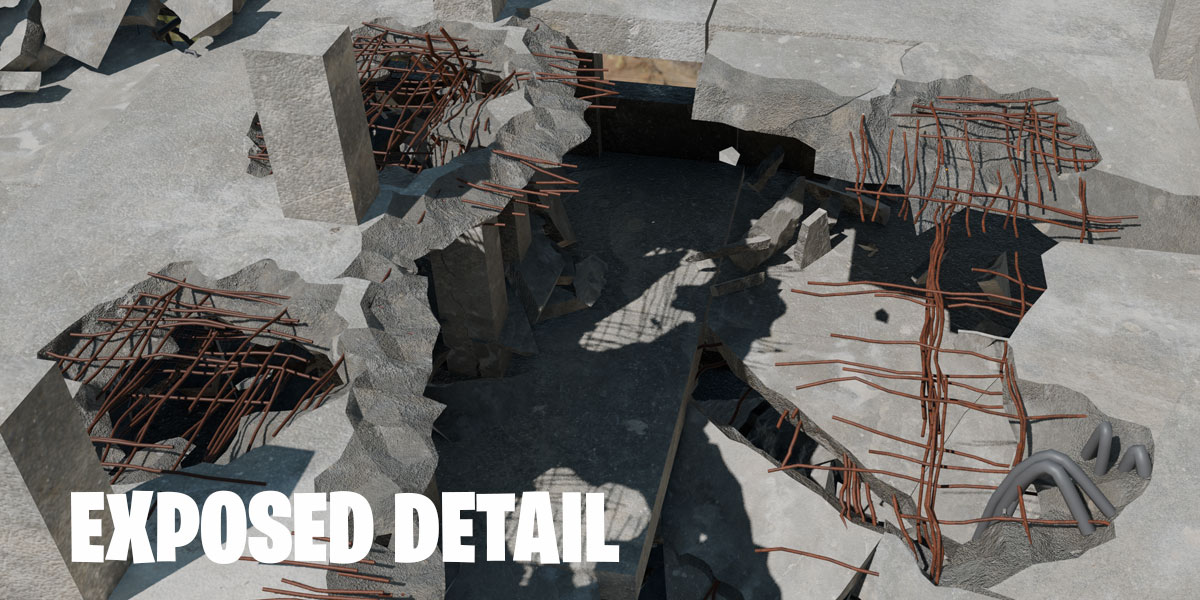
Reinforcing bars sticking out of broken concrete. Grow them from faces you pick, or straight out of the faces a cut opened up, so the break fills with rebar without any selecting.
- Distribution: density, length range, seed and random rotation.
- Direction: lock rods to any axis, or blend them to point out of the surface.
- Physics: gravity droops the rods and noise bends them, while the roots stay anchored in the concrete.
Detail
A material for every part of the break
The Material Layer pairs each mask with a material: concrete outside, rough aggregate in the break, steel on the rebar. Up to eight pairs, with expand and blur to control how far each reaches, plus UV unwrap and pack. Use the same inside material on other objects and every break in the scene matches.
