 ZEG
Installation
In Blender open Edit, Preferences, Get Extensions, then use Install from Disk and pick the zip.
Usage
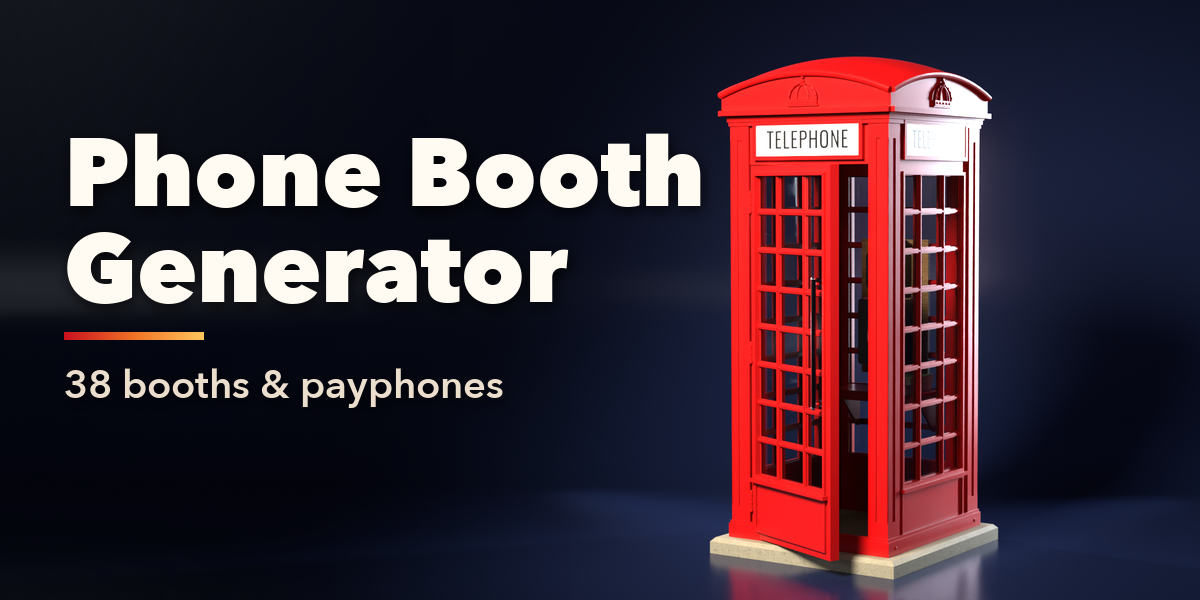
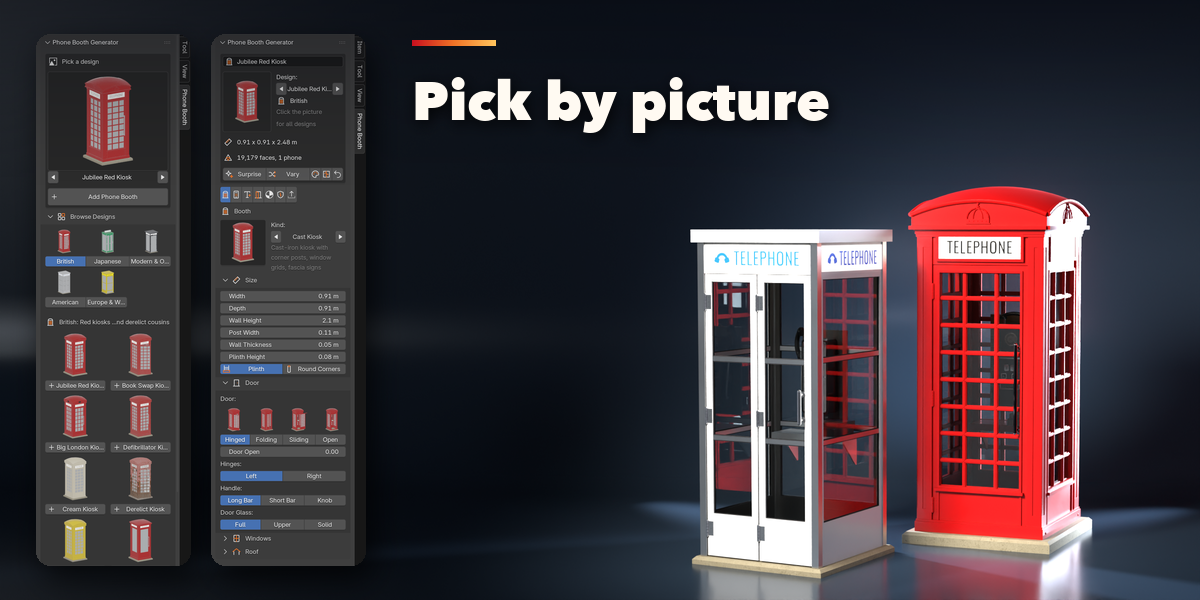
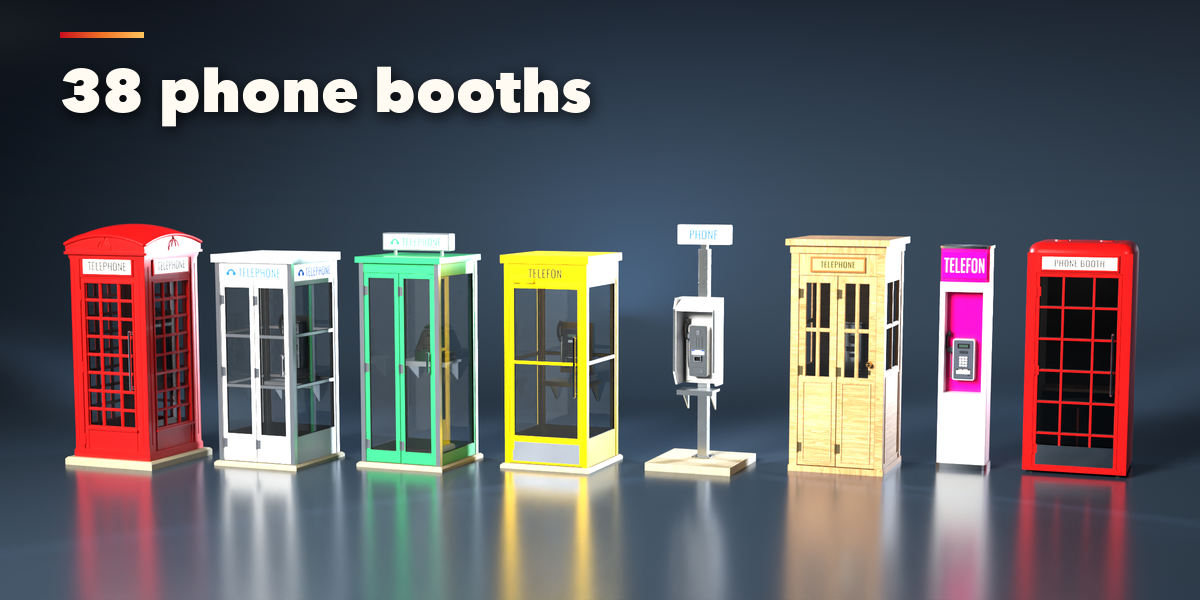
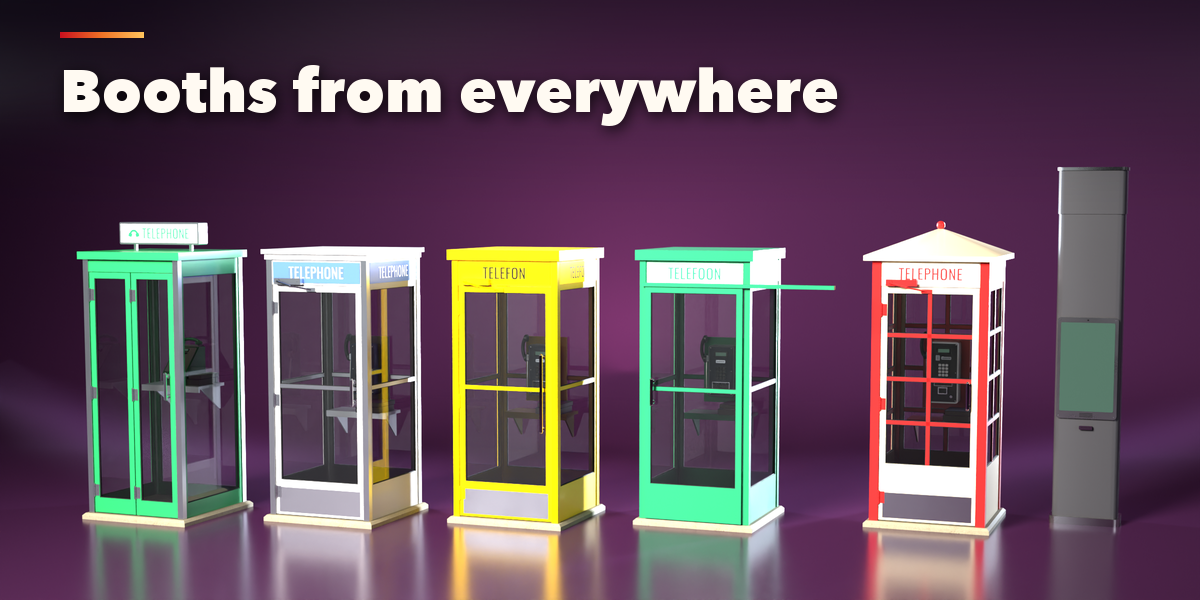
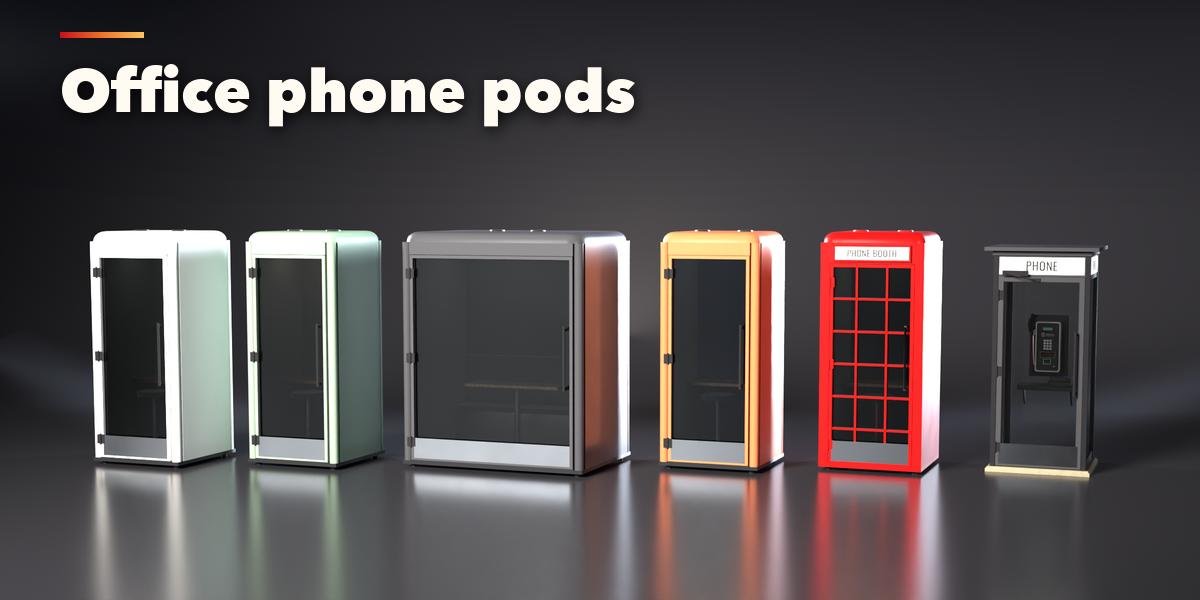
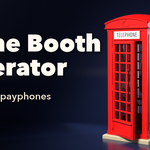
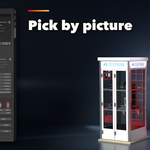
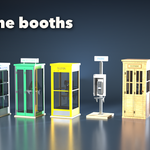
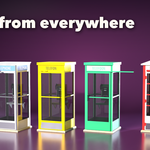
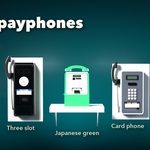
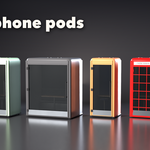
- Open the Phone Booth tab in the 3D viewport sidebar (N). With nothing selected, click the picture to choose one of the 38 designs and add it at the 3D cursor, or use Shift+A, Mesh, Phone Booth.
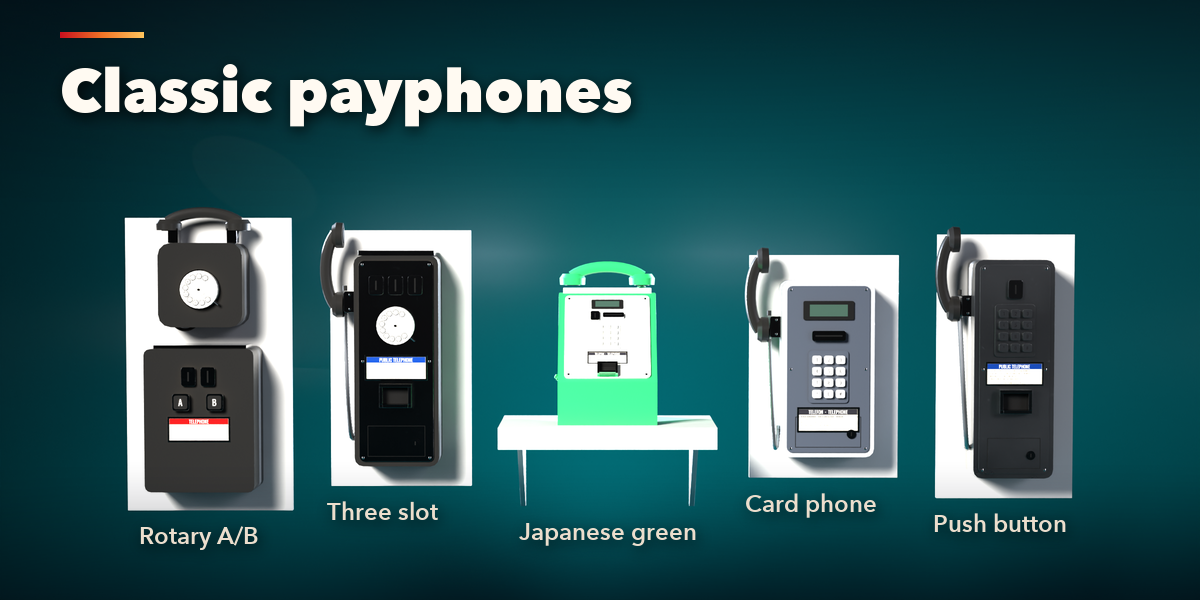
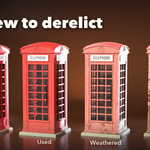
- Select the booth to edit it. The tabs hold every setting: Booth, Phone, Sign, Inside, Look, Age and Export.
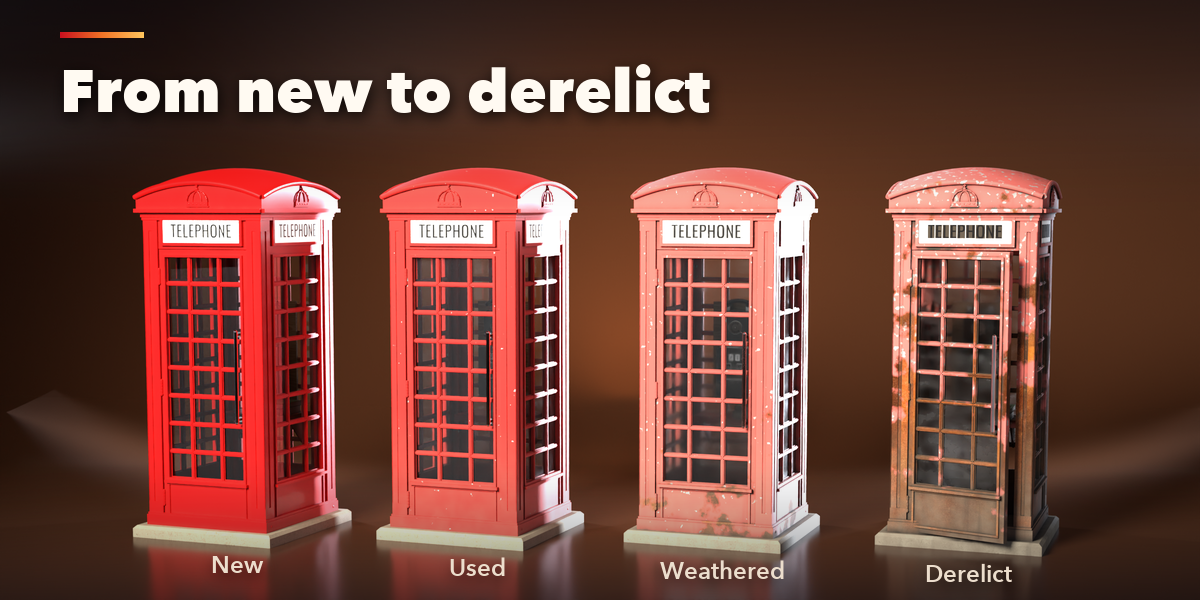
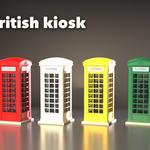
- Surprise makes a new random booth, Variation changes the current one, and the color and age buttons pick a new color scheme or condition.
- Mesh Copy makes a plain mesh for export or hand editing.
Have questions about this product?
Login to message
| Blender Extension Compatible | Yes |
| Published | 1 day ago |
| Blender Version | 4.2 - 5.2 |
| Extension Type | Add-on |
| Render Engine Used | Cycles, Eevee |
| License | GPL |

Discover more products like this
urban kiosk Generator red-phone-box payphone procedural telephone phone-booth city retro props street furniture