 Anim D Lab


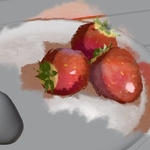
Render Like You Paint.
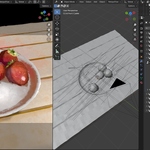
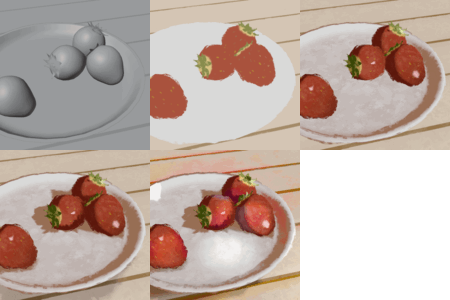
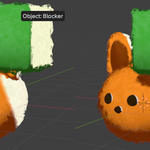
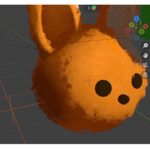
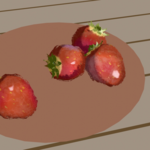
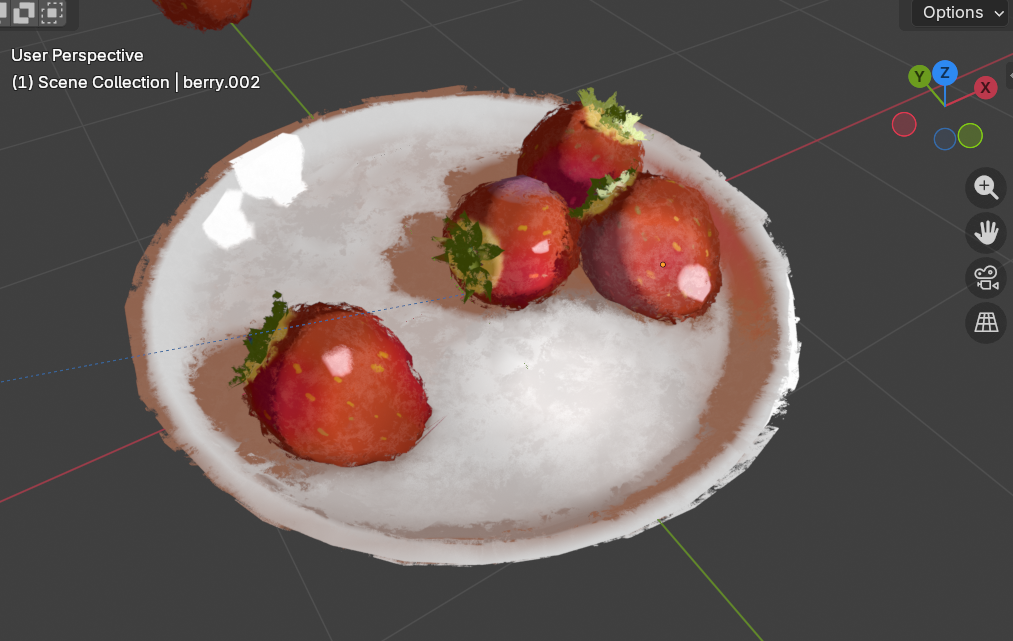
DiceShell creates painterly surface shells, along with fake lighting and color control, in a simple workflow. You’ll still assign a Vertex Group and tweak a few values, but no complex shader building is required.
Compatible with Eevee and Cycles.

This tool includes:
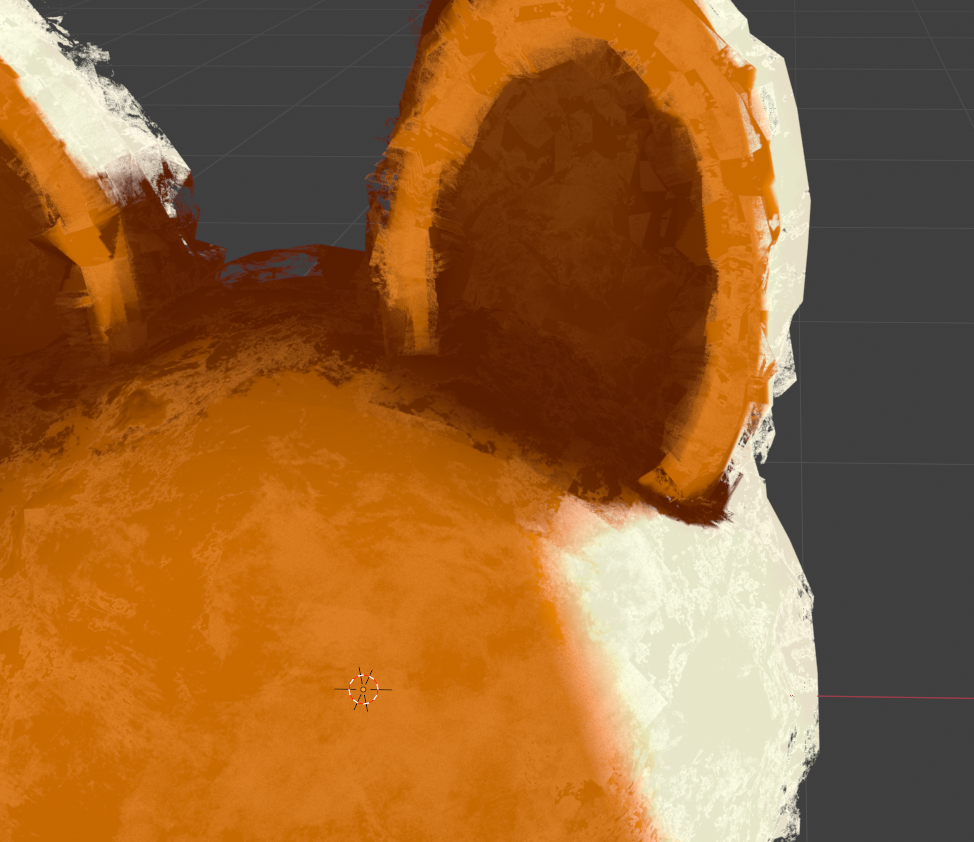
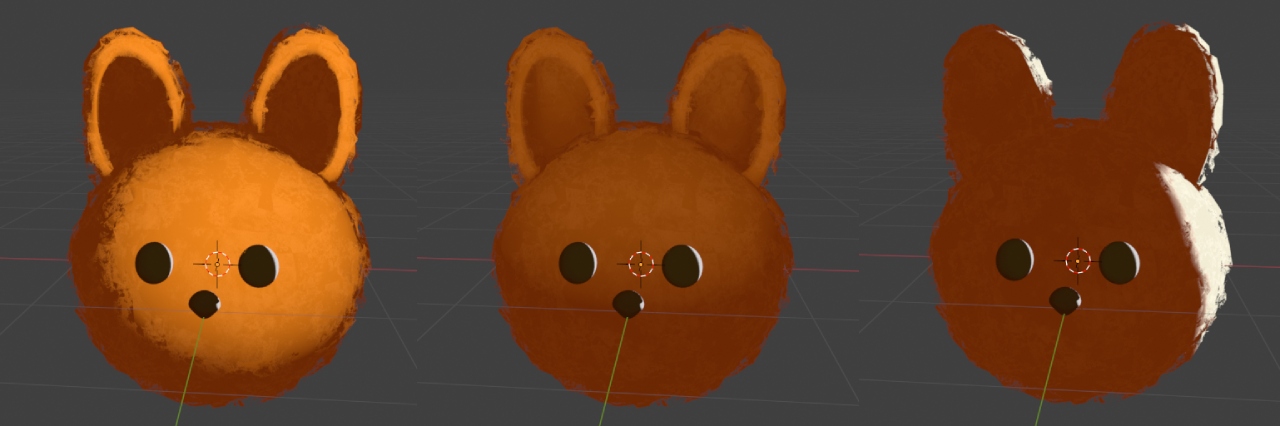
- Brush Stroke Shells – Add painterly stroke layers on the surface, visible directly in the viewport
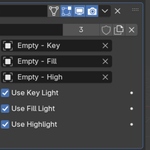
- Geometry-Based NPR Lighting (Key / Fill / Rim) – Add light direction without real lights
- Cast Shadows & Self-Occlusion – Enhance depth and visual layering
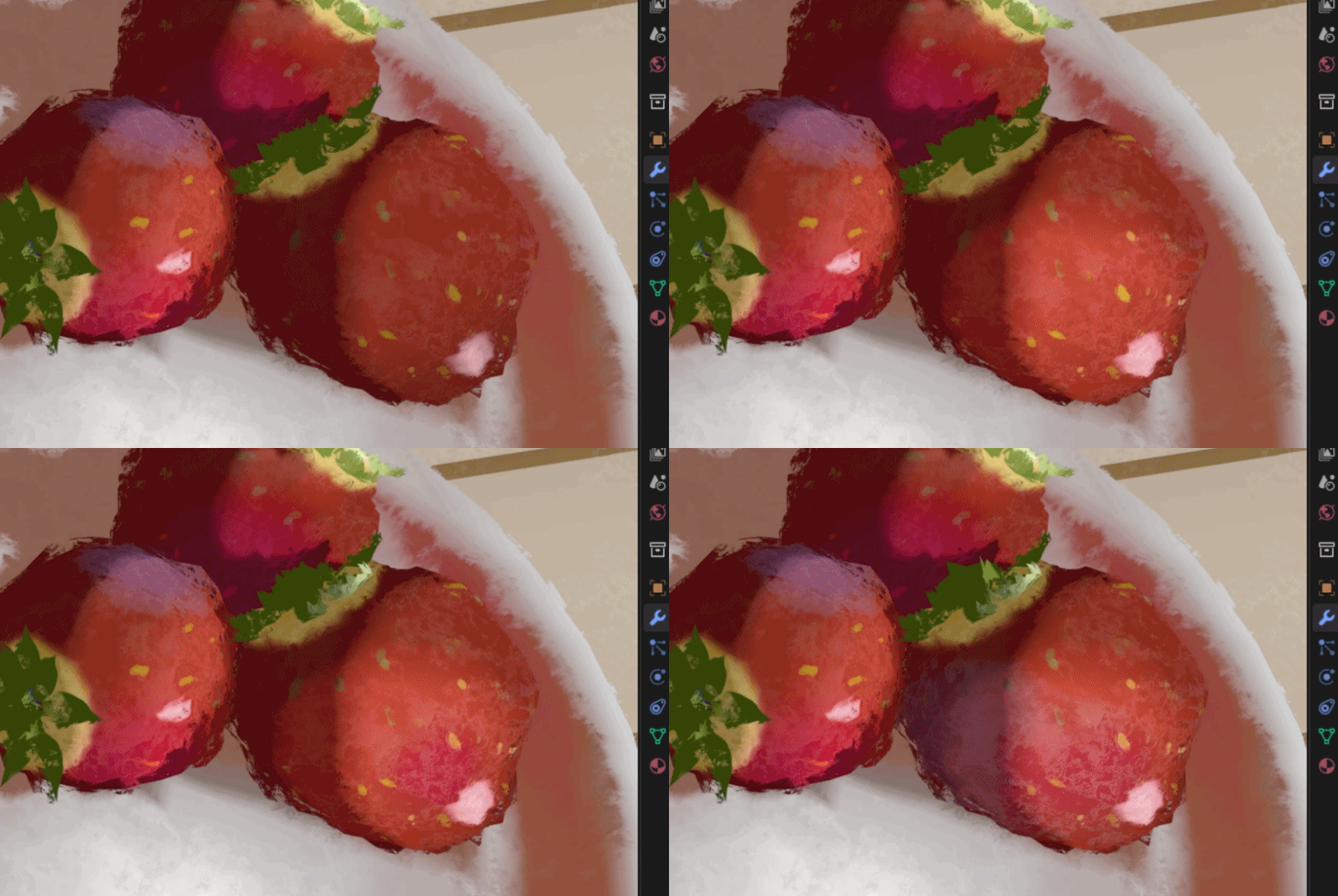
- Shadow & Darkness Control – Adjust shading contrast with ease
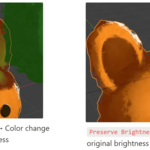
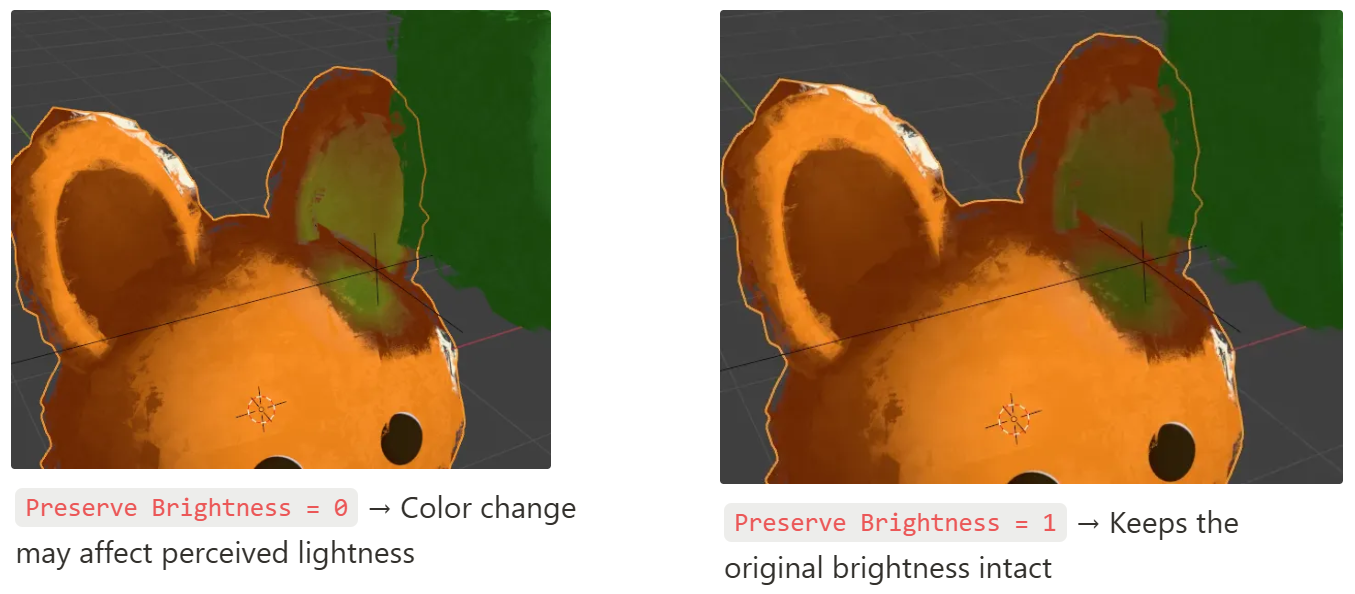
- Local Hue & Saturation Control – Allows precise adjustments to hue and saturation, but effective use requires practice. It’s a flexible tool rather than a one-click solution.
Also included:
Starter files, demo scenes, and user-friendly documentation to get you going fast.
- Start scenes for Blender 4.2 / 4.3 / 4.4 / 4.5 / 5.0 (New!)
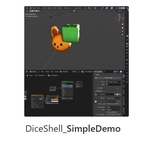
- Demo scenes (feature, showcase, simple)
- Easy-to-follow PDF user guide
Before You Buy
As of August 25, 2025, the full PDF guide has been released publicly.
Please check the guide before making a purchase to confirm whether this product fits your needs.
Google Drive Link [Dice Shell - PDF Giude]
------


-----
If you have any questions or run into issues after purchasing, feel free to contact me anytime.
I’ll review your inquiry quickly and get back to you as soon as possible.
