 APEC
APEC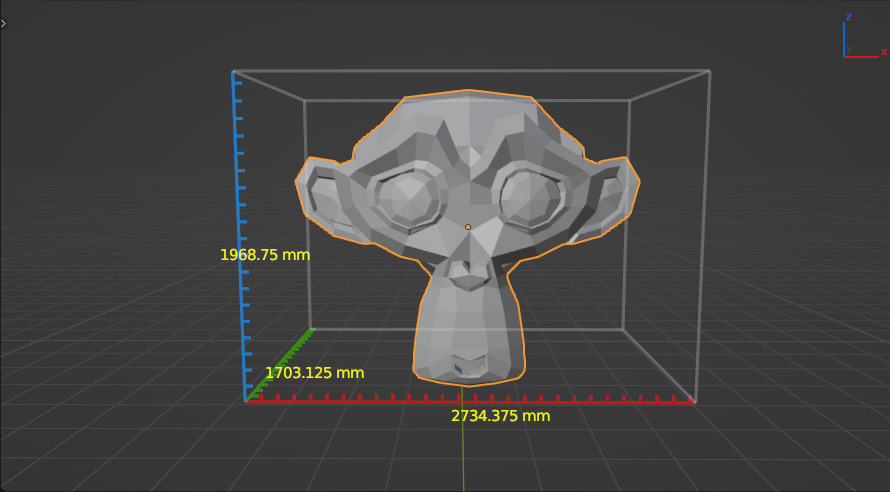
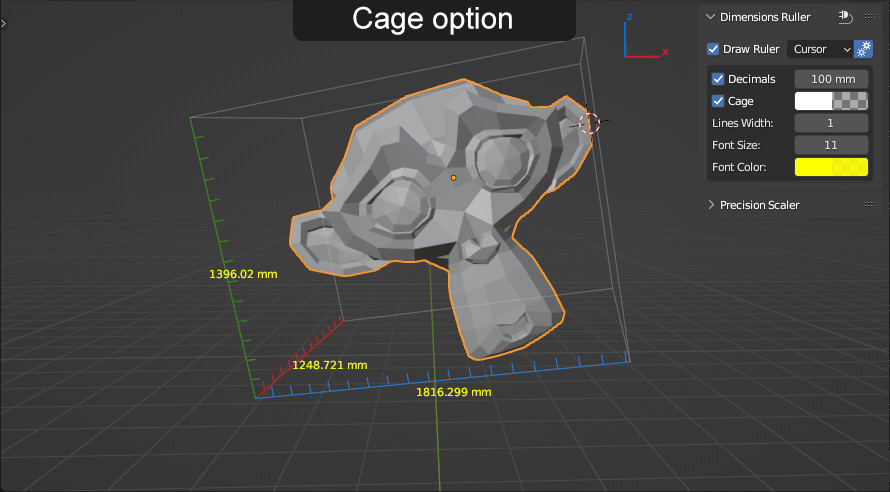
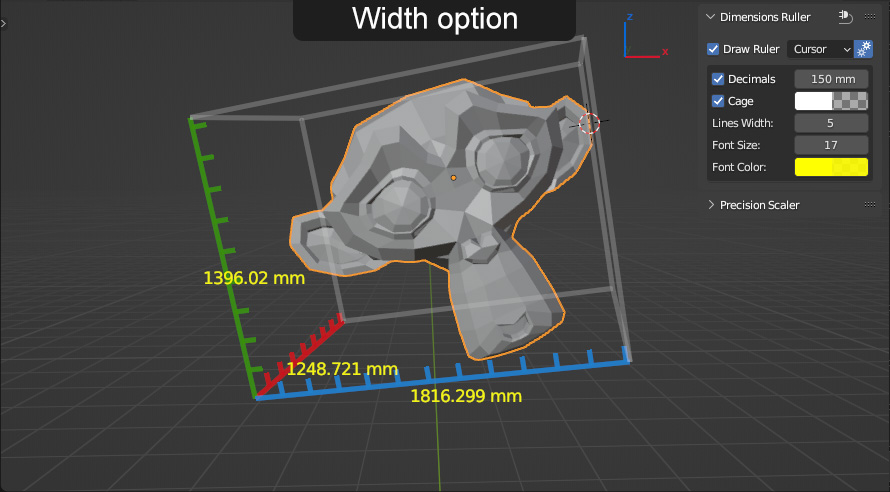
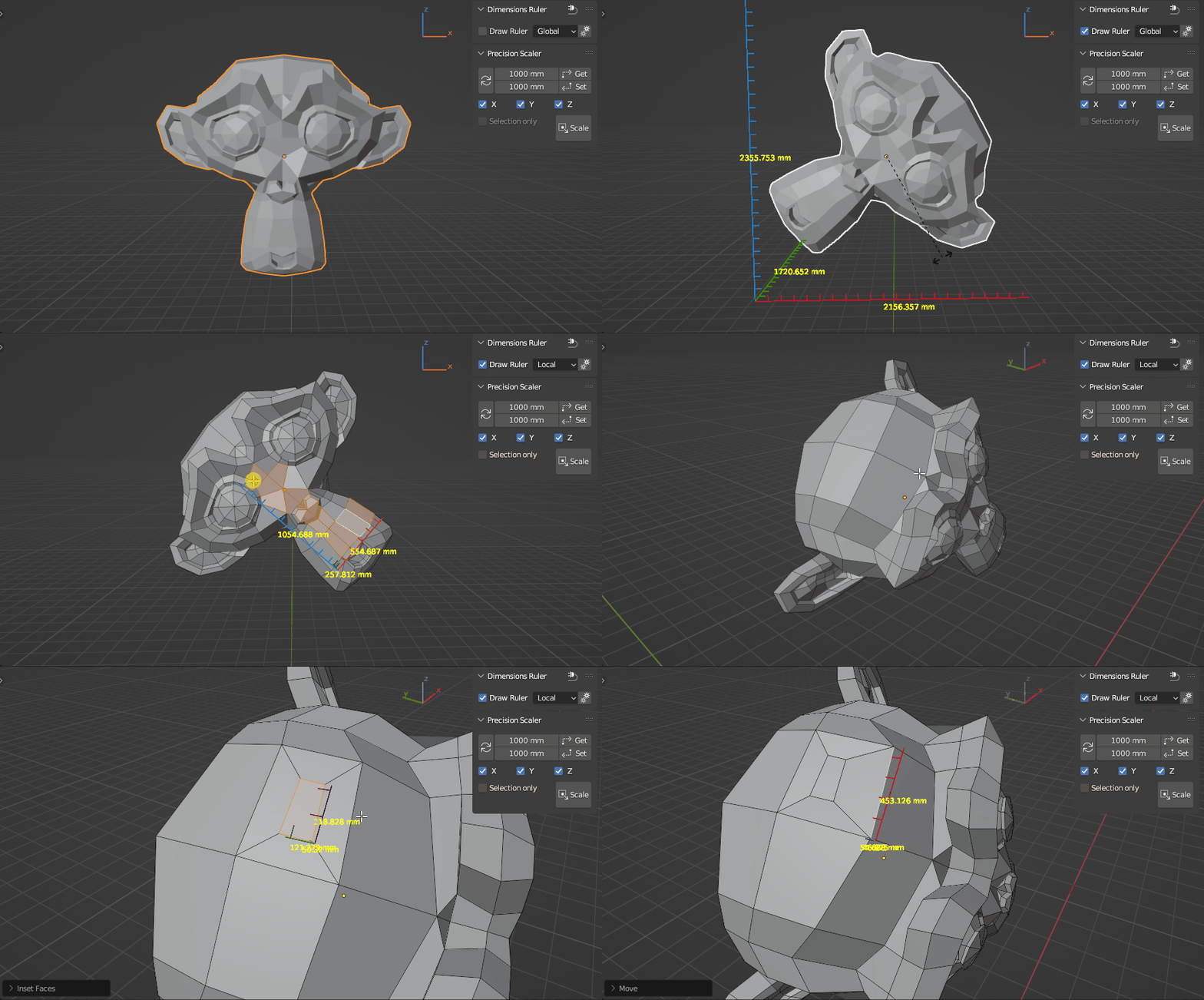
Simple ruler and precise scaling tool.
Ruler draws lines interactively (background calculation process).
With
this tool enabled, you can perform any modeling operation.
Location:
Tab Panel - DR (tab)
(can be renamed as you like in the add-on preferences)
Usage:
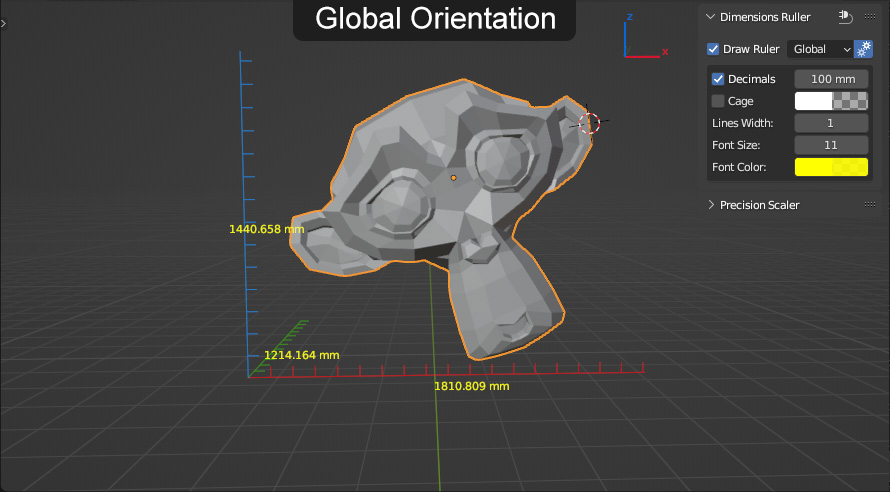
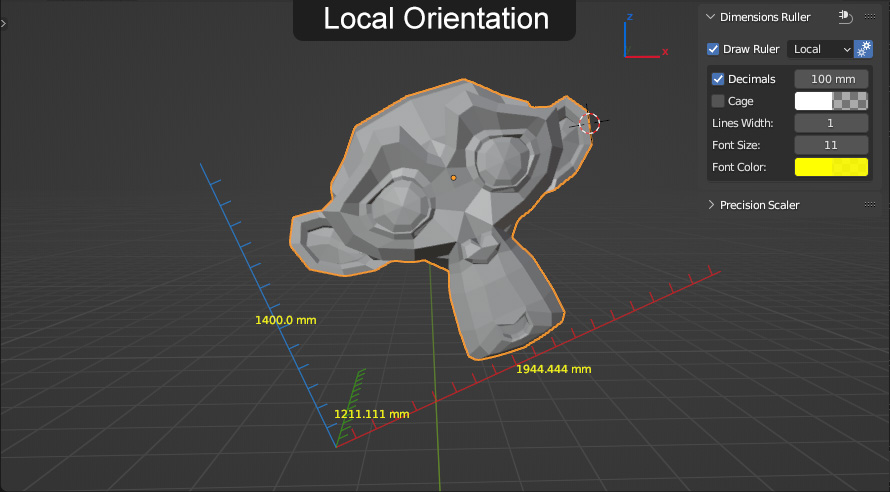
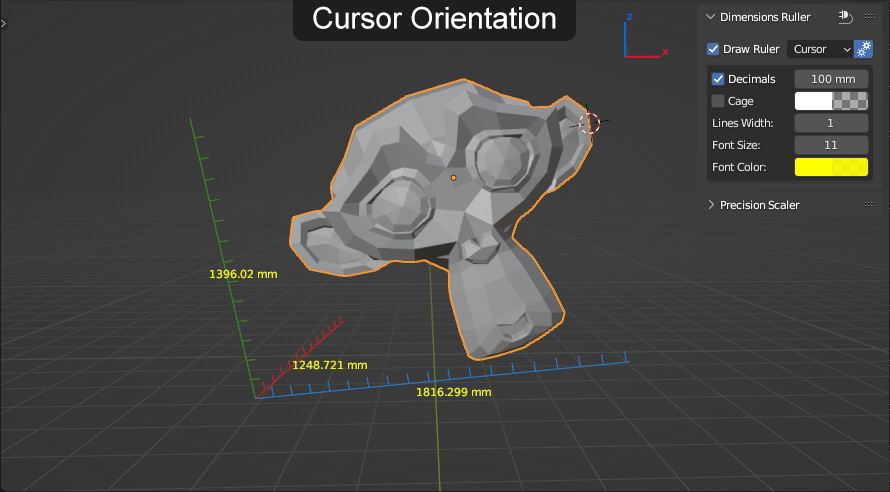
Dimensions Ruler - just enable checkbox and select orientation (other settings as desired).
Supports multiple selected MESH objects
(added support CURVE, SURFACE, FONT object types: see update 1.0.4).
Cons:
- tool can't be enabled by default at startup file (in the specifics of how blender modal operators work)
-
tool enable/disable can't be assigned as a shortcut(now it is possible: see update 1.0.4)
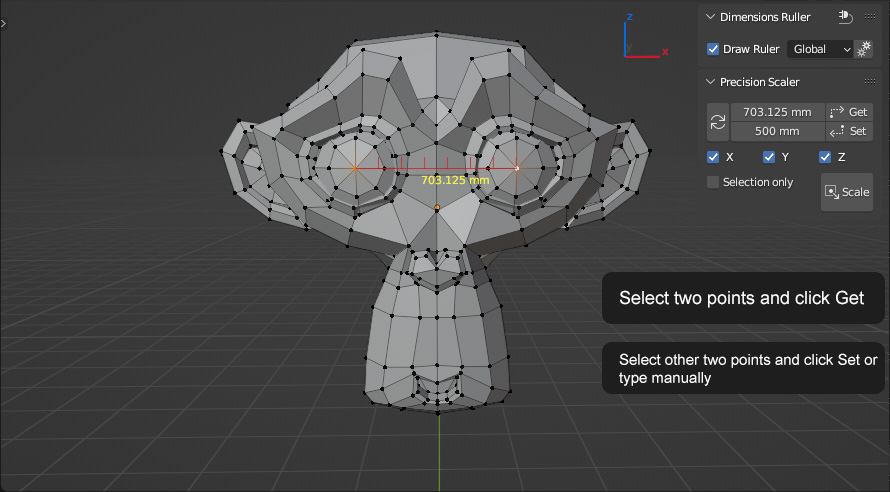
Precision Scaler:
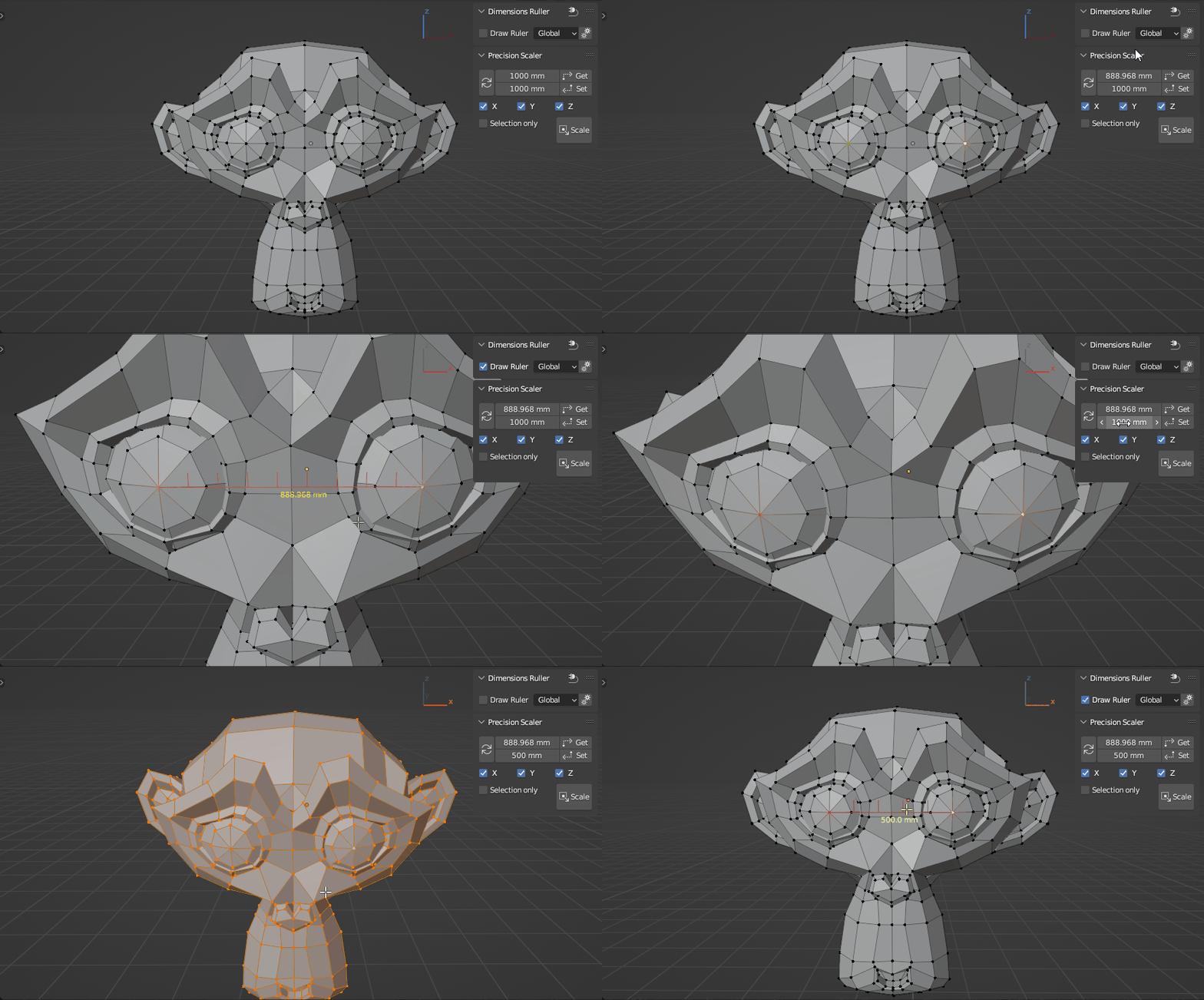
1. Select two vertices or one edge.
2. Get distance between points (manually or by clicking the button).
3. Set the desired value (distance between points, manually or by clicking the button).
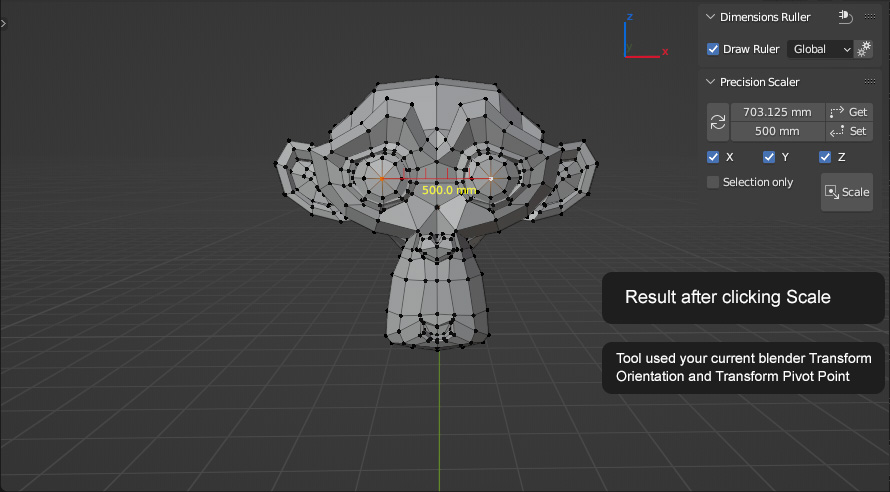
4. Scale.
Tool used your current blender Transform Orientation and Transform Pivot Point
Also you can use two objects origins as two points to Get/Set distance.
Updates:
1.0.1:
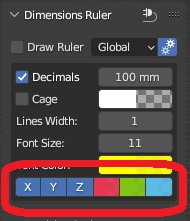
- added options to disable ruler X, Y, Z line
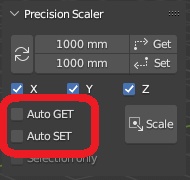
- added options to auto get/set length bypassing the GET/SET button
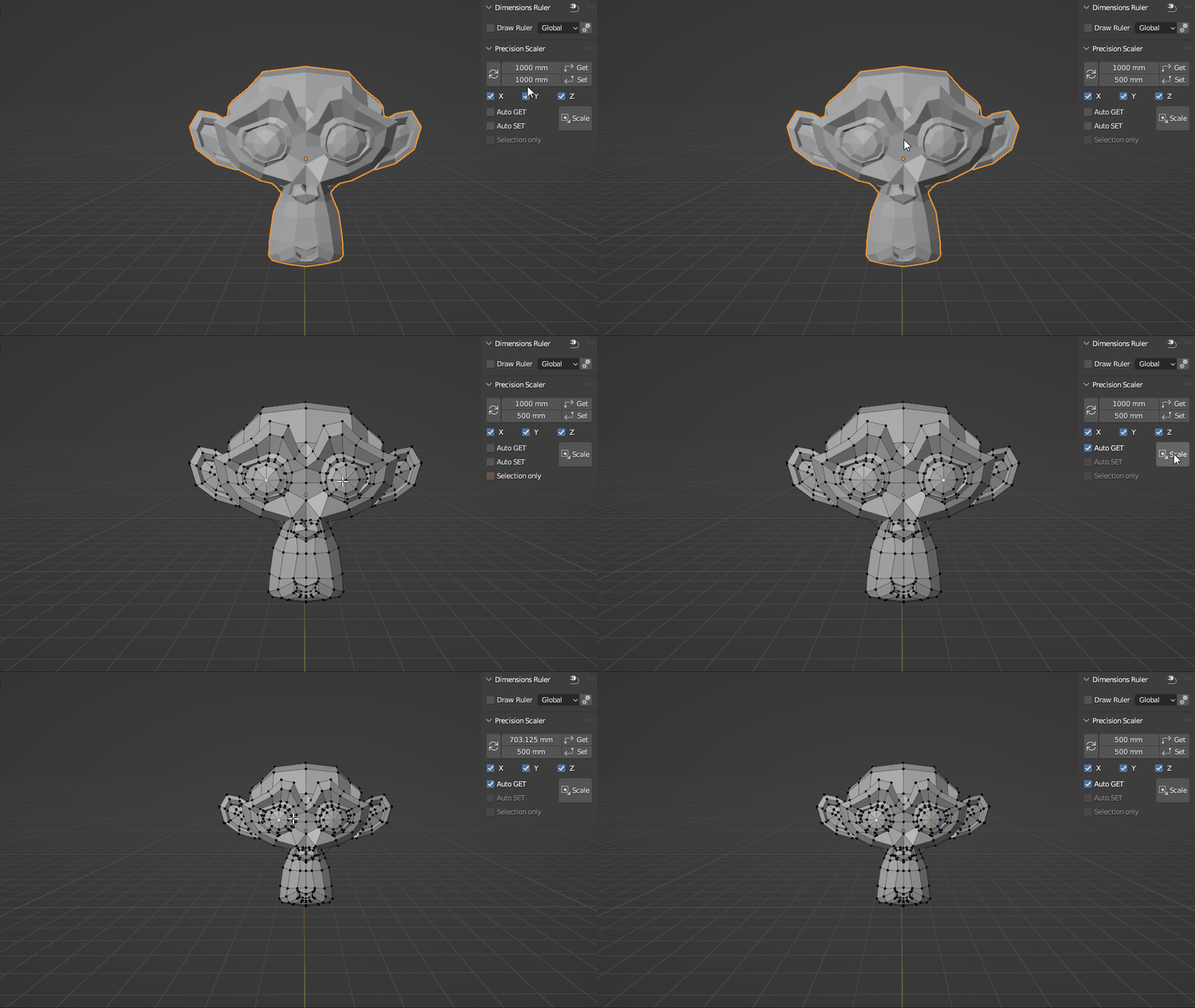
- some cleanups/fixes
1.0.2:
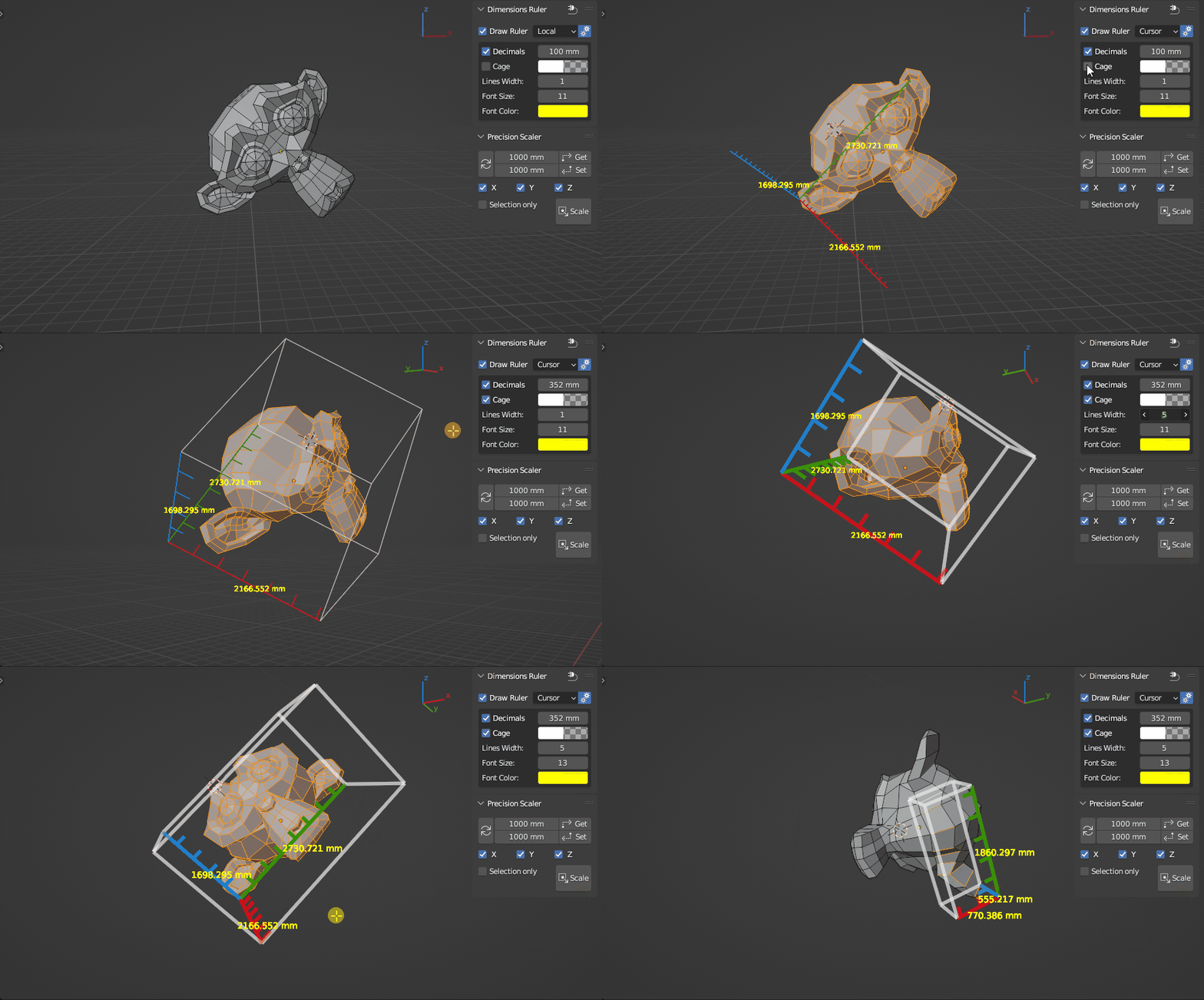
- added option to round how many digits after the decimal point in millimeters
- removed .0 in integer values
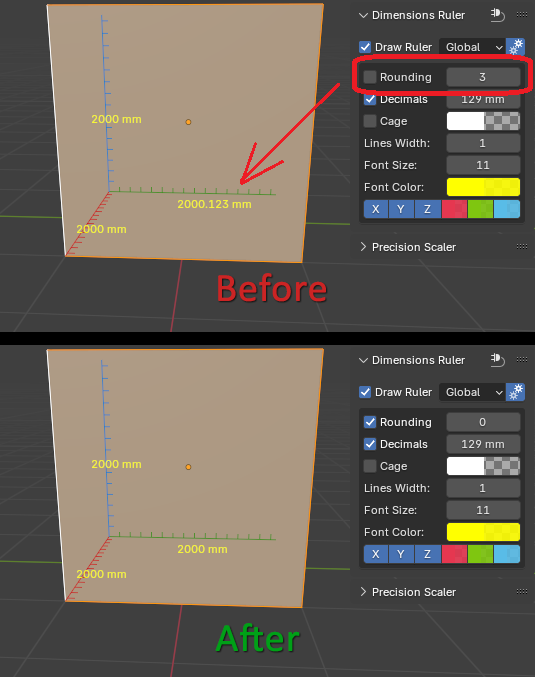
1.0.3:
- added the ability to draw background behind numbers for better display
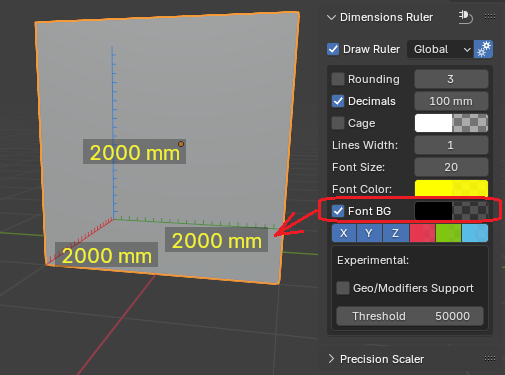
- added experimental feature for calculating sizes of objects with modifiers (with prevention of blender freezing/fps loss if final mesh exceeds threshold vertex count)
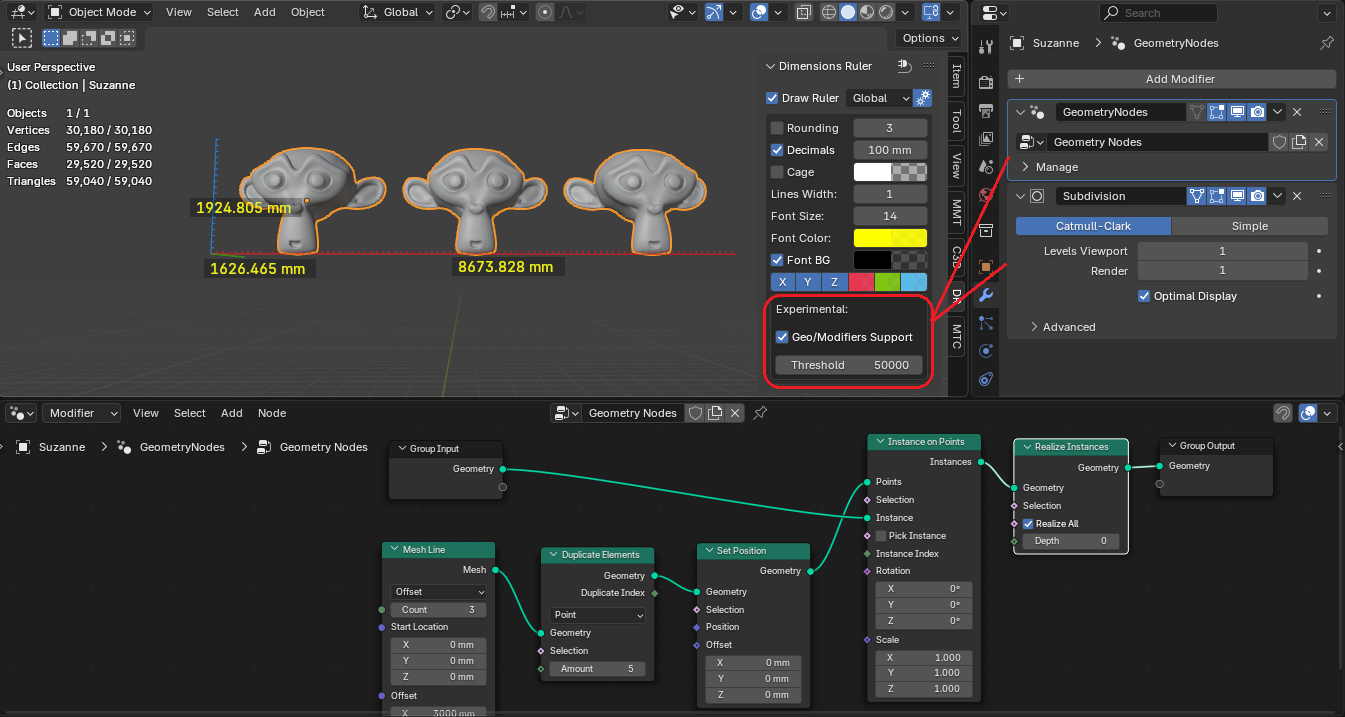
1.0.4:
- added support for CURVE, SURFACE, FONT object types
- added the ability to draw dimensions for each selected object (in the experimental section)

- added the ability to assign a shortcut to enable/disable ruler.
In add-on preferences: RMB - Assign Shortcut.
(to prevent FPS loss when starting or loading scene it will always in disabled state).

