 ZEG

Installation
In Blender open Edit, Preferences, Get Extensions, then use Install from Disk and pick the dining_gadget_generator zip.
Usage
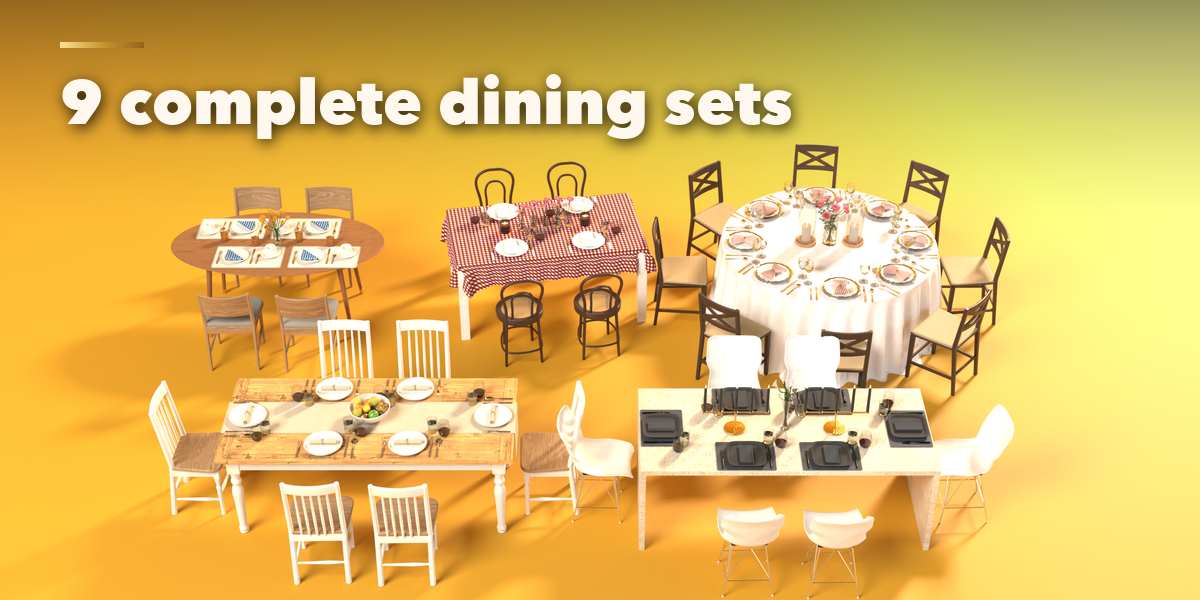
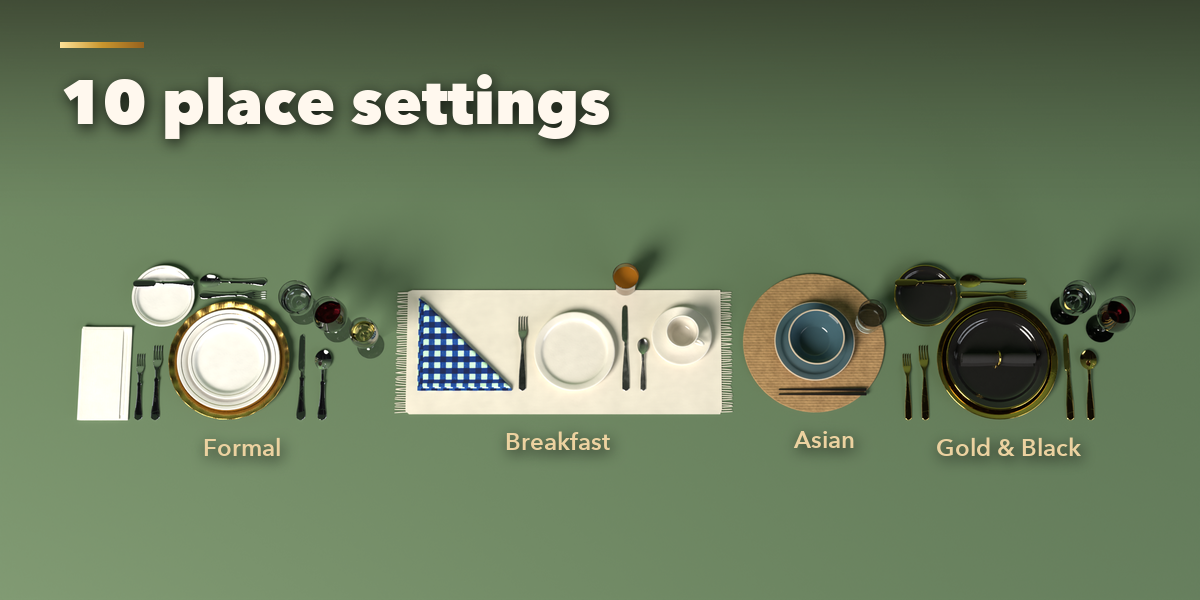
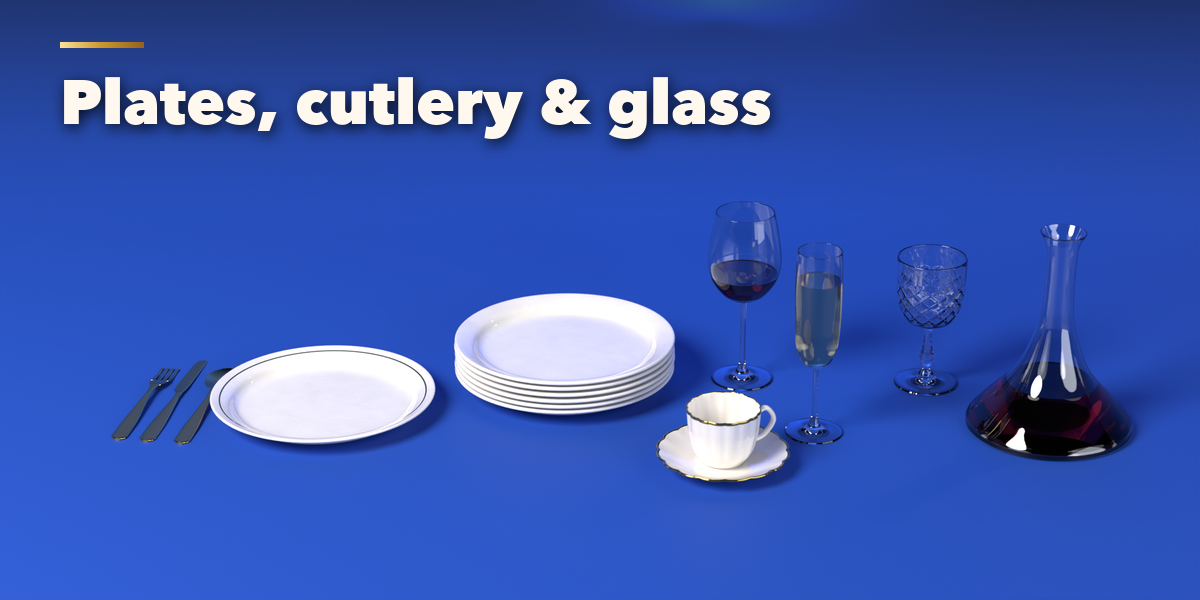
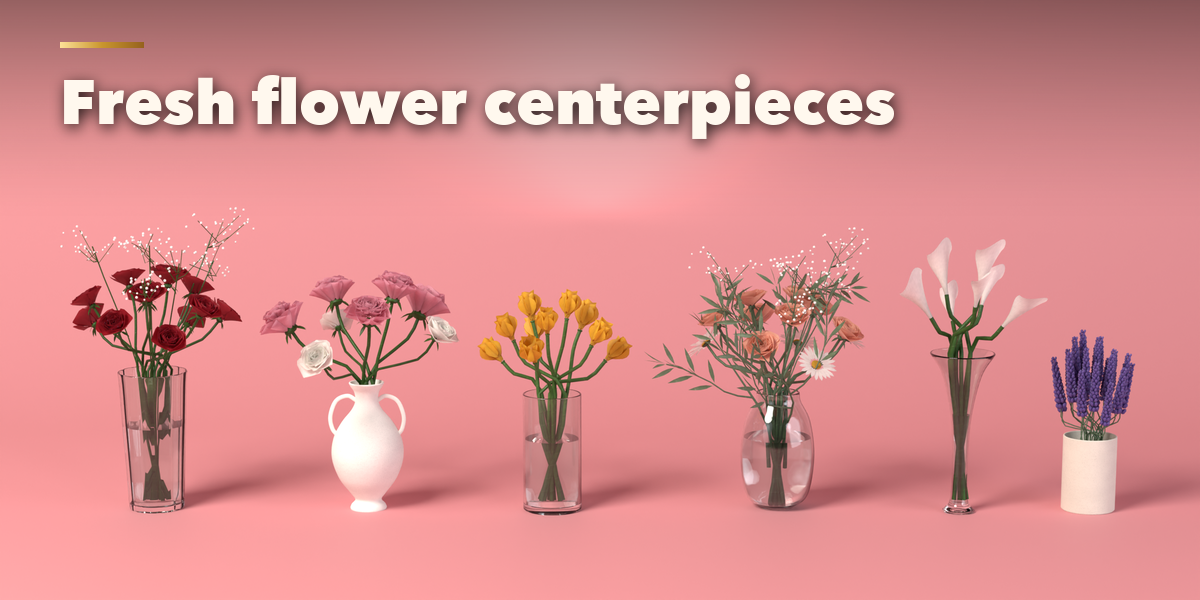
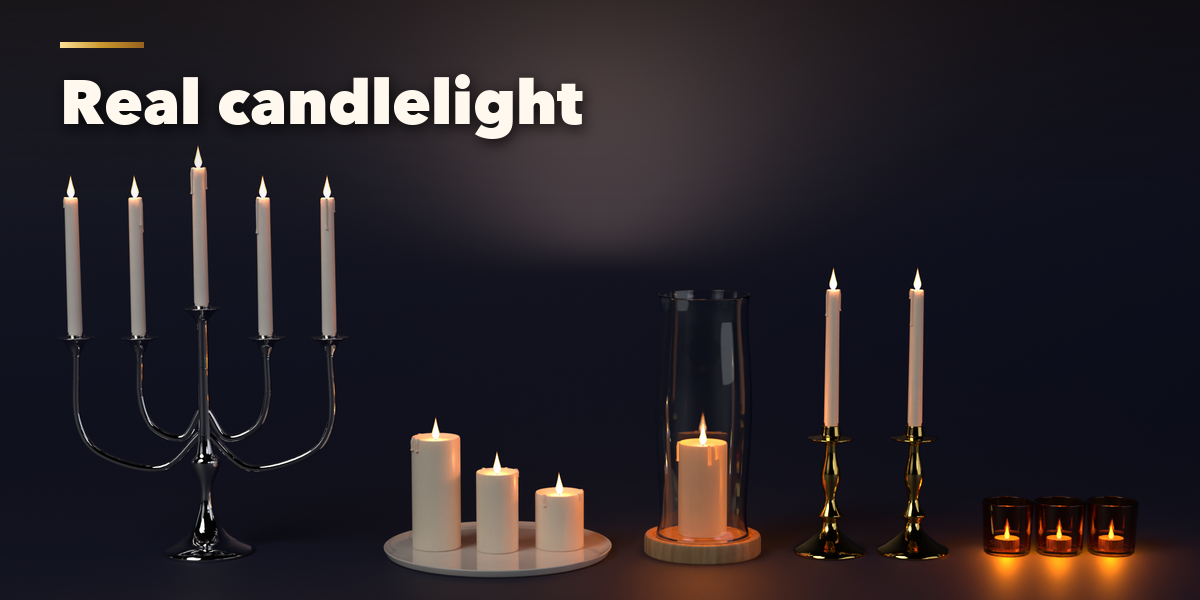
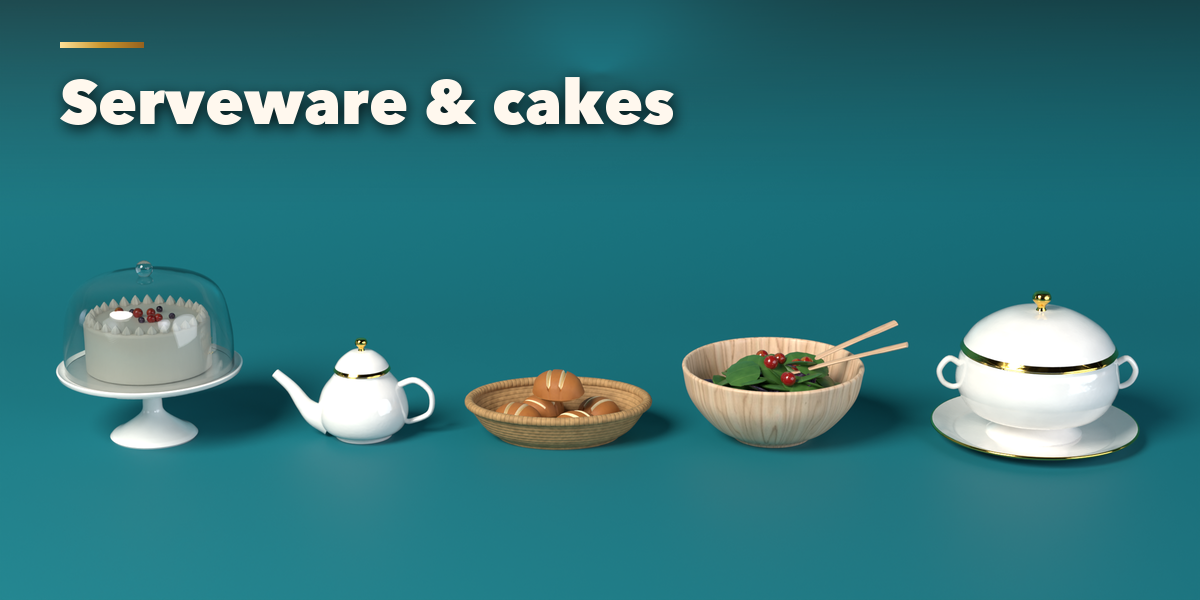
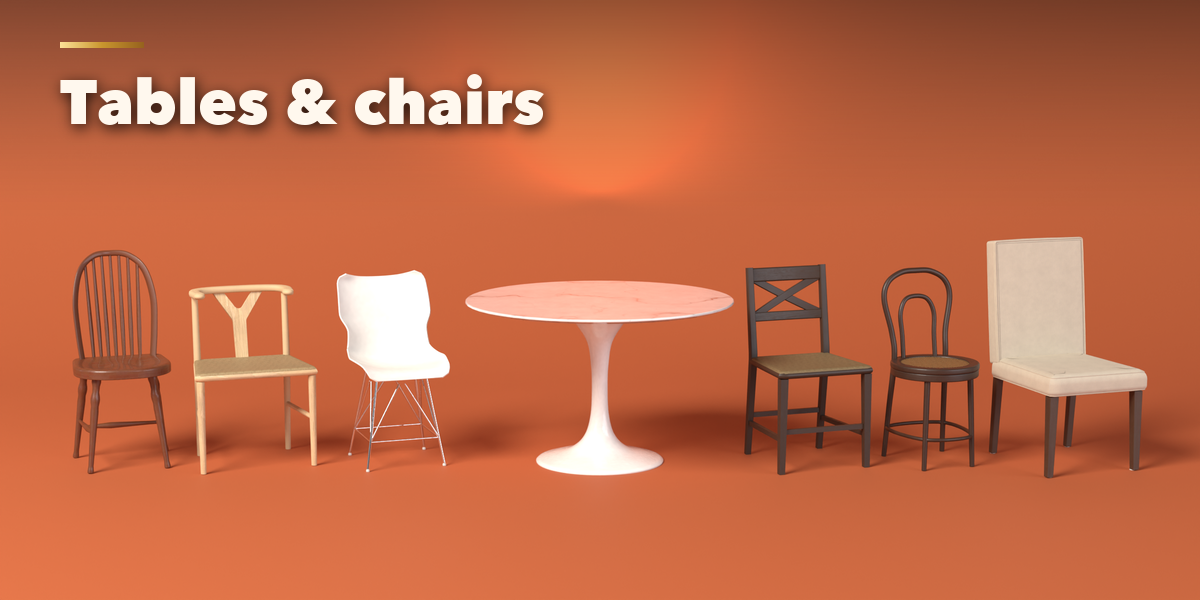
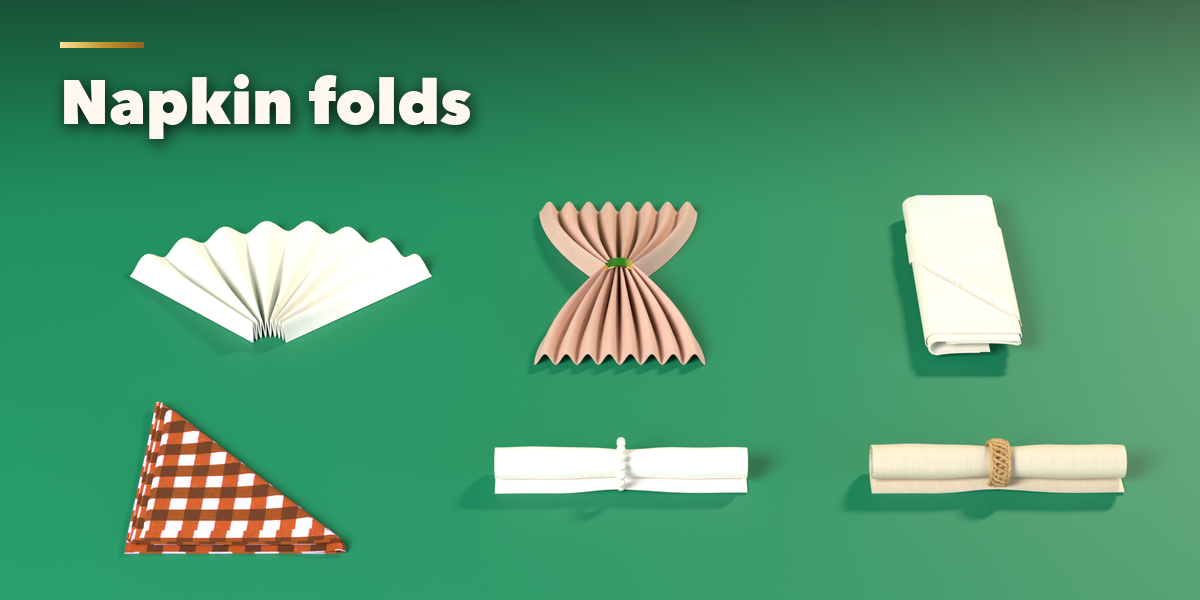
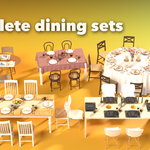
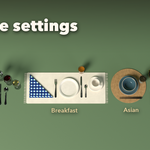
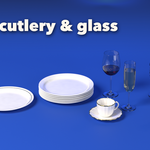
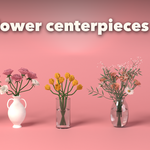
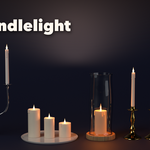
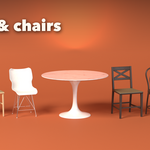
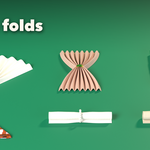
- Open the Dining tab in the 3D viewport sidebar (N). With nothing selected, pick a category (Dining Sets, Place Settings, Tables, Chairs, Plates, Glassware, Candles, Centerpieces and more) and click a design to add it at the 3D cursor. You can also use Shift+A, Dining.
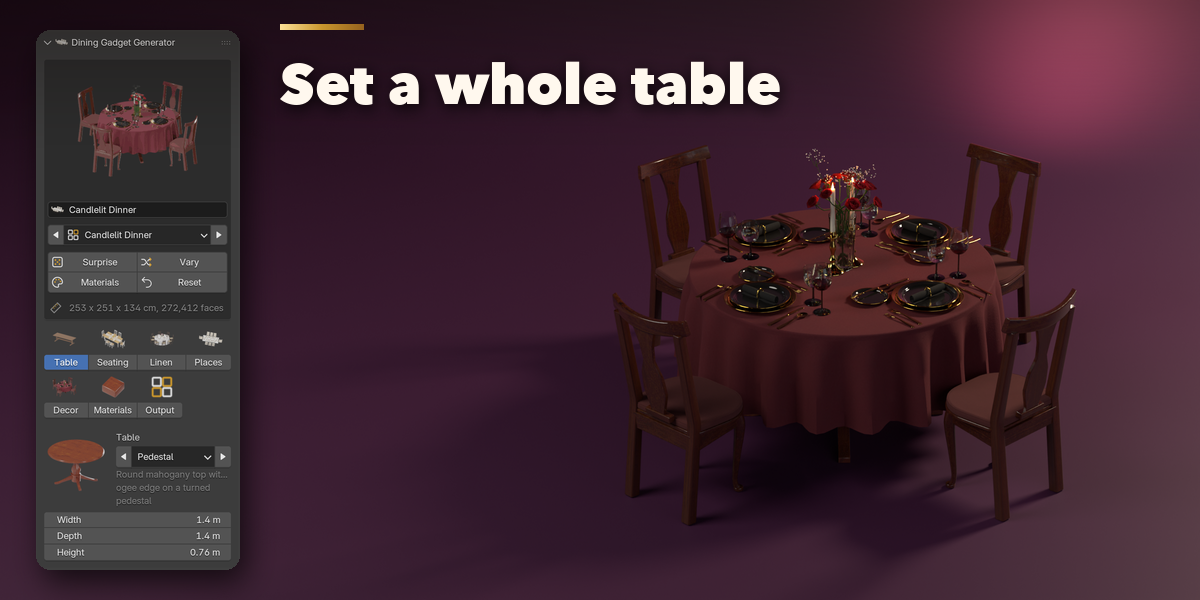
- The card at the top shows the selected item. Surprise makes a new random design, Vary changes the current one a little, Materials picks new finishes and Reset goes back to the design.
- The picture tabs under it hold every setting of that item. For a dining set: Table, Seating (chairs and number of guests), Linen, Places (the place setting) and Decor (centerpiece and candles). Click a picture to swap a design, or open a part to change it in detail.
- The Materials tab lists the materials the item uses. Pick a material from its picture, recolor it, or press Natural Color to go back.
- The last tab has the mesh detail level, part visibility, Apply as Mesh and Delete.
Lit candles have real flames and point lights; use Rendered view to see them glow.
Have questions about this product?
Login to message
| Blender Extension Compatible | Yes |
| Published | about 8 hours ago |
| Blender Version | 4.2 - 5.2 |
| Extension Type | Add-on |
| Render Engine Used | Cycles, Eevee |
| License | GPL |
