Dino Collection
 Blender house


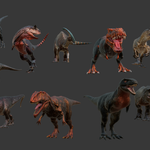
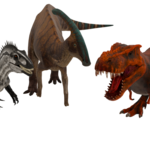
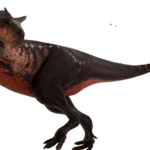
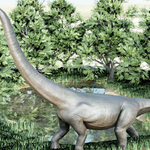
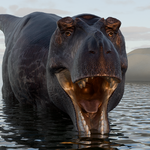
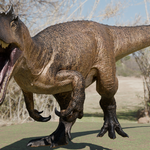
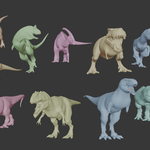
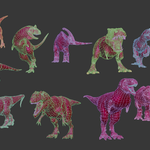
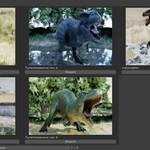
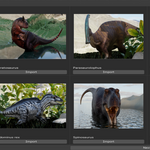
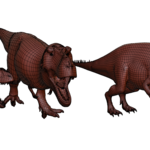
Dino Collection Addon – Documentation
Overview
Dino Collection Addon is a simple Blender addon that allows users to easily import and manage dinosaur 3D models directly inside Blender.
This addon is designed to save time by organizing models in a clean and user-friendly way.
Features
-
One-click import of dinosaur models
-
Organized model categories
-
Works with Cycles and Eevee
-
Clean folder structure
-
Beginner-friendly UI
Installation
-
Open Blender
-
Go to Edit → Preferences → Add-ons
-
Click Install
-
Select the provided
.zipfile -
Enable Dino Collection Addon
How to Use
-
Open Blender
-
Go to the Sidebar (N-Panel)
-
Open Dino Collection tab
-
Choose a dinosaur
-
Click Import
-
The model will be added to the scene
Requirements
-
Blender 4.0 or newer
-
Windows / macOS / Linux
Notes
-
Models are optimized for viewport performance
-
Textures are packed or included
-
No external dependencies required
Have questions about this product?
Login to message
| Dev Fund Contributor | |
| Published | 9 months ago |
| Blender Version | 3.6 - 5.0 |
| Extension Type | N/A |
| Render Engine Used | Cycles, Eevee |
| License | GPL |
Discover more products like this
dino collection dinosaur models pbr-textures low poly dinosaurs uv-unwrapped 2d-animal Game-Ready Assets blender addon blender asset library blender tools