 Chan's


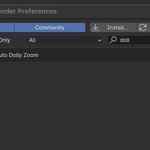
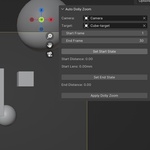
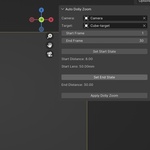
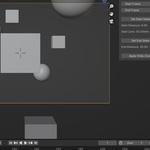
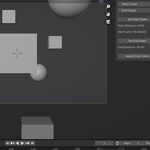
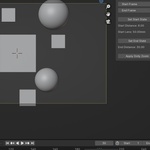
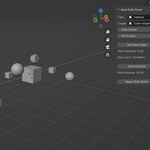
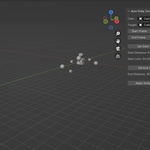
✅ How to Use:
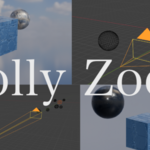
Check out the image gallery.
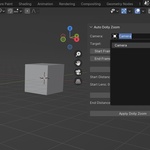
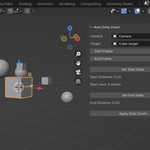
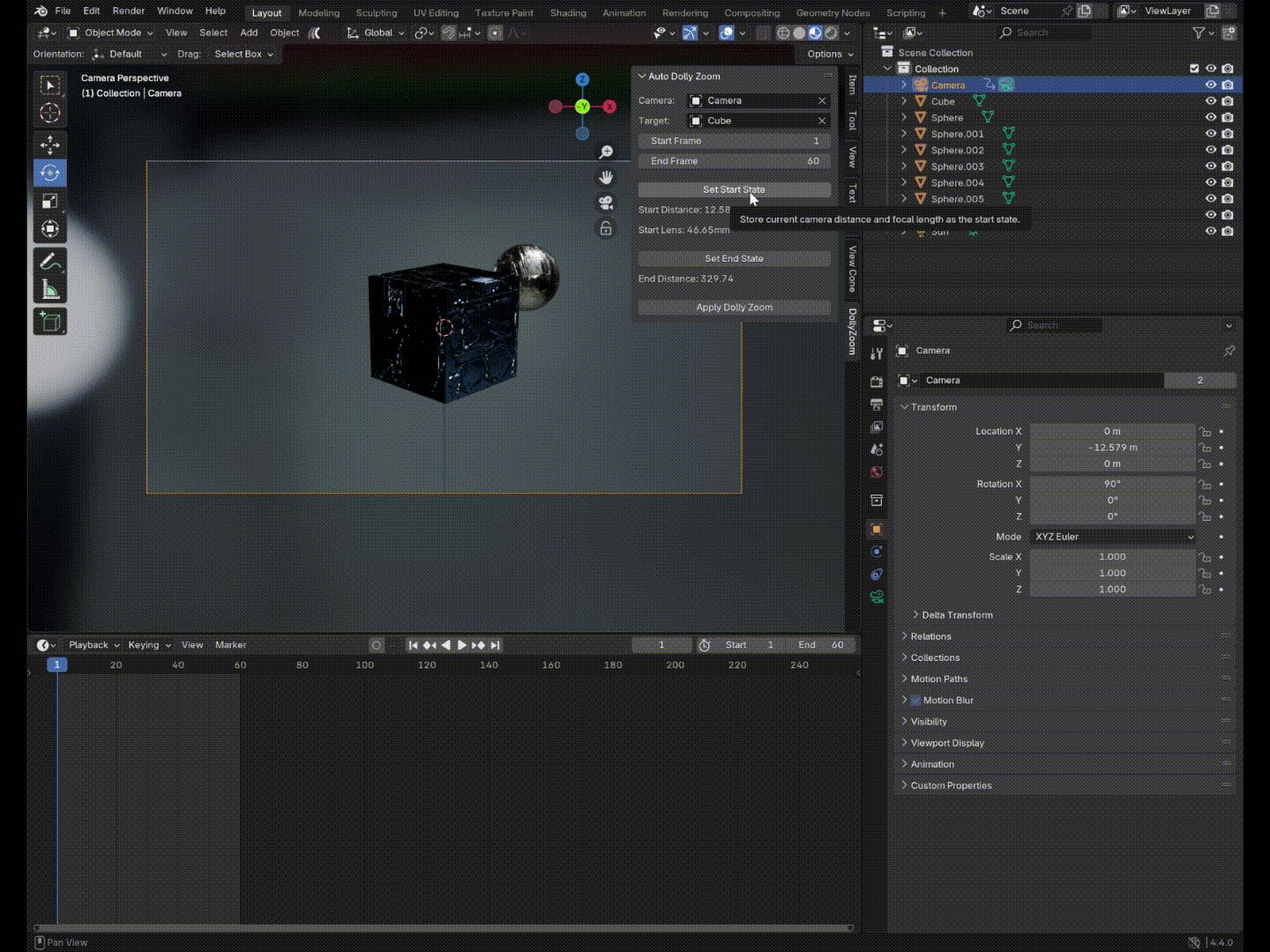
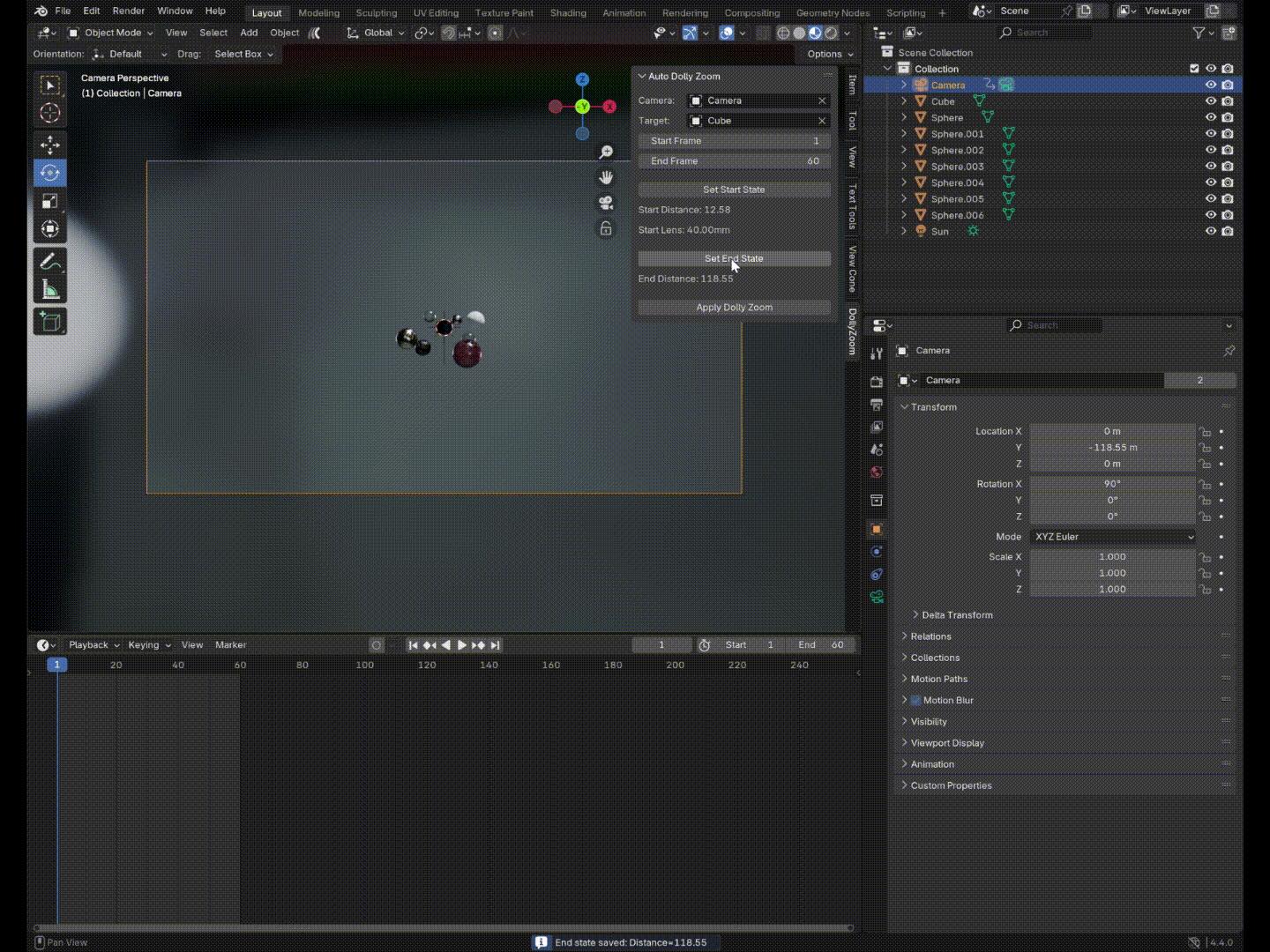
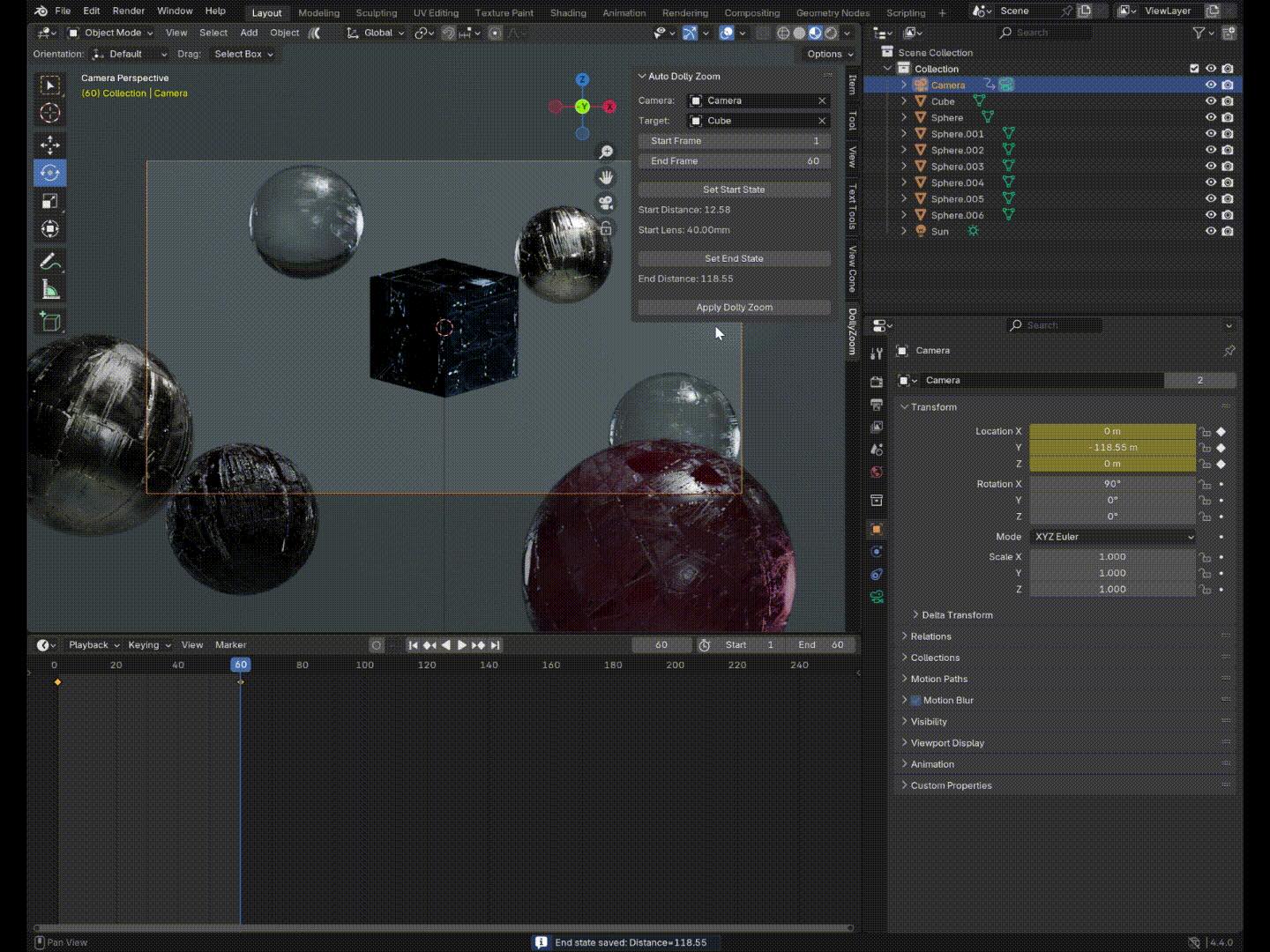
Select the camera and target object
Click Set Start State to record the initial position and focal length
Click Set End State to record the final position
Set the start and end frames
-
Click Apply Dolly Zoom — animation is generated automatically
Have questions about this product?
Login to message
| Published | over 1 year ago |
| Blender Version | 4.4, 4.3, 4.2, 4.1, 4.0, 3.6 |
| Extension Type | N/A |
| License | Mit |
Discover more products like this
dolly-zoom camera dolly camera dolly effect 3D camera tools camera dolly zoom 3D camera positions dolly camera #3DCamera