 Christopher Groff


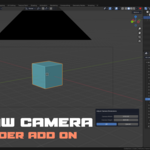
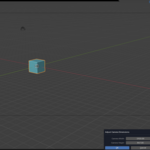
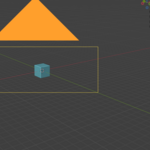
DrawCamera is a fast, intuitive tool for artists who want complete control over their framing without breaking their creative flow. Instead of manually placing a camera, adjusting transforms, tweaking focal length, and guessing at composition, DrawCamera lets you draw a box directly in the 3D Viewport and instantly converts that region into a perfectly aligned camera.
It’s a simple idea with a huge impact on layout, previs, cinematics, and shot exploration. Whether you’re blocking out a sequence, capturing reference angles, or refining a final render, DrawCamera turns camera creation into a natural part of the viewport experience.
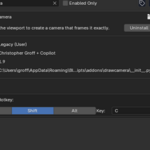
After drawing your region, a clean popup appears where you can set the exact resolution you want. No clutter, no extra panels, no hidden settings — just the essentials. The result is a camera that matches your drawn framing and fits seamlessly into your scene.
DrawCamera is designed to feel like a native Blender tool: lightweight, predictable, and fast. It doesn’t try to replace your existing workflow — it enhances it. You draw the shot you want, and DrawCamera handles the technical setup so you can stay focused on composition and storytelling.