 100drips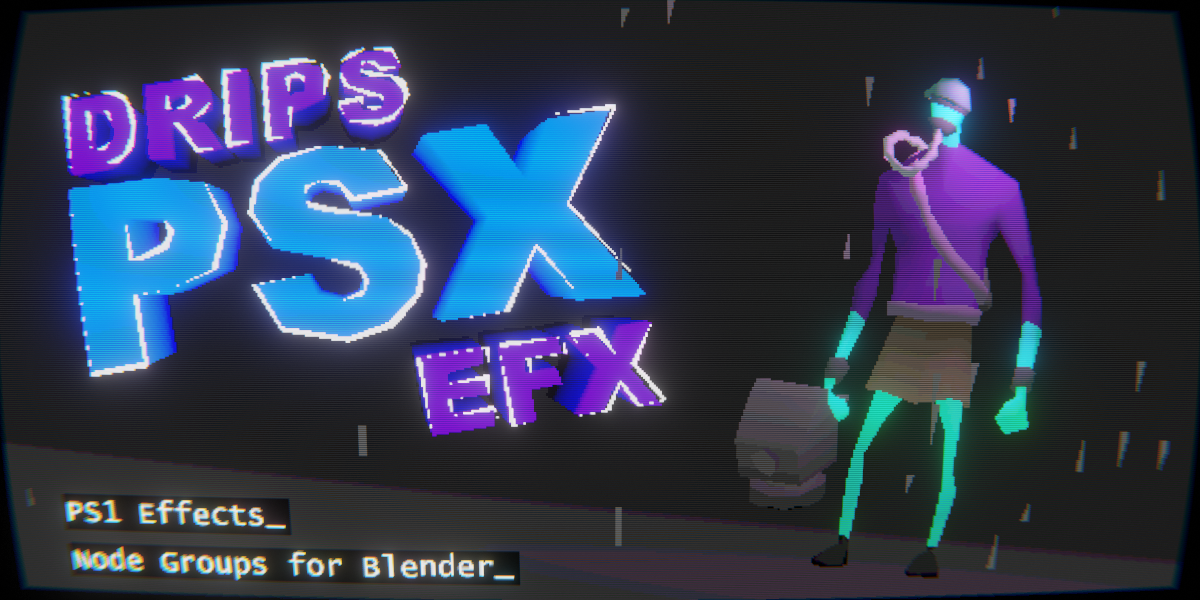
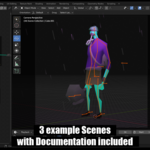
DripsPsxEfx
32-bit PS1 Effects
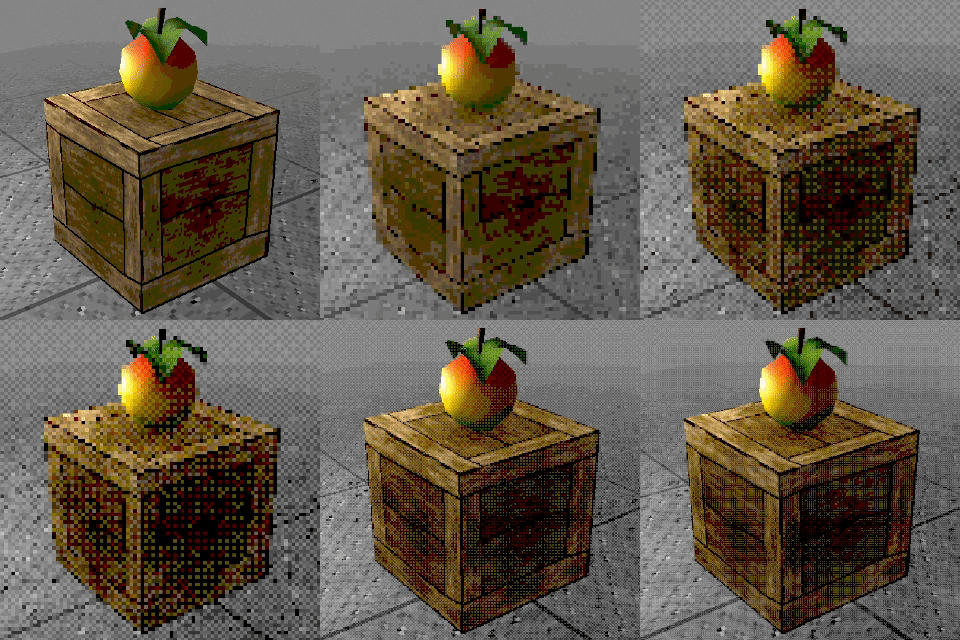
DripsPsxEfx is a toolbox to mimic the charming PS1 aesthetic and early 32-bit console gaming right inside Blender.
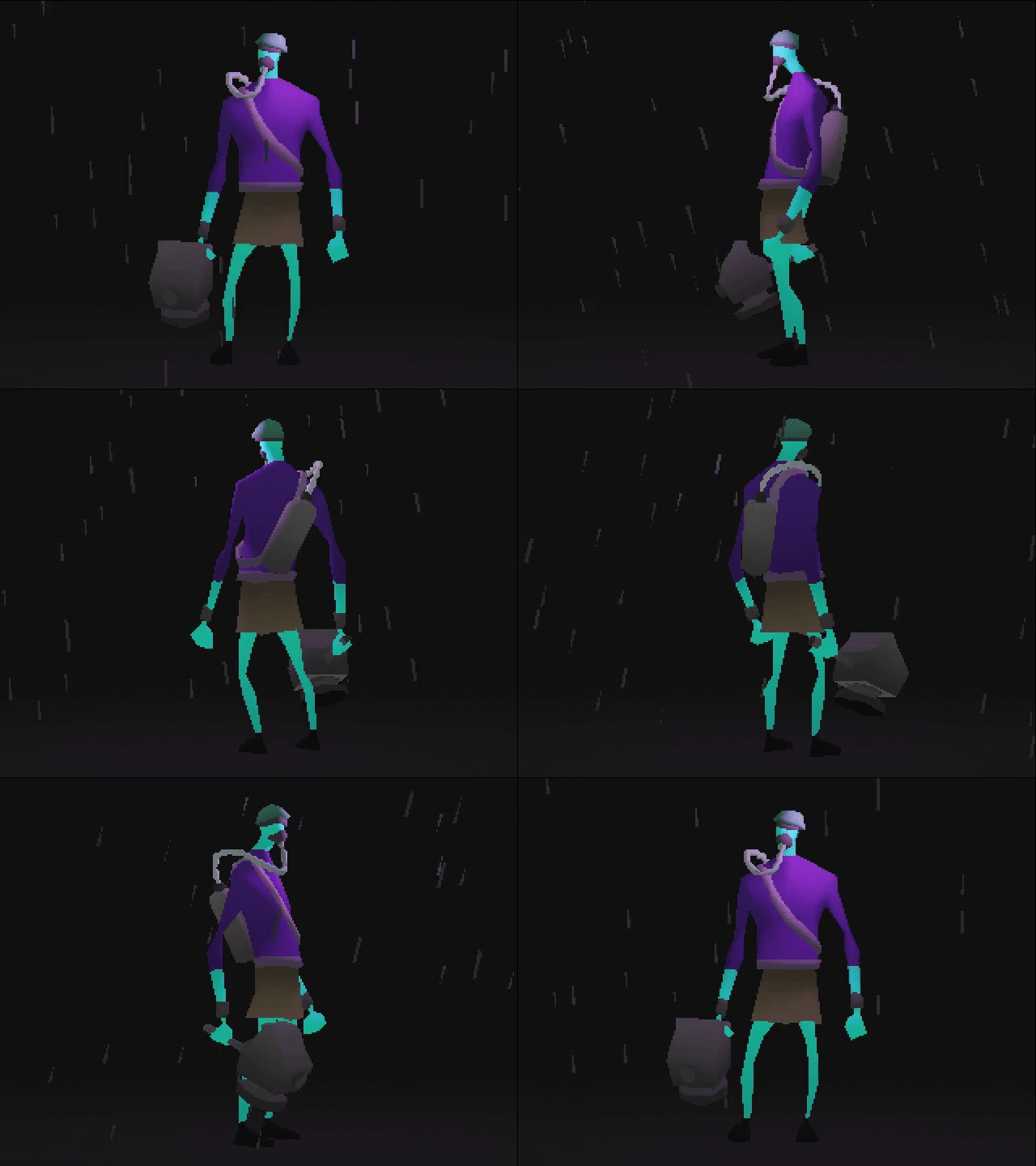
True retro rendering goes beyond low-resolution images and pixelated textures. To authentically capture the iconic look of early 3D gaming, effects like affine texture mapping and screen-space vertex snapping are essential - techniques that are notoriously difficult to replicate in modern render engines.
DripsPsxEfx solves this with custom, performance-optimized node groups designed to emulate these classic visual artifacts effortlessly. Built purely using standard Blender node workflows, it runs seamlessly in real-time without requiring scripts or add-ons.
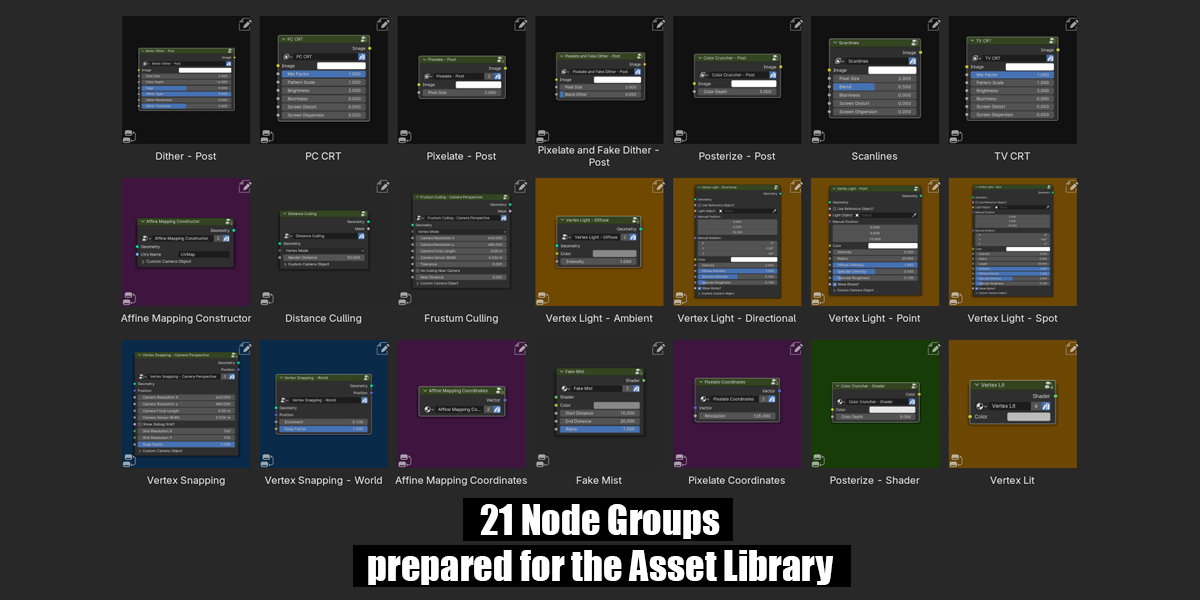
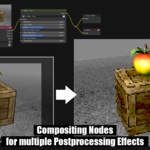
The asset package provides a flexible suite of Geometry Nodes, Shader Nodes, and Compositor Node setups designed to replicate authentic 32-bit PS1 hardware artifacts and broader lo-fi aesthetics.
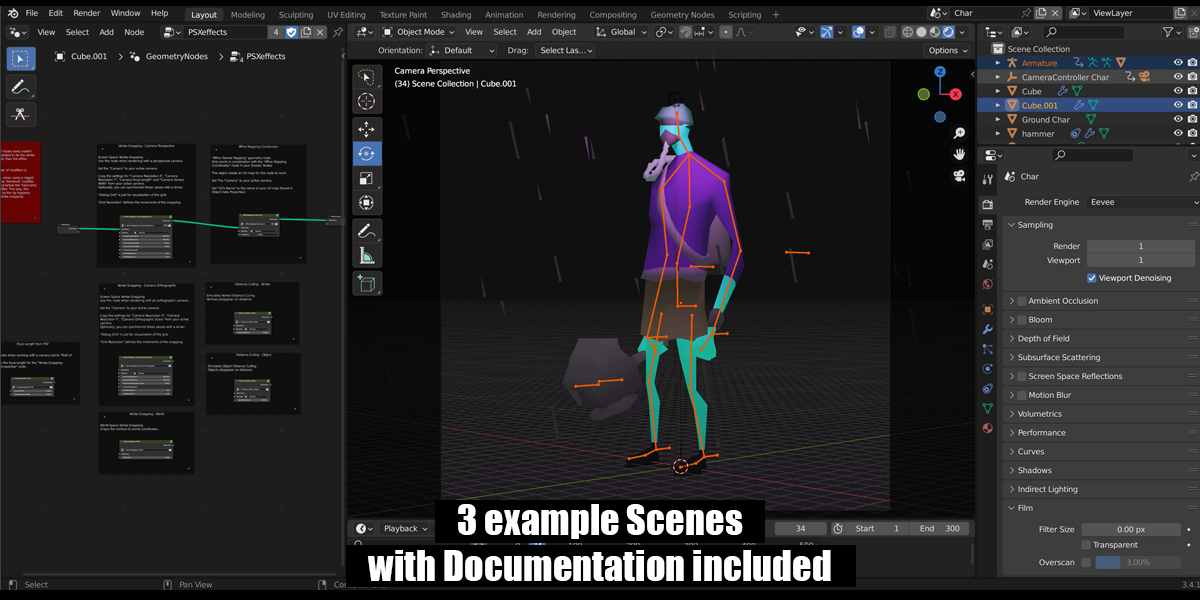
While comprehensive documentation guides you through every step, a basic understanding of Blender's node workflow is recommended.
Compatible with both Eevee and Cycles.
Important:
Version "5.0" is compatible only with Blender 5.0 and up.
Version "4.4 to 4.5" is compatible only with Blender 4.4 and 4.5.
Version "4.2 to 4.3" is compatible only with Blender 4.2 and 4.3.
Version "4.1" is compatible only with Blender 4.1.
For use with Blender 4.0 and earlier, please use version "4.0"!
Features:
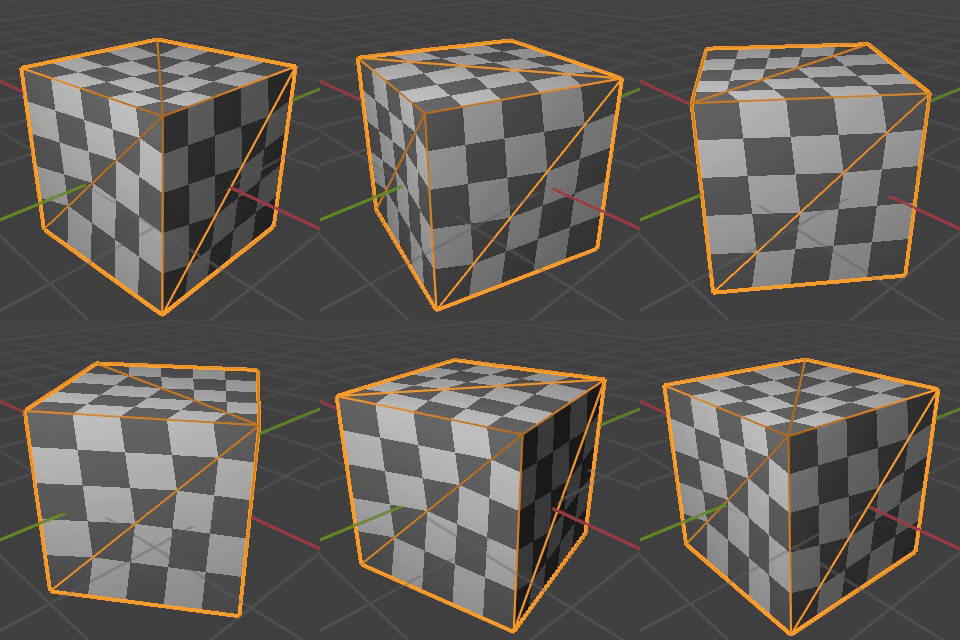
Affine Texture Mapping (texture warping)
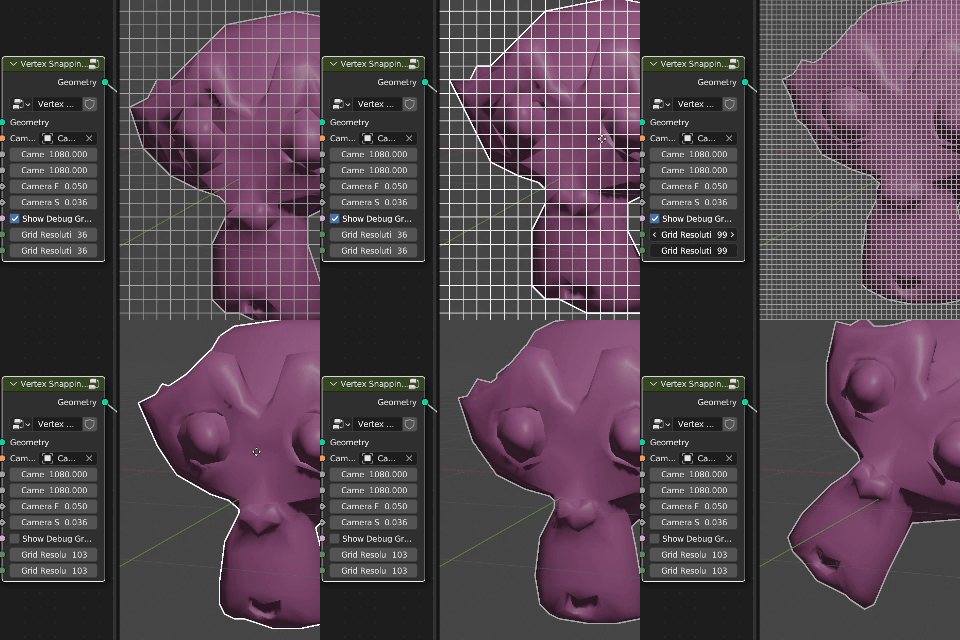
Screen Space Vertex Snapping / Wobble (for perspective and orthographic camera)
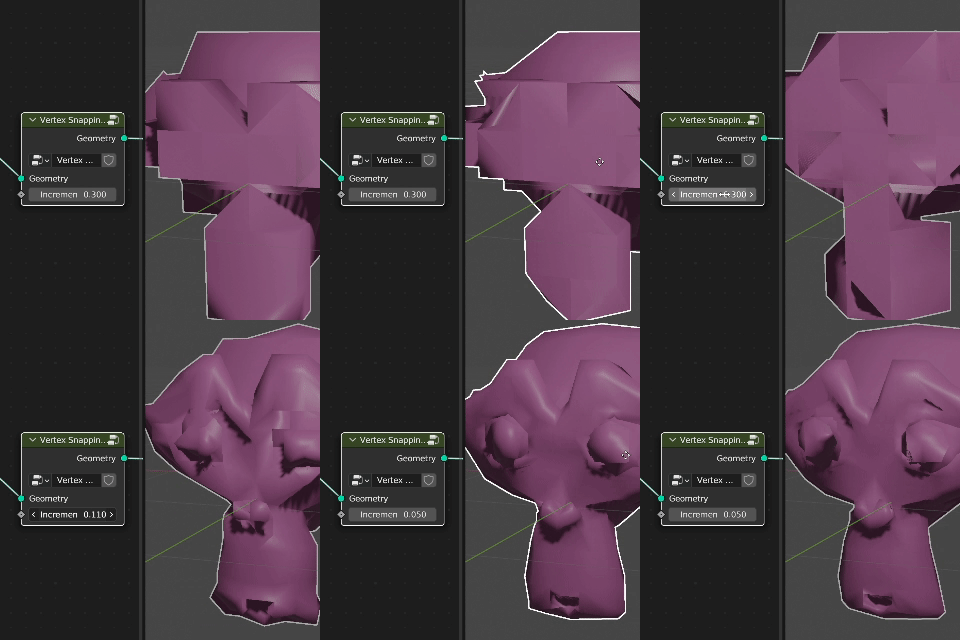
World Space Vertex Snapping
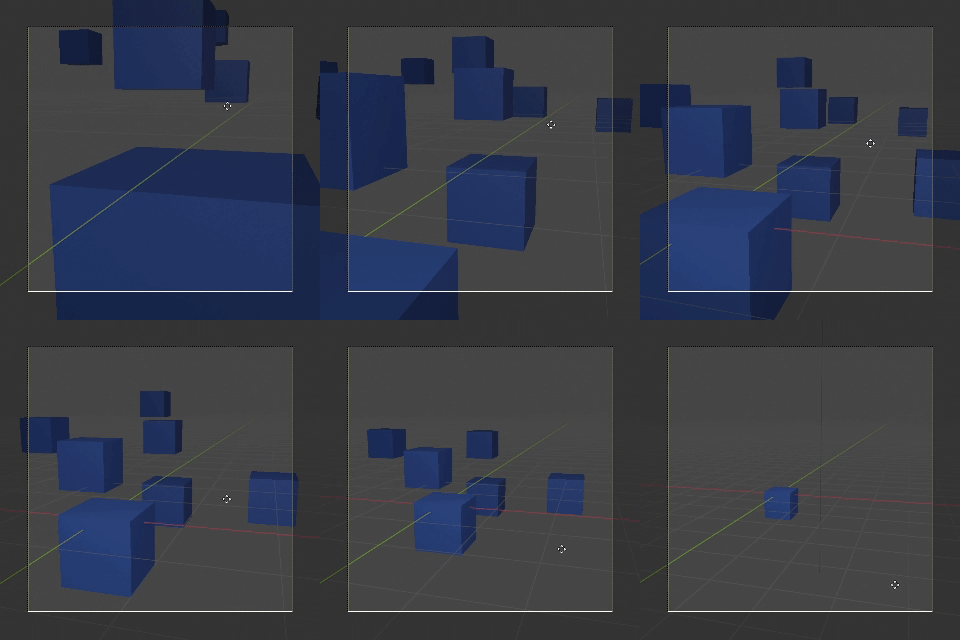
Distance Culling (for objects and vertices)
Color Crunching
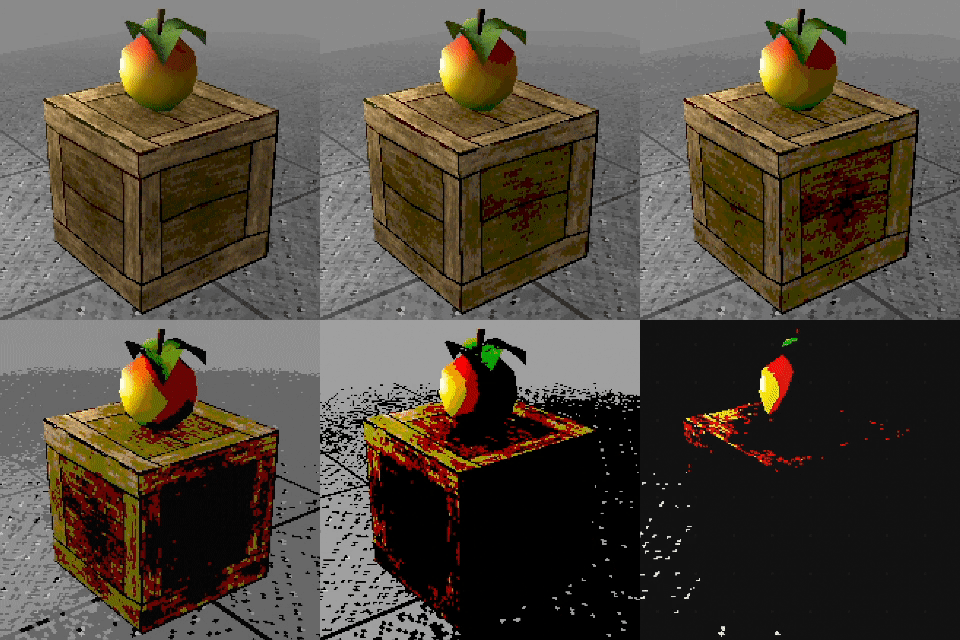
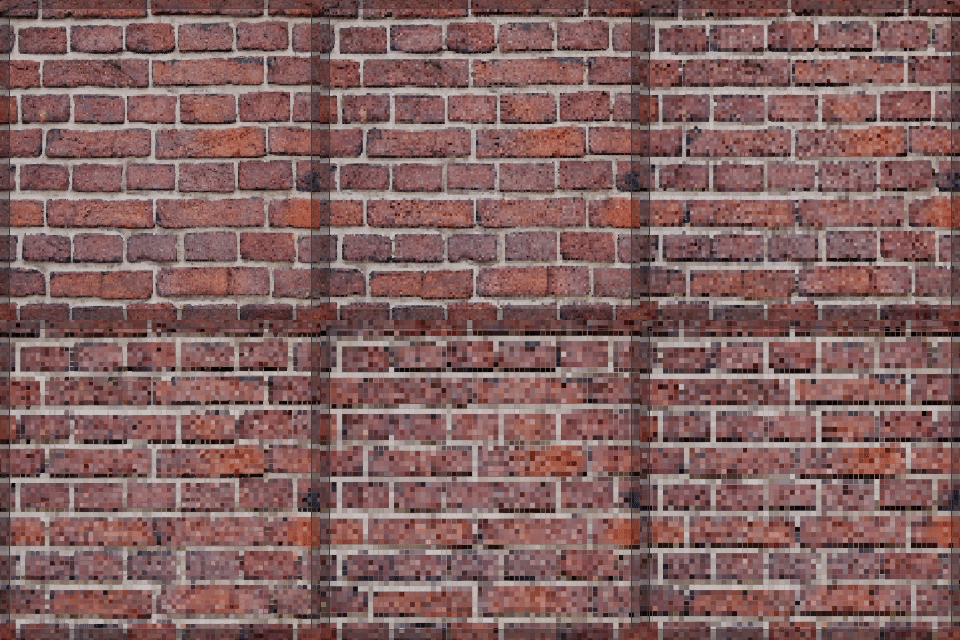
Texture Pixelation
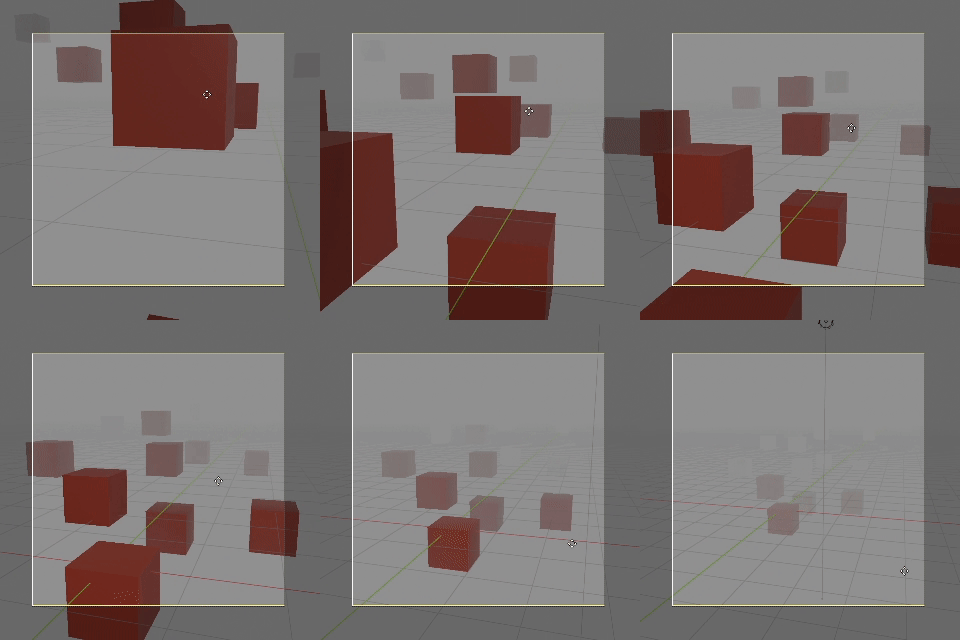
Shader based Mist / Fog
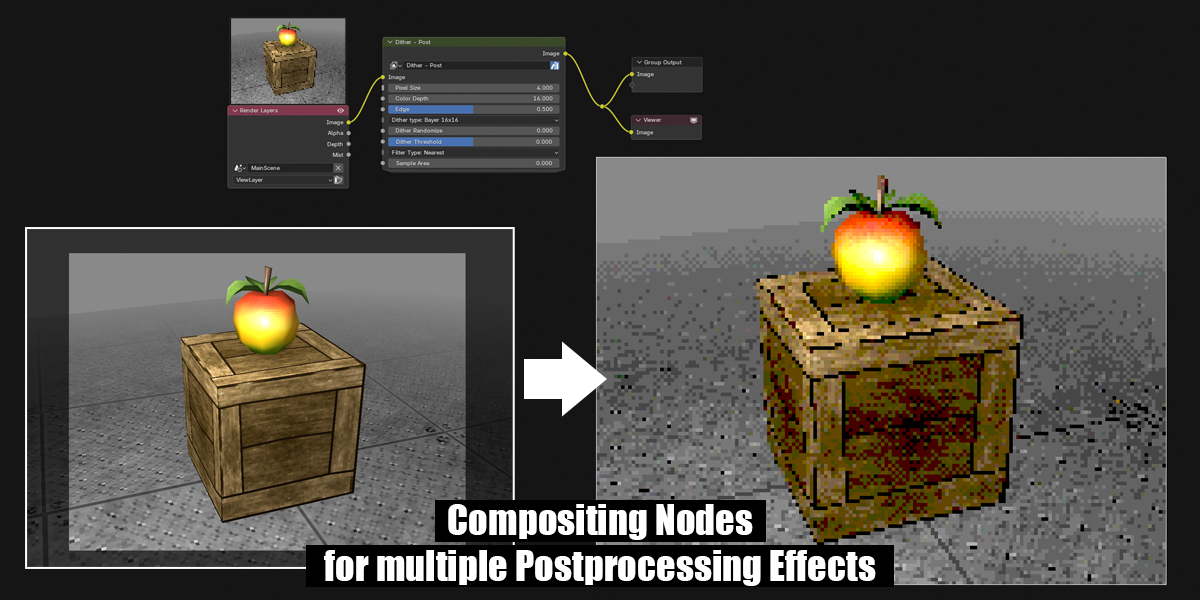
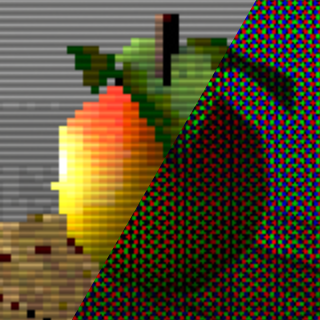
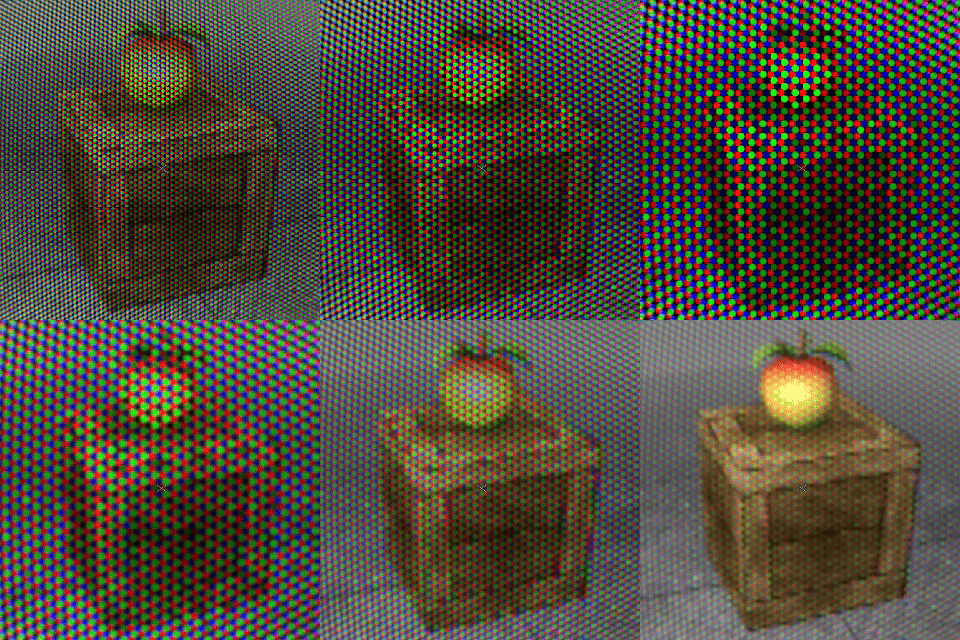
CRT and Scanline Compositing Filters
Dither and Pixelation Compositing Filters
... and much more!
Update"4.0" .1:
New Advanced Dithering Node
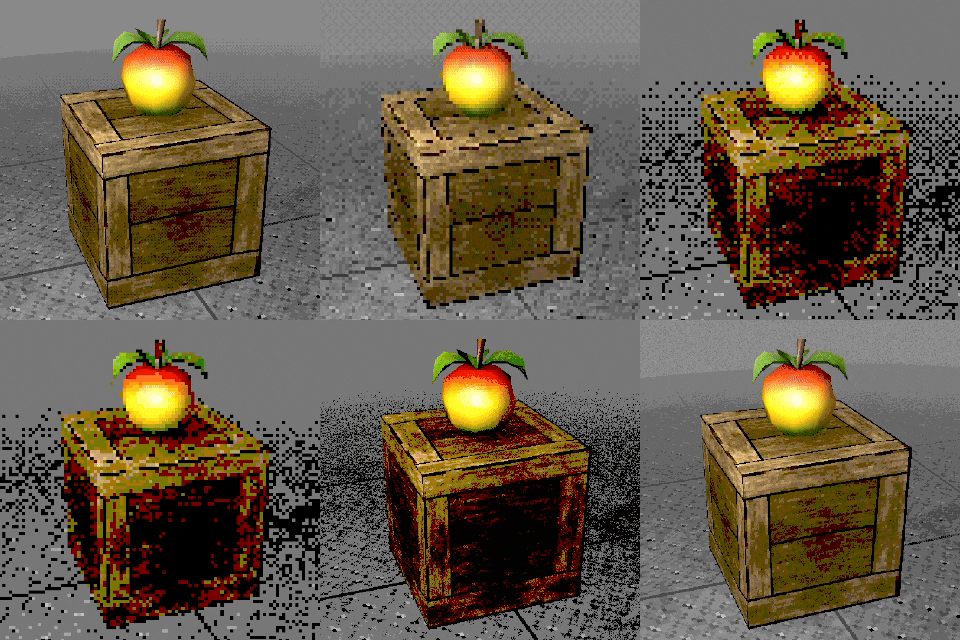
Update "4.1" (only Blender 4.1 and up!)
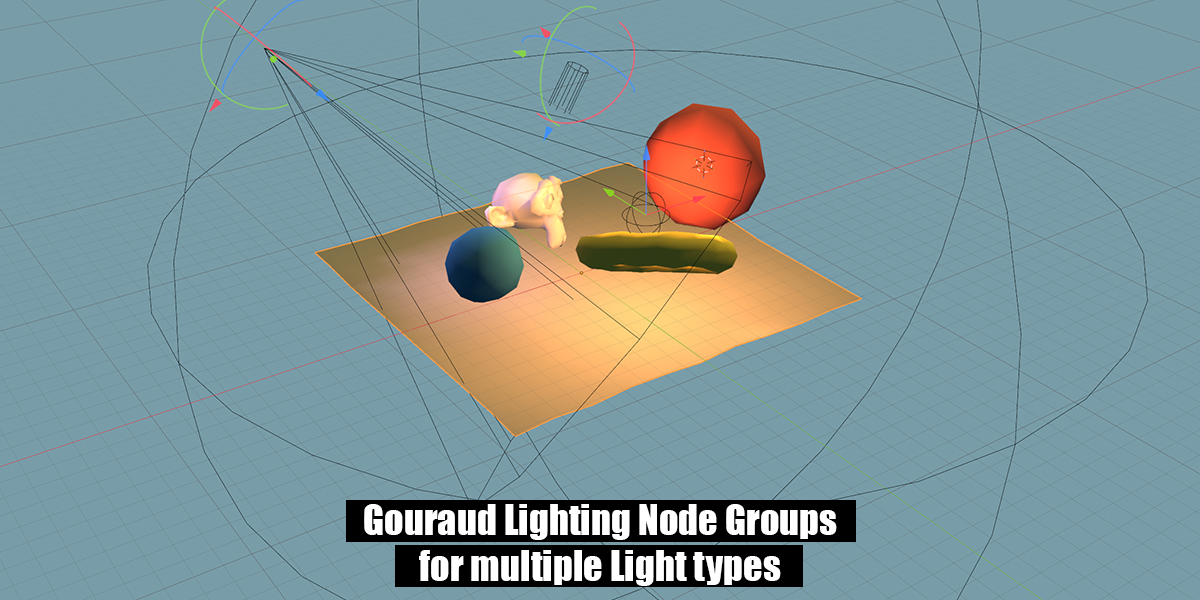
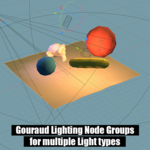
Vertex Light Nodes (Gouraud Shading) for Directional, Point, Spot and Environment Light
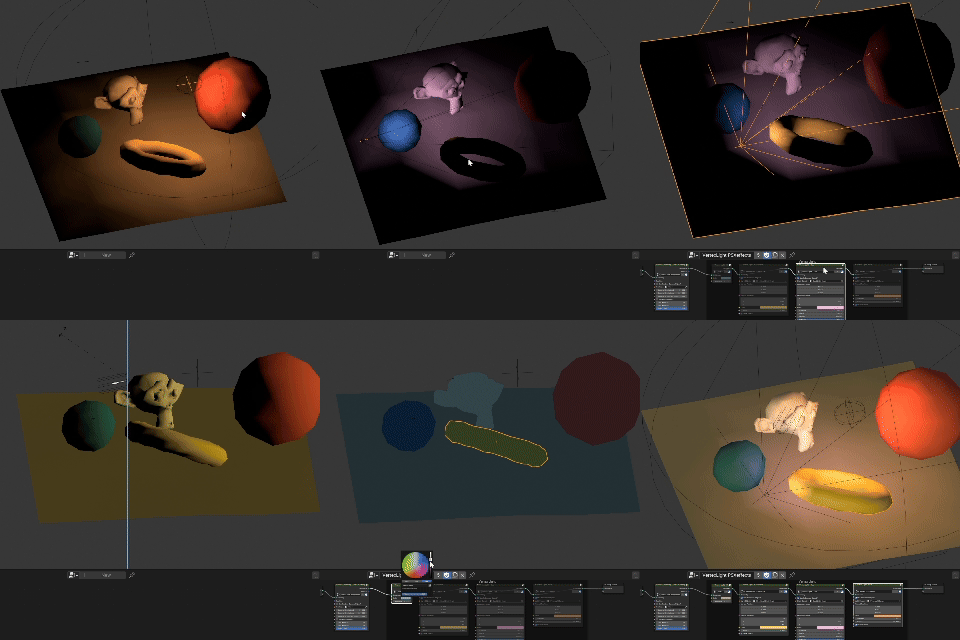
Frustum Culling

... and a lot of new additions and usability enhancements!
Update "4.2 to 4.3" (only Blender 4.2 and up!)
I have completely overhauled the internal structure of the node groups to leverage the new features introduced in Blender 4.2.
This fixed a bug that previously prevented the use of non-uniform scaling.
Furthermore, the effects now demonstrate even better performance.
Update "4.2 to 4.3" .1
Optimized CRT and Scanline compositor nodes and added new features to them.
Update "4.4 to 4.5" (only Blender 4.4 and up!)
Refined numerous nodes to take advantage of Blender 4.4's latest features.
- Enhanced most compositor nodes to function within the viewport and support the GPU compositor.
- Improved UI.
- Performance improvements.
Update "5.0" (only Blender 5.0 and up!)
Comprehensive overhaul of all node groups to leverage Blender 5.0’s new features, enhancing overall usability and performance.
- Improved UI.
- Performance improvements.
How to use:
>> See documentation for full information <<
Please Note:
Version "5.0" is compatible only with Blender 5.0 and up.
Version "4.4 to 4.5" is compatible only with Blender 4.4 and 4.5.
Version "4.2 to 4.3" is compatible only with Blender 4.2 and 4.3.
Version "4.1" is compatible only with Blender 4.1.
For use with Blender 4.0 and earlier, please use version "4.0"!
Known Issues:
-
Currently, the setup does not give correct results on objects that have non-uniform scale. To ensure the correct behaviour, please apply the scale (Ctrl-A > Scale) or use a uniform scale on your objects.I am currently working on a fix for this issue.
Fixed with version "4.2 to 4.3" and Blender 4.2! -
Blender 4.1: Due to changes in the realtime compositor, certain compositor effects currently function correctly only during rendering and not in real-time.
I’ve addressed this issue wherever possible. However, please note that the “PC CRT,” “TV CRT,” and “Scanlines” effects currently function correctly only during rendering and not in real-time.I’ve already discussed this with the developers, and a comprehensive fix is in the works.
Fixed with version "4.4 to 4.5" and Blender 4.4! -
Blender 4.2: The “PC CRT,” “TV CRT,” and “Scanlines” effects won't work when the compositor is set to GPU.
Fixed with version "4.4 to 4.5" and Blender 4.4!