 Blender Master Pro


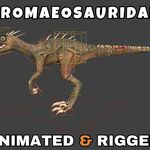
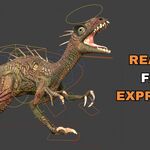
Dromaeosauridae Rigged and Animated 3D Model
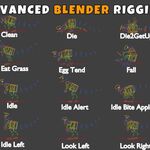
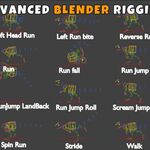
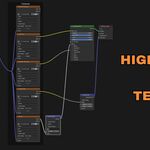
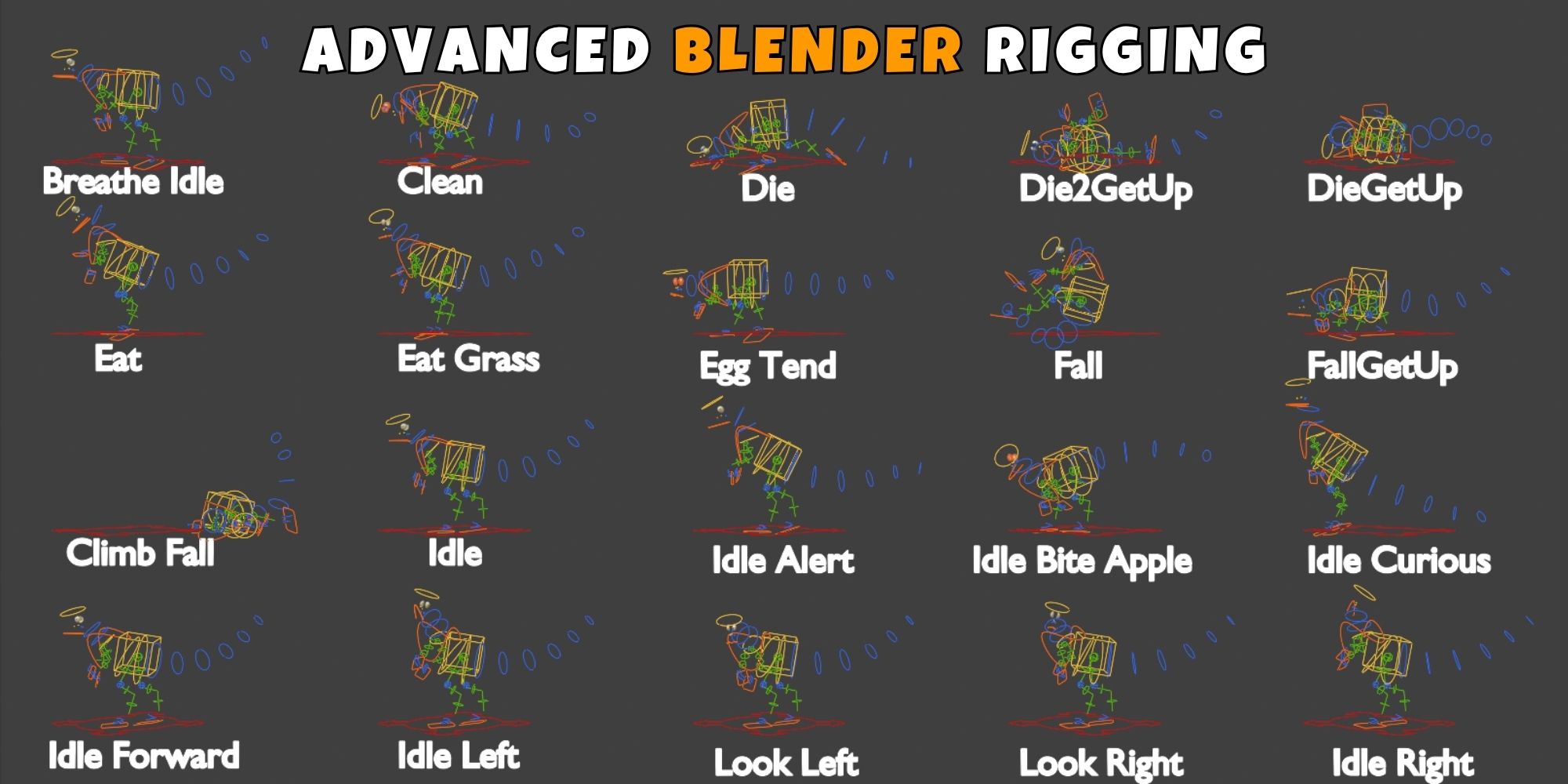
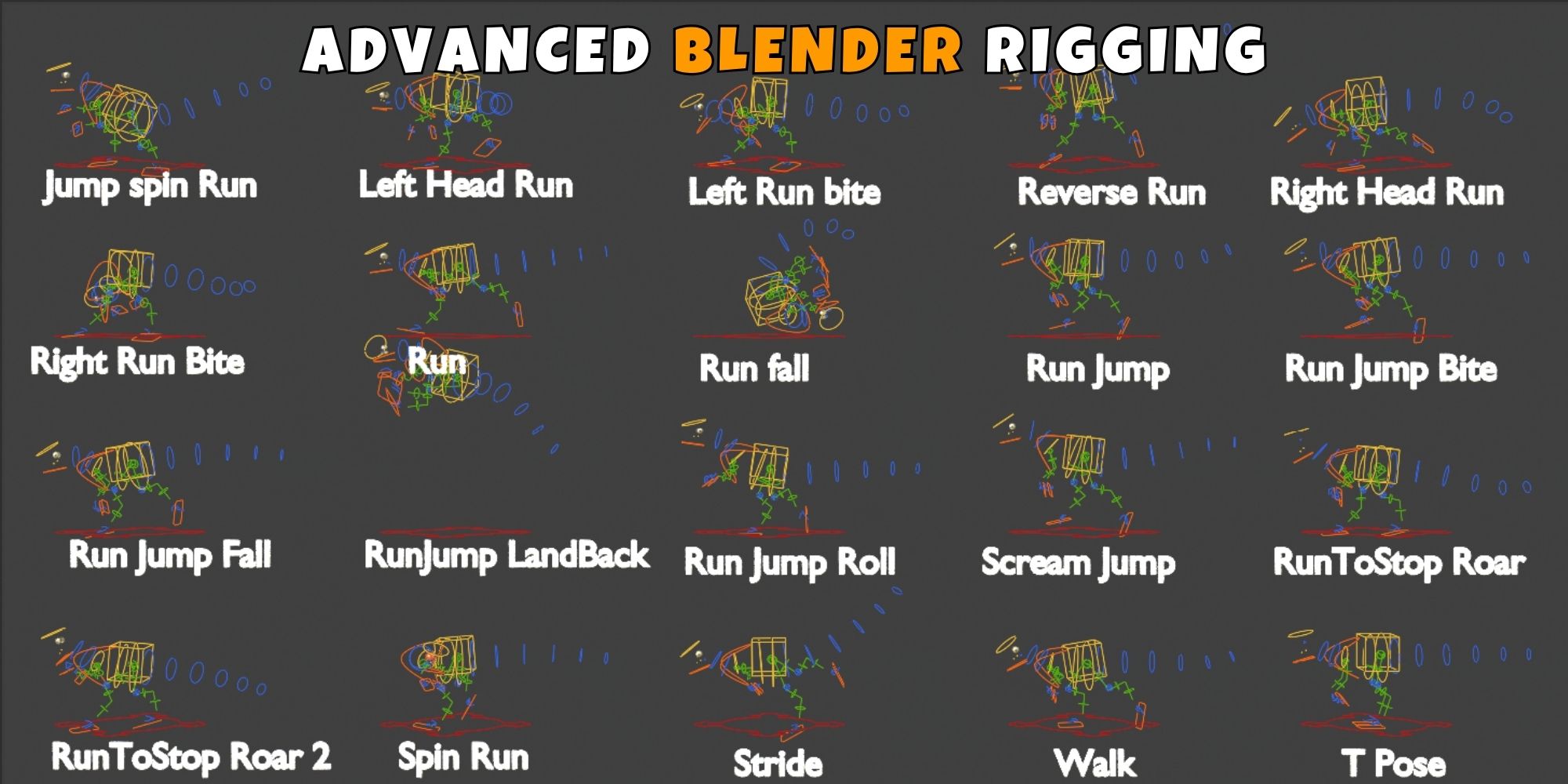
Advanced Blender Rigging:
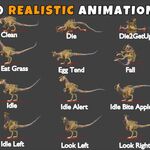
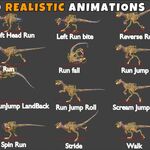
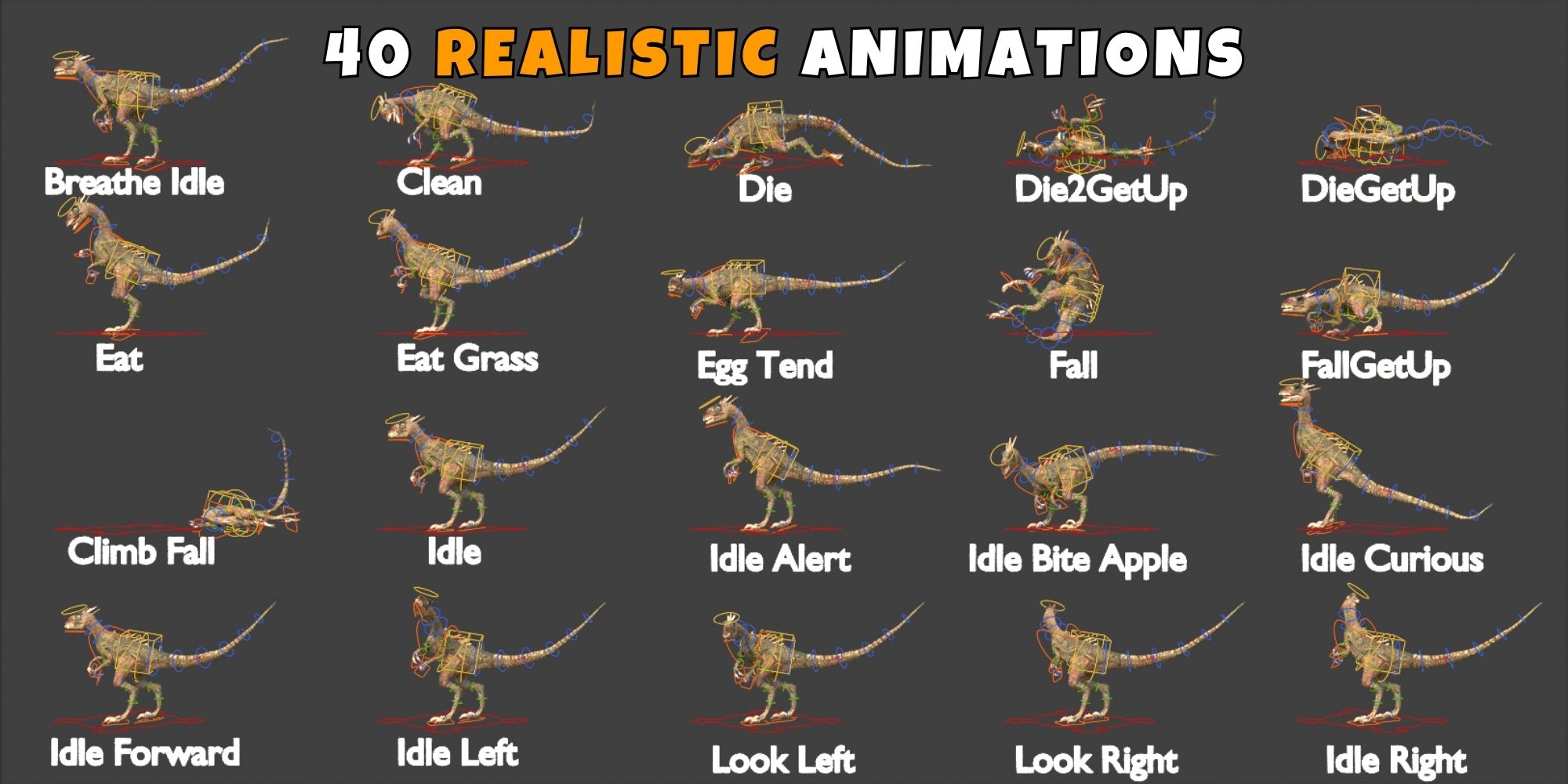
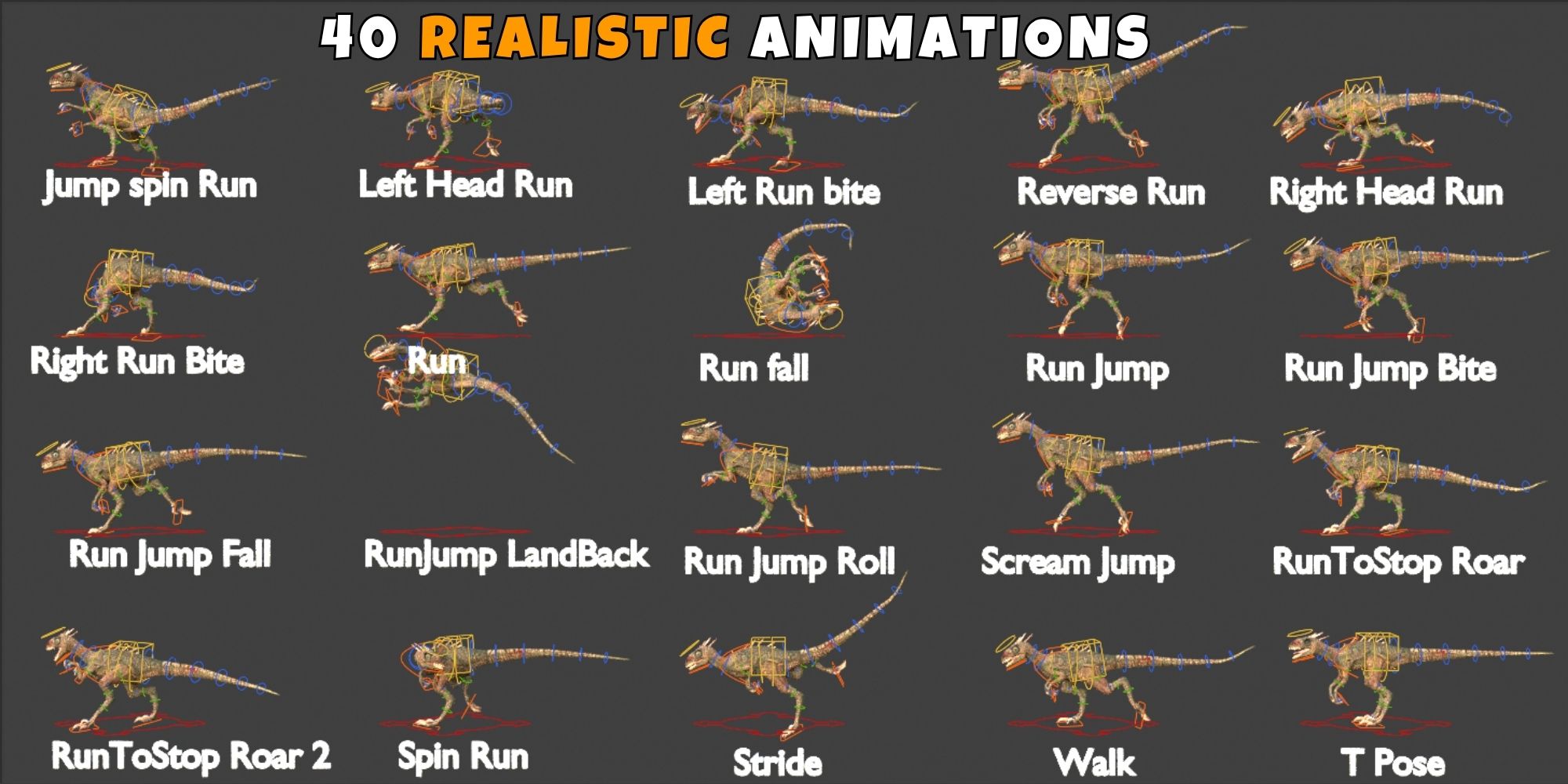
Realistic Dromaeosauridae Rigged and Animated 3D Model Animations:
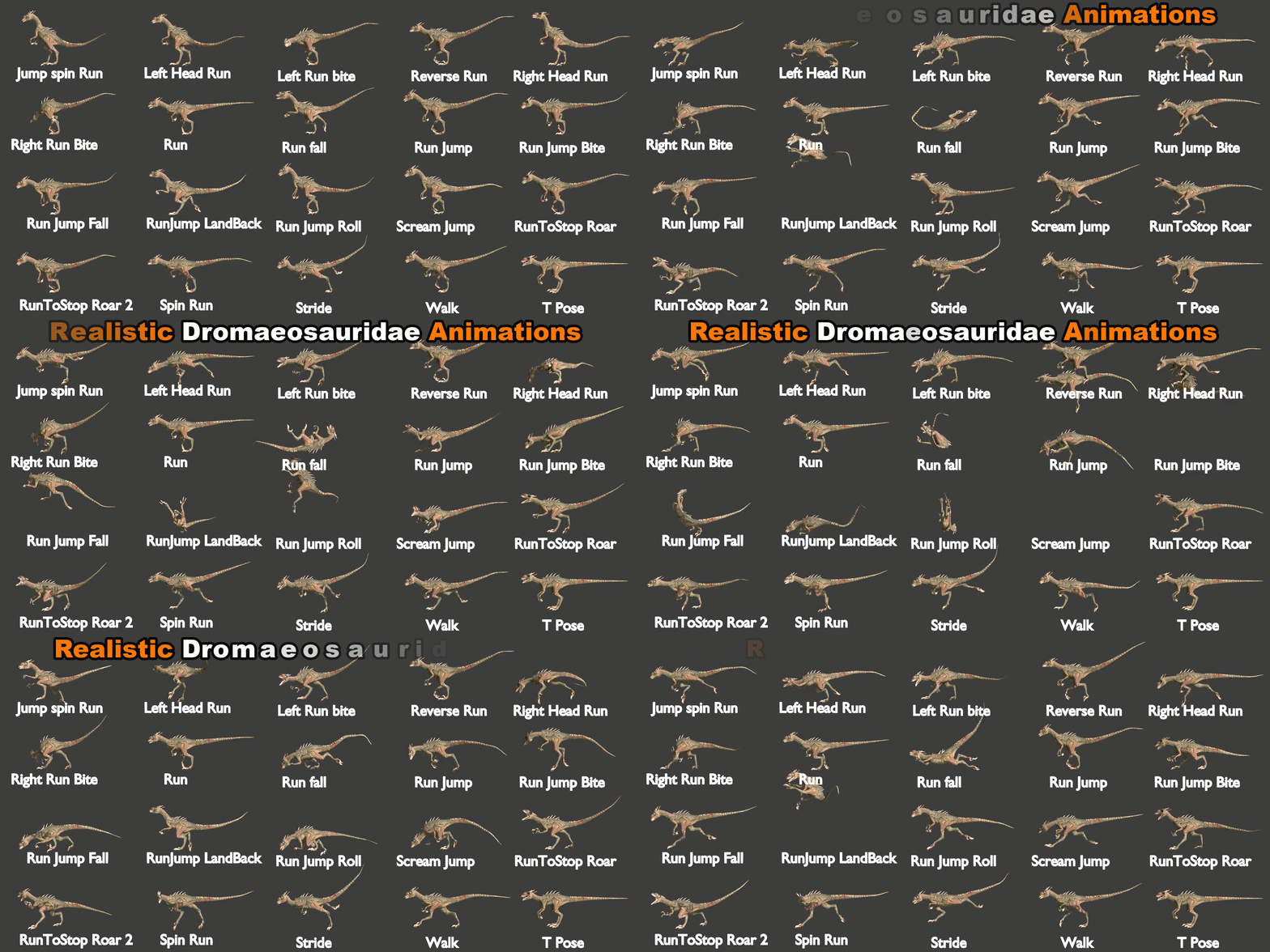
Dromaeosauridae Rigged and Animated 3D Model Animations List:_
Breathe Idle
Clean
Climb Fall
Die
Die2GetUp
DieGetUp
Eat
Eat Grass
Egg Tend
Fall
FallGetUp
Idle
Idle Alert
Idle Bite Apple
Idle Curious
Idle Forward
Idle Left
Idle Right
Jump Spin Run
Left Head Run
Left Run Bite
Look Left
Look Right
Reverse Run
Right Head Run
Right Run Bite
Run
Run Fall
Run Jump
Run Jump Bite
Run Jump Fall
Run Jump Land Back
Run Jump Roll
Run To Stop Roar
Run To Stop Roar 2
Scream Jump
Spin Run
Stride
T Pose
Walk
🚀 Quick Start: Bring Your Character to Life!
Getting your new animated model into your project is a breeze. Follow these 3 simple steps to get rendering in seconds:
1️⃣ Import the Collection
-
For a perfect setup with all meshes, armatures, and materials intact, Append the Collection instead of individual objects.
In your new scene, go to File > Append.
Locate the Dromaeosauridae Rigged And Animated 3D Model.blend file.
Open the Collection folder.
Select "Dromaeosauridae rigged and animated 3D Model_Main" and click Append.
For a perfect setup with all meshes, armatures, and materials intact, Append the Collection instead of individual objects.
In your new scene, go to File > Append.
Locate the
Dromaeosauridae Rigged And Animated 3D Model.blendfile.Open the Collection folder.
Select "Dromaeosauridae rigged and animated 3D Model_Main" and click Append.
2️⃣ Bring in the Animations
-
To ensure every custom movement is available in your new project:
Go to File > Append again (same file).
This time, open the Action folder.
Select all listed animations (e.g., Walk, Attack, Idle) and click Append.
To ensure every custom movement is available in your new project:
Go to File > Append again (same file).
This time, open the Action folder.
Select all listed animations (e.g., Walk, Attack, Idle) and click Append.
3️⃣ Activate & Play!
-
Now, simply "plug in" the animations to the rig:
Select the Armature (the bones) in your 3D view.
Switch your bottom window to the Action Editor (found inside the Dope Sheet).
Click the Browse Action icon (the small picture button).
Pick an animation from the list—your Dromaeosauridae rigged and Animated 3d Model will instantly snap into action!
Now, simply "plug in" the animations to the rig:
Select the Armature (the bones) in your 3D view.
Switch your bottom window to the Action Editor (found inside the Dope Sheet).
Click the Browse Action icon (the small picture button).
Pick an animation from the list—your Dromaeosauridae rigged and Animated 3d Model will instantly snap into action!