 Adrian Kulawik



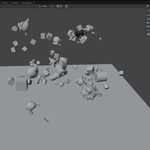
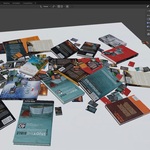
🎨 Drop Cast Painter – Paint Objects with Physics
✨ Key Features
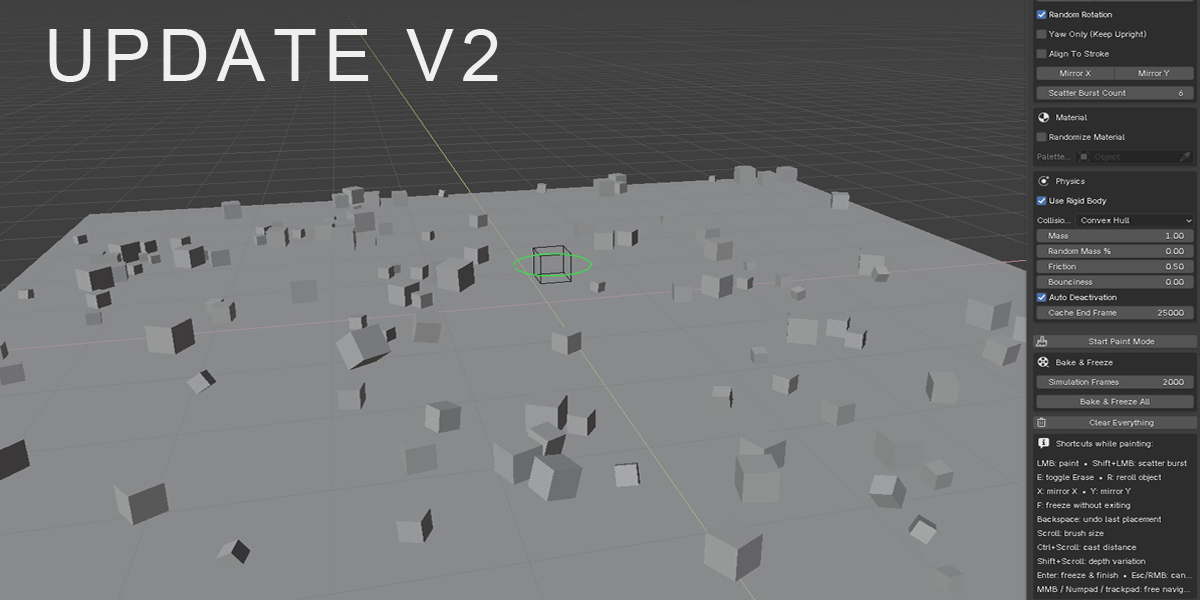
Realtime Painting – place objects in 3D space by simply painting with your mouse.
Rigid Body Physics – every object instantly reacts to gravity and collisions.
Ground Object Support – choose any object as the ground, automatically set as Passive Rigid Body.
Random Rotation – automatically applies random rotations for a natural look.
Brush Size Control – adjust brush size on the fly with the mouse wheel.
One-Click Freeze – press Enter to stop the simulation and lock everything in place.
Organized Collections – all painted objects are stored in a dedicated “Painted_Objects” collection.
🚀 Use Cases
Environment Building – scatter rocks, debris, trees, or logs with natural placement.
Architecture – quickly stack bricks, tiles, or structural details.
Concept Art & Previz – block out complex scenes in minutes.
VFX – create chaotic piles, random scatterings, or collapsing setups with ease.
🛠️ How It Works
Select a Source Collection (objects to paint).
Pick a Ground Object (any mesh that acts as the floor).
Start painting in the 3D View – objects will appear, fall, and settle in real-time.
Press Enter to freeze and continue working on your scene.
📦 Included
Drop Cast Painter Addon (Blender 4.5+)
Simple and intuitive UI in the 3D View Sidebar
Free updates and improvements in future versions
👉 Drop Cast Painter saves hours of manual placement – paint objects with physics and let Blender handle the chaos.