 bgtx
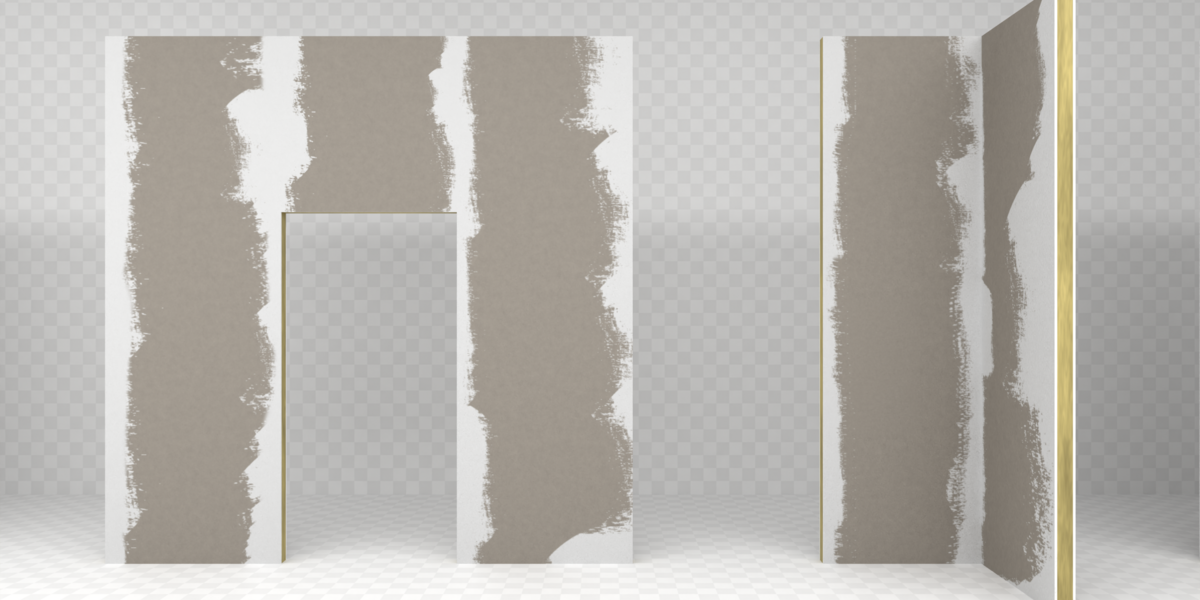
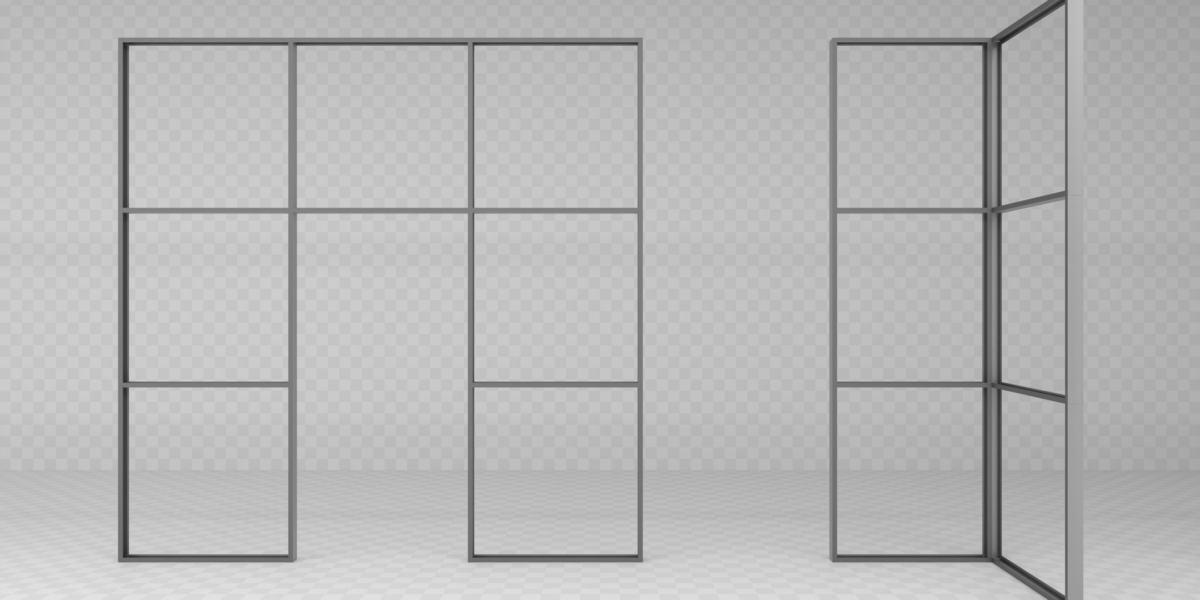
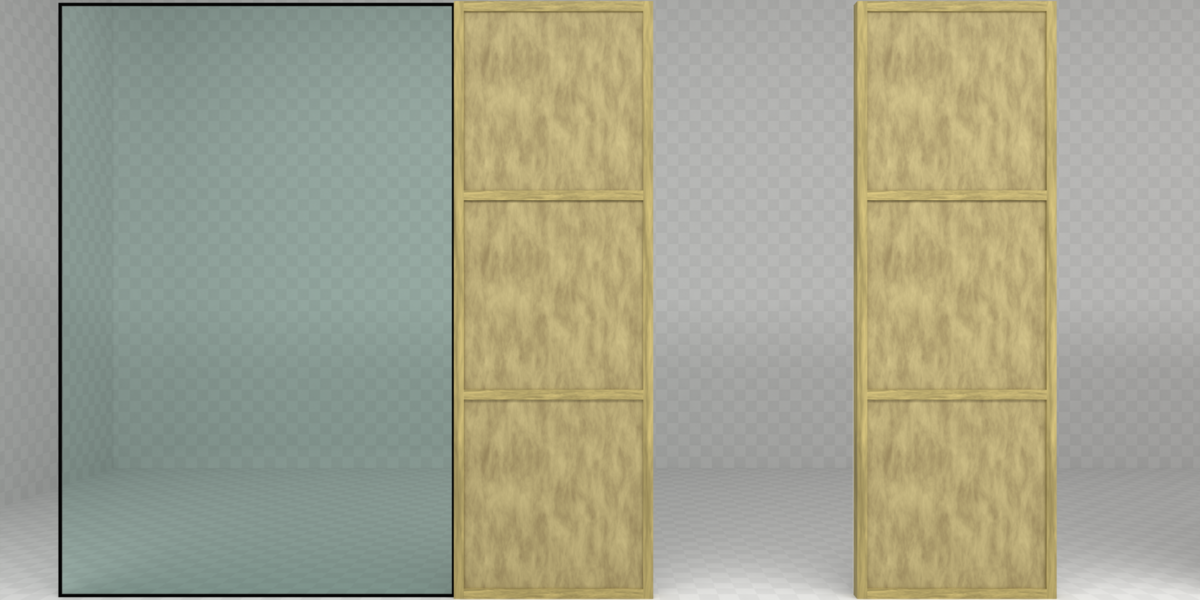
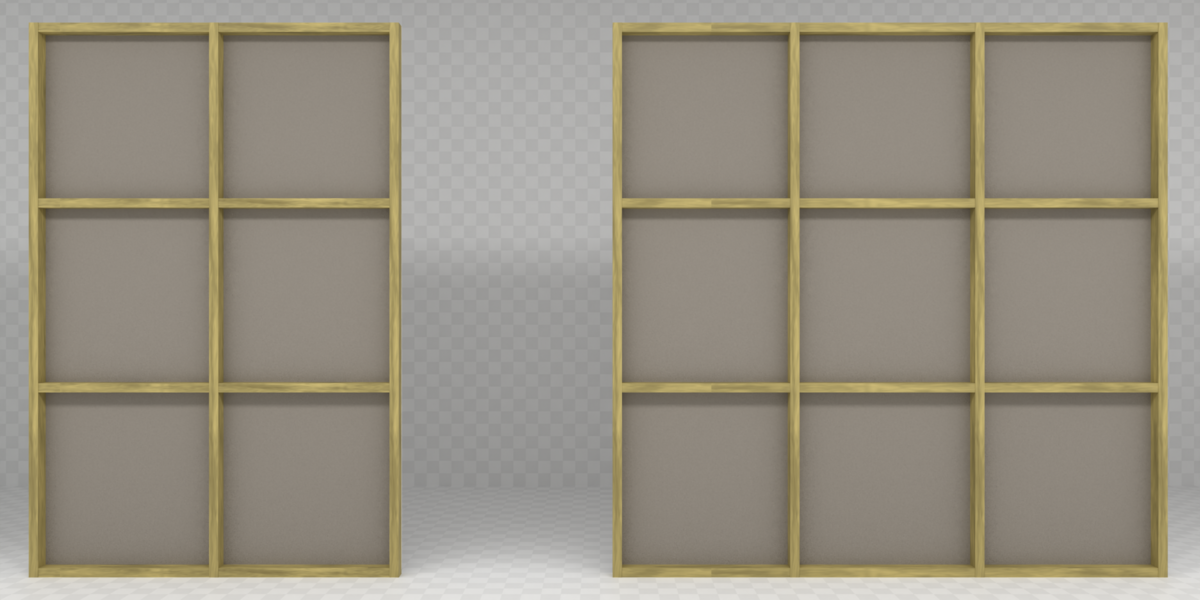
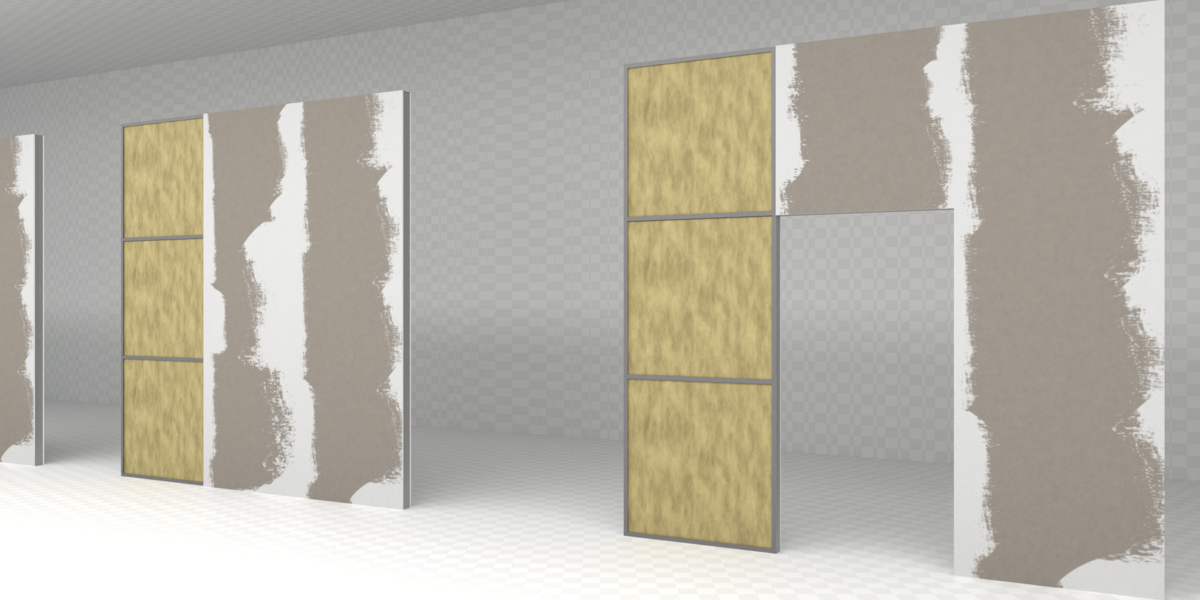
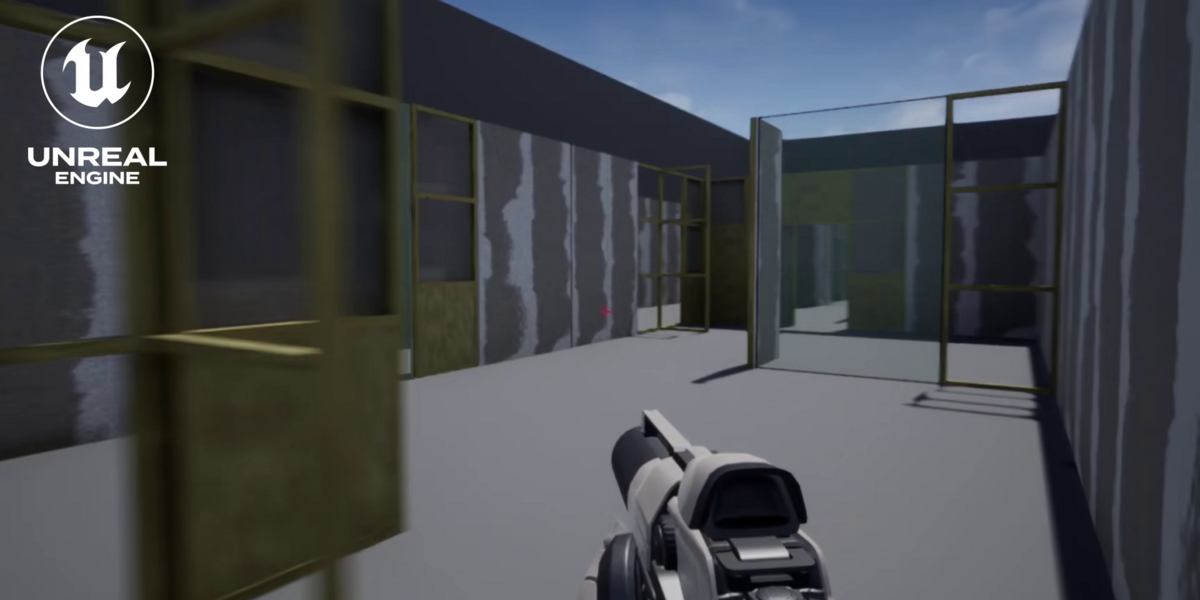
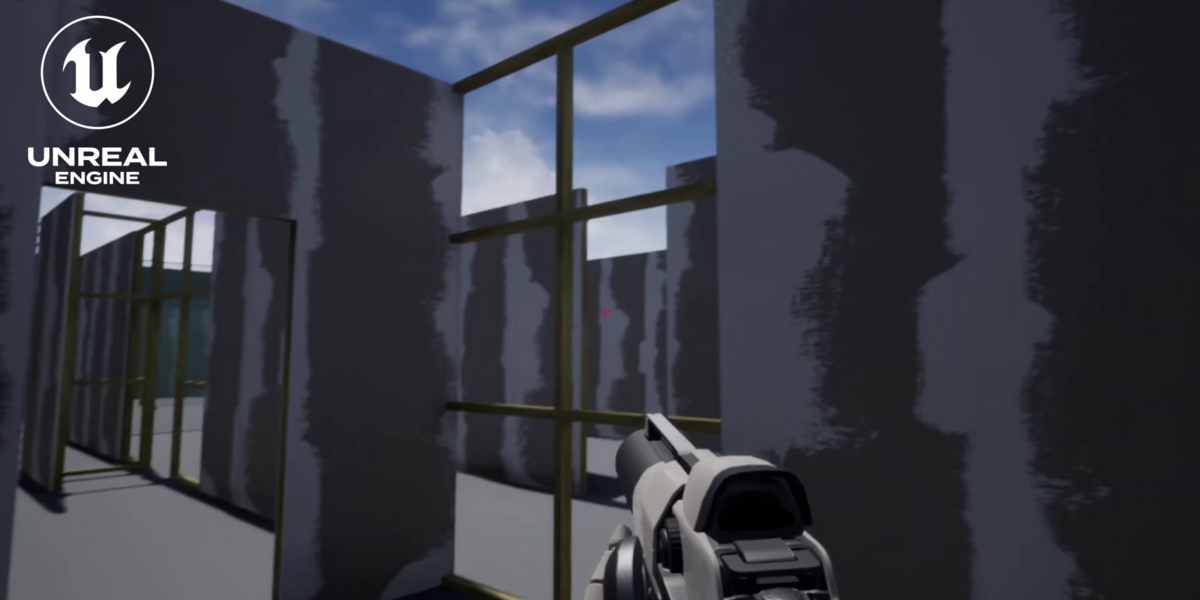
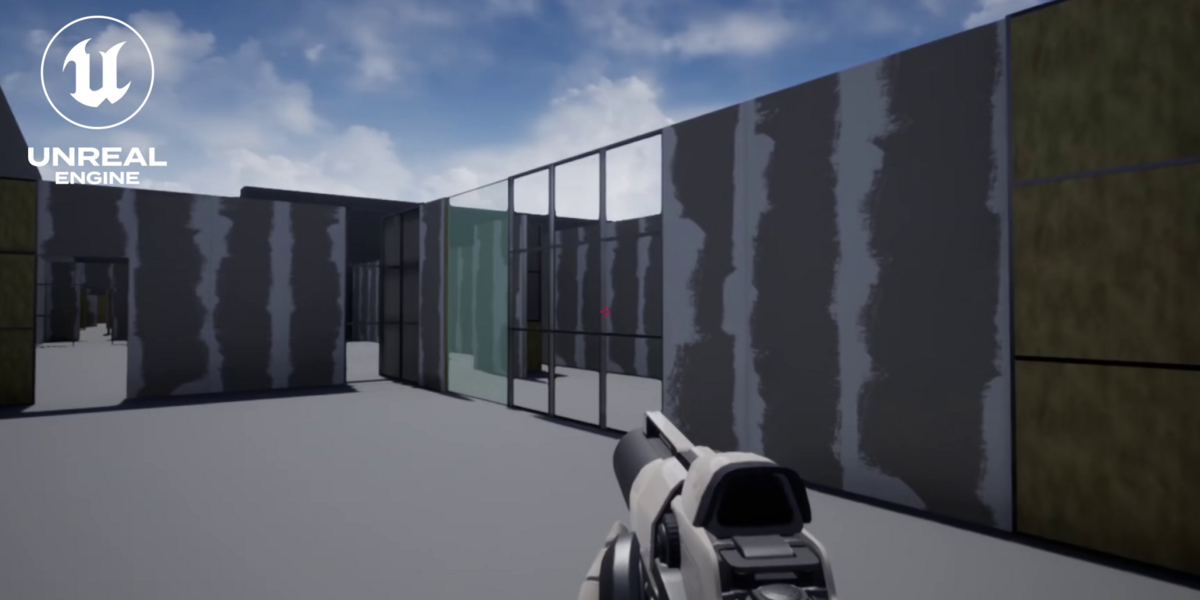
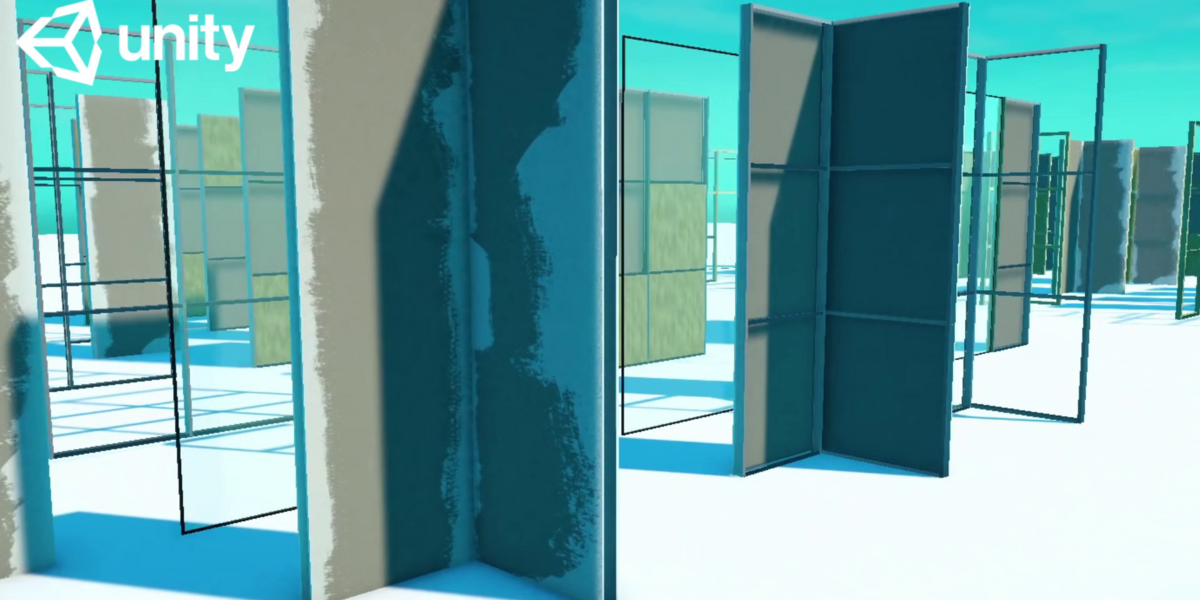
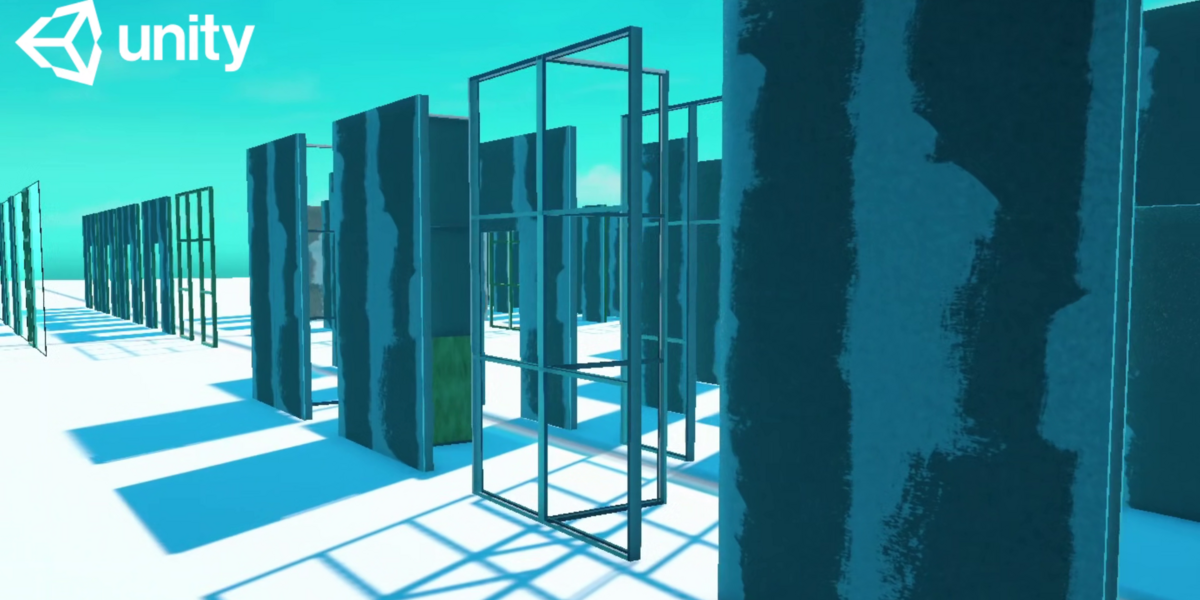
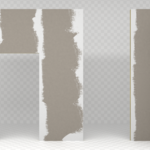
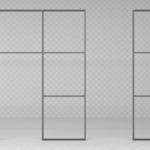
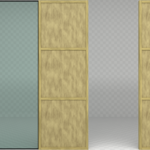
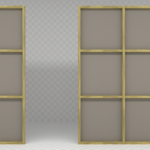
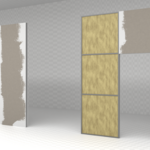
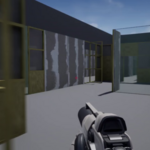
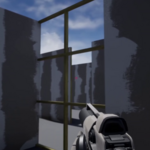
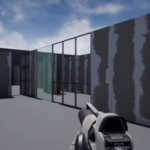
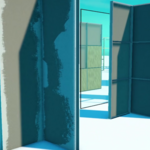
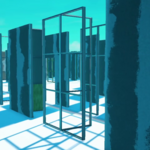
A modular drywall wall kit for creating interiors, rooms, and game environments. The collection includes walls with wooden and metal frames, insulated wall sections, and different levels of construction openness.
The modules can be combined to quickly create rooms, partitions, corridors, and other structures. The kit includes straight walls of different lengths, walls with door openings, glass sections, as well as L-Type and T-Type elements.
Contents
Two frame types:
Wooden frame
Metal frame
Wall openness variants:
Closed — fully enclosed wall
Open25 — 25% open
Open50 — 50% open
Open75 — 75% open
Open100 — fully open frame
Module sizes and types:
1 m
2 m
3 m
3 m + door opening
1 m + 2 m glass section
L-Type — 1 × 1 m
T-Type — 2 × 1 m
All walls are 3 m high.
Formats
The collection includes separate FBX files for use in Unity and Unreal Engine:
Drywall_construction_kit_Wood_Unity.fbxDrywall_construction_kit_Wood_UE.fbxDrywall_construction_kit_Metal_Unity.fbxDrywall_construction_kit_Metal_UE.fbx
A Textures folder with the required textures is also included.
Collision
Unreal Engine:
The FBX files contain
separate collision meshes named with the UCX_
prefix, prepared for use in Unreal Engine.
Unity:
Collisions are set up for use through
the Mesh Collider component and Unity Inspector settings.
To configure collisions after importing an FBX file into Unity:
Select the required FBX file in the Project window.
In the Inspector, enable Read/Write, Generate Colliders, and Pre-Bake Convex Collision.
Materials
Unity:
After importing the textures into the project folder, select the M_Glass material. In the Inspector, set the Surface Type parameter to Transparent to ensure correct rendering of glass surfaces.
UVs
Each mesh has two UV channels:
UV Channel 0 — for textures
UV Channel 1 — for lightmaps
For Unreal Engine 4.27.2, the Lightmap UVs are already prepared in
the FBX files. In the Static Mesh Editor, Generate Lightmap
UVs should be disabled, and Source Lightmap Index
should be set to 1.
Compatibility & Testing
The kit has been tested in the following engine versions:
Unreal Engine 4.27 https://youtu.be/LsKMIw7LtSU
Unreal Engine 5.8 p { margin-bottom: 0.25cm; line-height: 115%; background: transparent }a:link { color: #000080; text-decoration: underline }https://youtu.be/3Cb-4bsl9fE
Unity 6.6 https://youtu.be/nN7kvnJ2sJo
Suitable for
The kit is suitable for creating:
game interiors;
offices and commercial spaces;
construction and industrial environments;
rooms and partitions;
temporary and unfinished interiors;
architectural scenes;
level prototypes;
modular level design.
The modular system allows you to quickly build structures from ready-made elements without the need to model each wall separately.