Dust Maker
 Blender Procedural
How to Use
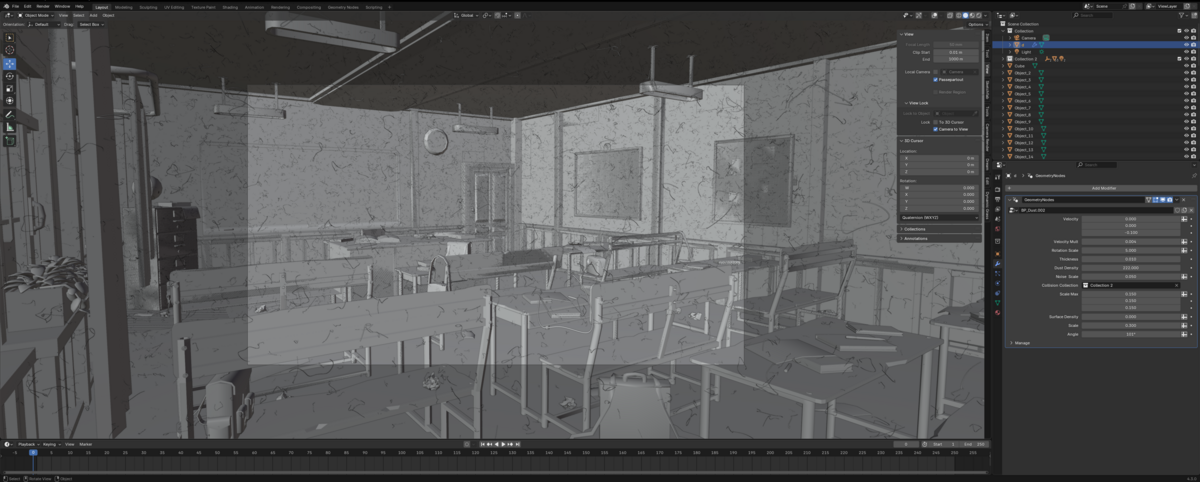
- Append the Dust Maker Modifier
Go to File > Append and select the BP_Dust file to import into your project. - Prepare Your Scene
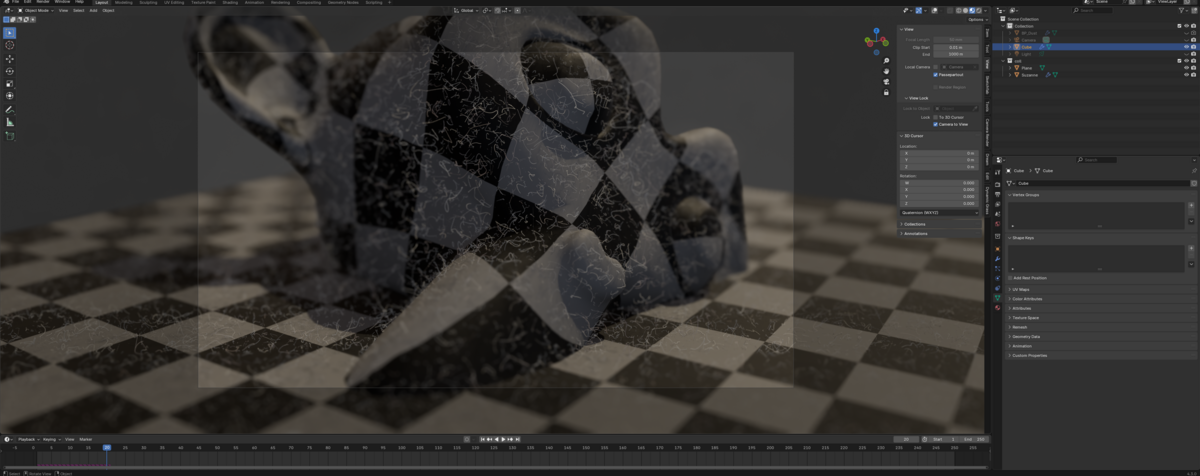
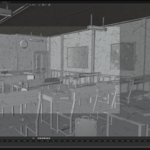
Create a cube (or any object) matching the size of your scene to act as the dust container. - Apply the Geometry Nodes Modifier
Select your object, then apply the Geometry Nodes Modifier and set it to BP_Dust. - Set the Collision Collection
Choose the Collision Collection in the modifier panel to specify where dust particles should interact or avoid. - Simulate the Dust
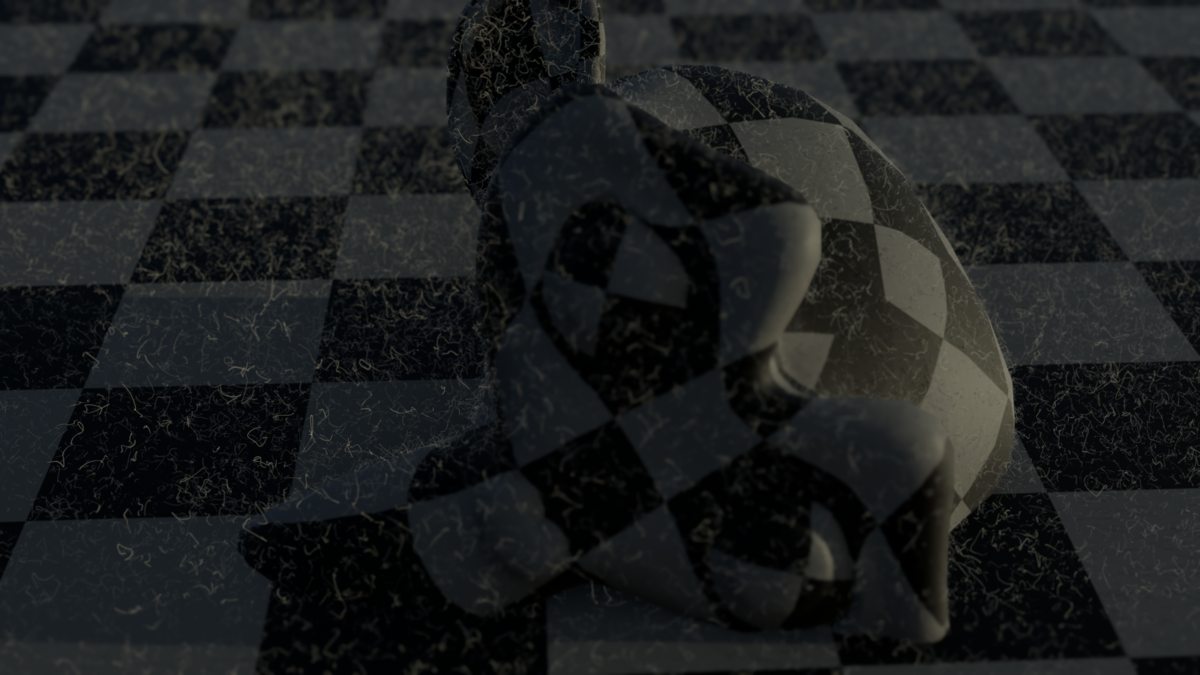
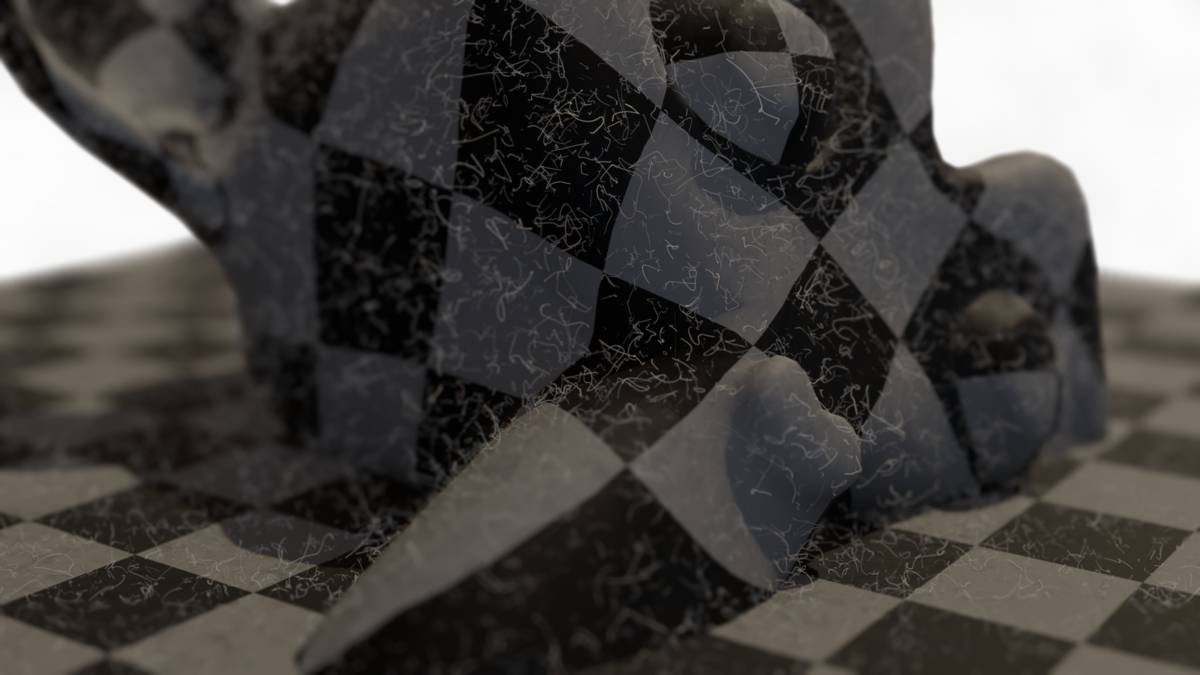
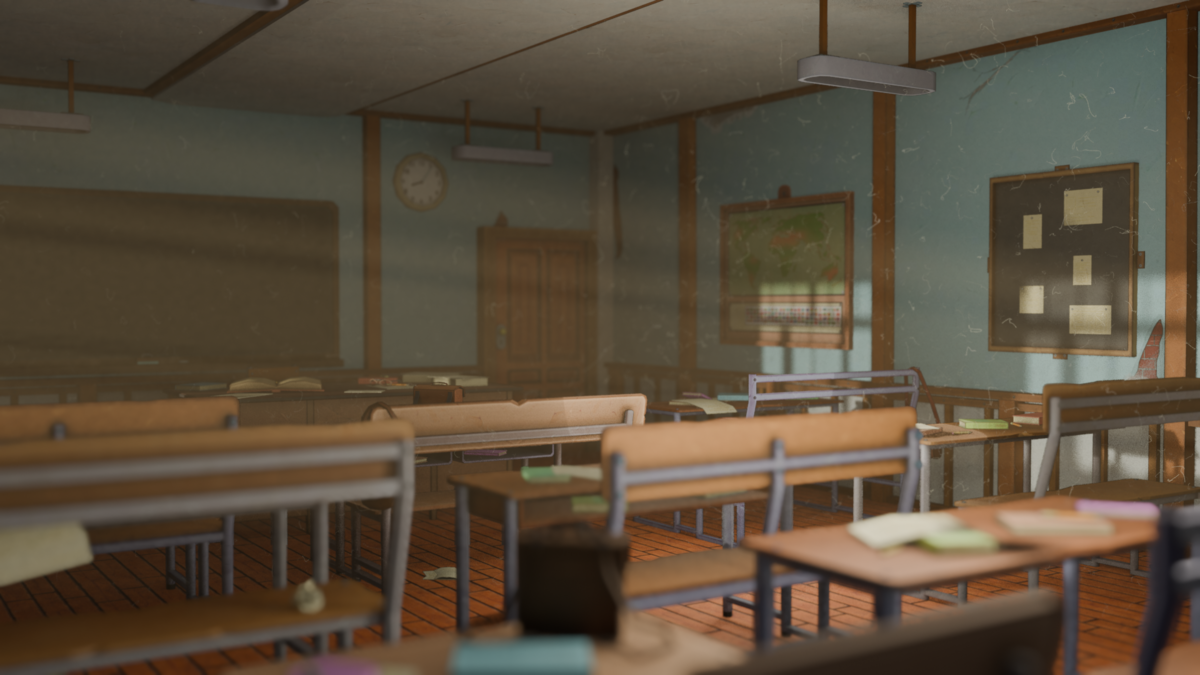
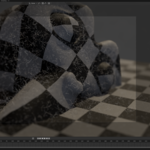
Press Play to start the simulation and see the realistic dust particles fill your scene.
Customization Options
- Velocity: Adjust the speed and direction of particle movement.
- Rotation Scale: Control how much particles rotate in the air.
- Dust Density: Define how many particles appear in your scene.
- Collision Collection: Specify objects that will interact with or block the dust.
- Noise Scale: Add randomness for a natural look.
- Thickness & Surface Density: Perfect for tailoring the effect to your project.
Why Choose Dust Maker?
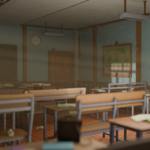
Whether you're creating an eerie atmosphere for a horror scene, a dreamy ray-filled room, or adding subtle details to a cinematic shot, Dust Maker delivers unmatched quality with intuitive controls.
Get started with Dust Maker today and elevate your renders to the next level!
Have questions about this product?
Login to message
| Sales | 60+ |
| Published | almost 2 years ago |
| Blender Version | 4.0 - 5.3 |
| Render Engine Used | Cycles, Eevee |
| License | Royalty Free |