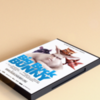
Dvd And Box 3D Model
 Daniel I. Ordonez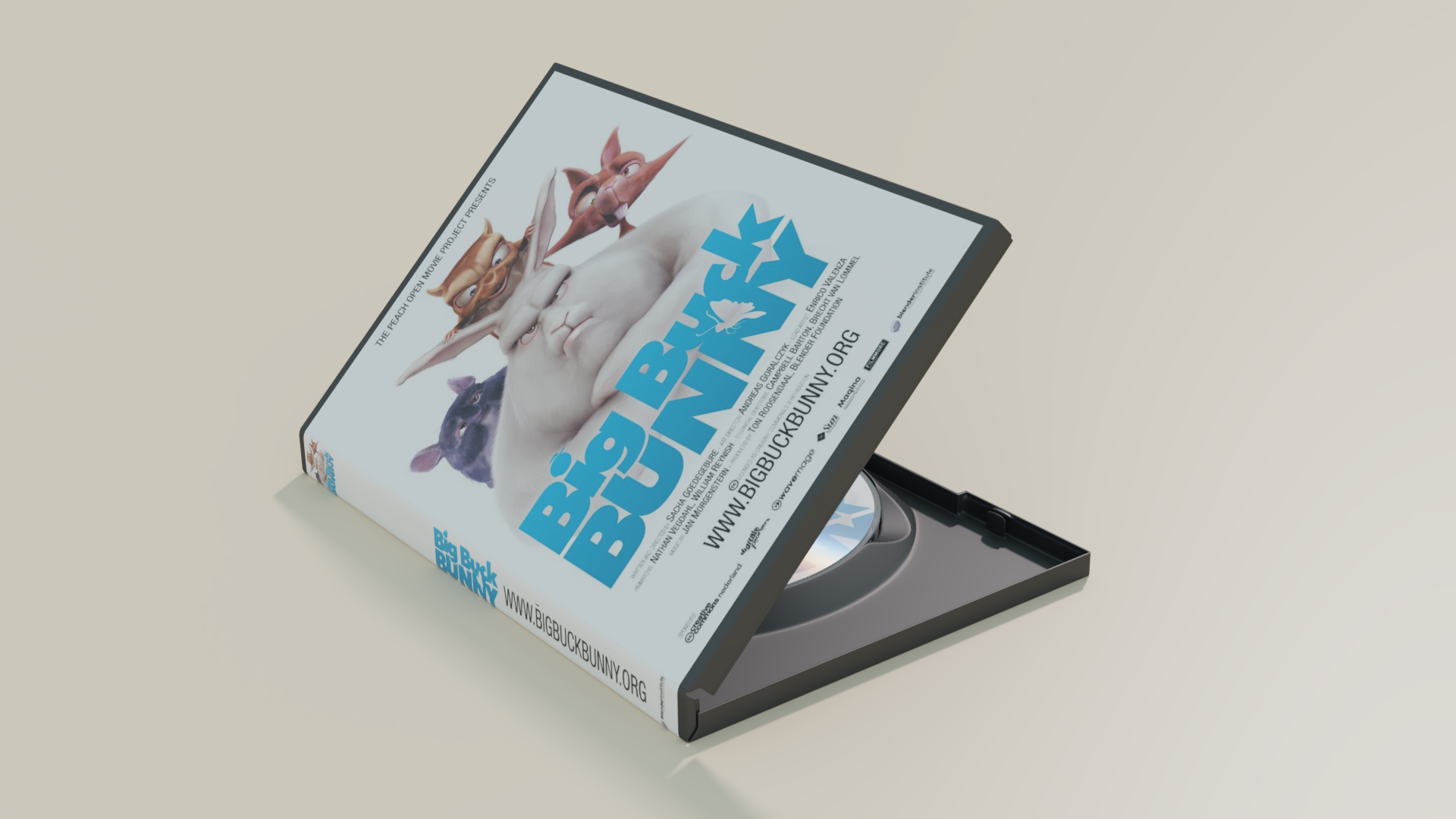


--- Appending into a Scene ---
1 Open the .blend file of your scene
2 press Shift F1 or File -> Append
3 find this .blend and select it
4 go into Group
5 select DVD_and_Box_Group_00
6 press "Link/Append from Library"
---Editing Textures---
In the folder's directory, there is a folder called Textures. In the folder you will find two Gimp files: "Box Image Edit.xcf" and "DVD Image Edit.xcf"
In the Gimp files are layers corresponding to the texture location on the models. Select a layer and place image to desired layer.
(When exporting, remember to overwrite image to corresponding .png file: "Box Image.png" and "DVD Image.png")
$15
Have questions about this product?
Login to message
| Sales | 10 |
| Dev Fund Contributor | |
| Published | almost 9 years ago |
| Blender Version | 5.2 |
| Render Engine Used | Cycles |
| License | Creative Commons |