 ZEG

Installation
In Blender open Edit, Preferences, Get Extensions, then use Install from Disk and pick the headphone_speaker_generator zip.
Usage
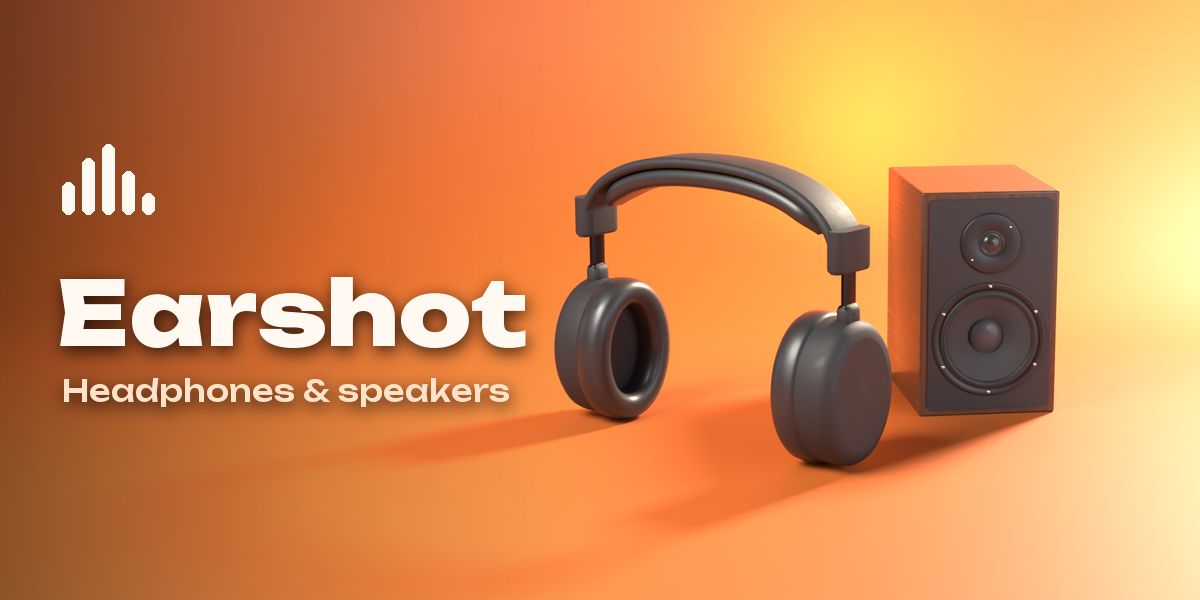
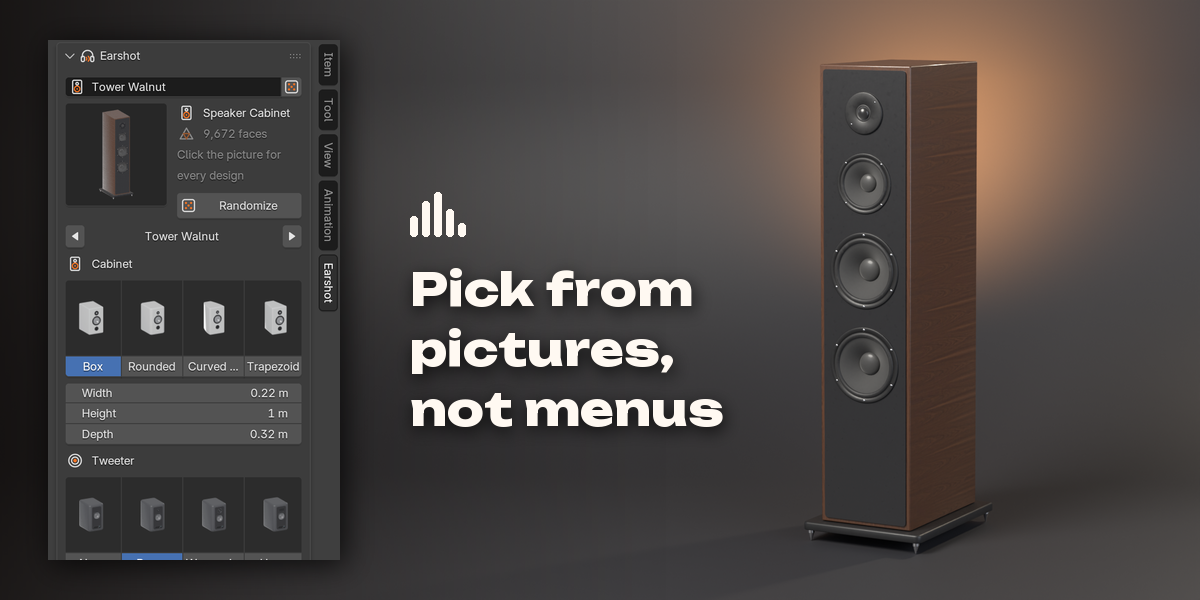
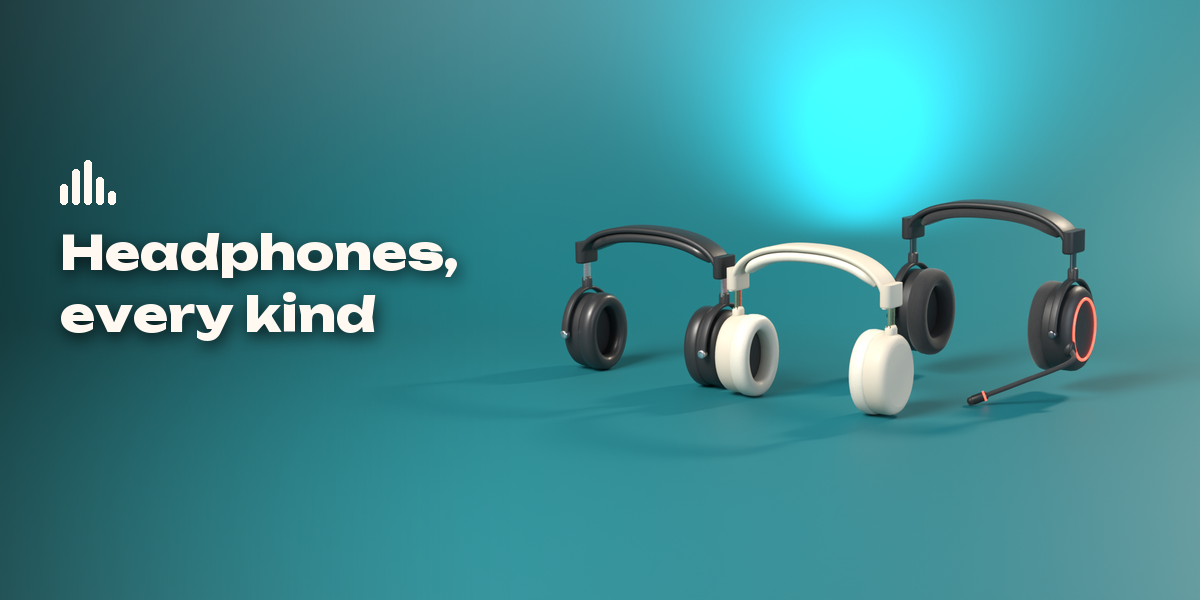
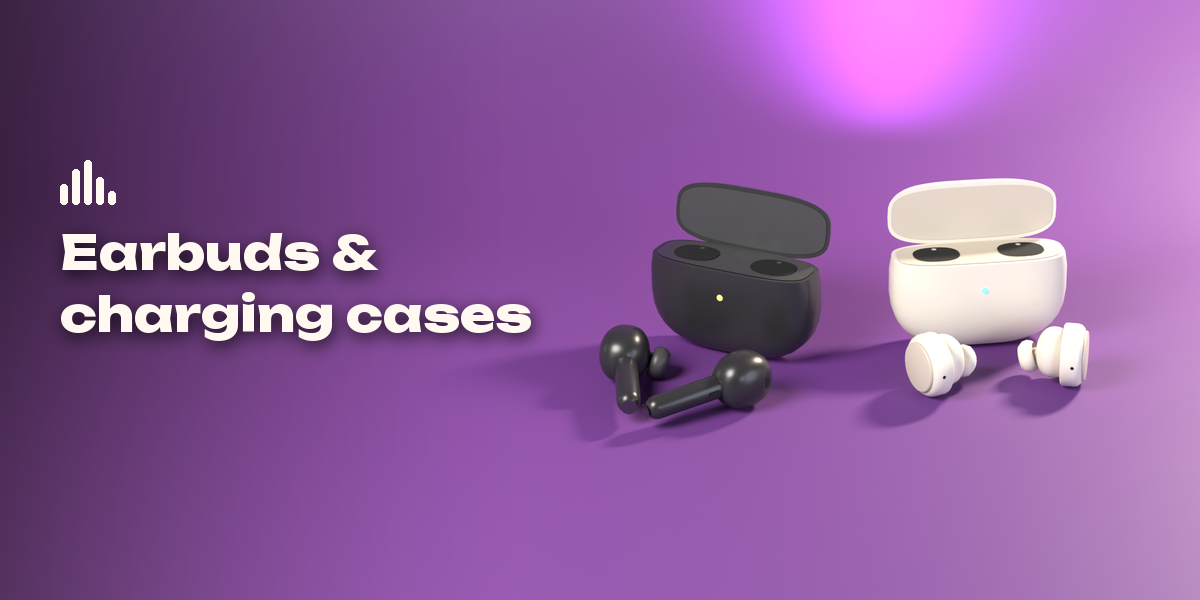
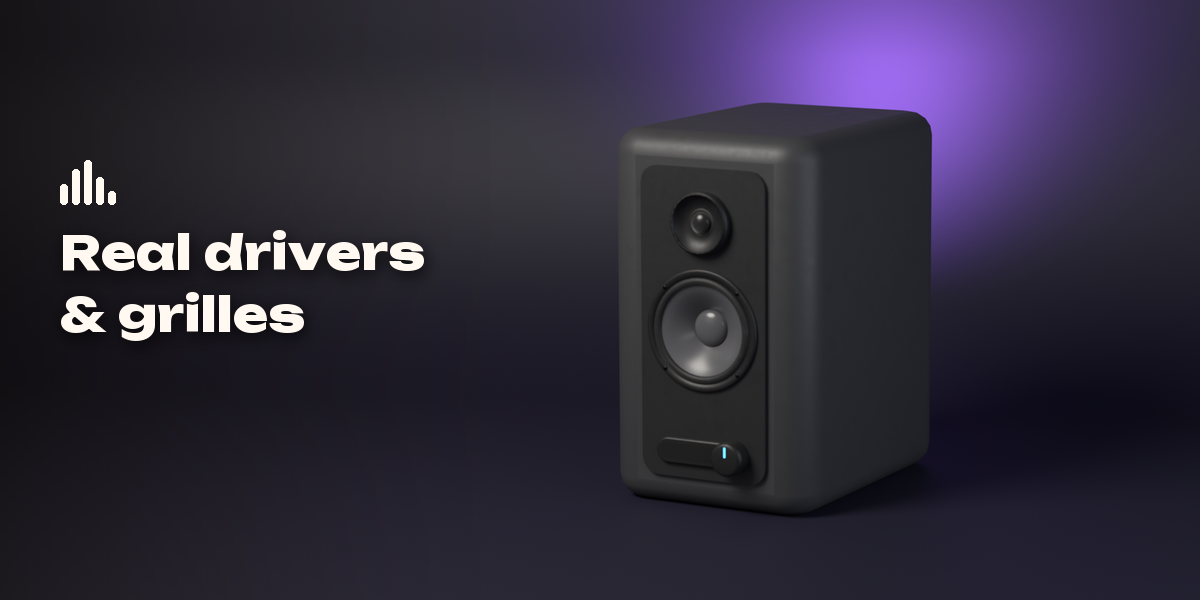
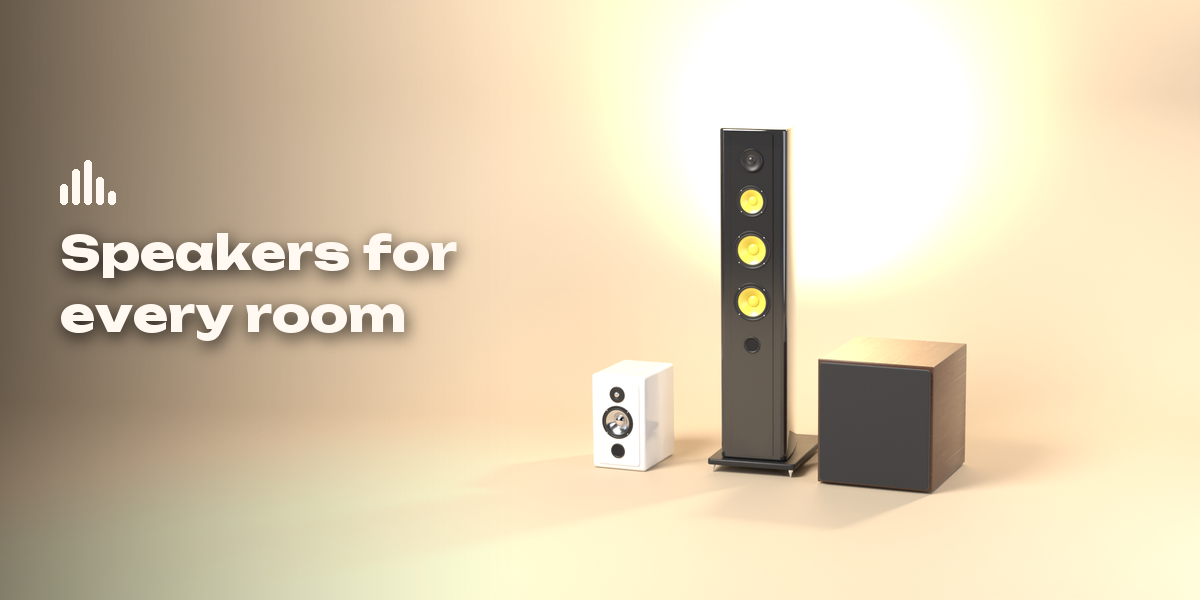
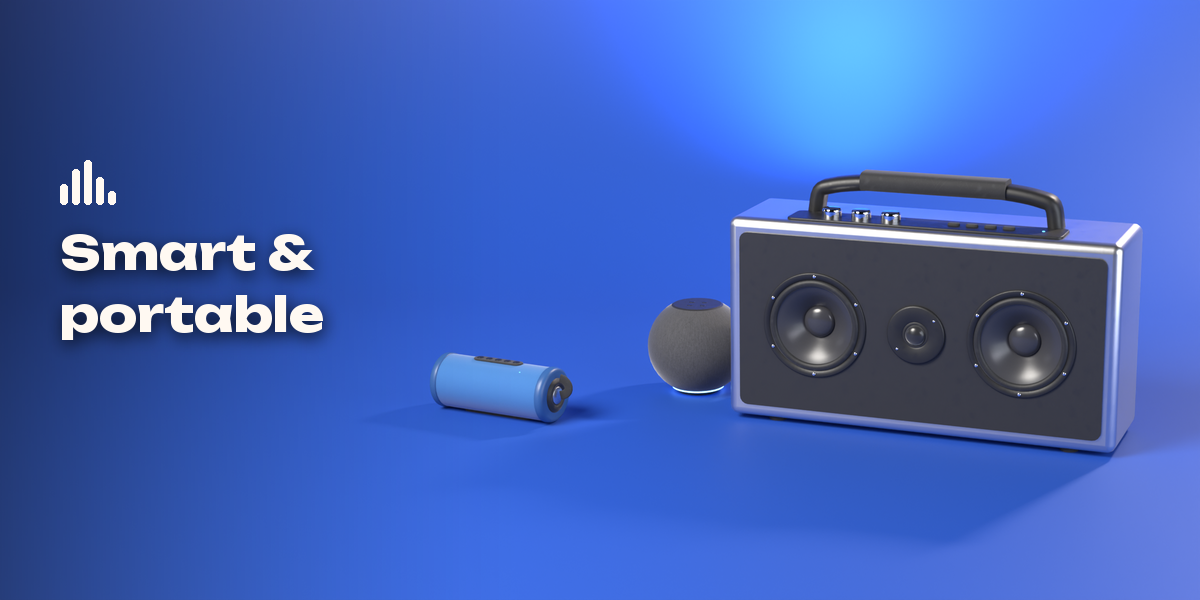
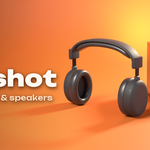
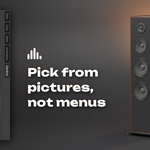
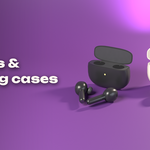
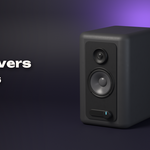
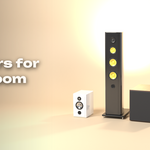
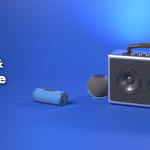
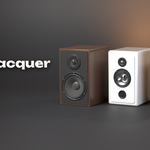
- Open the Earshot tab in the 3D viewport sidebar (N). With nothing selected, pick a family (Headphones, Earbuds, Speakers), click the picture to choose a design from the gallery and press Add. You can also use Shift+A, Mesh, Earshot, or Add Random.
- With a design selected, the same tab edits it: click the design picture or use the arrows to switch designs, press Randomize for another design of the same family.
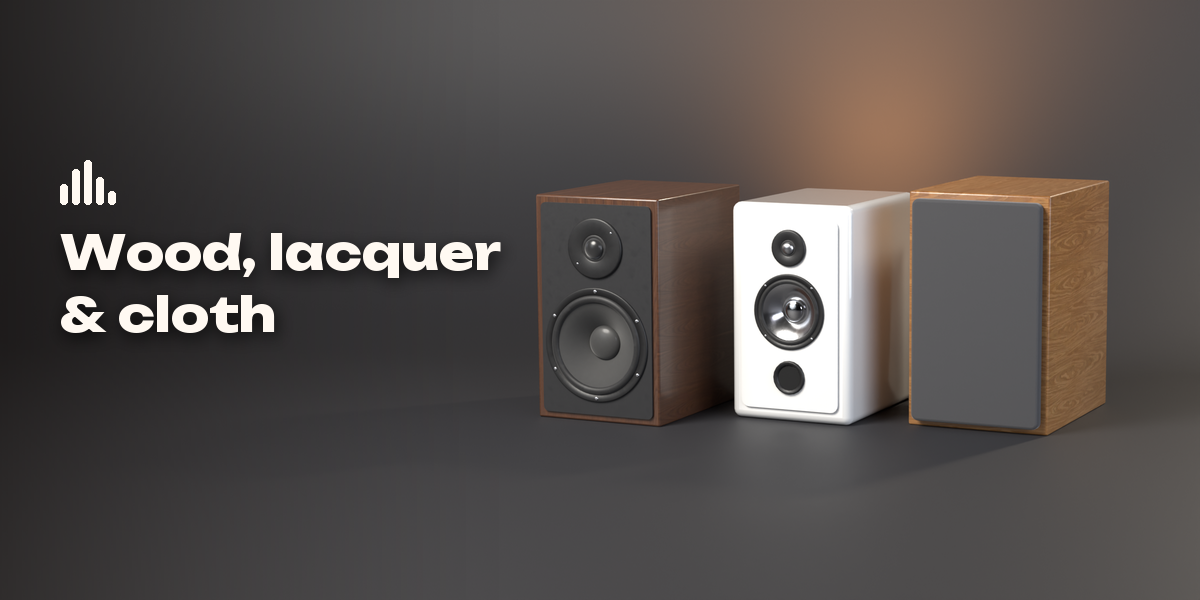
- Click the picture buttons to change shapes (cups, headband, bud style, case, cabinet, tweeter, grille...) and open the collapsible sections for sizes, drivers, ports, feet, handles, lights, mic and cable.
- Colors and Materials sets the body finish, wood, cushions, fabric, cones and metal.
- Make Static keeps the mesh as a plain object; Delete removes the design and its own materials.
Have questions about this product?
Login to message
| Blender Extension Compatible | Yes |
| Published | 2 days ago |
| Blender Version | 4.2 - 5.2 |
| Extension Type | Add-on |
| Render Engine Used | Cycles, Eevee |
| License | GPL |

Discover more products like this
gadget procedural speaker soundbar hifi headphones earbuds props audio Electronics Generator subwoofer