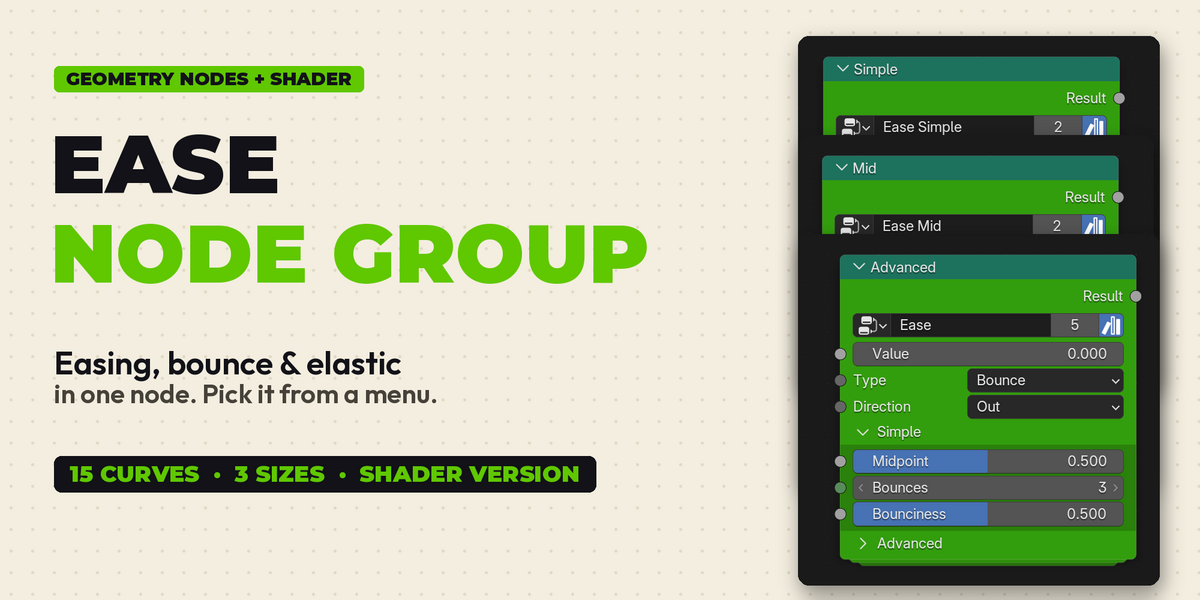
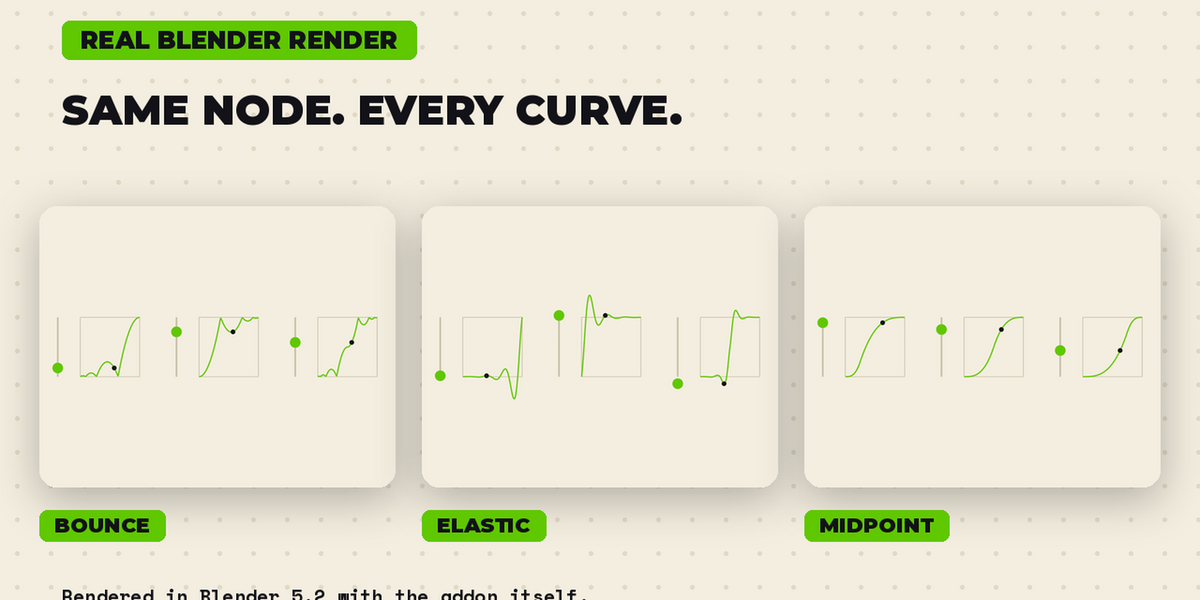
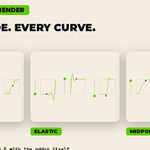
Ease Node Group: Easing, Bounce & Elastic for Geometry Nodes + Shader
 BENNODES

Quick start
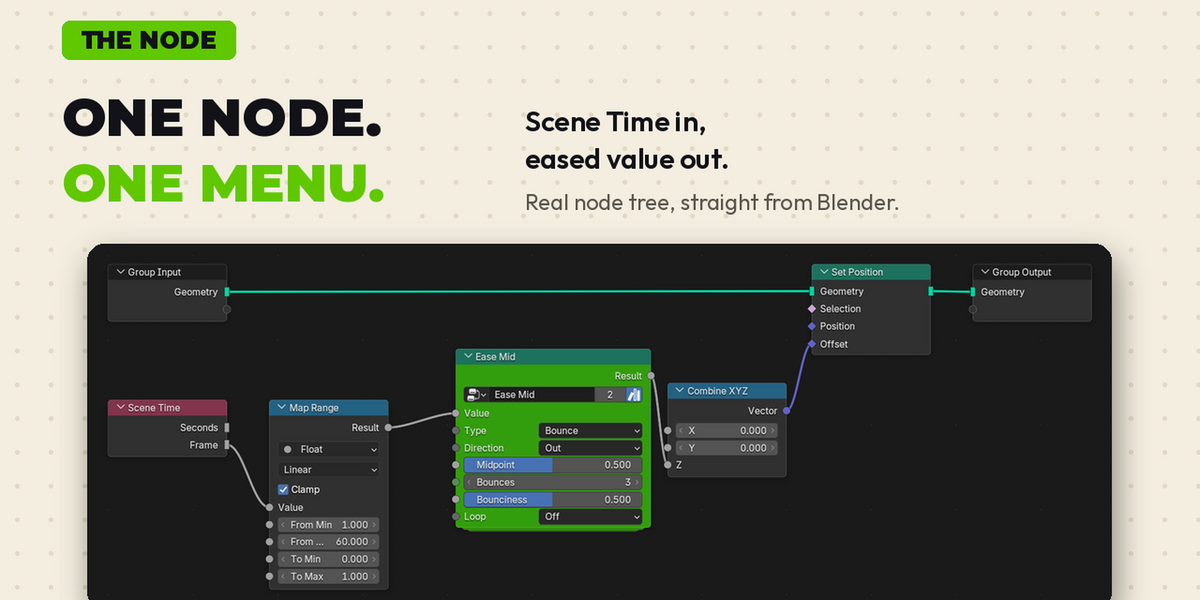
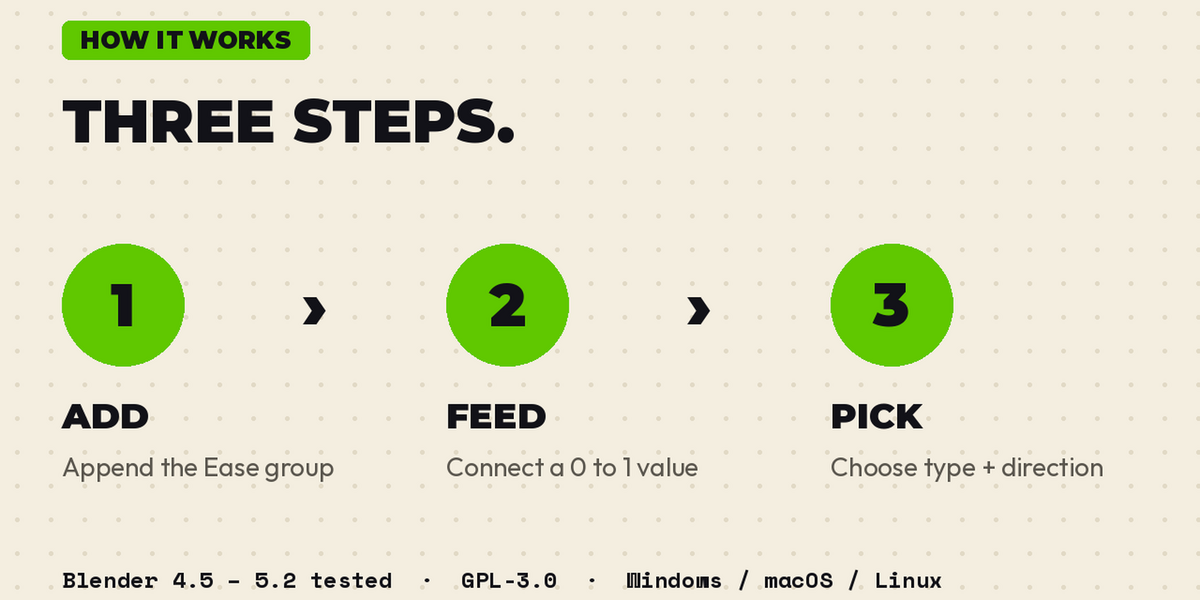
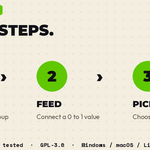
- Open Ease.blend (File > Append > Node Groups > Ease). Add a Geometry Nodes modifier and put Ease in it, or add it in the node editor with Shift+A > Group.
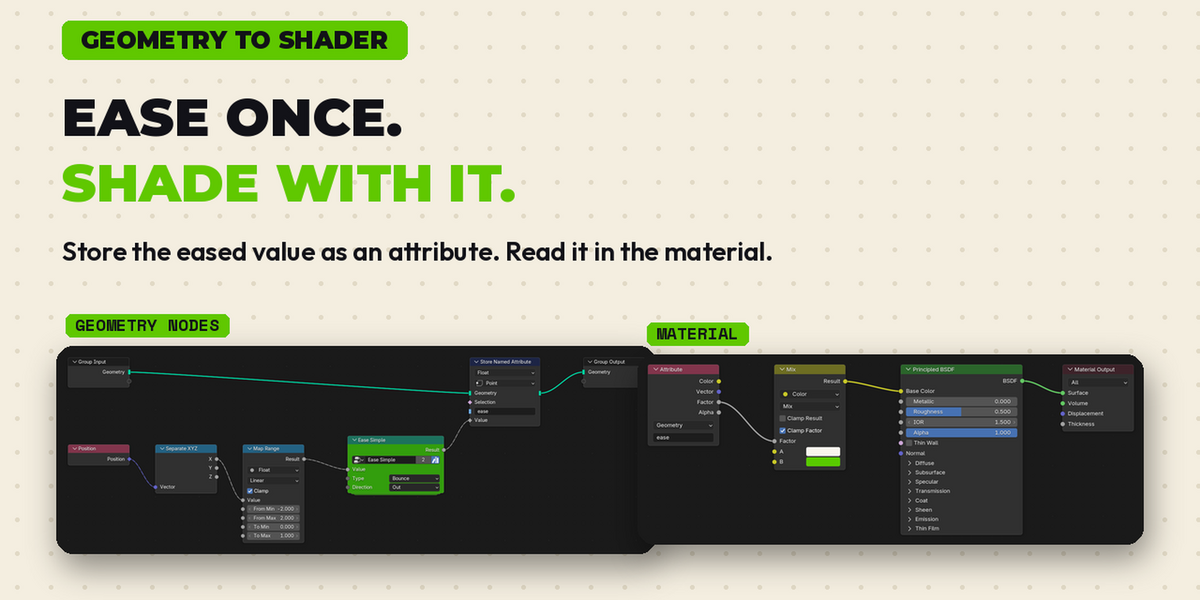
- Connect any 0 to 1 value to Value (Value node, frame / frame count, Index / Count, a driver).
- Pick Type and Direction. Read the eased number from Result.
Settings
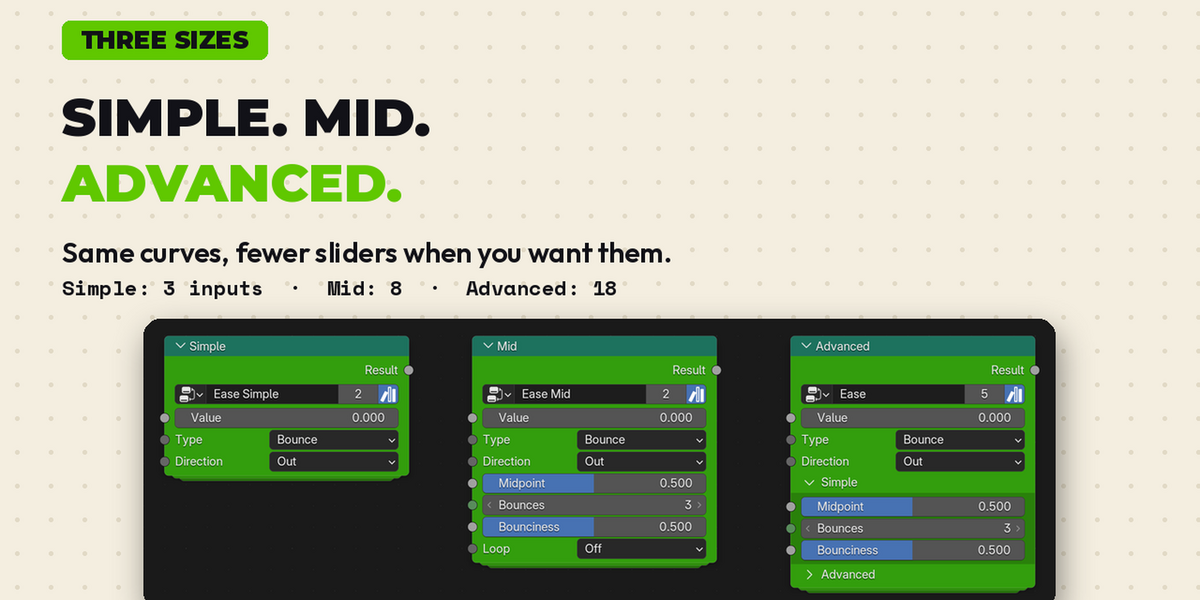
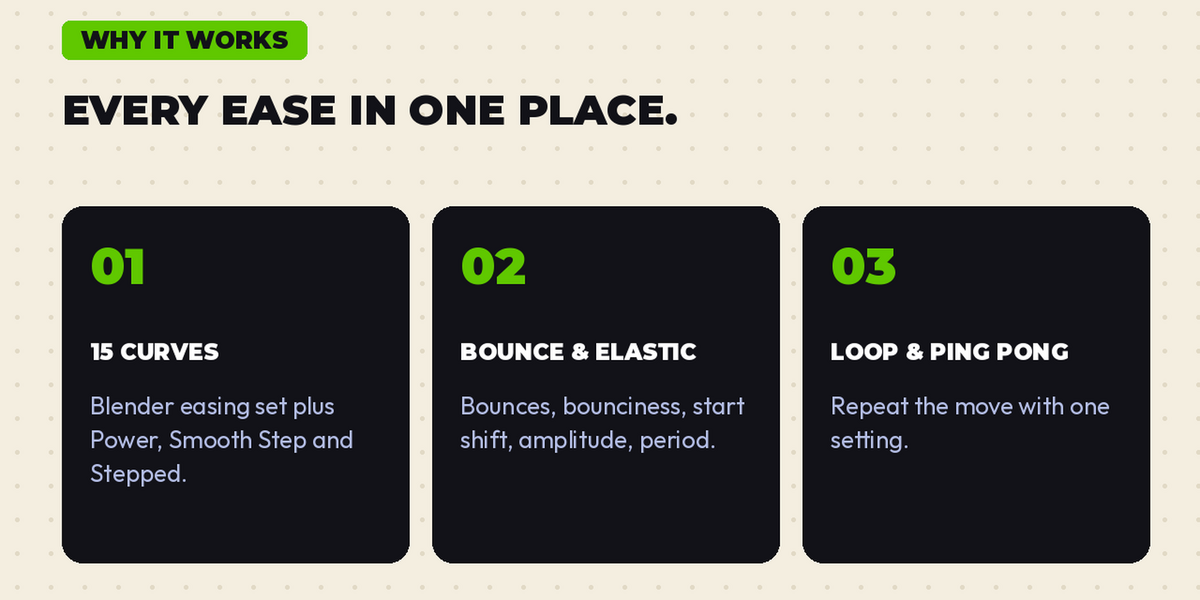
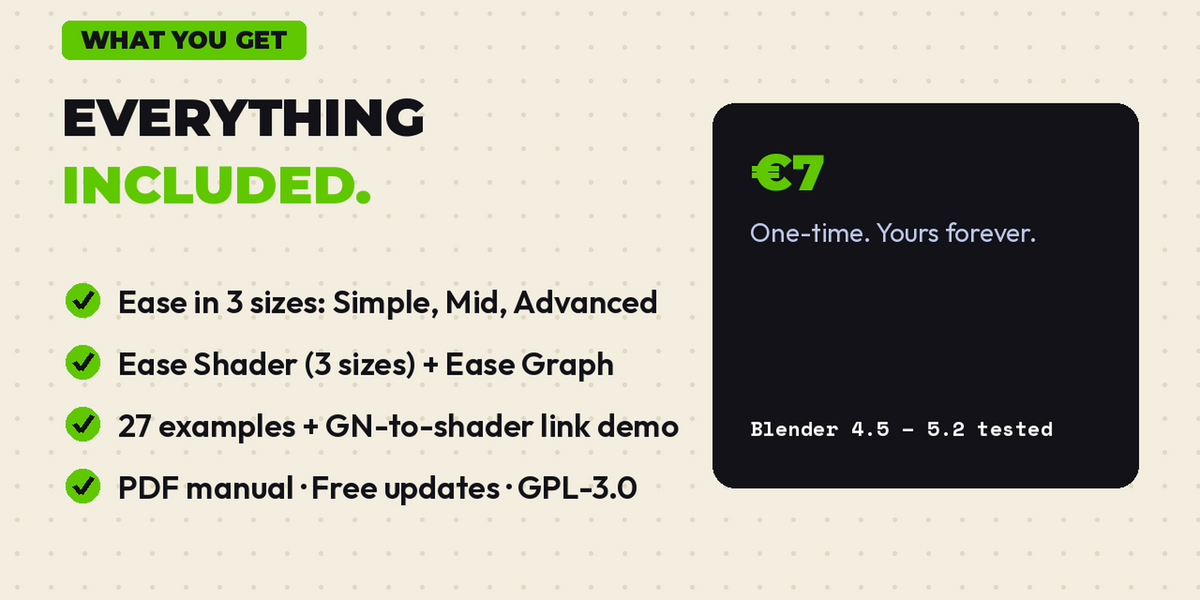
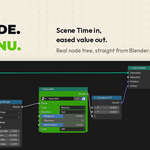
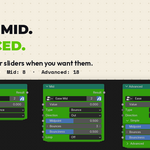
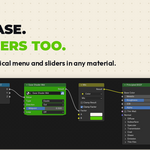
Simple: Midpoint, Strength, Overshoot, Bounces, Bounciness, Steps. Advanced: Elastic Shape (Amplitude, Period), Start Shift (Elastic Start, Bounce Start), Looping (Loop, Cycles), Output Range (Min, Max, Clamp).
Other files
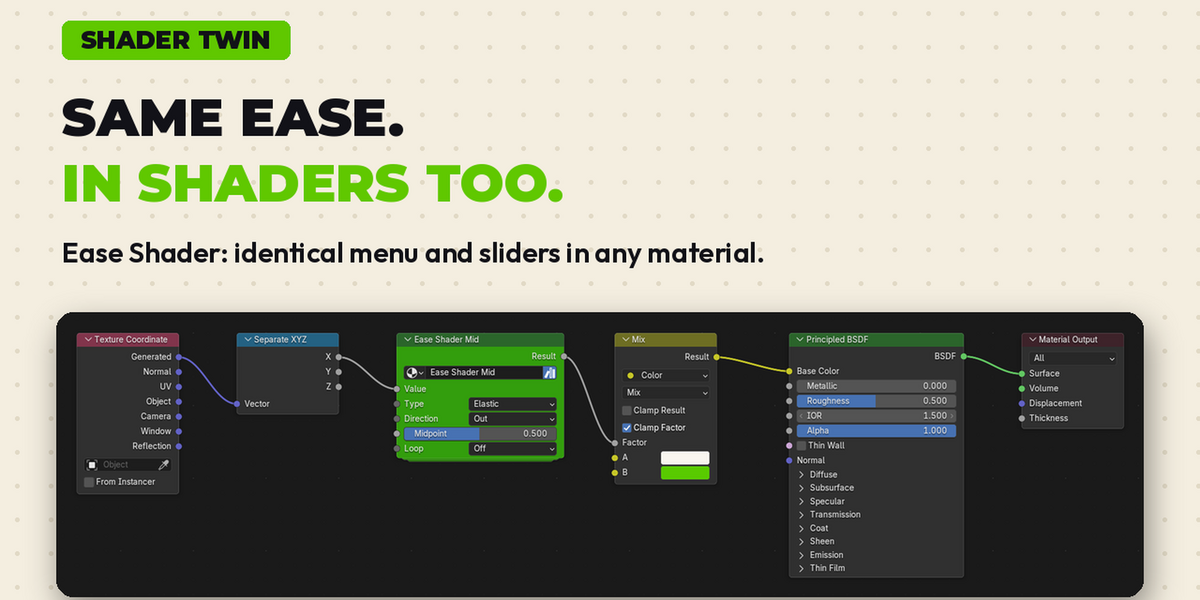
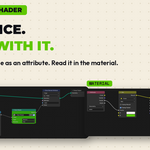
Ease Graph draws the curve in the viewport. Ease Shader is the shader version. Ease Examples.blend has 27 working examples: press Space to play. The PDF manual explains every setting.
Have questions about this product?
Login to message
| Published | about 4 hours ago |
| Blender Version | 4.5 - 5.2 |
| Render Engine Used | Cycles, Eevee |
| License | GPL |

Discover more products like this
node group Interpolation Ping-Pong bounce elastic shader nodes motion graphics geometry nodes animation ease in out Easing loop