 BENNODES
GEOMETRY NODES + SHADER
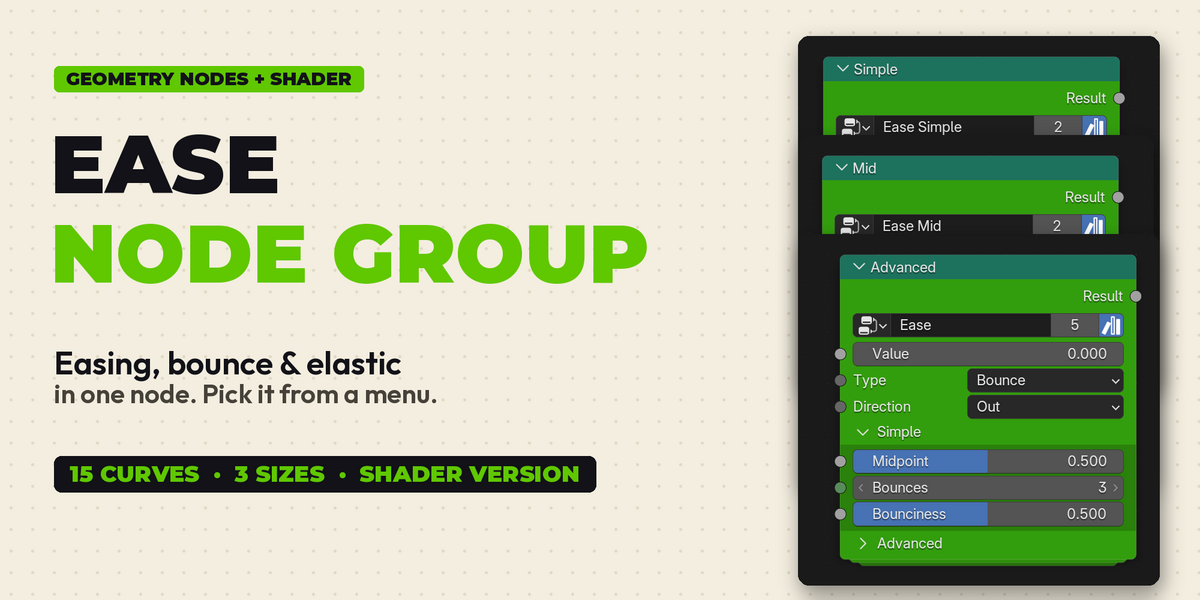
EASE
NODE GROUP
Easing, bounce & elastic
in one node. Pick it from a menu.
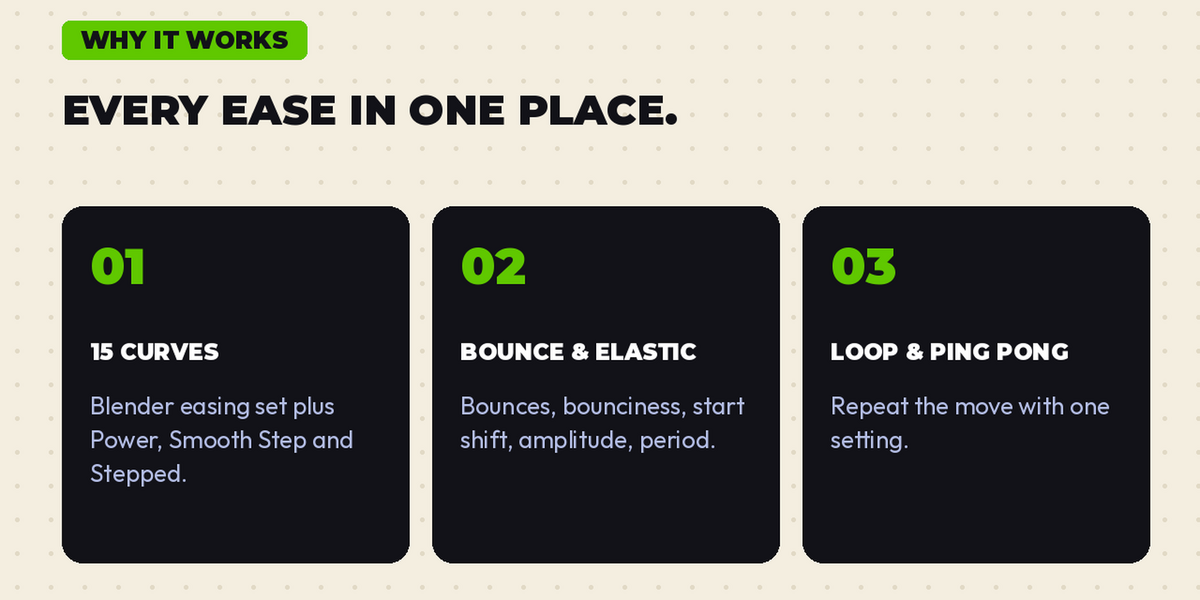
01
15 CURVES
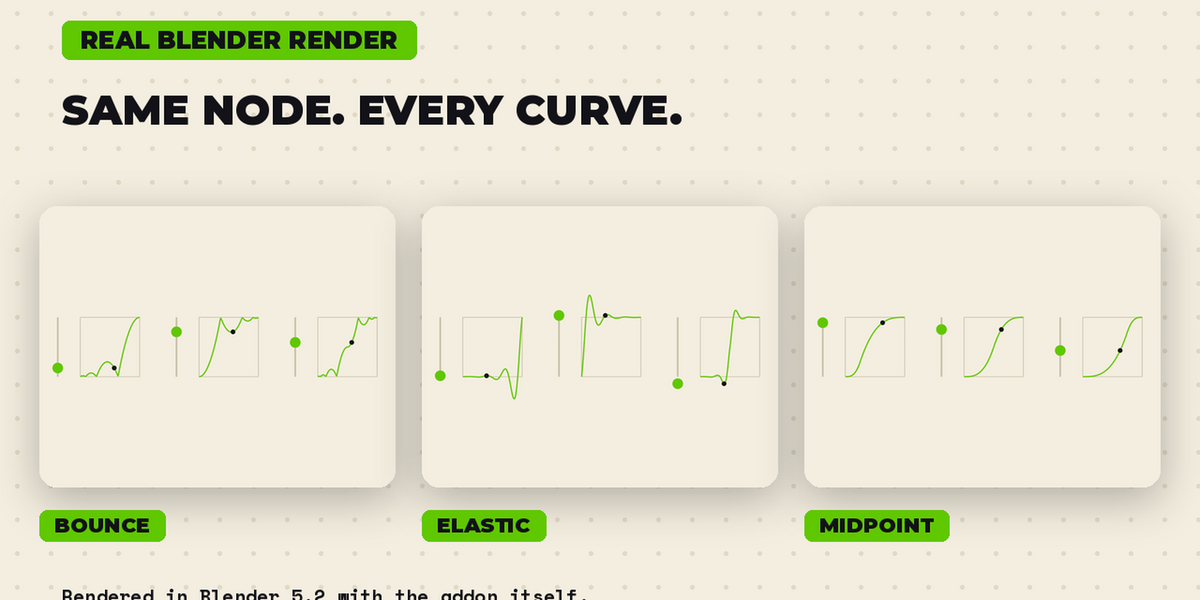
Blender easing set plus Power, Smooth Step and Stepped.
|
02
BOUNCE & ELASTIC
Bounces, bounciness, start shift, amplitude, period.
|
03
LOOP & PING PONG
Repeat the move with one setting.
|
WHAT IT DOES
Every ease in one place
- Eases any 0 to 1 value: camera moves, staggered starts, scale pops, drops, pulses.
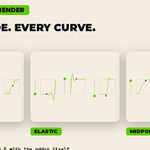
- 15 curves: Sine, Quad, Cubic, Quartic, Quintic, Expo, Circ, Back, Elastic, Bounce, Power, Smooth Step, Smoother Step, Stepped, Linear.
- In, Out or In-Out, with a Midpoint to lean more In or more Out.
- Bounce: number of bounces, Bounciness, shift the first impact. Elastic: amplitude, period, start shift.
- Loop and Ping Pong with a cycle count. Output range (Min / Max) and Clamp.
- Simple and Advanced sections keep the node tidy.
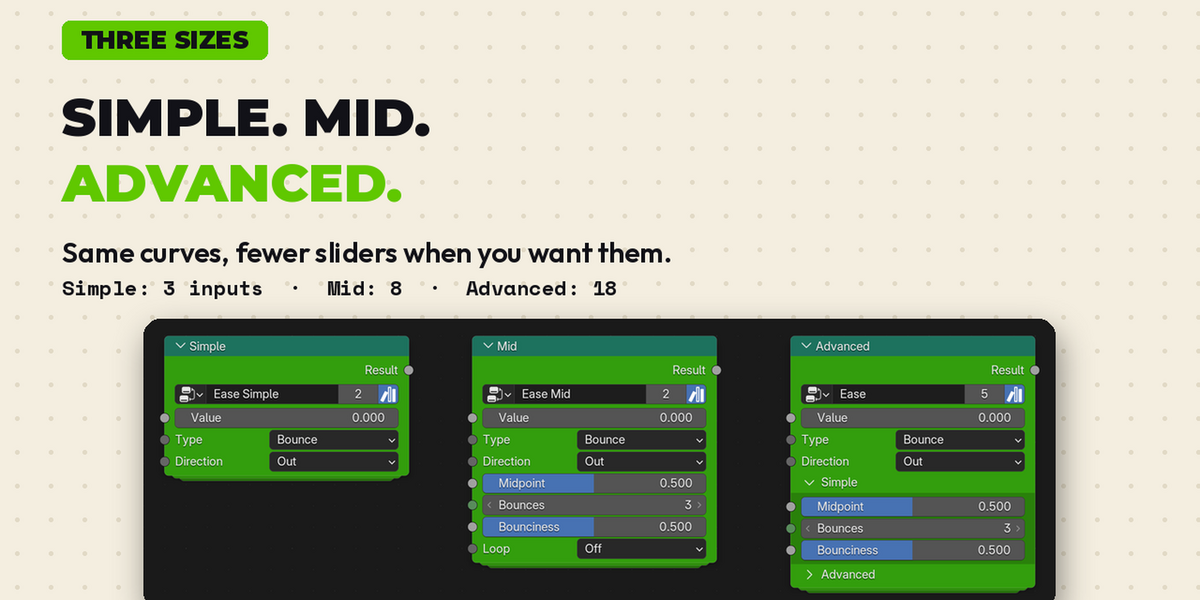
THREE SIZES
S
SIMPLE
Value, Type, Direction. 3 inputs.
|
M
MID
Adds Midpoint, Bounces, Bounciness, Loop, Cycles. 8 inputs.
|
A
ADVANCED
Everything: elastic shape, start shifts, output range, clamp. 18 inputs.
|
Same curves in all three. The shader version comes in the same three sizes.
INCLUDED
What you get
- Ease, Ease Mid, Ease Simple: Geometry Nodes groups.
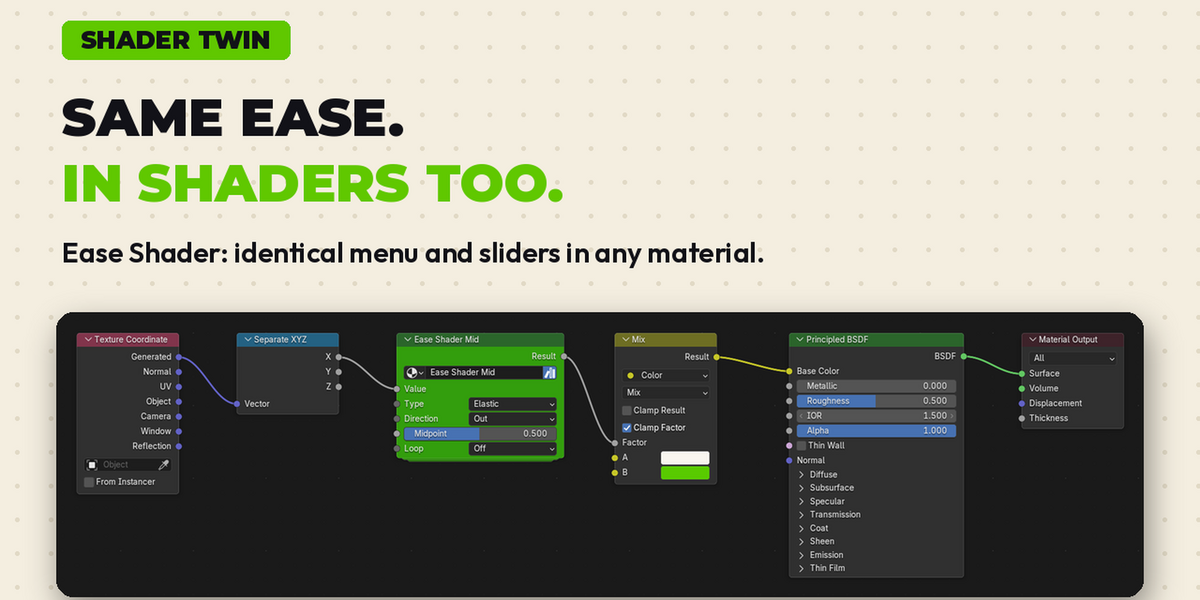
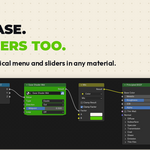
- Ease Shader, Ease Shader Mid, Ease Shader Simple: the same menu and sliders in any material.
- Ease Graph: see the curve in the viewport.
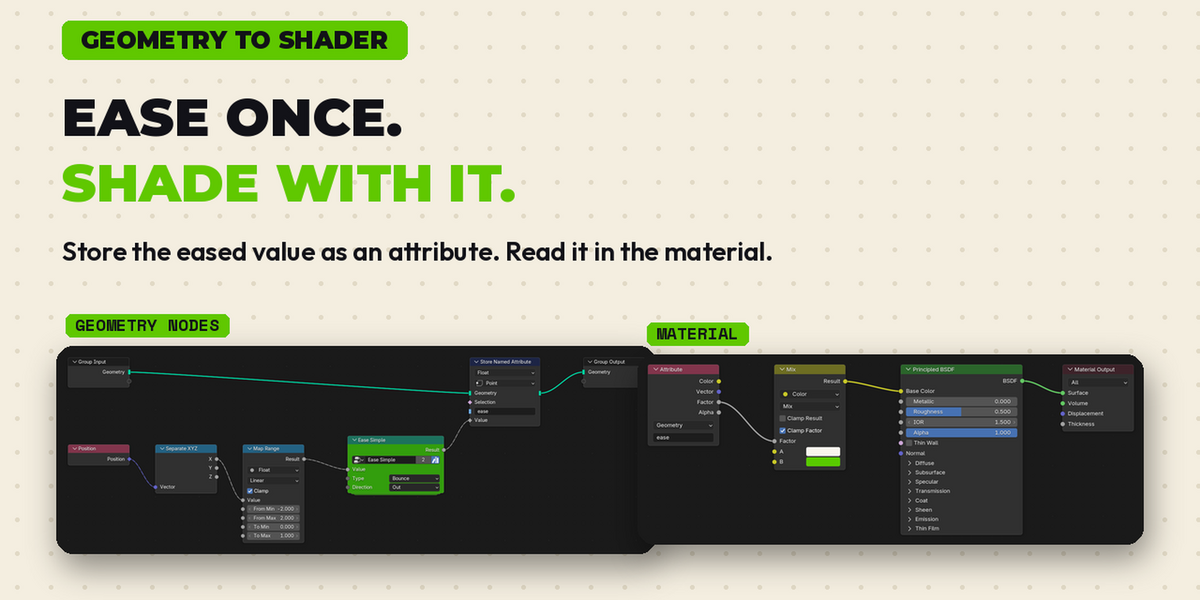
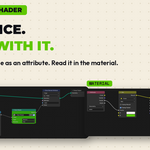
- Ease Link Demo: Geometry Nodes stores the eased value as an attribute, the material reads it. One ease drives shape and colour.
- 27 ready-made examples (Ease Examples.blend): every curve, Bounciness, loop, ping pong, rotation, per-point stagger and shader strips. Press Space to play.
- PDF manual.
HOW IT WORKS
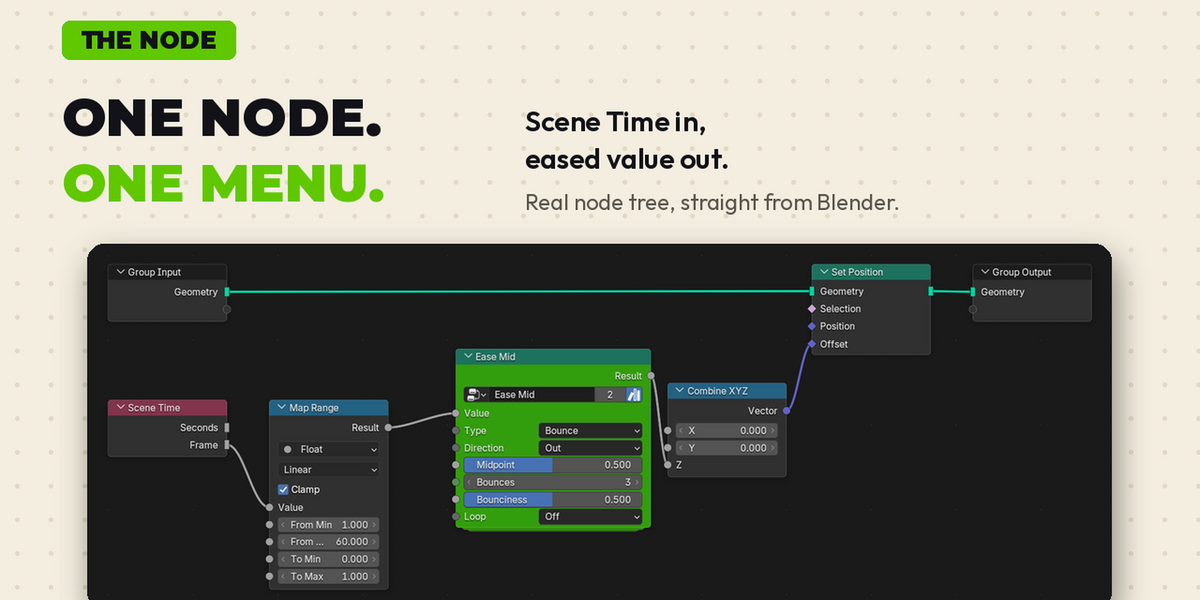
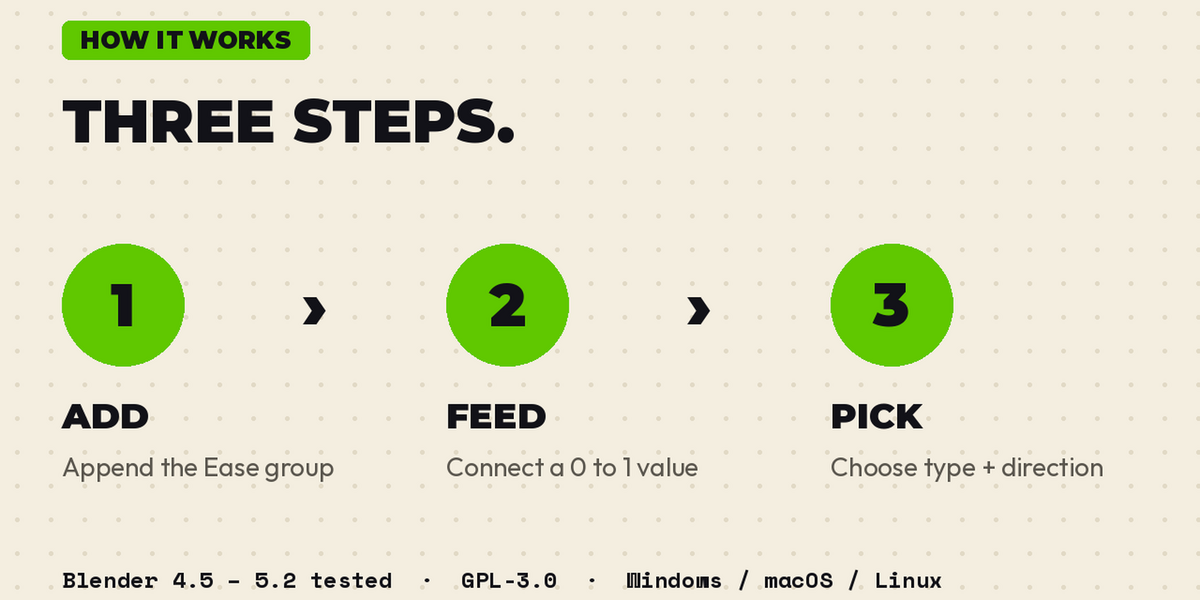
1
ADD
Add the Ease group.
|
2
CONNECT
Connect a 0 to 1 value.
|
3
PICK
Pick Type and Direction.
|
COMPATIBILITY
Tested in Blender 4.5, 5.1 and 5.2. Windows, macOS, Linux. GPL-3.0. Free updates.
By BENNODES.
