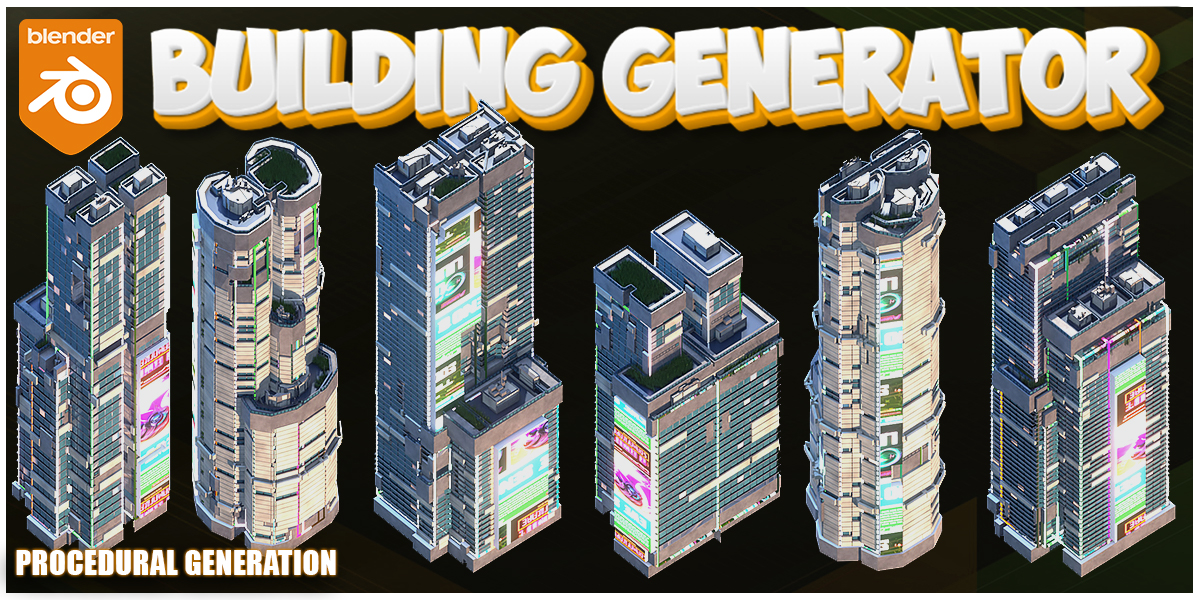
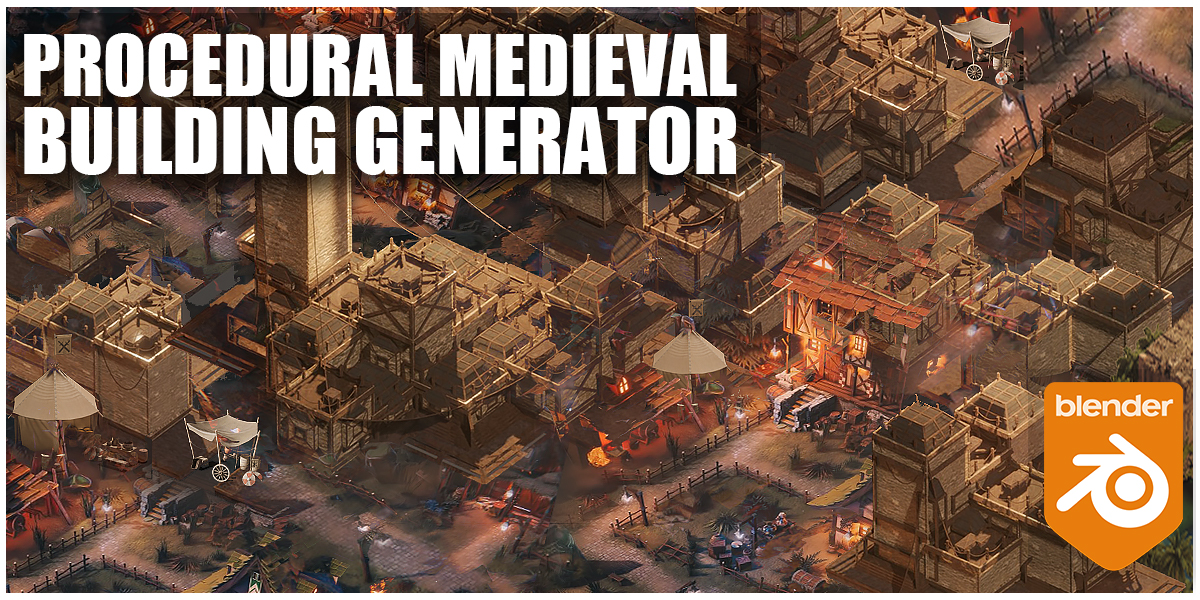
Blender Procedural


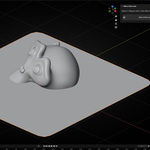
EASY BLEND NORMALS
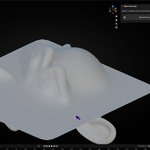
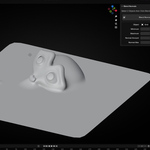
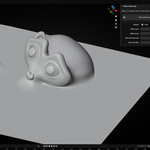
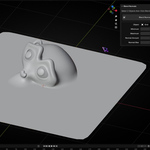
Smoothly blend normals between two objects with one click.
EASY BLEND NORMALS
Smoothly blend normals between two objects with one click.
Key Features
- One-click setup: select two objects → blend.
- Seamless shading: hide seams and shading breaks.
- Non-destructive: Geometry Nodes based, fully editable.
- Smart linking: auto-detects active vs target object.
- Lightweight & fast: no dependencies, Blender 4.5+ ready.
Use Cases
- Fix shading after boolean operations.
- Make separate kitbash parts look like one solid mesh.
- Blend normals across panels, plates, and mechanical seams.
- Speed up hard-surface workflows without manual normal transfers.
How It Works
- Select two objects (active = main, other = target) then Click Blender Normals Button.
- Normals are blended automatically for smooth shading.
- Tweak anytime — it’s fully non-destructive.
Notes
- Works best when object scales are applied (
Ctrl+A → Scale).
Get Started
Stop fighting seams. Blend normals in seconds and keep modeling.
Key Features
- One-click setup: select two objects → blend.
- Seamless shading: hide seams and shading breaks.
- Non-destructive: Geometry Nodes based, fully editable.
- Smart linking: auto-detects active vs target object.
- Lightweight & fast: no dependencies, Blender 4.5+ ready.
Use Cases
- Fix shading after boolean operations.
- Make separate kitbash parts look like one solid mesh.
- Blend normals across panels, plates, and mechanical seams.
- Speed up hard-surface workflows without manual normal transfers.
How It Works
- Select two objects (active = main, other = target) then Click Blender Normals Button.
- Normals are blended automatically for smooth shading.
- Tweak anytime — it’s fully non-destructive.
Notes
- Works best when object scales are applied (
Ctrl+A → Scale).
Get Started
Stop fighting seams. Blend normals in seconds and keep modeling.

🚀 Explore More by Blender Procedural