
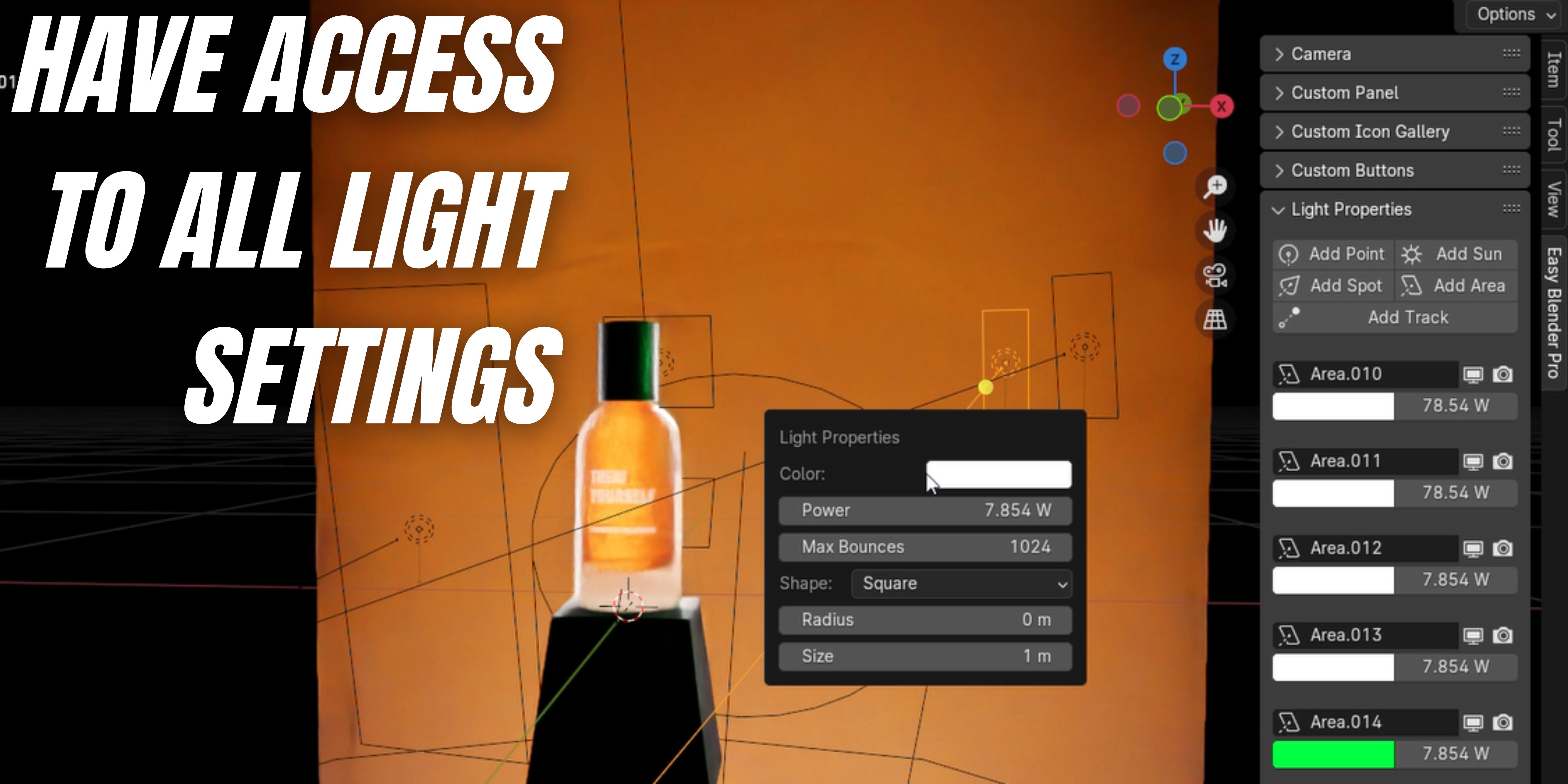
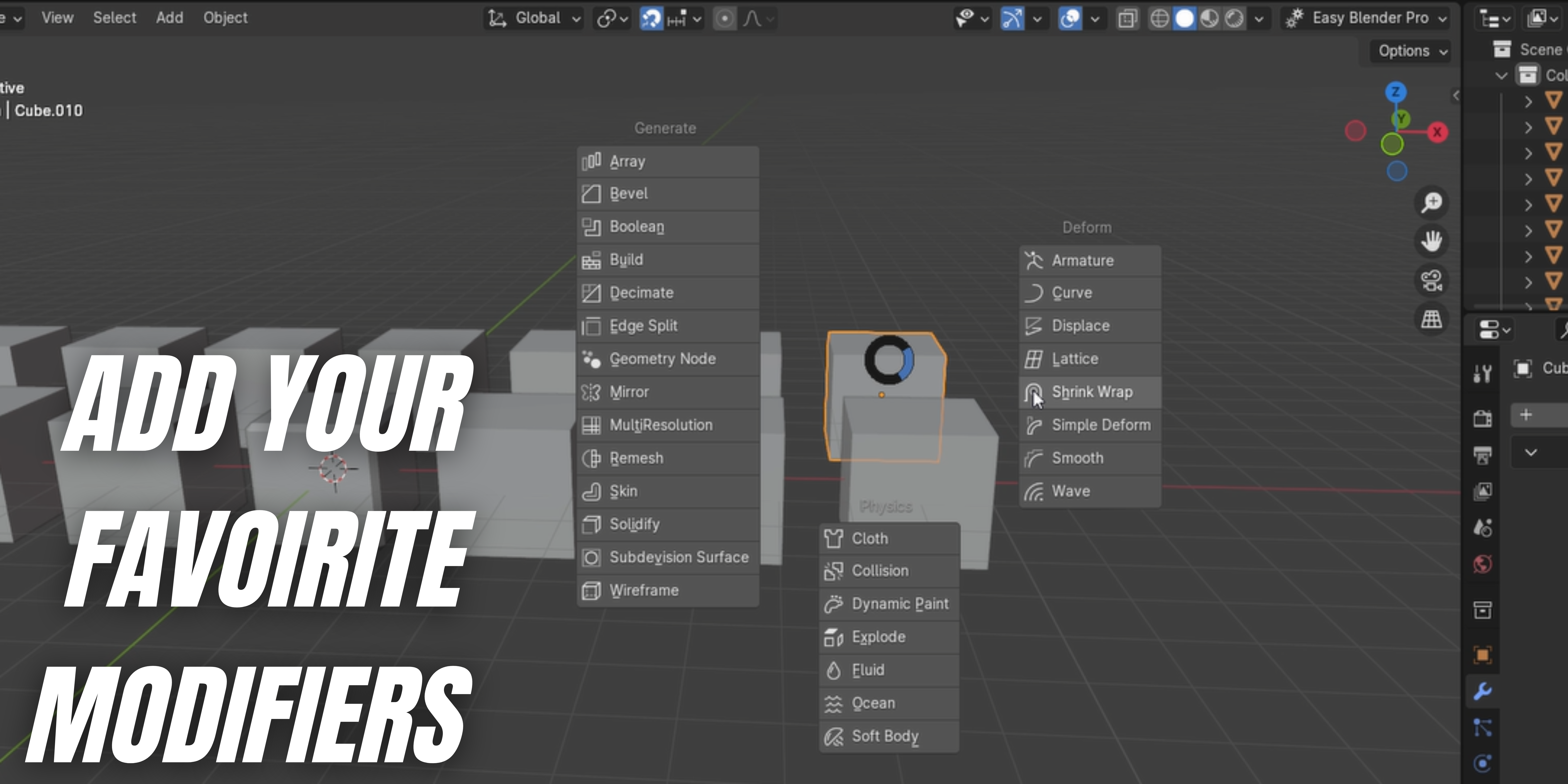
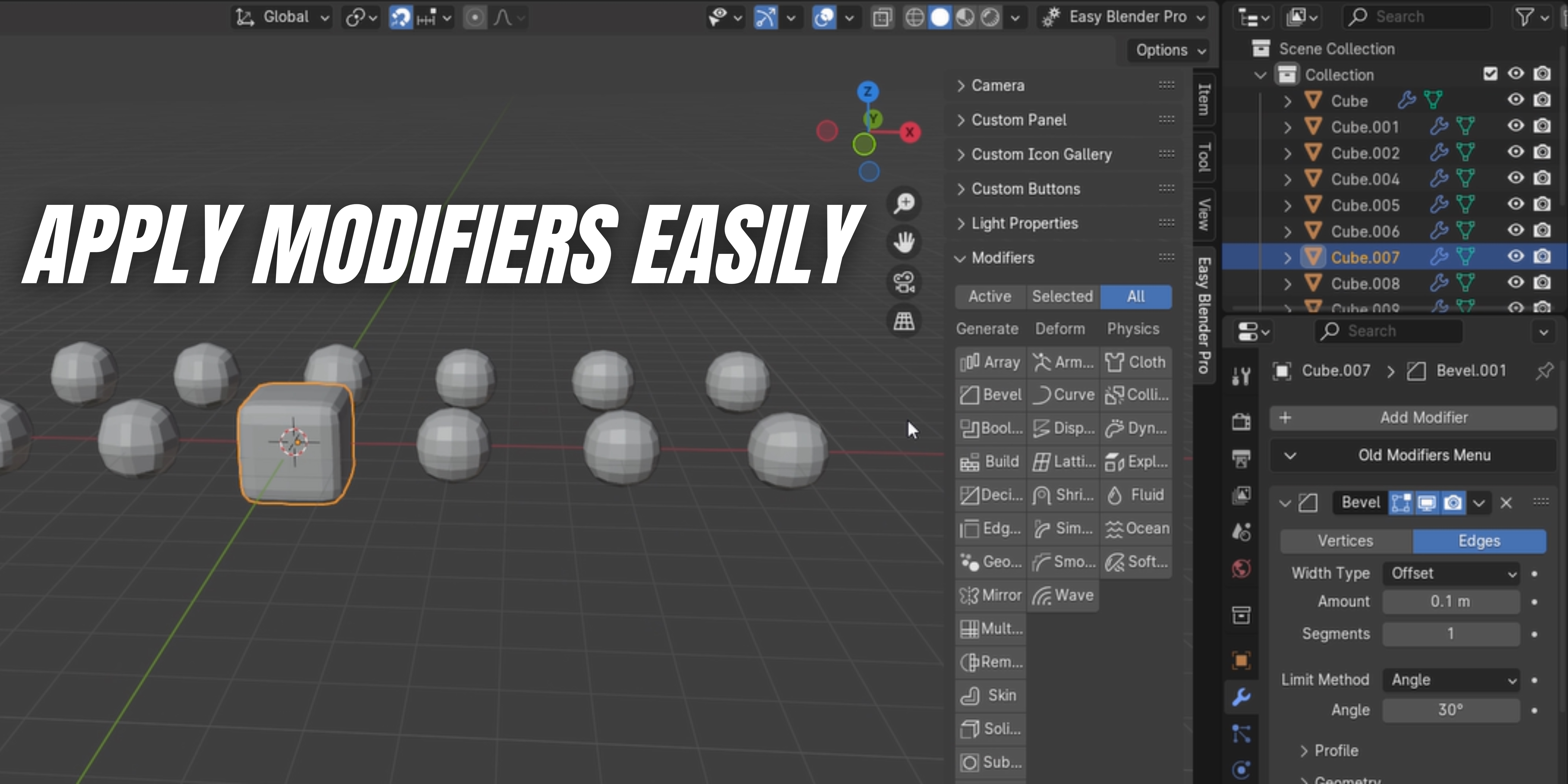

Easy Blender Pro
1- Go to settings -----> preferences -----> Addons -----> install addon
Notes:
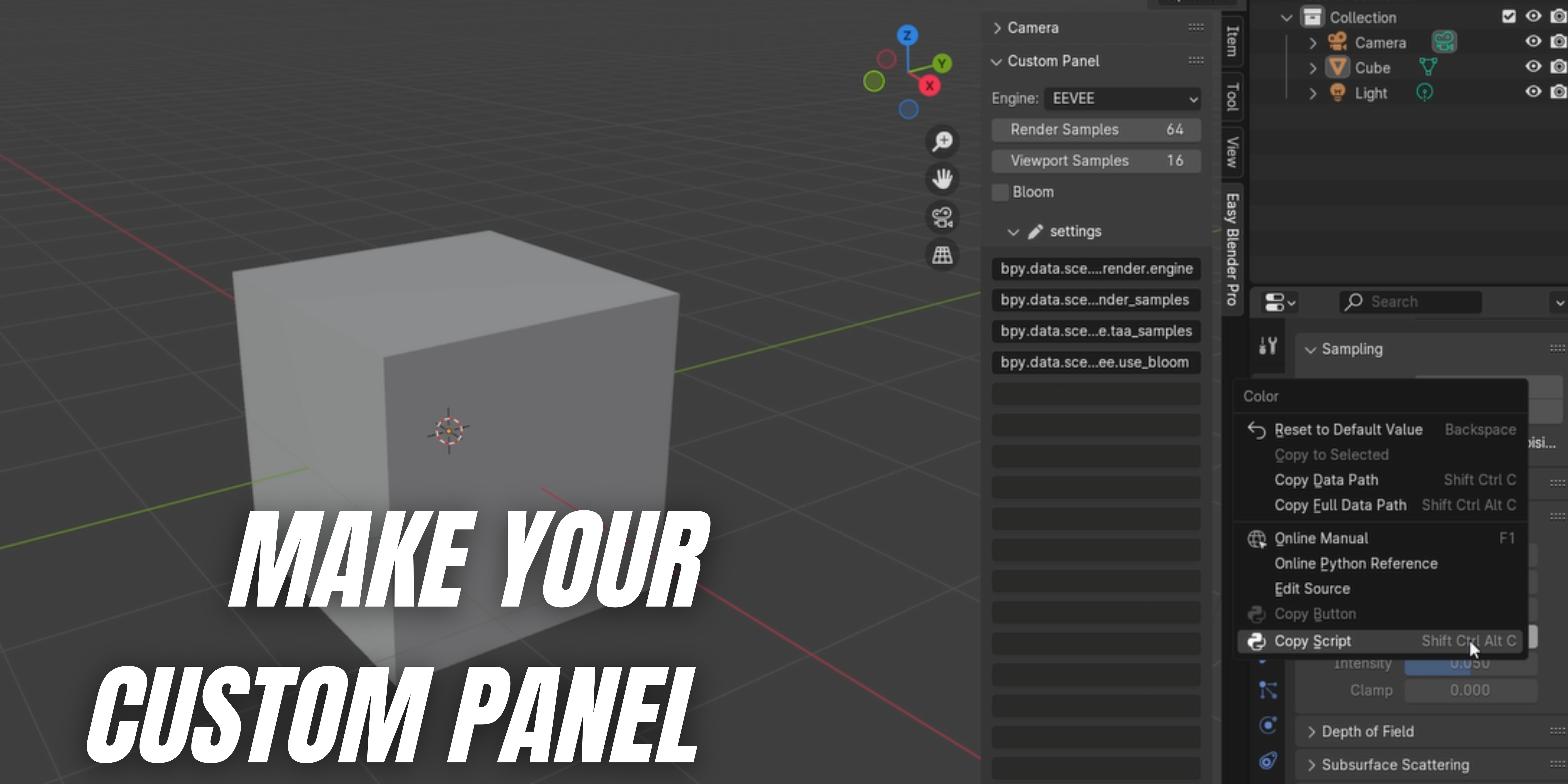
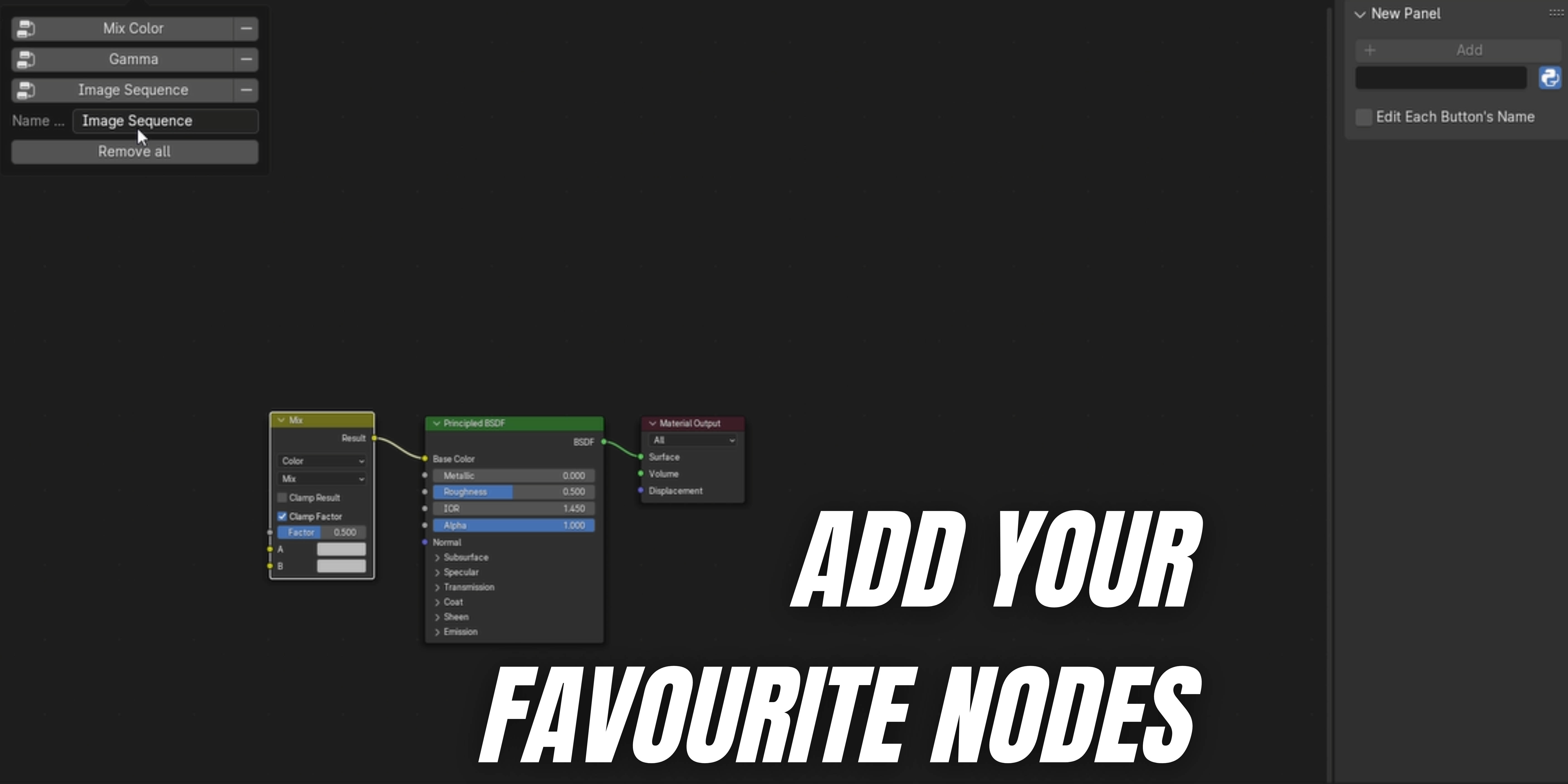
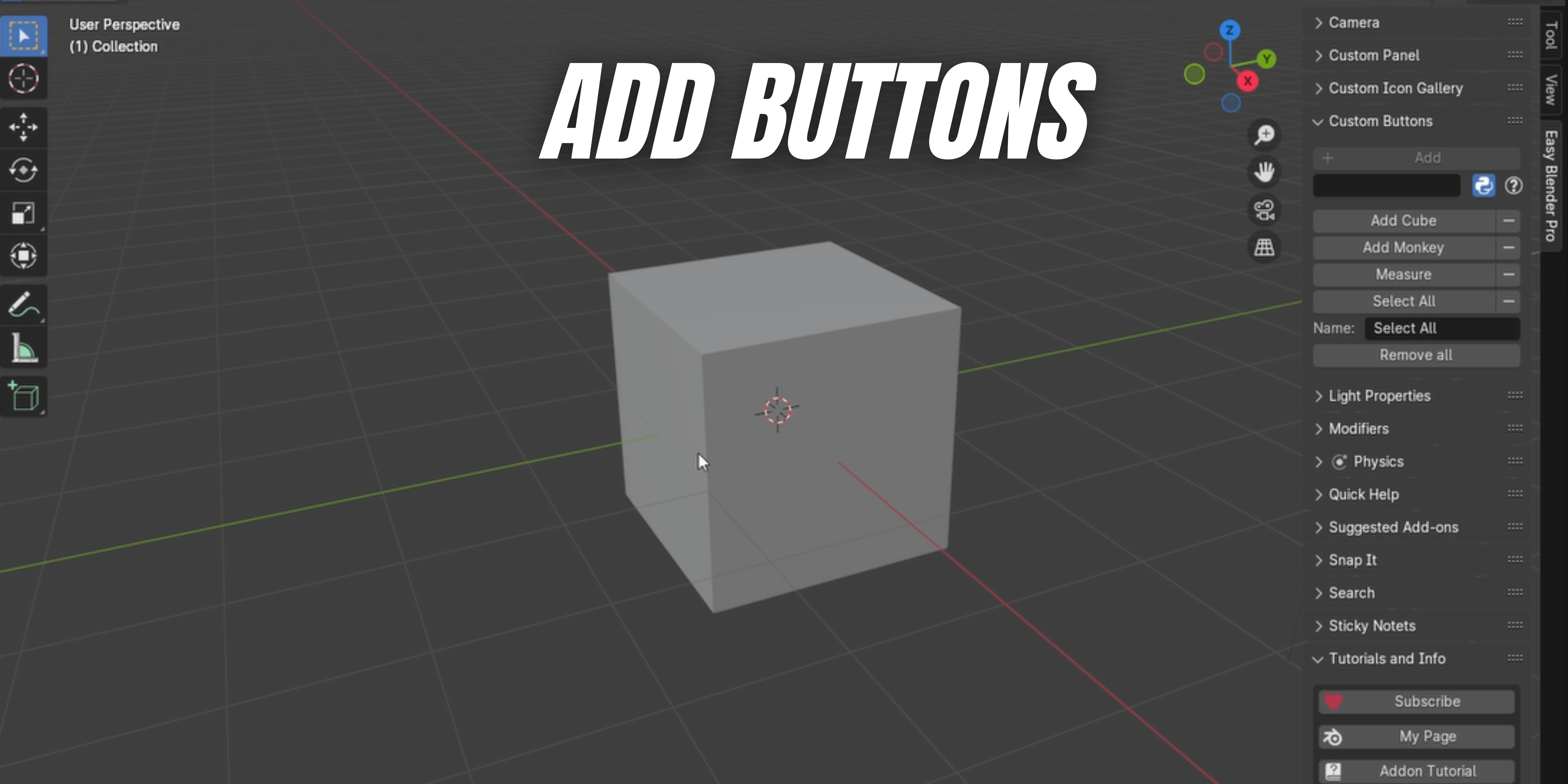
Generating buttons panel:
You have to activate the python icon that is in the panel to be able to see the "copy Button" button.
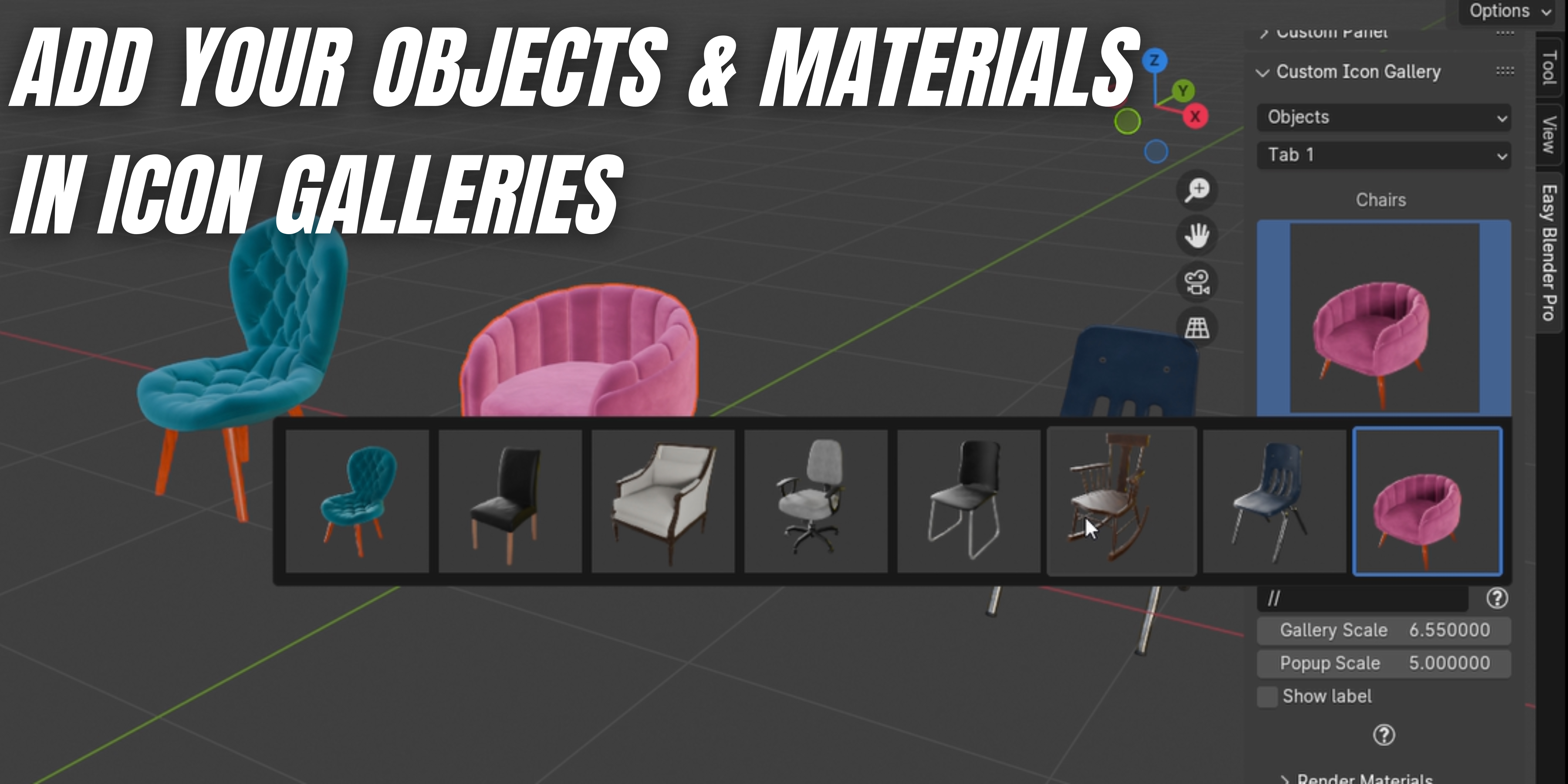
Icon gallery
Objects: add your objects in a blender file, apply modifiers to the object to prevent any problems, join your object parts into one object, make the location of the object in the center of the scene, choose a studio, choose a good camera angle, and make sure that the objects are in the camera frame (there has to be only one camera in the scene or make the camera studio the active camera). After finishing, choose the directory of the output renders from the "render objects" panel and click render all objects. After that, click on the "Clean Blender File" button, and you are good to go, save your blender file. Use the directory of the blender file and icon directory in your icon gallery directory.

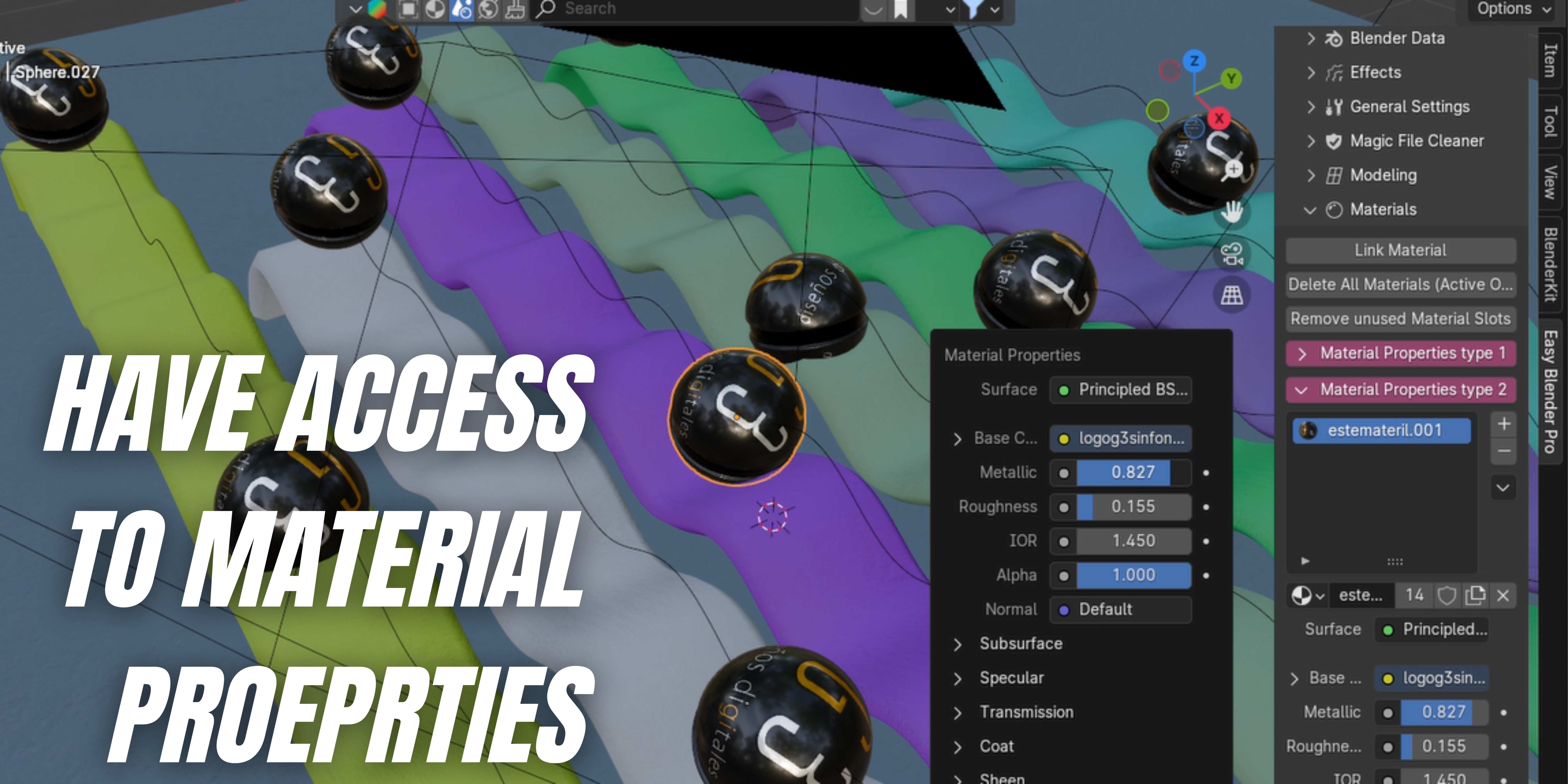
Materials: add your materials, mark them as fake users, and delete unused materials. Choose a studio, add an object that you want to show the materials on, and make it in front of the camera. After that, choose the directory of the output renders from the "Render Materials" panel and click render all materials. It will take some time according to the amount of materials. After that, save the blender file, and that is it. Use the directory of the blender file and the icon directory in your icon gallery directory.
This is the beta version, so it is normal to have problems. If you face any problems, feel free to join us on the Discord server and tell us the problem.
Discover more products like this
QuickButtons easy generate buttons lights Node Organizer quick-favourites interface highlight camera-settings custom-pie-menus navigate objects quick bevels render settings pallet quick add objects Camera Management Light Brightness Control pallets icon-galleries LightControl on sale easy to use custom-panel quick render setting organize workspace organizer User-friendly plugin notes Panel user friendly pie menu customizable panel materials easy-blender-pro favorite-modifiers physics Sticky Note spring24 custom-pie-menu favourite cameras highlighter snap workspace camera controls themes easy-to-clean user-friendly lighting