Easy Card Animation
 Jean-Marie Rudent
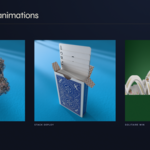
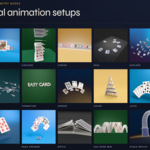
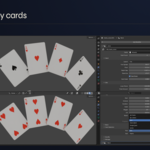
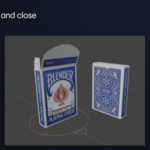
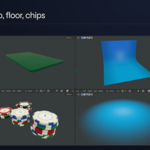
EASY CARD ANIMATIONS - V2
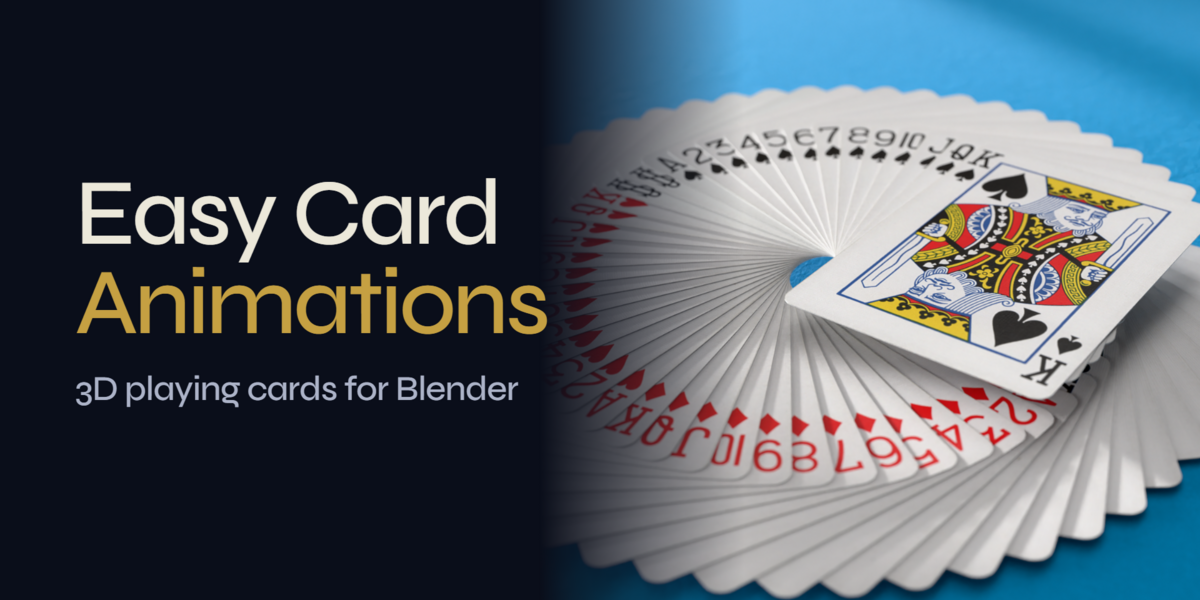
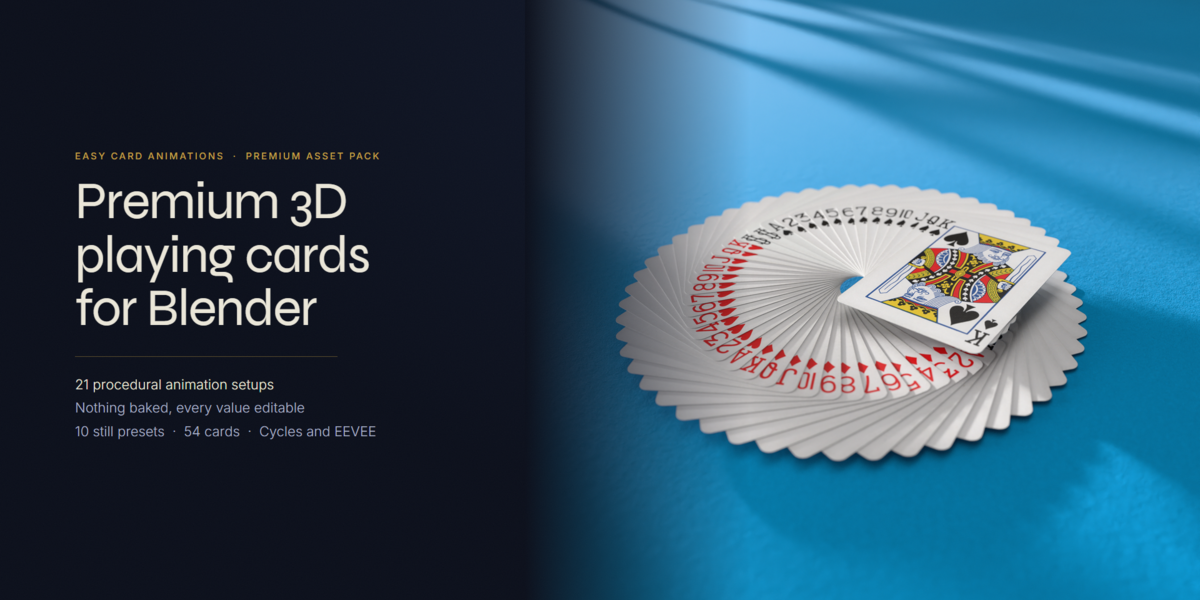
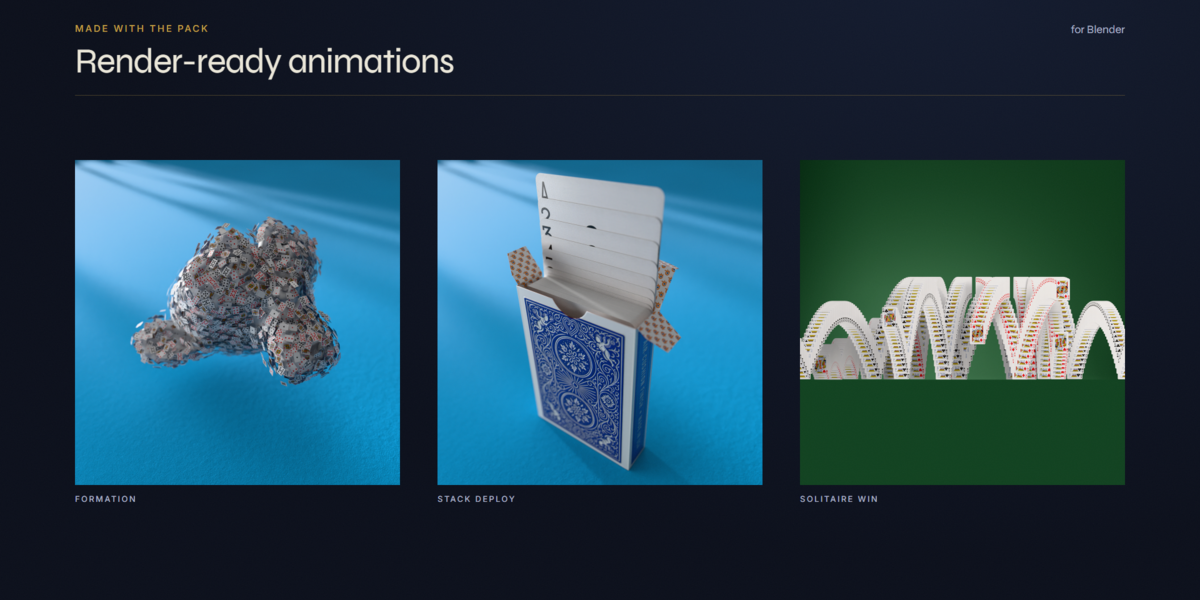
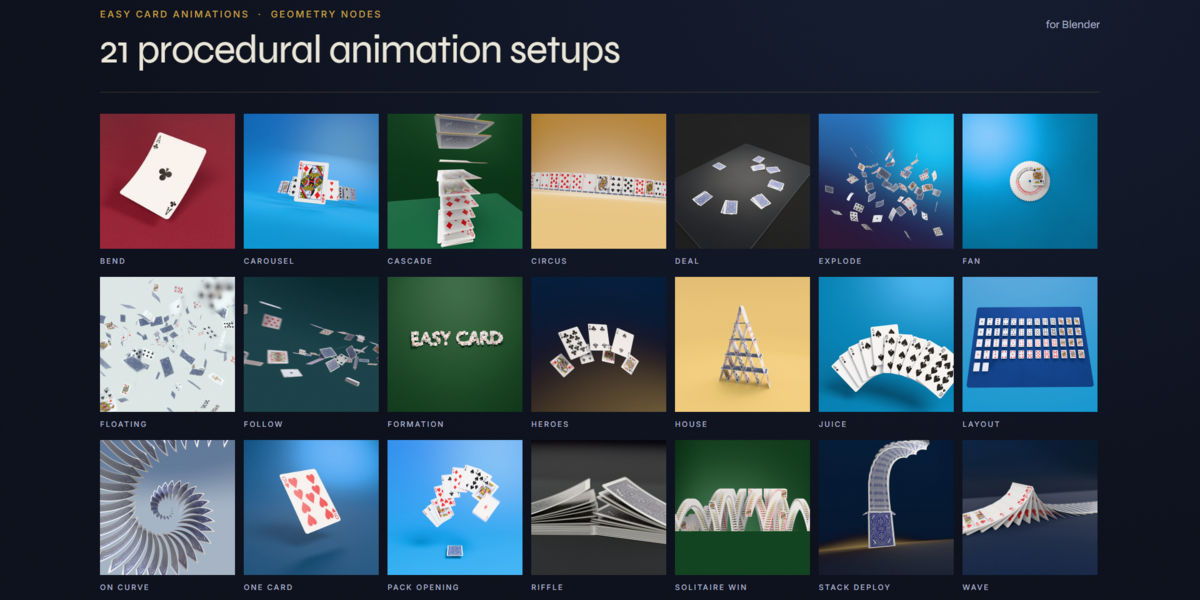
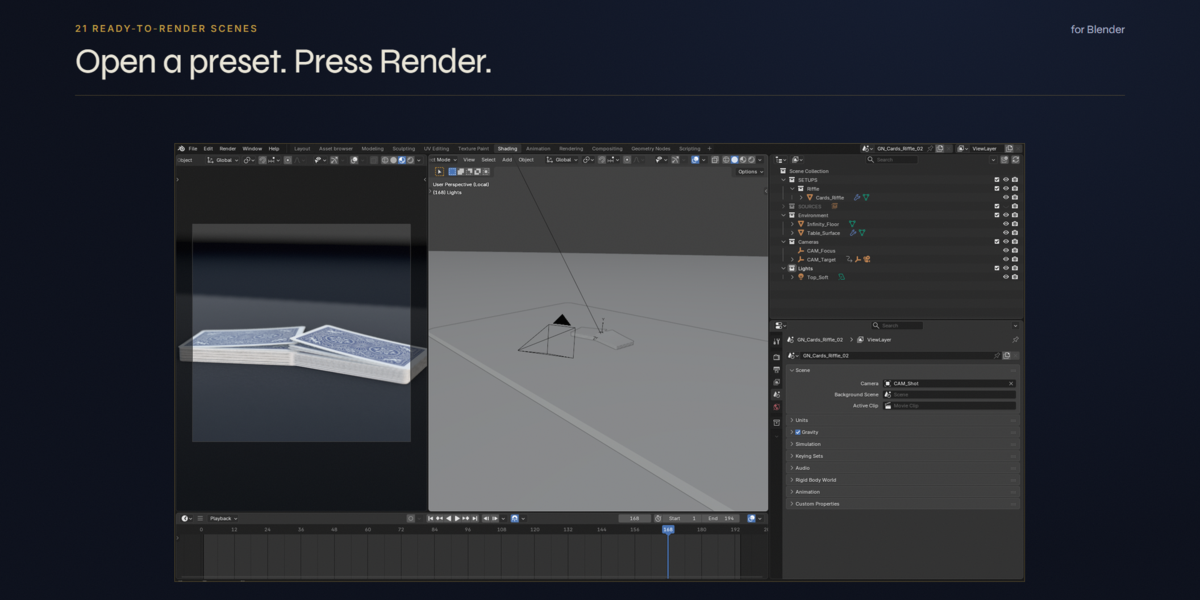
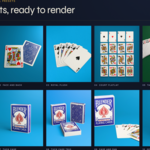
3D playing cards for Blender: 21 Geometry Nodes animation setups, 21 ready-to-render
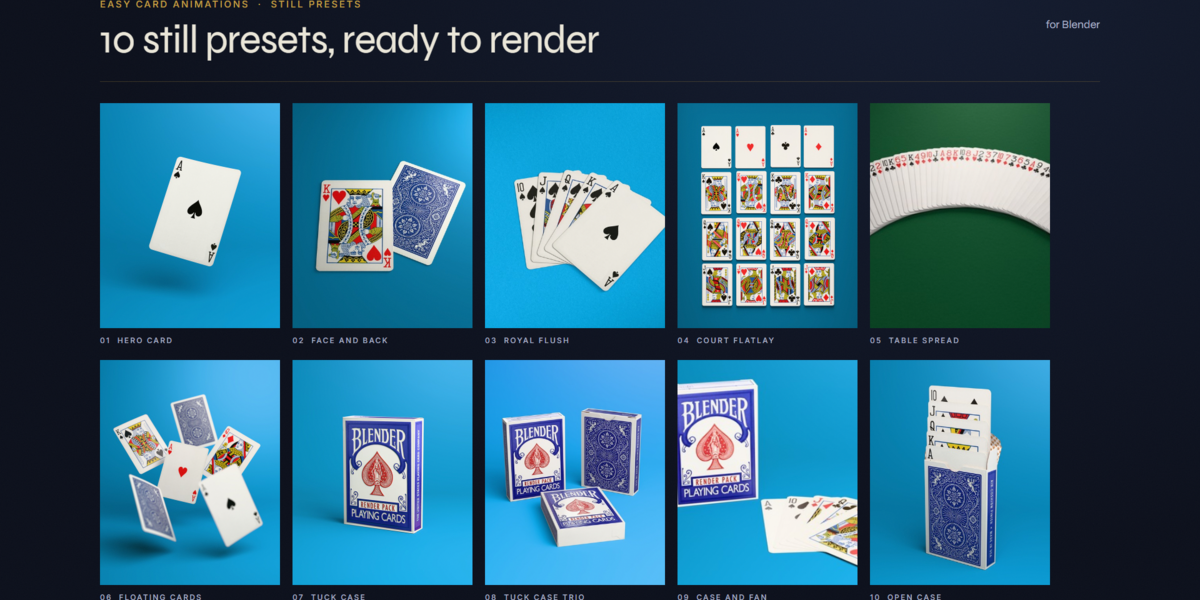
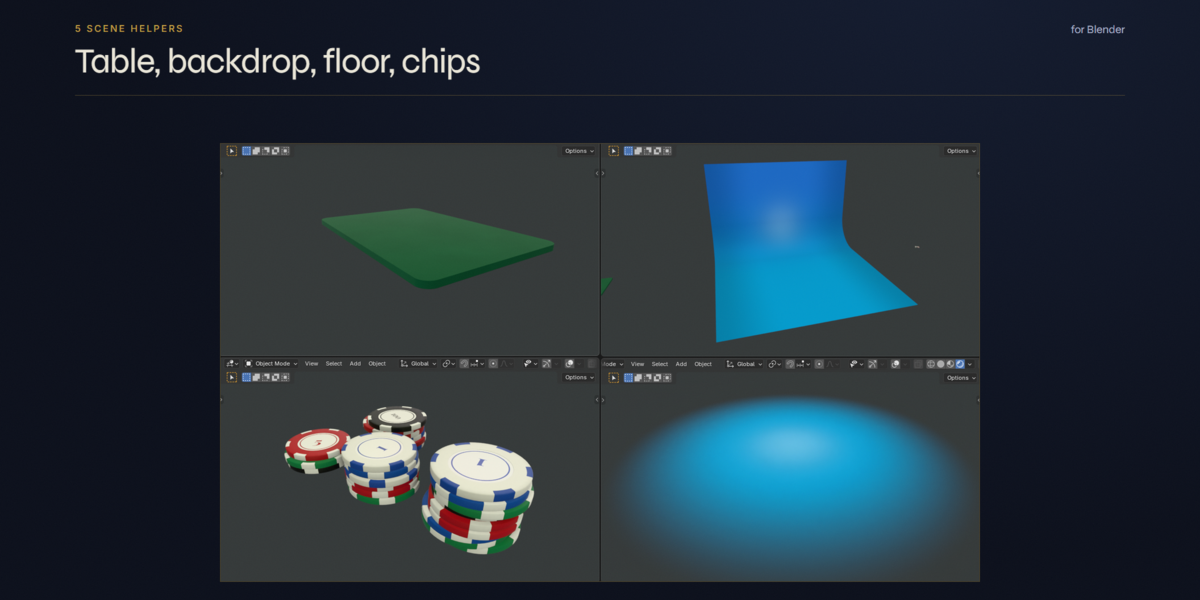
scenes, 10 still presets, a 54-card deck, a tuck case and 5 scene helpers.
REQUIREMENTS
- Blender 5.2 or later.
- No add-on needed. Everything is plain .blend files and the Asset Browser.
1. INSTALL (2 minutes)
- Unzip the pack anywhere and keep the folder structure as it is.
Every texture and link is relative, so you can move the whole folder to any drive.
- In Blender: Edit > Preferences > File Paths > Asset Libraries > "+",
pick the pack folder (the one that holds this README).
- Open the Asset Browser: the pack shows 4 catalogs:
01. Geometry Nodes, 02. Cards Models, 03. Tuck Case, 04. Scene Helpers.
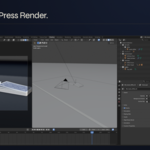
2. FASTEST START: OPEN A SCENE AND RENDER
- Playing Cards Animation\Animation_Presets\GN_Cards_<Name>_02.blend
21 animated shots: camera, lights and set already placed. Cycles, 128 samples.
- Playing Cards Animation\Still_Presets\Still_<NN>_<Name>.blend
10 packshots (hero card, royal flush, flat lay, tuck case...).
- Renders are written to the Renders folder next to this README.
3. ADD AN ANIMATION TO YOUR OWN SCENE
- Drag a Cards_<Name> object from catalog 01 into your scene.
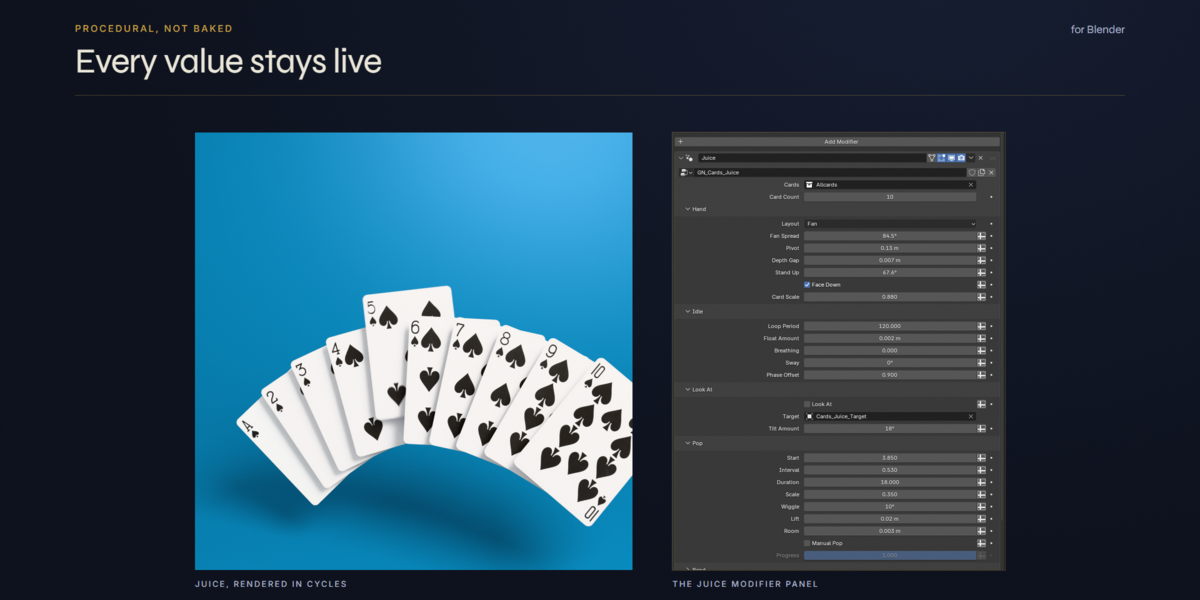
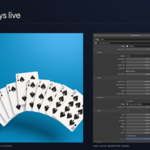
- Select it, open the Modifier tab: every setting lives in the modifier panel,
hover any field to read its tooltip.
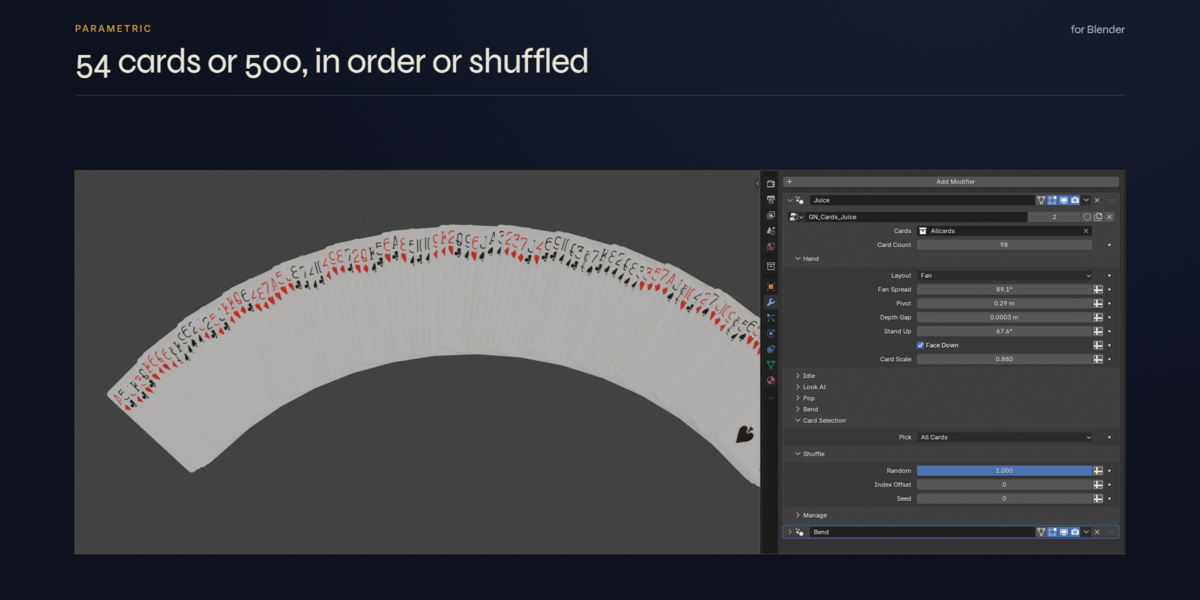
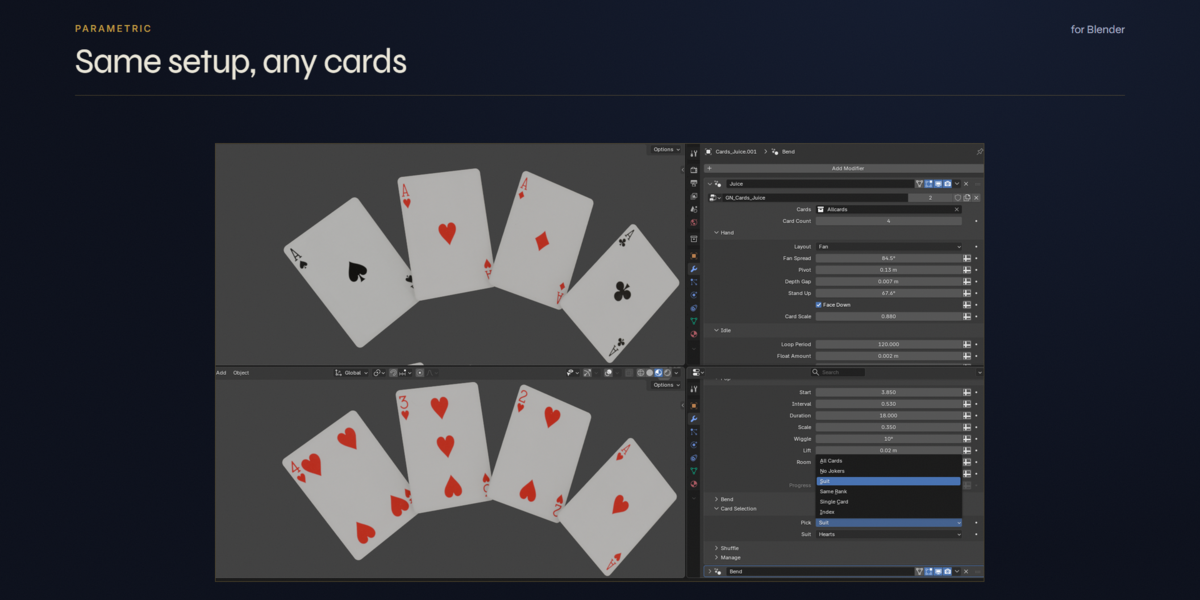
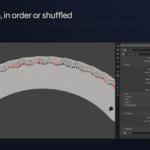
- Cards field: the Allcards collection (catalog 02). Card Selection picks all cards,
a suit, the 4 cards of a rank or a single card. Shuffle reorders them.
- Card Count higher than 54: the deck is dealt again.
- Bend: most setups have a Flex value that drives the GN_Cards_Bend modifier
stacked after them (cards flex while they move).
- Cards_Follow uses a simulation: play from the first frame, or bake it
(Physics tab > Simulation Nodes > Bake) before rendering frames out of order.
4. YOUR OWN DECK
- The card faces come from Assets\Textures\Card_Atlas.psd (foil mask: Card_Atlas_FOIL.psd).
Paint your design over the same layout, save, and every scene updates.
- The tuck case textures are in Assets\Textures\Tuck_Case_Textures.
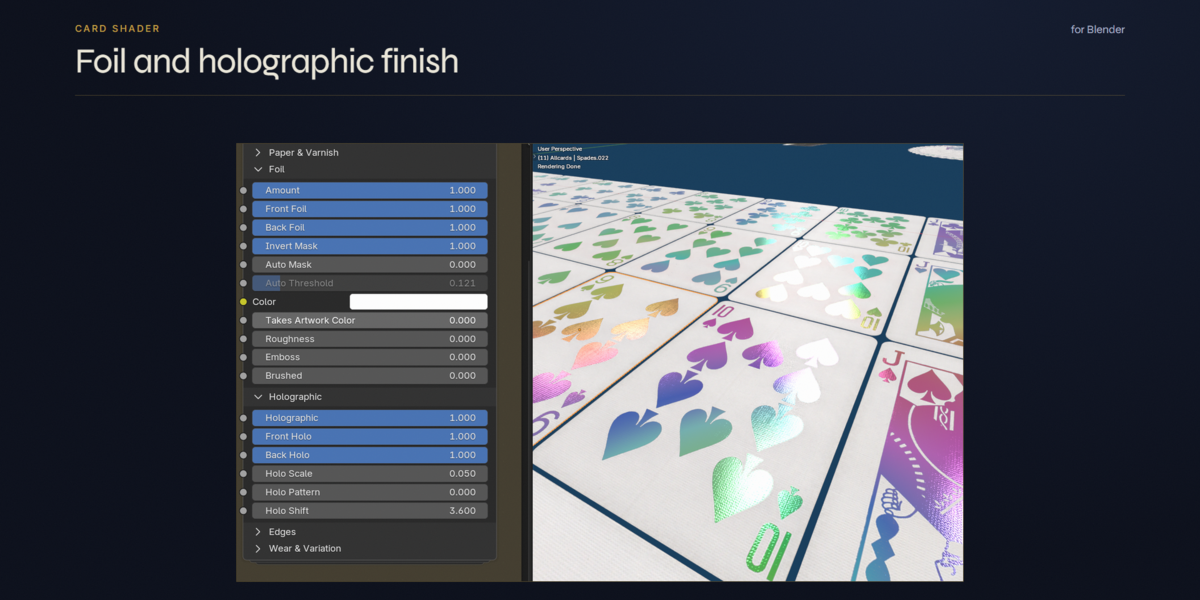
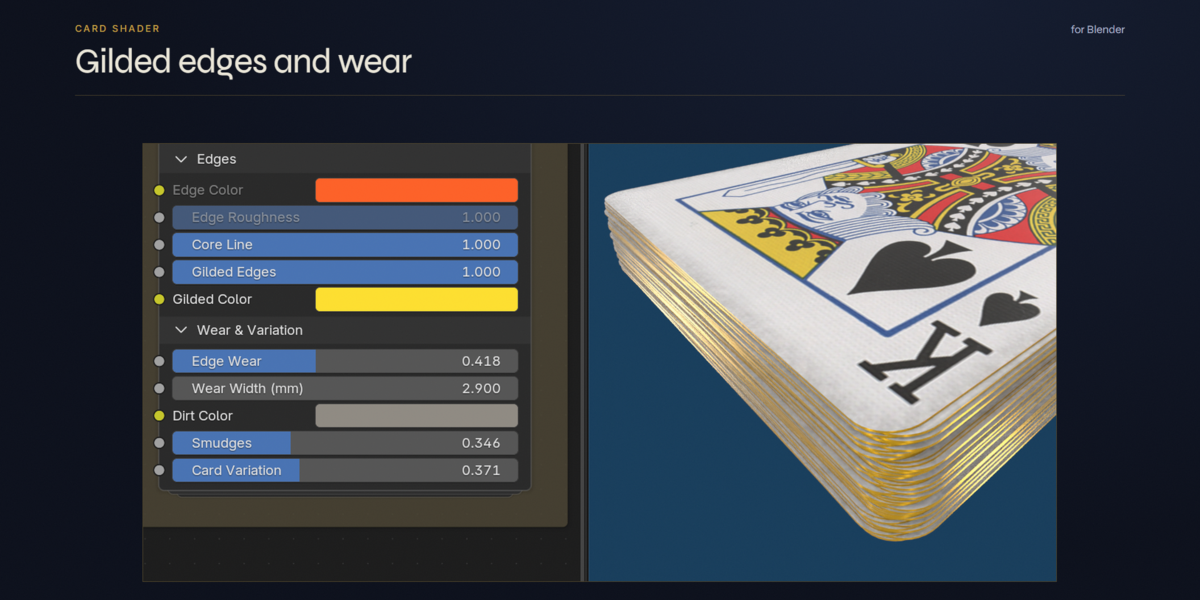
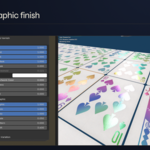
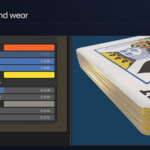
- Card Shader v2 and Tuck Case Shader v2 (material panels): print colour, hue shift,
paper and varnish, foil, holographic film, gilded edges, wear.
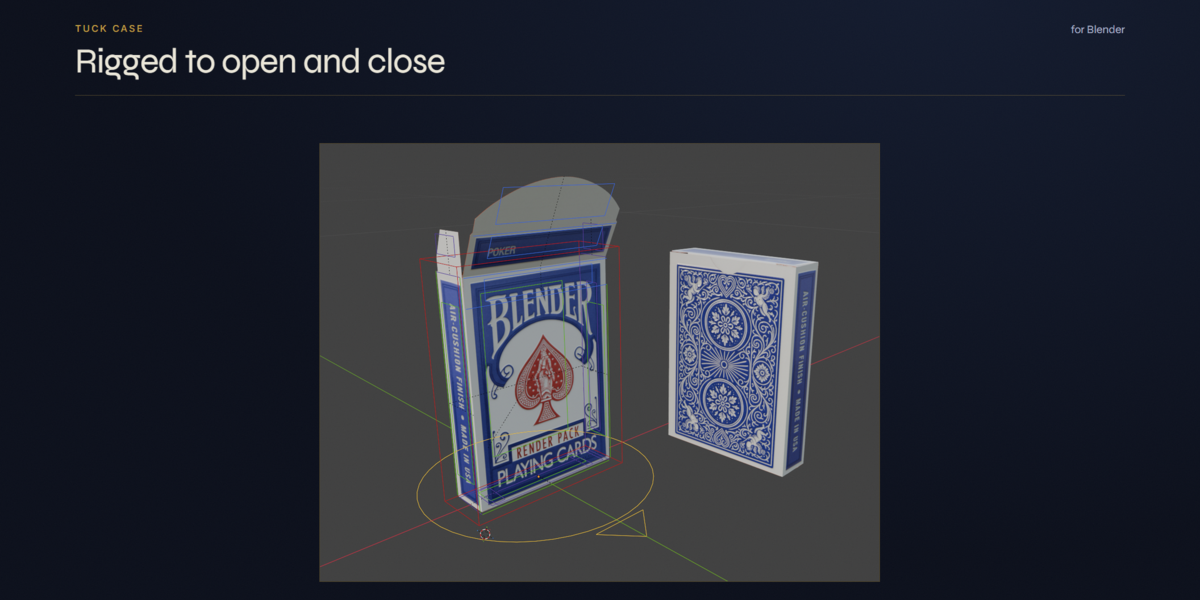
5. TUCK CASE RIG
- Rigged_Tuck_Case (catalog 03): fold, lid, tuck flap, top flaps, bottom.
- Its sliders are in the 3D Viewport sidebar (N), Tuck Case tab. That panel is a small
script stored in the file: when Blender asks, click "Allow Execution"
(or enable Preferences > Save & Load > Auto Run Python Scripts).
The rig itself works without it.
6. FOLDERS
- Assets\ the library files (cards, tuck case, scene helpers)
- Assets\Geonodes\ one .blend per animation setup
- Assets\Textures\ card atlas, tuck case textures, HDRIs
- Playing Cards Animation\ ready-to-render scenes, still presets, thumbnails
- Scripts\ optional helper add-ons (see below)
7. OPTIONAL HELPER ADD-ONS (Scripts folder)
Not needed to use the pack. Install with Edit > Preferences > Add-ons > Install from Disk.
- Card_Tools.py: arrange selected cards in stacks, fans, rings, mess and place on a surface.
- Super_Batch_Renders.py: queue several .blend files and render them one after the other.
- Reload_Librairies.py: reload linked libraries and changed images, find missing libraries.
SUPPORT
Have questions about this product?
Login to message
| Published | 7 months ago |
| Blender Version | 5.2 |
| Extension Type | N/A |
| Render Engine Used | Cycles, Eevee |
| License | Mit |
Discover more products like this
cards packshot card animation tuck case Procedural Animation poker deck product-visualization holographic Playing cards asset pack geometry nodes