 Onion365studio
Easy Dress: Adjustable Dress Generator for Blender
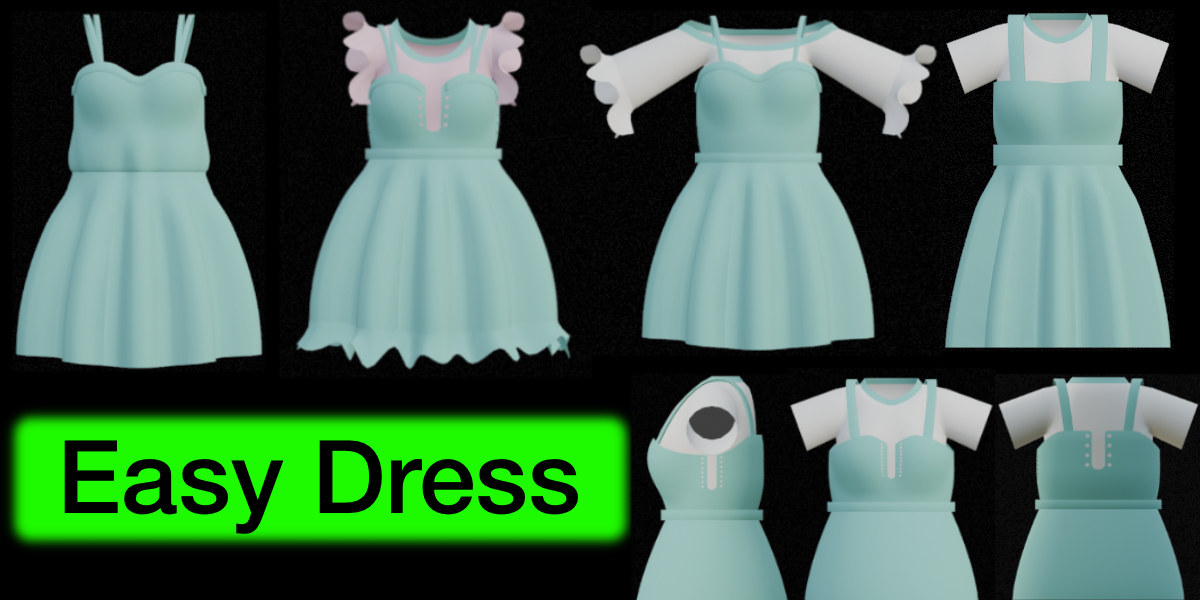
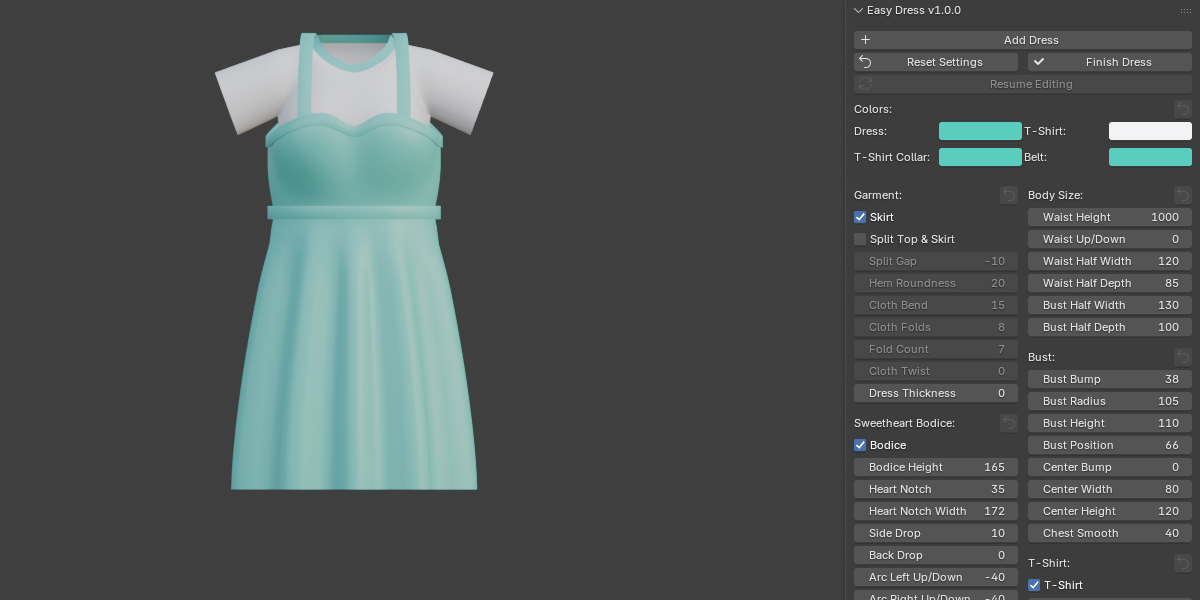
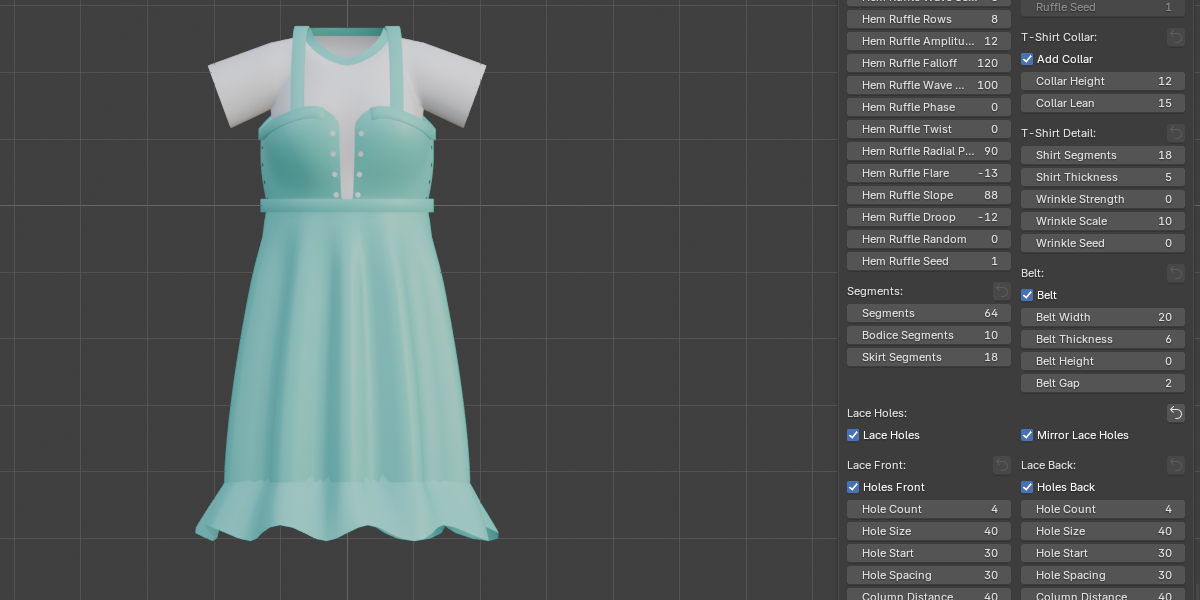
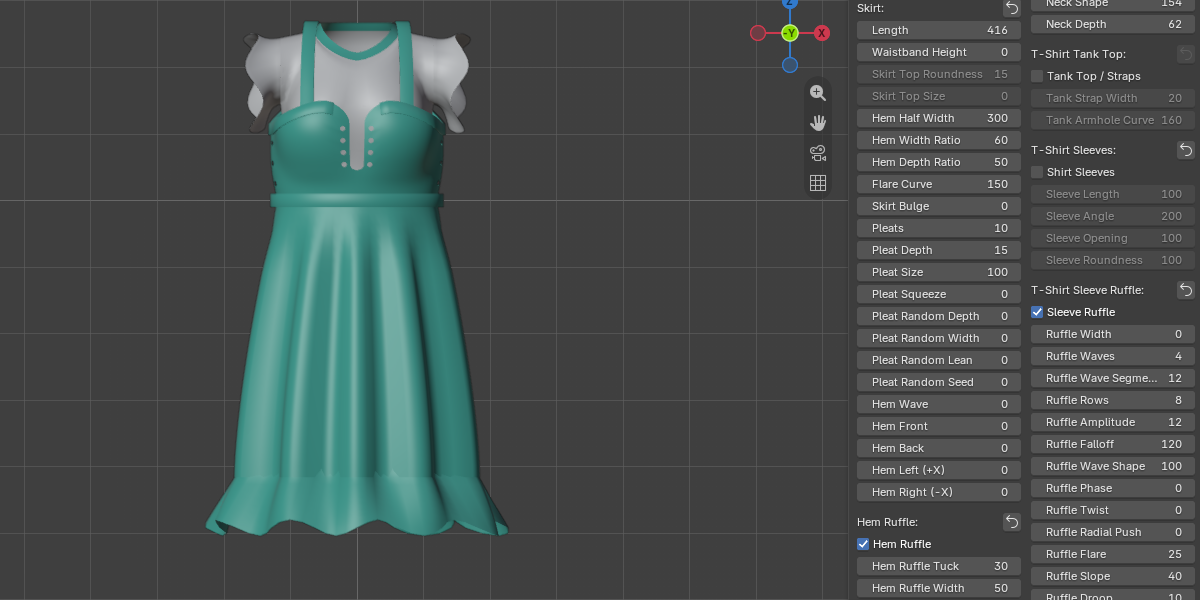
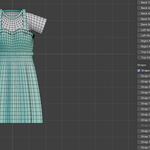
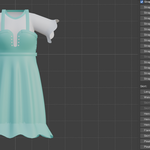
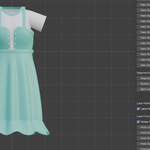
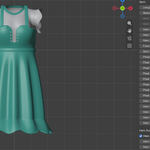
Easy Dress turns dress modeling into a handful of sliders. Add a dress with one click, then shape the bodice, straps, skirt and a matching T-shirt in real time. When you are happy with it, press Finish Dress and you get a normal mesh with UV seams marked and the UVs unwrapped.
Features
- Live editing: every slider rebuilds the mesh instantly, and Reset Settings brings back the defaults
- Sweetheart bodice: heart notch, arcs and notches along the top edge, side and back drop, adjustable top edge bulge
- Bust shaping: bump size, radius, height and position, center seam, chest smoothing
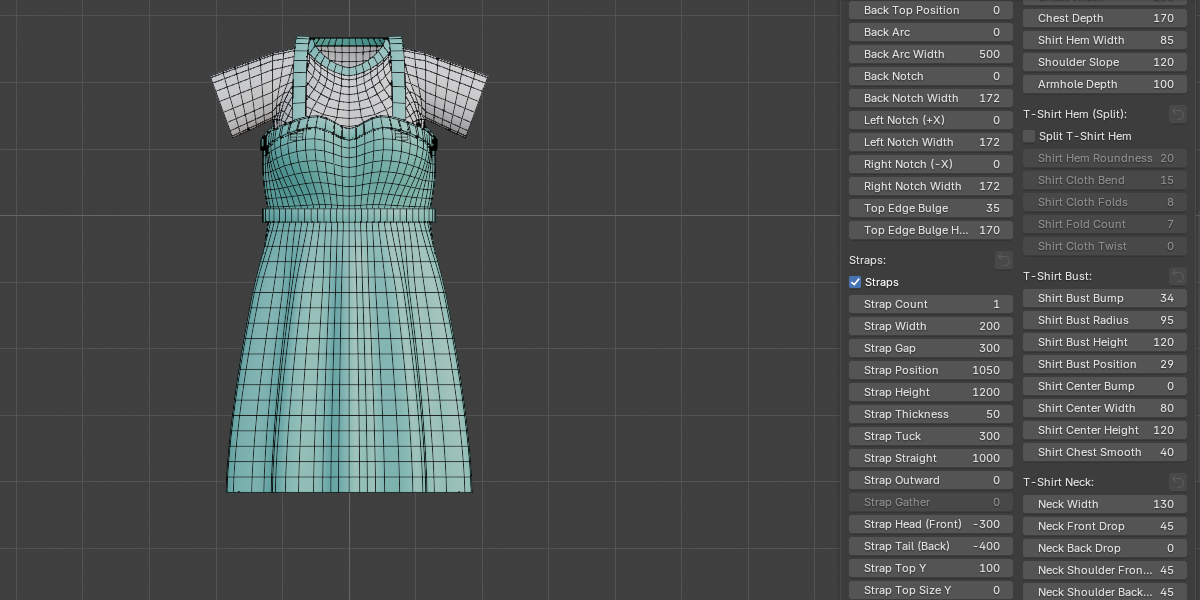
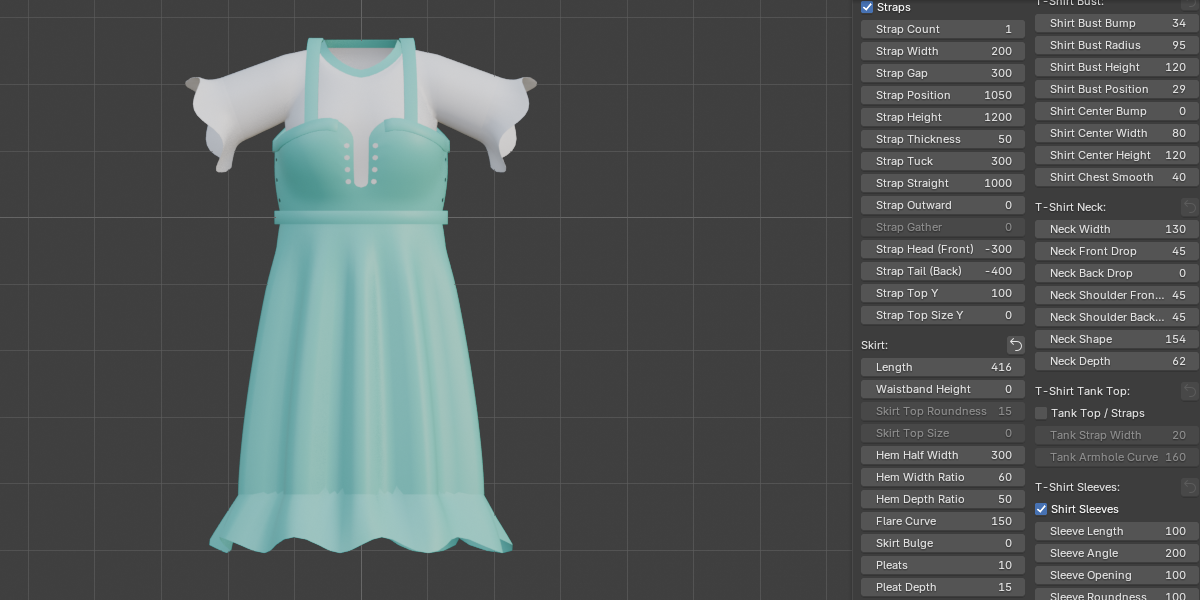
- Straps: 1 to 4 parallel straps per shoulder, with width, height, tuck, gather, and straight or outward lean
- Pleated skirt: pleat count, depth and size, round-lobe squeeze, random depth, width and lean, flare, bulge, waistband, hem wave, and raising or lowering the hem at the front, back and sides
- Hem ruffle: a wavy frill with controls for waves, rows, flare, slope, droop and randomness
- Lace holes: eyelets at the front, back and sides, optional open window with rounded corners, left/right mirroring
- Split Top & Skirt: two separate pieces with a rolled hem, cloth bend, folds and twist
- Belt and dress thickness: a belt band that follows the cloth, plus a built-in wall thickness
- Matching T-shirt: length, width, neck shape (including off-the-shoulder), sleeves, sleeve ruffle, tank top or camisole, collar, rolled hem and wrinkles
- Clean output: quad-based topology, adjustable mesh density, four material slots (dress, shirt, collar, belt) with color pickers
How it works
- Open the sidebar (N) and go to the Easy Dress tab
- Click Add Dress and adjust the sliders
- Click Finish Dress to keep the mesh and unwrap the UVs (Resume Editing turns live editing back on, but manual edits are lost)
Requirements
Blender 5.2 or newer.