 Mohd Khurram
BLENDER ENVIRONMENT TOOLKIT
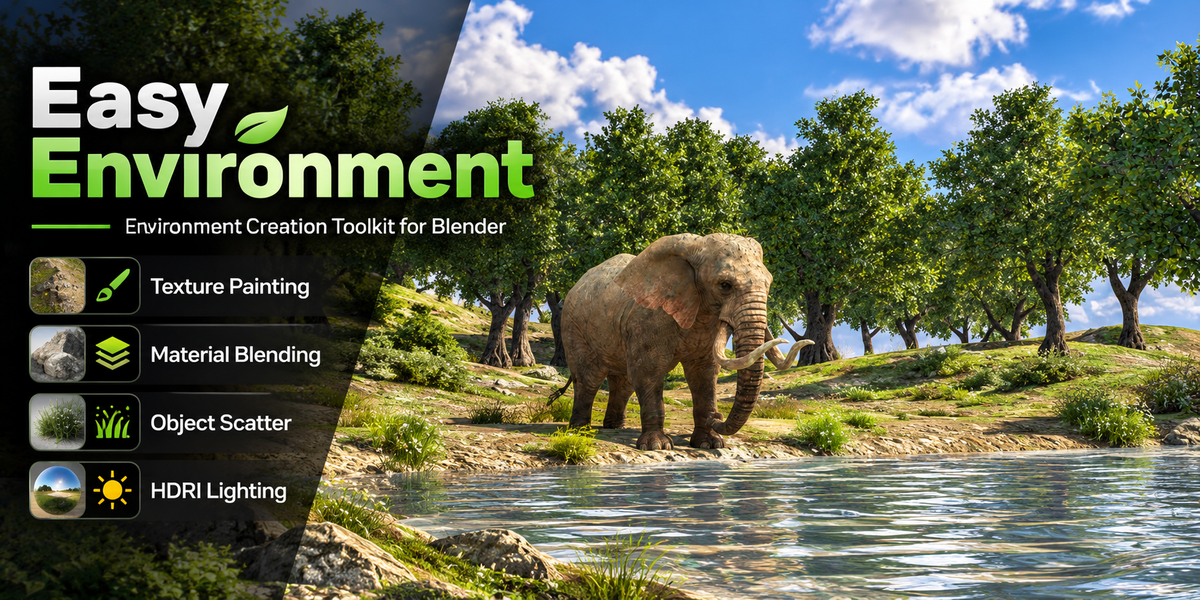
Easy Environment
An Environment Creation Toolkit for Blender
Create, customize, and enhance your 3D environments with convenient tools for texture painting, material blending, object scattering, and HDRI world setup.
Bring Your Environment Workflow Together
Easy Environment brings useful environment-building tools into one convenient Blender interface. Whether you're creating game environments, stylized scenes, 3D props, or detailed worlds, organize essential material and scene workflows in one place.
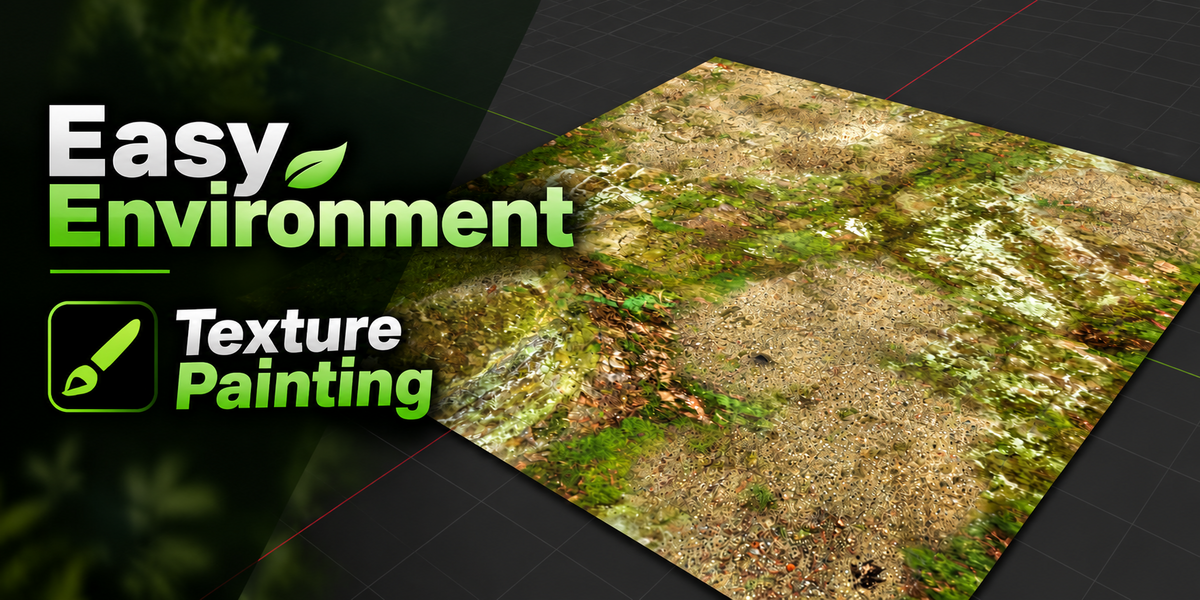
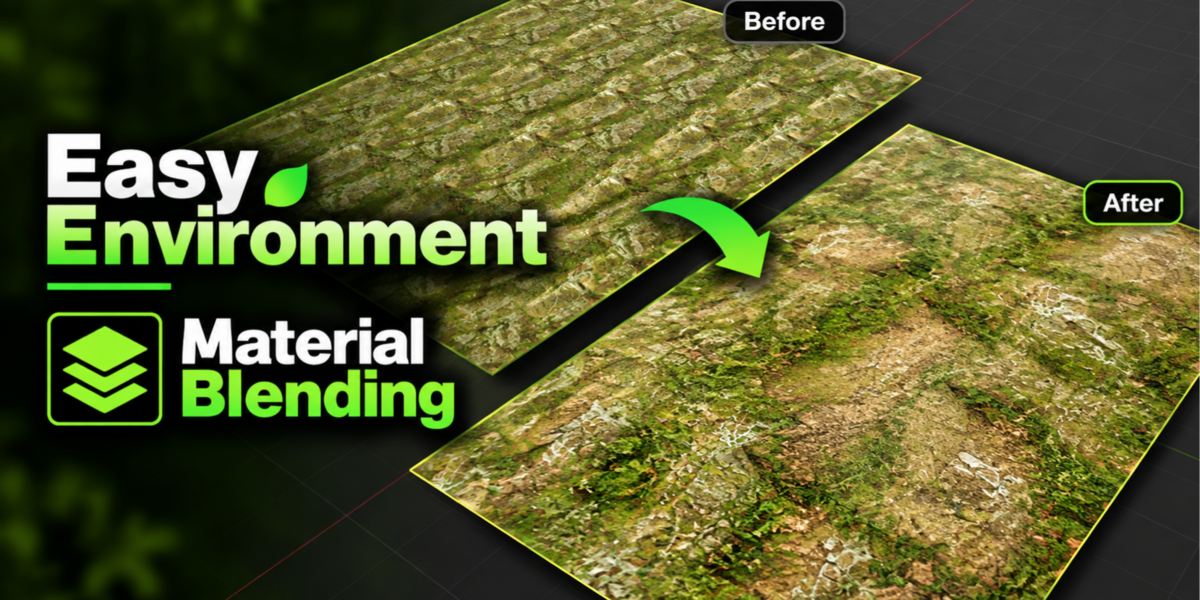
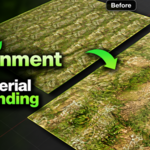
01. Texture Painting & Material Blending
Work with layered materials and use painted masks to control how materials blend across your models.
- Work with multiple material and texture layers.
- Paint masks to control material blending.
- Paint, erase, fill, clear, and smooth masks.
- Use Color Attribute masks for material transitions.
- Manage painting layers through the add-on interface.
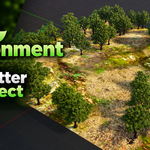
02. Object Scattering
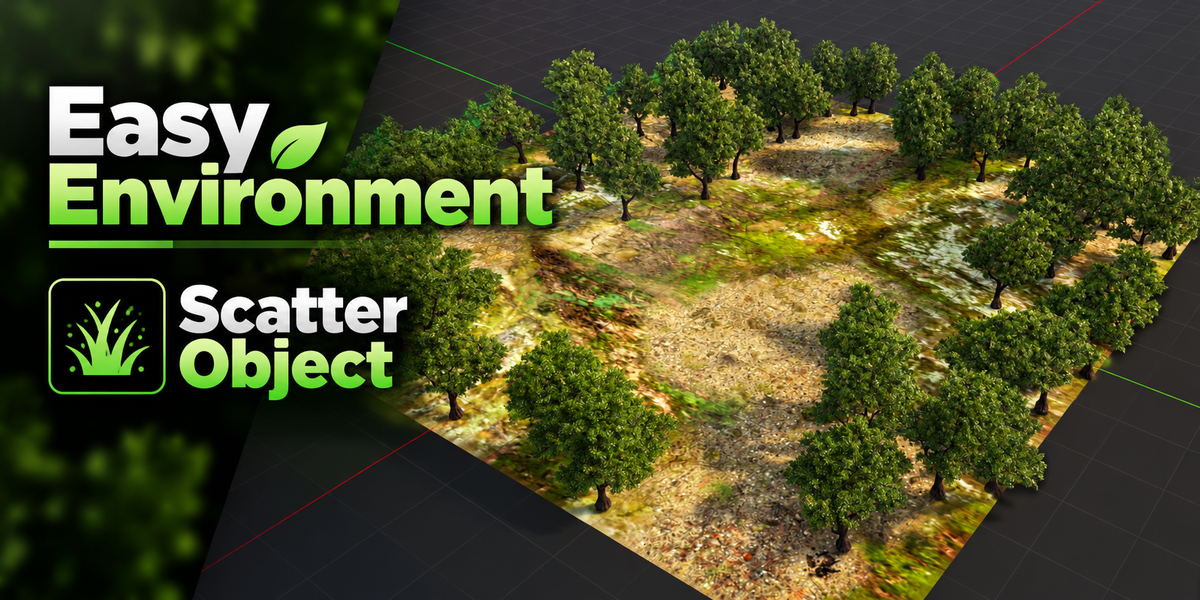
Add detail to your scenes by distributing objects or collections across mesh surfaces.
- Scatter objects or collections across surfaces.
- Control placement using painted masks.
- Manage scatter layers.
- Adjust available scattering and rotation settings.
- Create detailed environment surfaces and scenes.
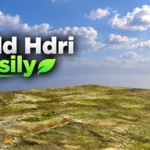
03. HDRI & World Setup
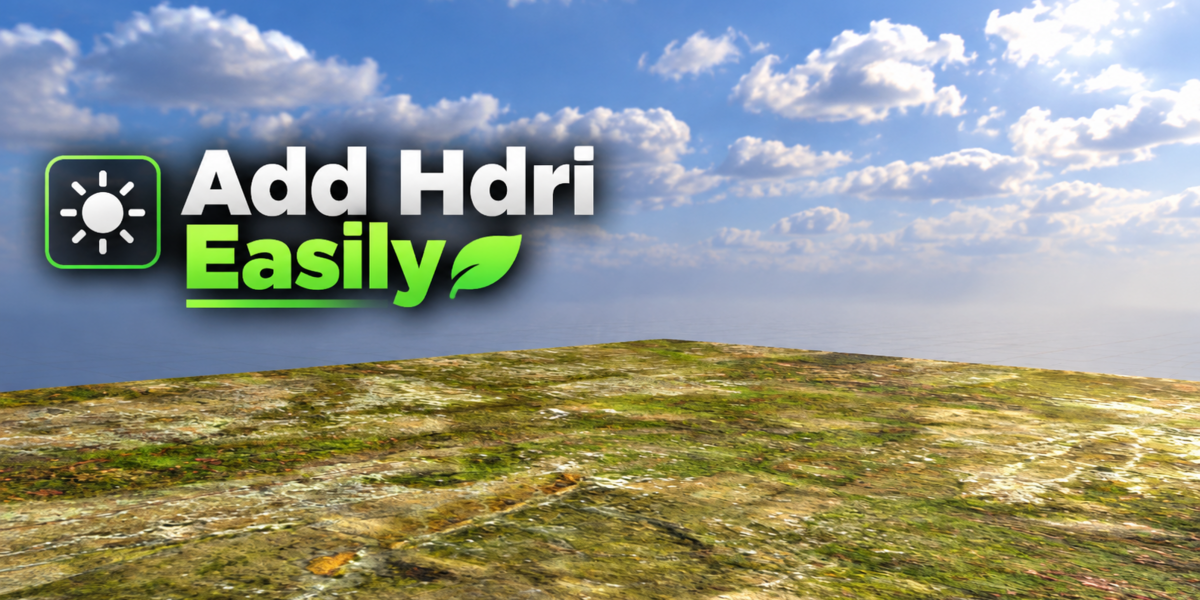
Configure environment illumination and camera backgrounds for your Blender scenes.
- Load HDRIs for environment lighting.
- Configure a separate camera background.
- Adjust HDRI and background mapping independently.
- Customize background appearance using available color controls.
04. Asset Library Integration
Extend your workflow with supported MK Asset Management integration for compatible material and HDRI library features.
Note: MK Asset Management is optional and is required only for the integrated library functionality.
Designed for 3D Artists
- Environment artists
- Blender users creating game environments
- 3D prop and asset creators
- Artists working with layered materials
- Creators using object scattering and environment lighting tools
Compatibility
Target Blender versions: 4.0–5.0
Compatibility should be verified for each Blender version before production use. Some features may depend on version-specific Blender APIs.
Installation Guide
- Download the Easy Environment ZIP package.
- Open Blender Preferences.
- Install the ZIP using the installation method supported by your Blender version.
- Enable Easy Environment if necessary.
- Open the 3D Viewport and press N.
- Select the Easy Environment tab.
Important Information
- Easy Environment is a Blender add-on, not a standalone application.
- External HDRI files, material libraries, and other assets are included only if explicitly supplied with the product.
- Check the included documentation for additional instructions and usage information.
Create Your Environments
Paint materials, scatter objects, and configure environment lighting with Easy Environment — your environment creation toolkit for Blender.