Easy Gobo Lights 💡
 Blender Procedural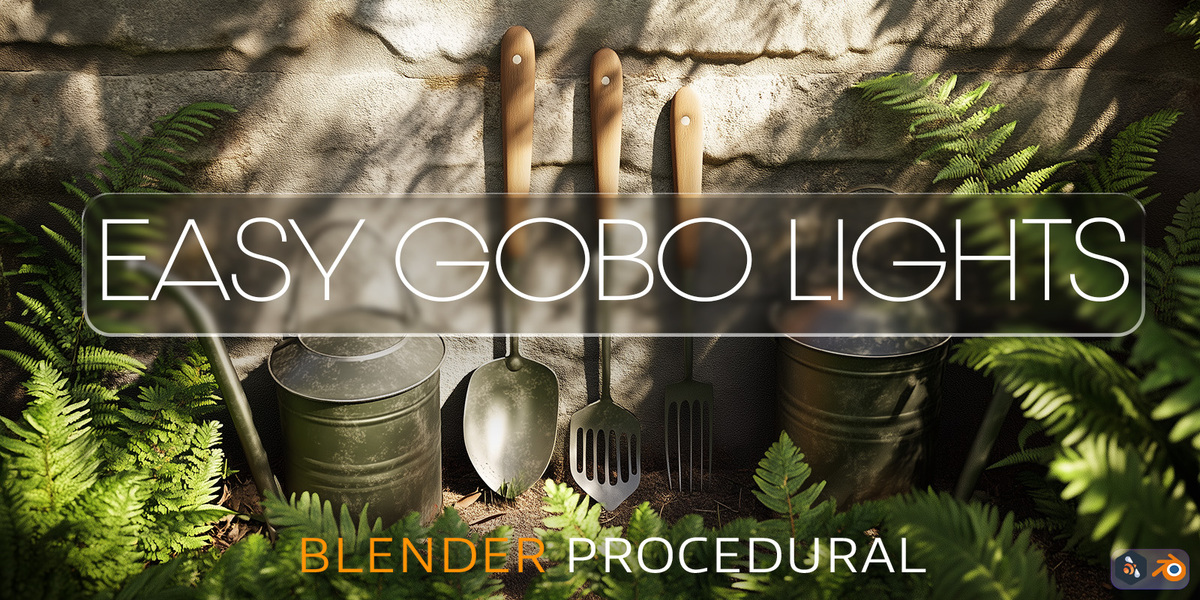

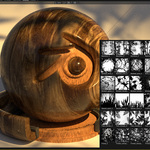
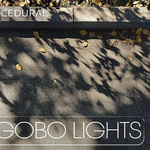
How It Works
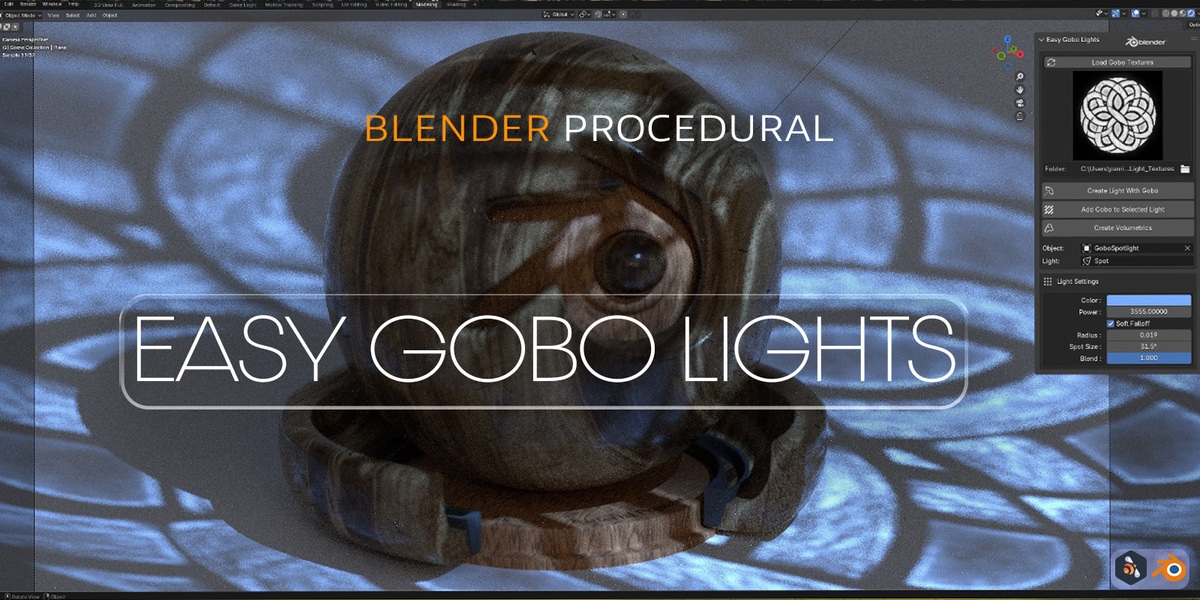
- Add a new light or select an existing one.
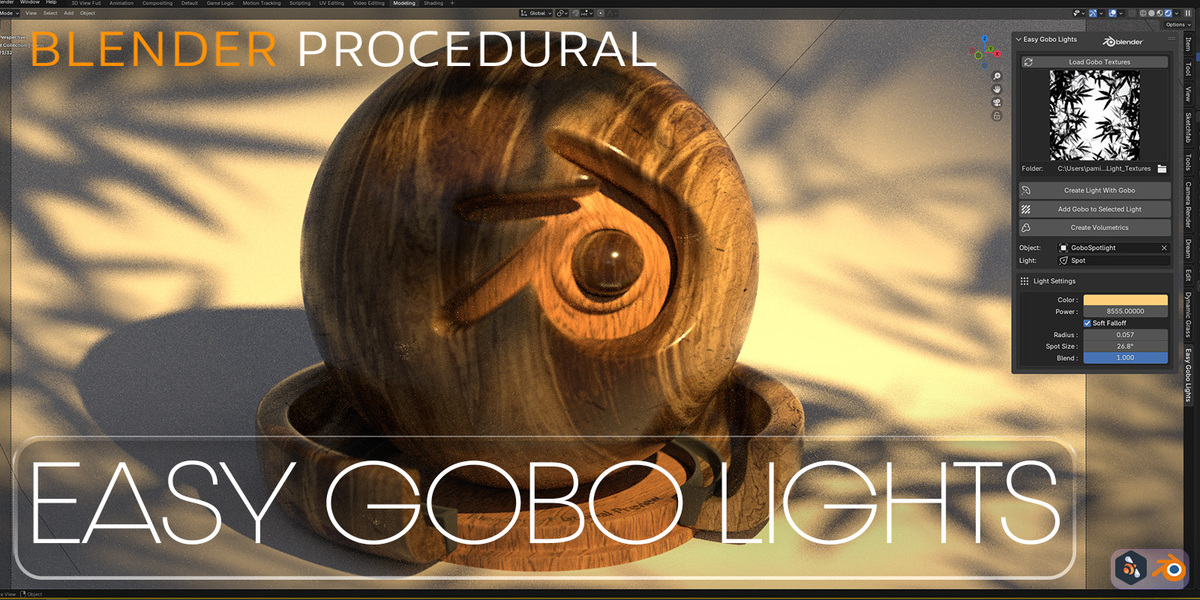
- Open the Easy Gobo Lights panel.
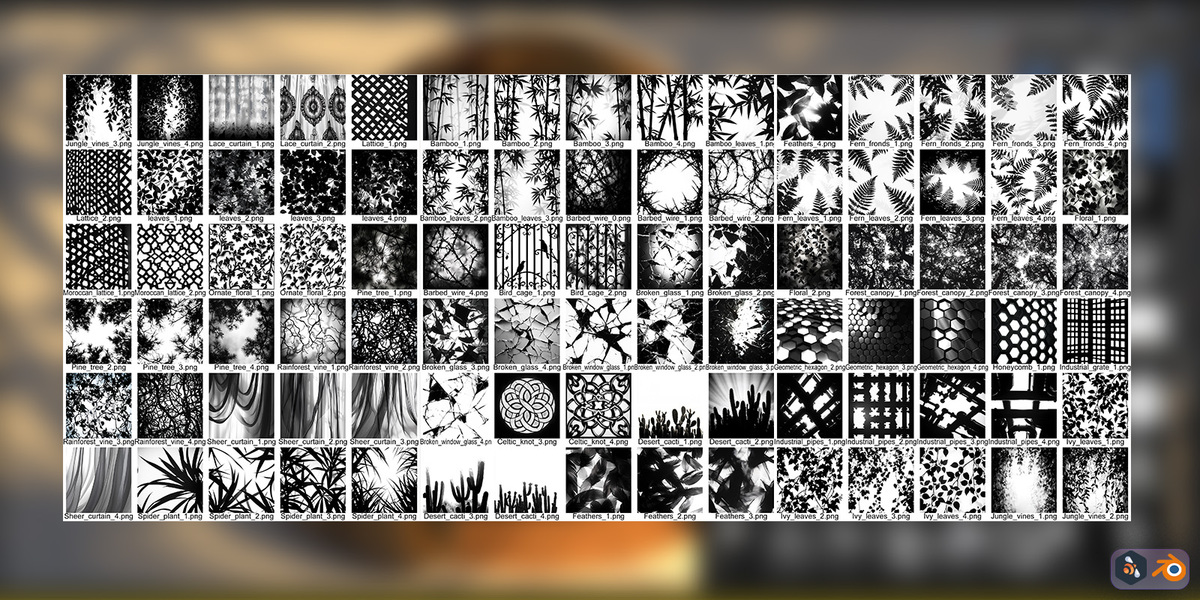
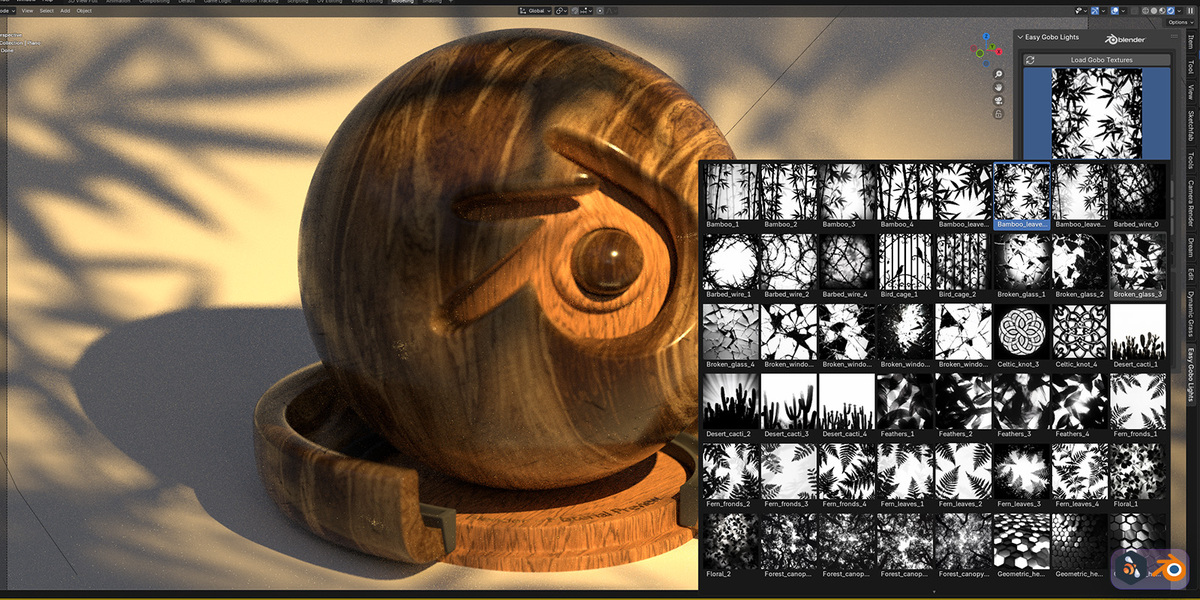
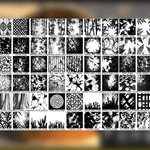
- Load and Choose a gobo texture from the included library.
- Add new light with gobo texture or select an existing light and click to the "Add Gobo to The Selected Light" Button
- Render and enjoy your beautifully lit creation!