 INSDesign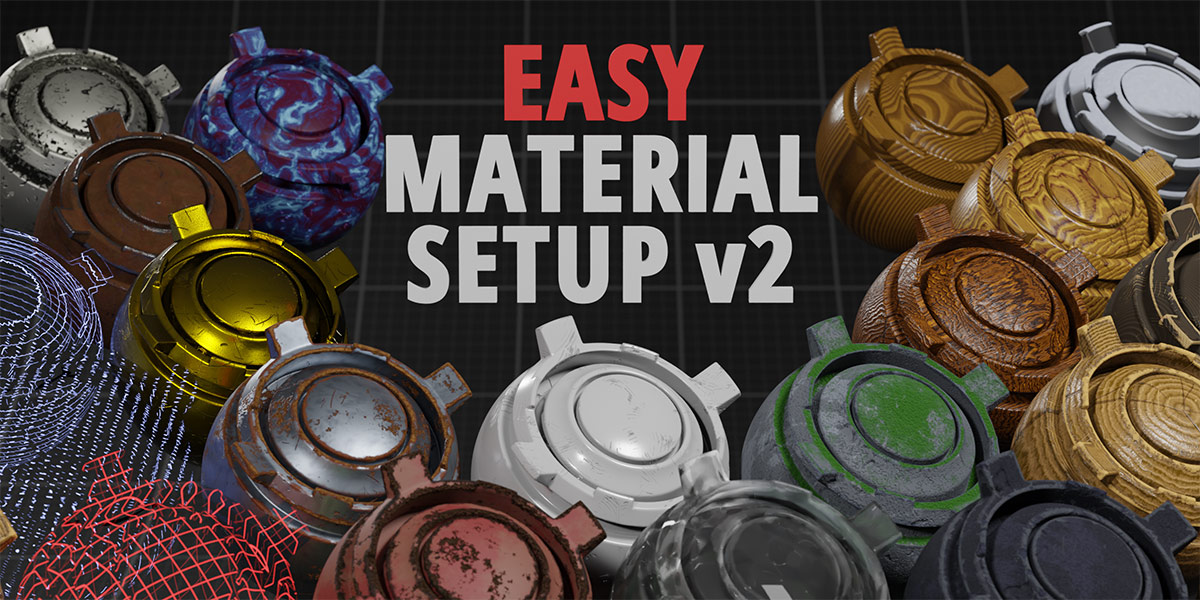


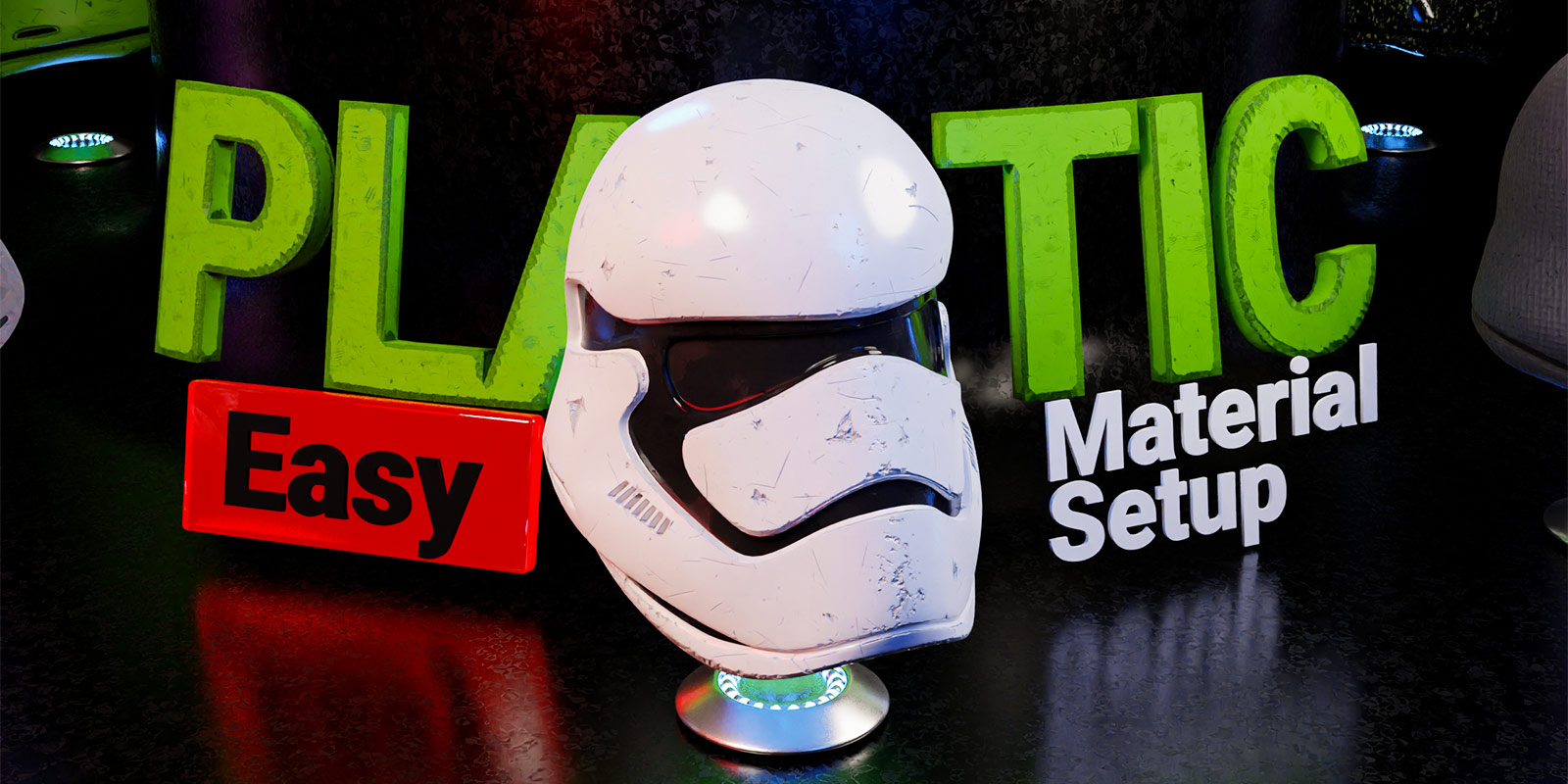


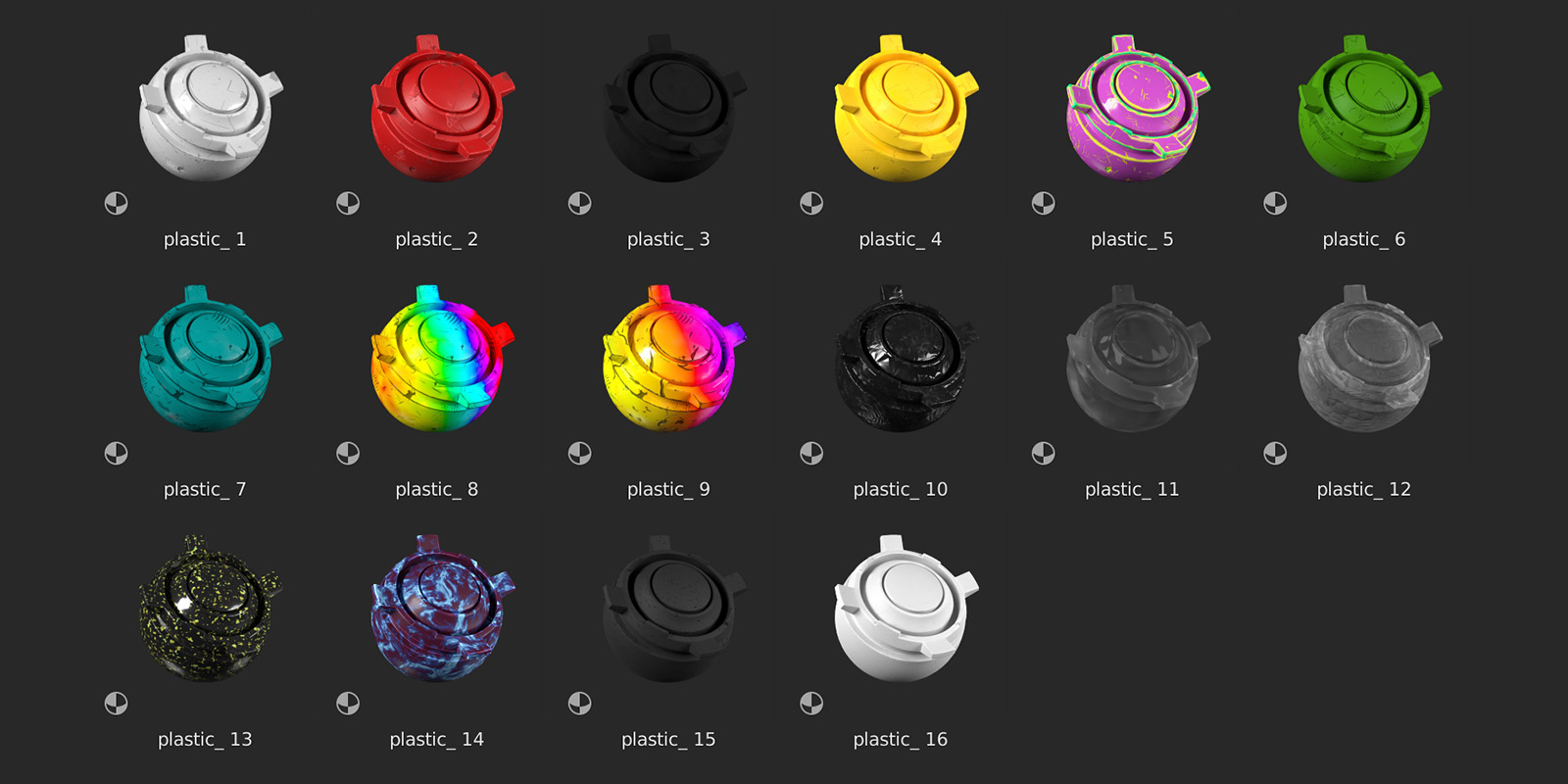
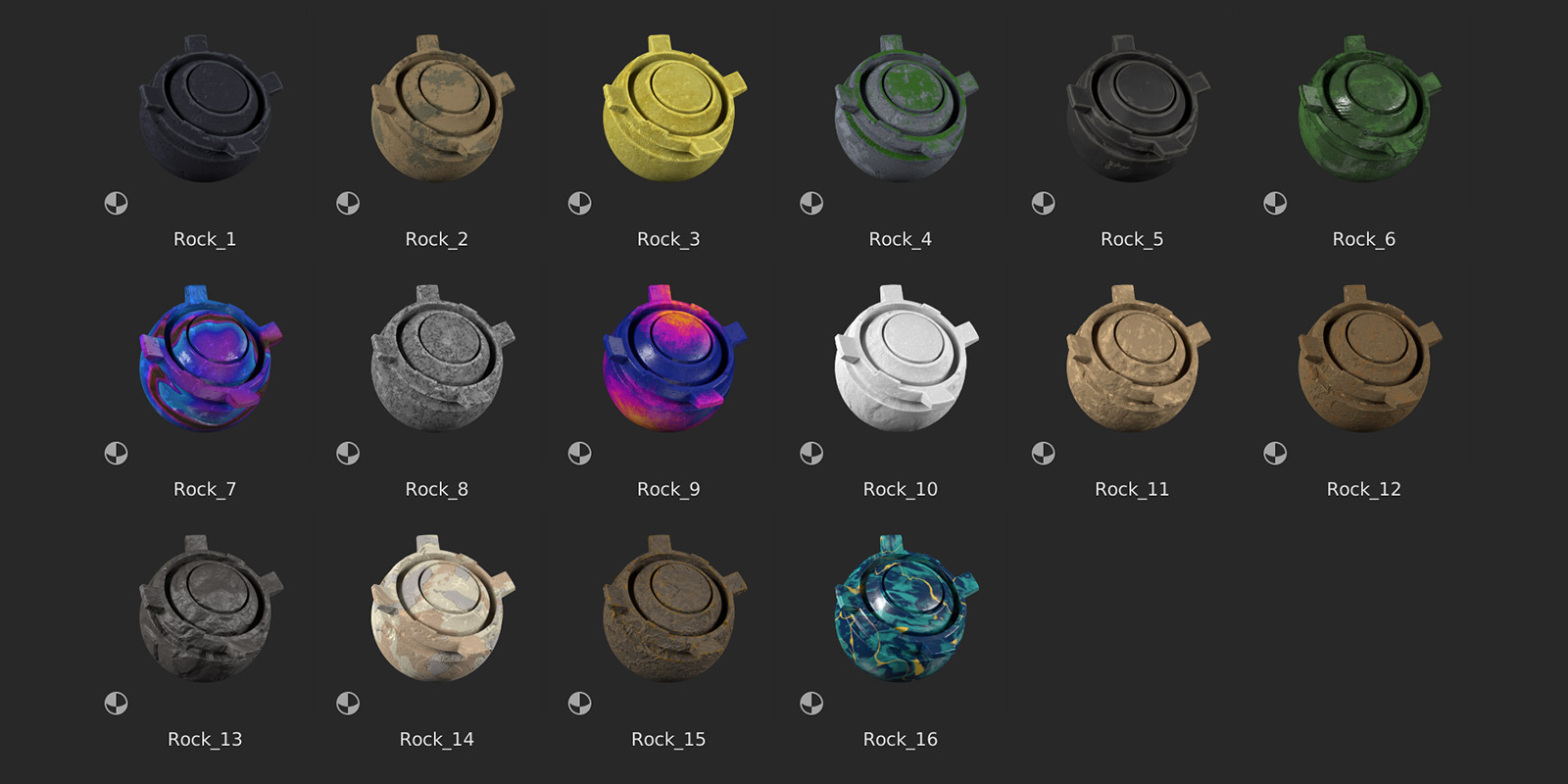


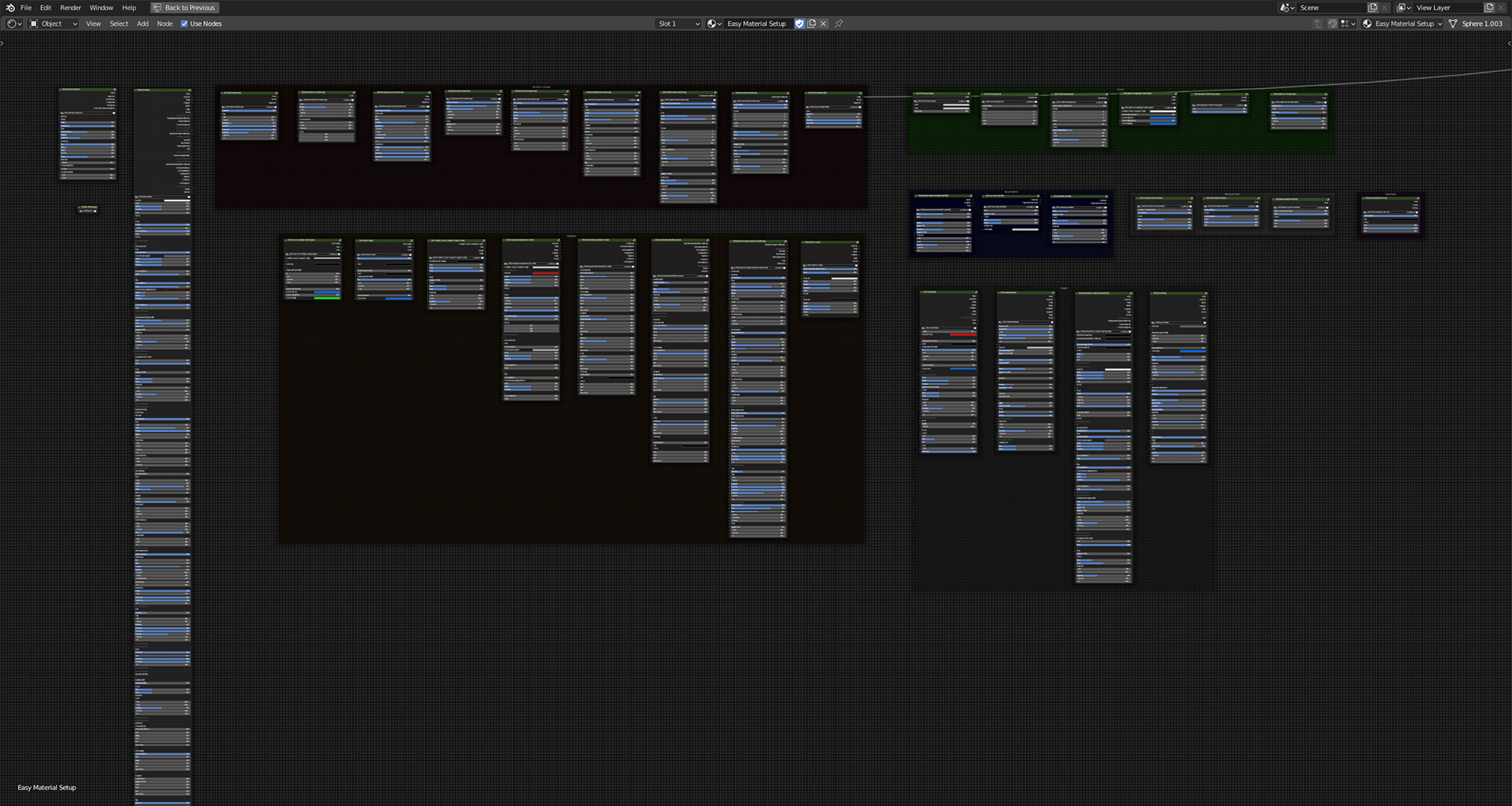


Can I customize the materials and damage effects?
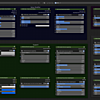
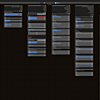
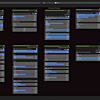
Yes! The materials are fully procedural and customizable. Start with a ready-made preset, then adjust the exposed node group inputs in the Shader Editor to change its appearance. Depending on the material, you can modify colors, roughness, texture scale, and damage effects such as scratches and edge wear. Video tutorials are available in the Documentation section.
Which Blender versions and render engines are supported?
Easy Material Setup v2 supports Blender versions from 3.2 up to the latest stable release. Cycles is recommended for the full procedural material and damage effects. EEVEE can also be used, but some damage effects have limitations and may look different or work only partially.
How do I install Easy Material Setup v2?
Download and unzip the product files into a folder on your computer. In Blender, go to Edit → Preferences → File Paths → Asset Libraries, click the + button, and select the extracted library folder. Save your preferences, then open the Asset Browser and select the library to start using the materials.
-
$15
Includes the full range of materials and node groups
-
$35
Includes EMS + "Texture Baking Assistant" and "Node Preview Switcher"
Have questions about this product?
Login to message
Includes an Asset Library
184 drag-and-drop assets for Blender’s Asset Browser.
Browse included assets| Sales | 60+ |
| Dev Fund Contributor | |
| Published | over 5 years ago |
| Blender Version | 3.2 - 5.2 |
| Render Engine Used | Cycles |
| License | GPL |
