 jkdesign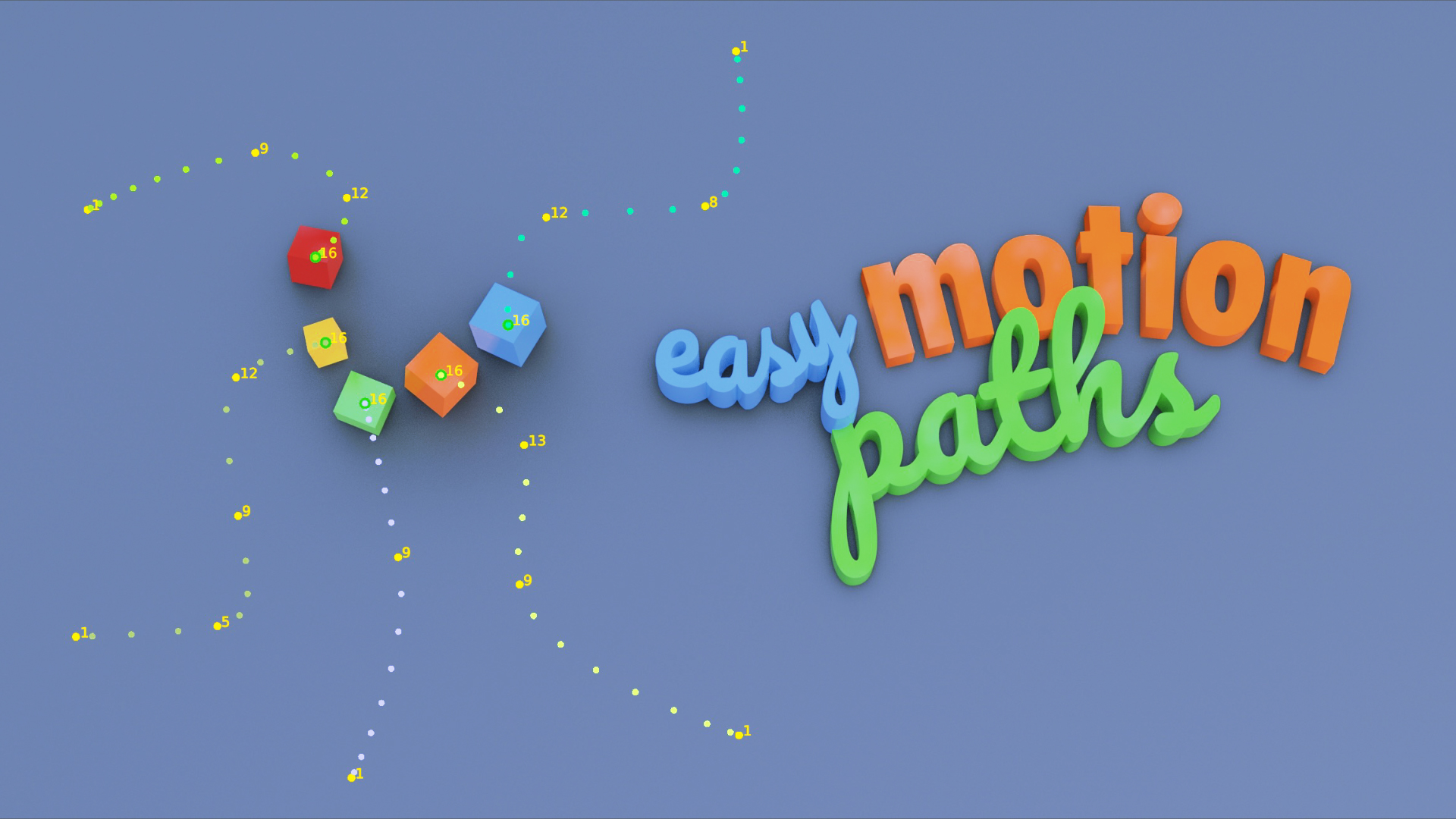
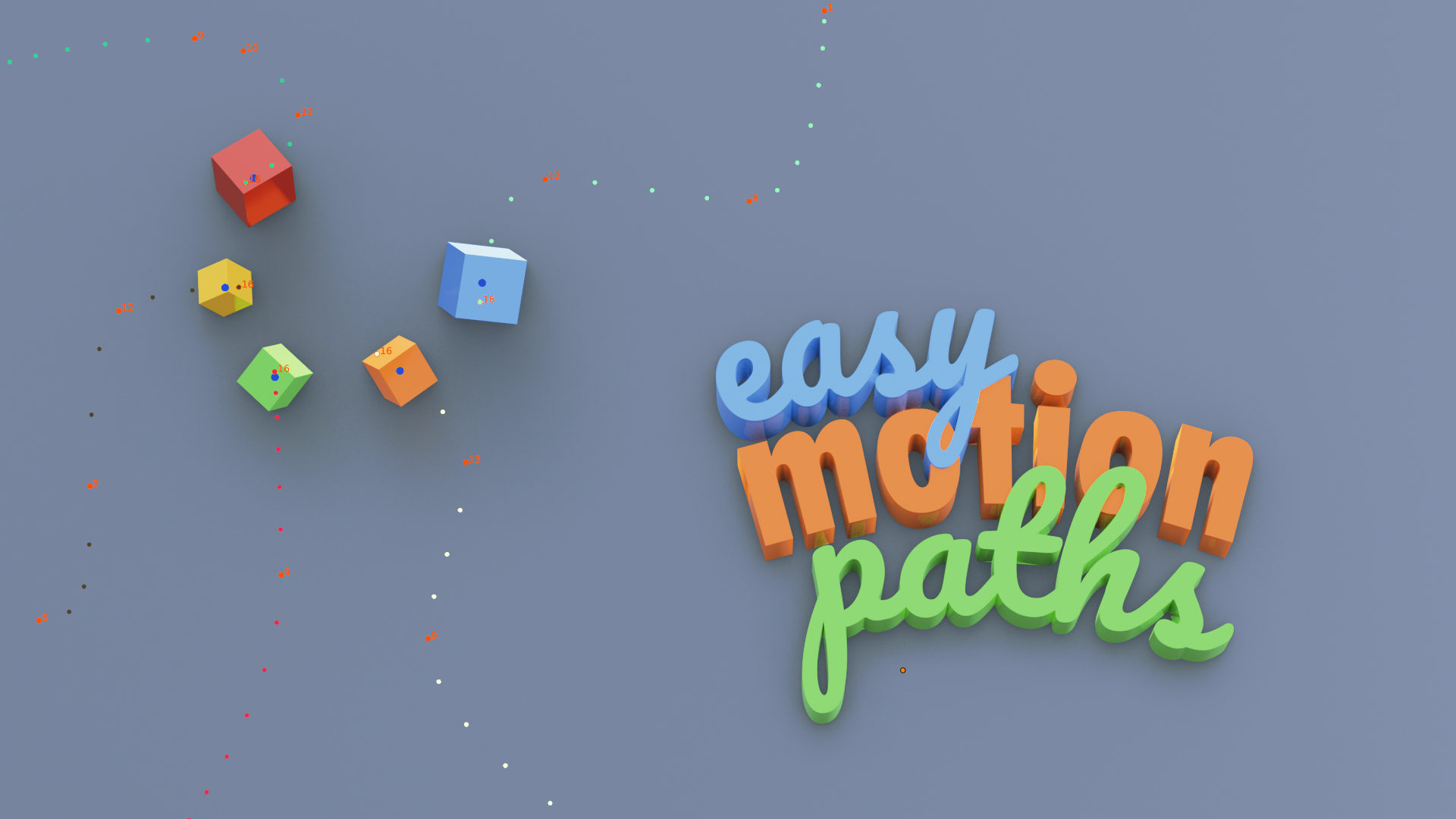
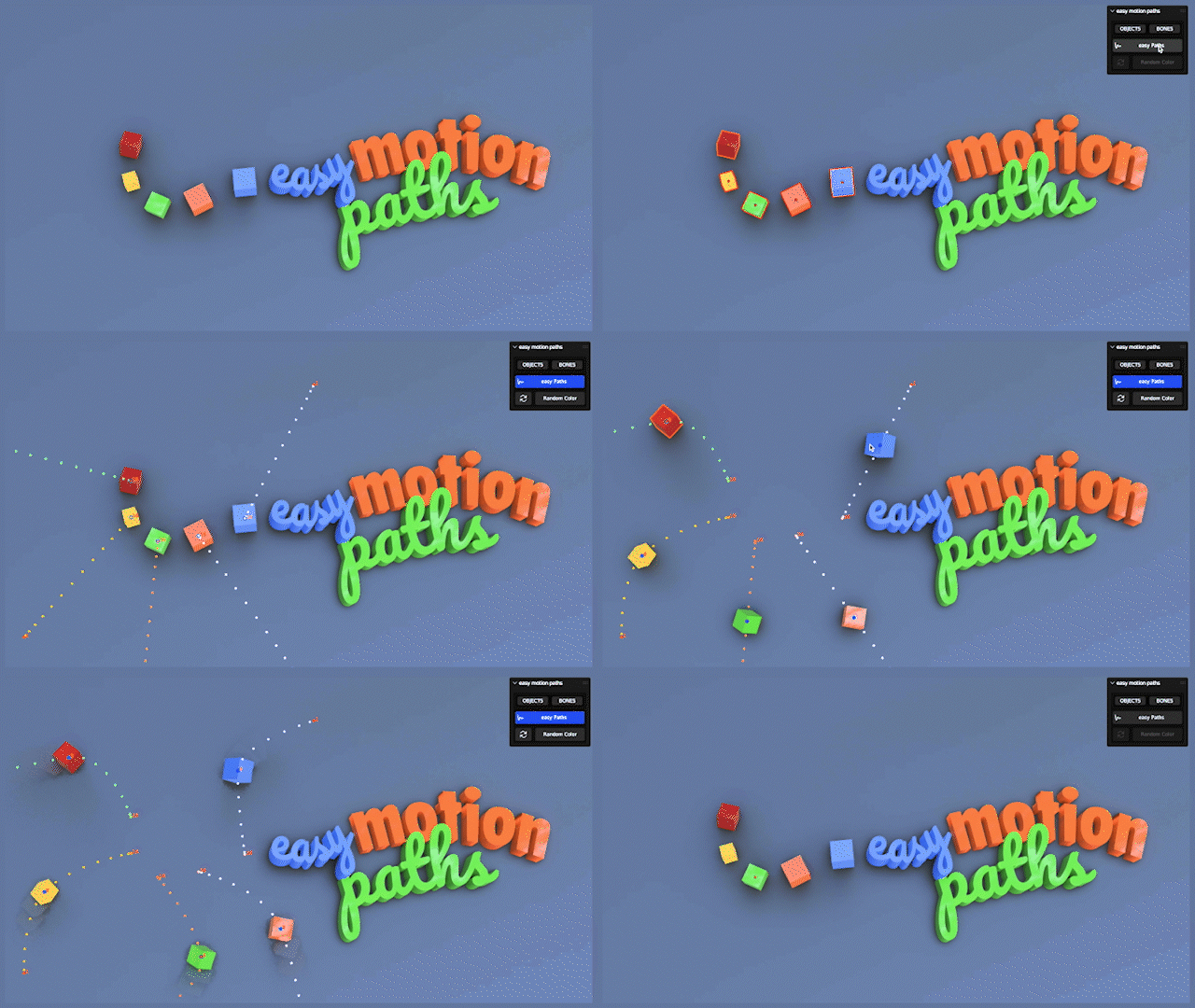
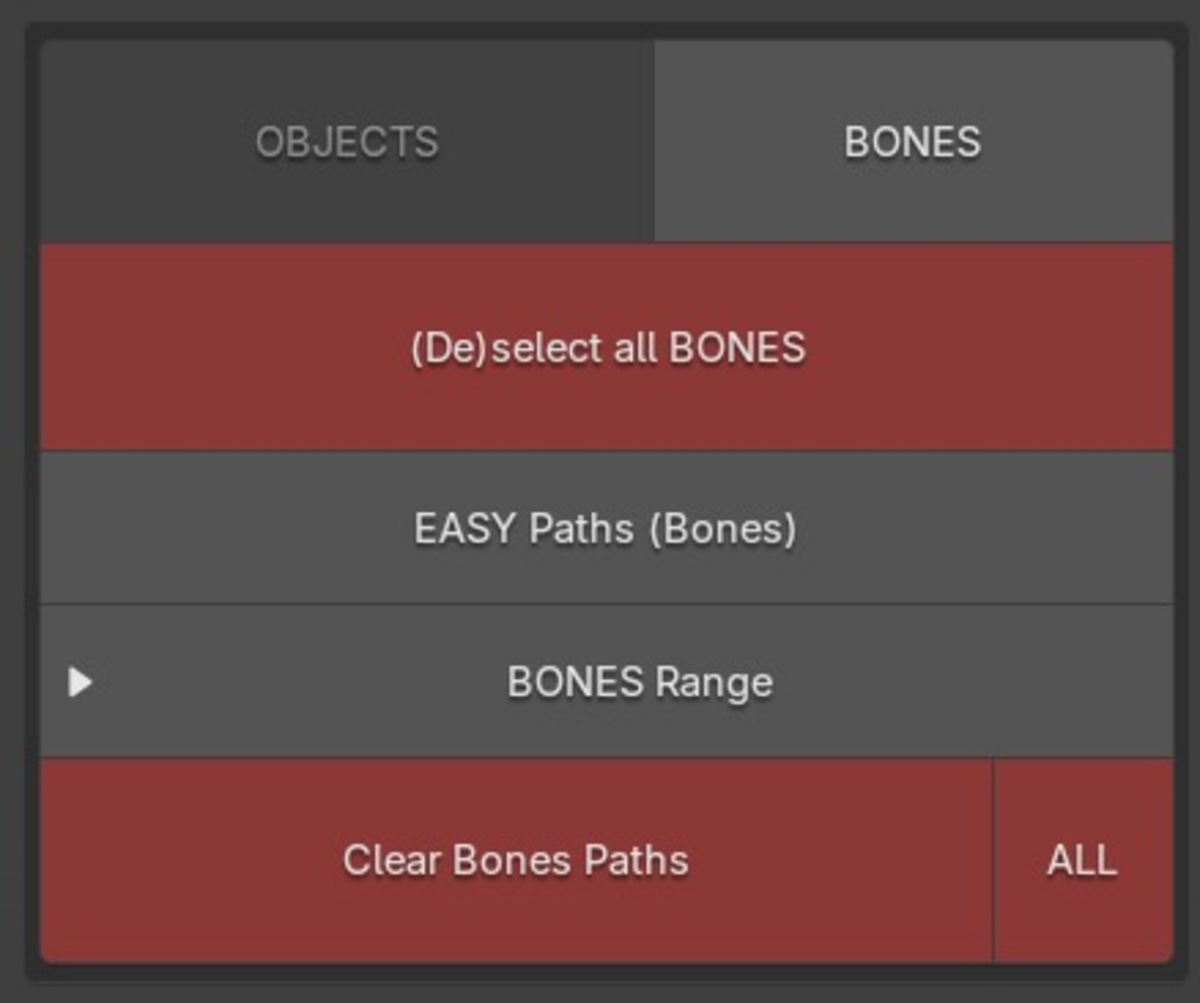

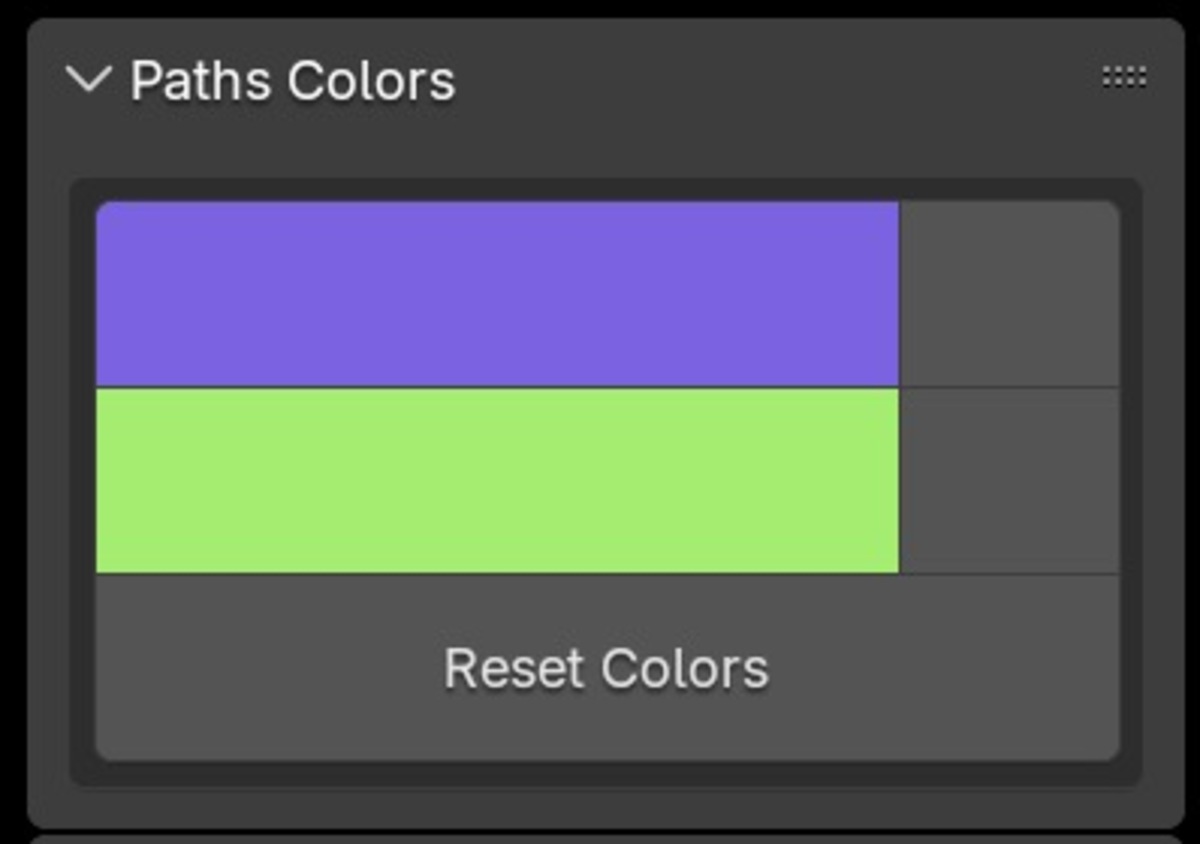
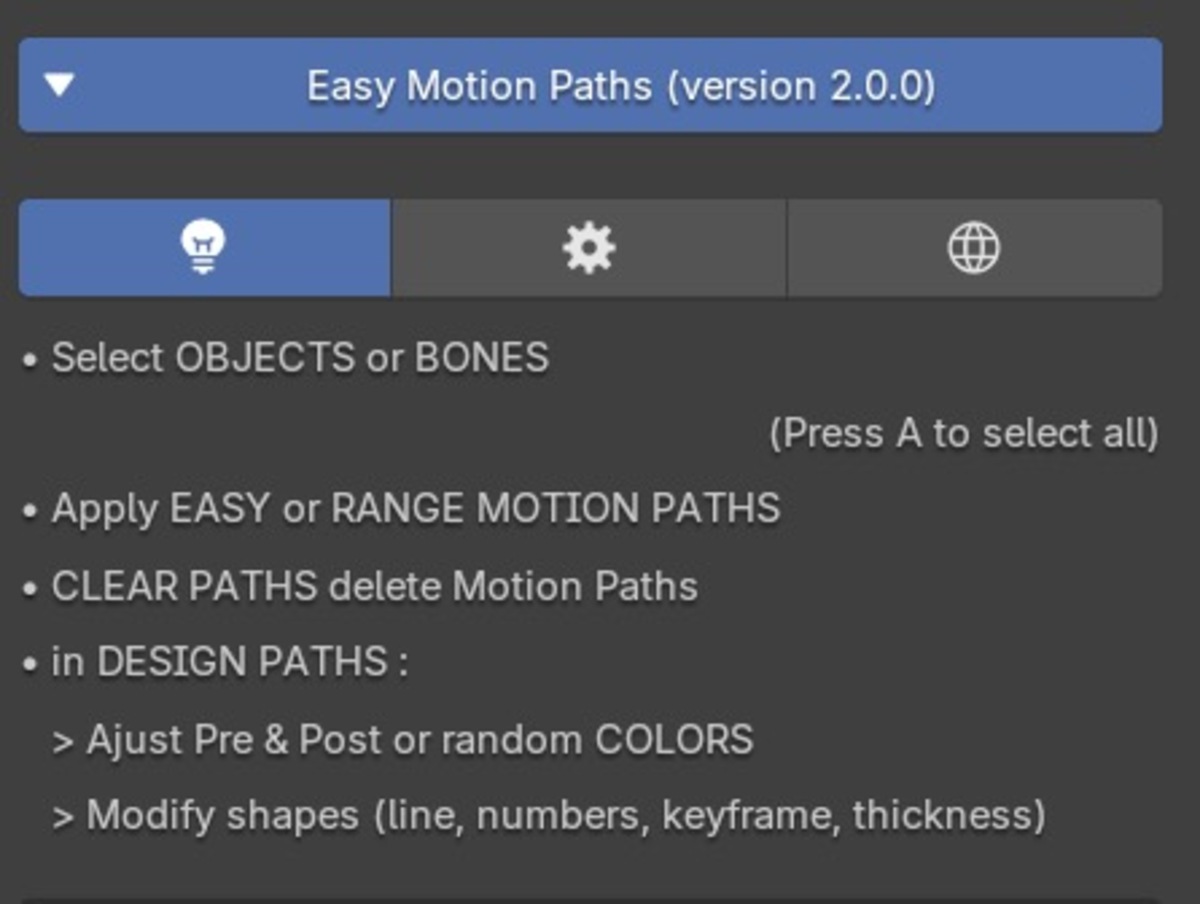
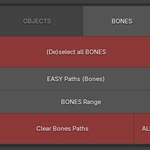
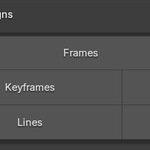
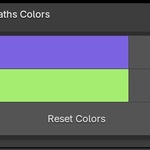
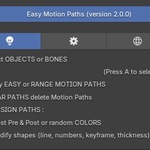
To limit the visible points in the 3D viewport :
- select all object/bones (A) and desacivate the motion Paths (easy Paths button)
- Select only objects/bones you absolutly need
- change the start and end frames in the timeline (or in the output properties)
…before reactivating the easy motion Paths button
In gtaph editor, you need to update evrytime due to the limitations of Blender's Motion Path module. But If you activate the Auto Keying and move your objects (G key) in the 3D viewport, see the objects Paths update in real time without the clicking on the update button.
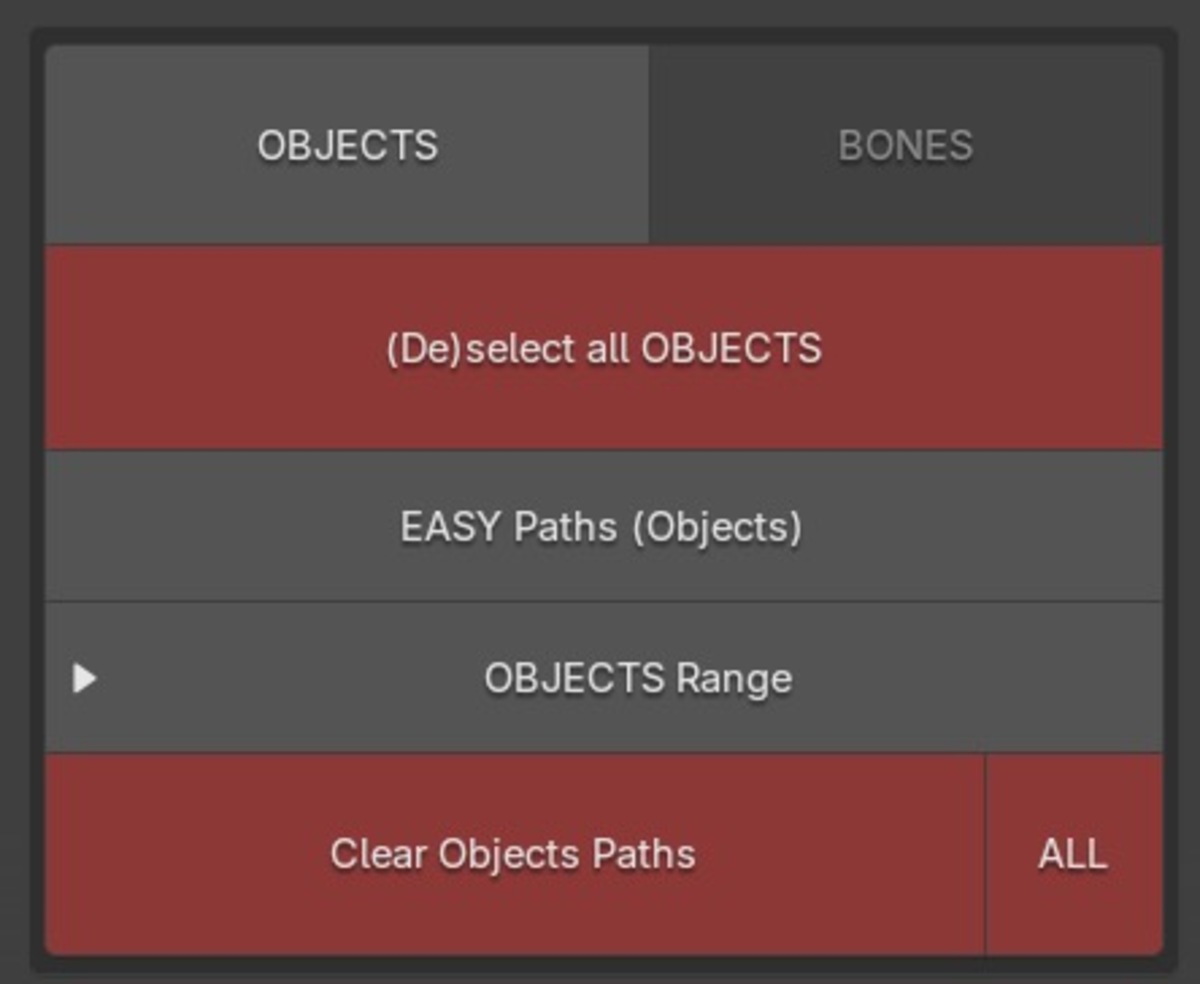
The easy motions Paths is build to be as simple as possible. It create/delete motion Paths points with the easy Paths button. To delete all points, select all objects ("A" shortcut) or bones and clic on easy Paths button
-
$5
For personnal use.
-
$8
All versions. With all new presets. For commercial usage.
-
$30
All versions. With all new presets. For commercial use. For commercial usage.
-
$100
For classroom usage and student animation films
Have questions about this product?
Login to message

Discover more products like this
blender armatures dopesheet Color motion paths Animation visualization trails Easy motion paths trail spring24 Animation management Visualization Motion Tracking 3d animation animation timeline motion graphics keyframe blender plugins Recorder graph editor viewport keframes Select bones lines Motion paths Advanced options summer23 record Object animation keys path Headers Animation playback Animation controls motion path Workflow Animation paths motion Tape key Select objects user friendly Bone animation