 dotblend






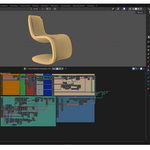

Easy Parametric Generator v2.0
The Ultimate Parametric Modeling Addon for Blender,
Create and Control Parametric Designs with Ease.
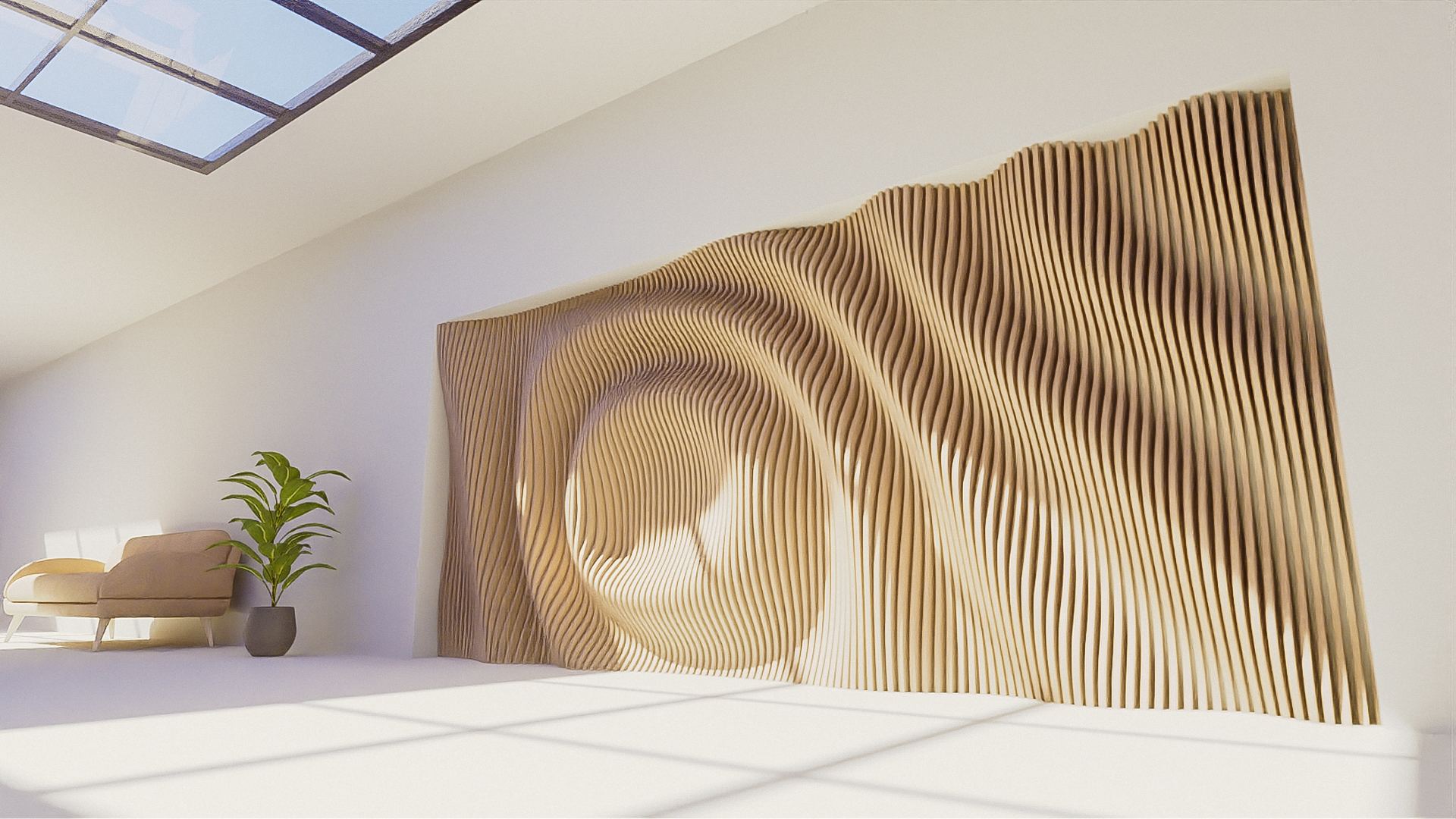
Easy Parametric Generator is a powerful Blender addon designed to generate complex procedural parametric with precision. Whether you're crafting organic wave patterns or structured parametric objects, this tool provides full control over pattern generation, plank management, and export workflows.
TWO Variations for Every Need!
We understand that every artist has unique needs and preferences. That’s why we offer the Easy Parametric Generator in two versions:
the Standard Product and the Full Product.
1. Standard Product:

The Standard Product is perfect for artists who want to enhance their work with parametric waves and enjoy the benefits of regular updates. It includes
- Parametric Waves Mode
Parametric Waves – Generate Dynamic, Procedural Patterns. The Parametric Waves mode enables the creation of intricate wave-based patterns, With a range of pattern generation methods, you can achieve unique procedural forms, including:
✔ Rings : Circular formations for organic, ripple-like structures
✔ Bands : Parallel wave patterns for structured surfaces
✔ Saw : Sawtooth-style formations for technical or industrial designs
✔ Voronoi A & B : Procedural tessellation for randomized or organic patterns
Each pattern is fully customizable, with adjustable board dimensions, plank count, resolution, thickness, and displacement settings, allowing you to fine-tune your designs.
- Separate and manage Planks
✔ Convert 3D planks into 2D for precise layouts and structured object arrangements.✔ Works seamlessly in both Waves & Object Modes.
- Viewport control
✔ Viewport Parameters : Adjust shading, lighting, and shadows.✔ Cavity Shading : Enhance surface details with depth effects.
✔ Viewpoint & Units : Customize viewport scaling and measurement units.
- Export to Vector/OBJ file
✔ Export to Vector File : Convert parametric designs into vector graphics for external use.✔ Export to OBJ : Directly save your models as 3D objects for further editing or rendering.
2. Full Product:

For those seeking a comprehensive solution, the Full Product offers all the features of the Standard Product and plus:
For those seeking a comprehensive solution, the Full Product offers all the features of the Standard Product and plus:
- Parametric Waves Mode
Parametric Waves – Generate Dynamic, Procedural Patterns. The Parametric Waves mode enables the creation of intricate wave-based patterns, With a range of pattern generation methods, you can achieve unique procedural forms, including:
✔ Rings : Circular formations for organic, ripple-like structures
✔ Bands : Parallel wave patterns for structured surfaces
✔ Saw : Sawtooth-style formations for technical or industrial designs
✔ Voronoi A & B : Procedural tessellation for randomized or organic patterns
✔ Image map : Convert images into 3D parametric designs
Each pattern is fully customizable, with adjustable board dimensions, plank count, resolution, thickness, and displacement settings, allowing you to fine-tune your designs.
- Image map (Pattern Mode) - Infinite Creative Possibilities
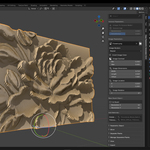
Transform Images into 3D parametric designs. The Image Map pattern mode allows you to generate 3D parametric designs based on imported images. This feature is perfect for creating embossed logos, relief textures, and intricate surface details using black-and-white image data.

- Parametric Object Mode
Procedural Modeling for Custom Shapes. The Parametric Object mode expands procedural control beyond waves, enabling dynamic object-based parametric modeling.
✔ Use Custom Objects as Parametric Sources – Apply procedural transformations to any object
✔ Control Plank Distribution – Generate parametric structures along the X, Y, or Z axes
✔ Adjust Object Properties – Modify count, thickness, offset, rotation, and scale
✔ Dynamic Transformations – Fine-tune individual planks or entire patterns
This mode allows for the procedural creation of objects with precise alignment, spacing, and customization.
- Slicer
Precision Cutting for Parametric Models. The Slicer Tool allows you to cut through parametric objects with full control over slicing direction and depth. This feature is essential for refining procedural designs, creating modular components, or preparing objects for further modifications.
Slicer Axises : Controlled Directional Slicing
✔ Slice Along X, Y, or Z Axis – Define the slicing direction based on your design needs
✔ Adjust Slice Range – Set precise start and end points to control how much of the object is cut
✔ Non-Destructive Workflow – Modify slice parameters dynamically without losing procedural control
Object Slicer : Custom Shape Cutting
✔ Select Any Object as a Slicer – Use a separate object to slice through the parametric structure
✔ Apply Material to Cut Sections – Automatically assign materials for better visual distinction
✔ Refine Cut Precision – Adjust depth and angle for complex slicing effects
The Slicer Tool is perfect for creating modular structures, sectioning procedural objects, and preparing planks or parametric surfaces for further customization.
- Separate and manage Planks
✔ Convert 3D planks into 2D for precise layouts and structured object arrangements.
✔ Works seamlessly in both Waves & Object Modes.
- Viewport control
✔ Viewport Parameters : Adjust shading, lighting, and shadows.
✔ Cavity Shading : Enhance surface details with depth effects.
✔ Viewpoint & Units : Customize viewport scaling and measurement units.
- Export to Vector/OBJ file
✔ Export to Vector File : Convert parametric designs into vector graphics for external use.
✔ Export to OBJ : Directly save your models as 3D objects for further editing or rendering.
How To Intal Easy Parametric Generator v2.0
### How to Install Easy Parametric Generator v2.0
Follow these steps to install and set up the add-on in Blender:
1. **Open Blender** and start a new file.
2. Go to **Edit > Preferences > Add-ons**.
3. Click **Install** and select the file:
📂 easy_parametric_generator_v2.0_full_product.zip
4. After installation, enable the add-on. It will appear in the **N Panel**.
### Setting Up the Parametric Presets
5. Open the **Add Parametric Asset** panel and click the **Open** button.
6. Select the presets file:
📂 Parametric Presets File_Full Product Version.blend
7. The Parametric Presets Library will load into the panel.
### Final Steps
8. Refresh the gallery.
9. Choose a parametric asset and start creating! 🎨
Enjoy using Easy Parametric Generator v2.0 ! 🚀
---
🔥 WHAT’S NEW IN VERSION 2.0?
This version introduces a fully redesigned UI, powerful new features, and seamless workflow enhancements allowing you to generate complex structures, wave patterns, and organized plank systems faster than ever.
Whether you're into Graphic design, architecture, or procedural modeling..., this addon unlocks limitless creative possibilities!
1. Fully Redesigned Interface – Optimized for Speed & Usability
Say goodbye to cluttered modifier stacks! The addon now operates independently in the N-panel, providing a more intuitive and efficient user experience.
✔ New Panel System – Features neatly organized sections for parametric models, presets, transformations, patterns, and exports.
✔ Interactive Panels, Buttons & Lists – Quickly navigate and apply changes without unnecessary steps.
✔ Live Updates & Real-time Adjustments – See changes instantly as you modify parameters.
2. New Presets Library Panel
✔ New Library Panel System – Features neatly organized sections for parametric models and presets.
3. Advanced Parametric Model Management
✔ Add & Duplicate Parametric Models – Generate multiple variations and manage them independently.
✔ Instant Mode Switching – Toggle between Parametric Waves & Parametric Objects effortlessly.
4. New Pattern Modes Menu
The new Pattern Menu lets you create six powerful procedural formations for the Parametric Waves Mode:
Rings: Generates circular patterns, perfect for organic designs.
Bands: Creates structured, parallel formations.
Saw: Produces sawtooth wave patterns, ideal for technical and industrial effects.
Voronoi A: Implements a primary Voronoi tessellation, great for unique tiling structures.
Voronoi B: Offers an alternative Voronoi pattern, adding diversity to your designs.
Image Map: Imports external images to generate intricate custom patterns.
5. Advanced Object Transformation Controls
✔ Fine-tune your parametric models with **precise position, rotation, and scale controls**.
✔ Fully integrated into **both Parametric Waves & Object Modes**.
6. Separate Planks Feature – Convert, Organize & Control Planks Easily
✔ Convert 3D planks into 2D for precise layouts and structured object arrangements.
✔ Works seamlessly in both Waves & Object Modes.
7. Manage Separated Planks Panel – Take Full Control Over Planks
✔ Align planks along a specific axis for a clean, structured look.
✔ Adjust spacing between planks to create optimized layouts.
✔ Rotate and transform planks individually for unique variations.
8. New View Panel – Full Control Over Your Viewport
✔ Viewport Parameters – Adjust shading, lighting, and shadows.
✔ Cavity Shading – Enhance surface details with depth effects.
✔ Viewpoint & Units – Customize viewport scaling and measurement units.
9. New Export Panel – Seamless Exporting for Maximum Workflow Efficiency
✔ Export to Vector File – Convert parametric designs into vector graphics for external use.
✔ Export to OBJ – Directly save your models as 3D objects for further editing or rendering.
Incredible render results:

