 INSDesign
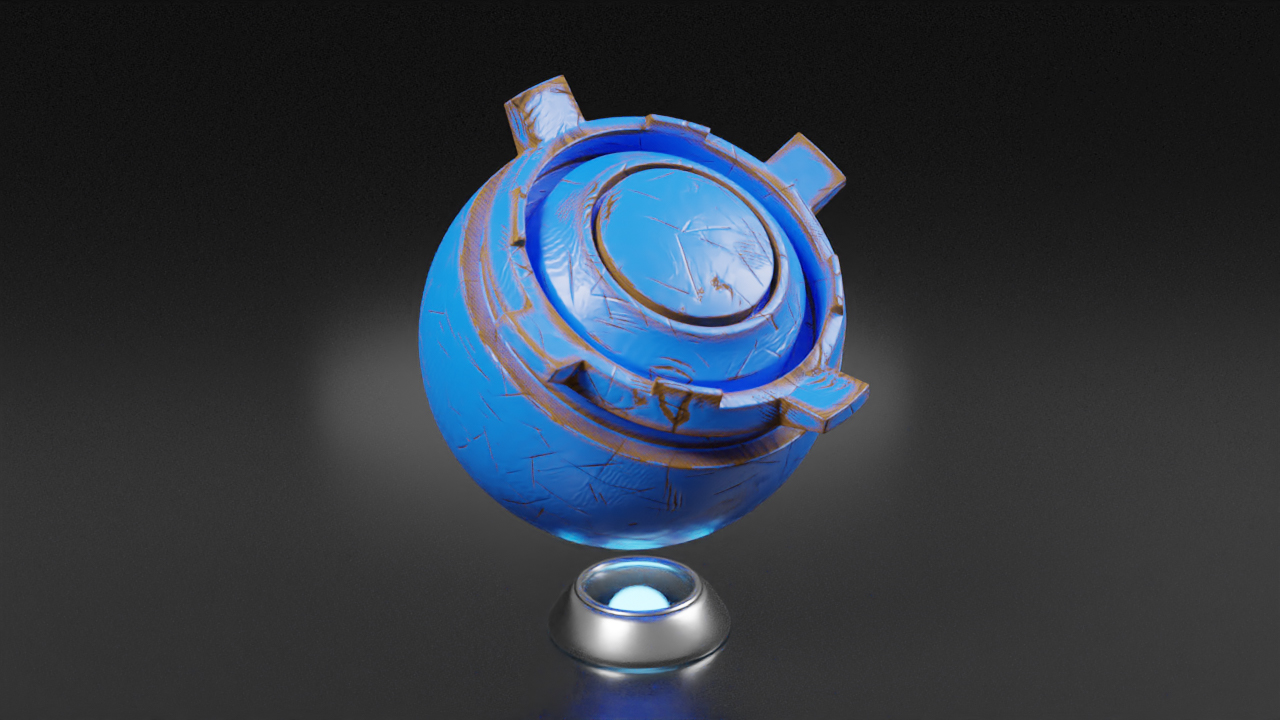
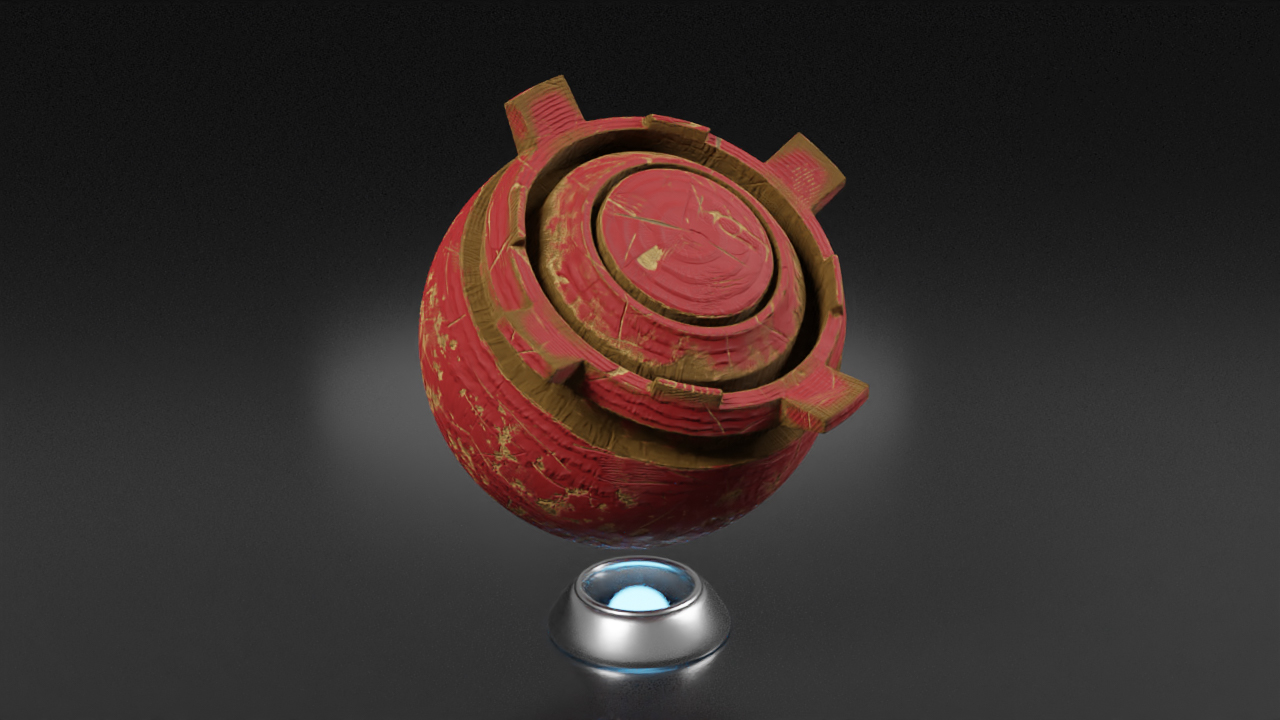
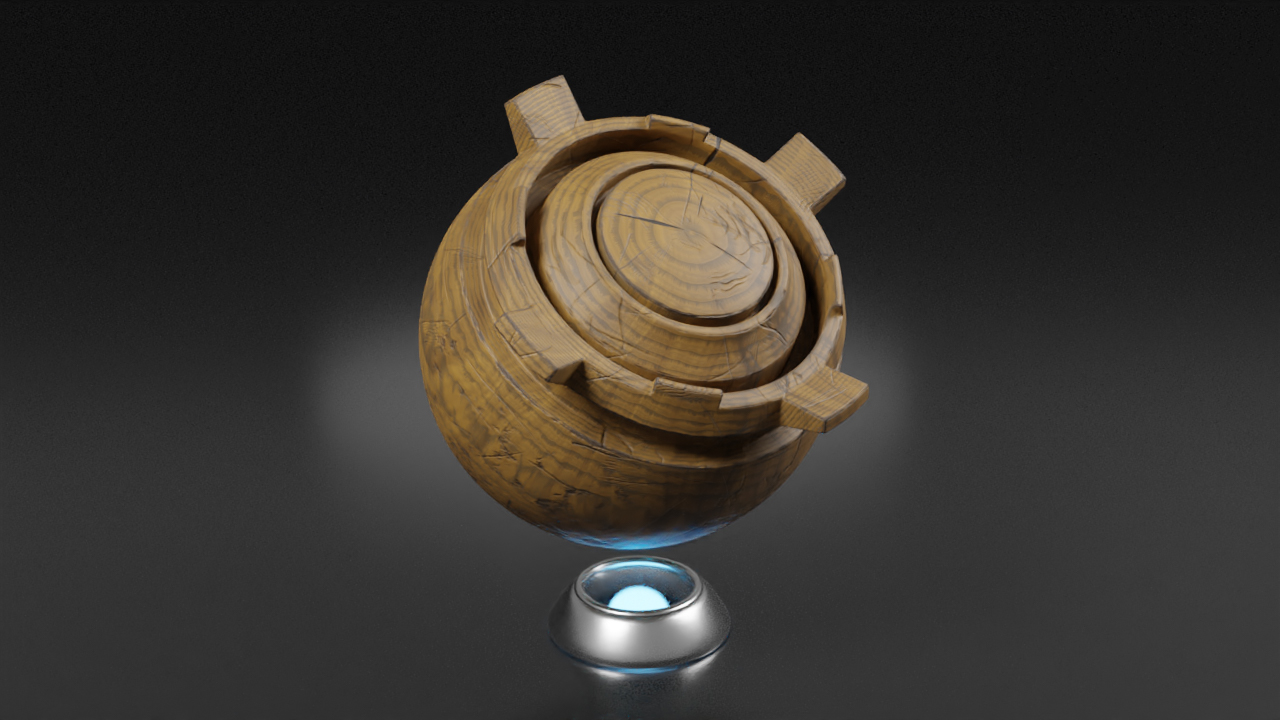
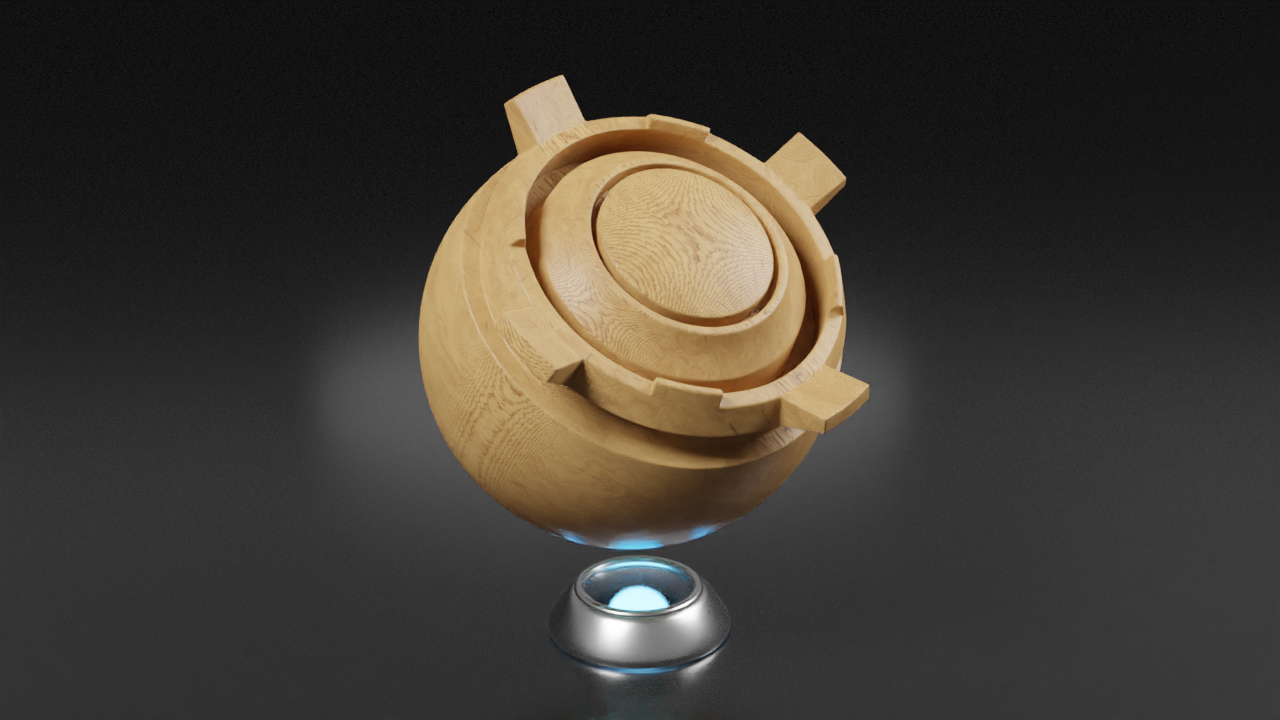
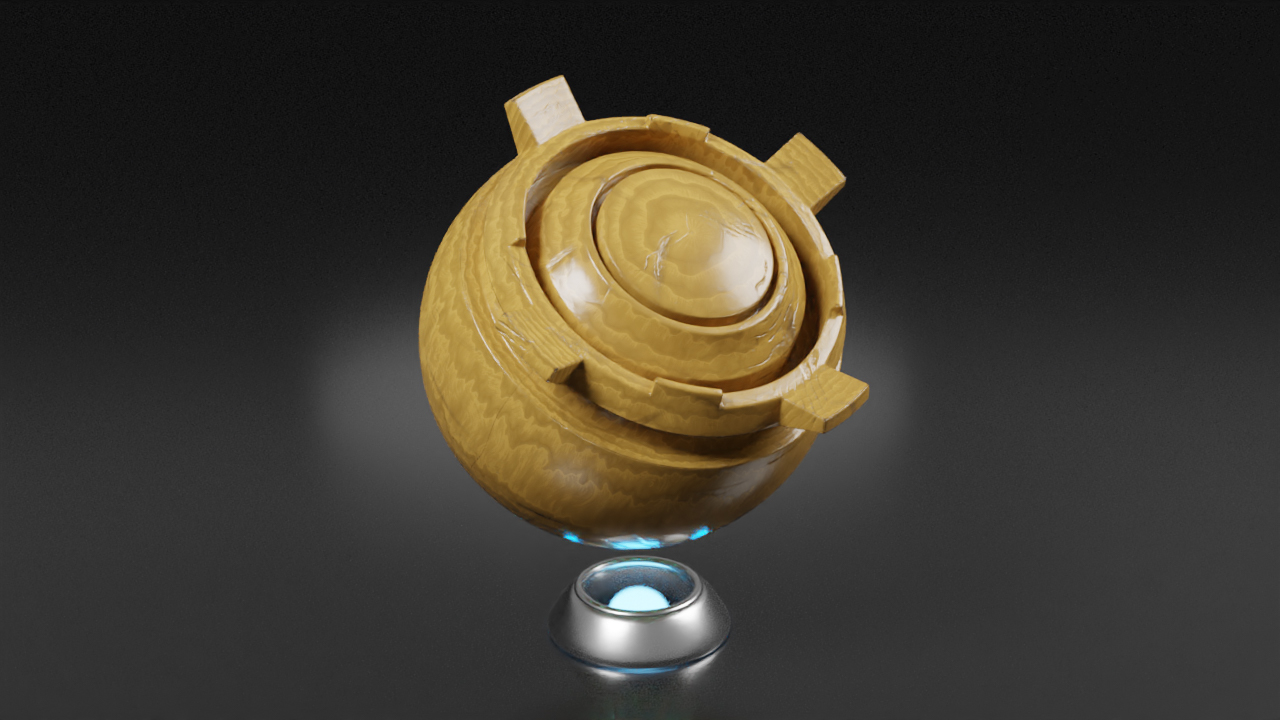
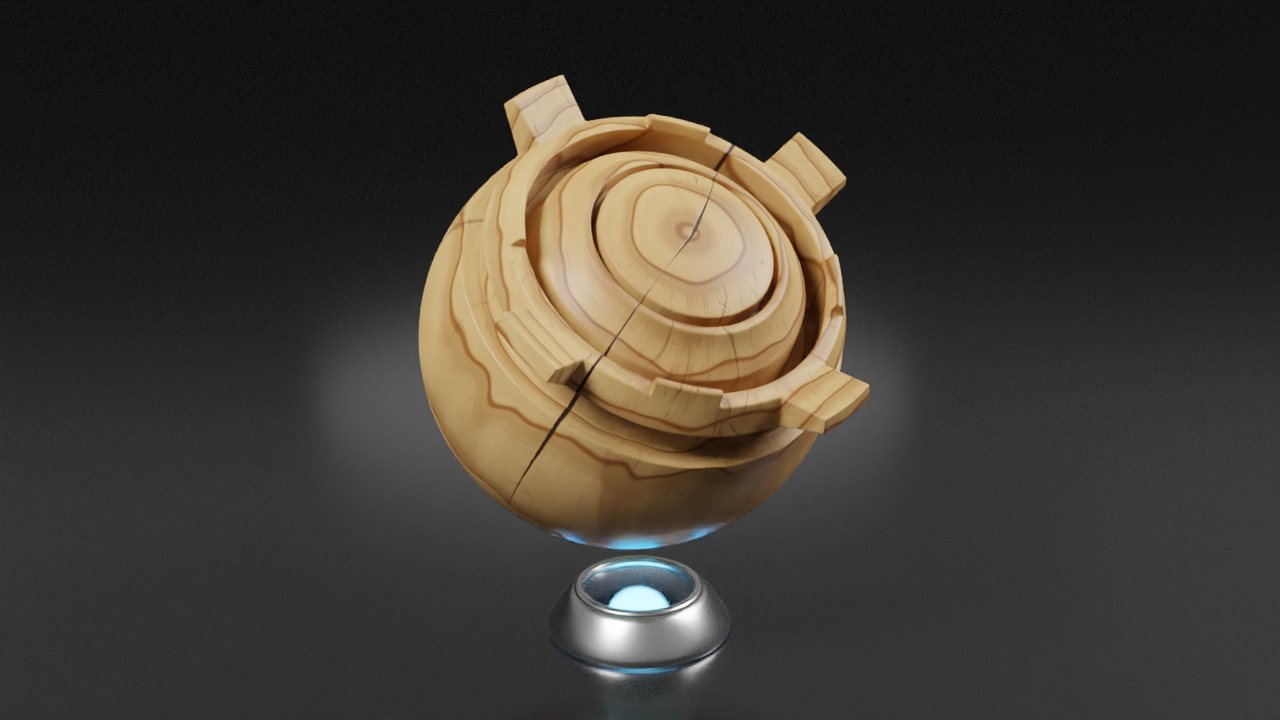
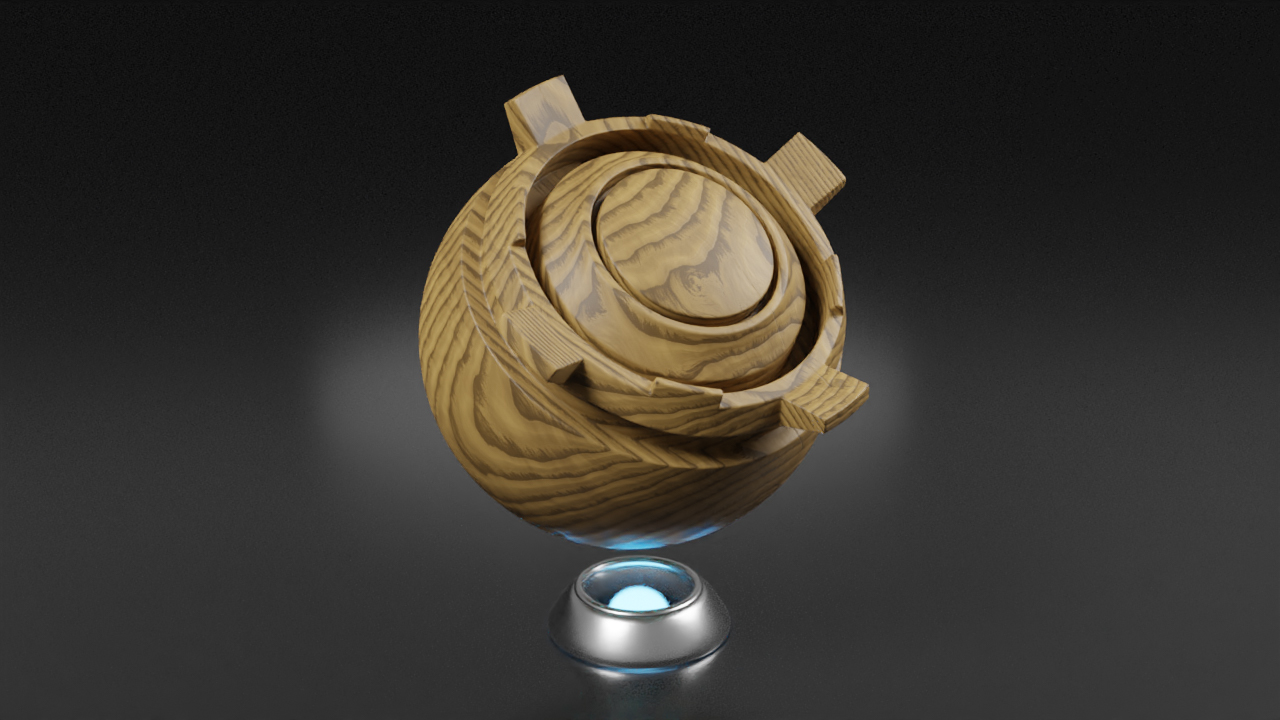
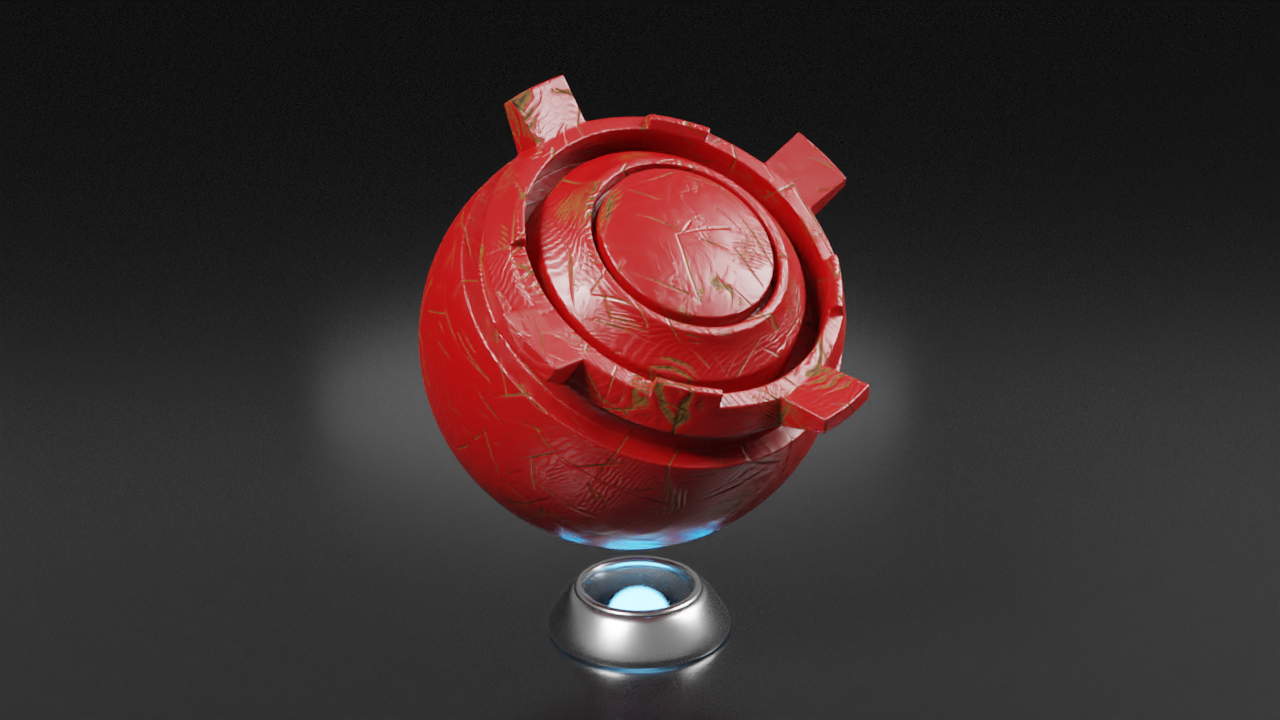













How can I improve performance when using the materials?
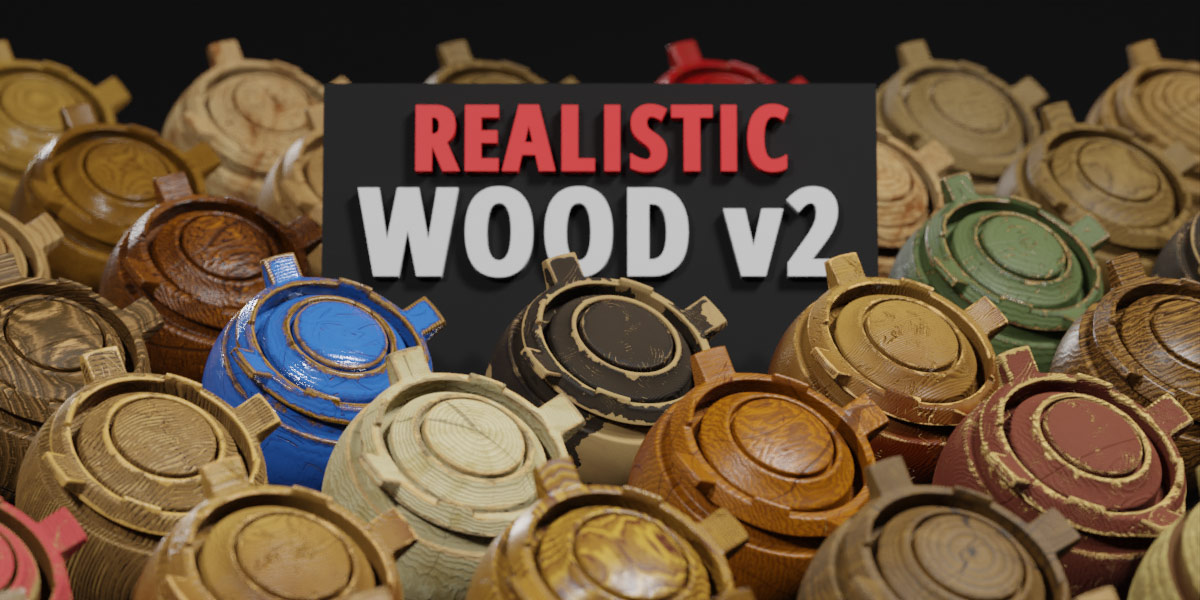
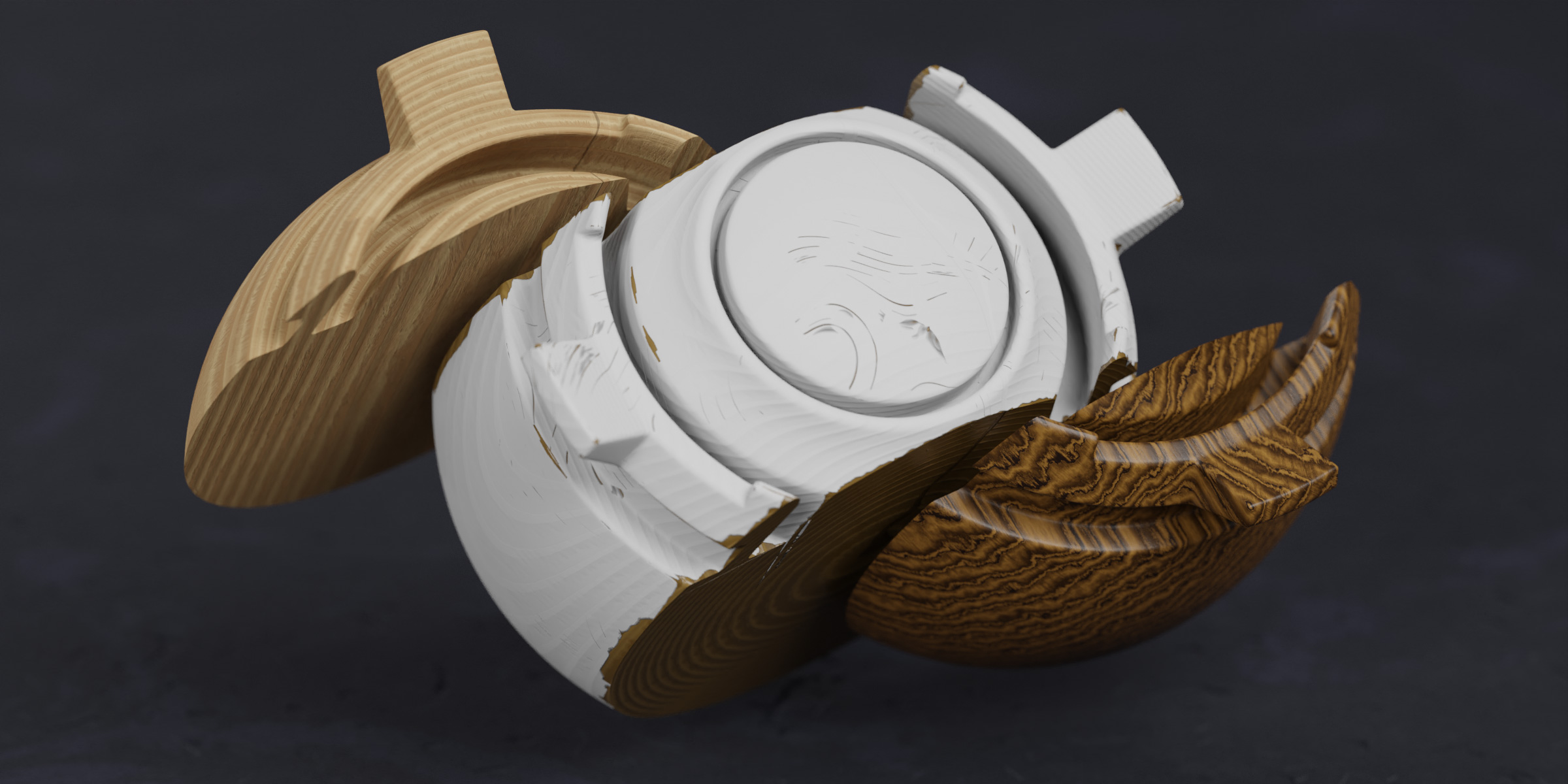
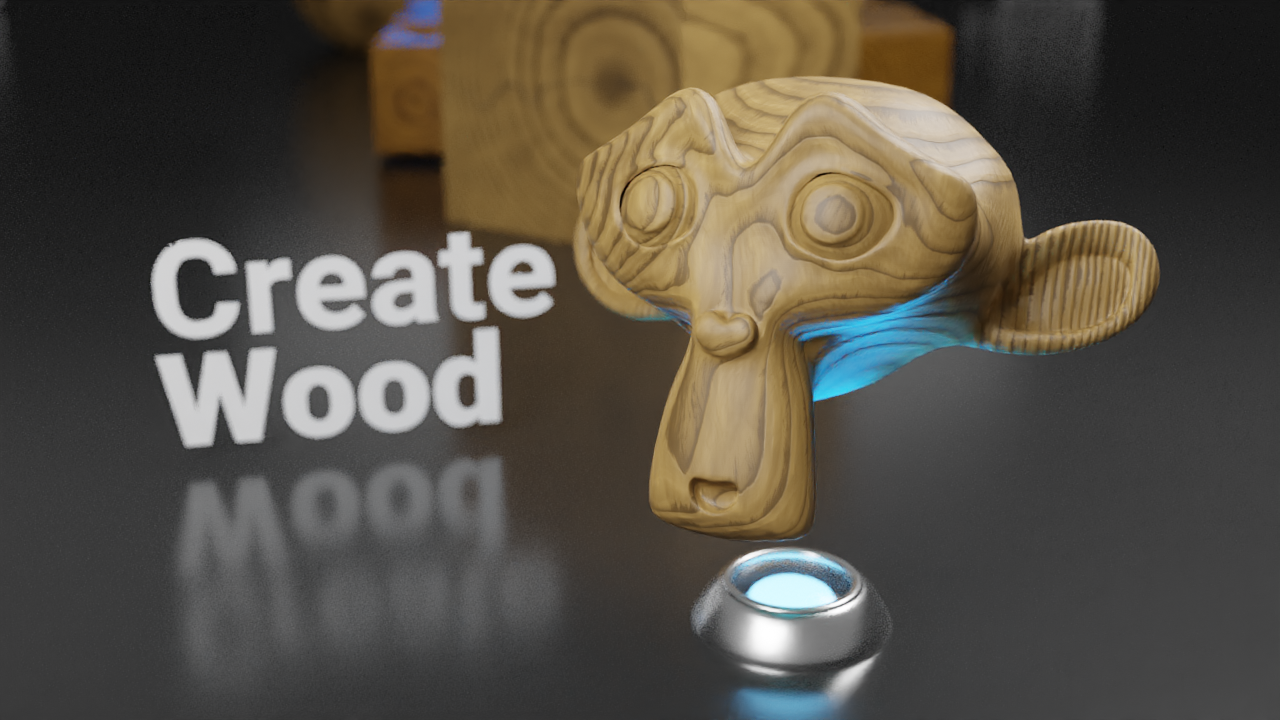
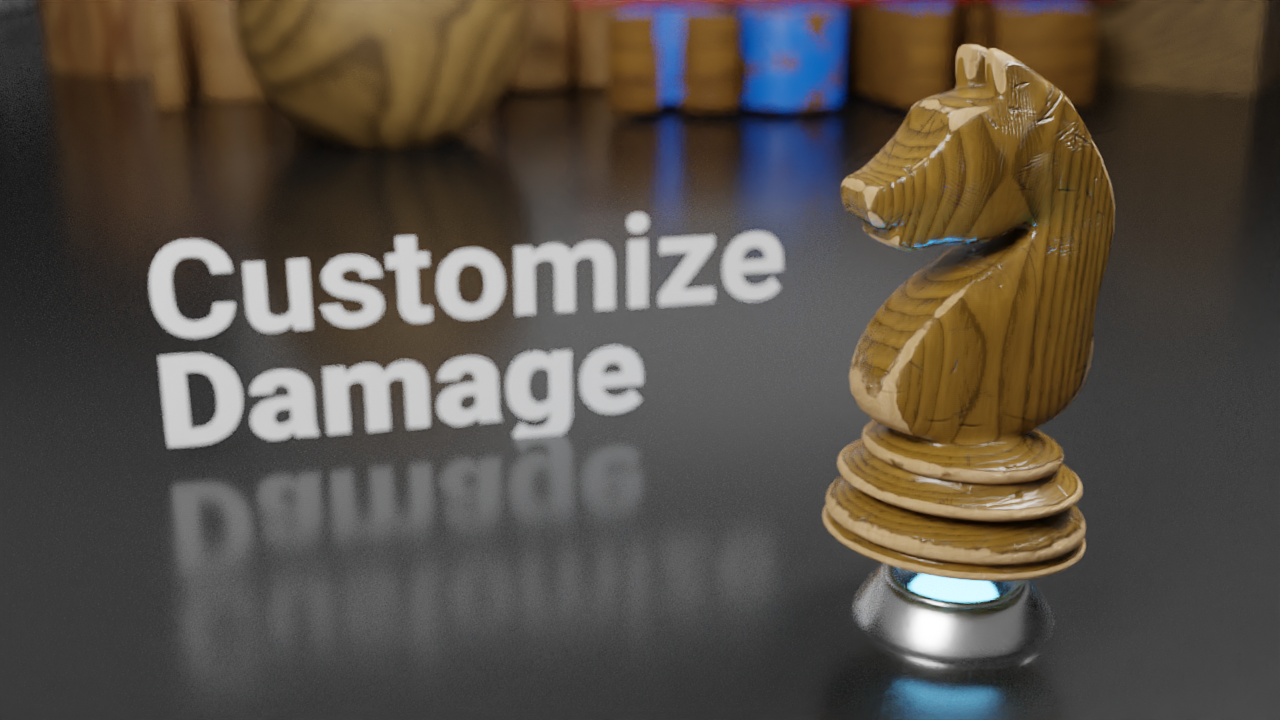
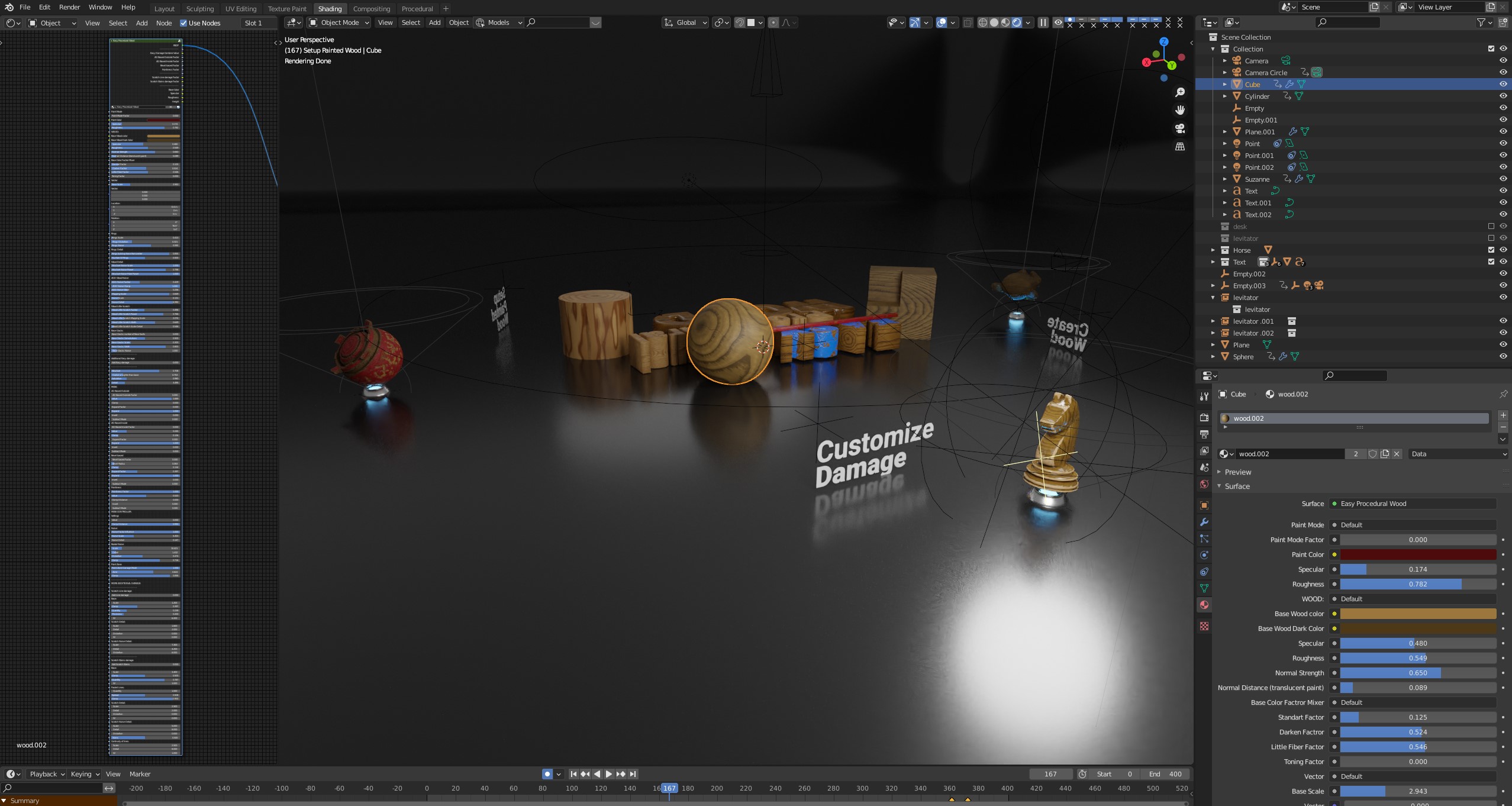
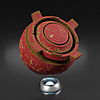
The materials are fully procedural, and detailed wood patterns and damage effects can be demanding. Use Cycles with GPU rendering if your hardware supports it. For large scenes or a smoother workflow, bake the finished material into image textures and use those textures instead of evaluating the full procedural shader.
Does Easy Procedural Wood v2 work with Cycles and EEVEE?
Cycles is the recommended render engine for Easy Procedural Wood v2. EEVEE has limitations: some procedural damage effects work only partially, and the complex shader can significantly affect viewport performance. For the intended appearance and damage effects, use Cycles.
How do I install Easy Procedural Wood v2?
Download and extract the product archive into a folder on your computer. In Blender, go to Edit → Preferences → File Paths → Asset Libraries, click the + button, and select the extracted library folder. Save your preferences, then open the Asset Browser and select the library. Drag a material onto your object and customize it in the Shader Editor.
Have questions about this product?
Login to message
Includes an Asset Library
78 drag-and-drop assets for Blender’s Asset Browser.
Browse included assets
Discover more products like this
wood grain blender procedural wood asset-browser material library scratches procedural damage painted wood node group procedural shader Cycles damaged-wood wood material