Easy Street Lamp
 Onion365studio
Documentation
Install
- In Blender, open Edit > Preferences > Add-ons.
- Open the small arrow menu at the top right and choose Install from Disk.
- Select the downloaded
.zipfile, then make sure Easy Street Lamp is ticked. - Open the 3D Viewport, press N, and click the Easy Lamp tab.
Requires Blender 5.2 or newer.
Quick start
- Place the 3D cursor where you want the lamp.
- Pick a Lamp Type.
- Press Add Street Lamp. From now on, every change in the panel updates that lamp live.
- Fine-tune the groups below. Press Seam + Unwrap and Export GLB if you need a file for a game engine.
Select an earlier lamp and its settings load back into the panel.
Panel reference
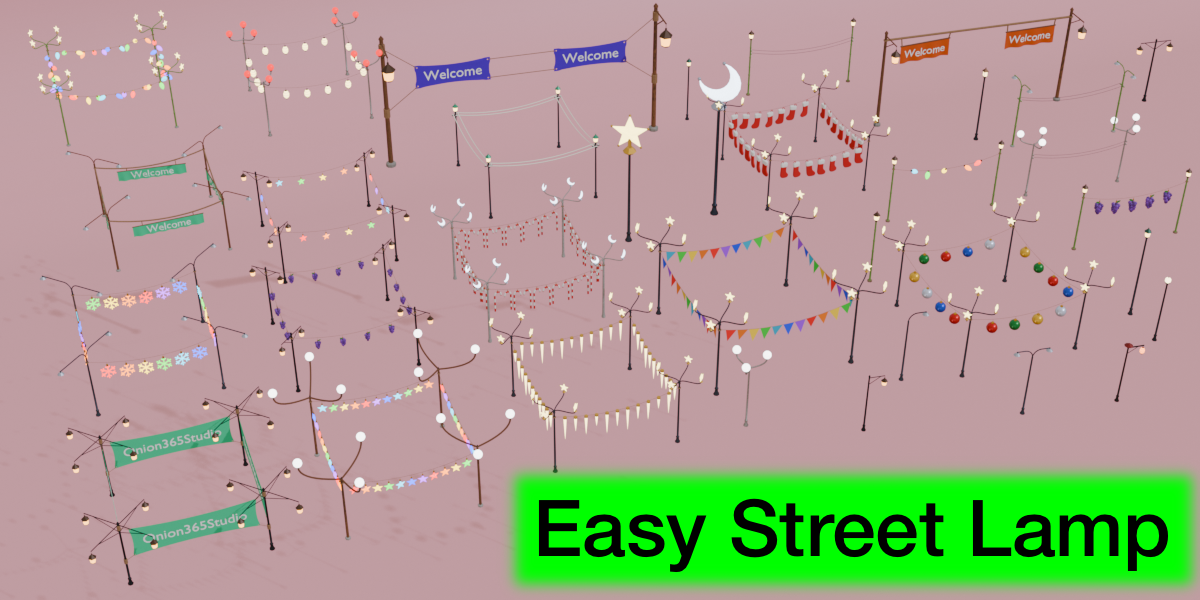
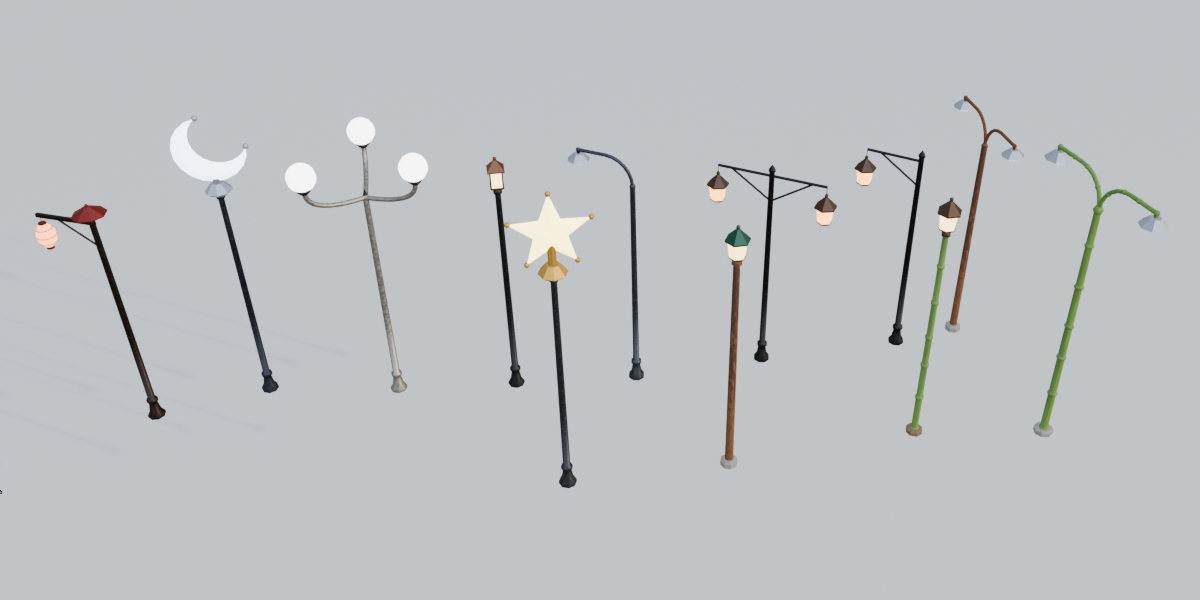
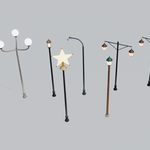
- Lamp Type: 12 styles. The ↺ button here resets every setting.
- Pole & Head: pole material, height, radius, sides, bamboo node gap, branches per pole, arm length, head size and moon tilt.
- Colors & Layout: colours and glow strength, plus Row (Count, Spacing) or 4 Corners (Width, Depth). Switching the lamp type sets matching colours.
- Power Wires: wires between neighbouring poles. 1 to 3 lines, vertical or horizontal, with height, sag and radius.
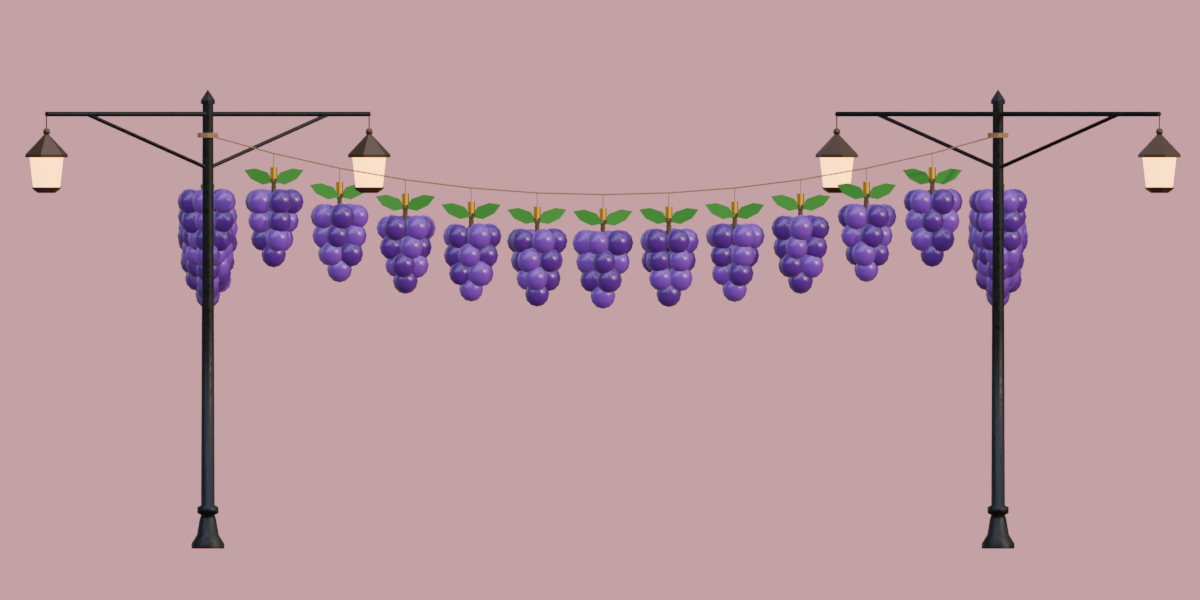
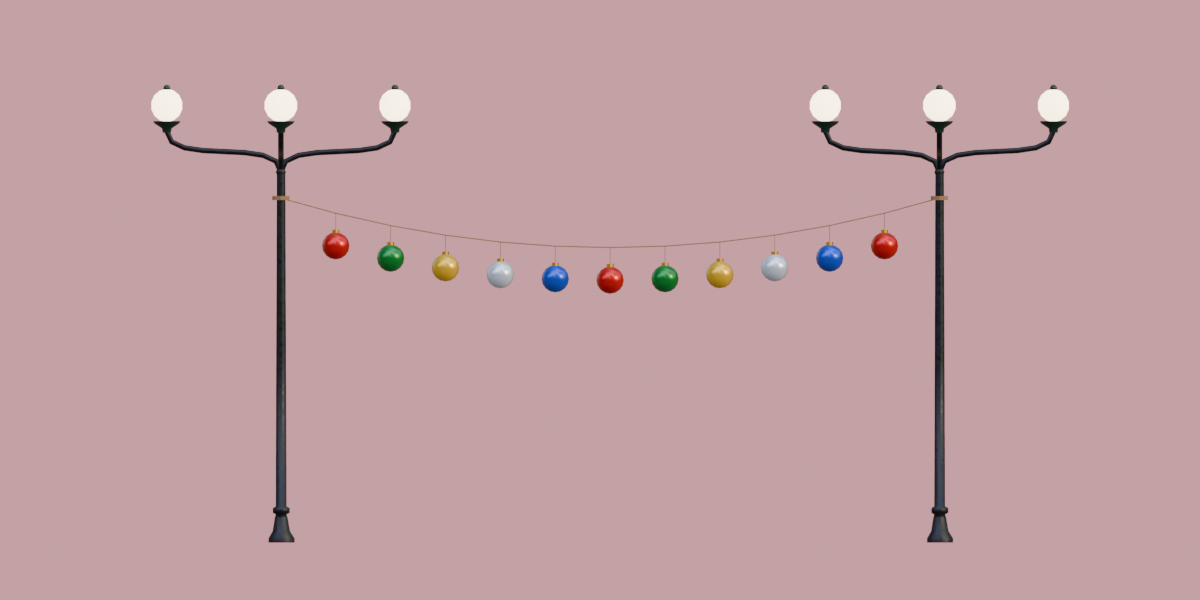
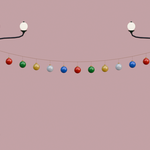
- String: an unpowered line between poles that holds the items chosen in Hanging Items. Items per span, size, height, sag and hang length. The group title changes with the chosen style, for example Sign String.
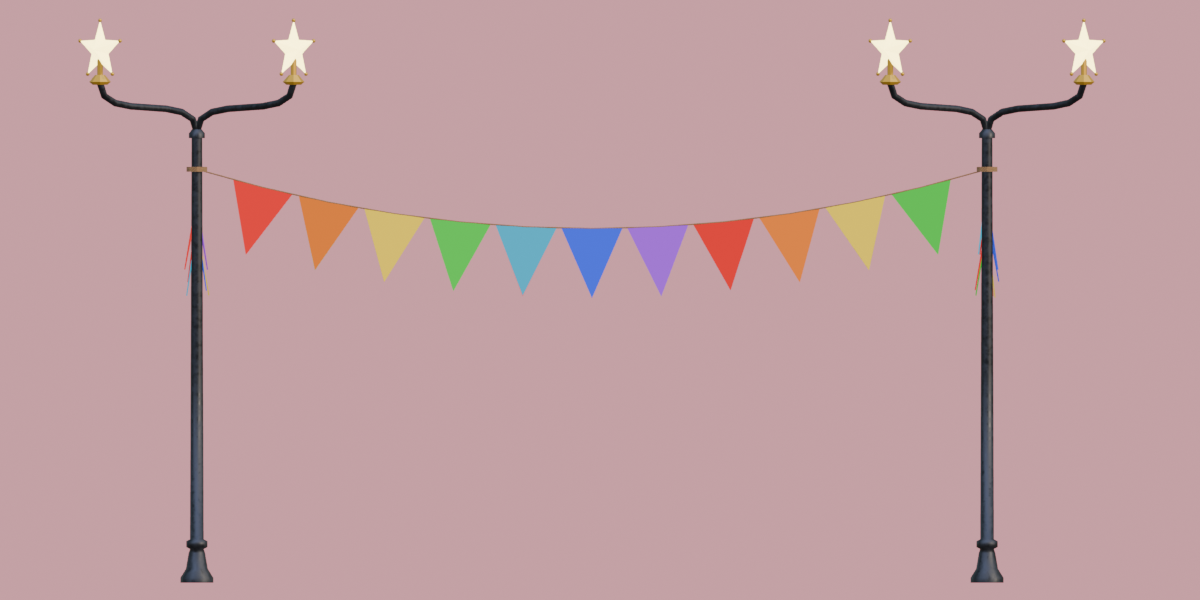
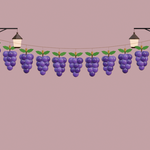
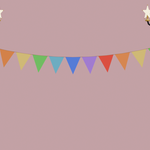
- Hanging Items: lanterns, bulbs, Christmas items, bunting, signs and banners.
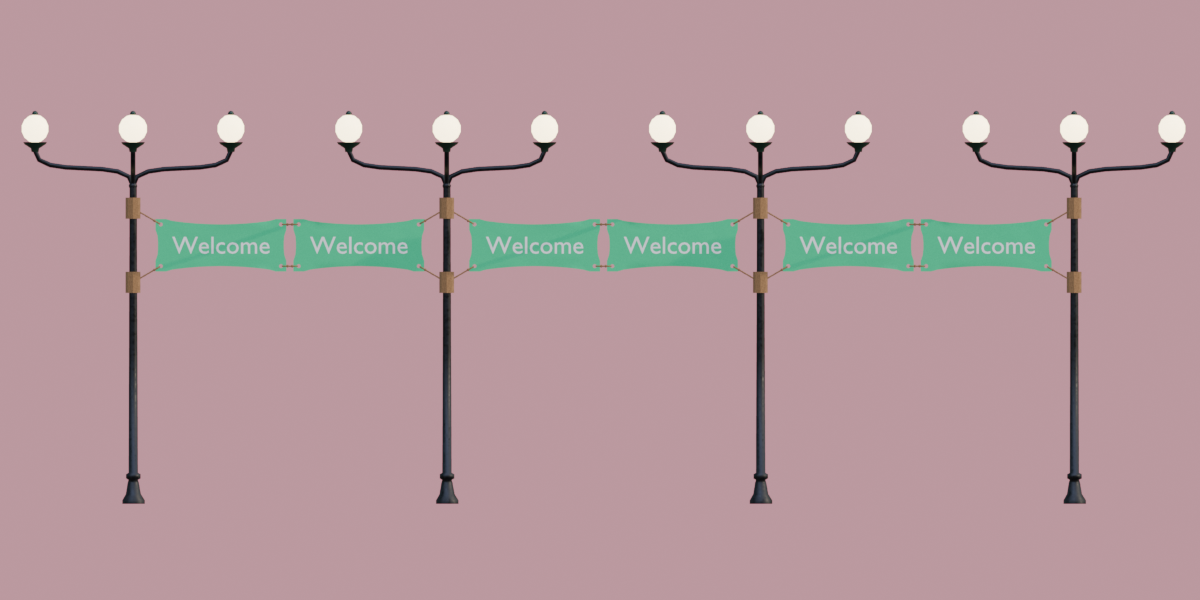
- Sign / Banner: width, height, ropes, gap between signs, board or cloth colour. For the Rope Banner, Tie Height sets the rope length at the pole.
-
Lettering: text, size, colour, both sides and font. Use
;to give each sign its own text and|for a new line. - Custom Model: pick any mesh object to hang from the string instead. Set scale, rotation and where it hangs from. Press Update From Model after editing the model.
- Seam + Unwrap: marks seams automatically and unwraps the UVs, on the selected objects or on the current lamp.
- Export GLB: choose a file. Procedural materials are baked to textures (512, 1024 or 2048 px) first. Press Esc to cancel.
Every group has its own ↺ button that restores only that group. On/off switches and the Model picker stay as they are.
Tips
- Wires and strings run between lamps, so at least two lamps are made when they are on.
- Signs never overlap. For longer signs, use fewer signs per span or a wider Spacing.
- Finish your settings before Seam + Unwrap, because changing a setting rebuilds the lamp and its UVs.
FAQ
Which Blender versions are supported?
Blender 5.2 and newer.
Nothing changes when I move a slider.
The panel updates the lamp you last added or selected, and only in Object Mode. Leave Edit Mode, or press Add Street Lamp to make a new lamp.
Why did my manual edits disappear?
Changing any setting rebuilds the lamp from scratch. To edit by hand, duplicate the lamp (Shift+D), delete the easy_lamp_cfg custom property on the copy (Object Properties > Custom Properties), then select the original lamp so the panel no longer points at the copy.
Can I put Chinese or other non-Latin text on signs?
Yes. A system CJK font is found automatically. If the text doesn’t show, choose a .ttf, .otf or .ttc file in the Font field under Lettering.
Can I hang my own models from the string?
Yes. Pick a mesh in Custom Model. It keeps its own materials and UVs. Clear the field to go back to the built-in styles.
Will the materials survive export?
Yes, with Bake Textures on (the default). The procedural wood, iron, rope, bamboo, concrete and cloth looks are baked into colour, normal and roughness textures, and the lamp in your scene is not changed. Without baking, the GLB gets flat colours.
Does it work with Eevee and Cycles?
Yes. The materials are standard Principled BSDF materials. Texture baking uses Cycles, which comes with Blender.
Which game engines can use the export?
Any engine or tool that imports glTF/GLB, such as Godot.
Can I use the models in commercial projects?
Yes. Models you generate with the add-on can be used in personal and commercial projects.
Why do I get two lamps when Count is 1?
Power wires and strings run between lamps, so when either is on, at least two lamps are made.
How do I make a row of lamps, or a rectangle?
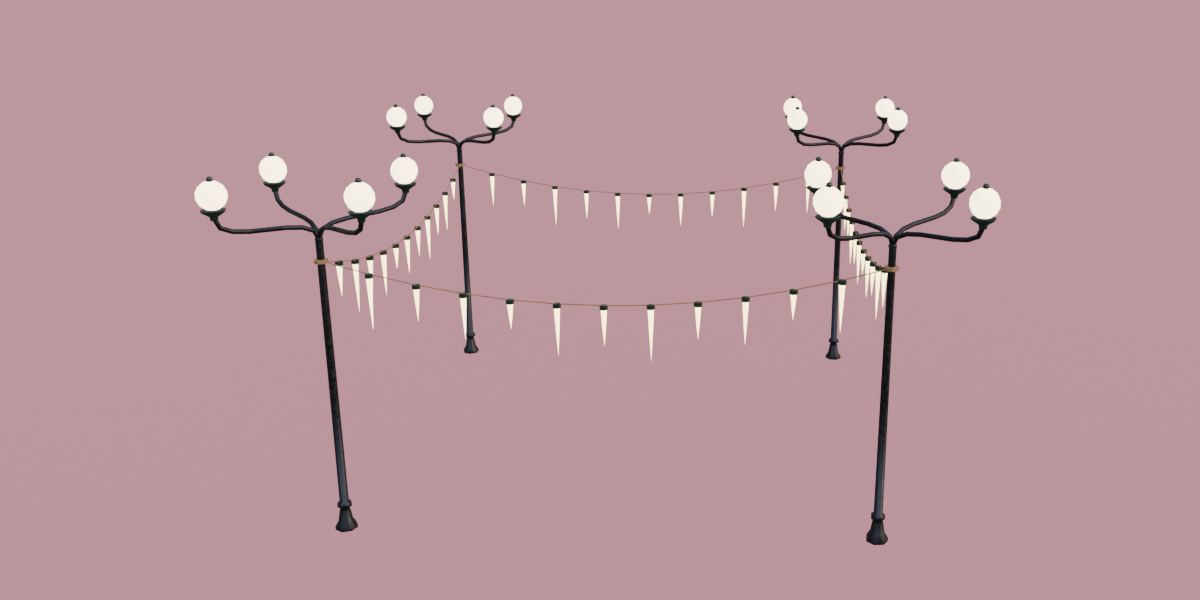
Under Colors & Layout, use Row for a straight line (Count up to 40, with Spacing between lamps). Choose 4 Corners for a rectangle (Width × Depth). In 4 Corners the wires, strings and signs run along all four sides, and every lamp’s arm turns towards the middle.
How do I put more than one lamp head on a pole?
Use the Branches slider in Pole & Head. Most lamp types take up to 8 heads spaced evenly around the pole, and Branch Globe takes up to 12 arms.
Can each sign have its own text?
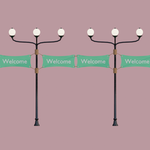
Yes. Separate the texts with ; in the Text field, for example Welcome;Open;Sale. They repeat along the row. Use | for a new line inside one sign.
Why is my sign narrower than the Width I set?
Signs are never allowed to touch each other, so Width is limited by the distance between poles and the number of signs per span. Use fewer signs, a wider Spacing, or turn off Auto Gap and set the gap yourself.
What is the difference between Banner and Rope Banner?
Banner is a piece of cloth hanging from a rod under the string. Rope Banner is a cloth pulled tight between two poles by four ropes tied through eyelets in its corners.
How do I make Christmas lights?
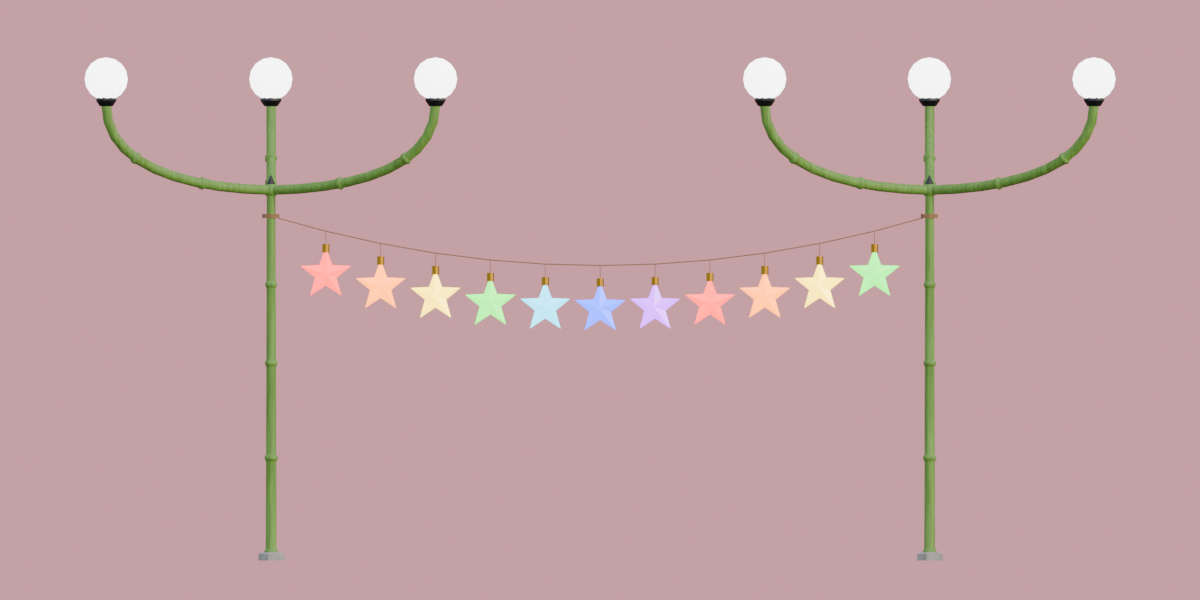
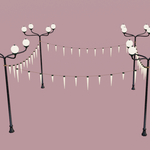
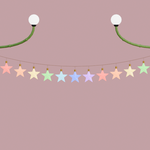
Open Hanging Items and choose Star, Snowflake, Icicle, Bauble, Candy Cane or Stocking. The Color versions use seven colours. Set the glow colour with Light and the small joint colour with Connector.
Do the lamps give off real light?
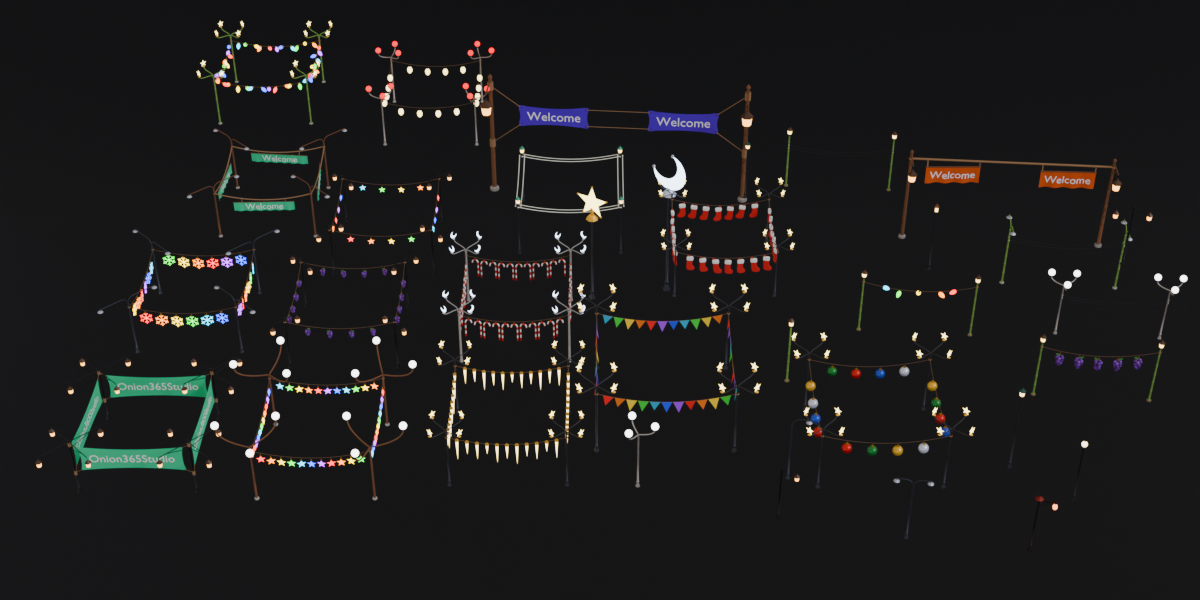
The lamp heads are glowing emissive meshes, not Blender light objects. Cycles uses them as light sources. For other render setups, add your own lights where you need them.
Are my settings saved in the .blend file? Can lamps have different settings?
Yes to both. Every lamp stores its own settings, and selecting a lamp loads them back into the panel.
Do I need to unwrap before exporting?
No. Export GLB unwraps the UVs automatically unless you already used Seam + Unwrap on that lamp. If you change a setting after unwrapping, the lamp is rebuilt, so unwrap again before exporting.
Can I export several lamps at once?
Yes. Select them all and press Export GLB. If nothing is selected, the current lamp is exported.
My custom model hangs the wrong way or is the wrong size.
Use Model Scale (1.0 is the model’s own size) and Rotation Z. Hang From decides the tie point: Top uses the top middle of the model, Origin uses the model’s origin, so put the origin where it should hang.
The baked textures look blurry.
Set Texture Size to 2048 in the export dialog. The default is 1024.
Have questions about this product?
Login to message
| Blender Extension Compatible | Yes |
| Dev Fund Contributor | |
| Published | 2 days ago |
| Blender Version | 5.2 - 5.3 |
| Extension Type | Add-on |
| Render Engine Used | Cycles, Eevee |
| License | GPL |
Discover more products like this
street lamp string lights low poly signage banner festive Christmas street lamp generator lantern light game assets Game Engine