Motion Textures - Load Multiple Images on One Material (Random or Orderly)
 cgpiece
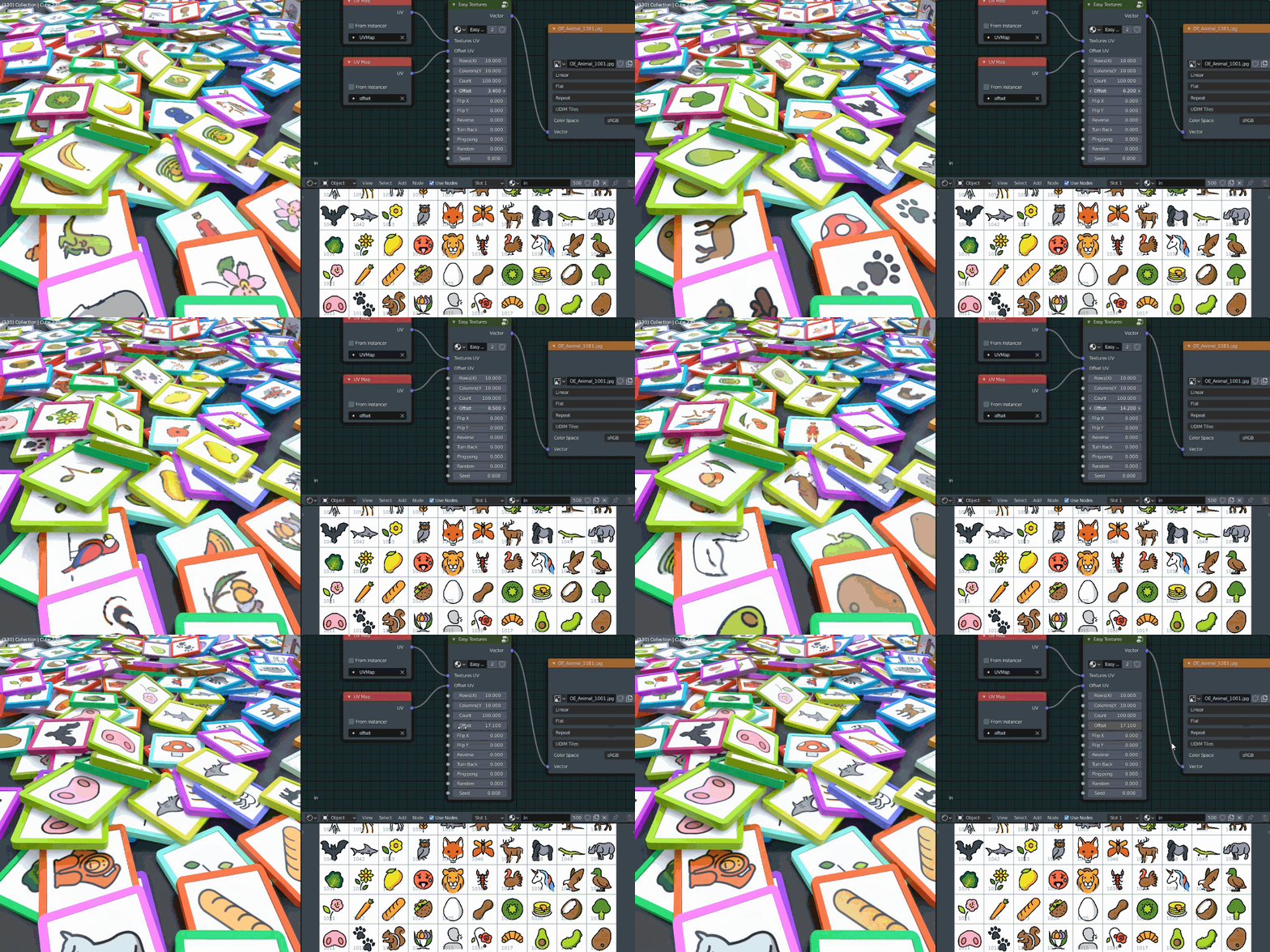
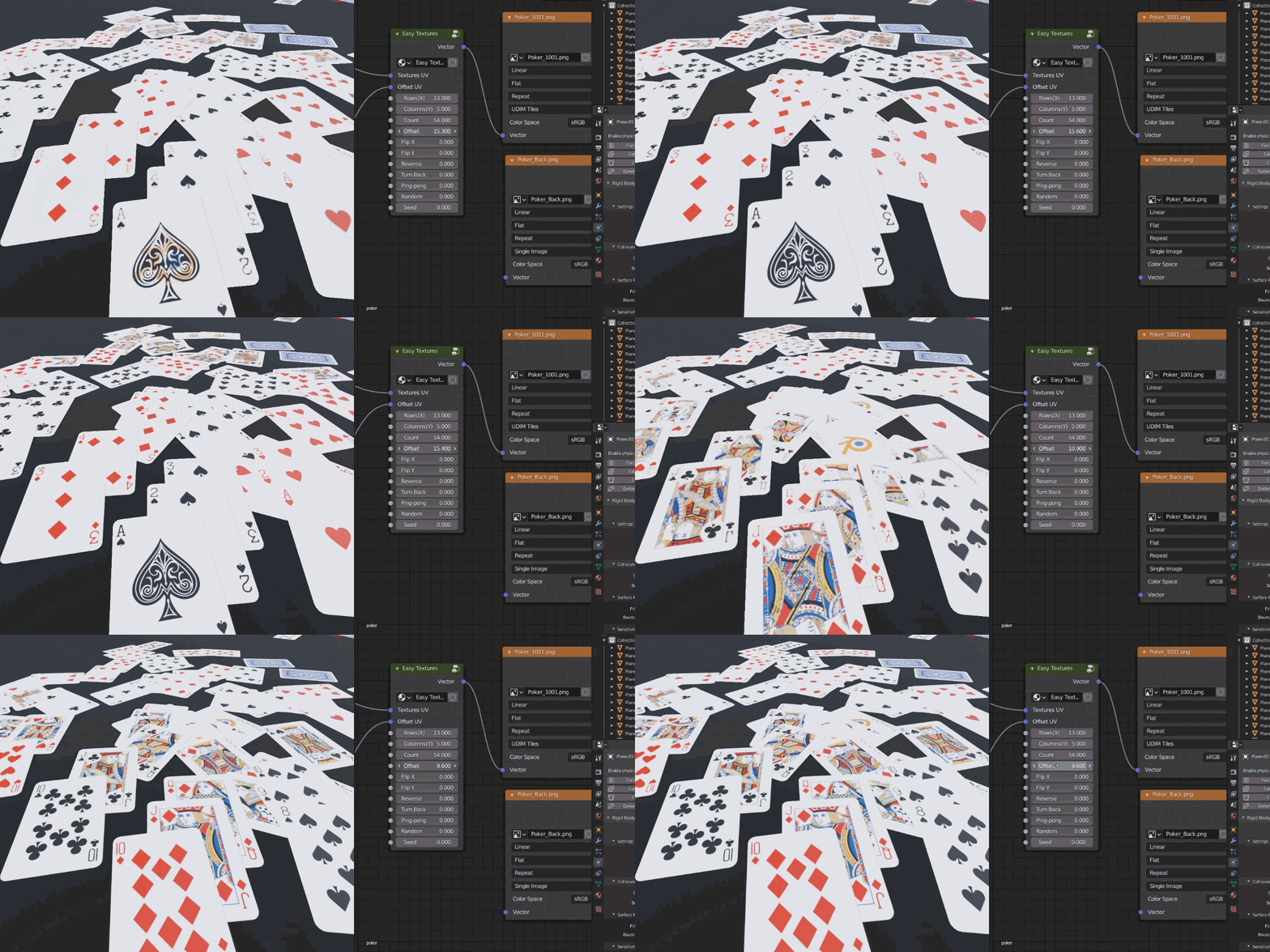
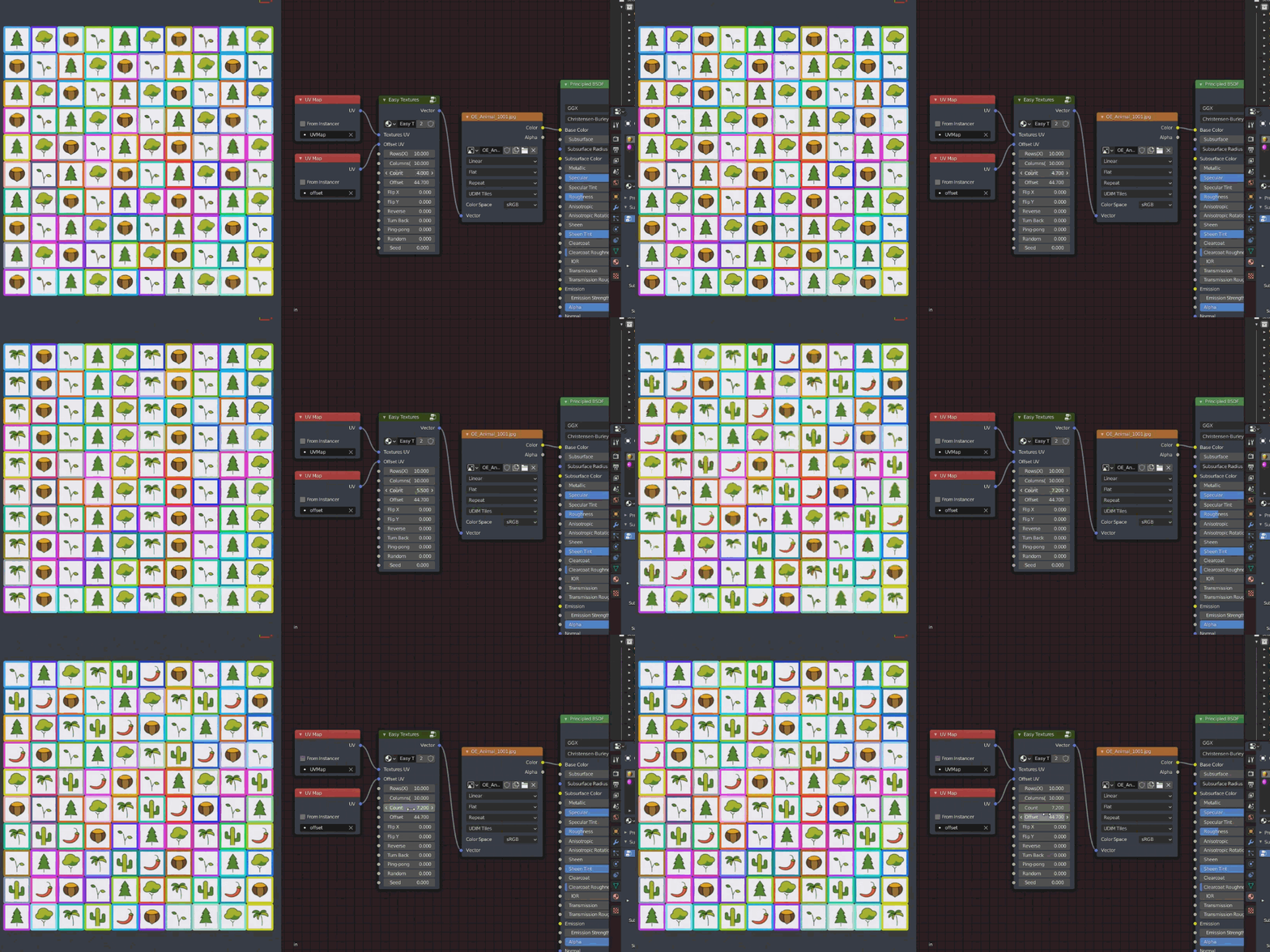
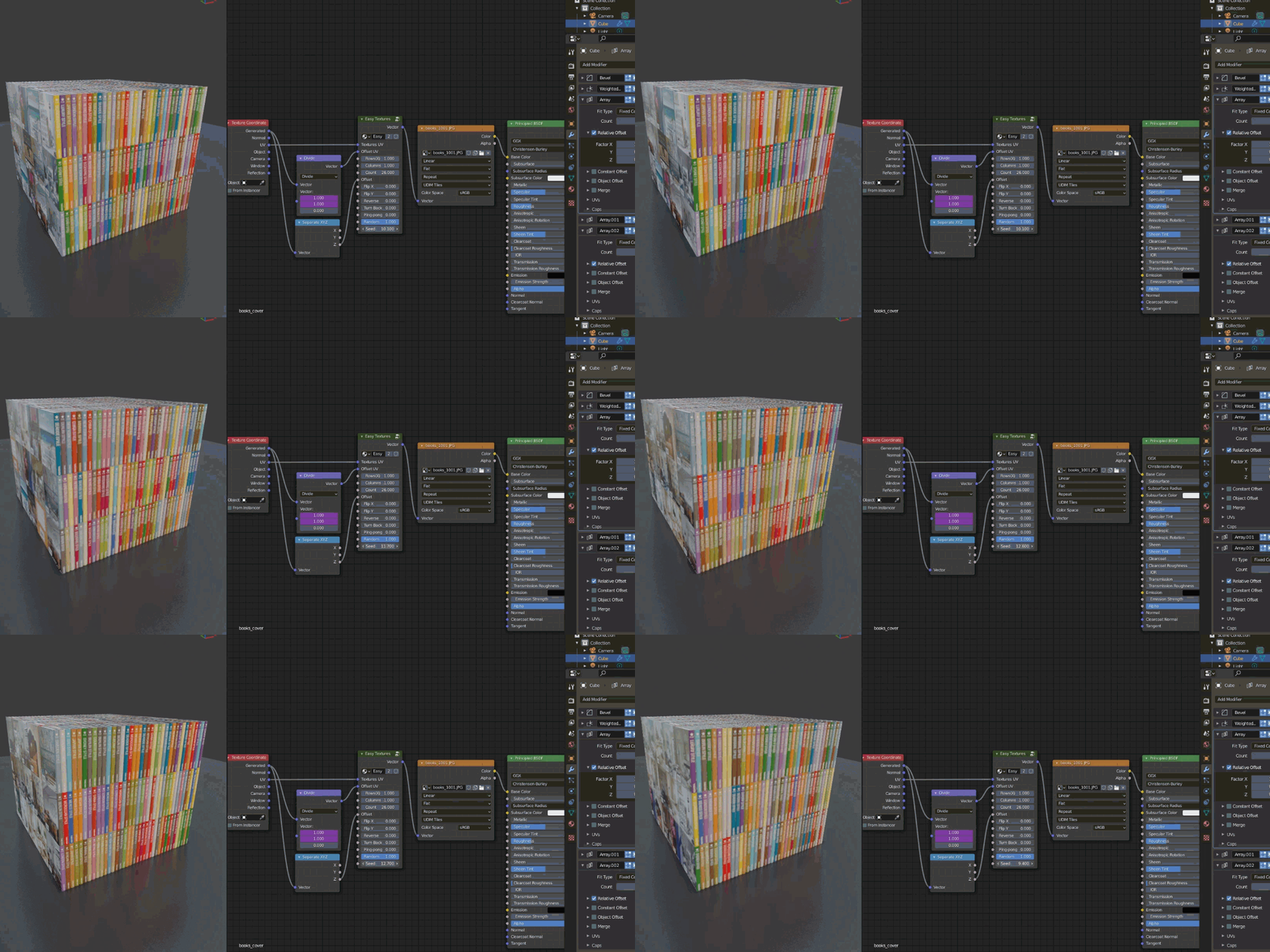
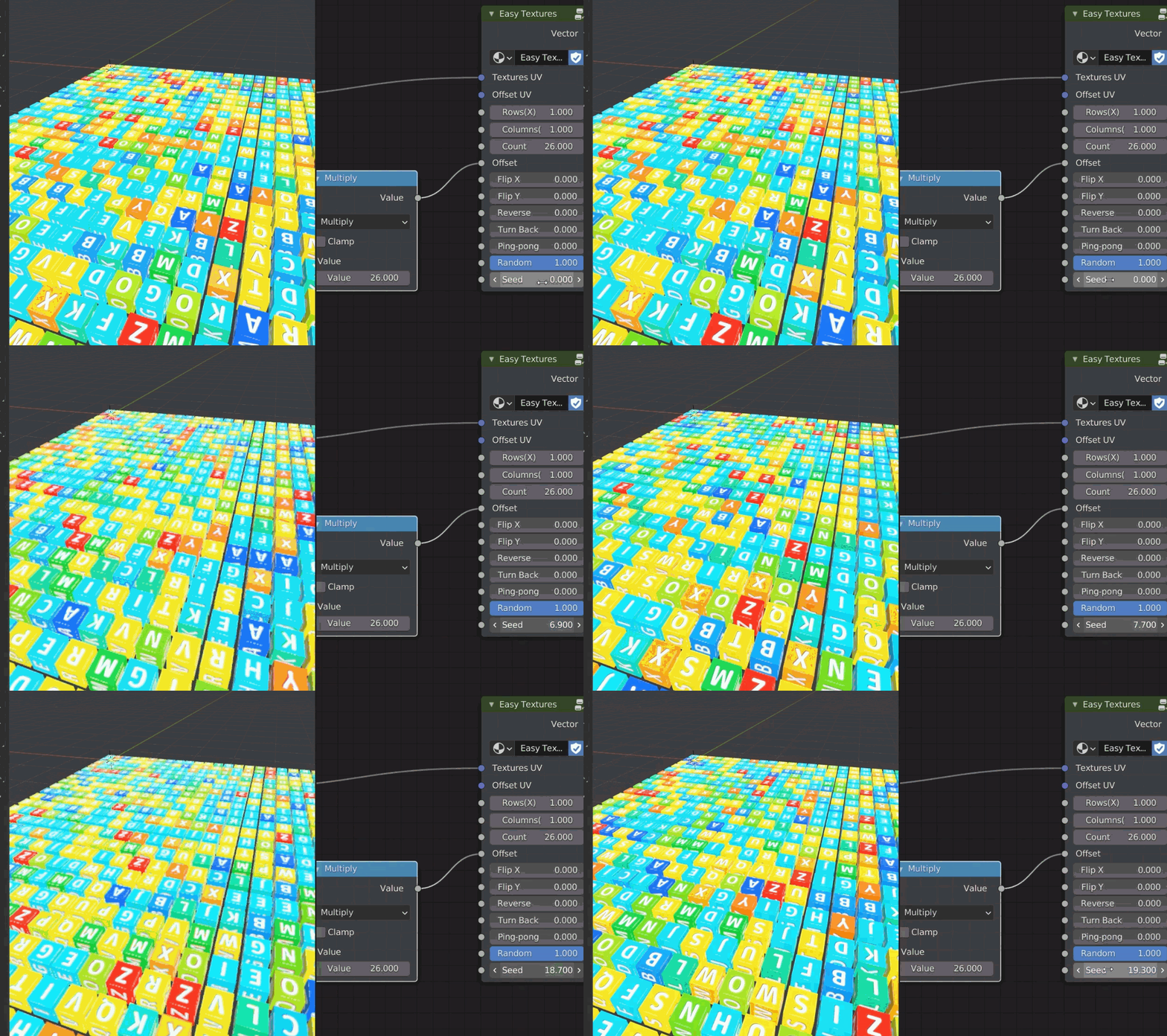
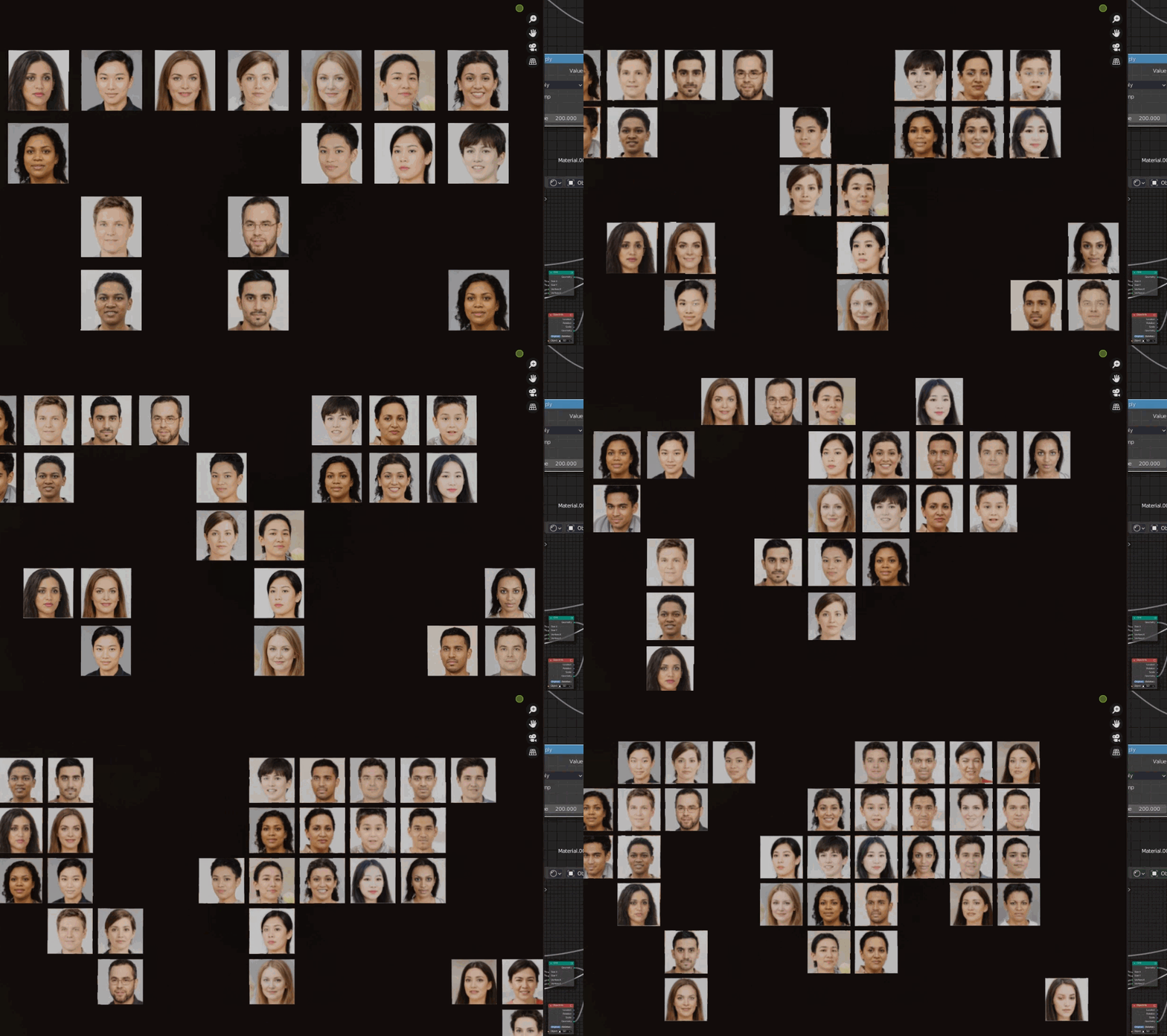
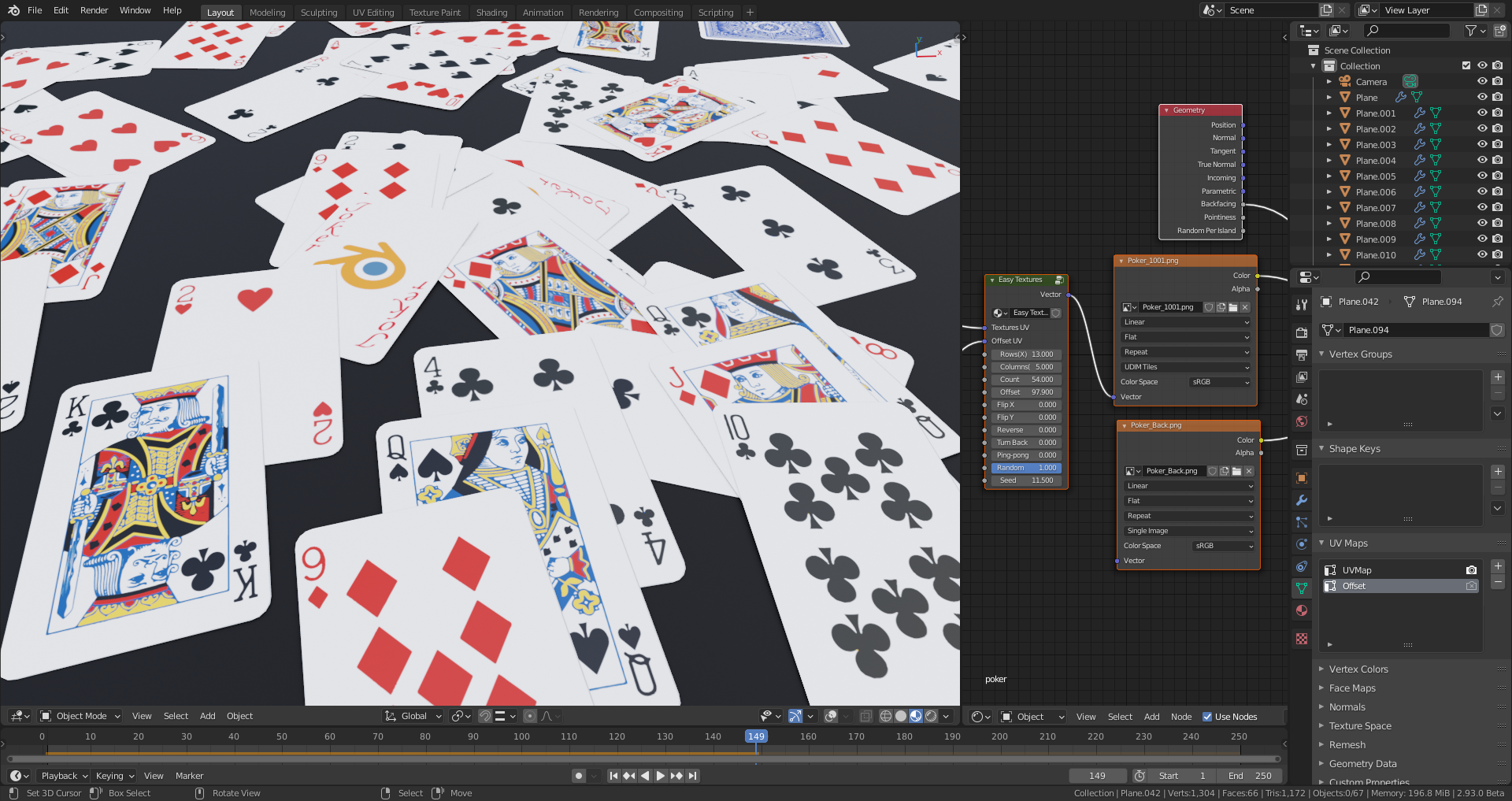
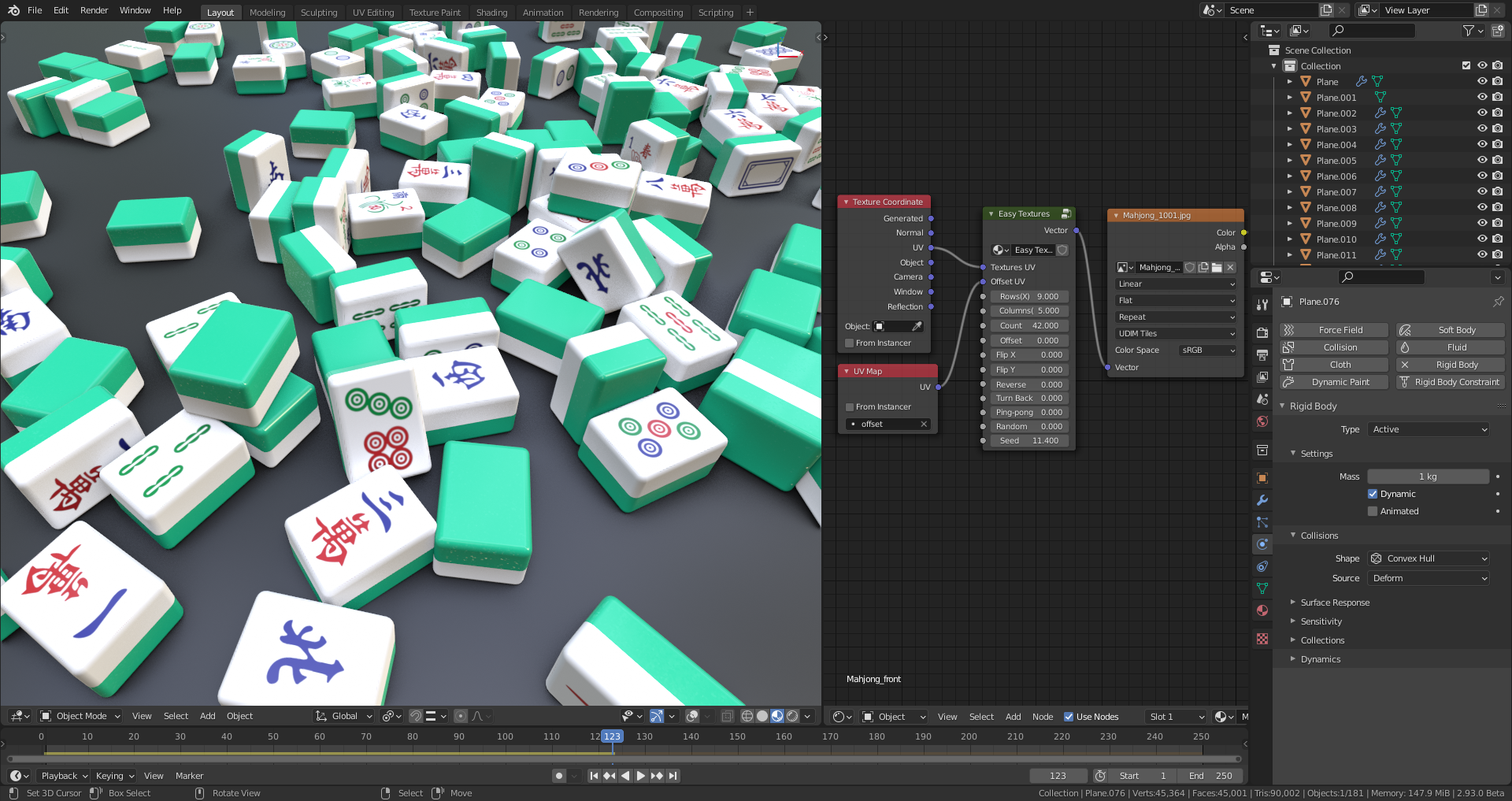

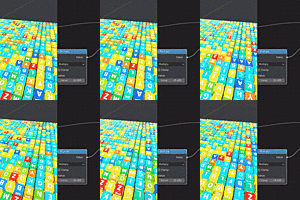
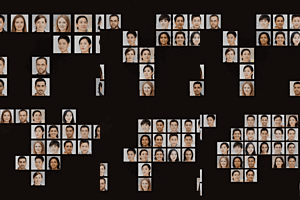
Here are some explanations
- Textures UV: Input the UV map witch one used to map the image.
- Offset UV: Input the offset UV (project form view (bounds), see the video for more details), used to offset the image texture, starts at the lower left by default.
- Rows(X) & Columns(Y): Input the number of rows and columns(based on offset uv map).
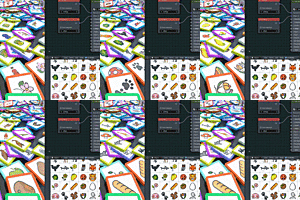
- Flip X & Flip Y: Flip the mapped image order horizontally or vertically.
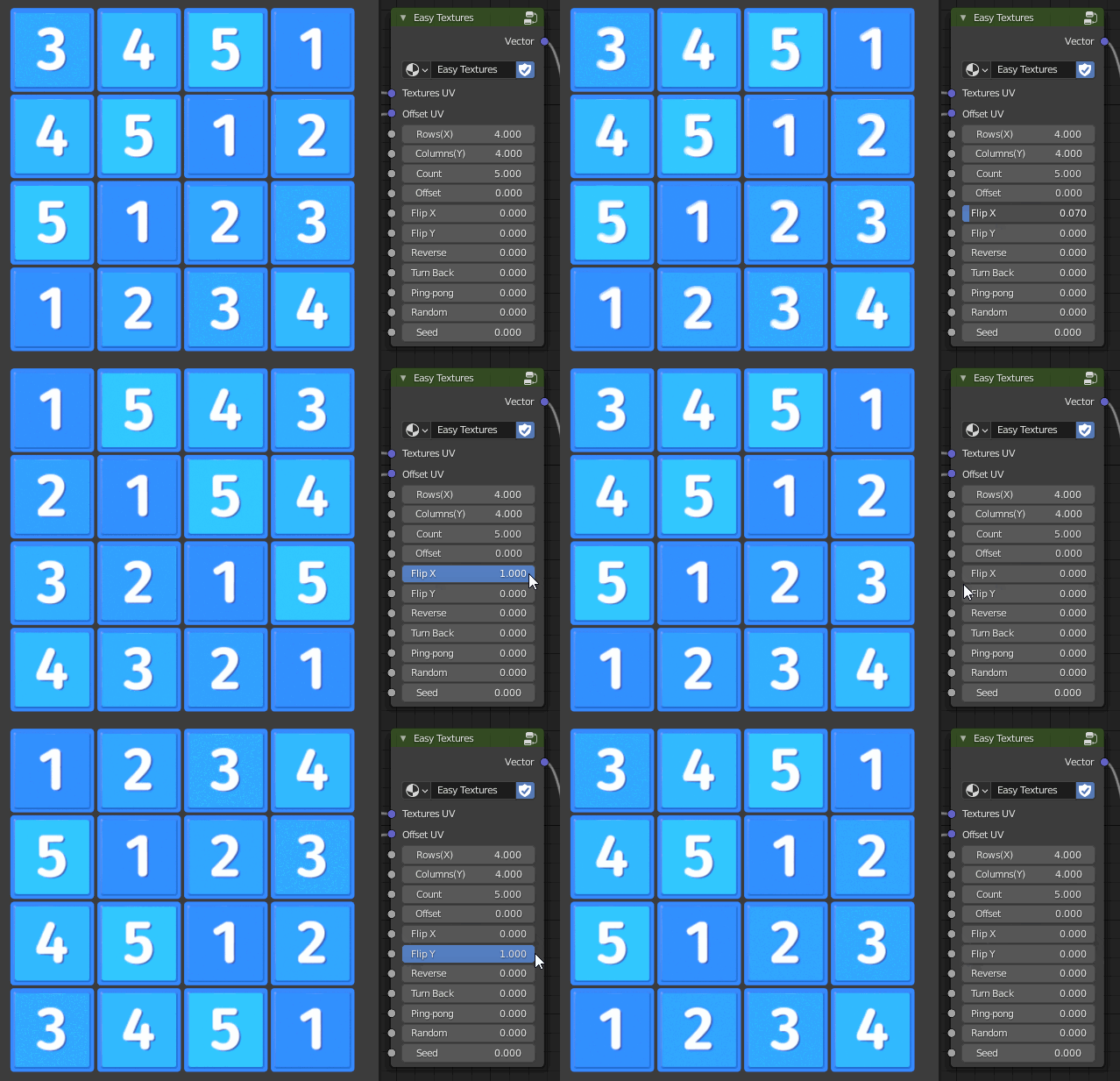 Flip X & Flip Y
- Reverse: Reverse the order of the images, for example, there are five images in total, 1, 2, 3, 4, 5 will become 5, 4, 3, 2, 1.
 Reverse
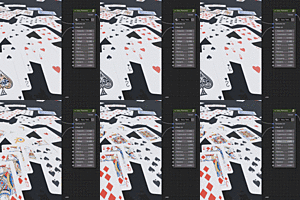
- Turn Back: The order of the images will be snaked back, as shown below:

 Turn Back
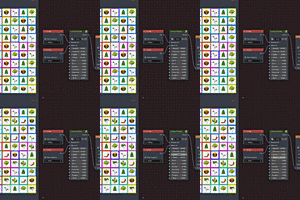
- Ping-pong: The order will be ping-pong arrangement, for example, 1, 2, 3, 4, 5, 1, 2, 3, 4, 5... will become 1, 2, 3, 4, 5, 4, 3, 2 ,1...
 Ping-pong
- Random: Used to enable random.
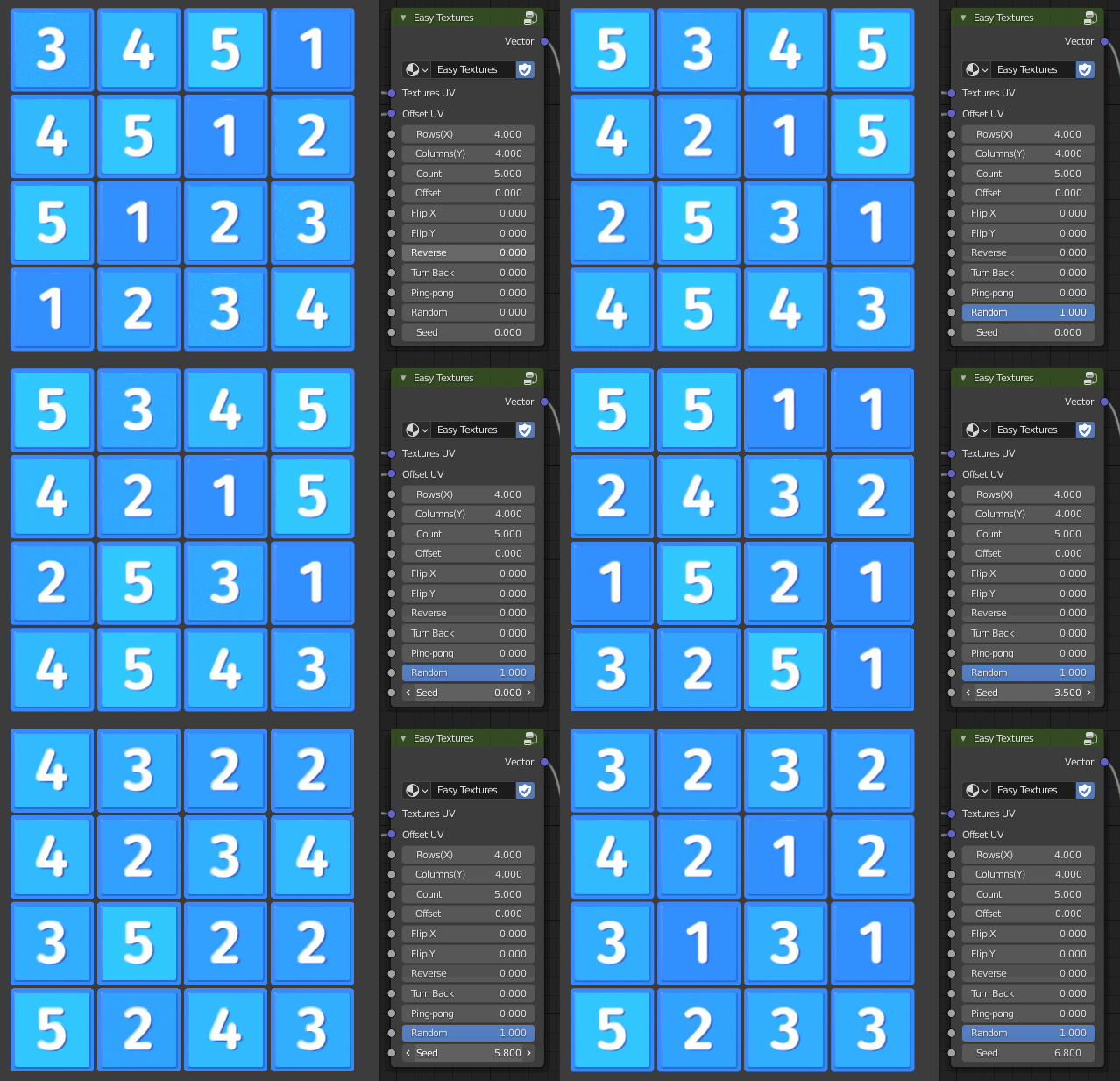 Random & Seed
- Seed: Set random seed, this value is only useful when random is turned on.
Note
- The offset uv starts at the lower left by default, you can use Flip Y to make it start at the upper left corner.
- Due to udim title limitation, a maximum of 998 images can be supported.
- Offset UV is mostly used in orderly arrangement, If you just want the image to be random, you don’t need it, but be sure to keep the row and column value at 1. You can see the example in the video.
- If the image is on the side of the object (assuming you project the offset UV from the front), the image may overlap, similar to the overlapping surface in modeling. For solve this problem, you can set the transformation pivot point to "Individual origins" in the UV editor, than select all offset UVs, press the S key and 0 key zoom it to zero to avoid this problem.
 Solve overlap
Have questions about this product?
Login to message

Discover more products like this
winter24 procedural texture spring23 motion graphics leaves Cycles preset udim title summer24 newspapers nodesetups nodegroup material preset multiple-textures window windows summer22 nodes books book shelf scatter random random image easy textures bfcm24 multiple images on one material how to make poker in blender particle multiple images summer23 particle system summer21 Playing cards NodeTree quick textures poker orderly image nodepack photo walls geometry nodes motion-textures loveblender udim eevee preset node group random texture multiple textures on one material spring22 spring24 Cycles node preset