Easy Transfer
 alexdepario
in Asset Management

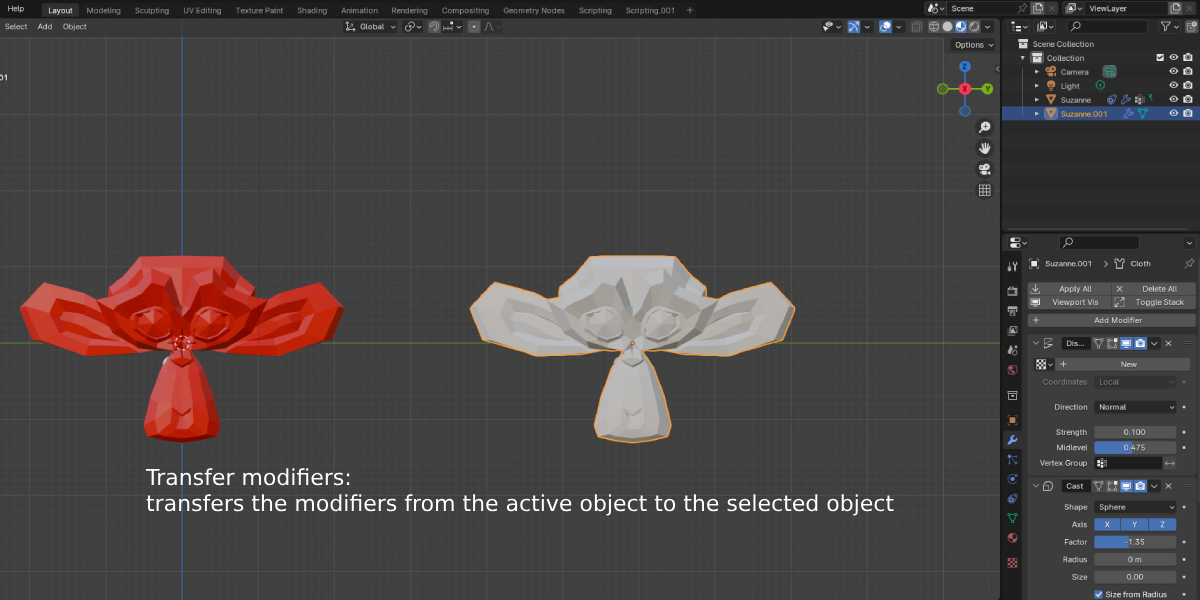
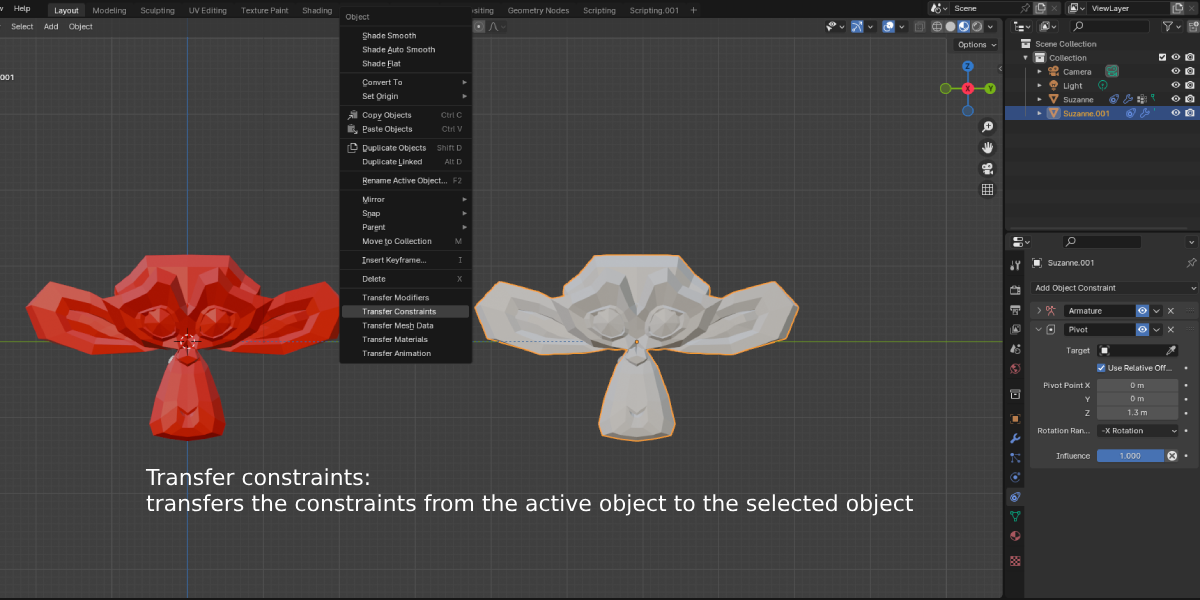
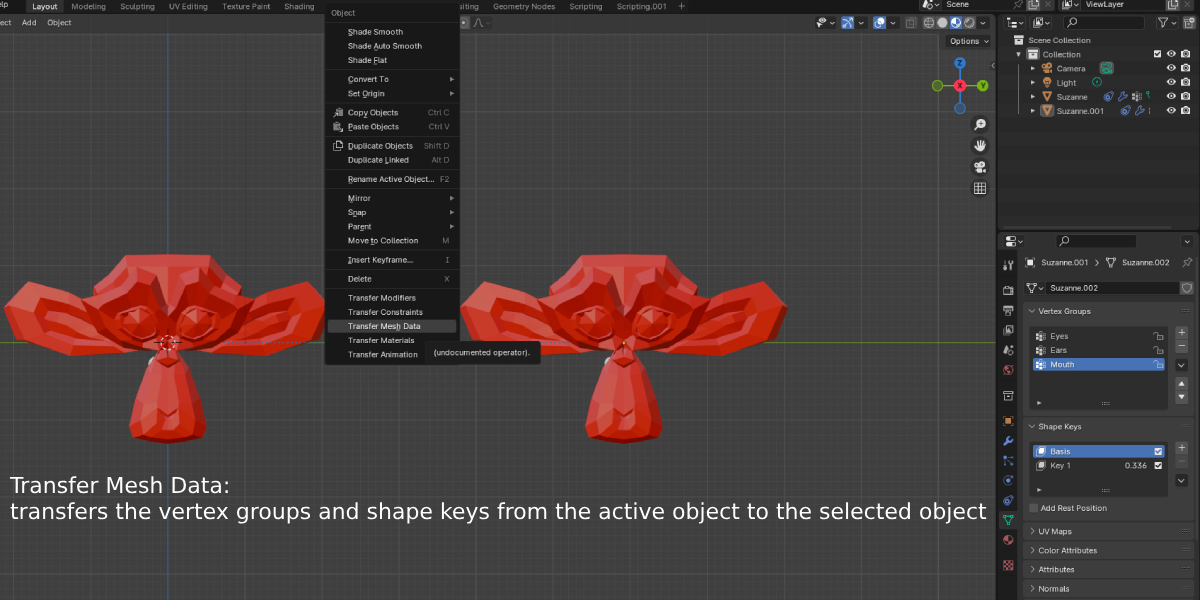
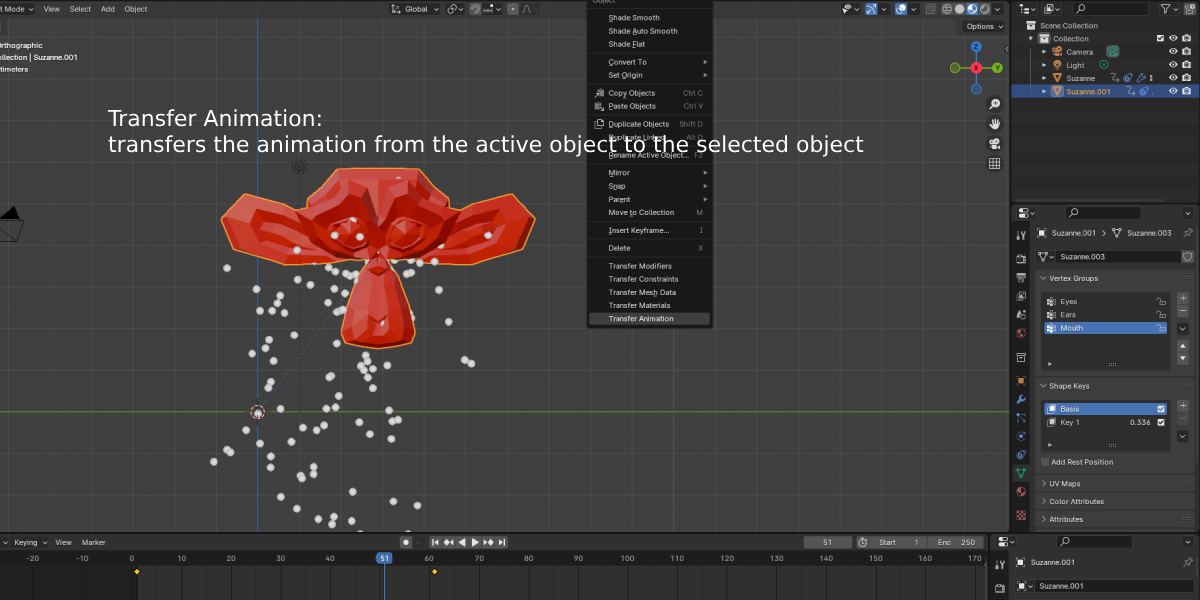
How does Easy Transfer streamline transferring settings between objects?
Instead of manually re-entering values or copying attributes one by one, select your destination objects, select the source object last so it is active, and use Easy Transfer to copy settings and properties across all selected targets in one click.
Is Easy Transfer compatible with Blender 4.2 and newer versions?
Yes. The archive includes a blender_manifest.toml extension manifest, making it natively compatible with Blender 4.2+ extension workflows.
Do I need to extract Easy_Transfer.zip before installing it?
No. Keep the .zip archive compressed—which contains the Easy_Transfer/ folder along with __init__.py and blender_manifest.toml—and install it directly inside Blender via Edit > Preferences > Add-ons (or Get Extensions) using Install from Disk, or drag and drop the .zip file straight into the Blender window.
Where do I find the Easy Transfer panel inside Blender?
Open the 3D Viewport, press N on your keyboard to open the Sidebar (N-Panel), and select the Easy Transfer tab.
Have questions about this product?
Login to message
| Sales | 20+ |
| Published | almost 3 years ago |
| Blender Version | 4.3, 4.2, 4.1, 4.0, 3.6, 3.5, 3.4, 3.3, 3.2, 3.1, 3.0, 2.93, 2.92, 2.91, 2.9, 2.83, 2.82, 2.81, 2.8 |
| License | GPL |

alexdepario
Discover more products like this
addon asset management Mesh Data blender Copy-Paste modifiers efficiency constraints materials animation Animation Transfer 3d modeling