 Minshu




How to install the add-on (Method 1):
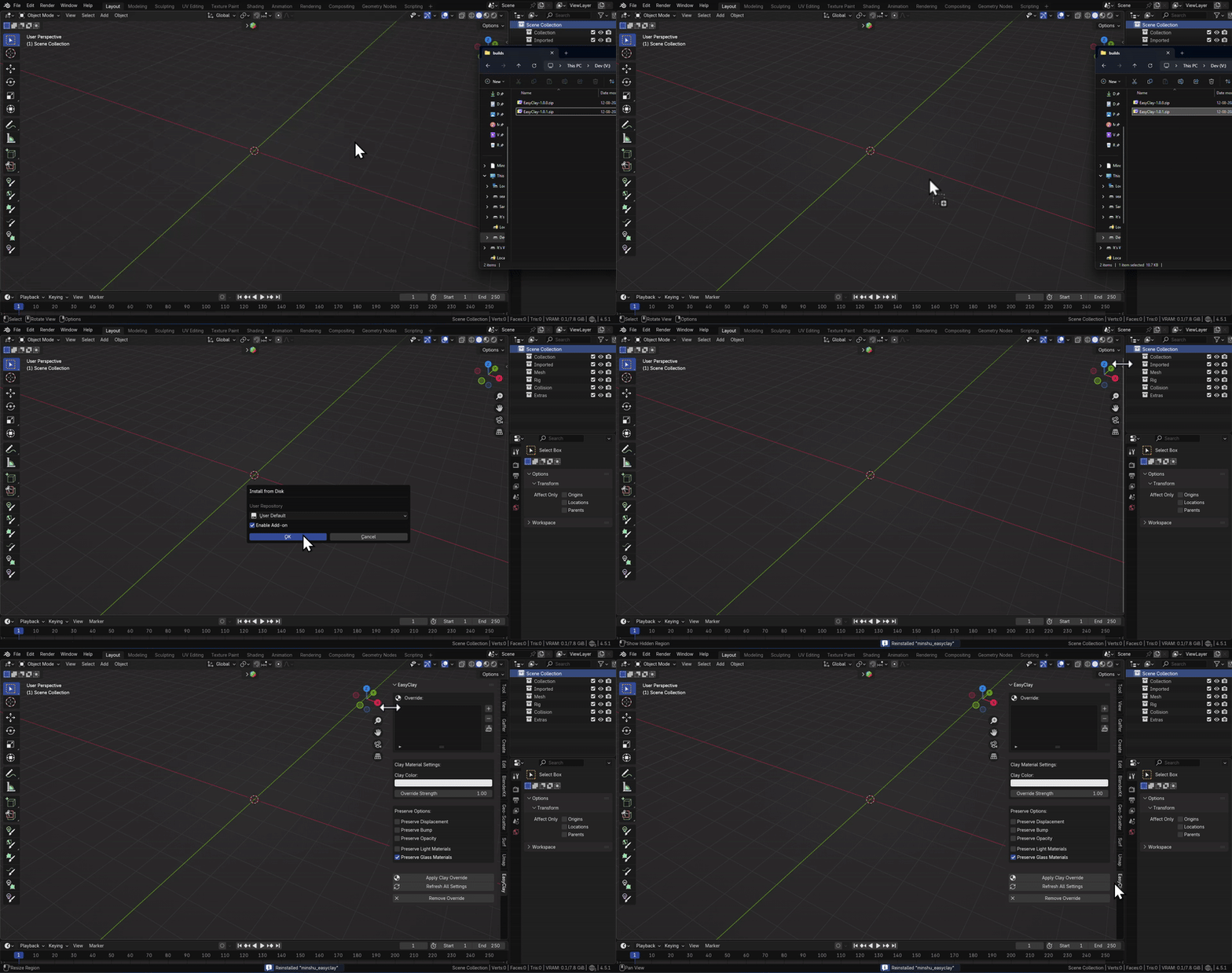
- Download the .zip file included with your purchase
- Open Blender and drag and drop downloaded add-on zip into blender window
- Click to finish installation.
How to install the add-on (Method 2):
- Download the .zip file included with your purchase
- In Blender go to "Preferences" window, then "Addons", and then click on "Install"
- Select the .zip file you downloaded
Clay Render Helper Add-on - Quick Usage Guide
- Open the Properties Panel (N)
- Go to the "EasyClay" tab in the 3D View Sidebar.
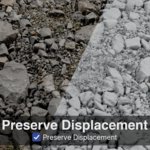
- Choose which material properties to preserve (displacement, bump, opacity, etc).
- Click Apply Clay Override to apply the override settings.
- Click Remove Override Remove all overrides.
If you change any property from EasyClay after applying Clay Override you will have to click Refresh All Settings to bring new properties into effect.
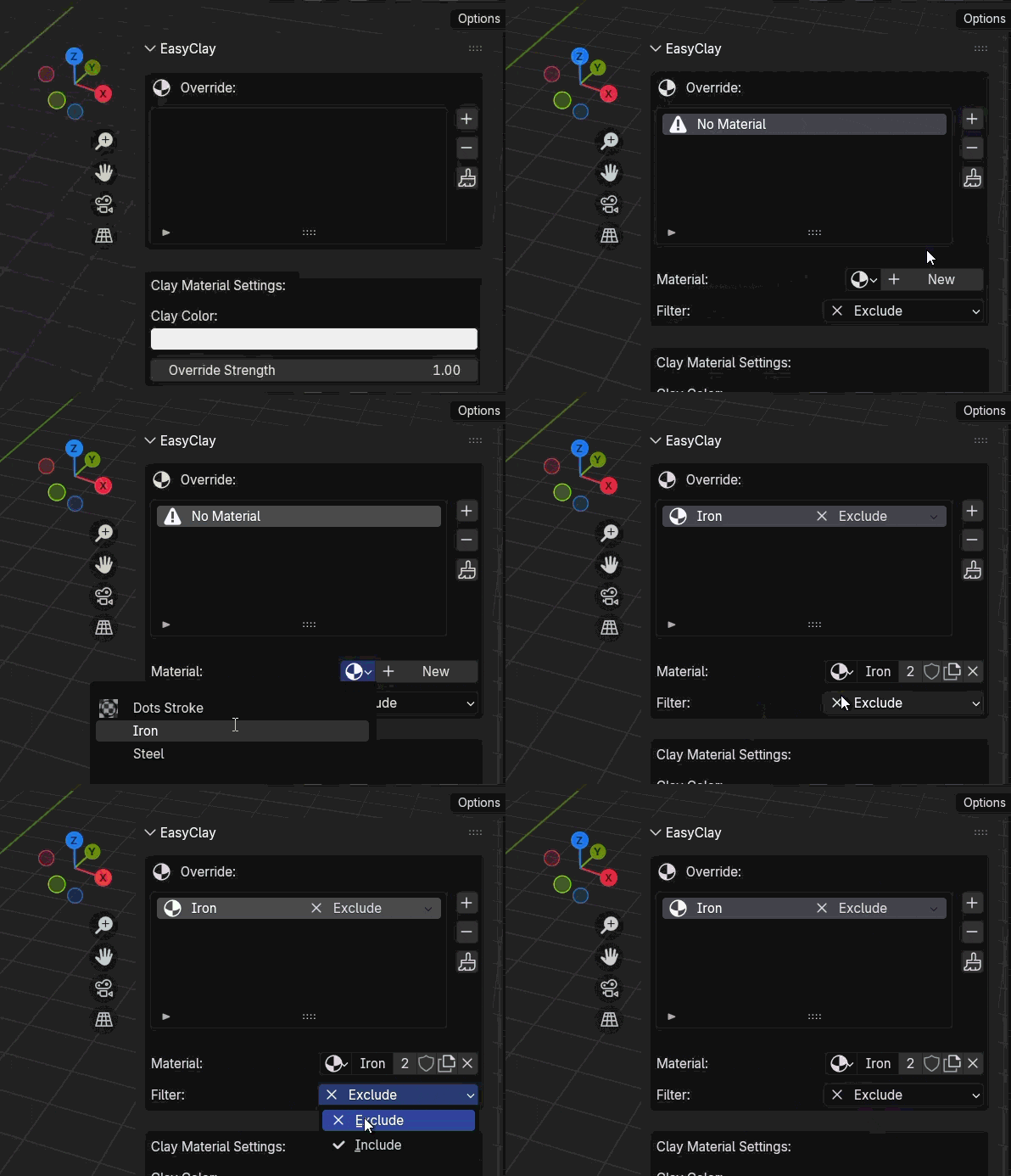
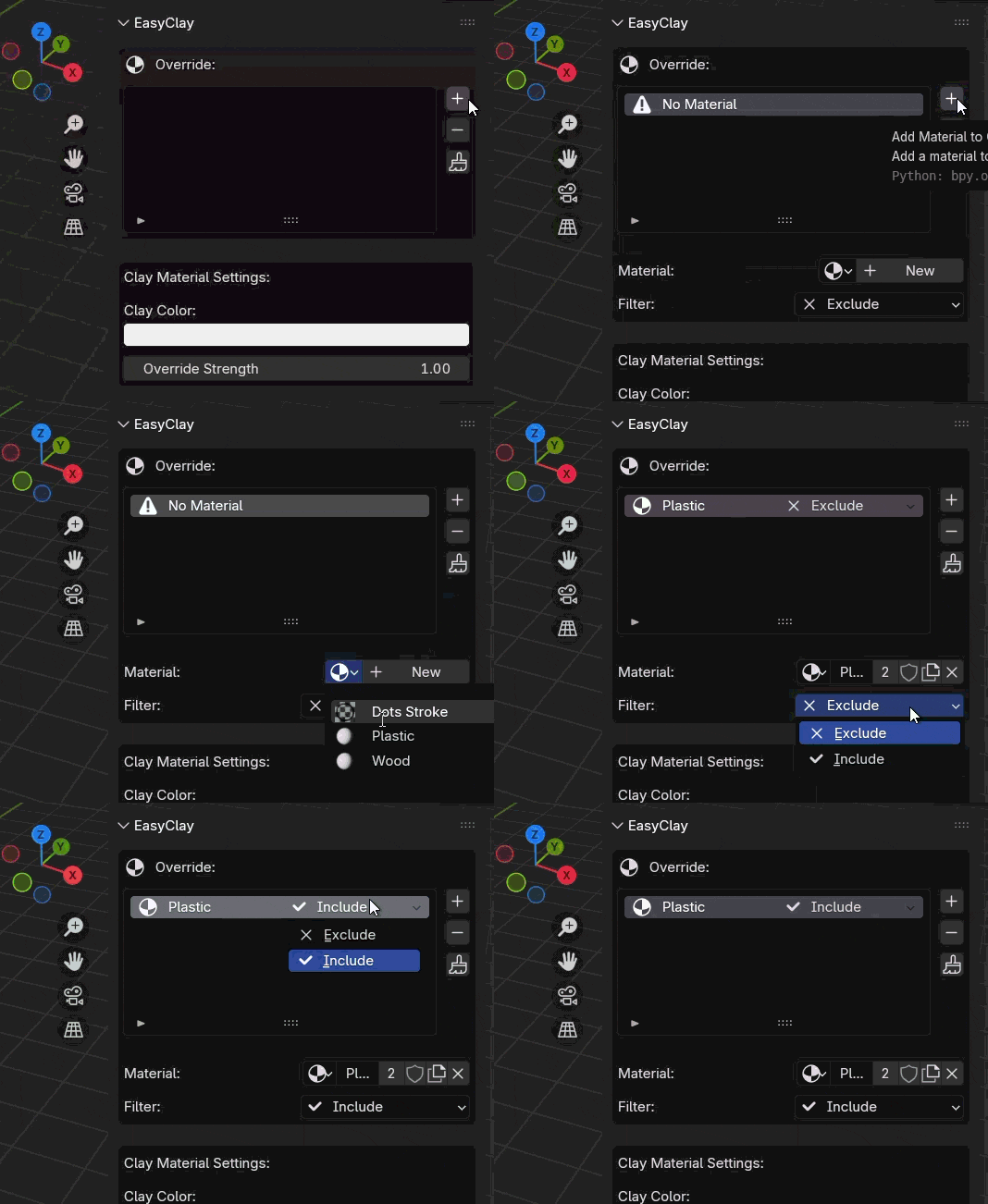
Exclude/Include specify materials
Exclude: Prevent clay override
Include: Always apply clay override
Clay Color and Override Strength
Clay Color: Base Color of clay shader.
Override Strength: Blend Original Material base color and clay color.
Have questions about this product?
Login to message

Discover more products like this
clay override materials non-destructive Material Advanced Override Material