 Ohanno T
This small Add-on gives the user two new Keymaps for changing the following settings:
-Orbit Mode.
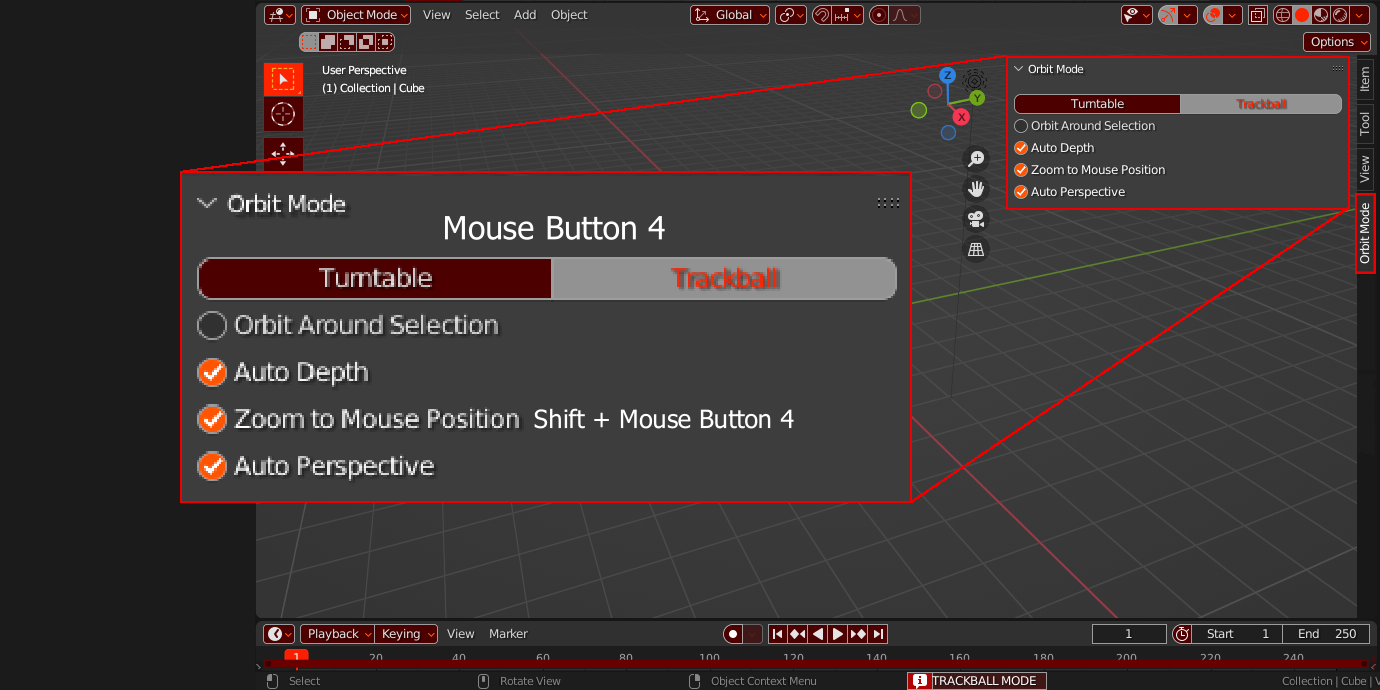
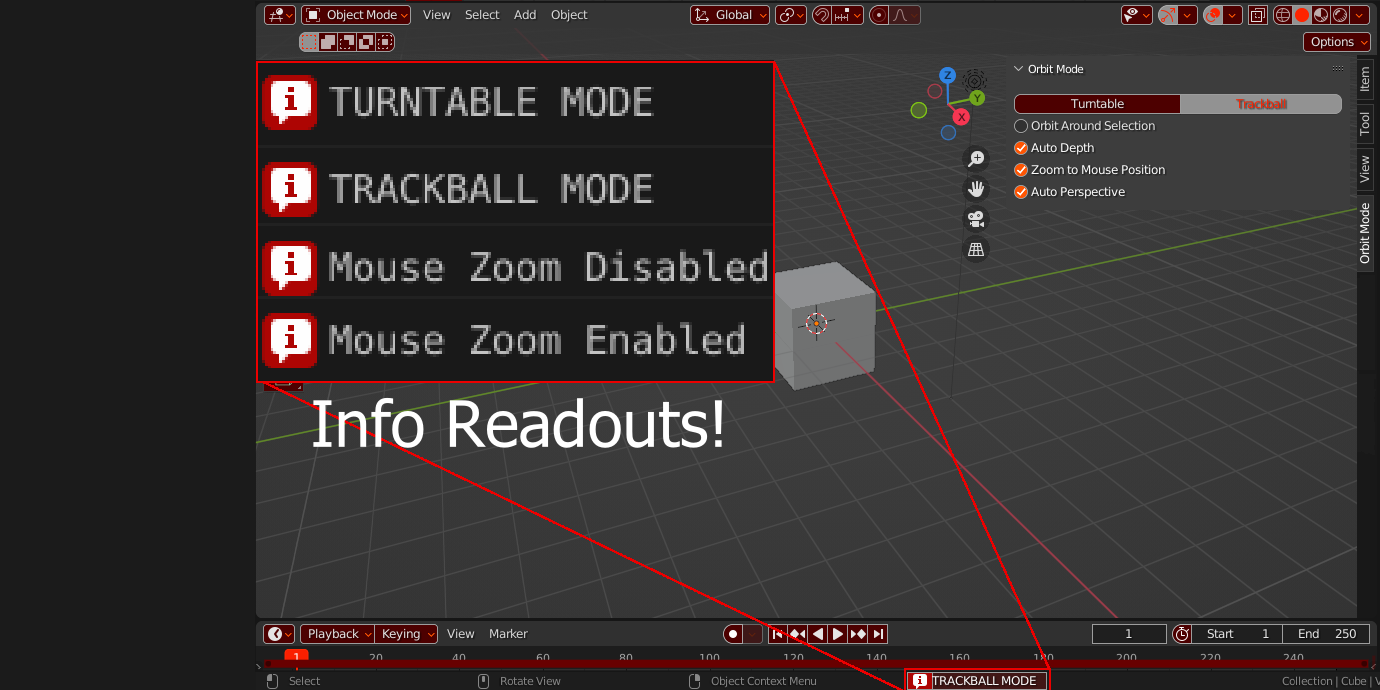
Easily change between "Turntable" & "Trackball" modes for orbit methods. Default key is Mouse Button 4.
-Zoom To Mouse
-Zoom To Mouse
Key press toggle for Zoom To Mouse option. Default key is SHIFT+ Mouse Button 4.
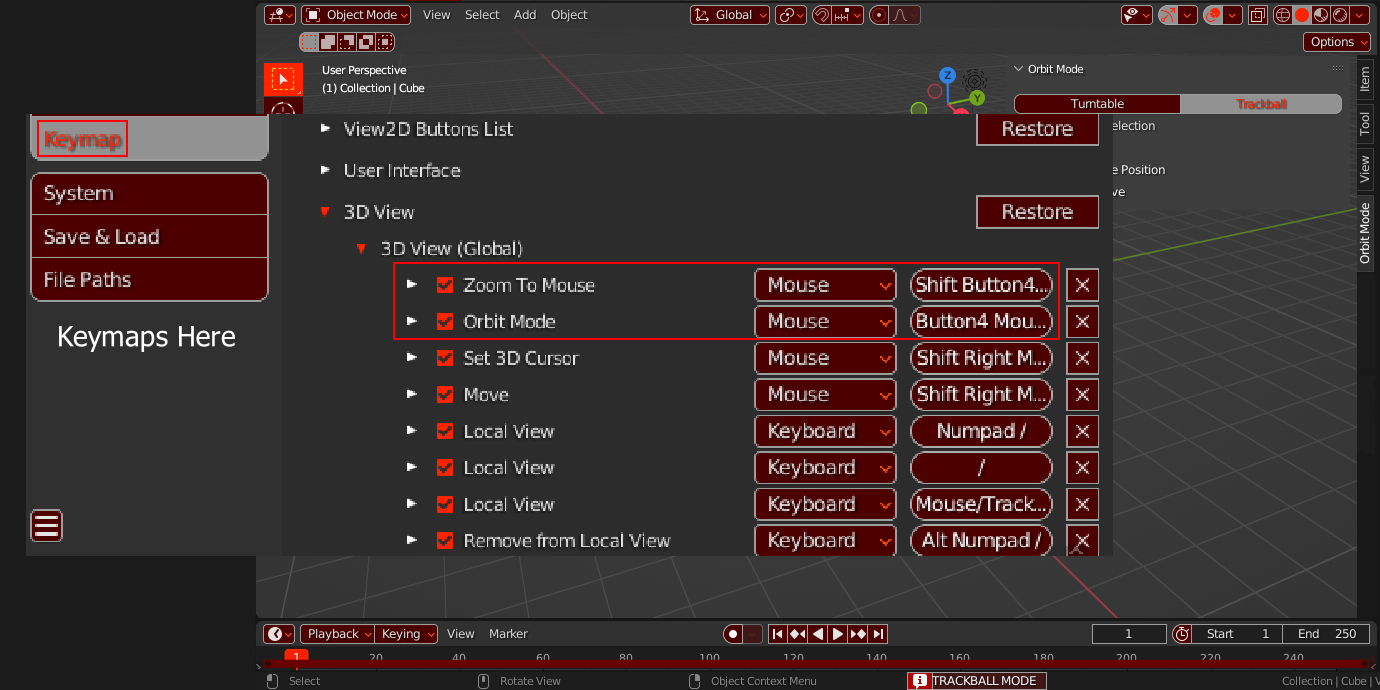
You can change all key binds in Preferences>3D VIEW>3D VIEW (Global)
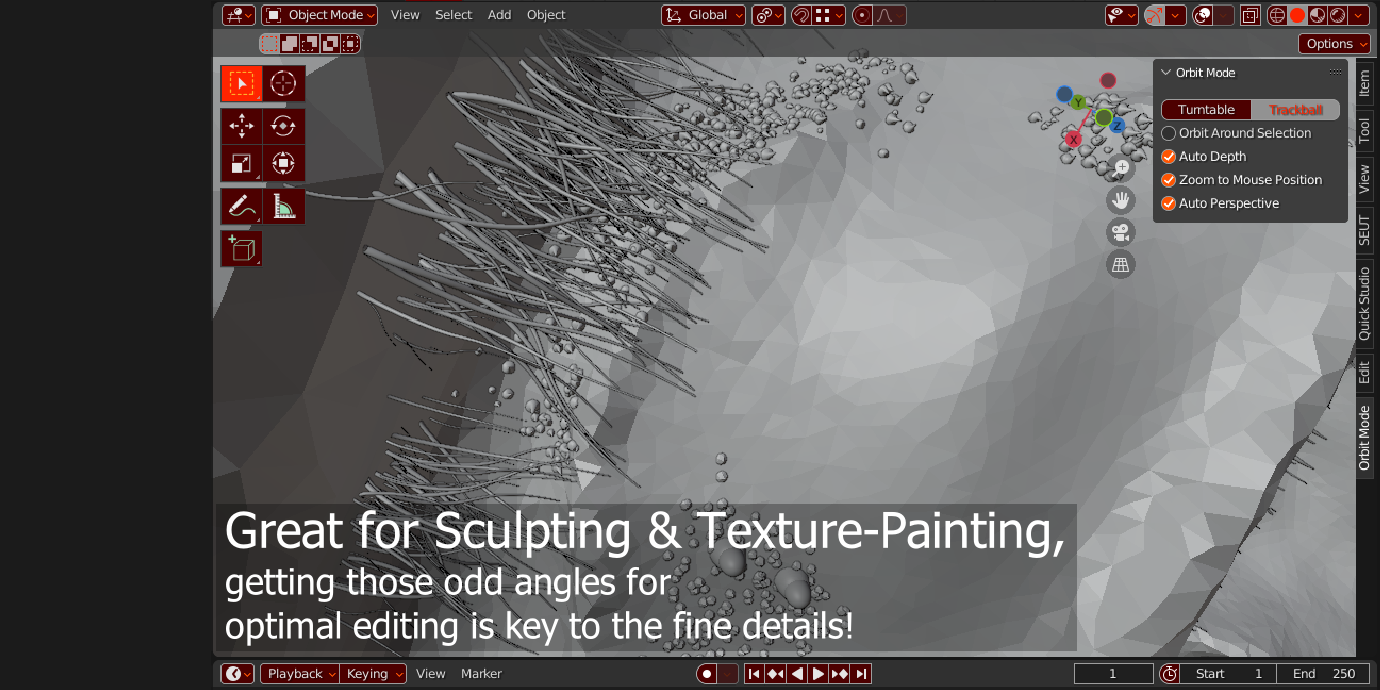
A new Panel is also added in the Properties Menu ('N' Menu)
This panel contains the previous settings as well as other useful Navigation Settings that might help you out.
A new Panel is also added in the Properties Menu ('N' Menu)
This panel contains the previous settings as well as other useful Navigation Settings that might help you out.
