 Easy Team


Easy Layer Manager by EasyTeam
A modern, viewport-based layer system that replaces Blender's chaotic Outliner workflow.
Organize your scenes faster, cleaner, and with full control directly inside the Viewport.
Easy Layer Manager introduces a simple and powerful layer interface designed for real production work. Drag layers, toggle visibility in bulk, search instantly, manage objects per layer, merge structures, and navigate even the largest scenes without friction.
Installation note: After installing via drag & drop in Blender 4.2+, if the toolbar button does not appear, disable and re-enable the addon from Preferences > Add-ons. This is a one-time step.
Features
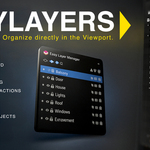
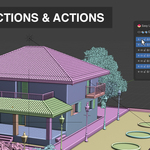
Viewport HUD
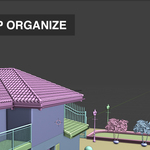
A clean, draggable HUD that gives you full layer control without opening the Outliner.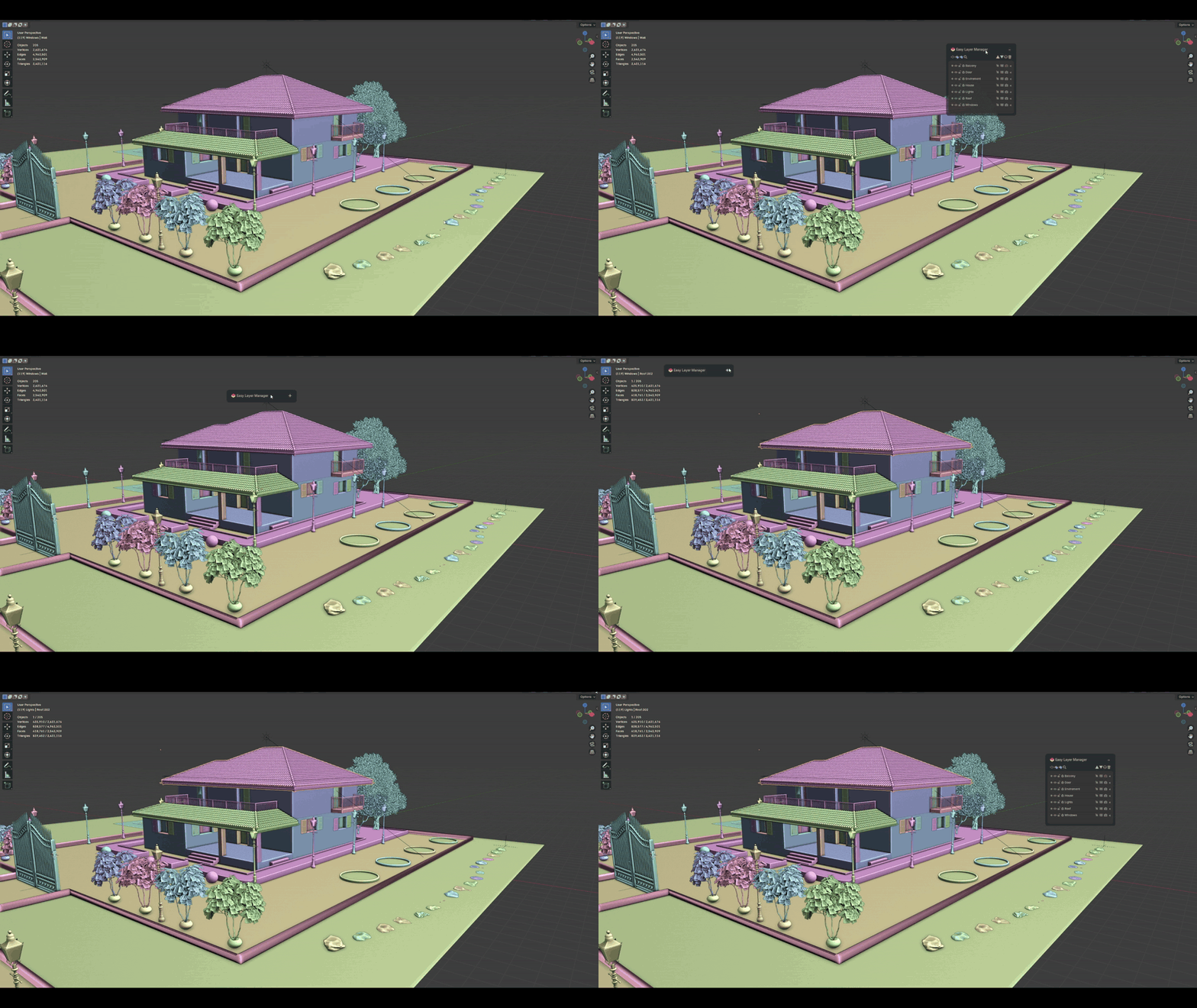
Add new layers instantly, no setup required.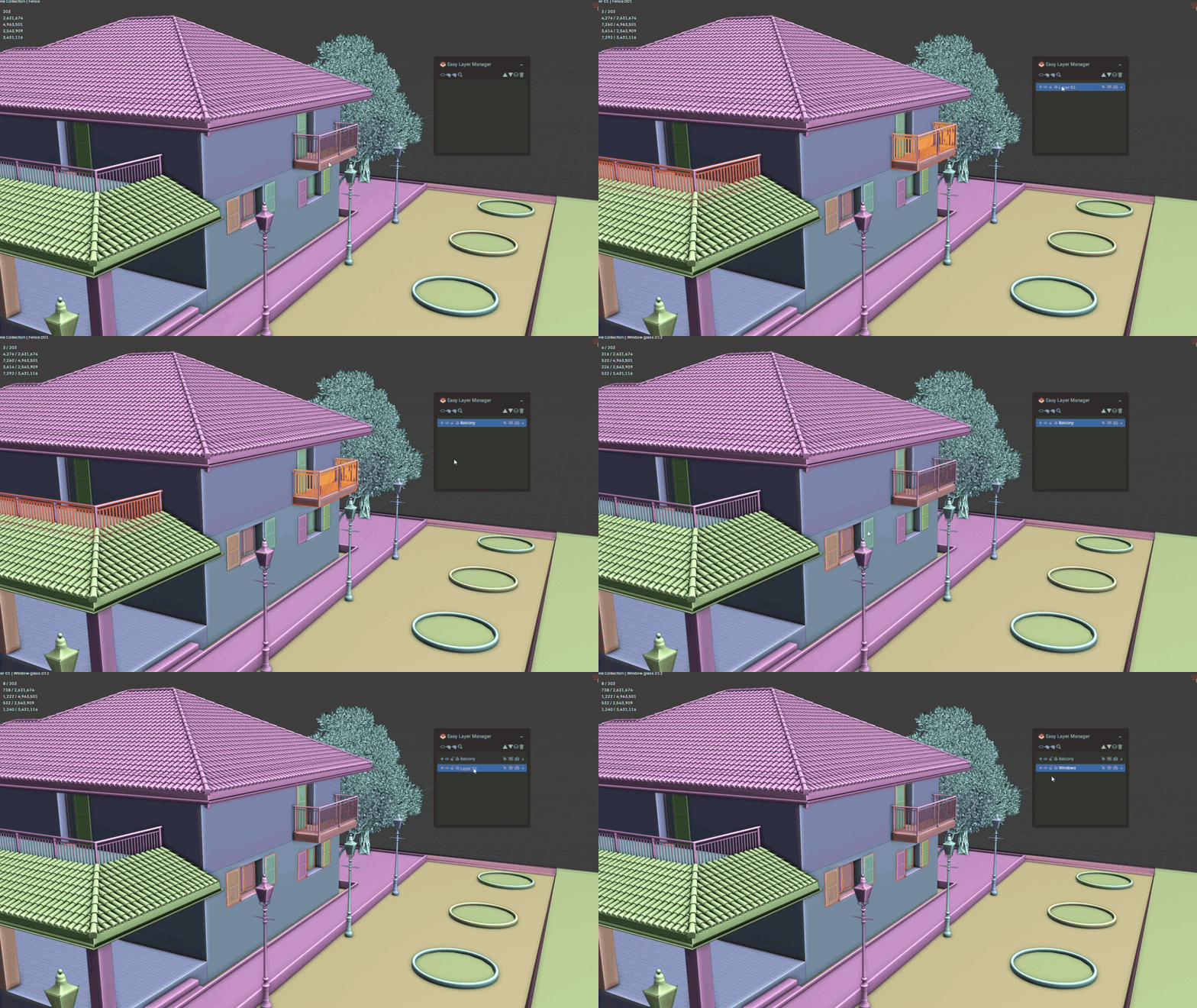
Drag and Drop Sorting
Reorder layers smoothly with simple drag operations.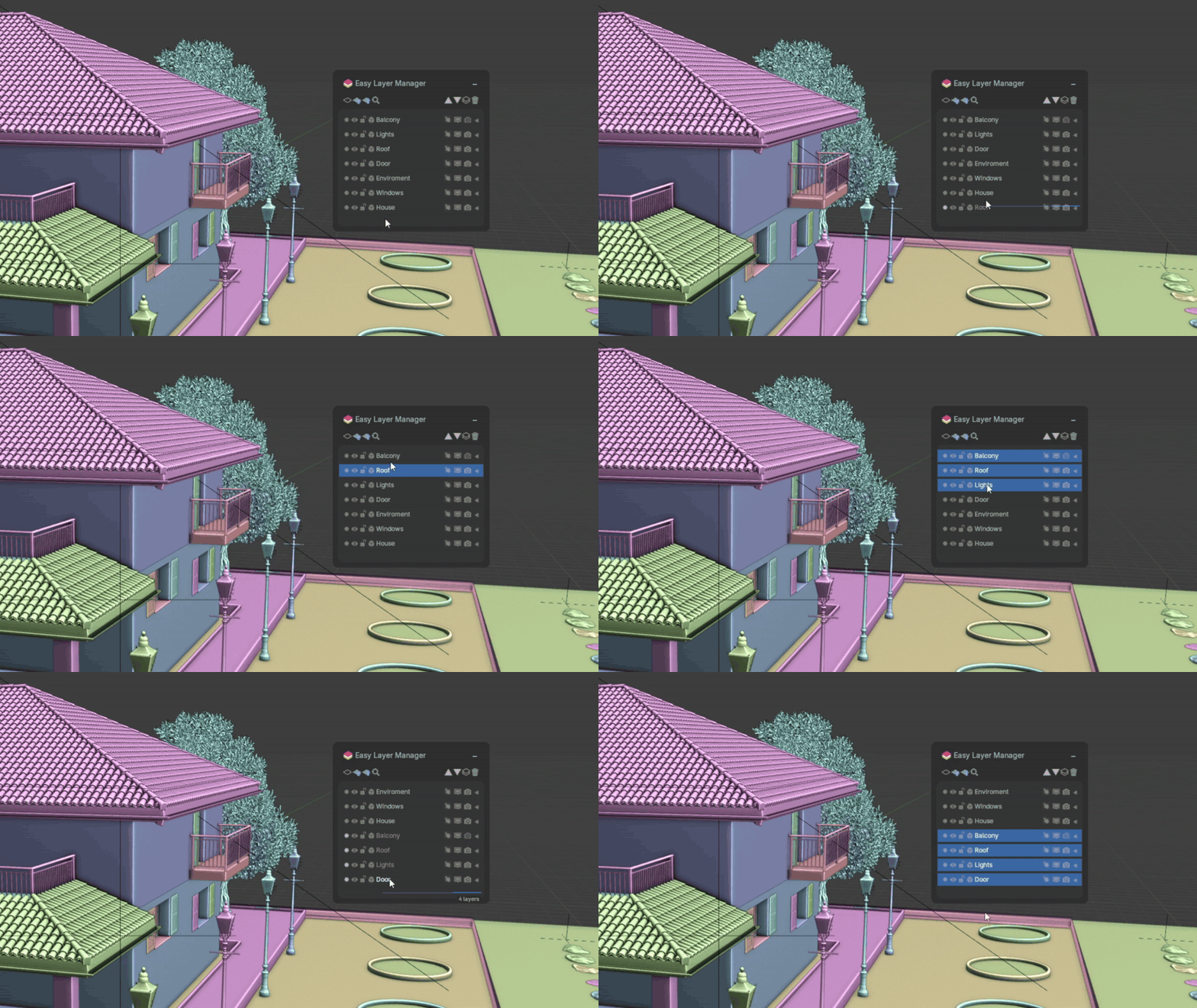
Multi-Selection (Shift and Ctrl)
Select multiple layers at once and perform batch operations such as visibility, render visibility, selection, and lock toggles.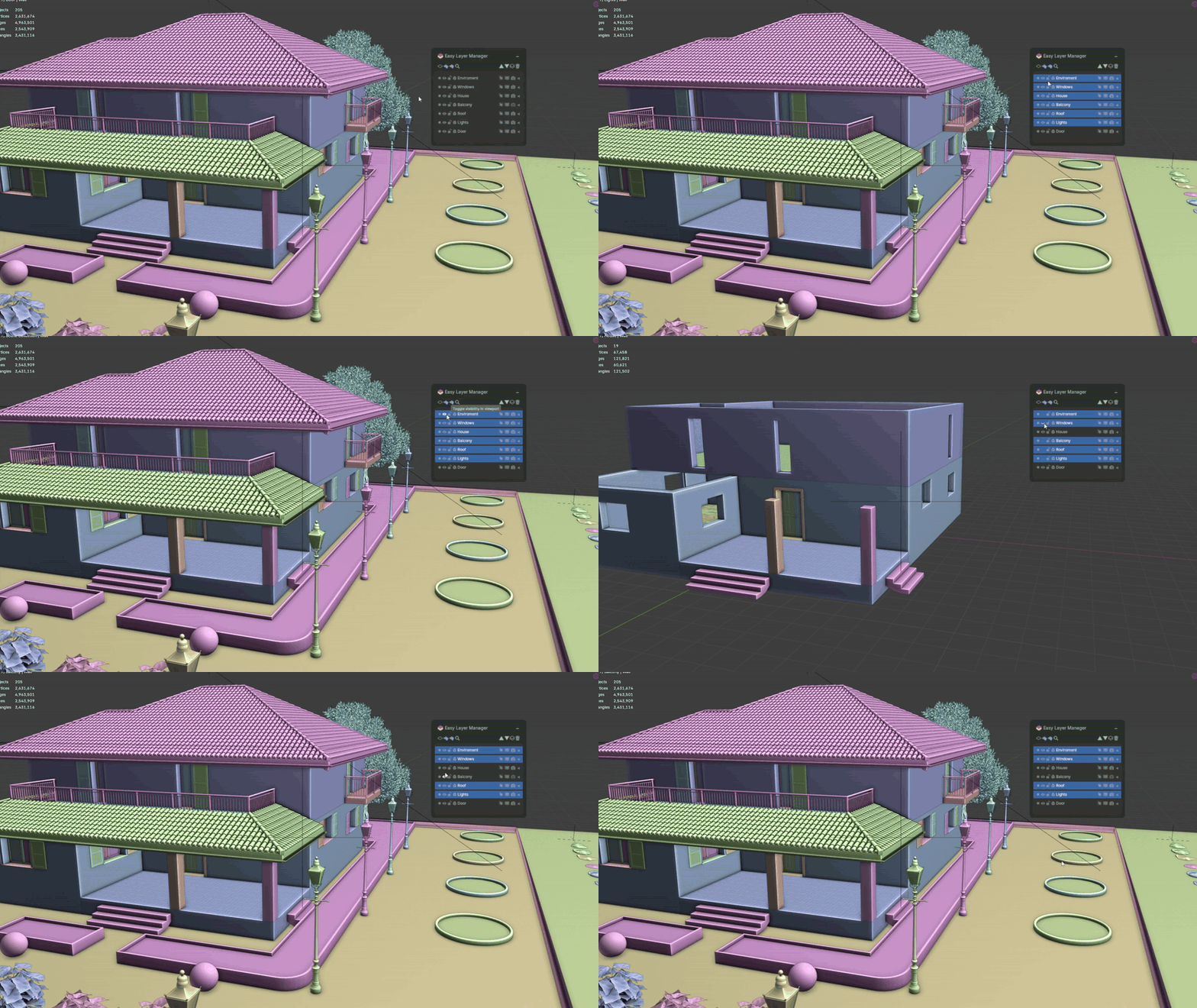
Add Objects Instantly
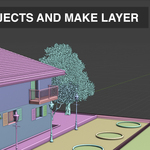
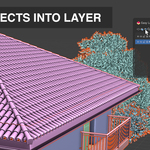
Assign selected objects to the active layer with one click.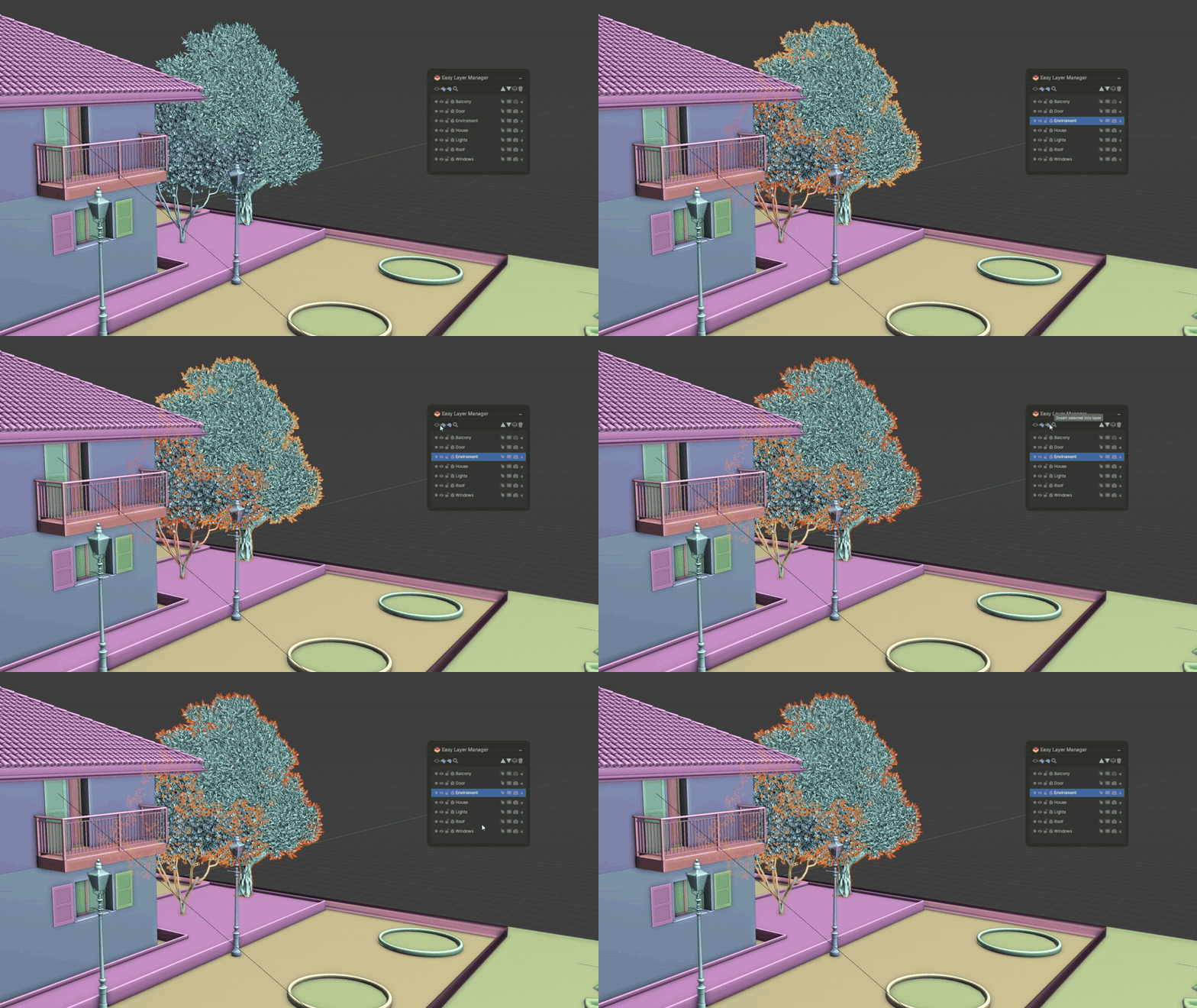
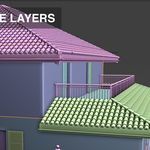
Expandable Layers
Expand layers to reveal and manage the objects inside. Ideal for complex projects.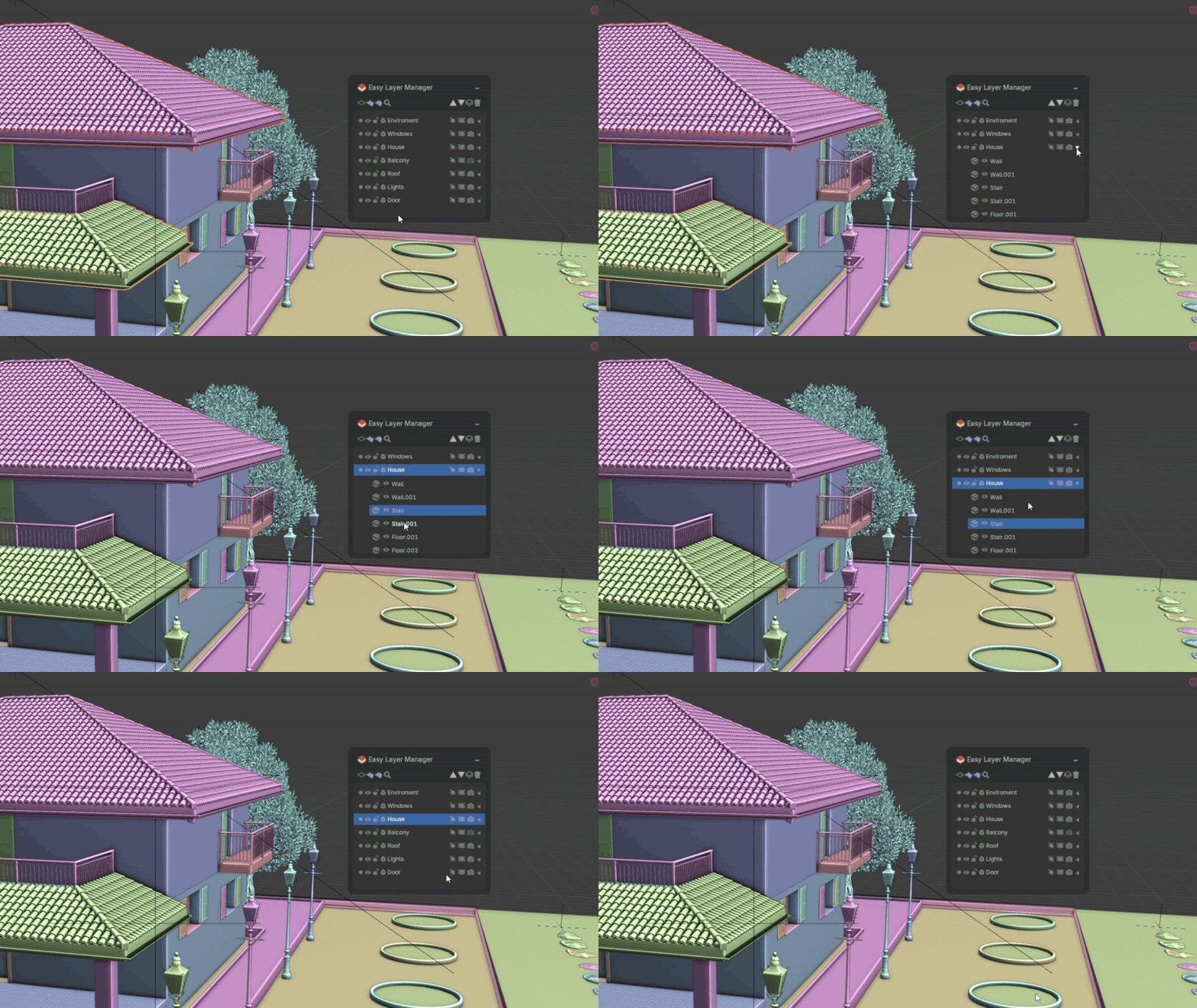
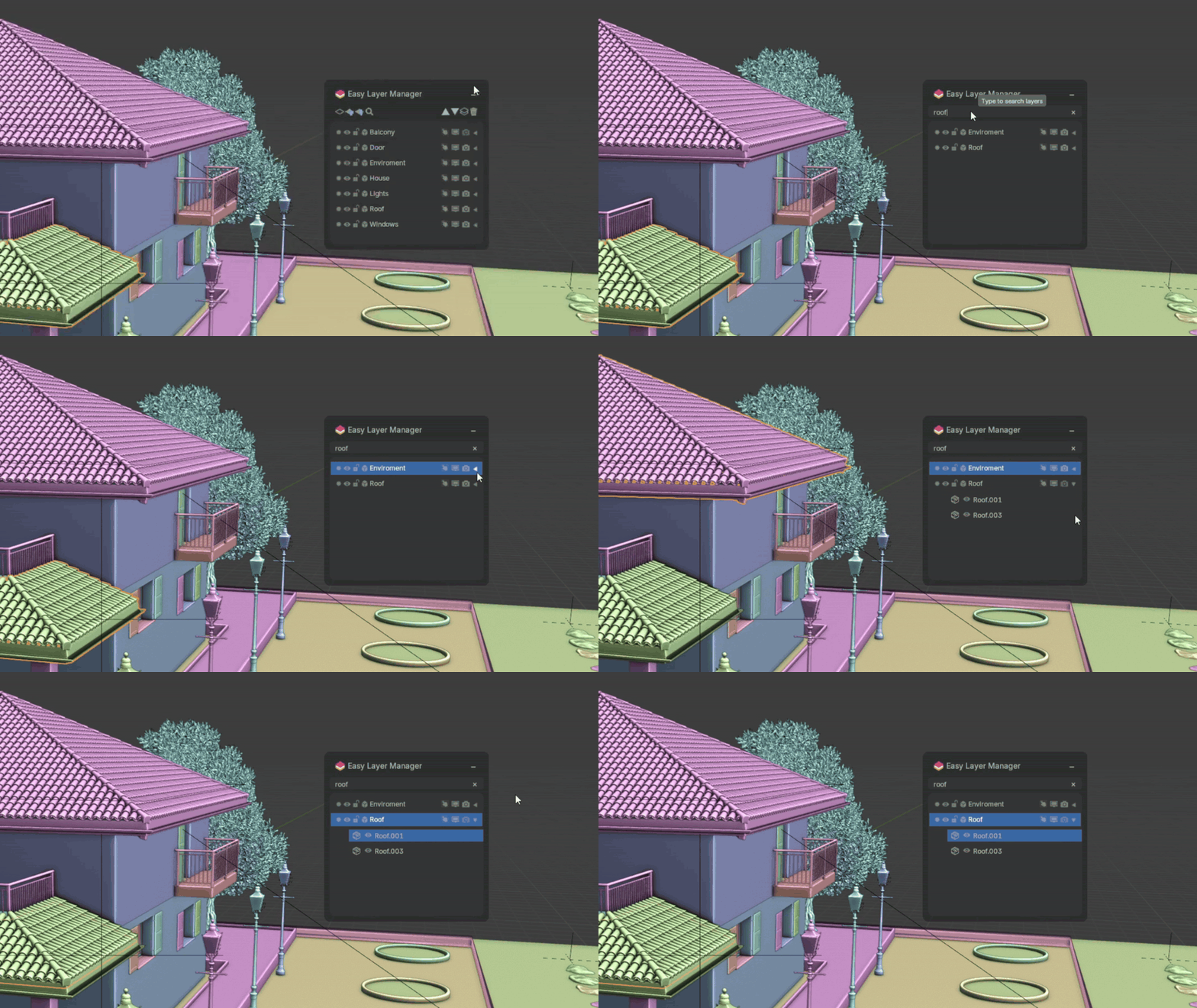
Search Layers and Objects
Use the built-in search bar to filter layers or objects instantly
.
Merge Layers
Combine selected layers into one unified layer with automatic object merging.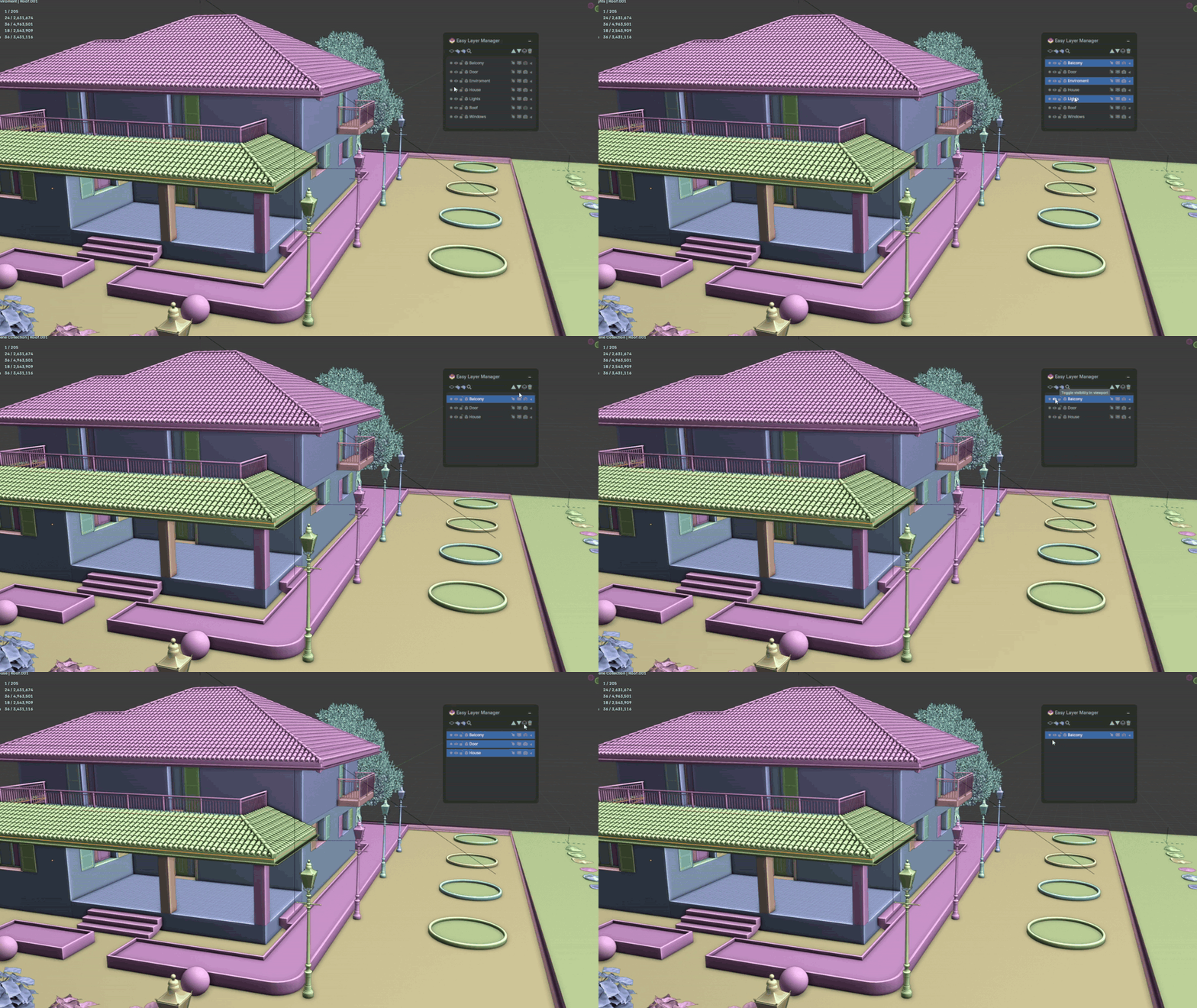
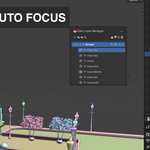
Outliner Auto-Focus
Selecting a layer or object highlights it in the Outliner.
You can then minimize the Outliner for a fully clean workspace.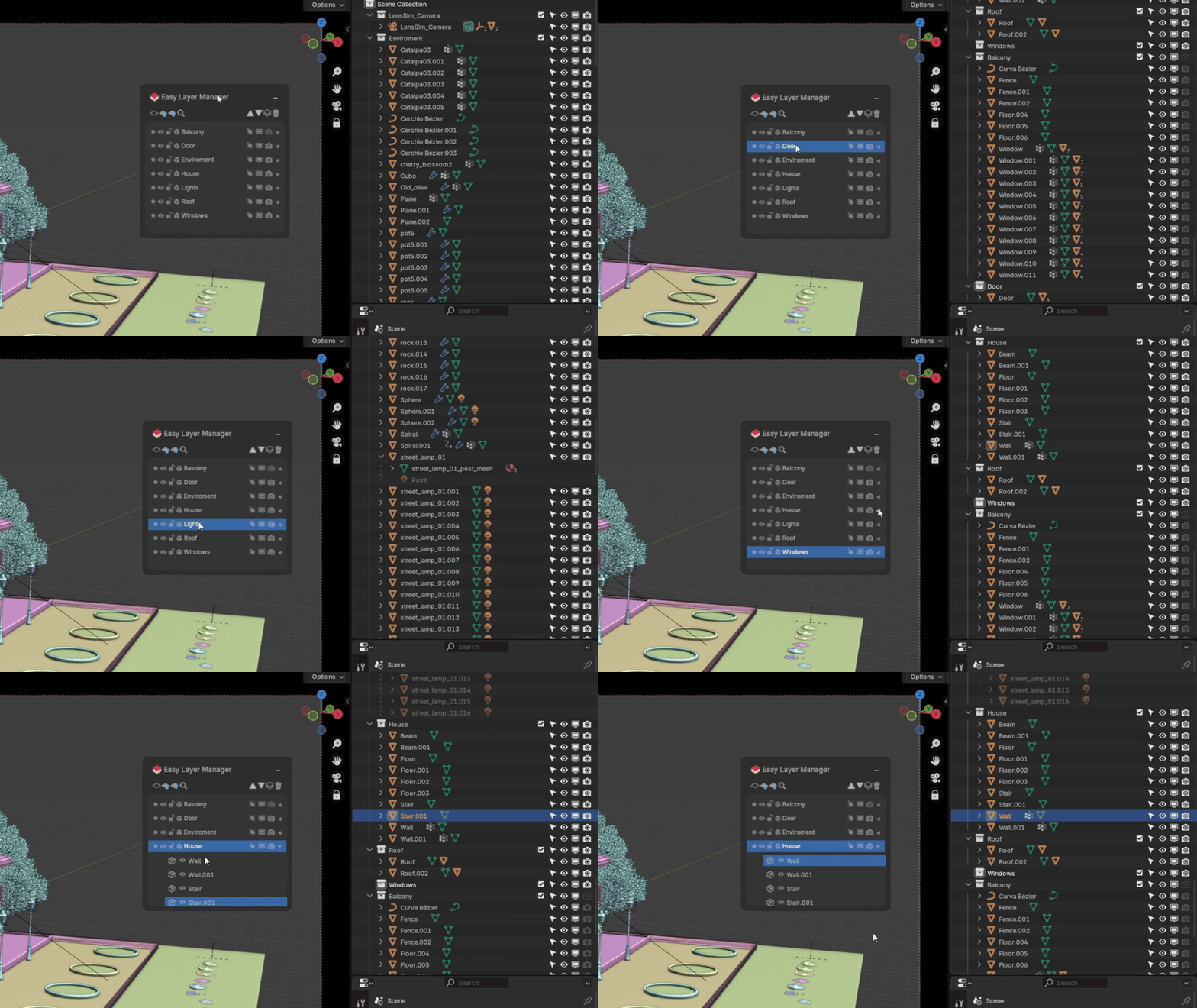
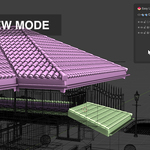
View Mode Switcher
Switch between Shaded, Wireframe Shaded, Wireframe, and Bounding Box view modes with a single button.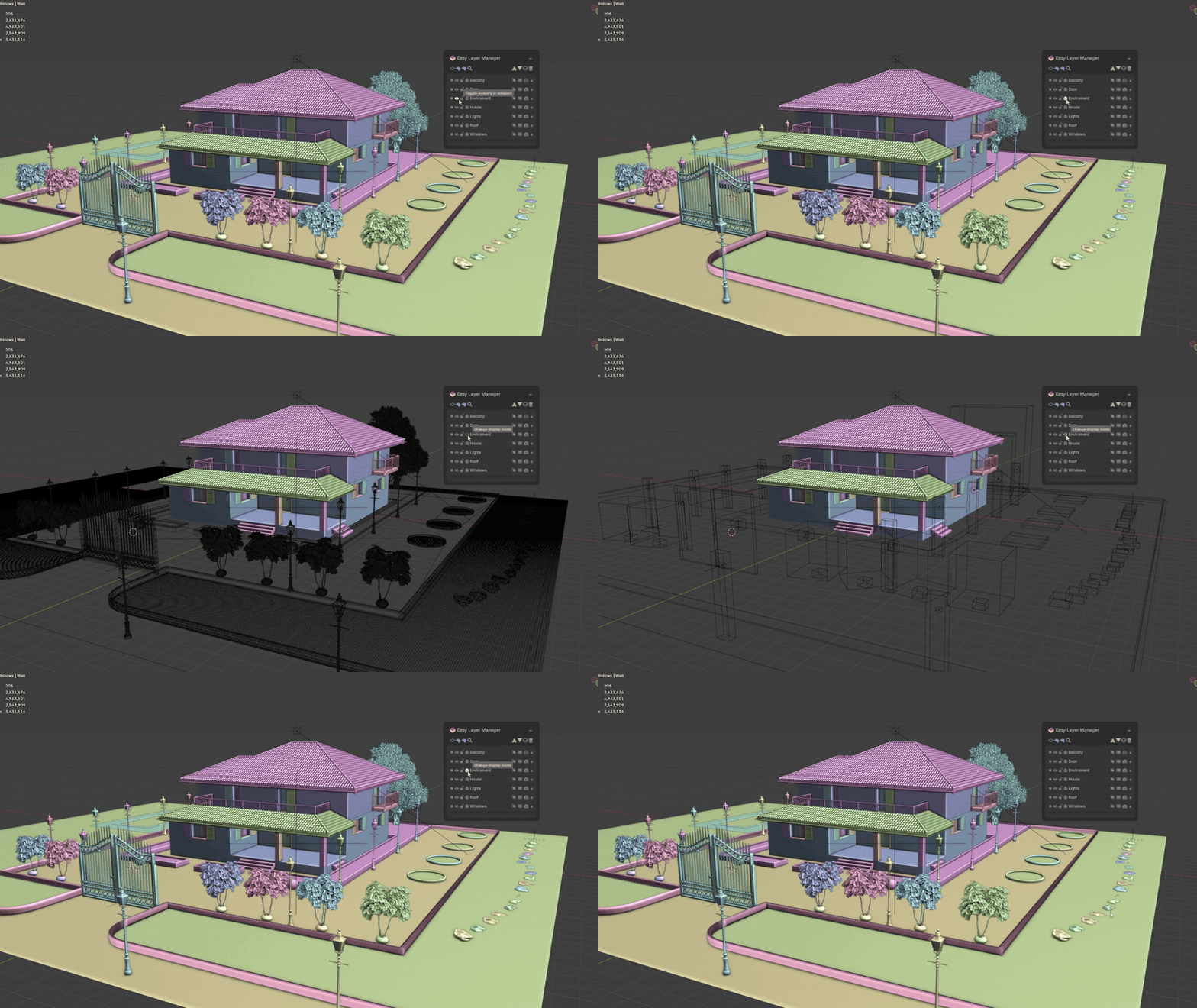
NEW IN VERSION 1.1:
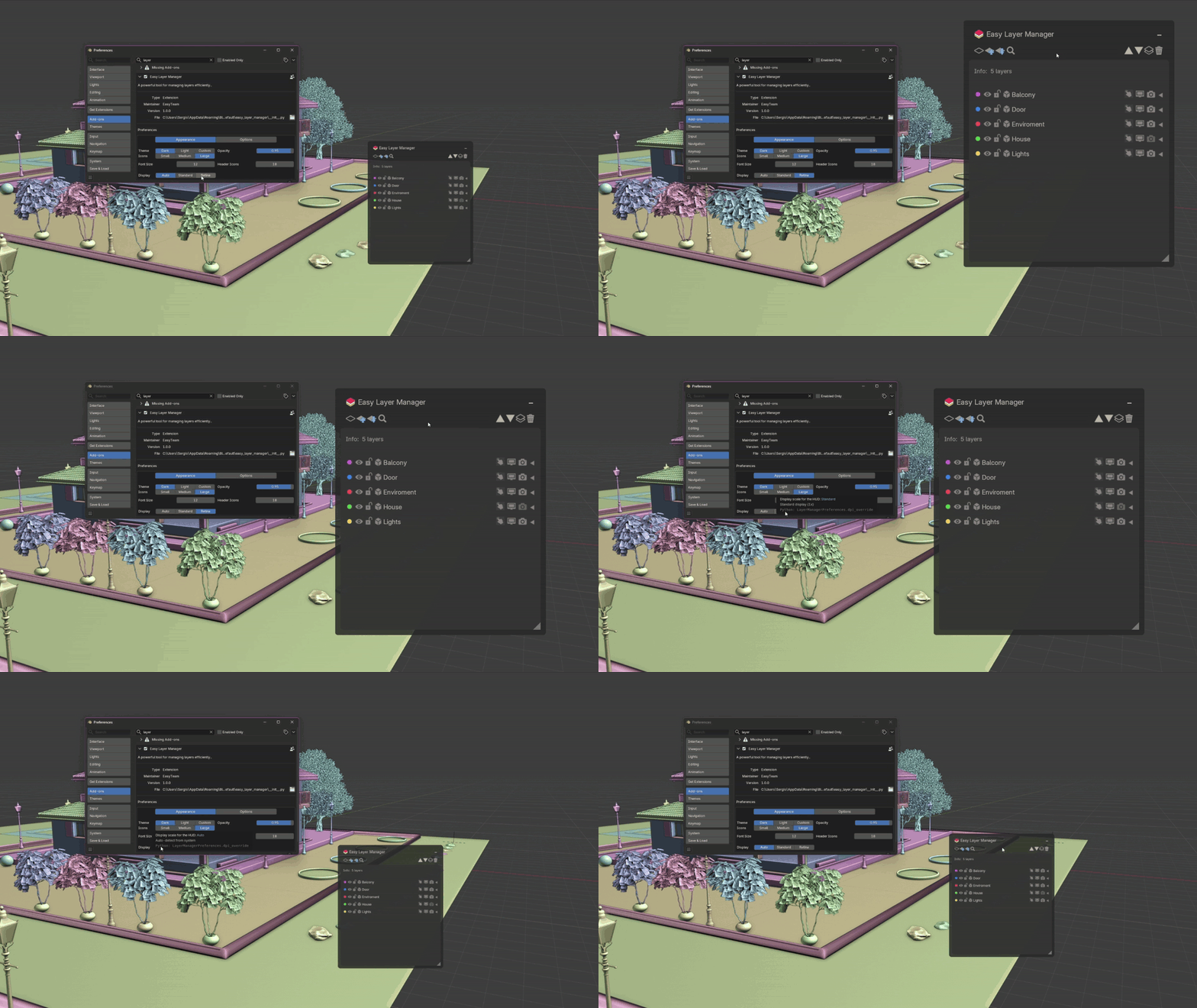
Resize HUD
You can now resize the Layer Manager panel by dragging the handle in the bottom-right corner.
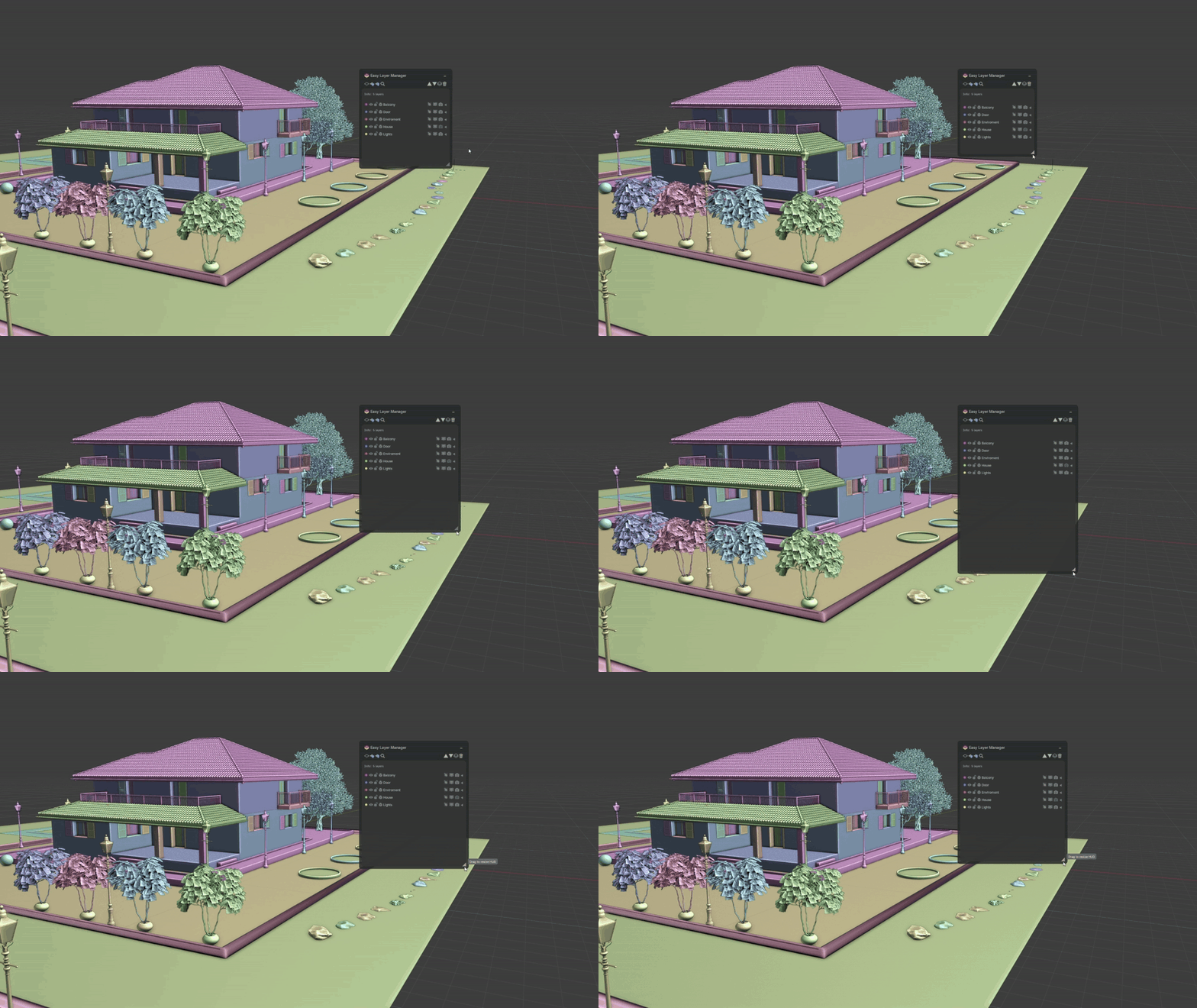
Resize HUD
You can now resize the Layer Manager panel by dragging the handle in the bottom-right corner.
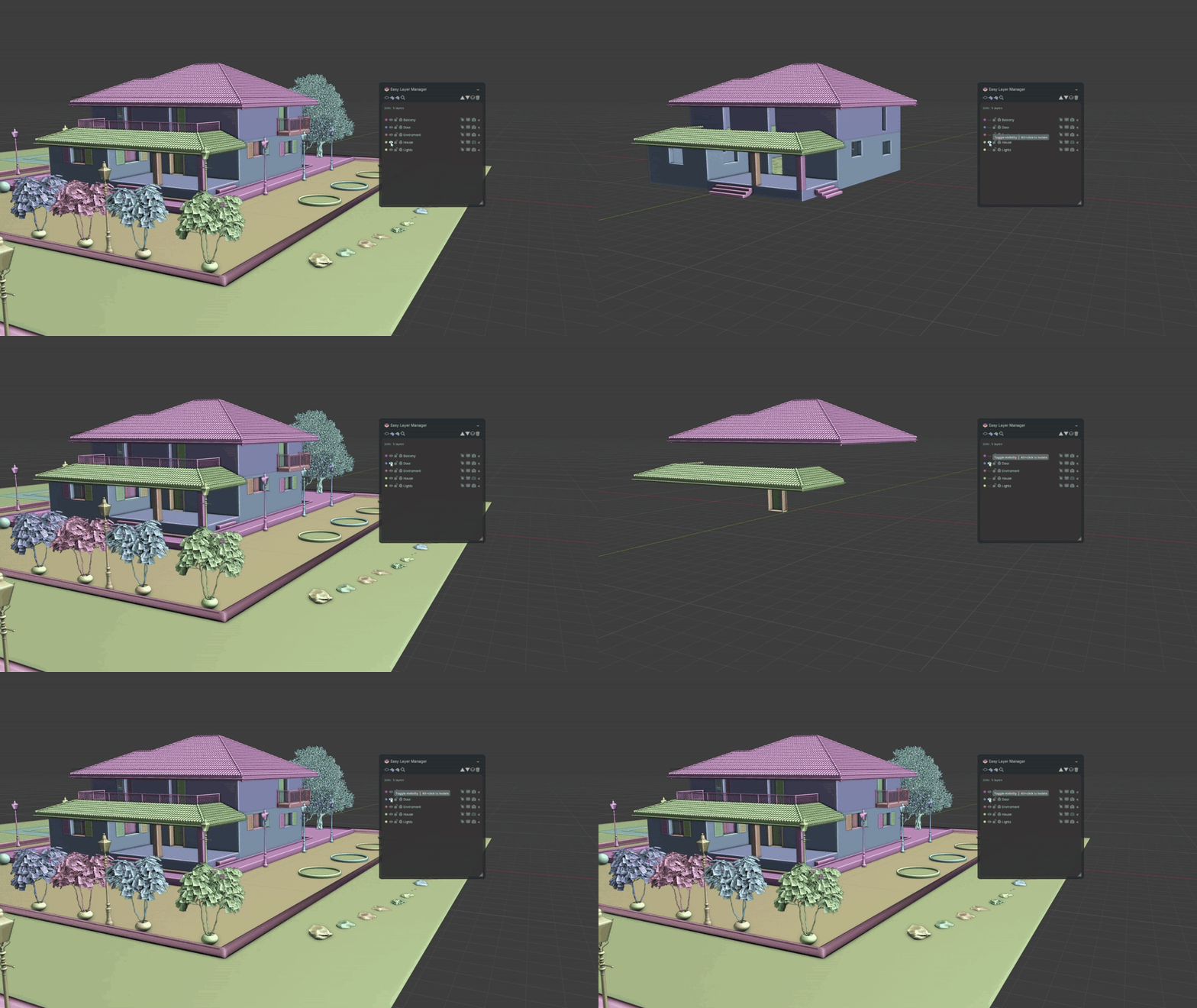
Isolate Layer
Alt+click the visibility eye icon to isolate a layer, hiding all others instantly. Click again to restore.
HiDPI / Retina Display Support
The HUD now scales correctly on HiDPI and Retina displays. Set the display mode to Auto, Standard, or Retina from preferences.
Why Use Easy Layer Manager?
Blender’s Outliner becomes hard to manage very quickly.
Easy Layer Manager gives you a clear, modern layer workflow that stays fast even in heavy scenes.
Perfect for modeling, sculpting, asset creation, environment work, animation, and game development.
Compatible with Blender 4.5 and later.
Bring order and speed to your workflow – install Easy Layer Manager today.