 Skava
Skava


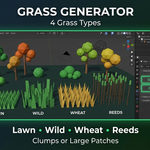
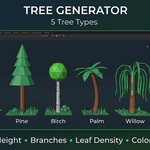
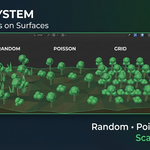
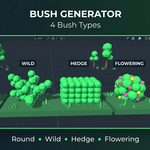
Download the .zip file and do not unpack it. In Blender open Edit > Preferences > Add-ons, click the drop-down arrow in the top-right corner and choose Install from Disk (in Blender 4.0 and 4.1 the button is called Install), then pick the downloaded file. Tick the checkbox next to Ecosystem Generator to enable it.
The product page lists Blender 4.0 – 5.0.
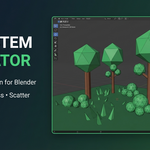
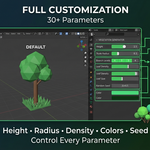
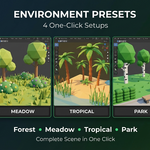
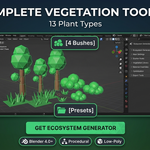
It generates trees (Oak, Pine, Birch, Palm, Willow), bushes (Round, Wild, Hedge, Flowering) and grass (Lawn, Wild, Wheat, Reeds) procedurally, and scatters objects across a surface with Random, Poisson Disk or Grid distribution, surface alignment, scale variation, vertex-group density and a minimum distance. Four environment presets are included: Forest, Meadow, Tropical and Park.
Yes. According to the product page, materials are created automatically with customizable colors, and scattered objects are parented to empty objects to keep the scene organized.
The Documentation tab on this product page links to the full documentation.
The product page lists the license as GPL.
Have questions about this product?
Login to message
| Published | 9 months ago |
| Blender Version | 4.0 - 5.0 |
| Render Engine Used | Cycles, Eevee |
| License | GPL |
Discover more products like this
procedural environment Generator vegetation Trees scatter plants #nature grass landscape forest foliage