 Xane Studios
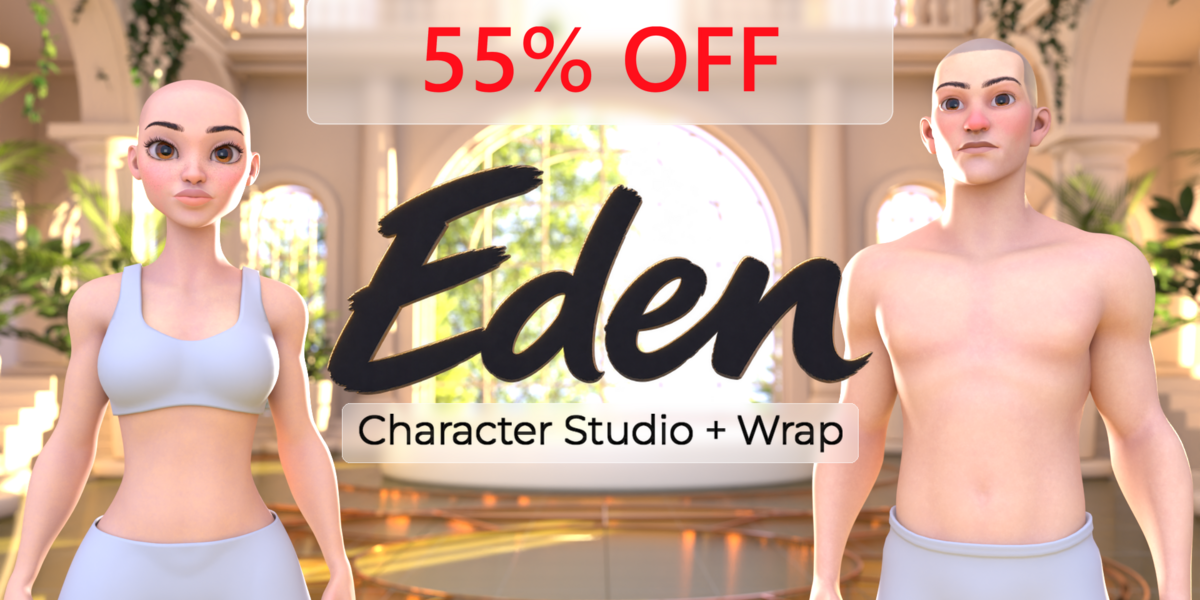

+ Wrap
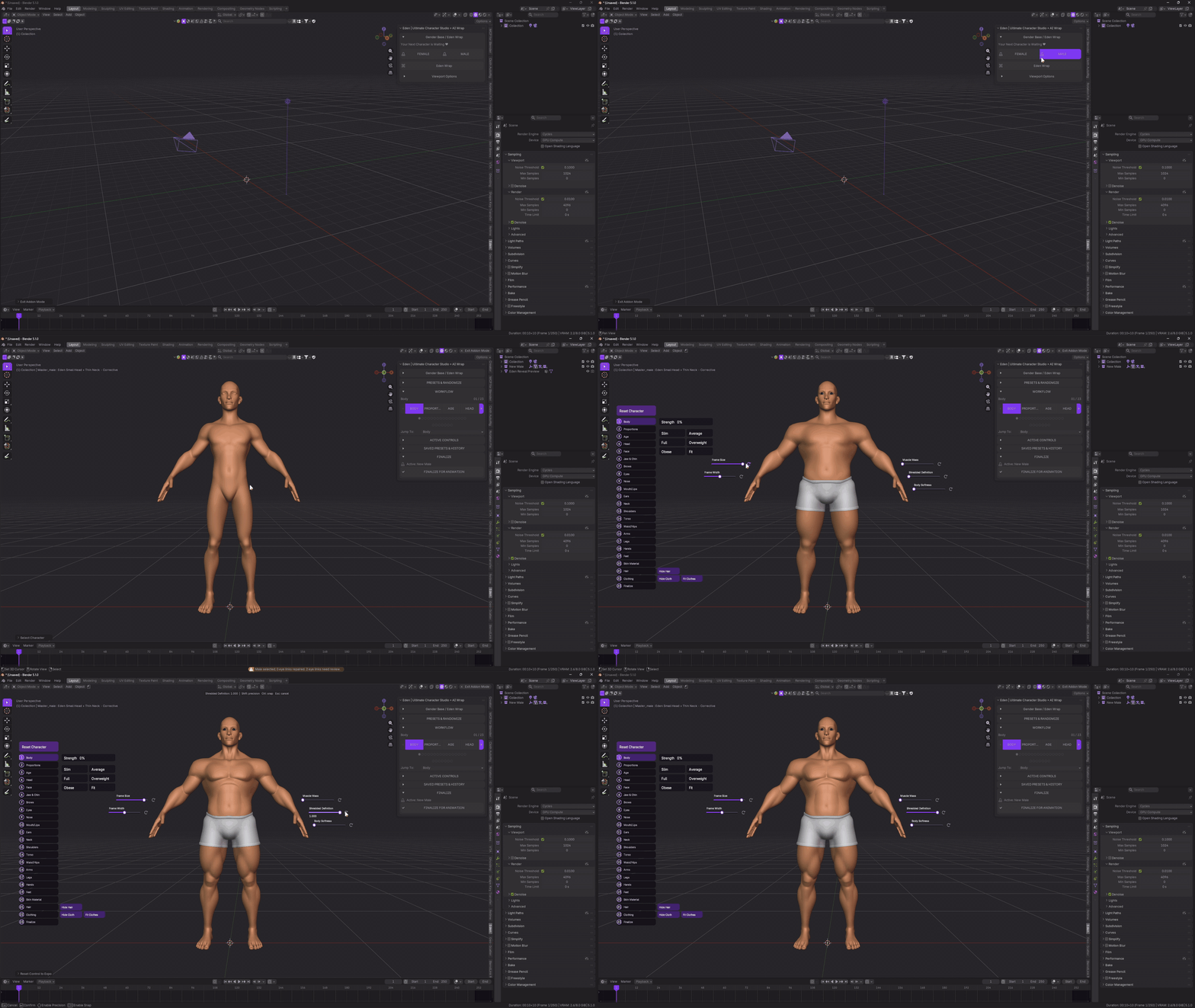
Your next character starts here.
Create your character with Eden. Start with a male or female base, shape the face and body, customize the skin, and choose hair and clothing. Make the character your own, then finalize it for posing and animation in Blender.
Already have an AI-generated humanoid character? Bring it into Eden. Use Eden Wrap to fit an Eden base to your imported model, then customize its look, add hair and clothing, and prepare it for animation.
Youtube Tutorial
01 / Shape your character
A little taller. Broader shoulders. A different face. Make the changes that give your character their own identity.
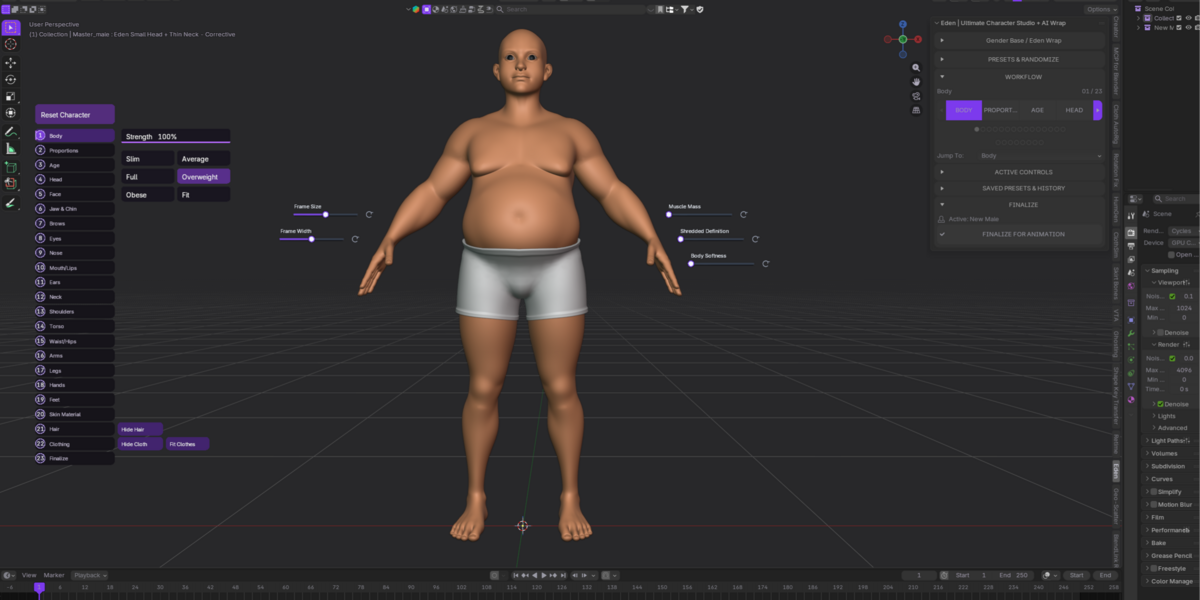
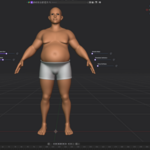
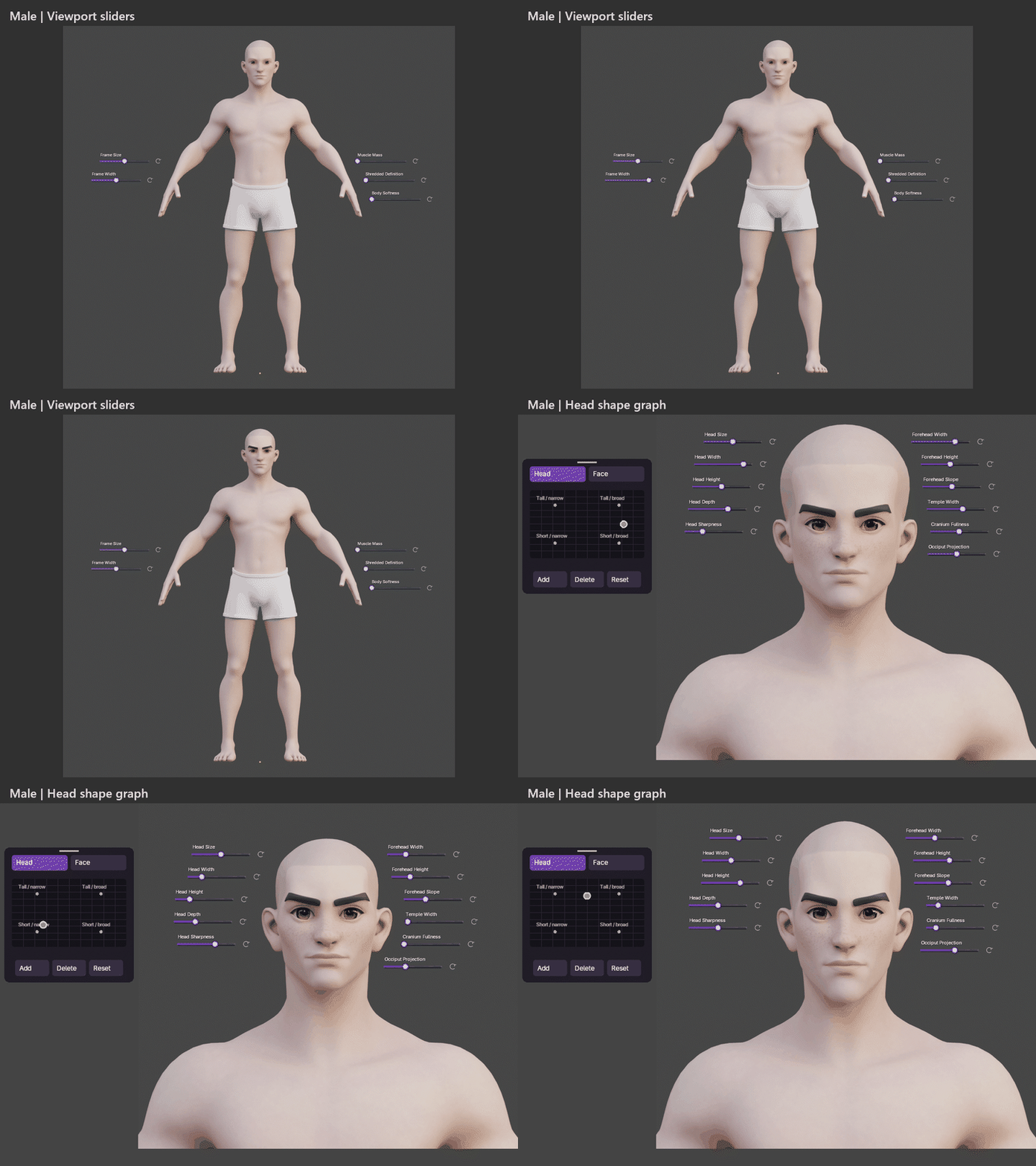
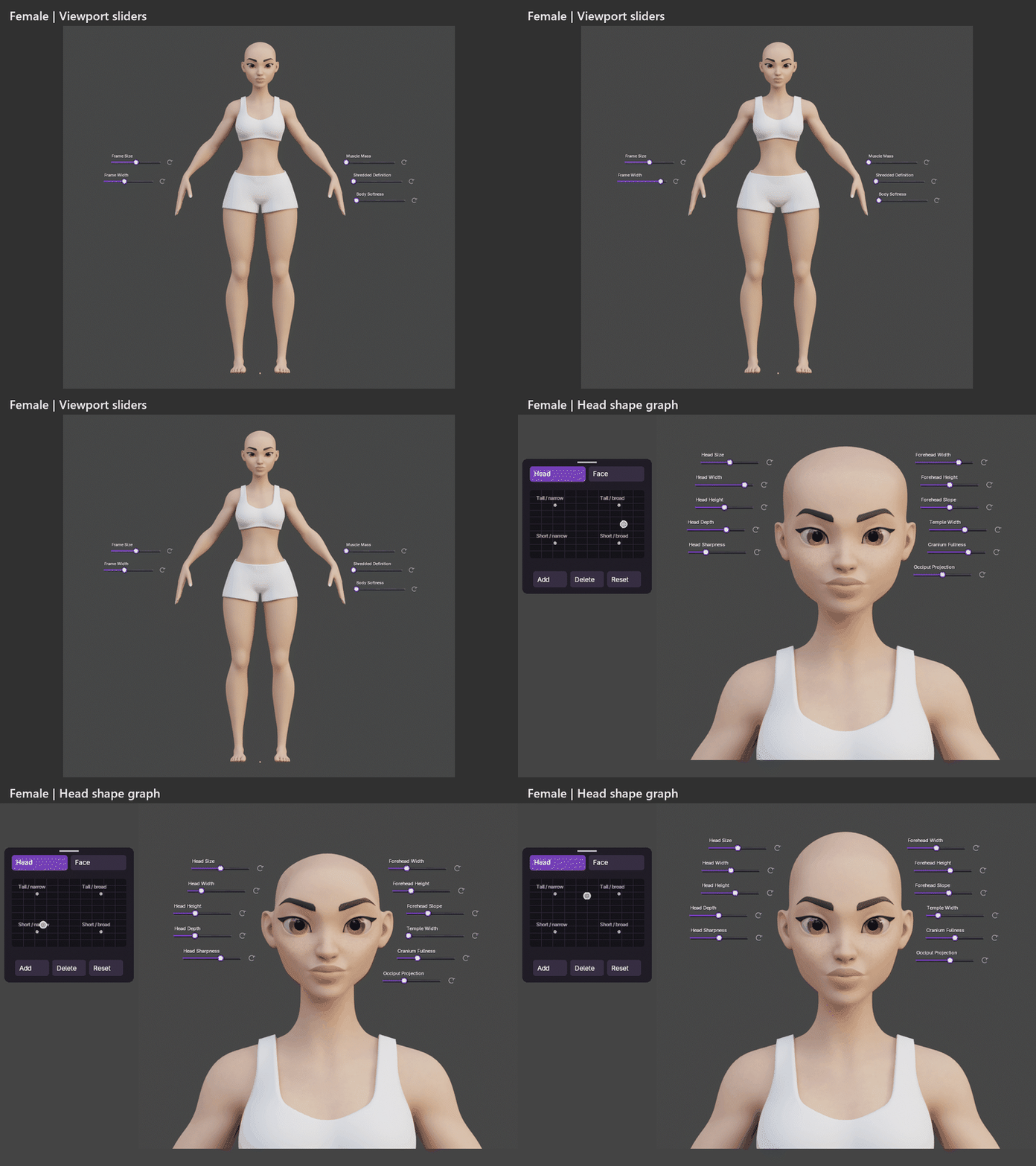
Adjust facial features and body proportions using Eden’s viewport sliders and Head/Face shape graph. Build on the male or female base and refine the result as you go. Explore ages from 17 to 95, with facial age details and optional age-driven greying for realistic hair.
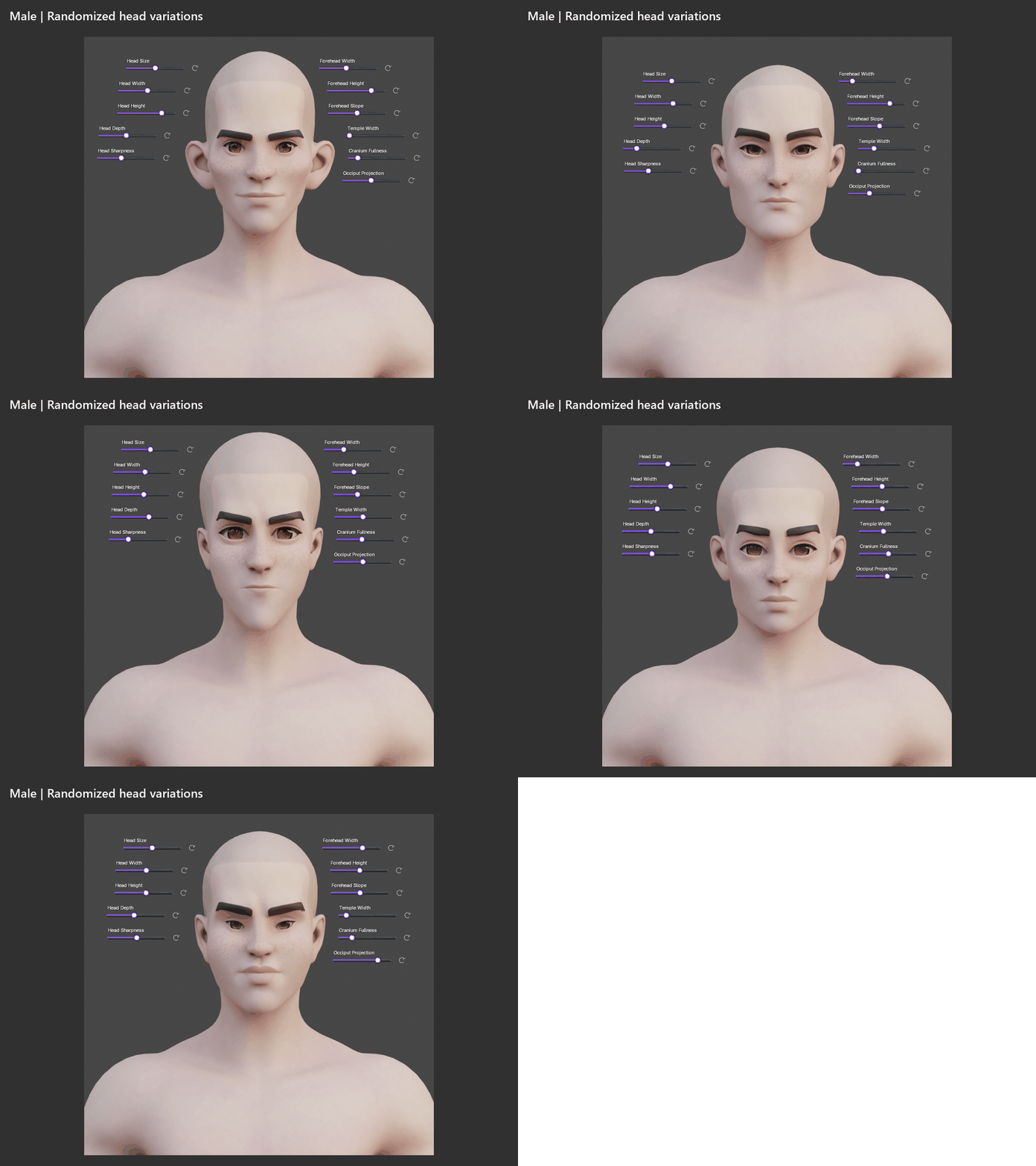
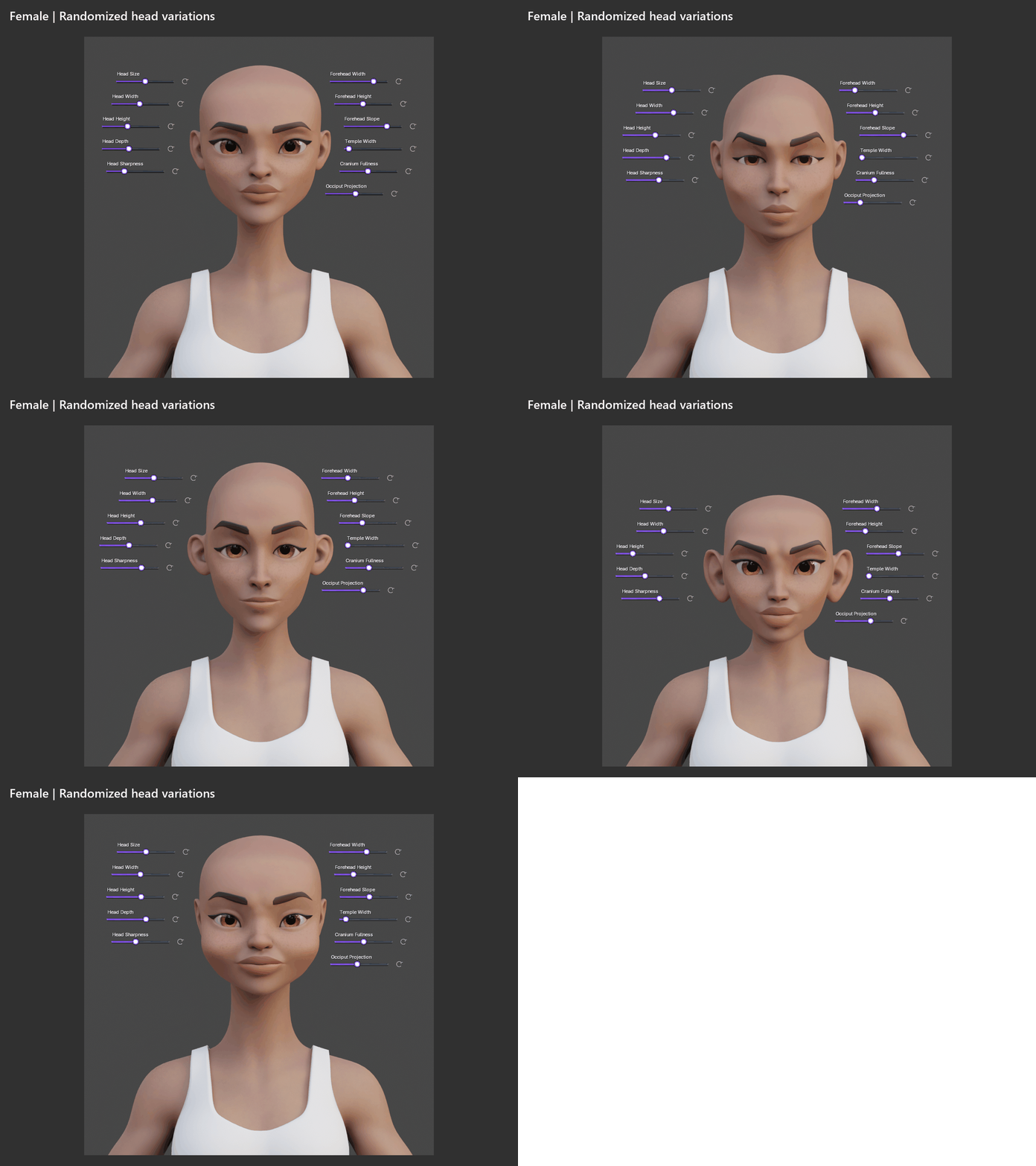
Need a starting point? Randomize.
Explore different character shapes, then refine the one you like. Choose which body areas change and control the strength, direction, and extremes of the result.
One more click. For research, obviously.
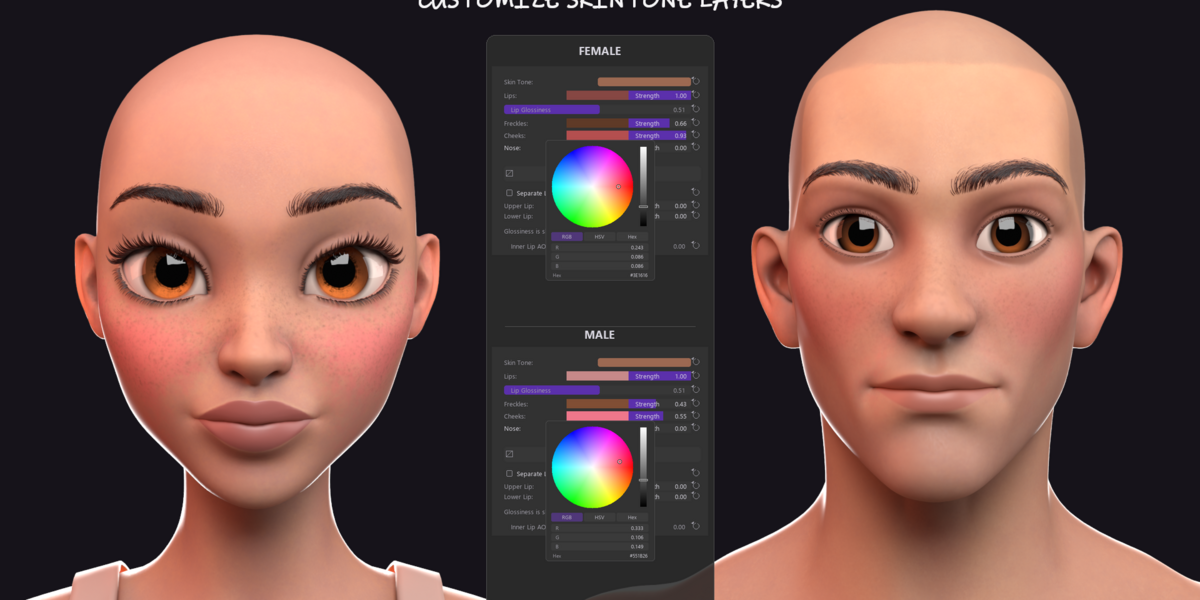
02 / Skin with room for personality
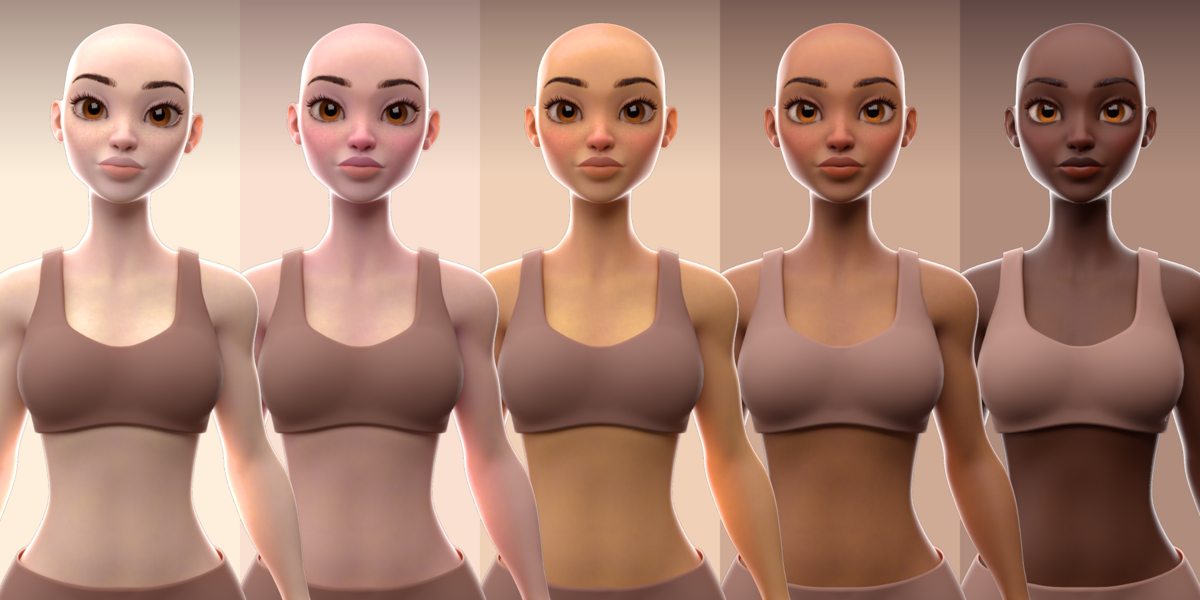
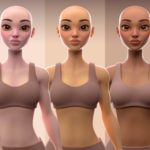
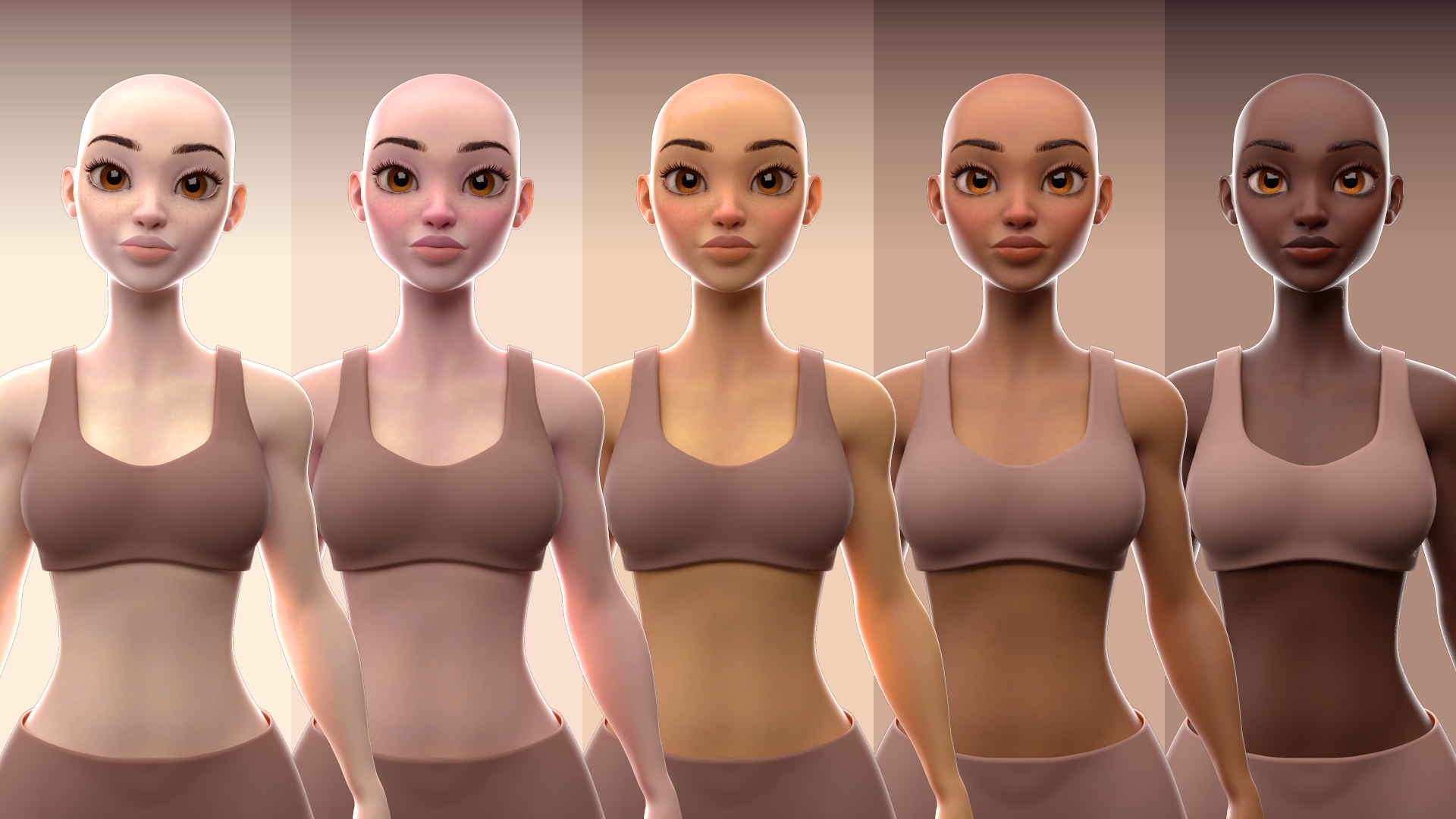
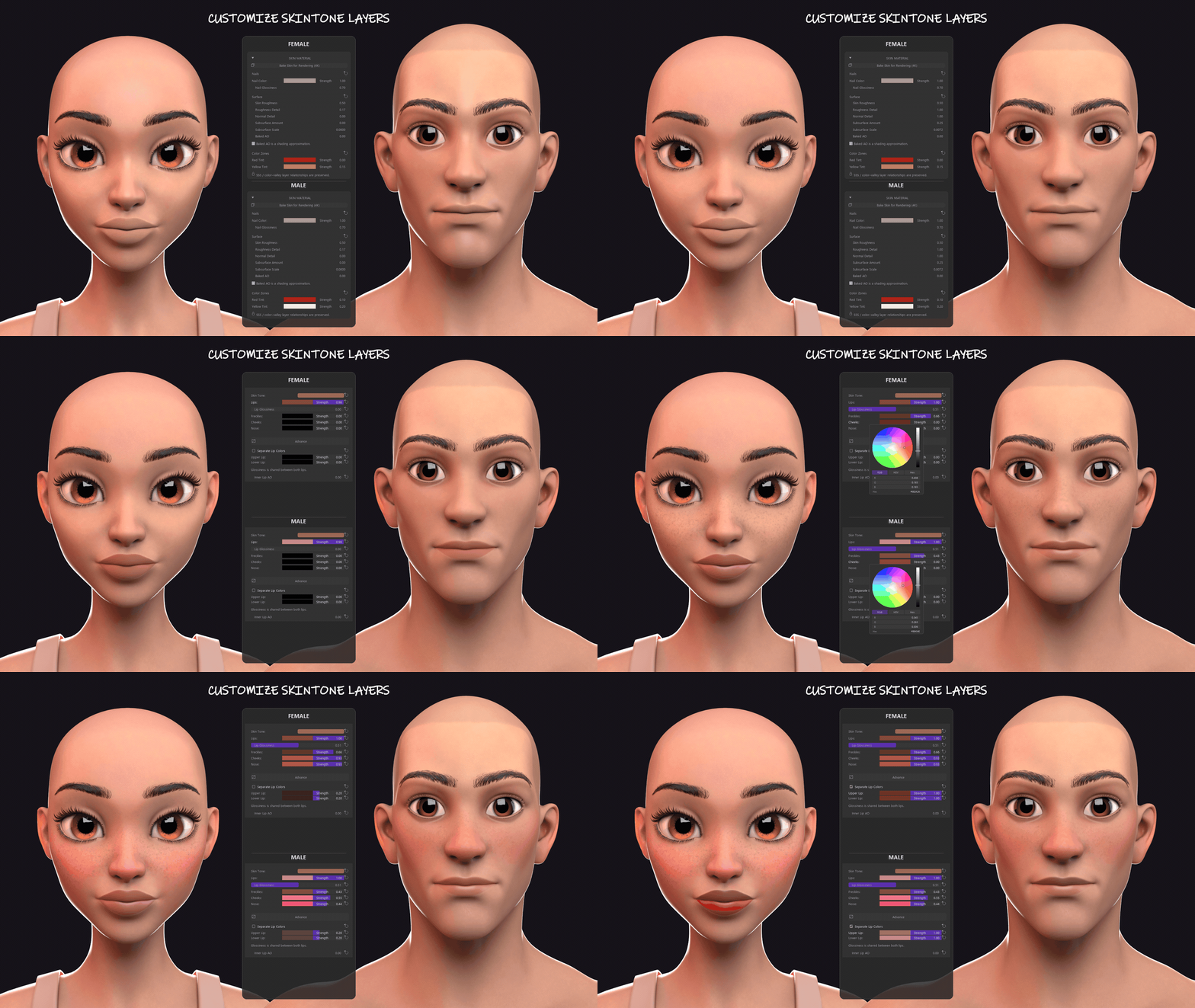
Choose a complexion, then make it your own.
Adjust skin tone, freckles, blush, nose redness, lip color and gloss, nail color, and surface detail. Change the overall complexion without resetting the smaller details you have already dialled in.
Skin texture resolutions range from 512 to 8K, so you can choose the detail level that suits your scene.
03 / Find the right hair
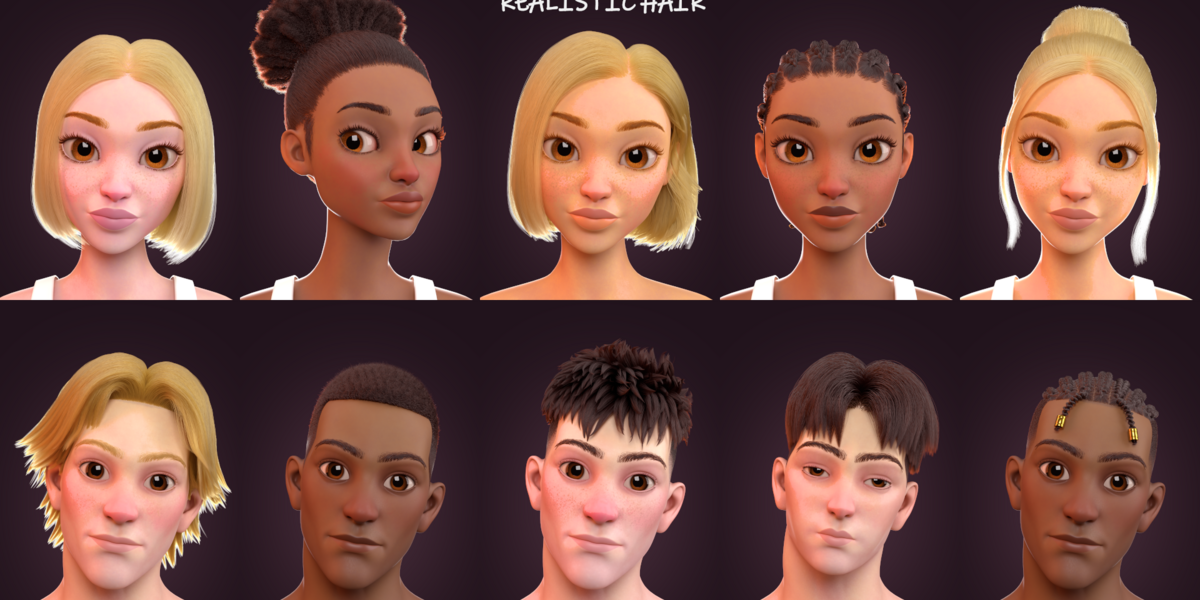
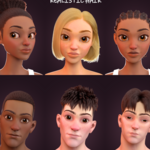
A haircut can change the whole character.
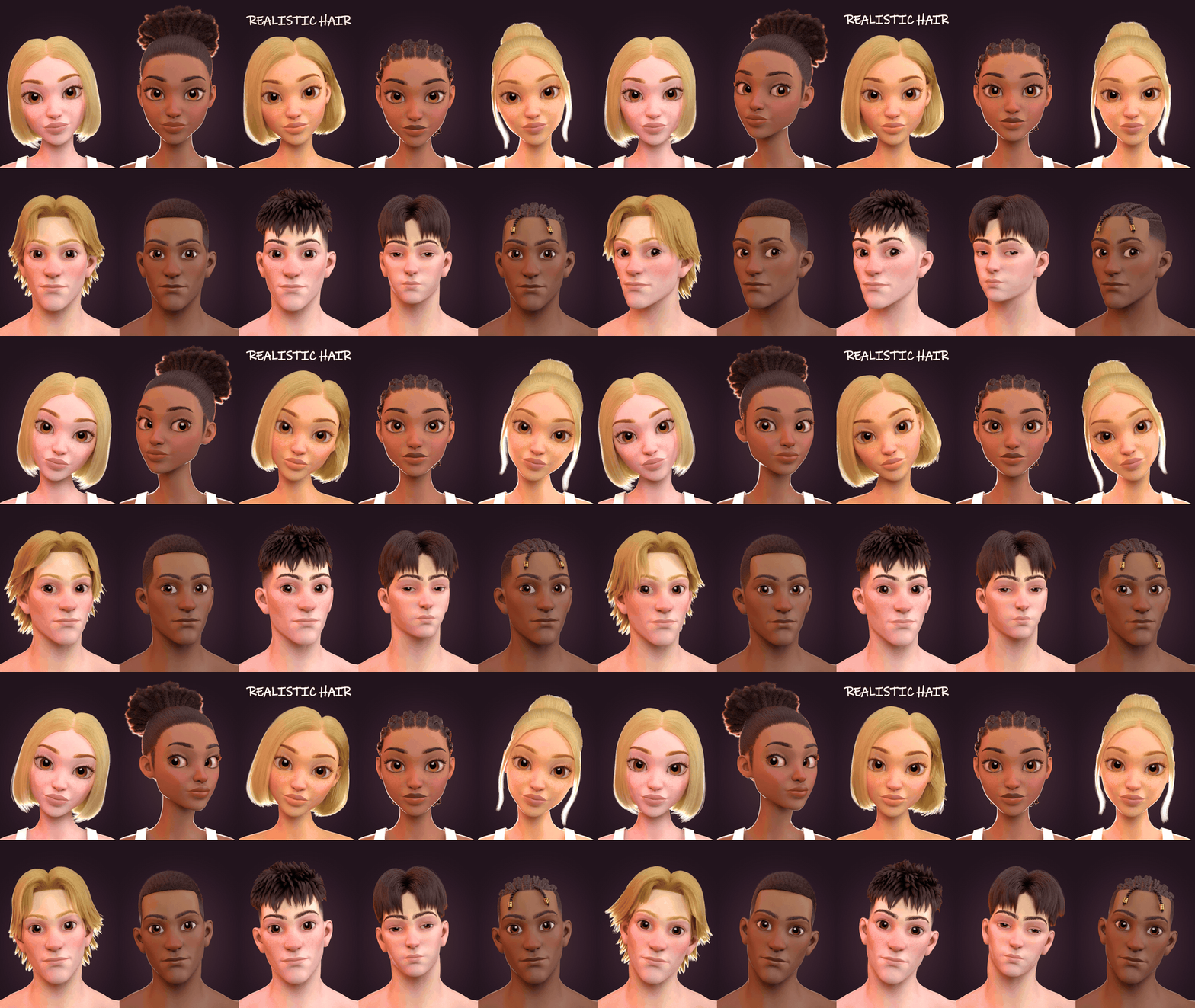
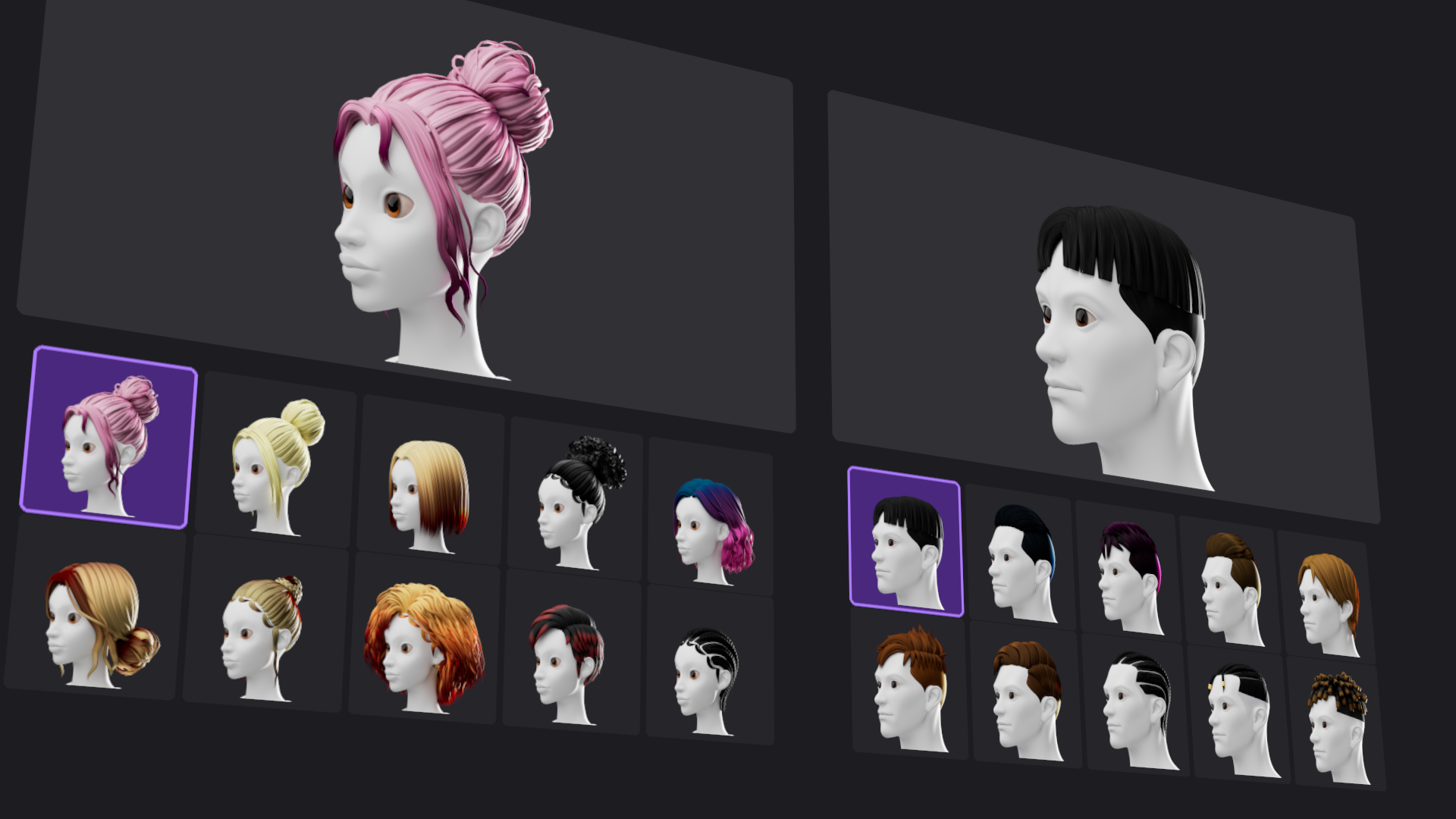
Browse 30 hairstyles: 15 male and 15 female, with 10 stylized and 5 realistic styles for each base. Complete the face with brows and lashes, plus 10 male beard styles - 5 stylized and 5 realistic.
Adjust hair materials and colour, including grey settings for realistic hair. Viewport density controls are available for supported hair systems.
04 / Dress the character
Choose an outfit that fits the person you are building.
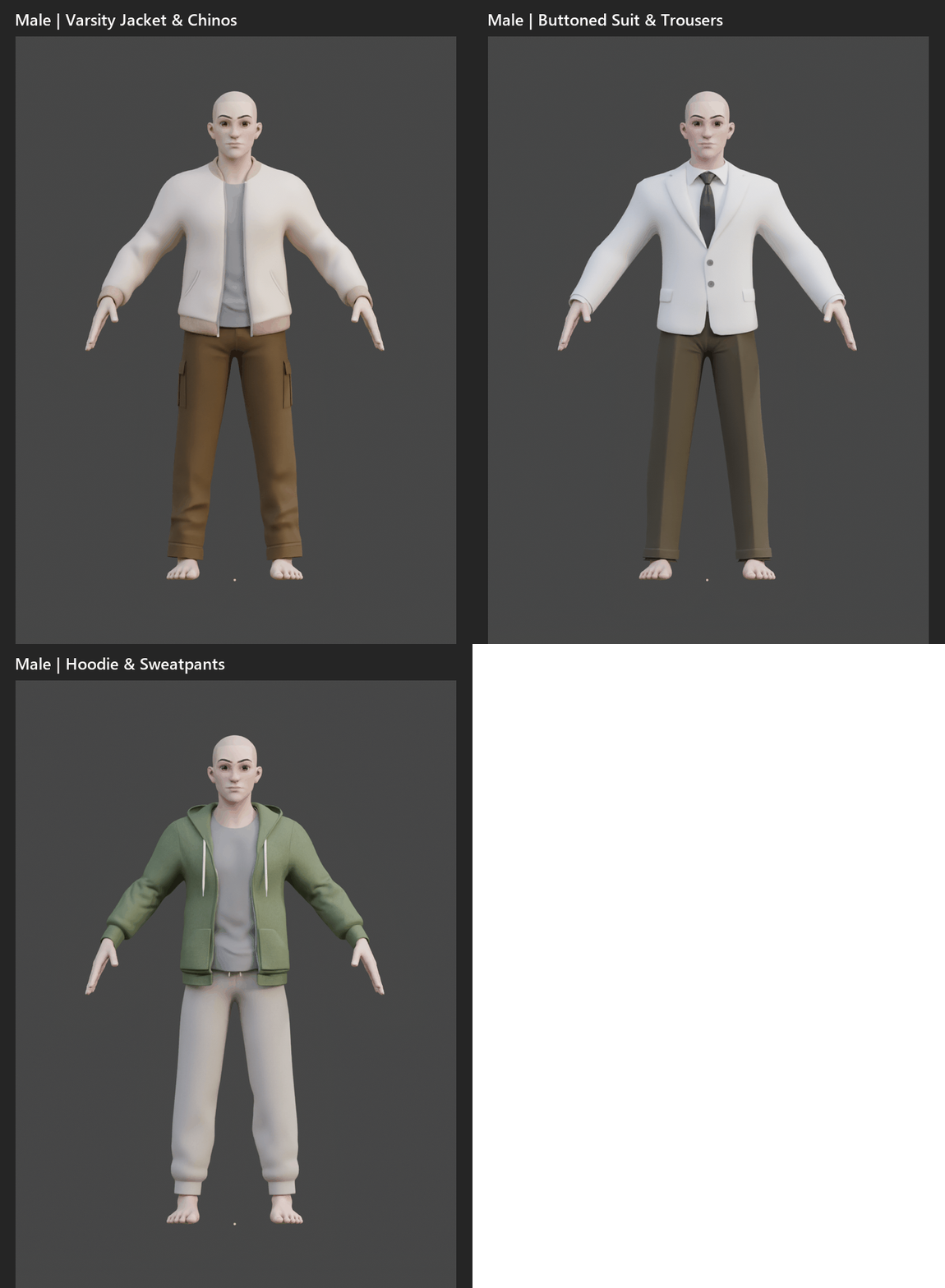
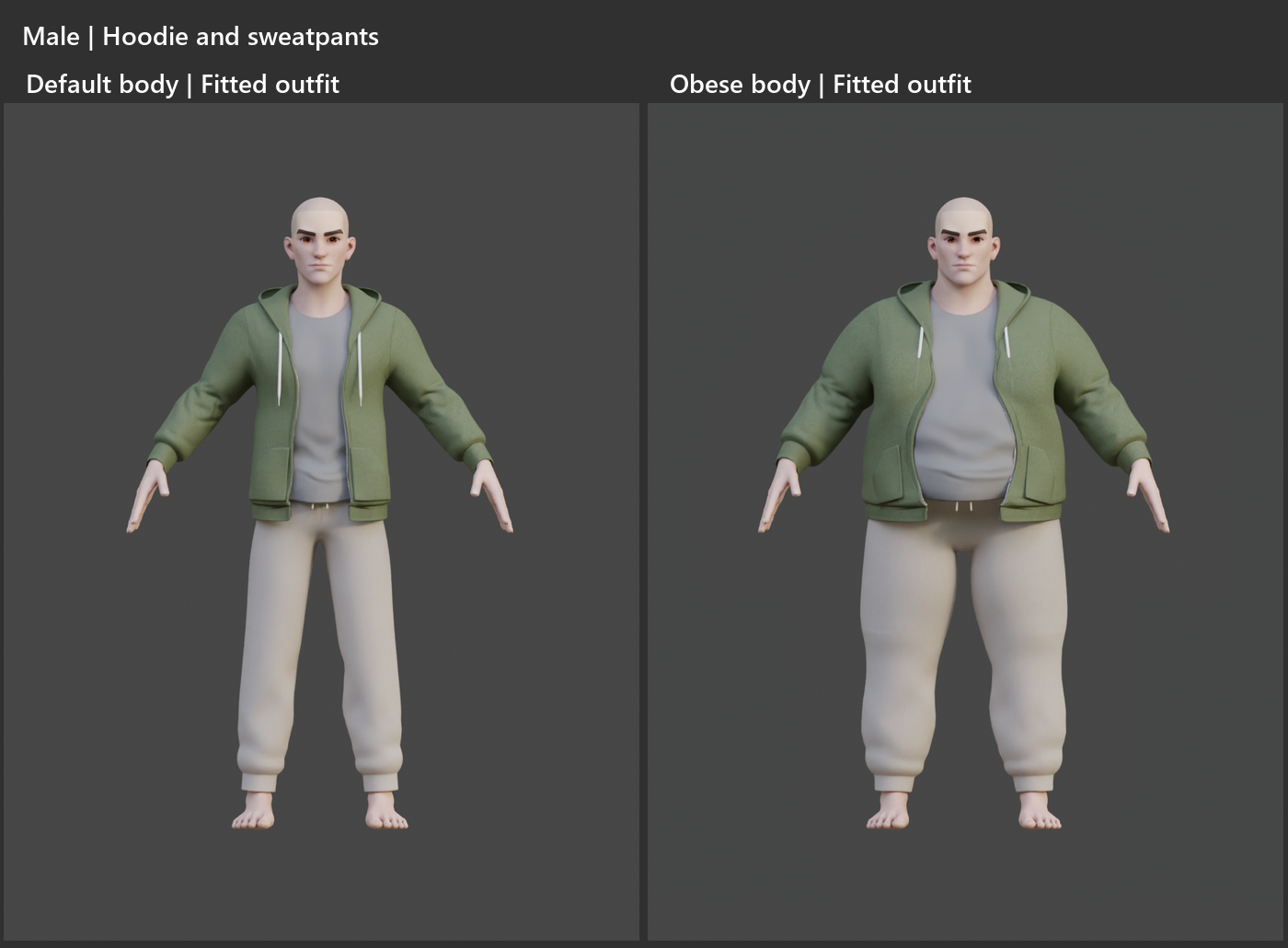
Explore 28 complete outfits: 14 male and 14 female, with material customization, dedicated outfit selection and fitting tools, all within the character workflow.
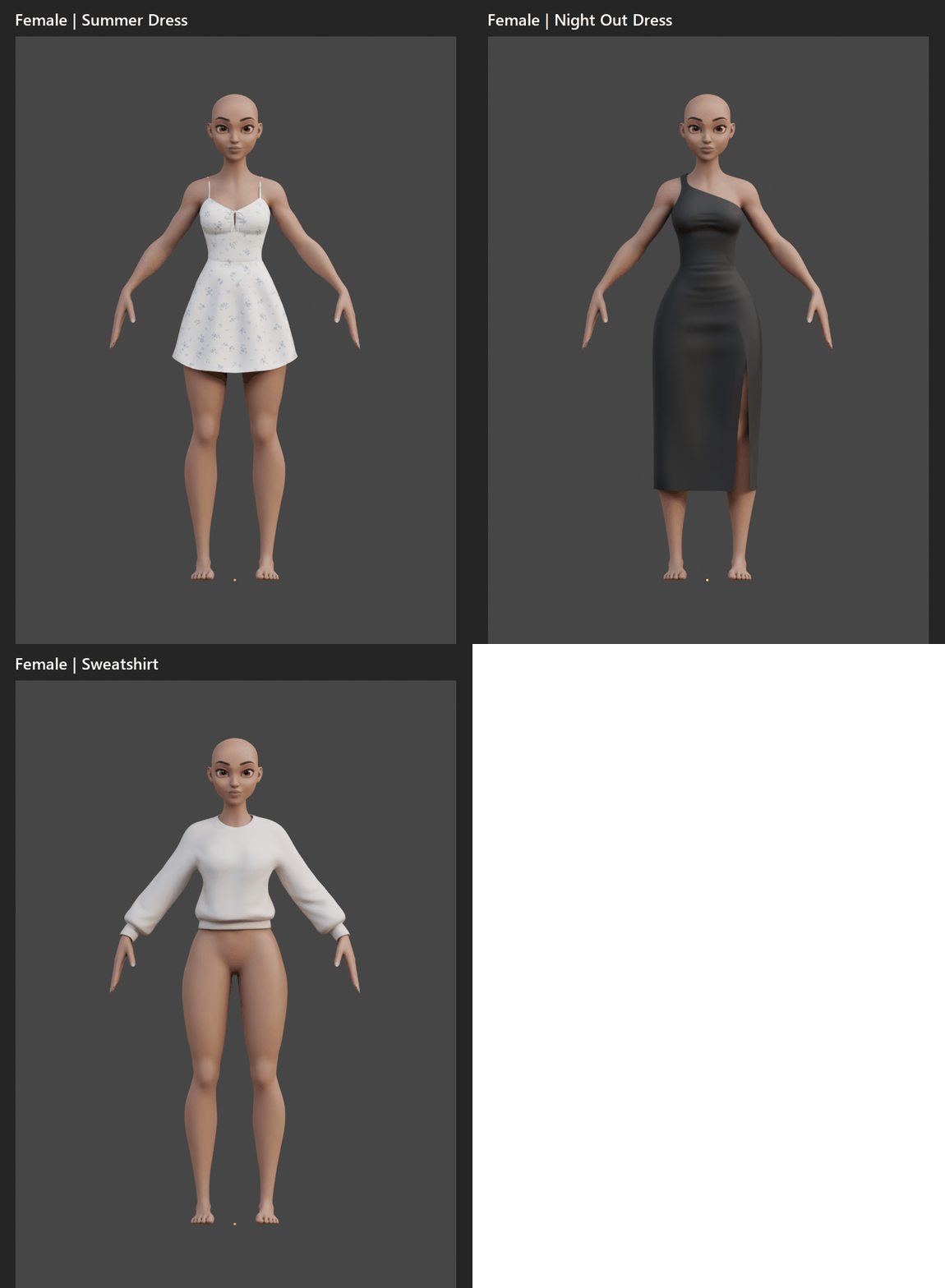
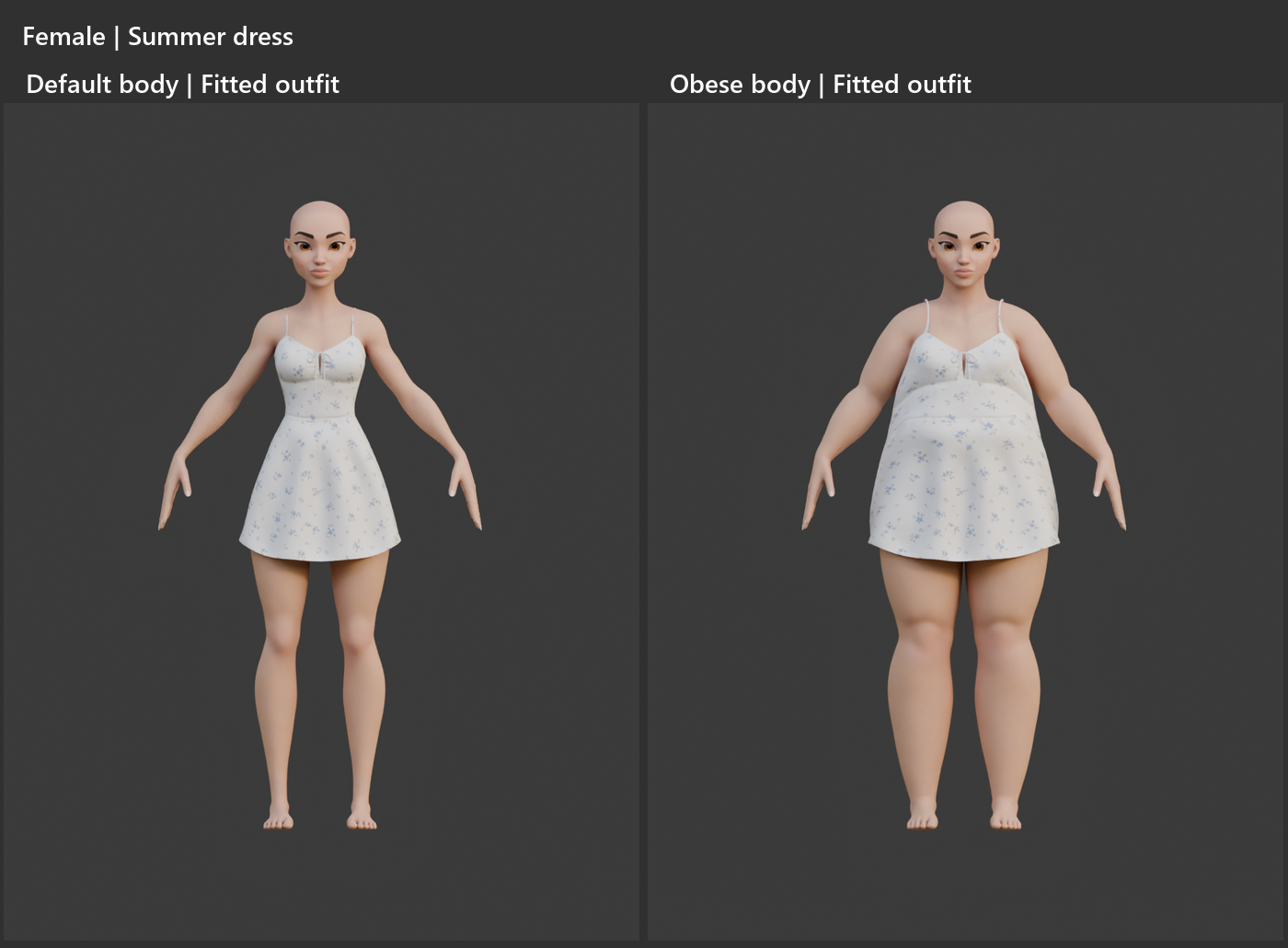
Different proportions. Clothes that follow.
Use Eden’s fitting system to adapt supported clothing to your character’s shape. Adjust the proportions, check the fit, and keep building the look.
The character gets a new silhouette. You get fewer reasons to stare at a sleeve.
05 / Keep the looks you love
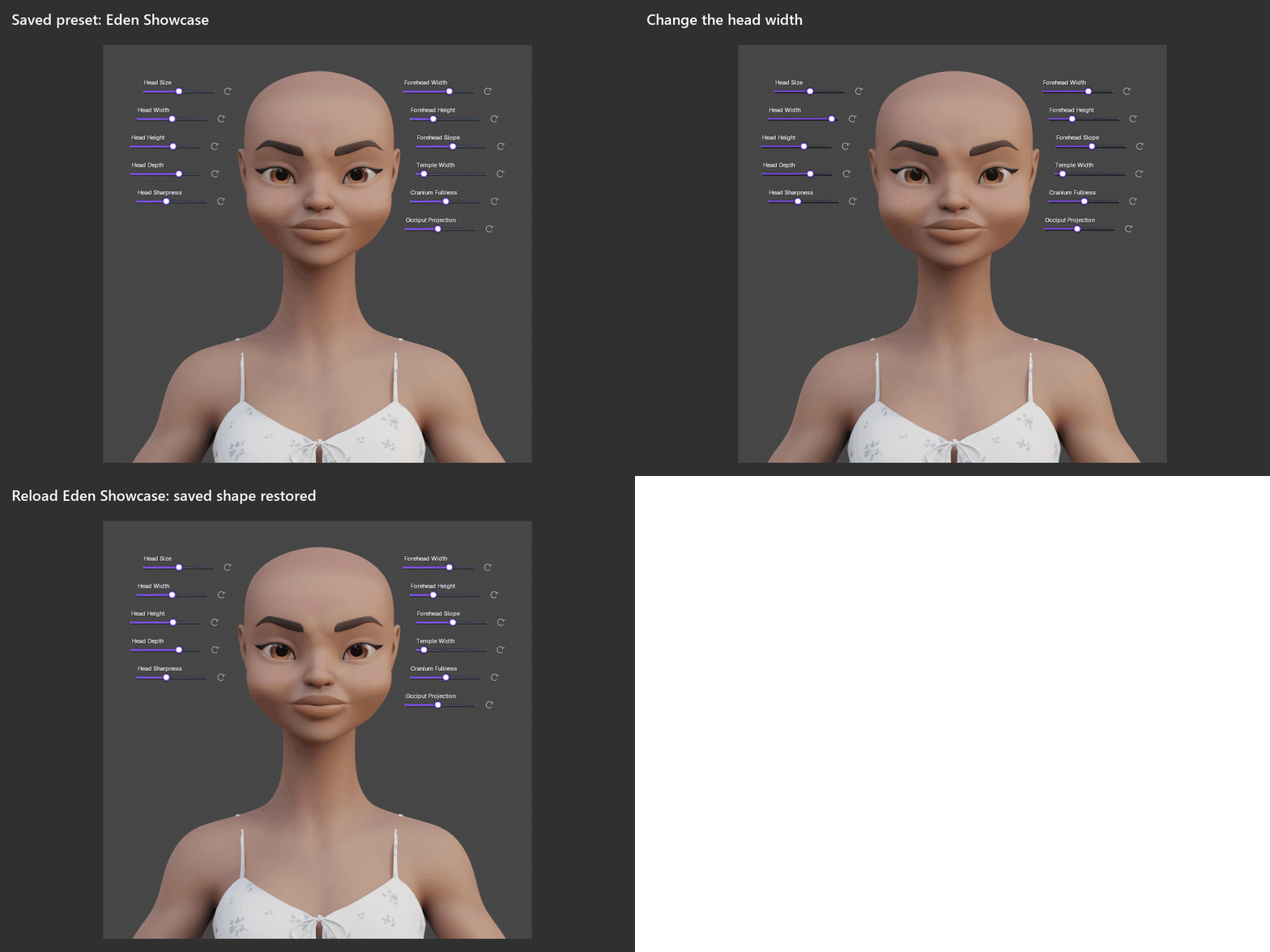
Found a character worth keeping? Save it as a preset.
Save and reload shape, proportions and skin choices as presets with viewport thumbnails. Save your Blender project to keep the complete character, including hair, clothing and material edits.
06 / Ready to move
When the character is ready, finalize it for posing and animation.
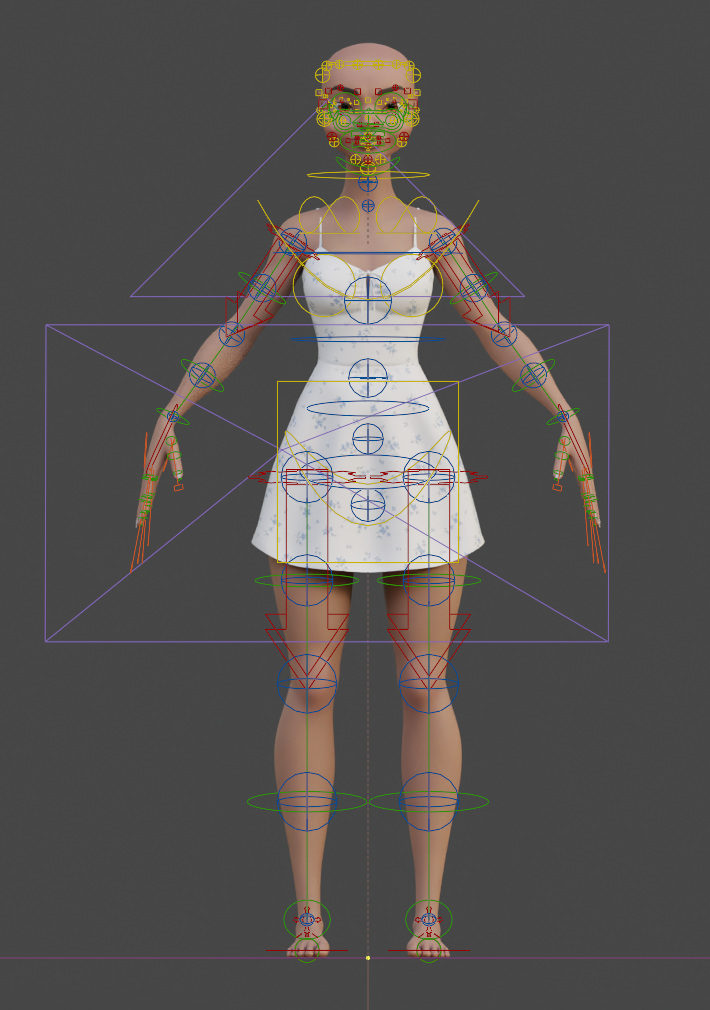
Eden prepares the animation rig for your character. You can also bake the skin for rendering at your selected texture resolution.
From shaping the character to giving them something to do.
EDEN WRAP
Bring your character into Eden.
Already have a humanoid character you want to work with?
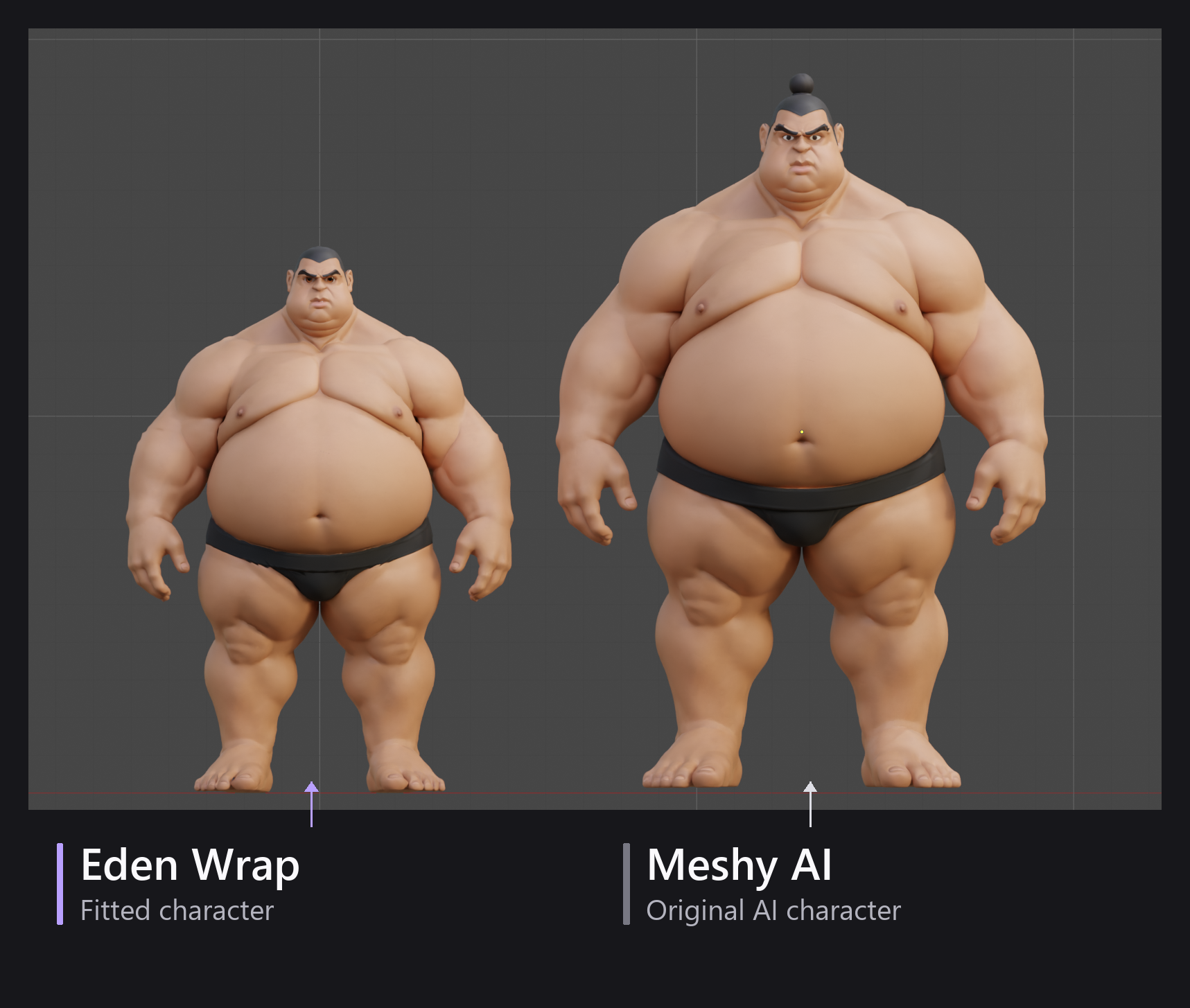
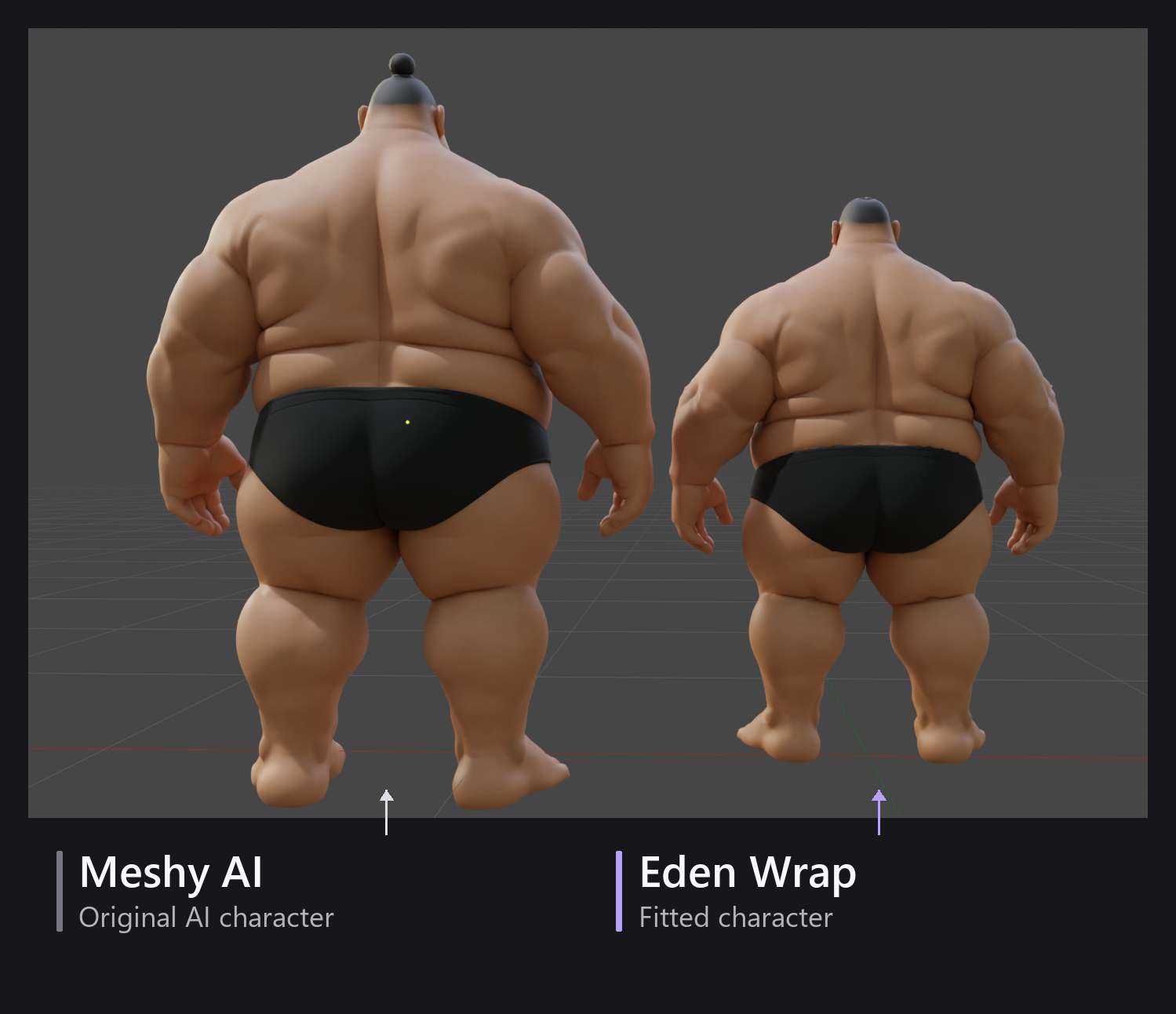
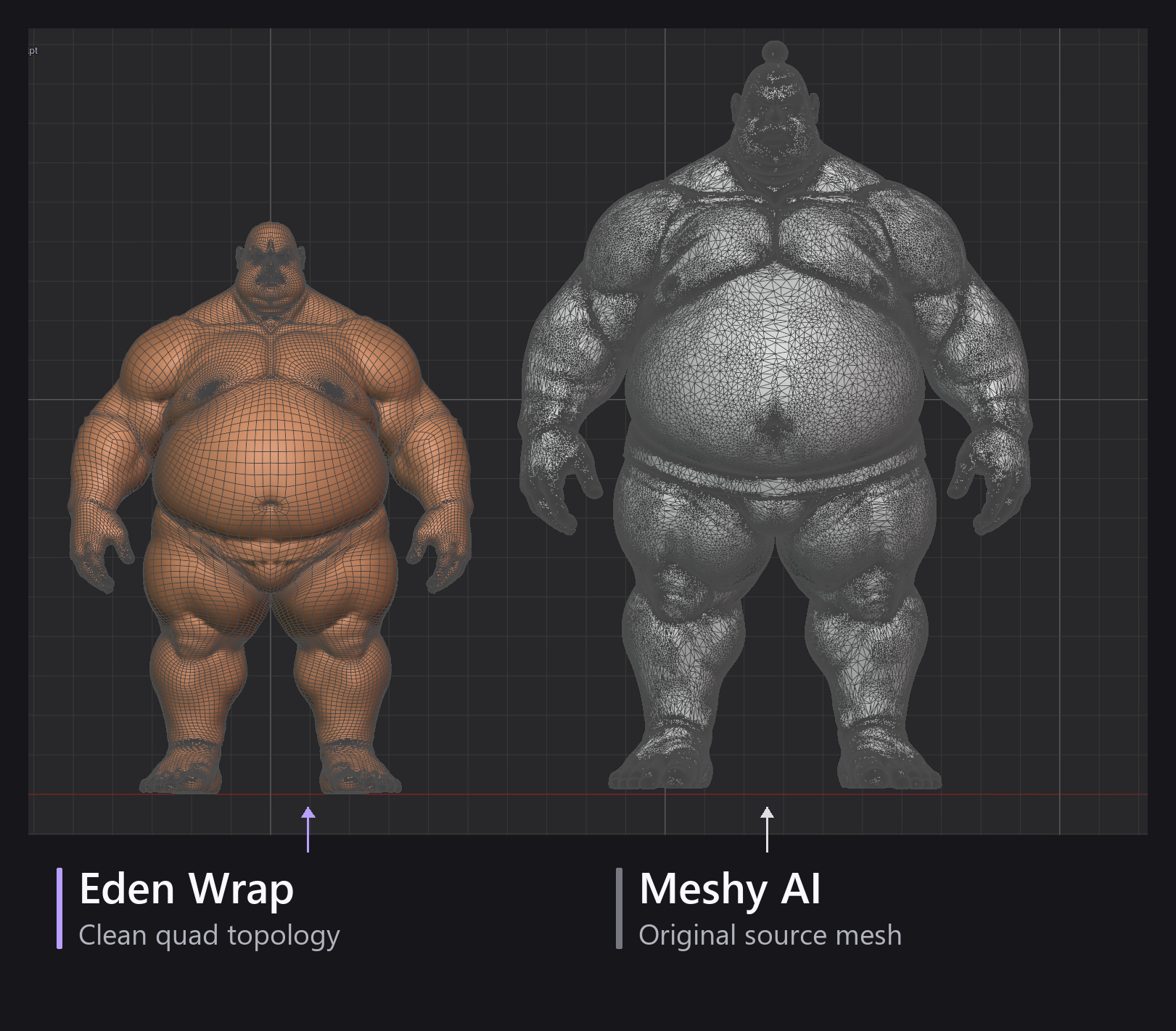
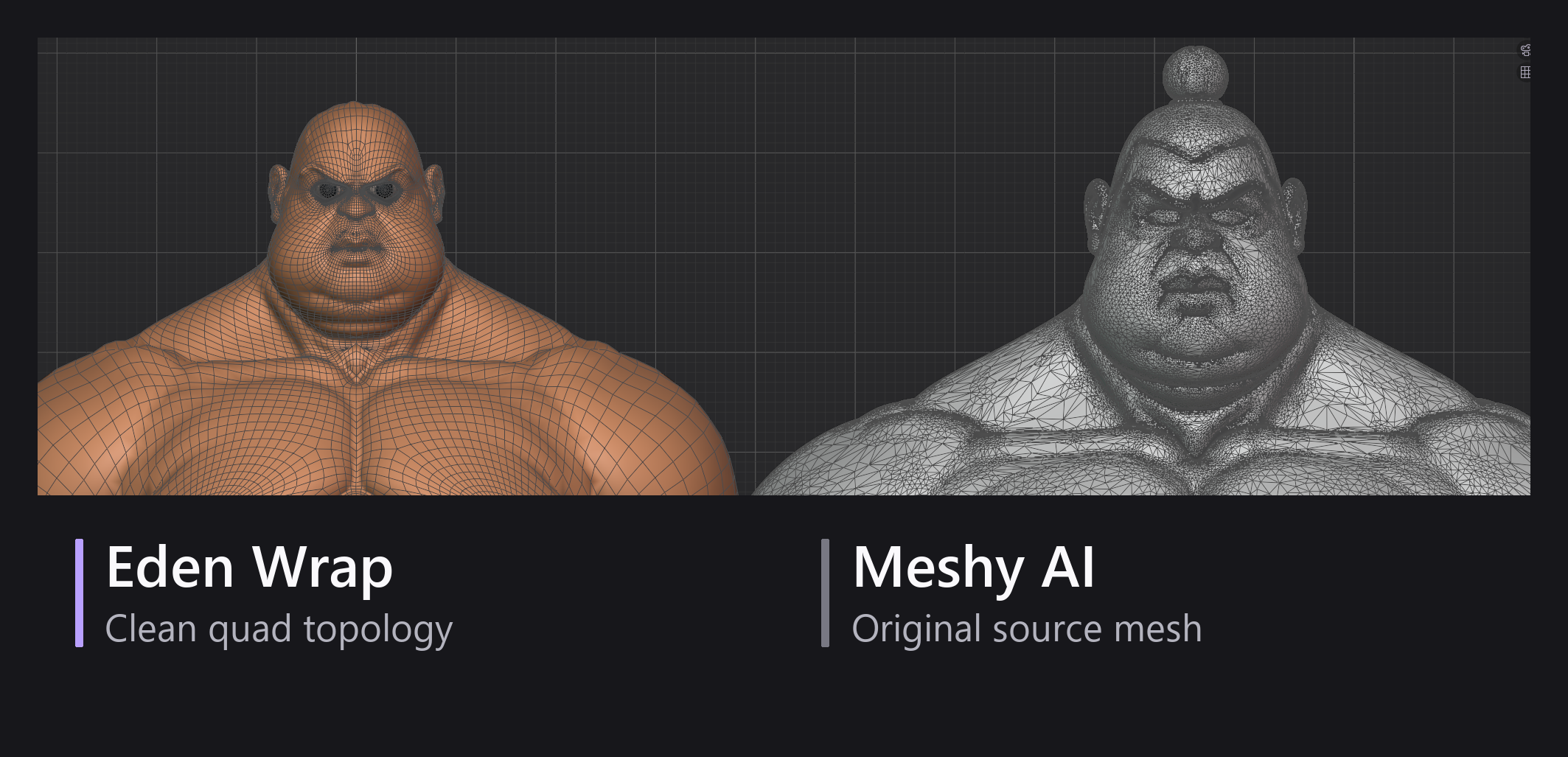
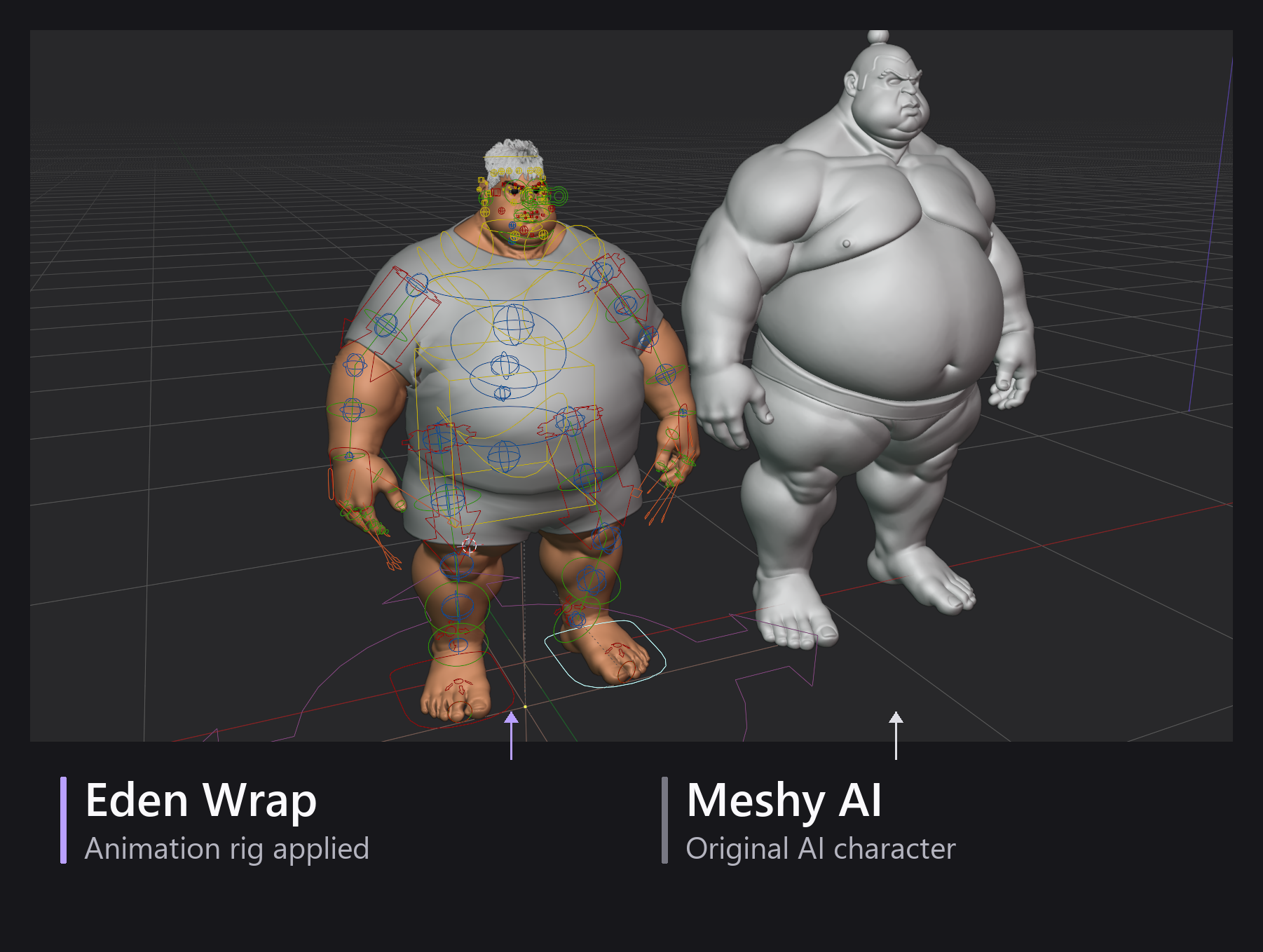
Eden Wrap adapts an Eden base to an imported humanoid, including characters created with AI tools. Bring the character’s shape into Eden, choose its skin, and continue with proportions, hair, clothing, and finalization.
Available with the Eden Wrap package.
01 / Import. Match. Preview.
Choose the male or female Eden base and use the guided landmarks to match your imported character. Preview the fit, review the result, and adjust the points where needed before finishing the wrap.
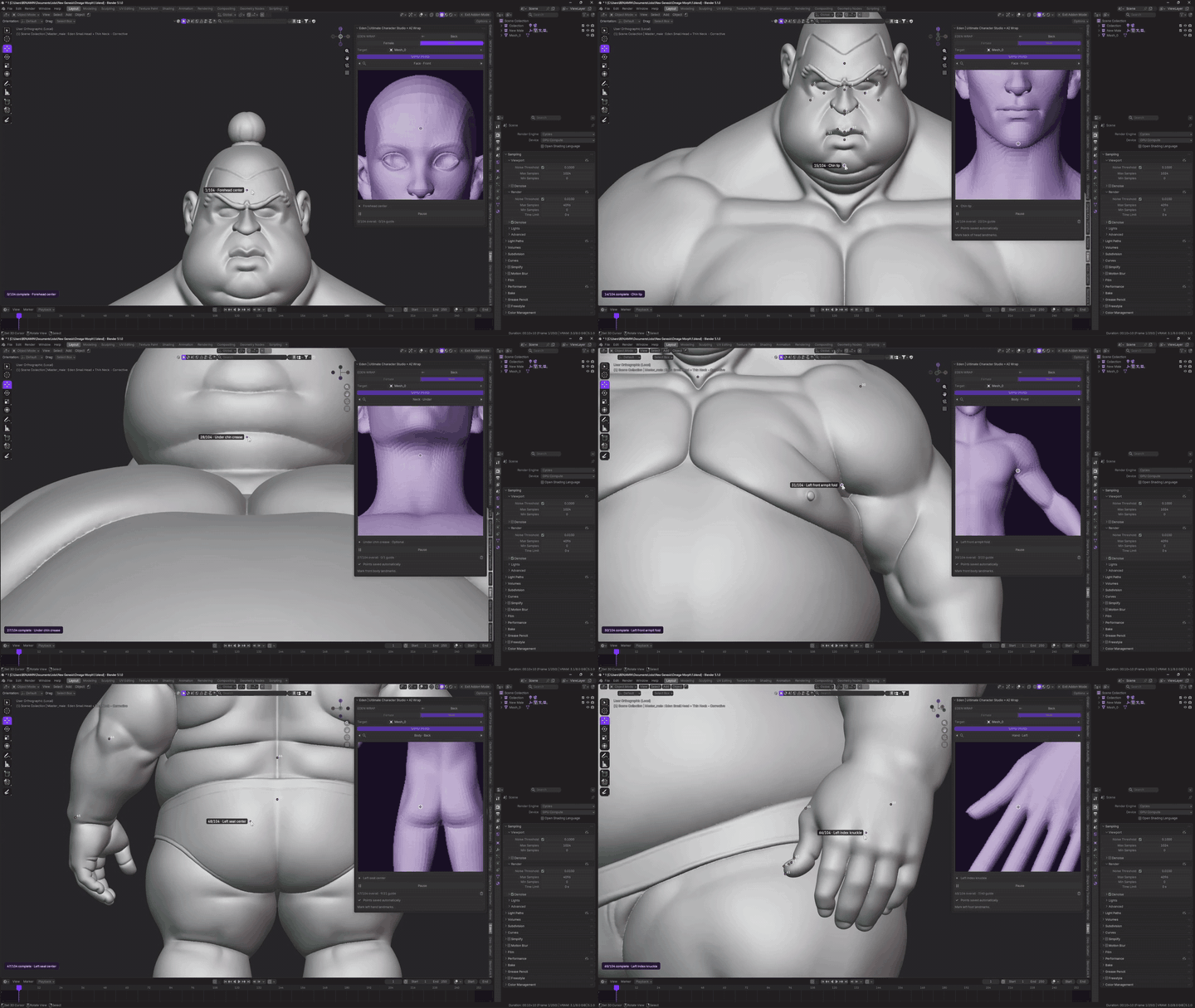
02 / Bring the shape into a usable character setup
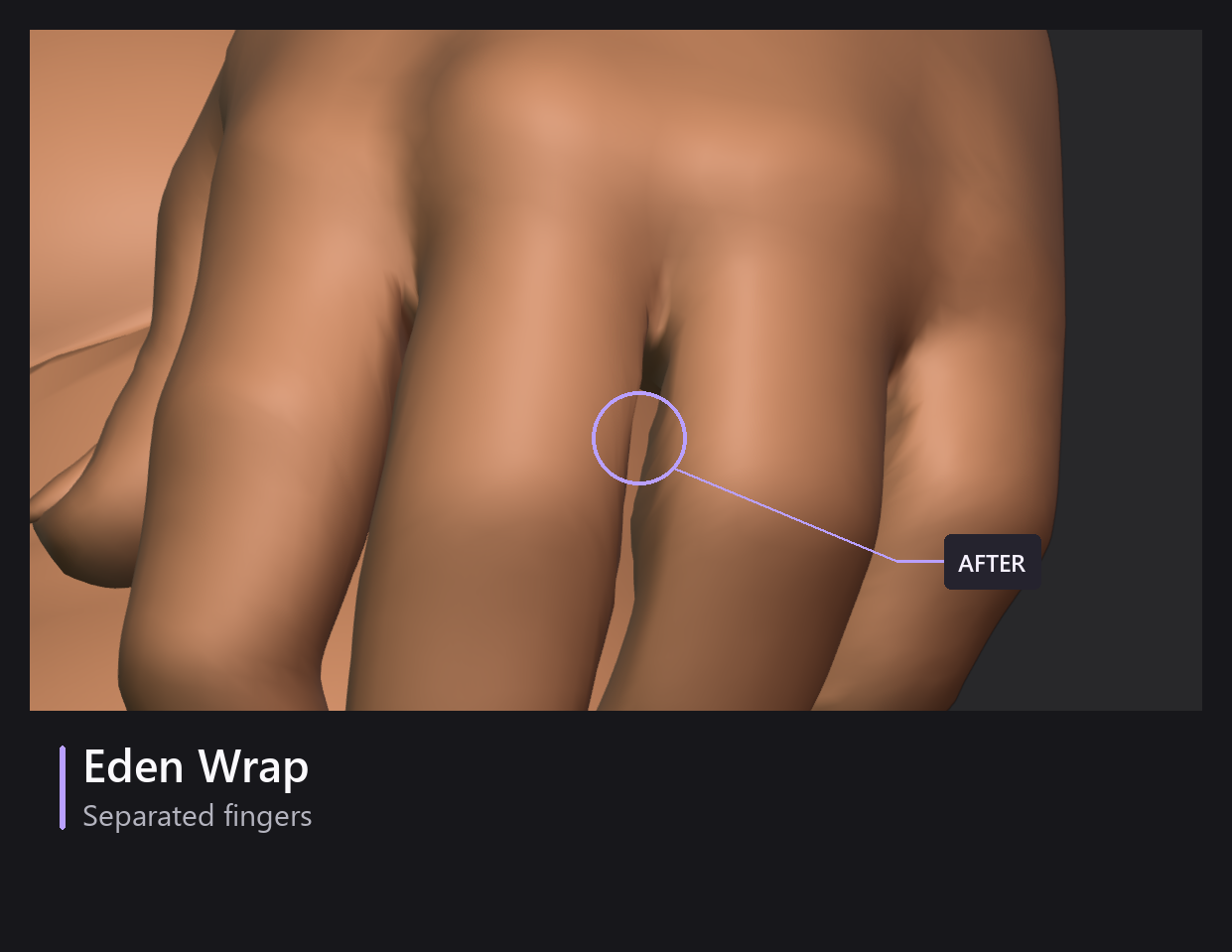
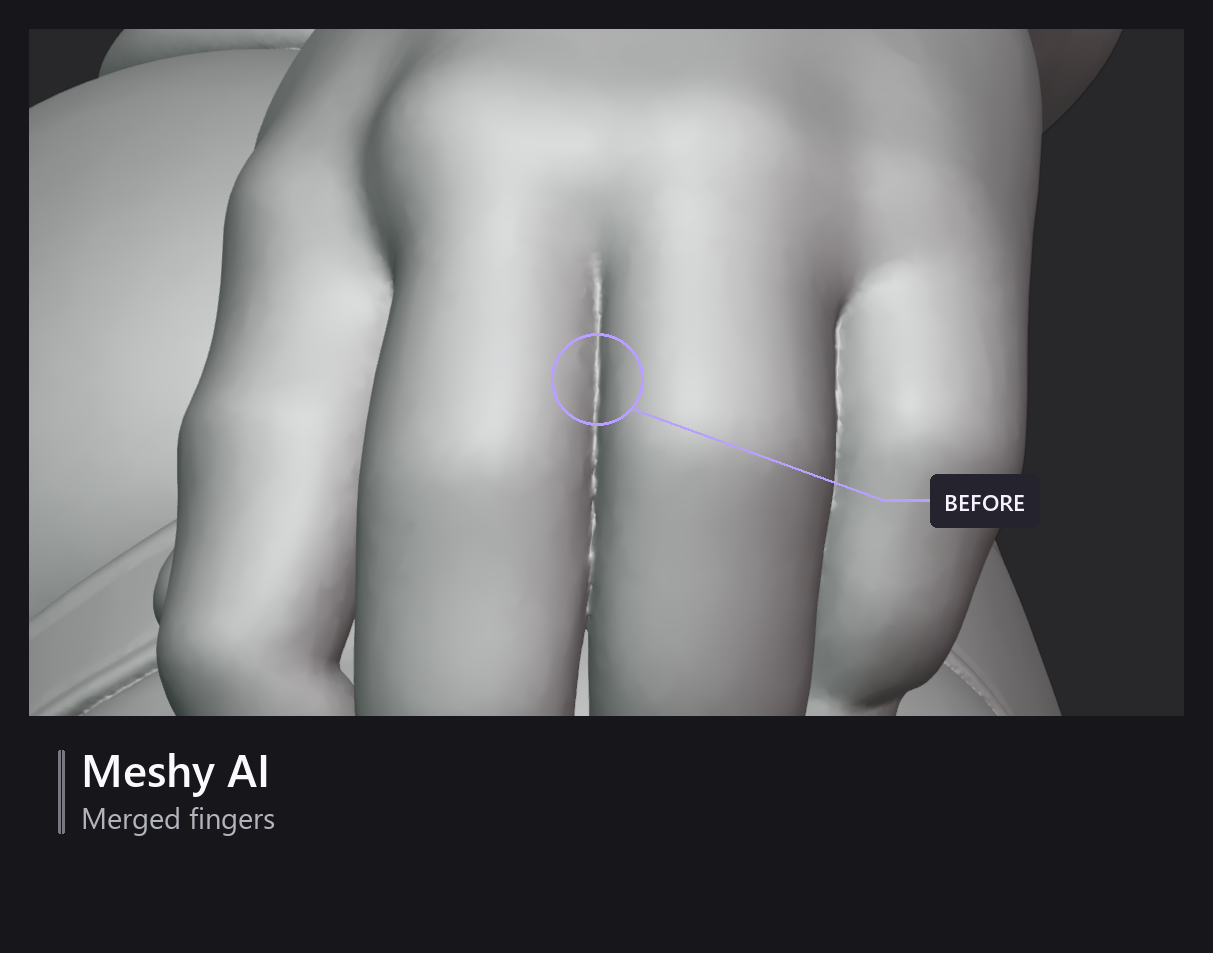
Eden Wrap fits Eden’s base mesh to the imported character, giving you a route into Eden’s character tools and animation workflow. The imported model becomes a starting point you can keep developing.
03 / Keep its texture - or choose Eden skin
Transfer the imported character’s skin texture to carry its appearance forward, or switch to Eden’s skin system for complexion and detail controls. Preview the options before applying your choice.
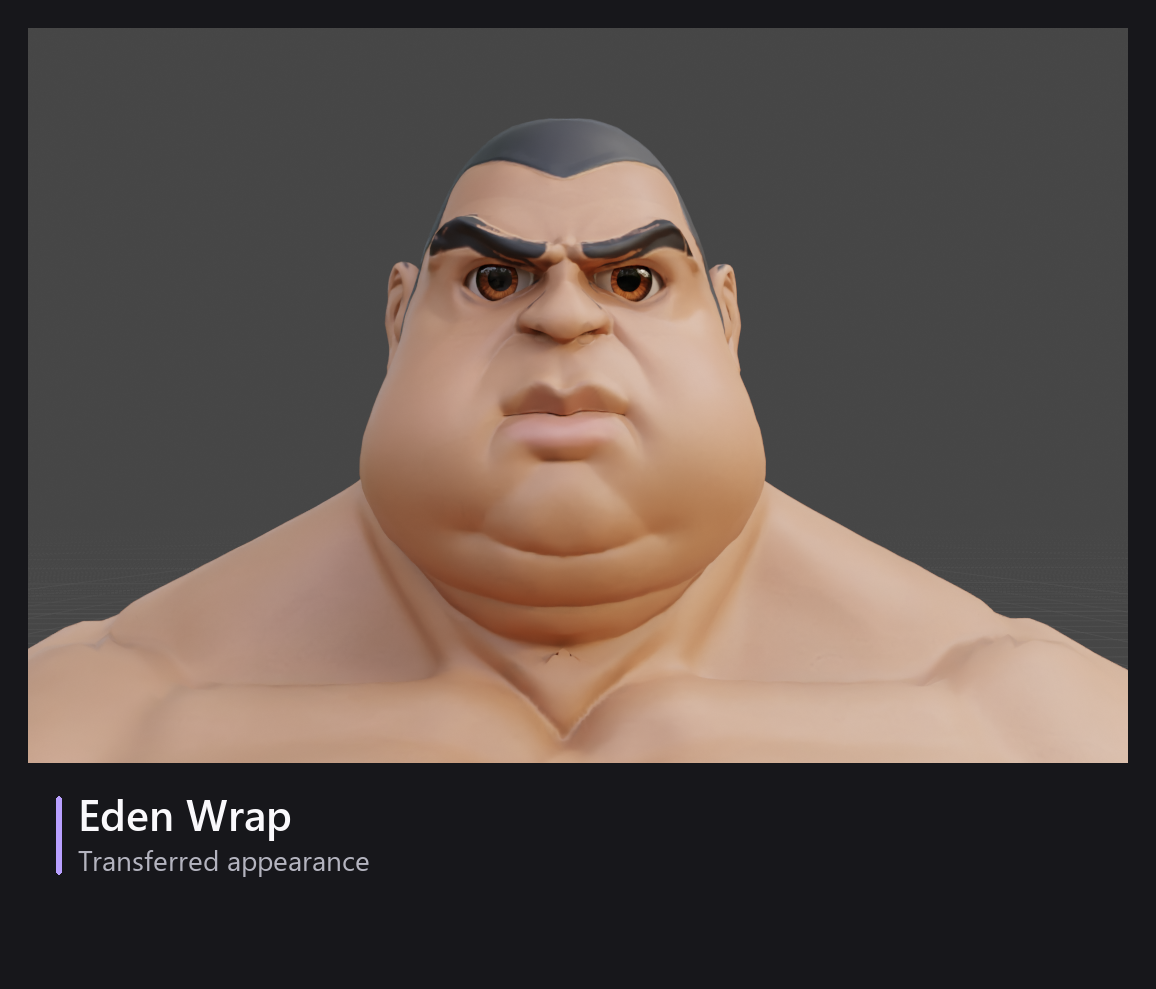
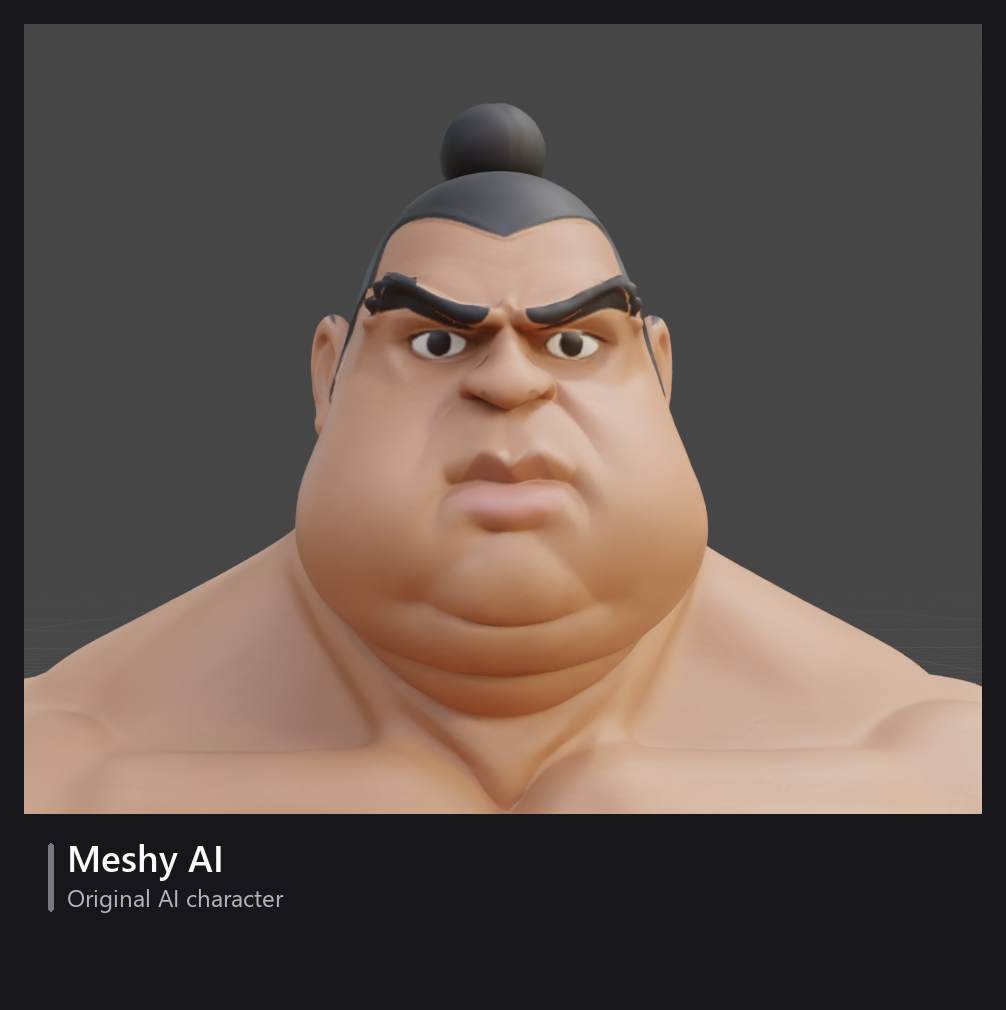
04 / Make it yours
Adjust proportions. Explore hairstyles. Add clothing and fit it to the new shape. If you choose Eden skin, refine the complexion and details too.
The imported character has officially joined the wardrobe queue.
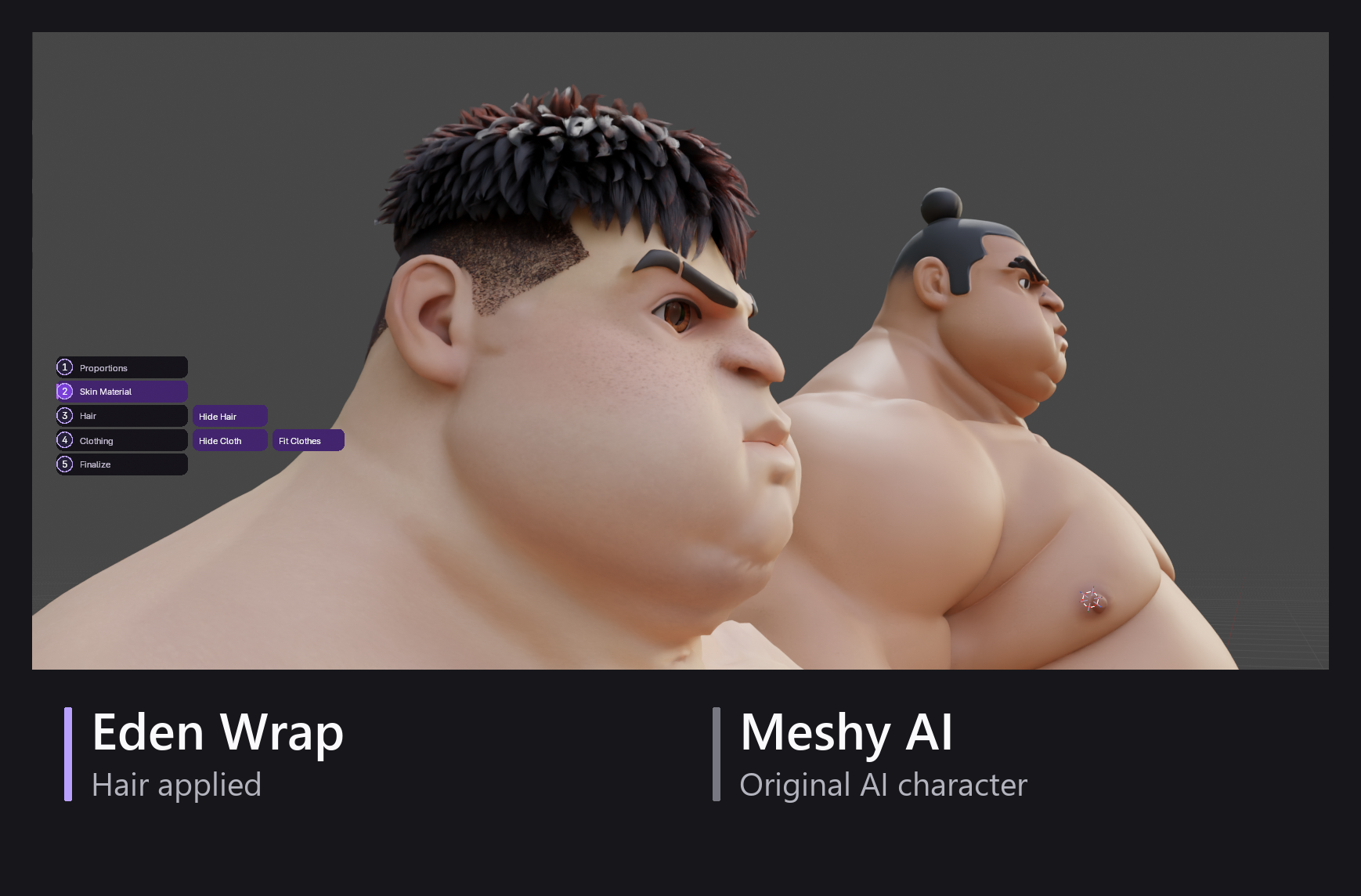
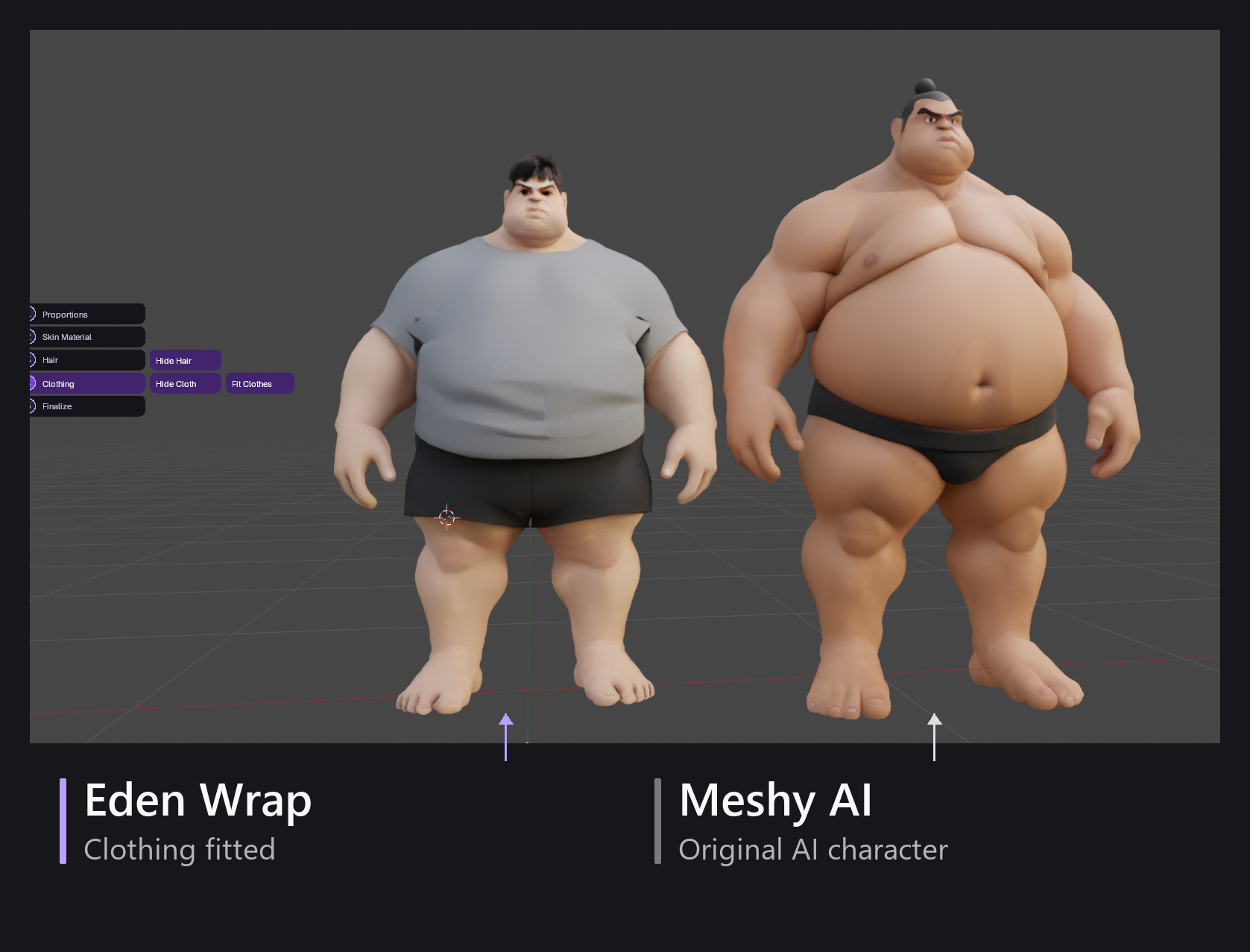
05 / Finalize and animate
Finish through Eden’s finalization workflow and prepare the animation rig. Go from an imported humanoid to a customized character you can pose and animate in Blender.
Eden Wrap uses guided fitting. Results depend on the source model’s shape and condition, and some characters will need additional landmark adjustments.
