Editor Generator
 Team Blender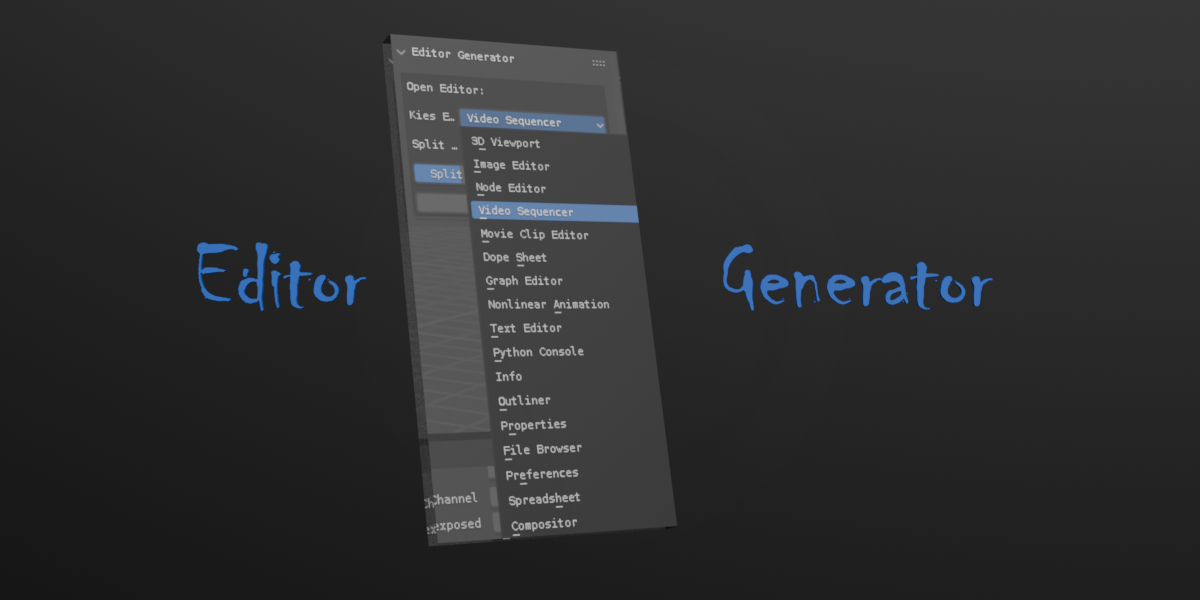
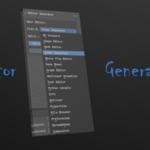
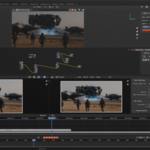
# Editor Generator Add-on for Blender

## Overview
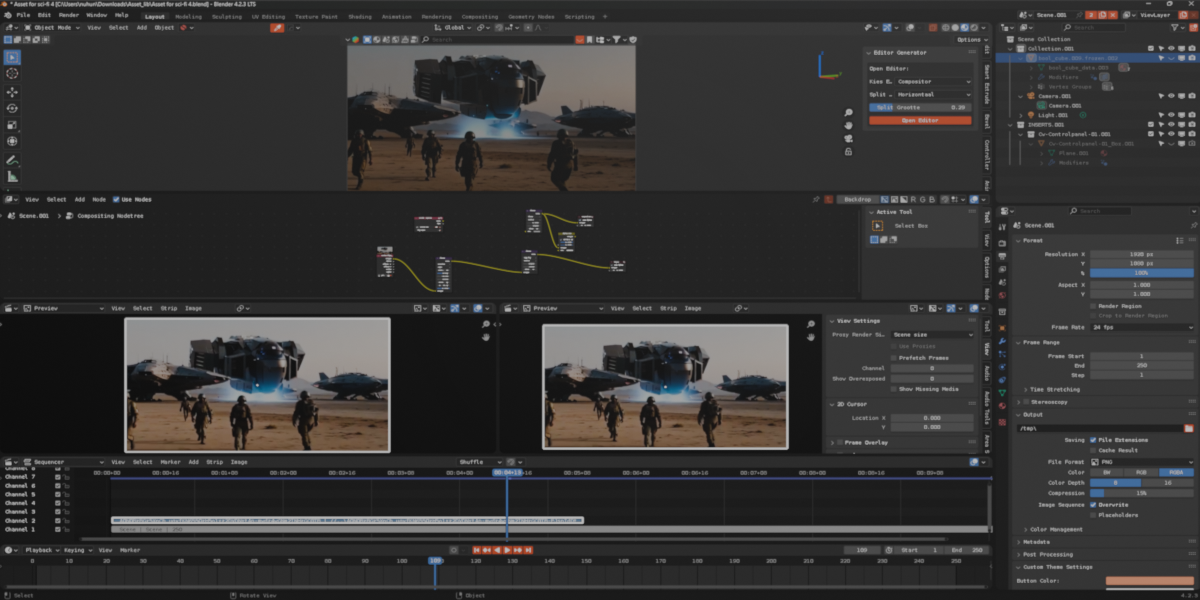
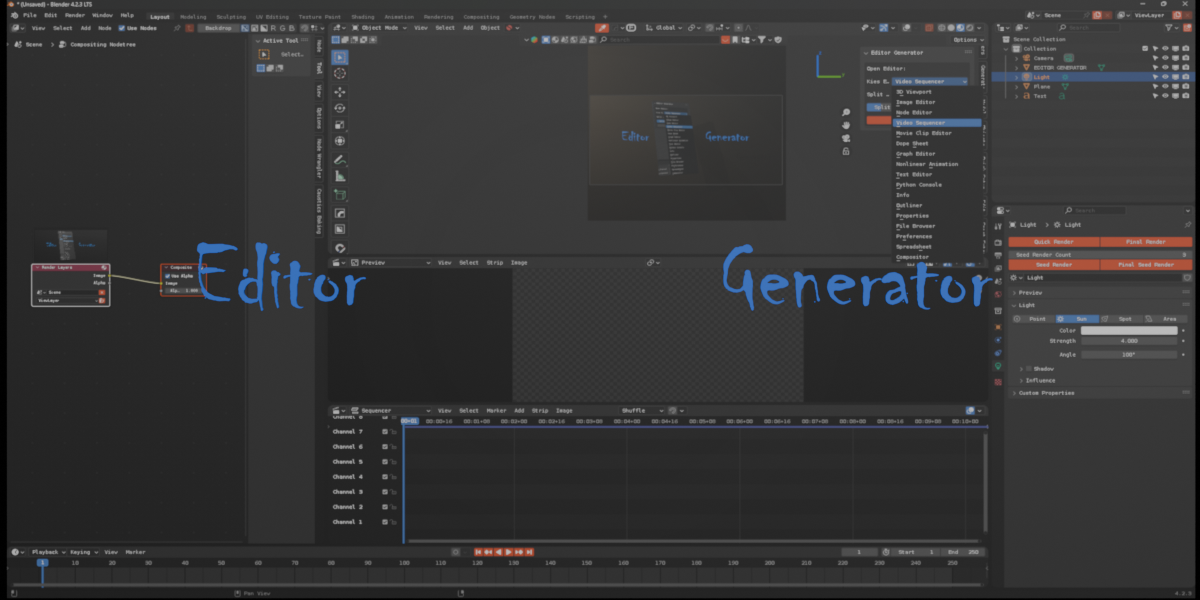
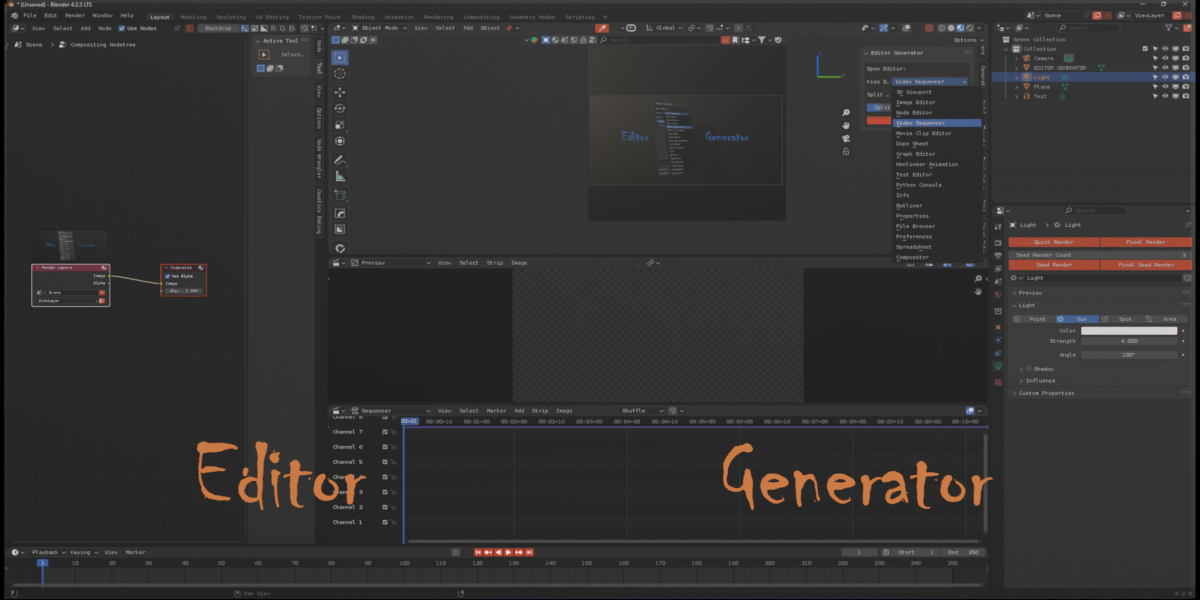
The Editor Generator is a Blender add-on that allows users to quickly create and customize editor layouts by splitting the viewport and opening different editor types with specified sizes and directions.

## Features
- Open any Blender editor type with a single click
- Customize split direction (Horizontal/Vertical)
- Adjust split size using a slider (10% - 90%)
- Support for all major Blender editors including:
  - 3D Viewport
  - Image Editor
  - Node Editor
  - Video Sequencer
  - Compositor
  - And many more...

## Installation
1. Download the `editor_generator.py` file
2. Open Blender and go to Edit > Preferences
3. Select the 'Add-ons' tab
4. Click 'Install' and navigate to the downloaded file
5. Enable the add-on by checking the checkbox

## Location
The add-on can be found in the 3D Viewport's sidebar (Press N to toggle) under the 'EditorGen' tab.

## Usage
1. Open the EditorGen panel in the 3D Viewport sidebar
2. Select your desired editor type from the dropdown menu
3. Choose split direction (Horizontal or Vertical)
4. Adjust the split factor using the slider (0.1 - 0.9)
5. Click "Open Editor" to create the new editor space

## Settings
- **Choose Editor**: Select from various editor types (3D Viewport, Image Editor, Node Editor, etc.)
- **Split Direction**: Choose between Horizontal or Vertical splitting
- **Split Size**: Adjust the size ratio of the split (0.1 - 0.9)

## Technical Details
- Blender Version: 2.80 and above
- Author: Nuh Unver
- Version: 1.0
- Category: 3D View


## Support
[[email protected]]
$10
Have questions about this product?
Login to message
| Published | over 1 year ago |
| Blender Version | 4.3, 4.2, 4.1, 4.0, 3.6, 3.5, 3.4, 3.3, 3.2, 3.1, 3.0, 2.93, 2.92, 2.91, 2.9, 2.83, 2.82, 2.81, 2.8 |
| Extension Type | N/A |
| License | GPL |