 smice
smice


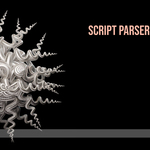
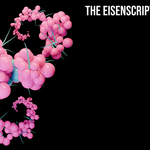
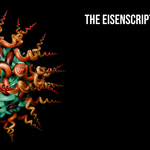
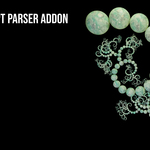
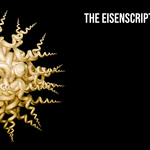
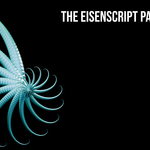
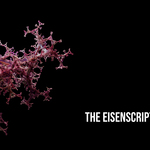
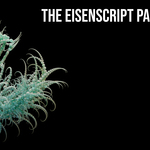
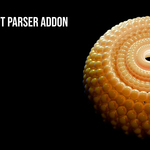
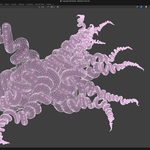
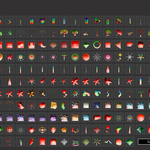


There are usually 3 Reason for this behaviour in all cases try to change the value higher or lower:
Reason 1 — The stack starves before reaching a primitive (too high = empty)
Reason 2 — The redirect chain triggers too early (too low = wrong shape)
Reason 3 — Stochastic scripts need depth to "find" a drawable path (too low = empty)
-
$16
In the basic version, you receive a collection of 350 simple basic scripts & a small collection of further 25 art scripts. A preview website is linked on the product page.
-
$19.90
In the extended version, you receive a collection of 156 additional art scripts (& all of Basic Version). A preview website is linked on the product page.
Have questions about this product?
Login to message
| Blender Extension Compatible | Yes |
| Sales | 10 |
| Published | 5 months ago |
| Blender Version | 4.3 - 5.1 |
| Extension Type | Add-on |
| Render Engine Used | Cycles, Eevee |
| License | Mit |
Discover more products like this
mathematical art mathematical Science addon converter parser eisenscript