Electricity Fx Pack V3
 AAA
AAA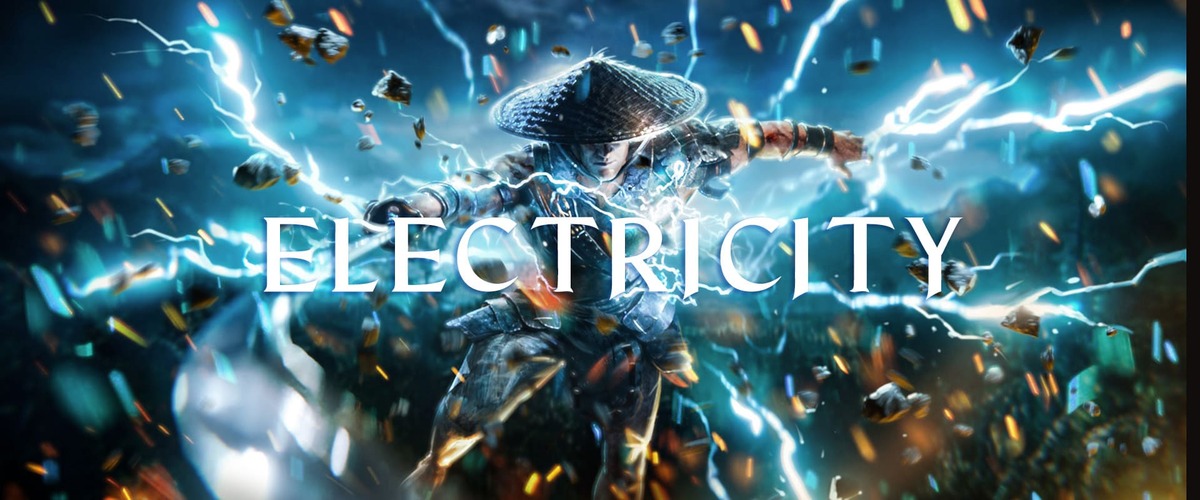
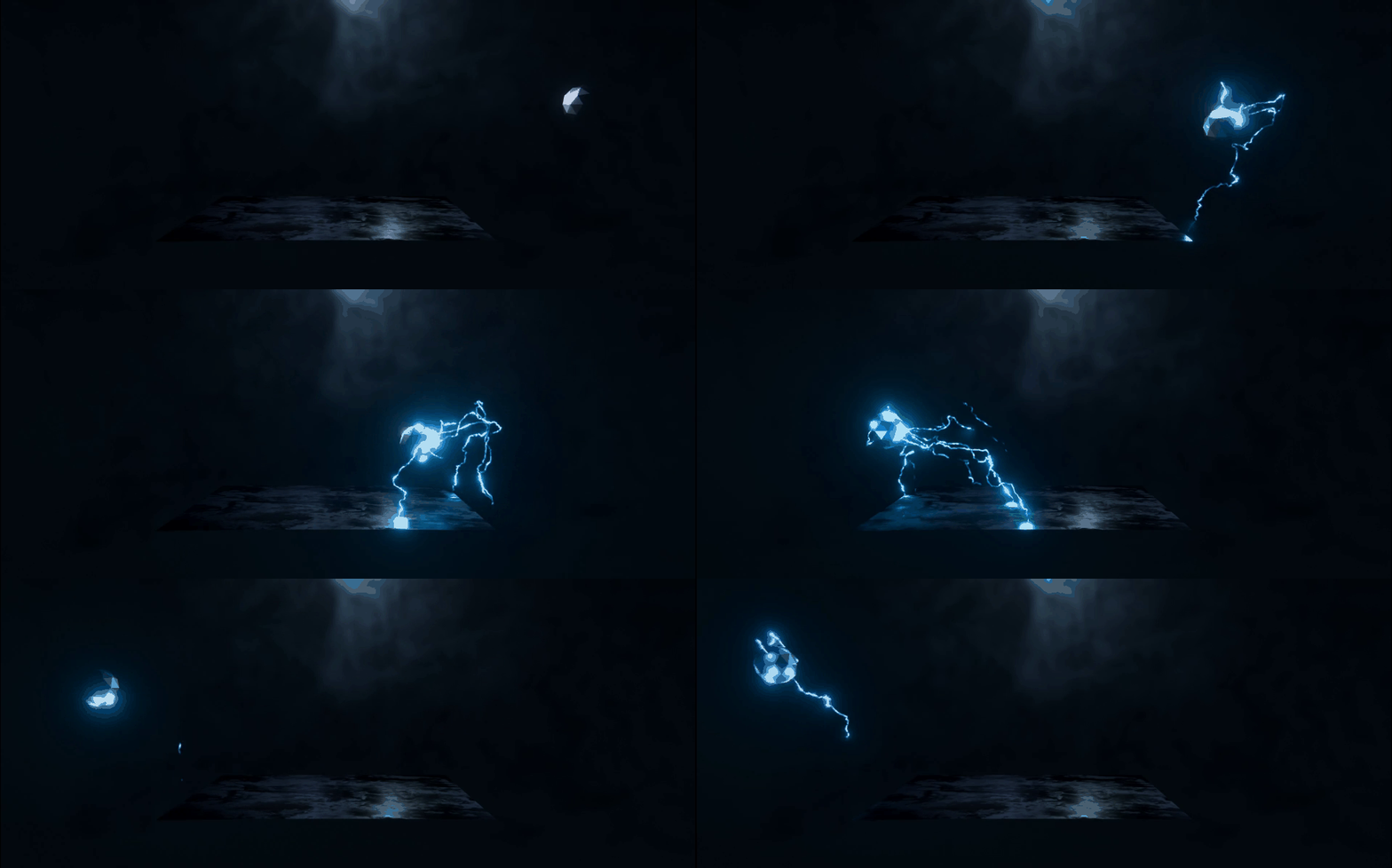

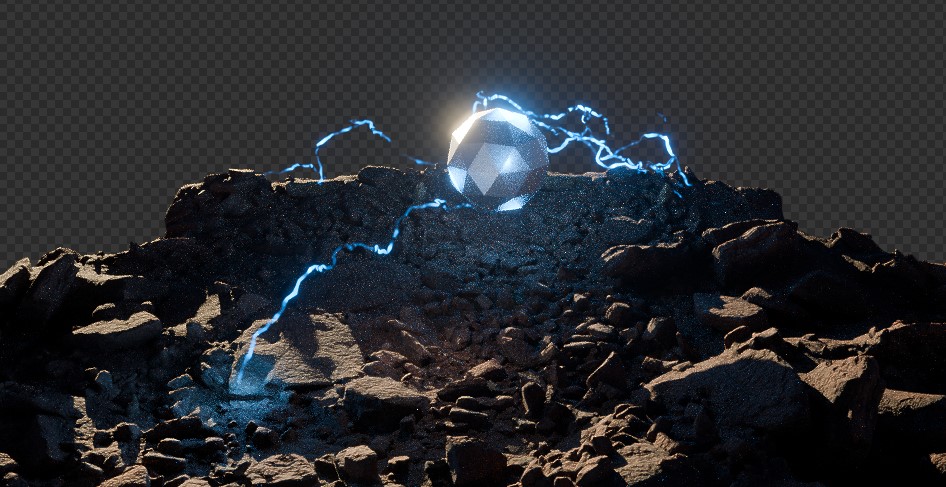
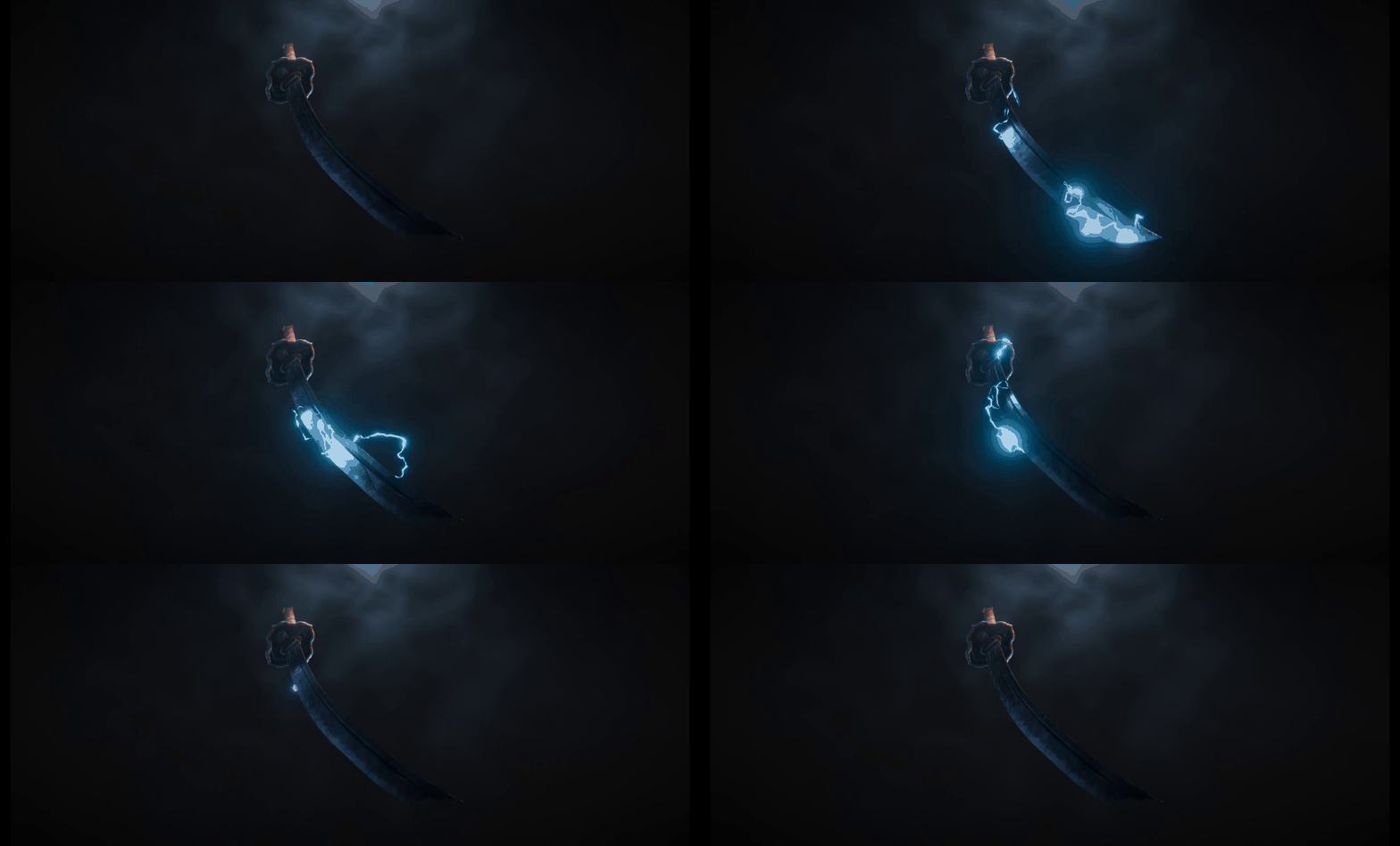
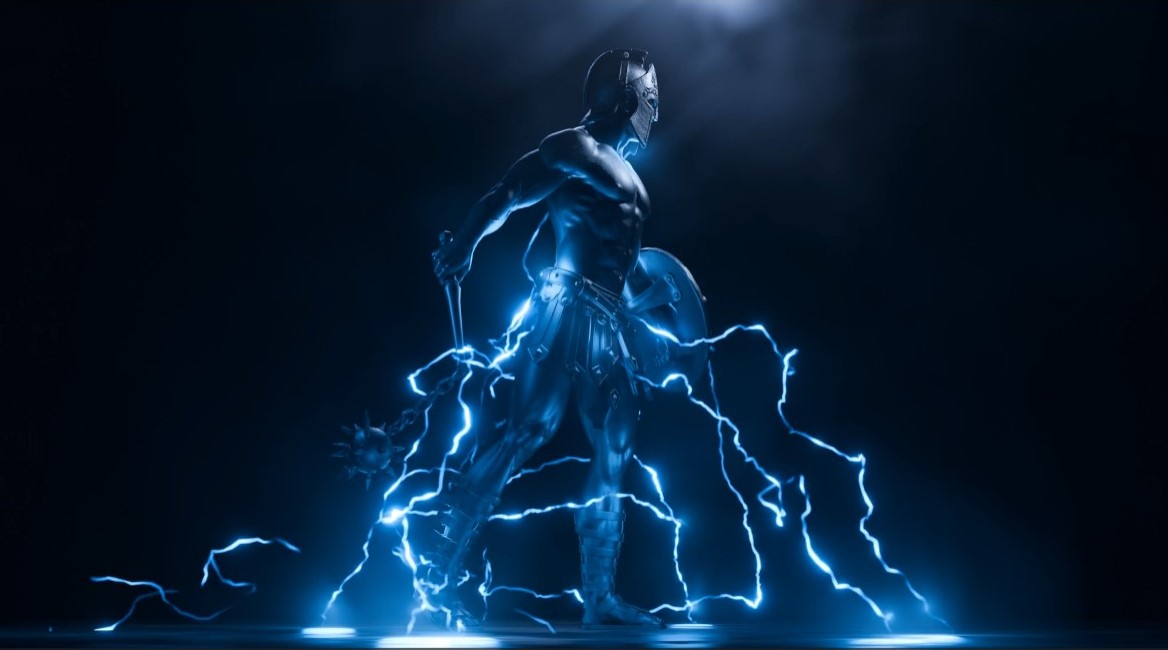
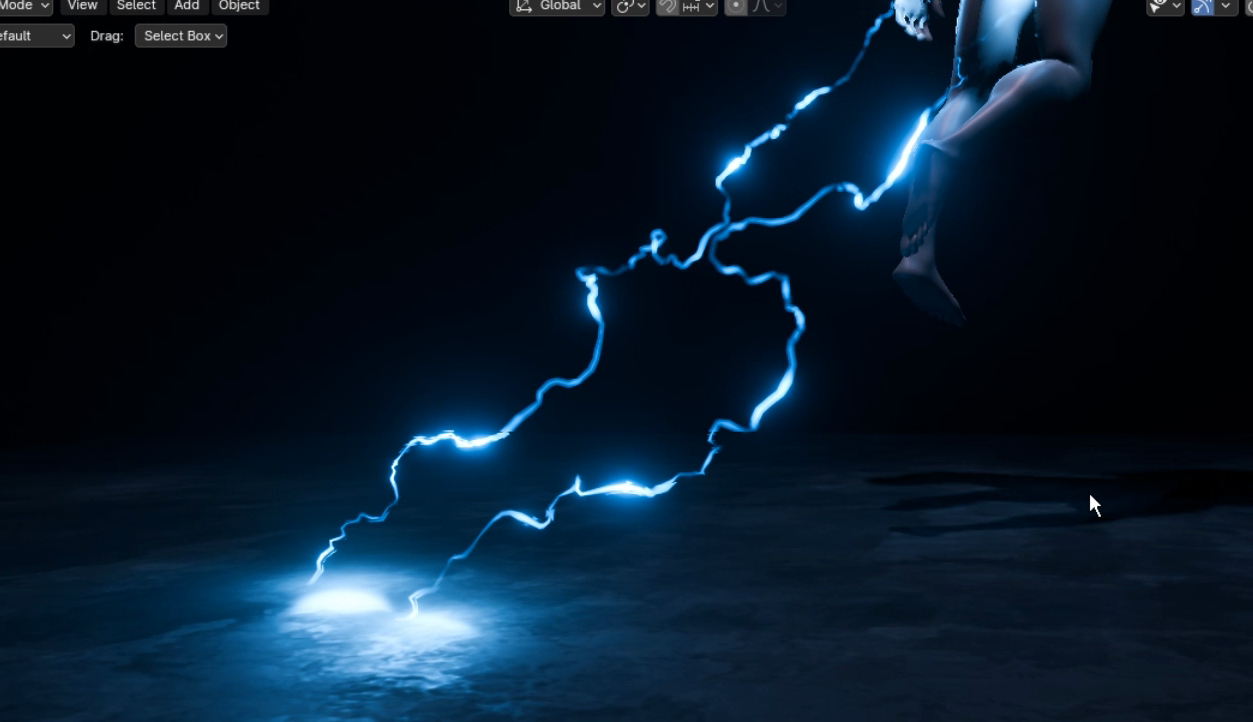
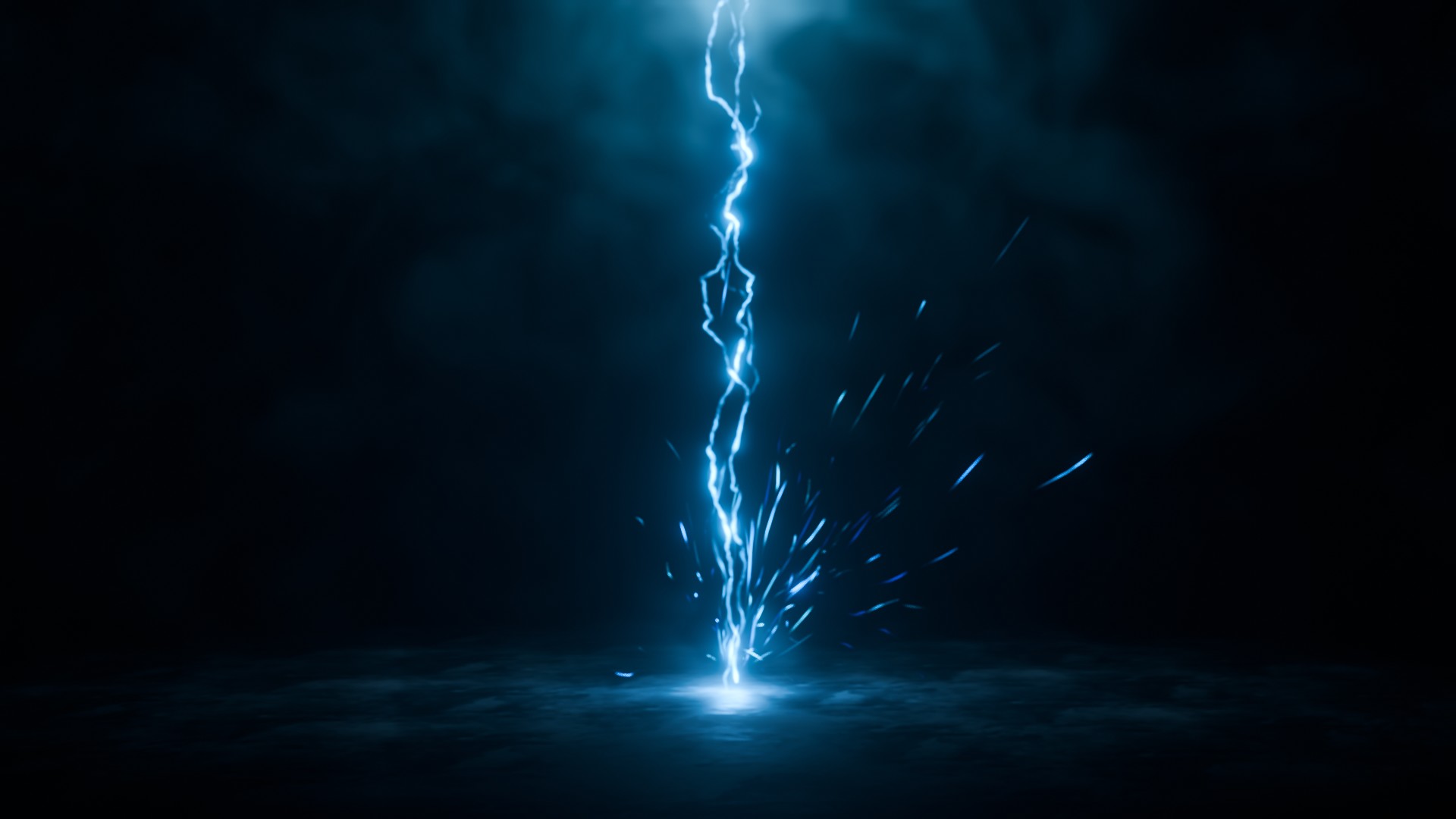
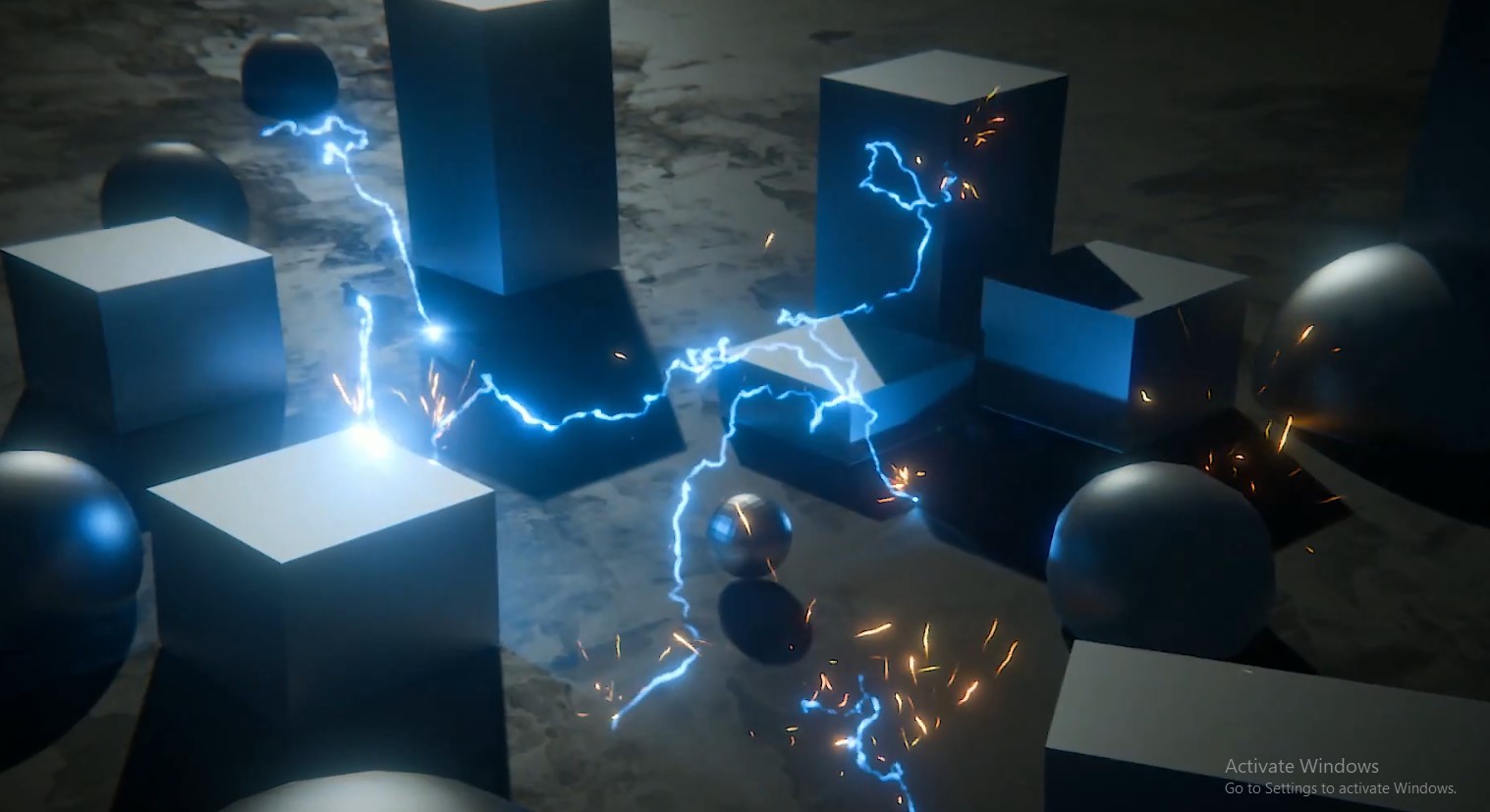
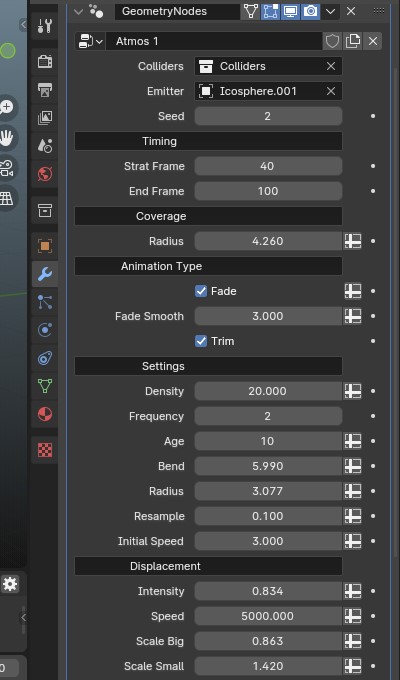

Electric Fx Pack V3
Just place the blend file in the Asset library folder and you are good to go
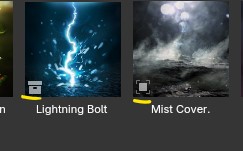
In the Asset Library there are two types of Assets 'Collection' & 'Object'
for Collection assets you will need to uncheck instance option to use them (for blender version below 5.0)
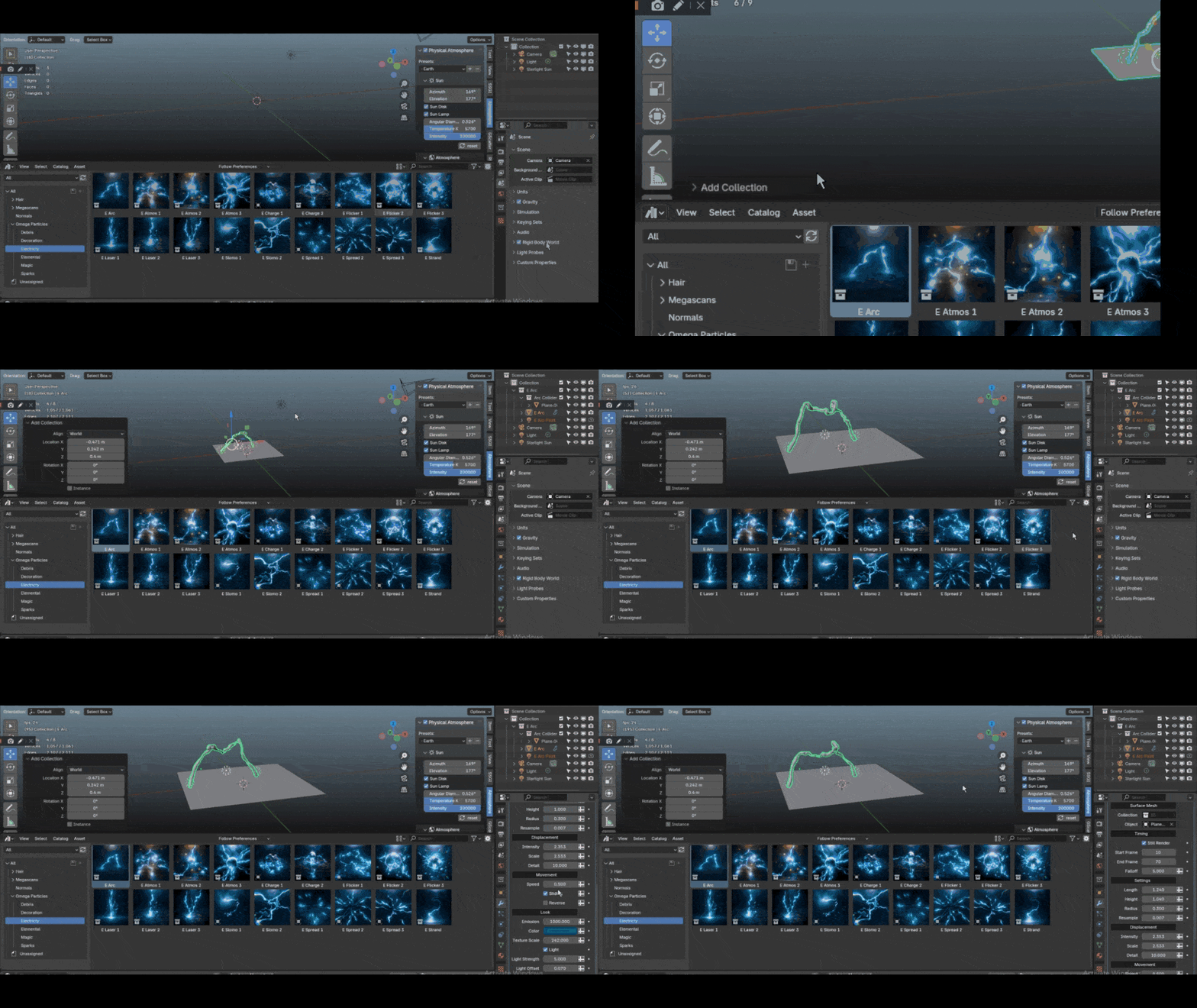
◆ In Blender 5.0 for using collection Assets :
In Preferences -> File Paths just set the Import method to Append and then save preferences :


You can set this in Asset manager as well :

♦ Now after Installing the Assets you need to do some changes in your blender default startup file
Firstly it's just personal preference but i keep my Layout like this since my workflow revolves a lot around Asset browser and Geonodes
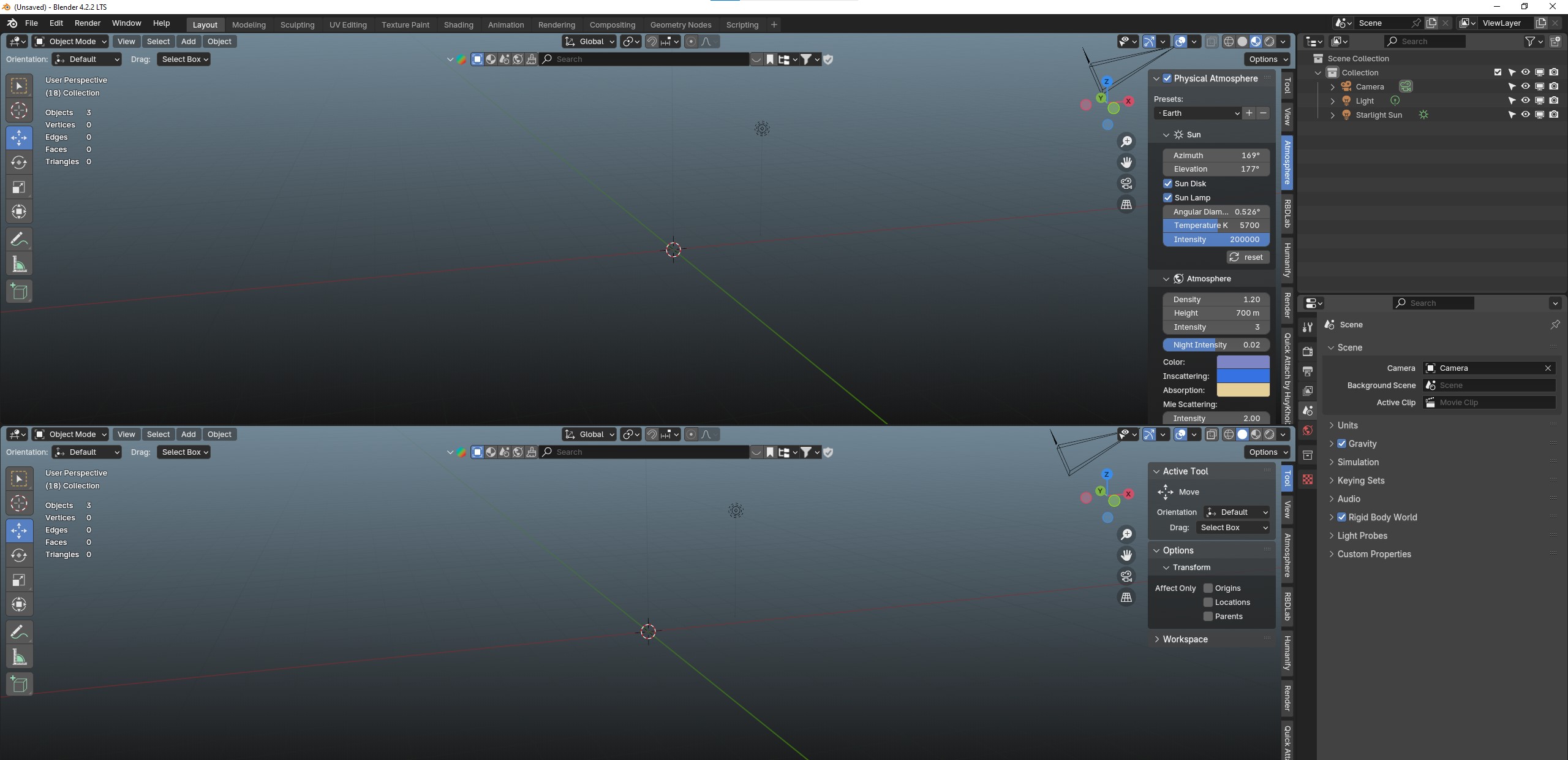
In Color transforms use Agx with medium high contrast
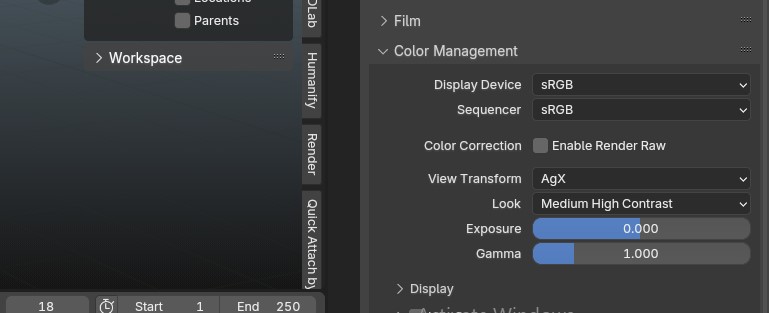
Also not sponsored but i sometimes use the RenderRaw Addon to make the colors pop and more saturated in Agx though you can also do that in blender compositor or Ae too
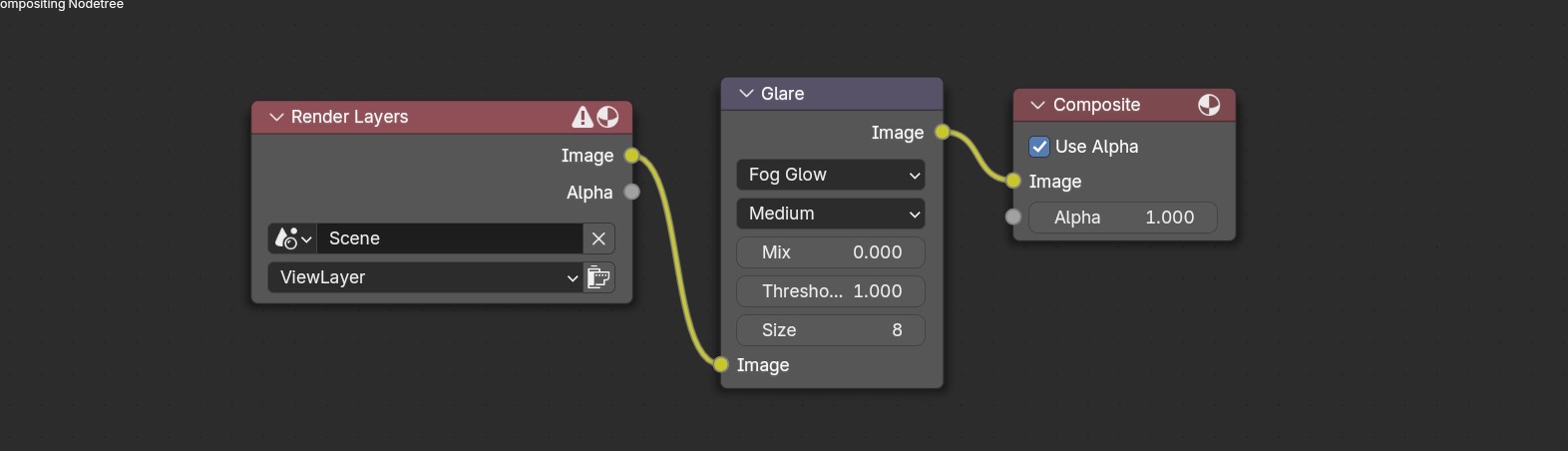
Now for a bloom effect just add a simple glare node with fog glow with default settings in he compositor tab
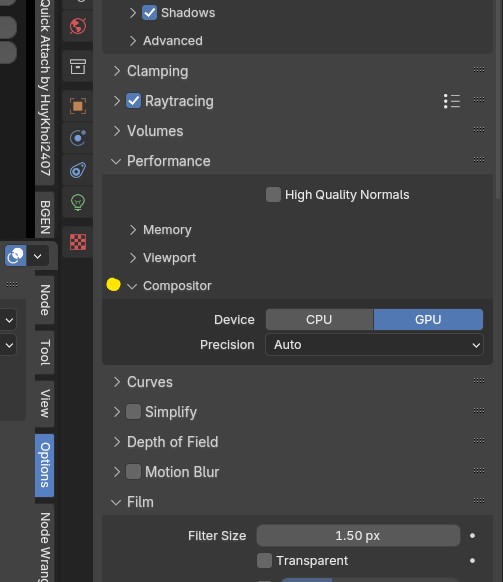
make sure to set the compositor device to gpu in render settings -> performance
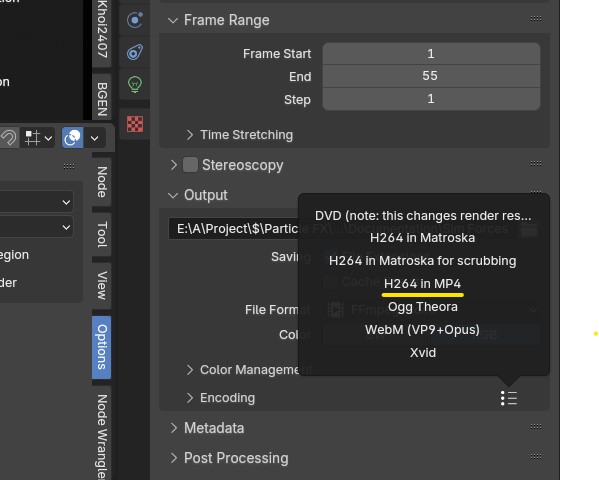
also just a quick tip, in Output properties -> Output -> Encoding -> Three dots you can select H264 in Mp4 to directly export as .mp4 instead of .mkv
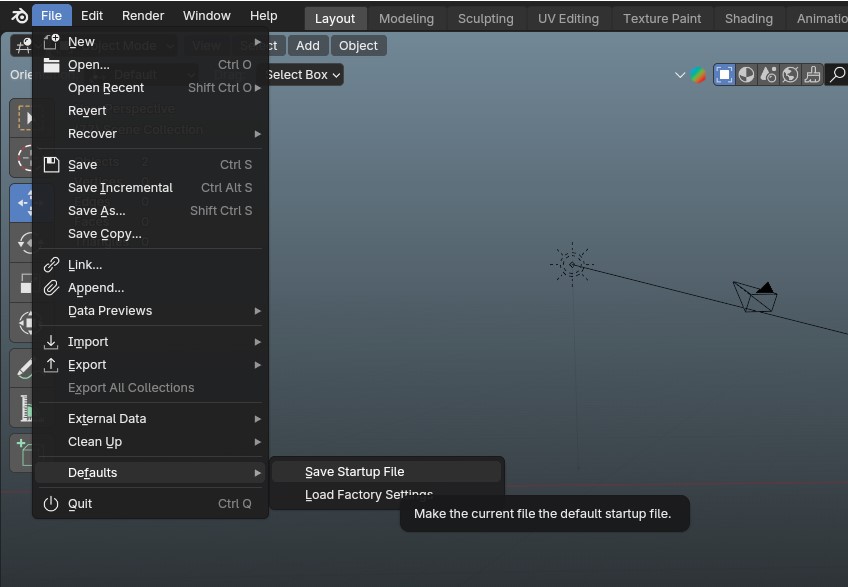
Now you can save this as your default startup file
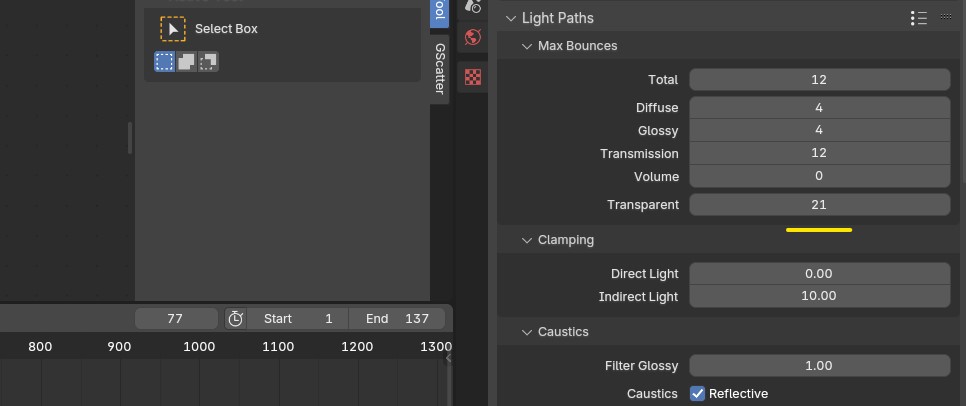
For Cycles i recommend setting the transparency samples to 20+ since you might get some black artifacts while using Assets containing multiple transparent cards, it will increase render time tho
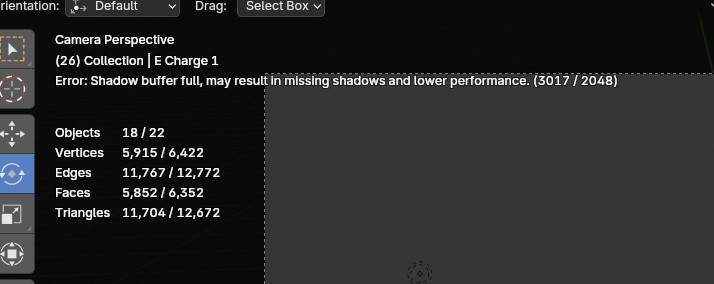
In some Assets with multiple spawning point lights the lights may not show up in render because of this error
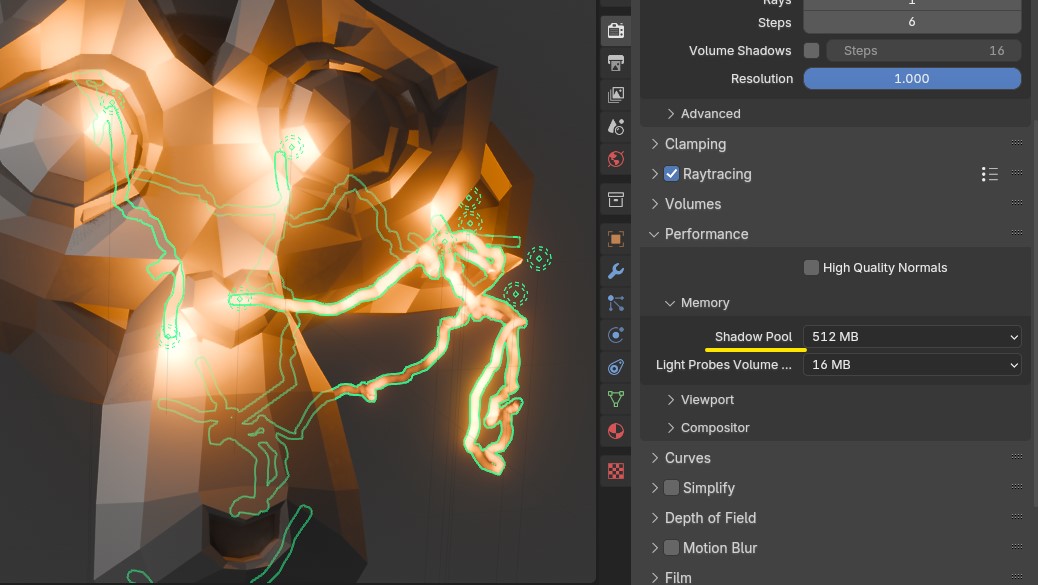
For this you can set your shadow pool in render settings -> performance -> memory to like 1 gb if you have a good gpu vram
$15
Have questions about this product?
Login to message
| Sales | 200+ |
| Rating | 2 ratings |
| Published | over 2 years ago |
| Blender Version | 4.3 - 5.0 |
| Render Engine Used | Cycles, Eevee |
| License | Royalty Free |
