Elephant Side Table STL, 3D Printable
 STLForge
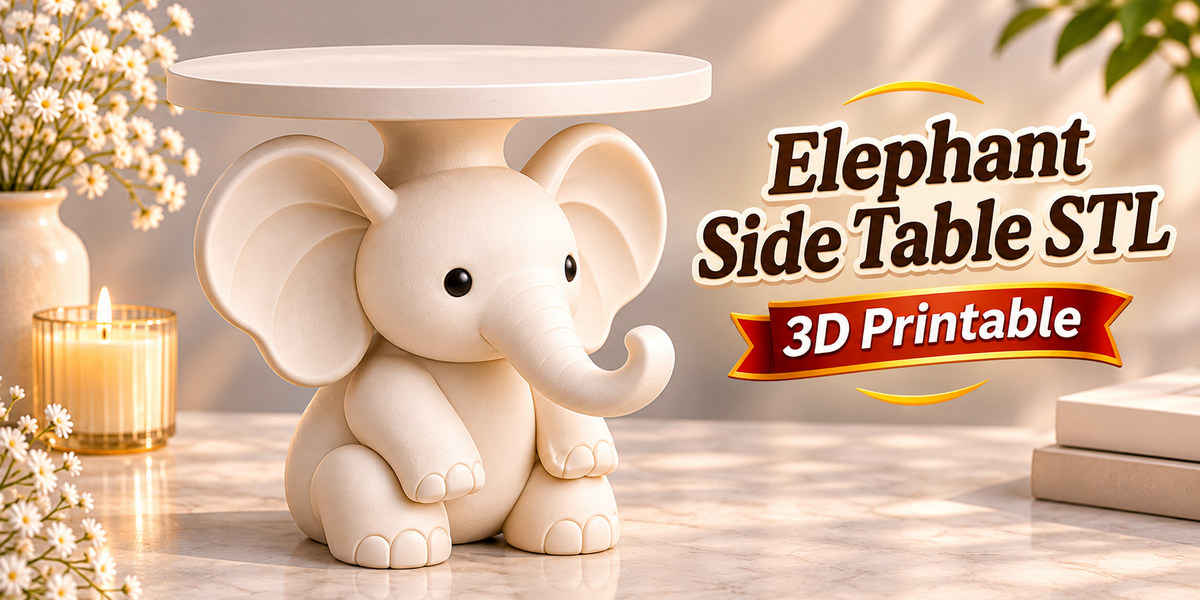
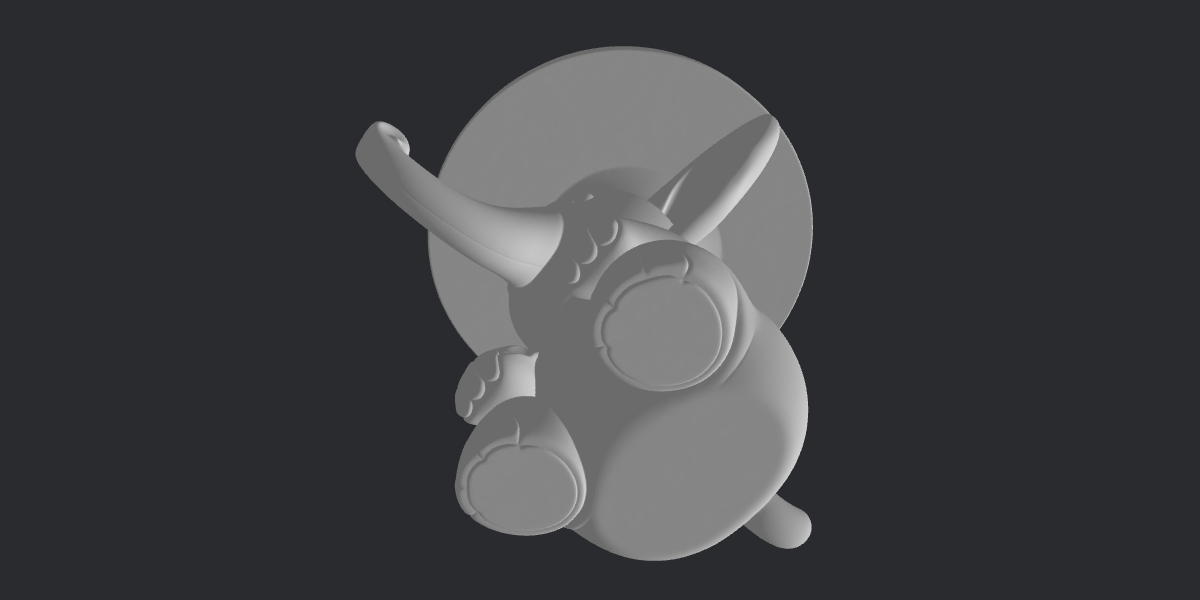
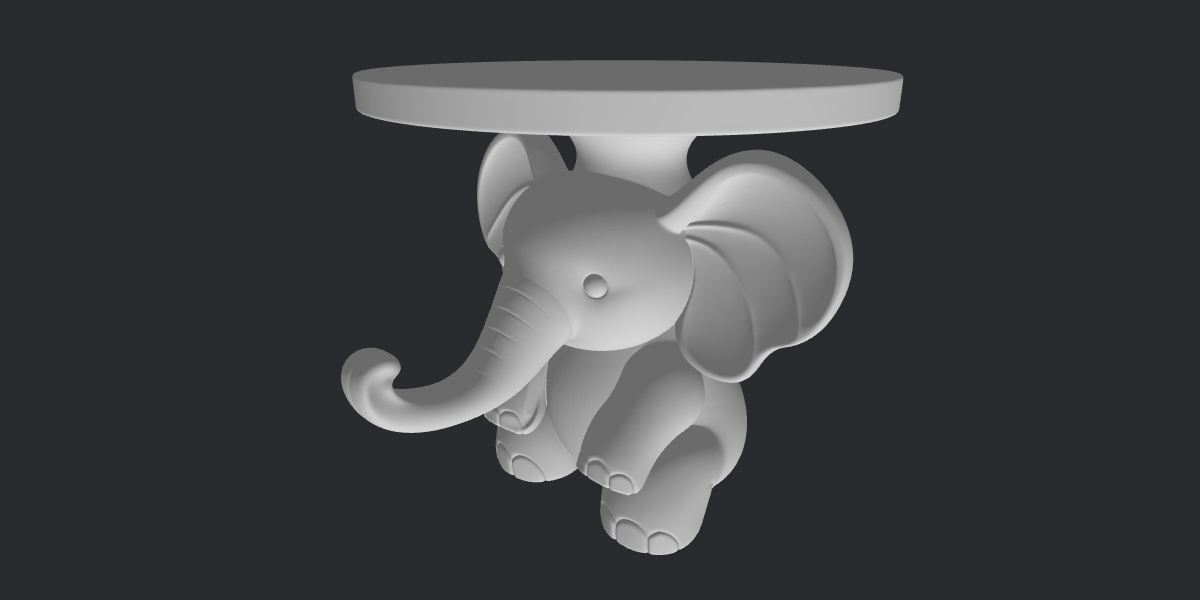
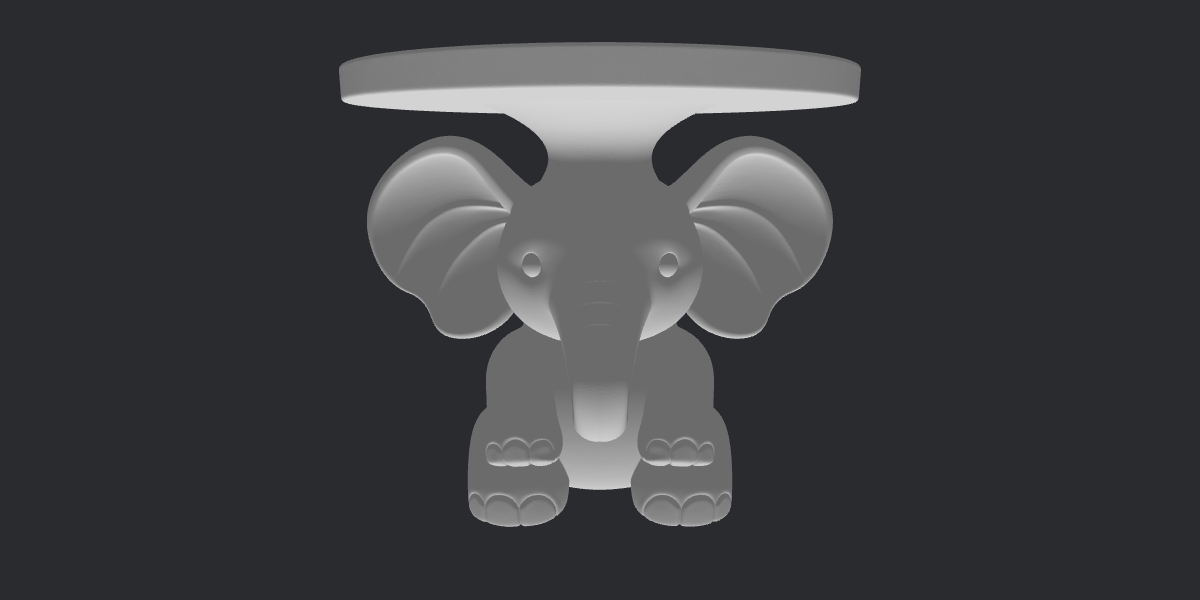
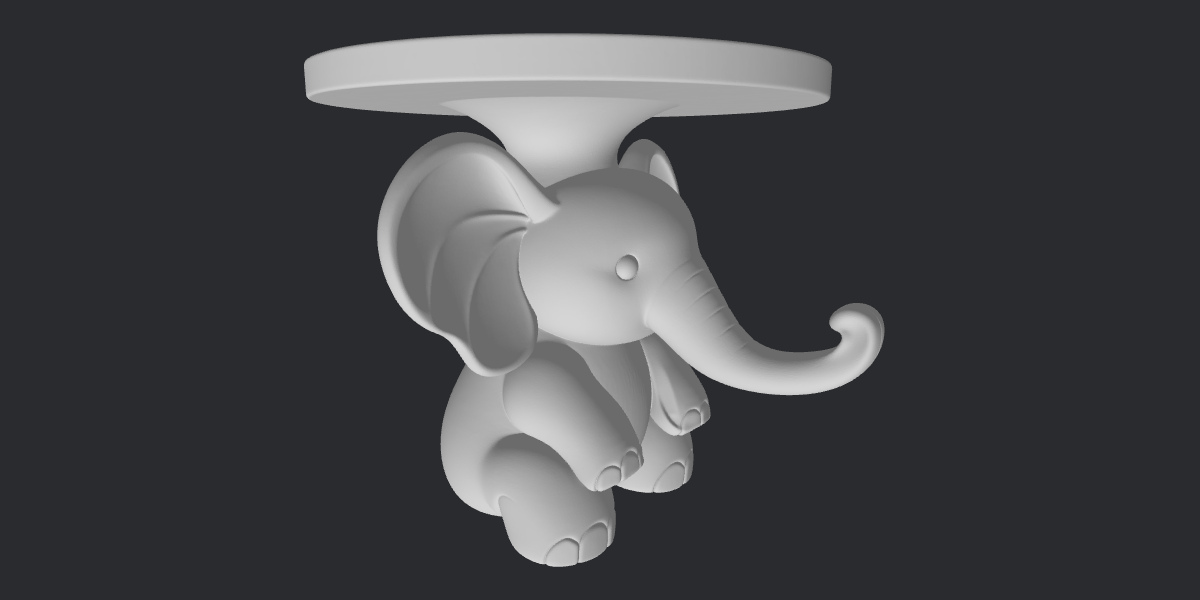
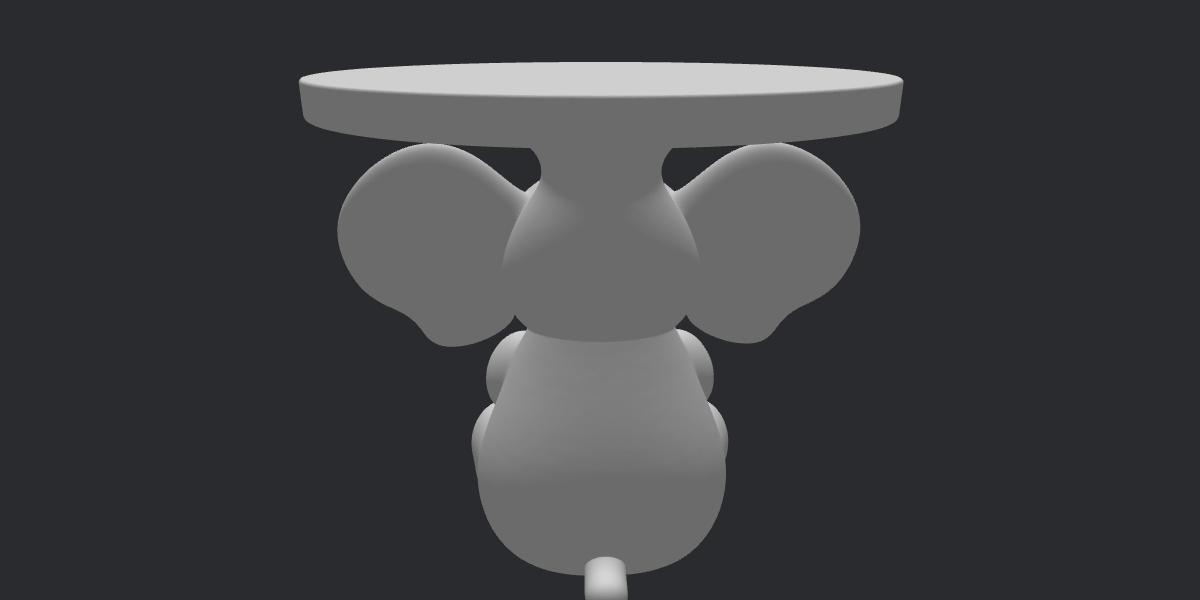
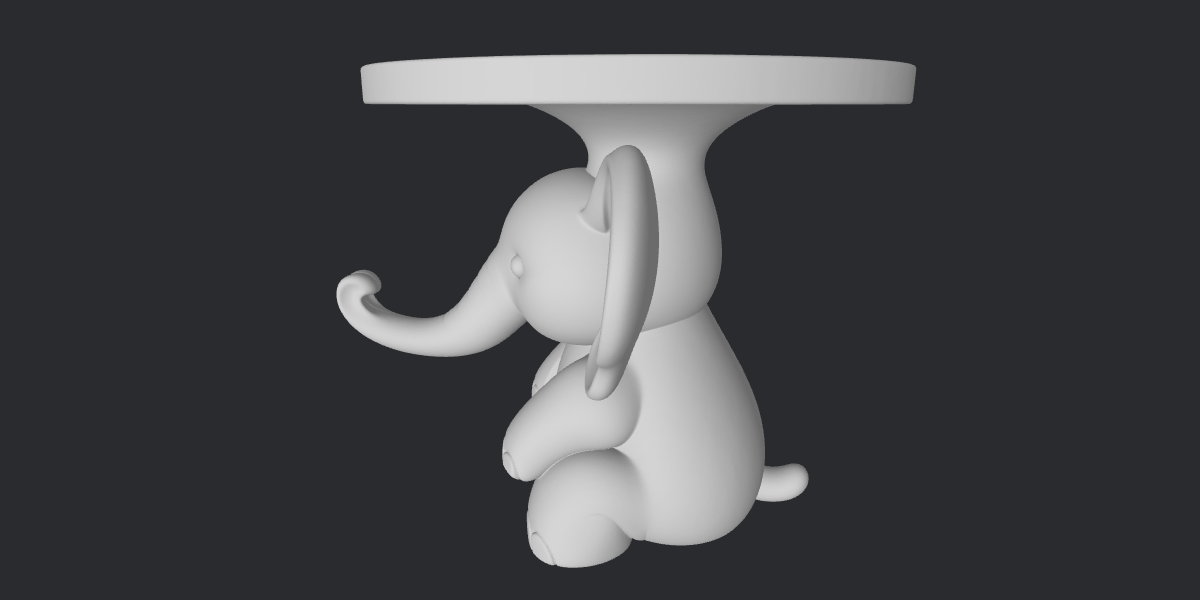
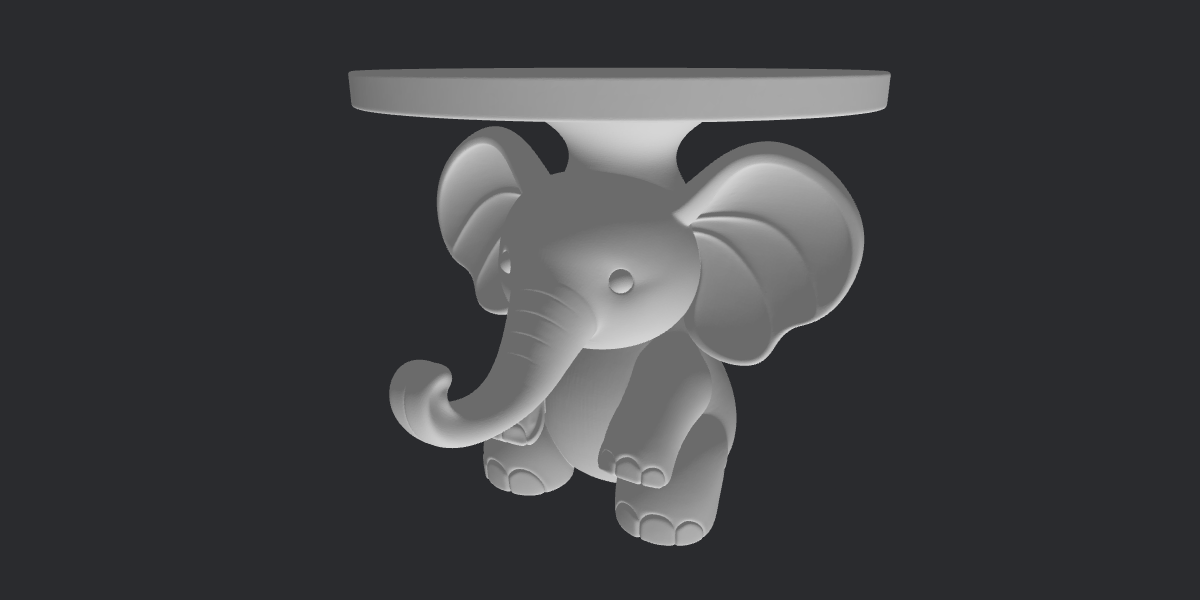
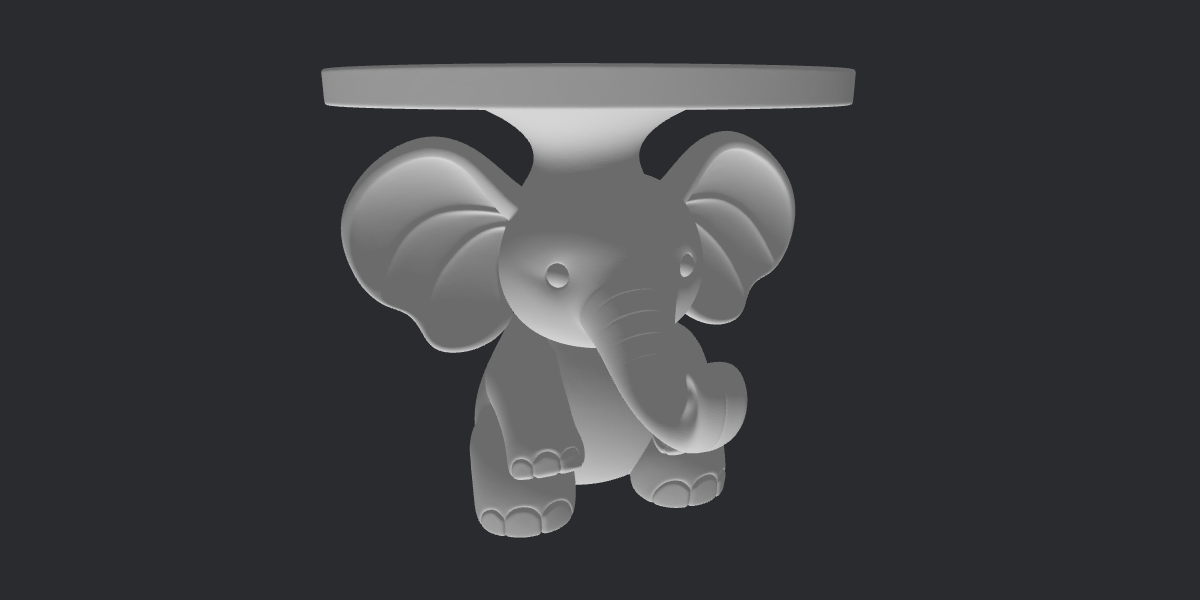
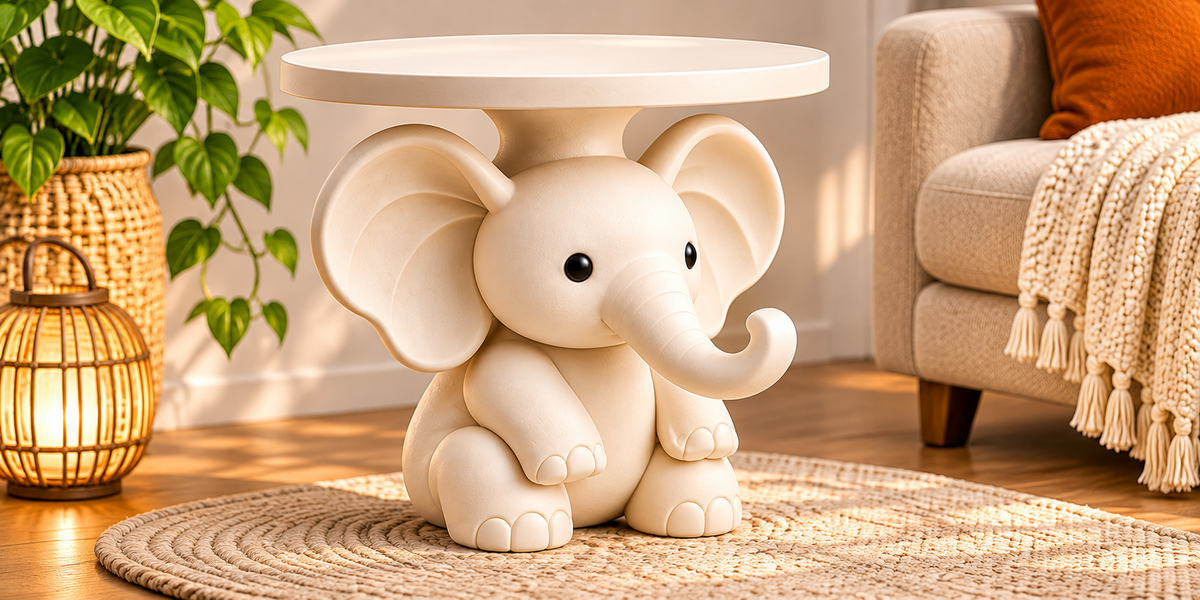




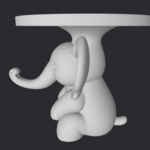


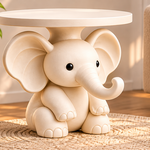
What You Get
You receive an Elephant Side Table as a digital STL file, ready to slice and print.
The design:
- An elephant-inspired, sculptural side table that combines animal design with a modern decorative style
- Made for living rooms, bedrooms, reading corners and contemporary interiors
- Suitable for statement decor, creative furniture concepts and personalized interior projects
Package contents:
- [1] STL file(s)
- [Fill in: whether the model is one piece or several parts, and any extra files]
File format: STL (digital download). It works with any slicer.
Important: Digital Product Only
This listing is for a digital STL file only.
- No physical table, printed item or 3D printer will be shipped.
- The colors shown in the preview images are for illustration. You choose your own filament colors.
- You need a compatible 3D printer and slicing software.
- Final results vary with your printer, material, settings and finishing.
⚠️ Strength & Safety Information
This is a 3D printed design, and its strength depends entirely on your printer, material, settings and print quality.
- Test the printed model for stability and load-bearing strength before using it as a functional table.
- Do not use it to support people or heavy loads without appropriate engineering and testing.
- Start by using it for light items, such as a small plant, a book or a lamp, and increase use only after testing.
- Keep it away from heat sources and direct, prolonged sunlight, which can soften or warp some plastics, especially PLA.
- Place it on a level, stable surface and keep it out of reach of children who might climb on it.
Model Details
- Default size: [__ mm tall × __ mm wide × __ mm deep]
- Scale: [Fill in clearly: “full-size furniture scale” or “decorative / tabletop scale”]
- Parts and assembly: [Fill in: “single piece, no assembly” or “__ parts, glued together with [adhesive]; assembly notes below”]
- Resizing: You can scale the model in your slicer to fit your printer and project. If you scale it, strength and stability change, so test it again.
- Mesh: [Fill in: watertight / manifold, checked in your slicer]
Printing Guide
These are general recommendations. Adjust them to your printer, filament and intended use.
Printer compatibility: Depends on the model size and your printer’s build volume. Check the dimensions above before buying. If the model is larger than your build plate, scale it down or [print it in parts, if applicable].
Suggested materials:
- PLA: easy to print and good for decorative use
- PETG: tougher and more heat tolerant, a good choice if you want more durability
Suggested settings (FDM):
- Walls: [Fill in: for example 4 or more for a functional piece]
- Infill: [Fill in: for example 20–40% for a functional piece, lower for decor only]
- Layer height: 0.16–0.24 mm is a good balance for larger prints; use lower values for finer sculpted details
- Supports: [Fill in: none needed / recommended under [part]]
- Orientation: [Fill in: print upright as supplied / recommended orientation for strength]
Tips for the best result:
- Review the slicer preview for orientation, wall thickness, infill and supports before printing.
- Layer lines are weakest across layers, so orientation affects strength.
- Print a small scale test first to check fit, settings and details.
- Use a brim or glue stick if the contact area with the bed is small.
- Large prints take a long time. Make sure your filament is dry and your printer is reliable.
Assembly
[Fill in if the model has several parts. If it is a single piece, replace with: “This model prints as a single piece, so no assembly is needed.”]
- Check the model for separate parts before printing.
- Test-fit the parts before gluing.
- Use an adhesive suitable for your filament (for example, cyanoacrylate or a plastic-suitable epoxy).
- Let the glue cure fully before use.
Color & Finishing Ideas
- Minimalist ivory: cream, ivory or matte white for a clean, modern look
- Modern neutral: warm beige, light gray or taupe
- Bold statement: deep teal, terracotta, charcoal or a bright accent color
- Painted finish: sand, prime and paint for a smoother, more furniture-like look
Finishing (optional): Sand layer lines, apply filler primer, then paint or seal. A clear sealant can give a more polished surface. Choose products suitable for plastic.
Compatible Software
Any slicer that opens STL files works, including Bambu Studio, OrcaSlicer, Cura and PrusaSlicer.
Where to Use It
Living rooms, bedrooms, reading corners, entryways, home offices, and as a sculptural accent next to a sofa or bed.
License & Usage
- Personal use: Print for yourself, your home and gifts.
- Commercial use: [Fill in clearly: “Allowed for selling printed physical items, with credit to the designer” or “Not allowed”]
- Not allowed: Reselling, sharing or redistributing the STL file, or re-uploading it to other platforms, whether modified or not.
Support & Refunds
Because this is a digital file, refunds are generally [Fill in your policy]. If the file doesn’t open or the model has a problem, contact me and I’ll gladly help or send a corrected file. Please include your slicer name and a screenshot if possible.
Happy printing! 🐘
Have questions about this product?
Login to message
| Published | about 1 hour ago |
| Blender Version | |
| Render Engine Used | Freestyle, Luxrender, Mental-Ray |
| Misc Data | Textured |
| License | Editorial |
Discover more products like this
side table stl elephant decor sculptural-table 3d printing home decor STL STL file