 ZEG



Installation
In Blender open Edit, Preferences, Get Extensions, then use Install from Disk and pick the santa_workshop_generator zip.
Usage
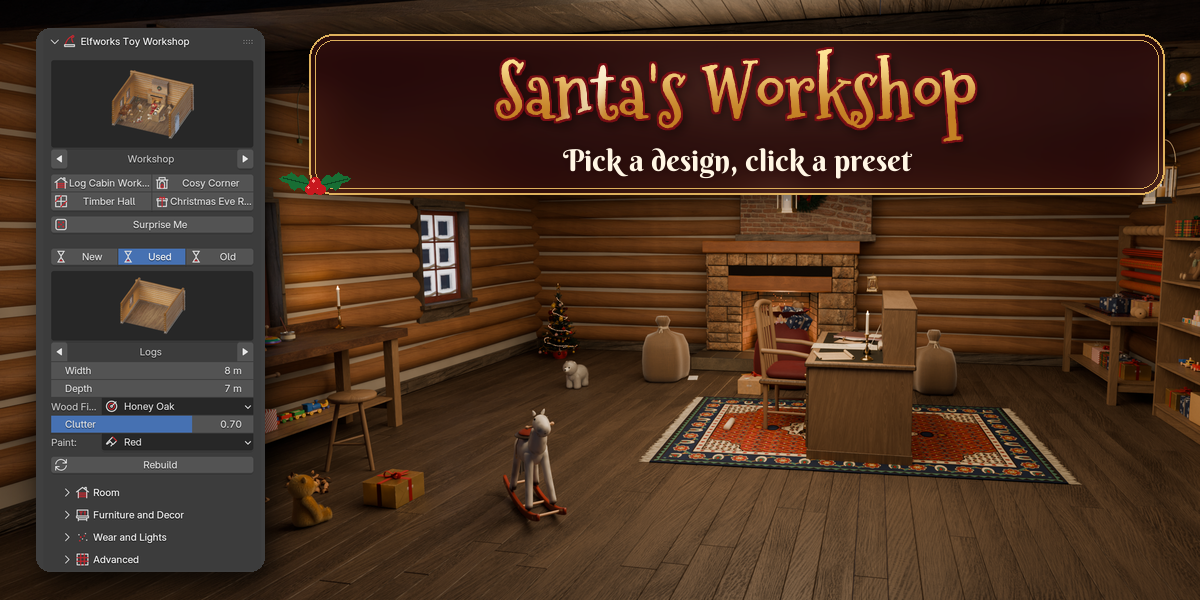
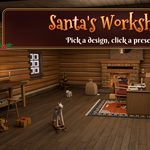
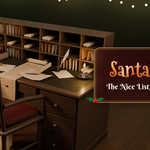
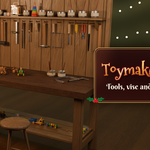
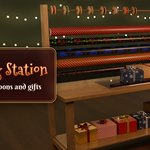
- Open the Elfworks tab in the 3D viewport sidebar (N). With nothing selected, click the picture to choose a design, then press a preset button to add it at the 3D cursor.
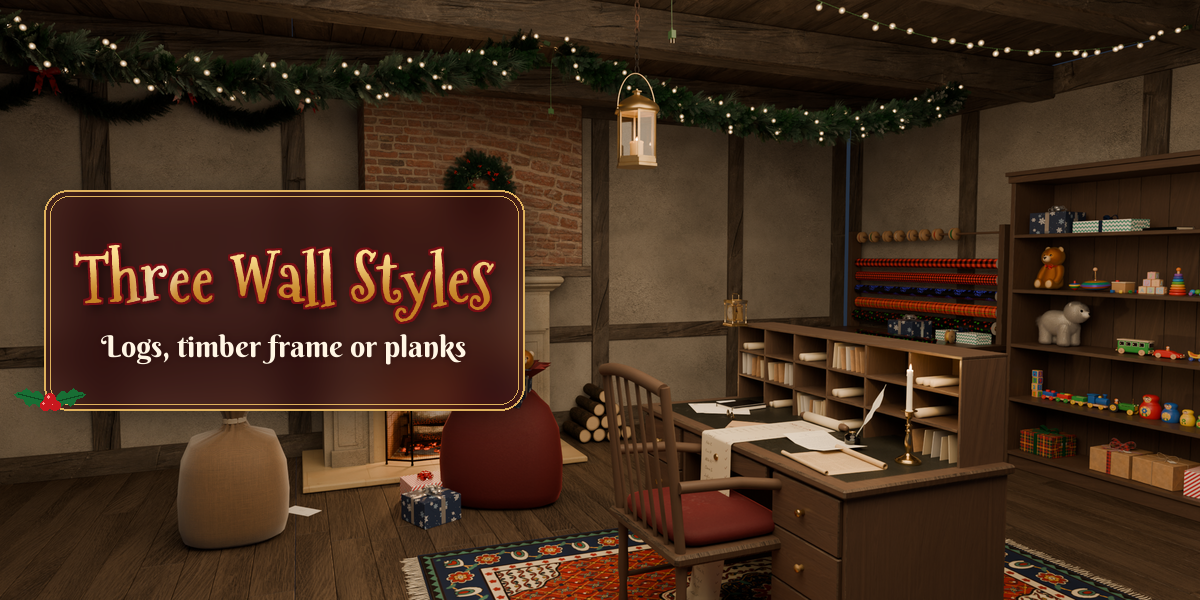
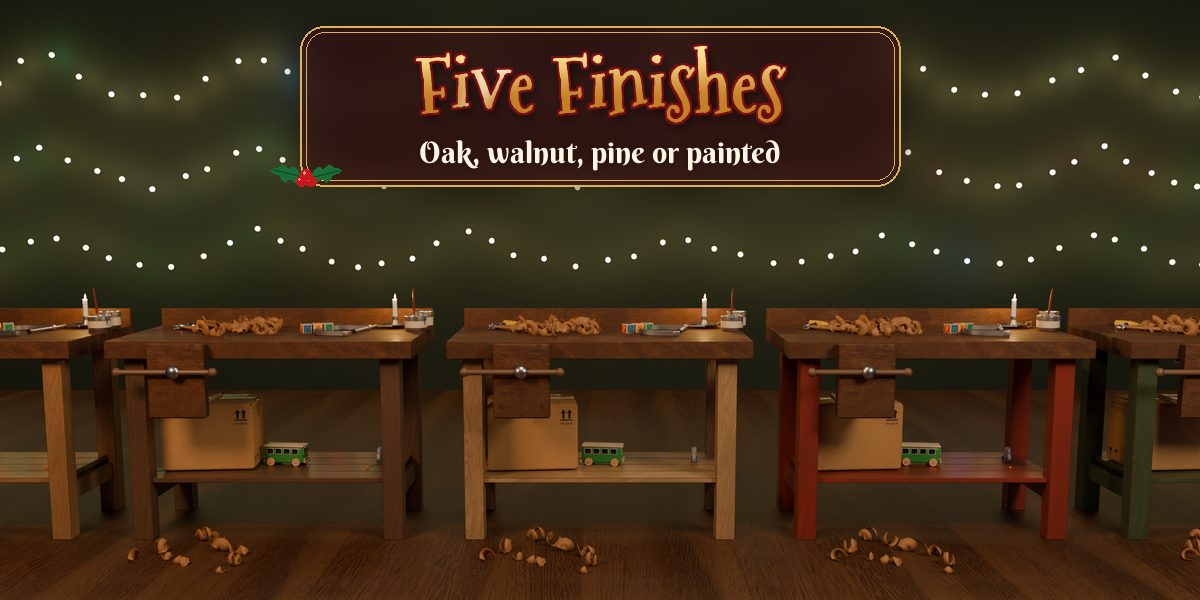
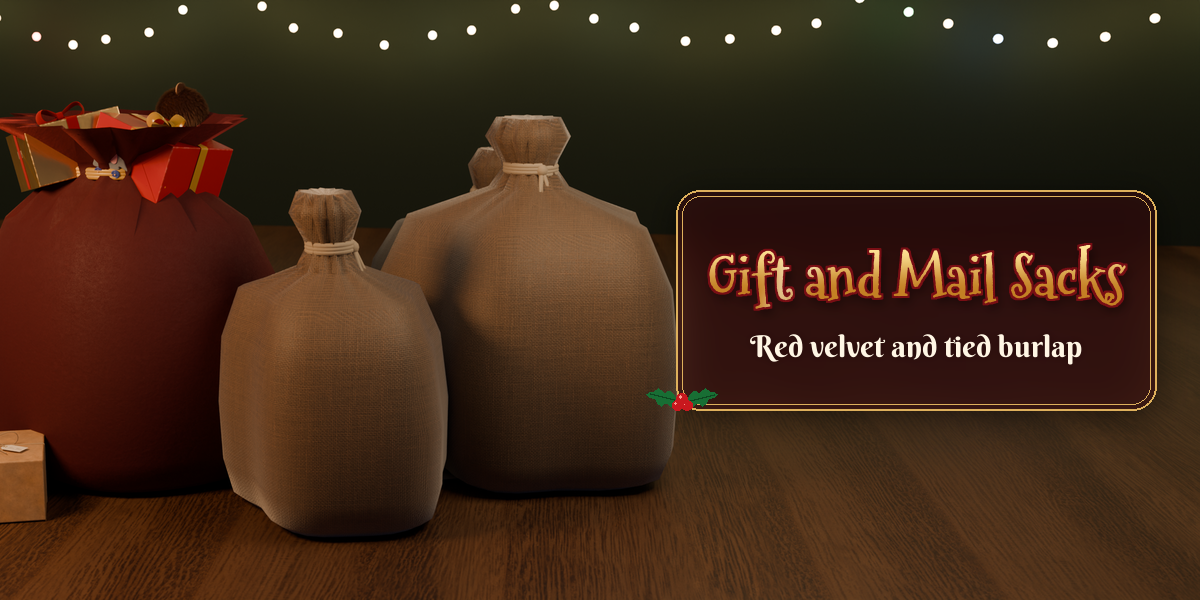
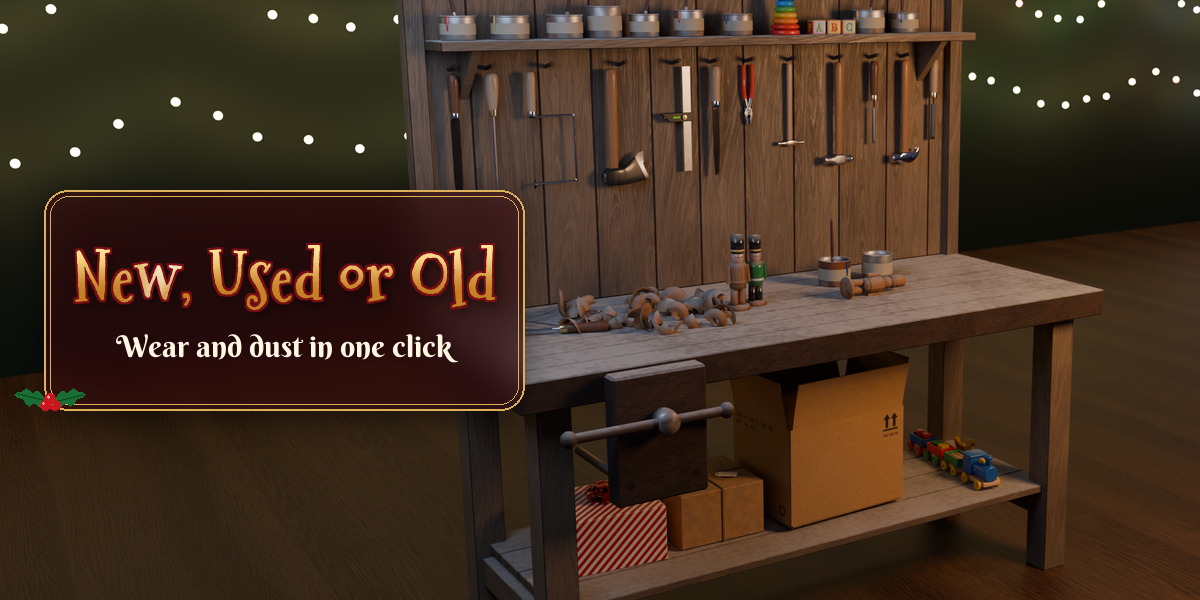
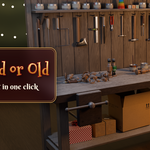
- With a design selected, the same panel edits it: presets, New, Used and Old, and the main choices such as wall style, room size, wood finish, furniture width or sack type.
- The Room, Furniture and Decor, Wear and Lights and Advanced sections hold the rarer options. The full workshop takes a few seconds to build, so it starts with Live Update off: change settings, then press Rebuild.
- Surprise Me randomizes the selected design in place and keeps its position. Apply as Static Mesh removes the generator controls and keeps the geometry, props and lights.
Use Rendered view (Cycles or EEVEE) to see the fire, lanterns and window light.
Have questions about this product?
Login to message
| Blender Extension Compatible | Yes |
| Published | about 15 hours ago |
| Blender Version | 4.2 - 5.2 |
| Extension Type | Add-on |
| Render Engine Used | Cycles, Eevee |
| License | GPL |
