 ZEG

Installation
In Blender open Edit, Preferences, Get Extensions, then use Install from Disk and pick the zip.
Usage
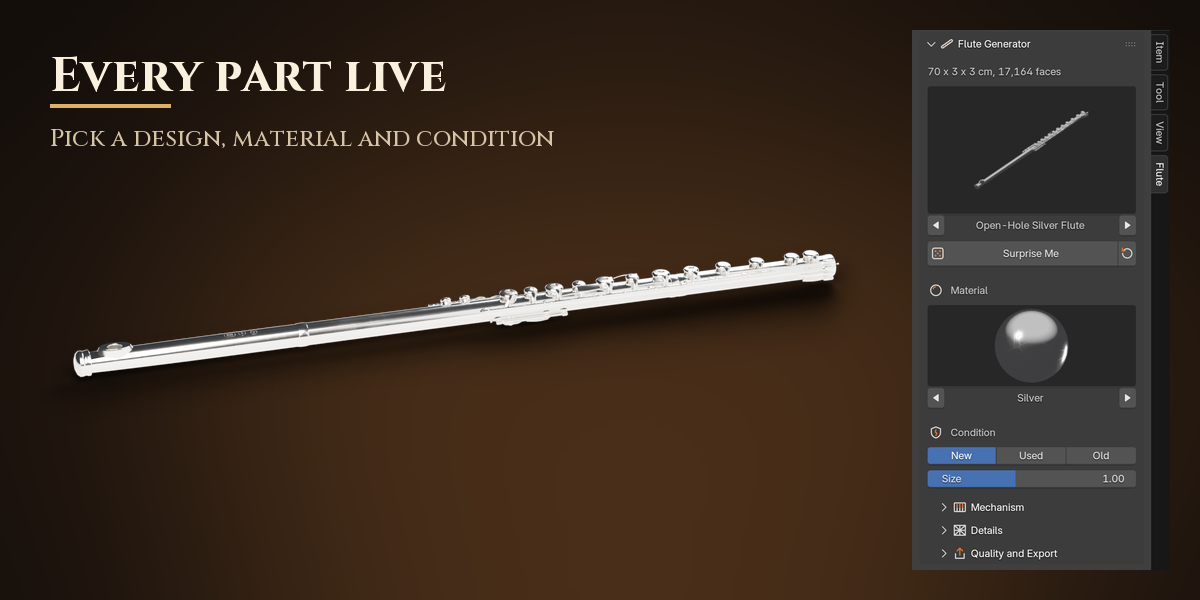
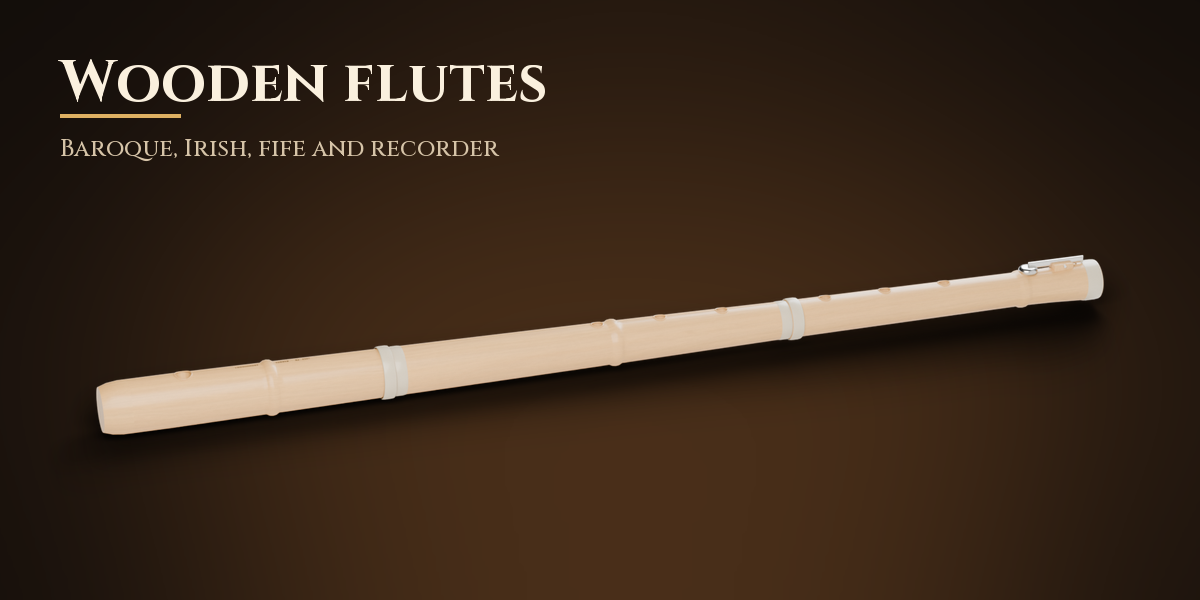
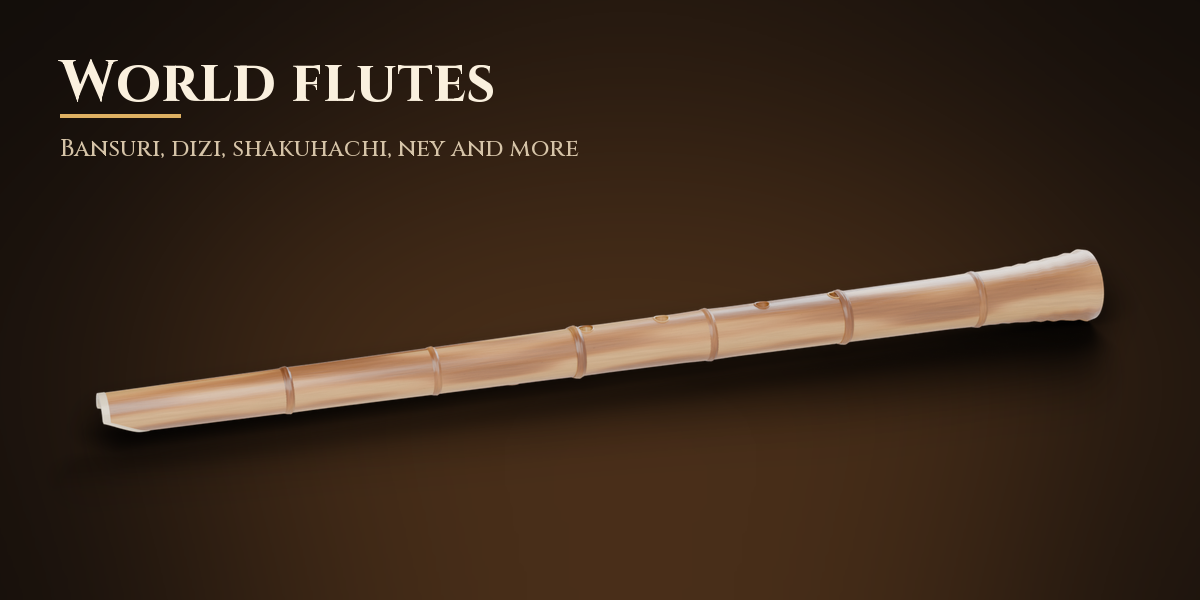
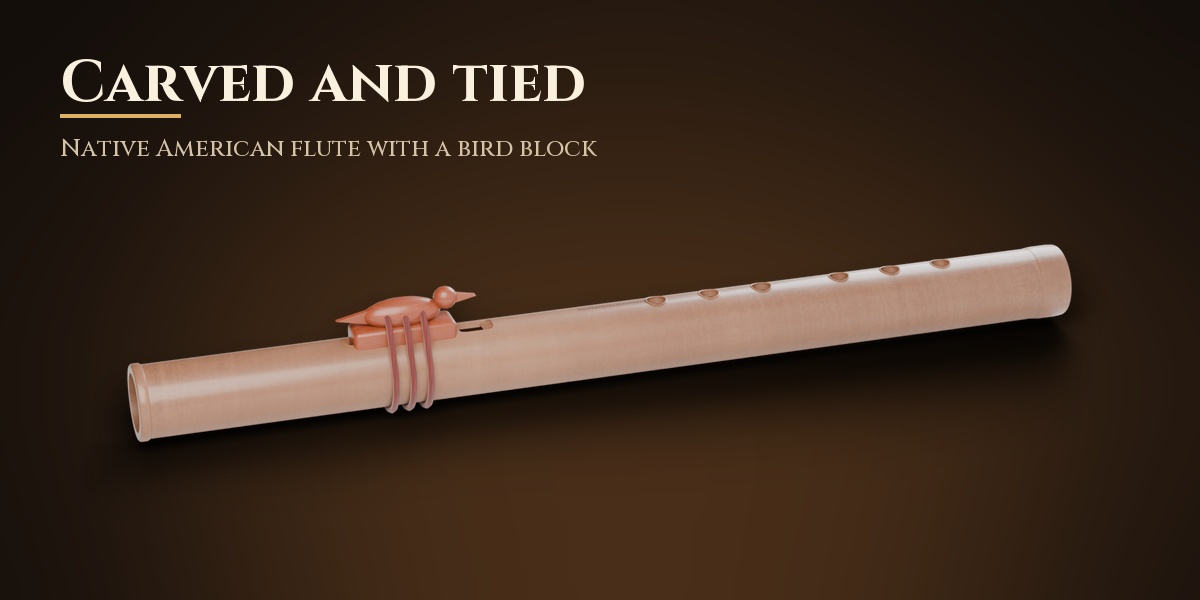
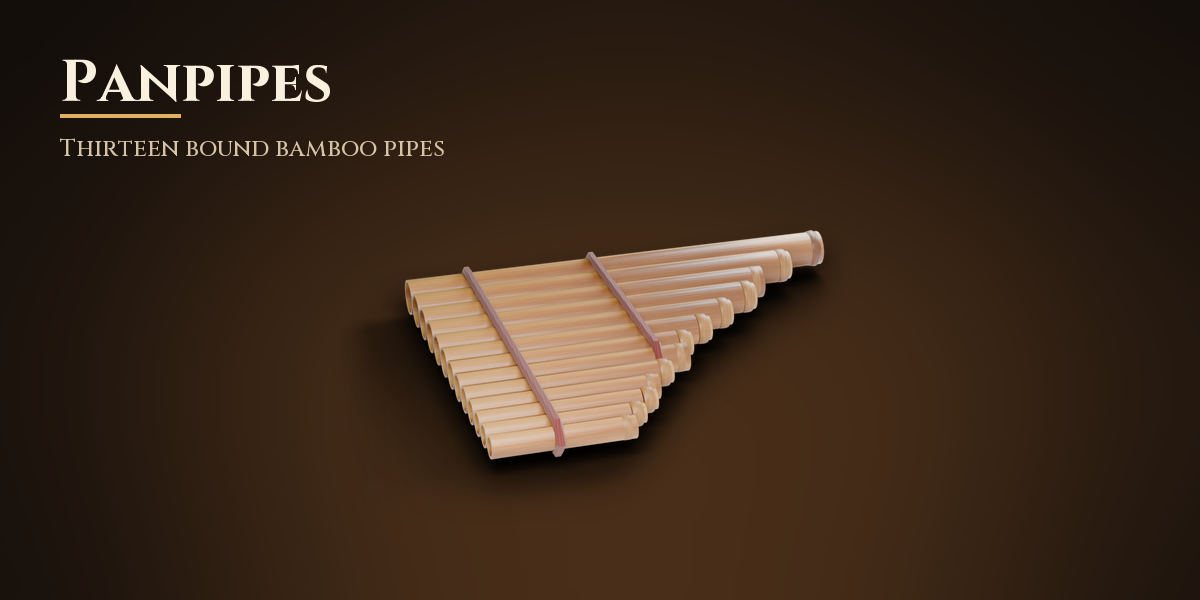
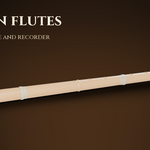
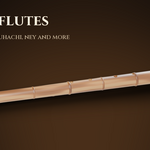
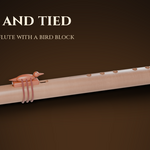
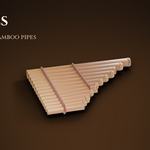
- Open the Flute tab in the 3D viewport sidebar (N). With no flute selected, click a picture to add that design at the 3D cursor, or use Shift+A, Flute.
- With a flute selected, click the big picture to choose another design, pick the body material, set New, Used or Old and drag Size. Surprise swaps the selected flute for a different type of flute with a new look and keeps its place.
- The Mechanism, Details and Quality and Export panels hold the rarer options, Pieces Apart and Convert to Mesh.
Have questions about this product?
Login to message
| Blender Extension Compatible | Yes |
| Published | about 1 hour ago |
| Blender Version | 4.2 - 5.2 |
| Extension Type | Add-on |
| Render Engine Used | Cycles, Eevee |
| License | GPL |

Discover more products like this
Instrument procedural Recorder shakuhachi panpipes flute bansuri tin-whistle Music woodwind piccolo Generator