 ZEG
ZEG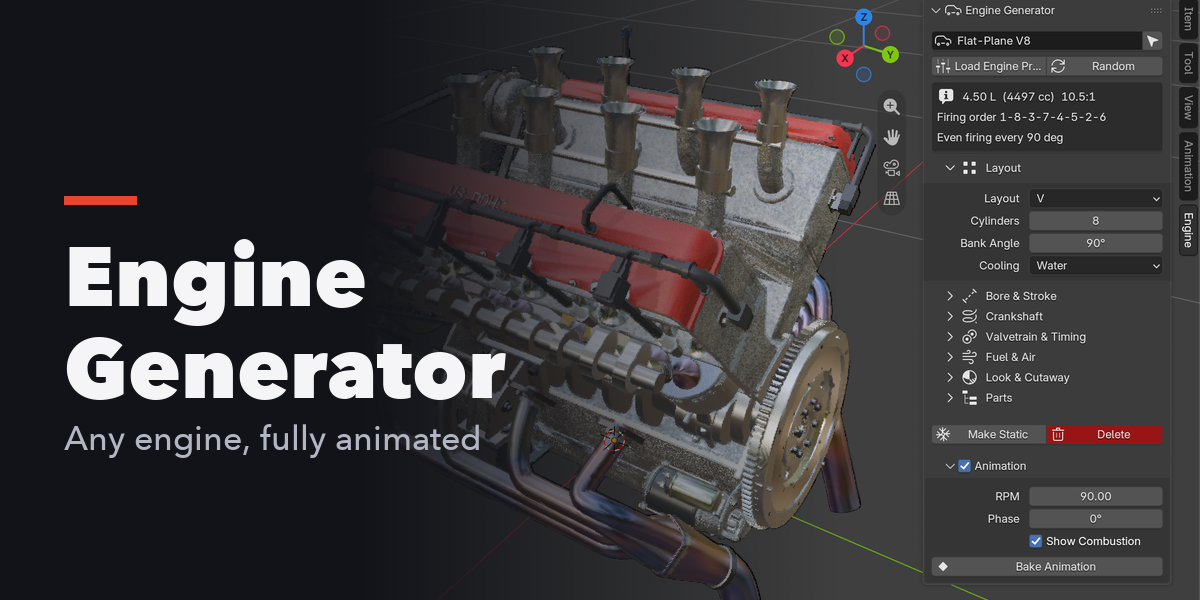
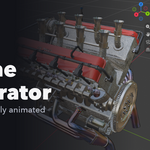
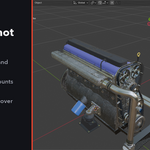
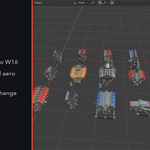
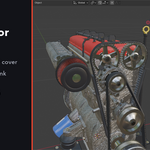
Installation
In Blender open Edit, Preferences, Get Extensions, then use Install from Disk and pick the engine_generator zip.
Usage
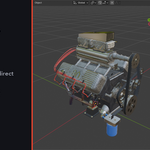
- In Object Mode, open the 3D viewport sidebar (N) and go to the Engine tab, or use Shift+A, Mesh, Engine.
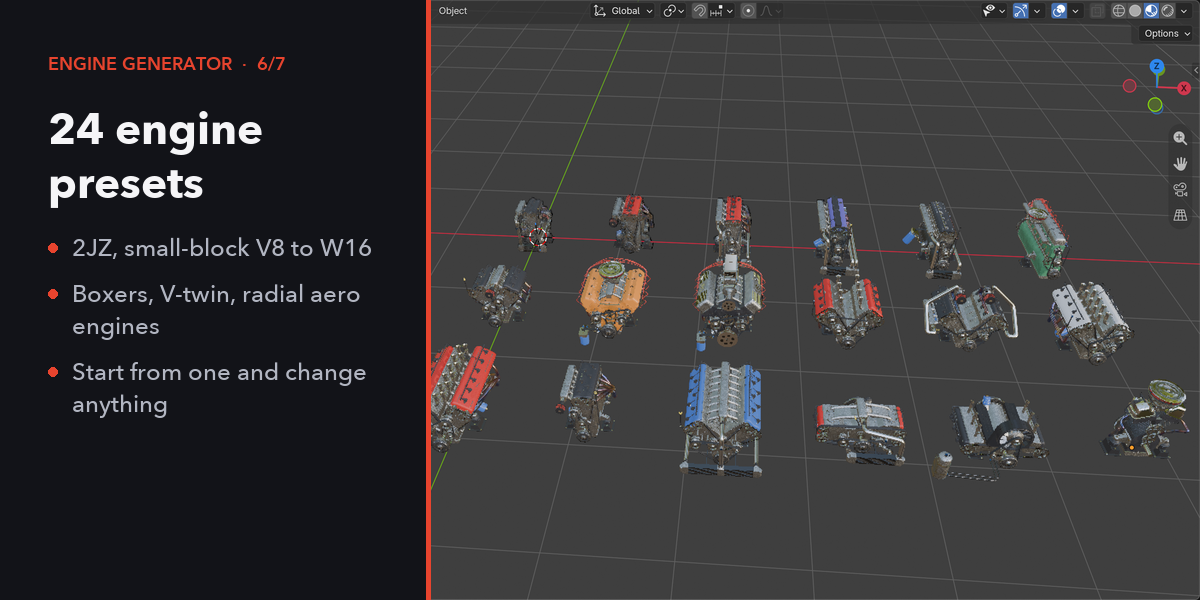
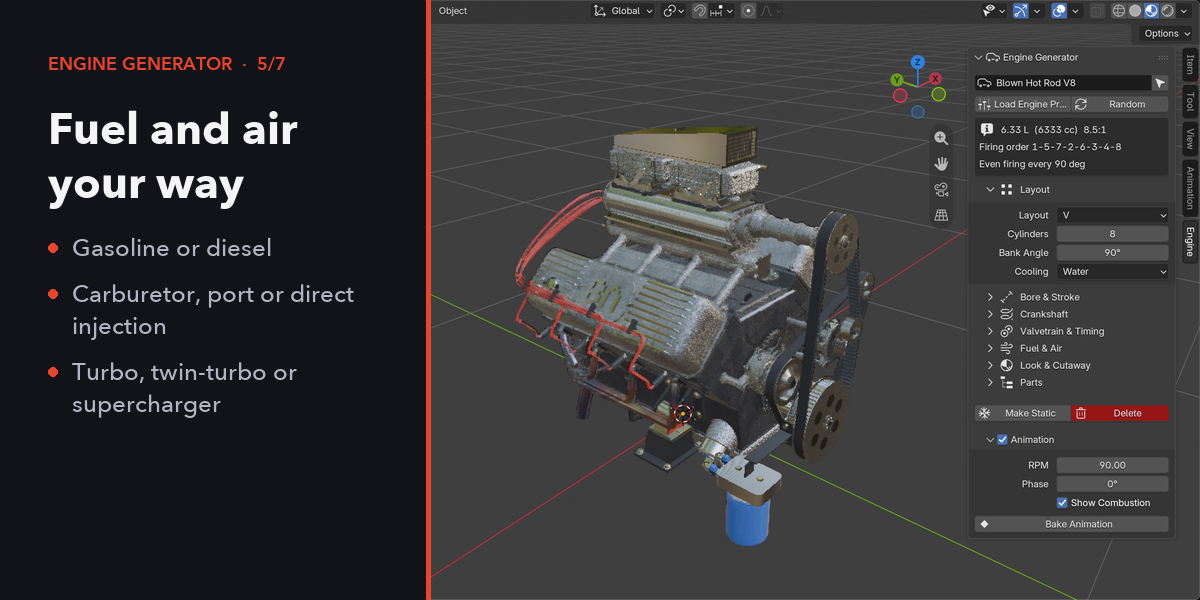
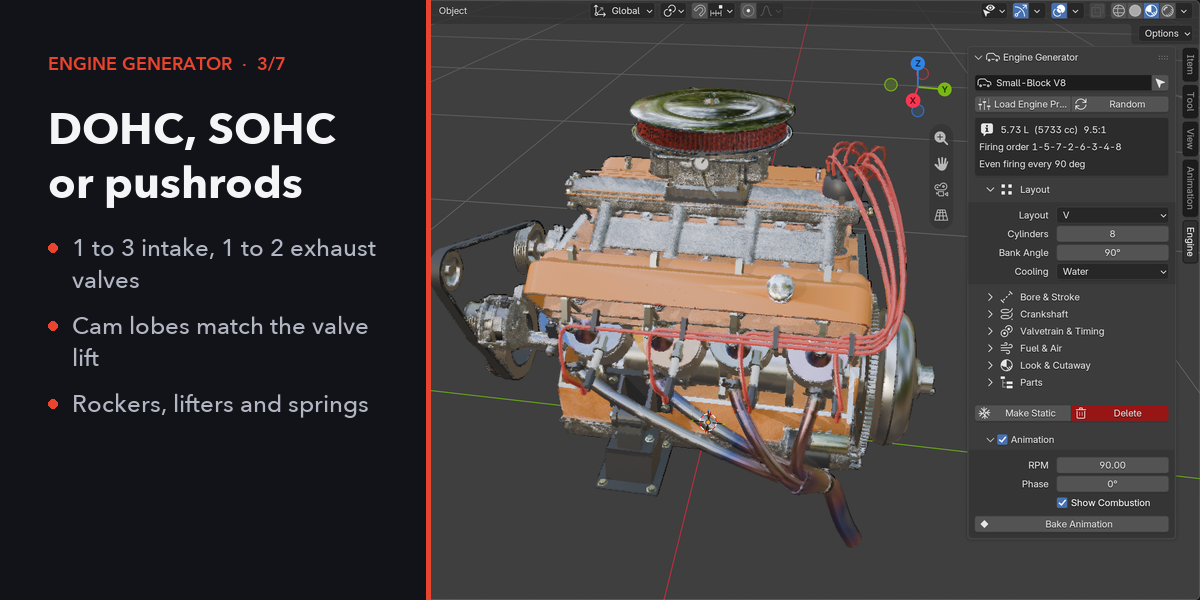
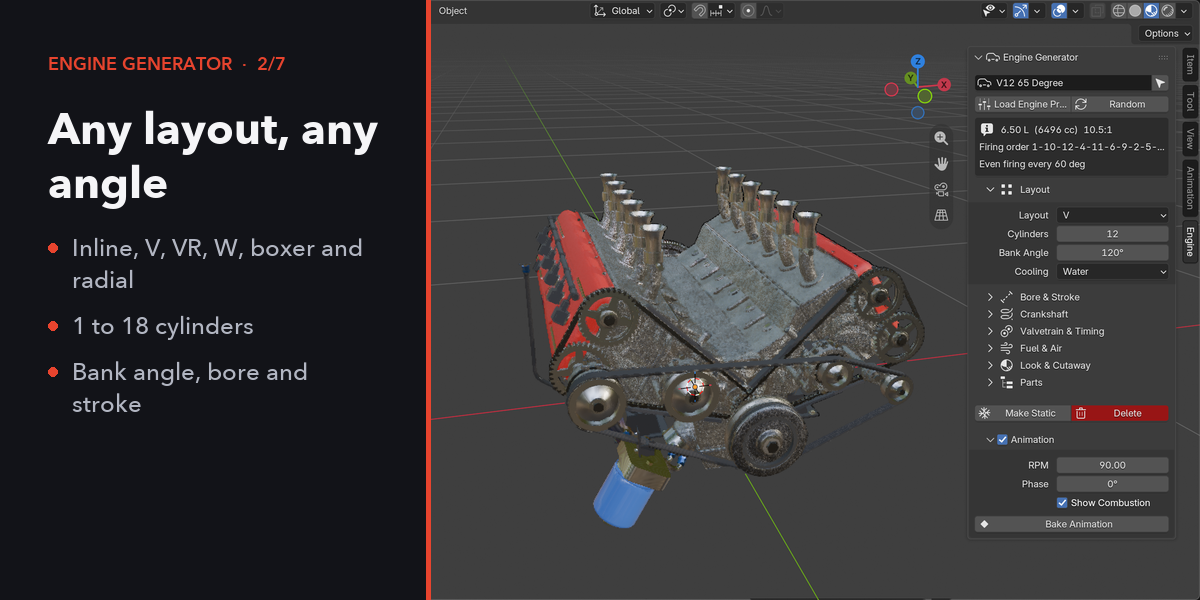
- Click Add Engine, or Add Engine Preset to start from a small-block V8, W16, radial and others. The engine appears at the 3D cursor at real-world scale.
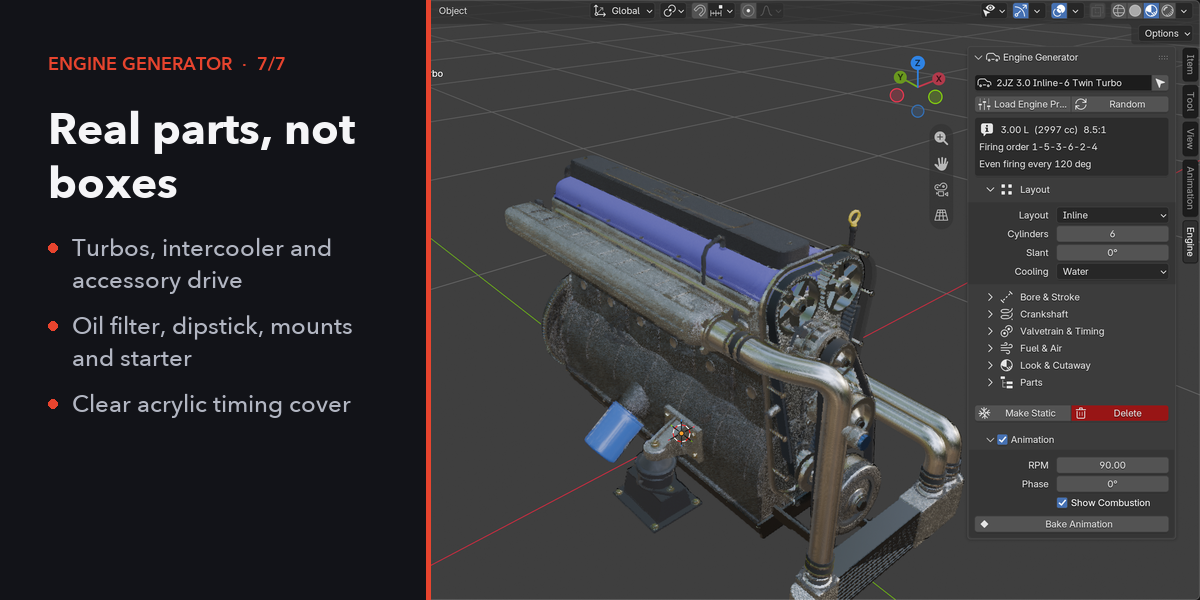
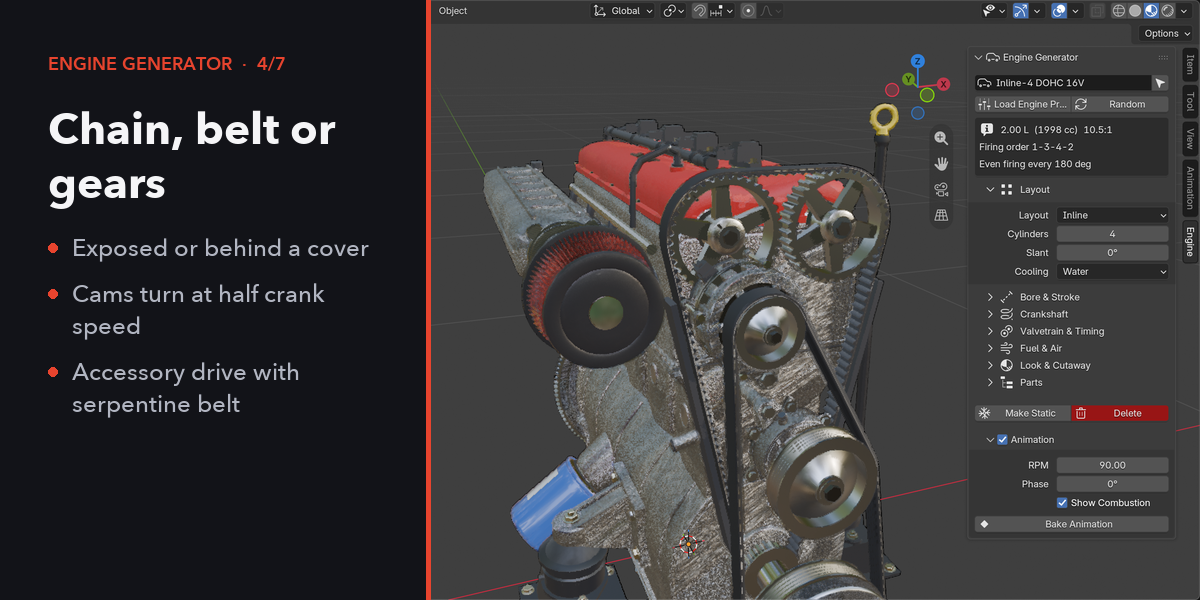
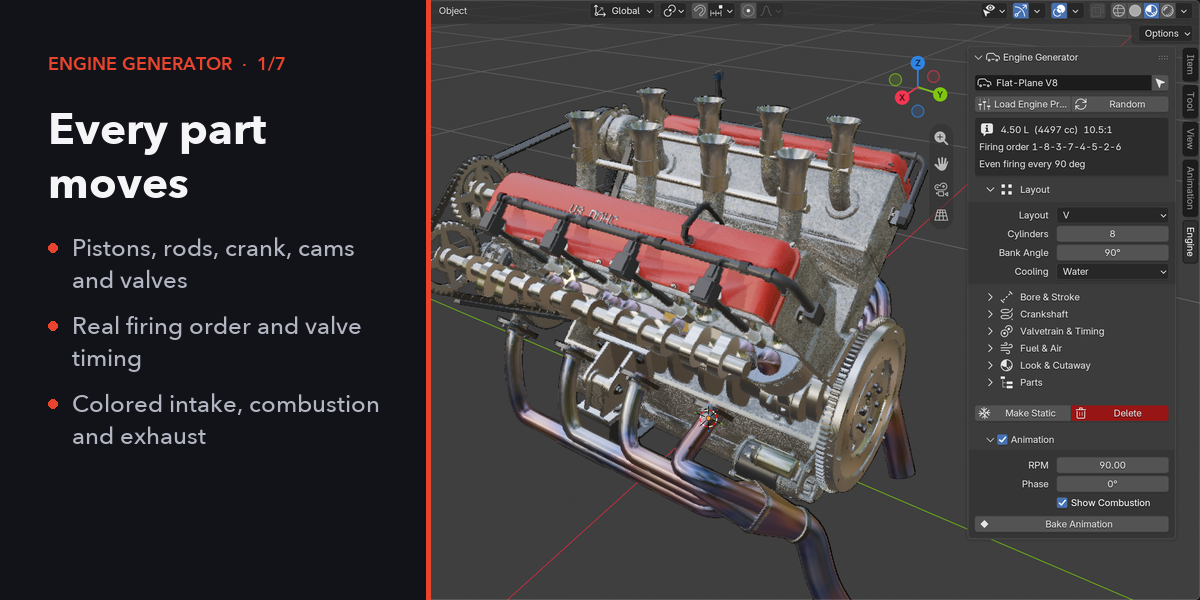
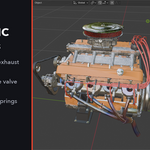
- With the engine (or any of its parts) selected, change the layout, cylinders, bank angle, bore and stroke, crankshaft, valvetrain, timing drive, fuel, aspiration and look in the sidebar. The engine rebuilds instantly.
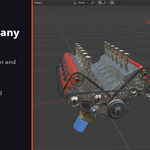
- Press Play: the crank turns at the RPM set under Animation. Turn Animate off to pose the engine by hand with Crank Angle.
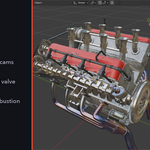
- Set Cutaway to Side or Front to open the engine and watch the combustion cycle.
- Bake Animation writes keyframes for export. Make Static keeps the parts as plain objects.
$19
Have questions about this product?
Login to message
| Blender Extension Compatible | Yes |
| Published | about 3 hours ago |
| Blender Version | 4.2 - 5.2 |
| Extension Type | Add-on |
| Render Engine Used | Cycles, Eevee |
| License | GPL |

Discover more products like this
procedural animation mechanical Pistons engine vehicle car automotive cutaway Generator V8 motor