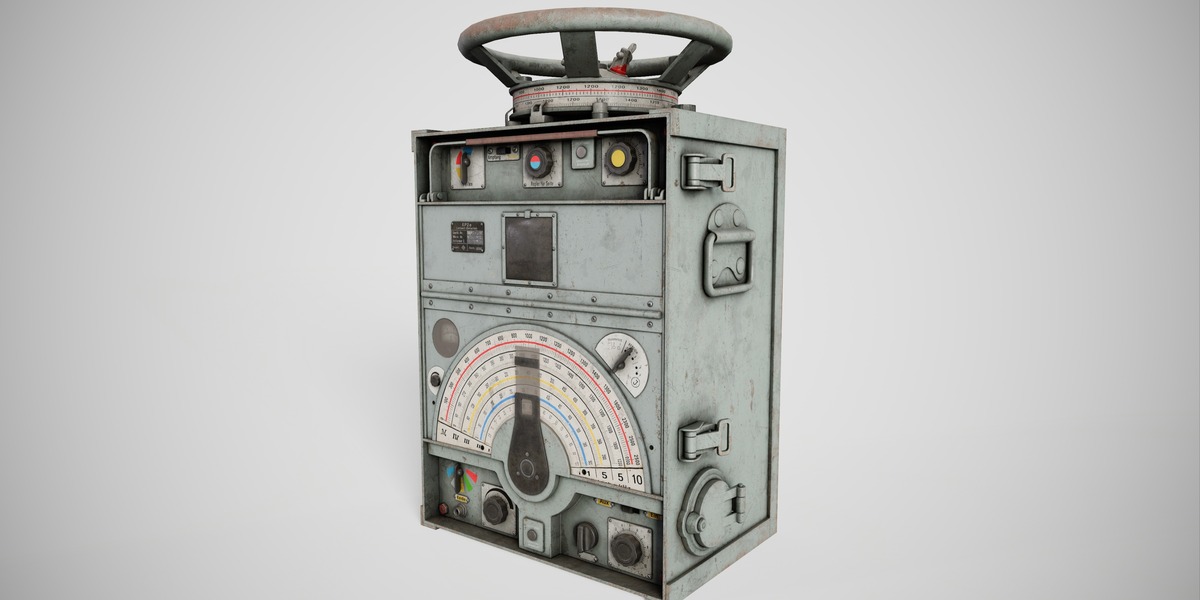
Ep-2 - Military Radio
 3DAddicts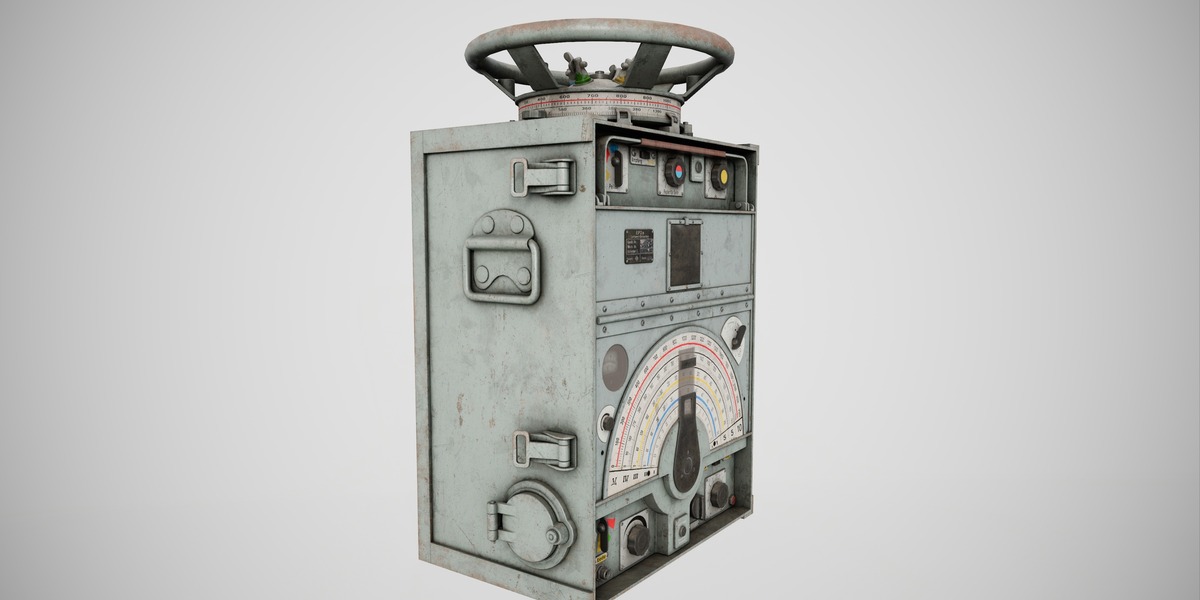
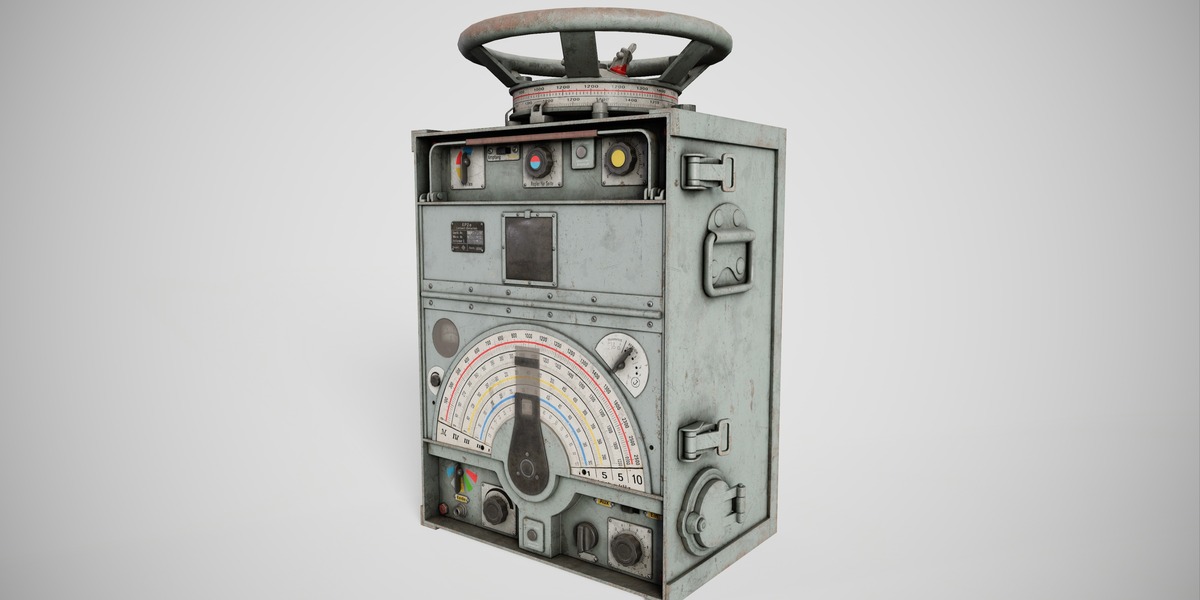
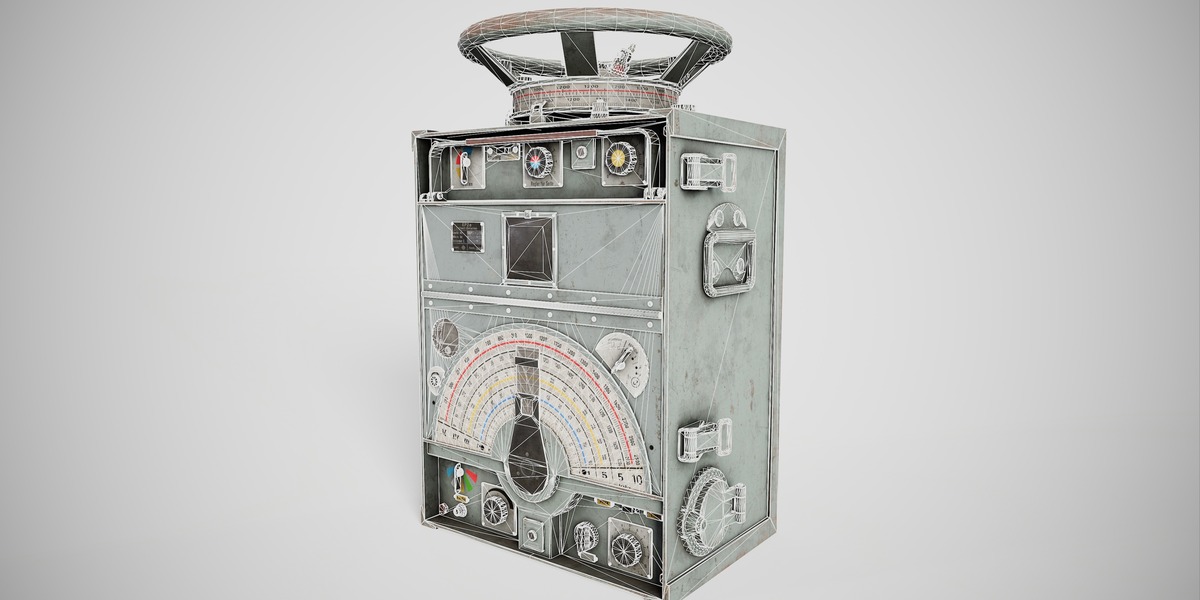
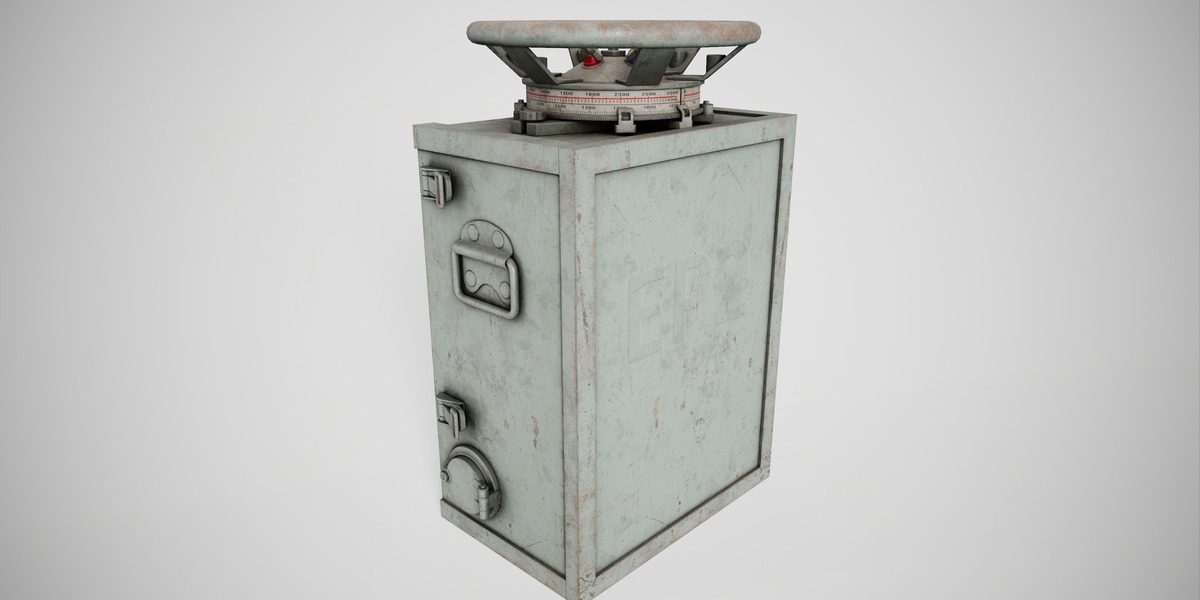
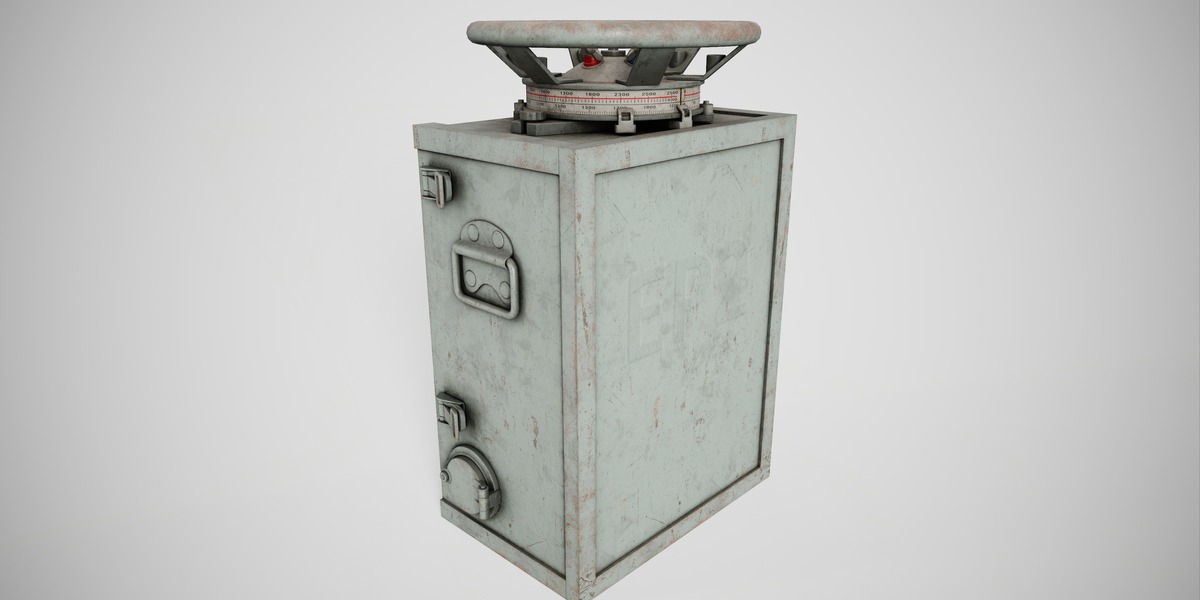
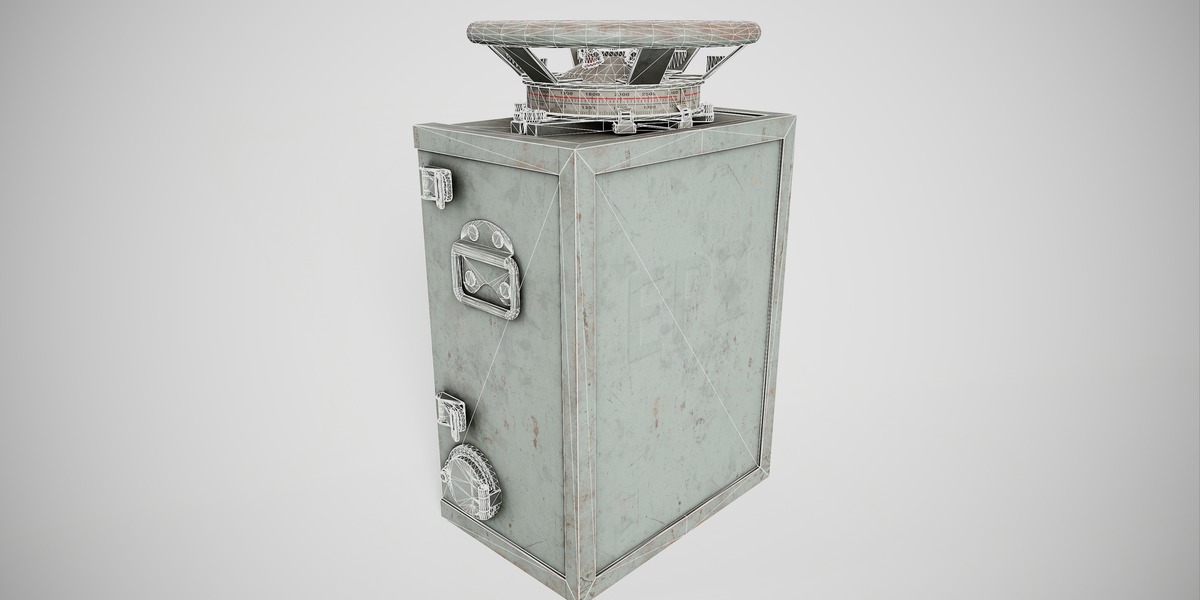
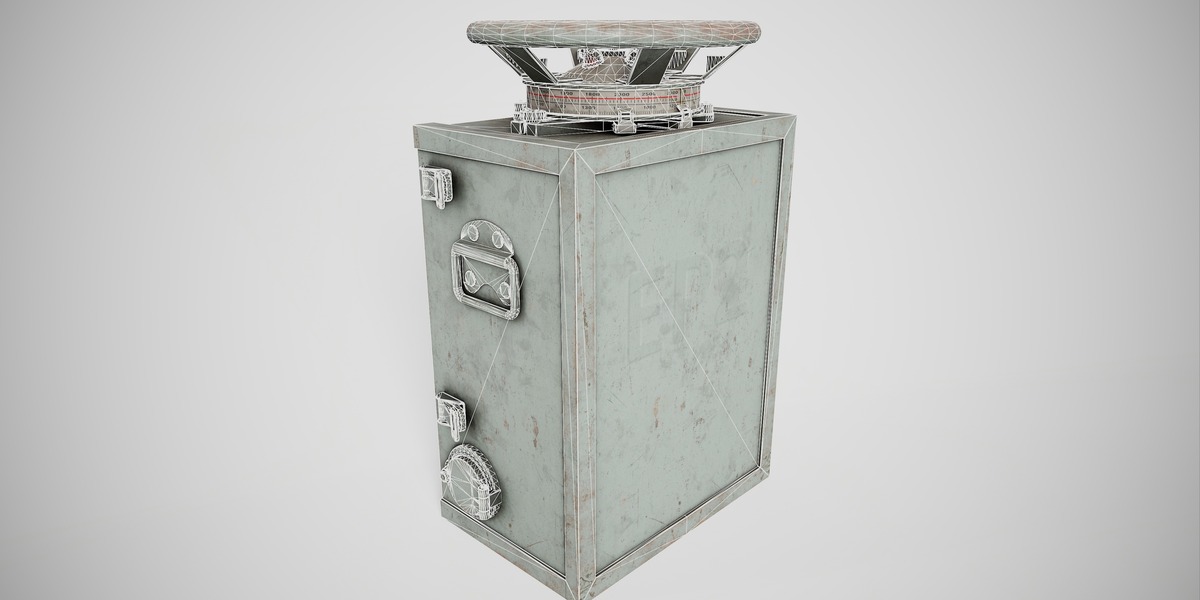
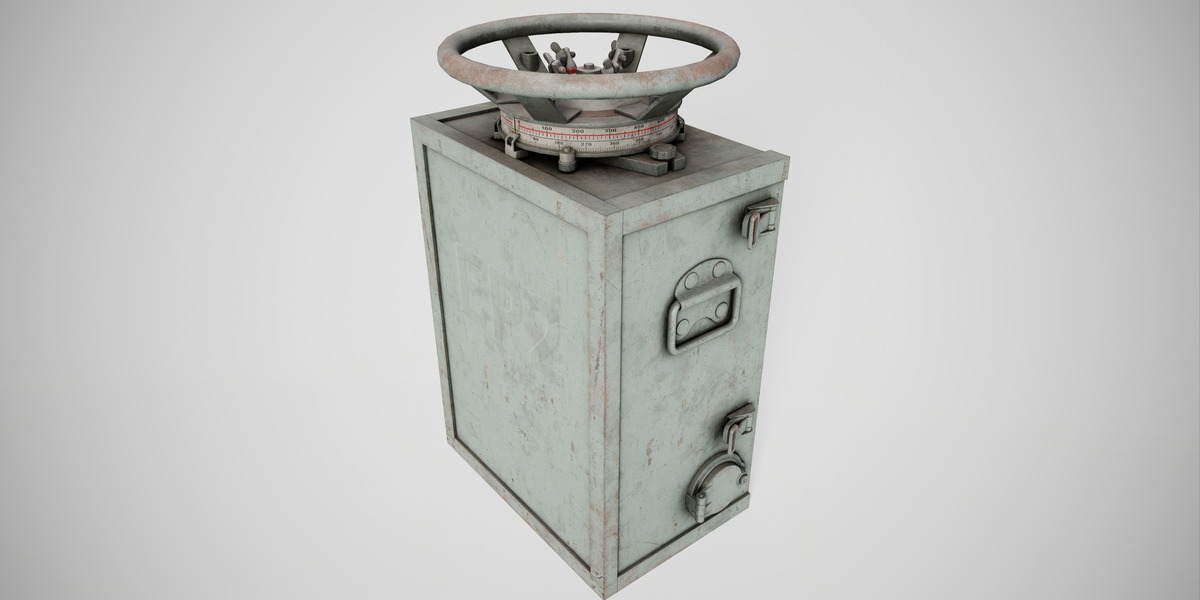
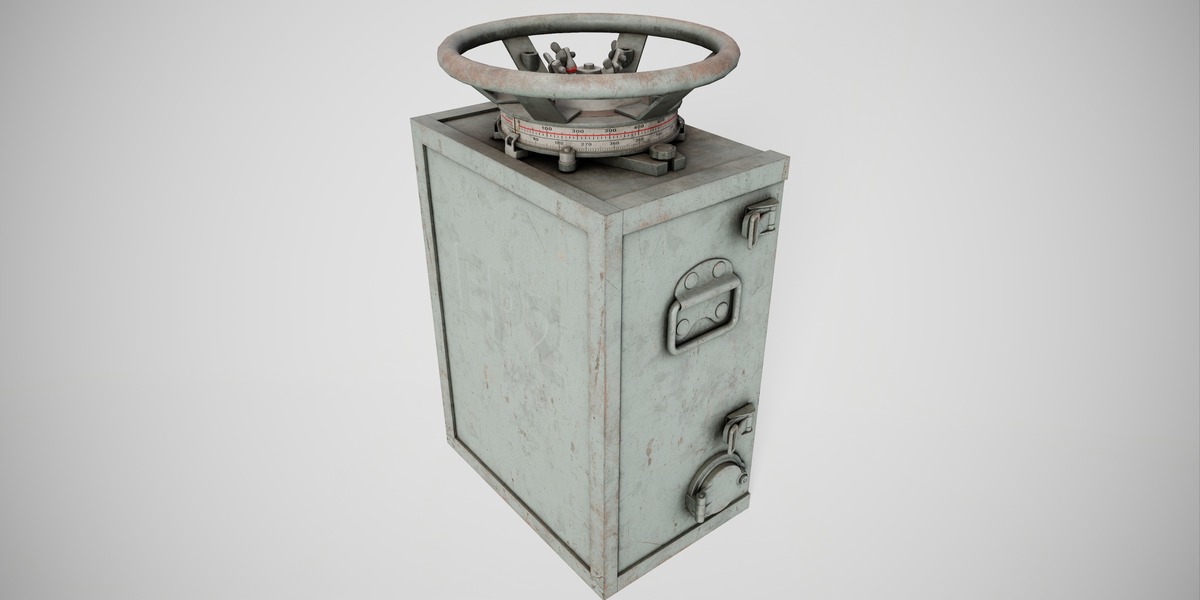
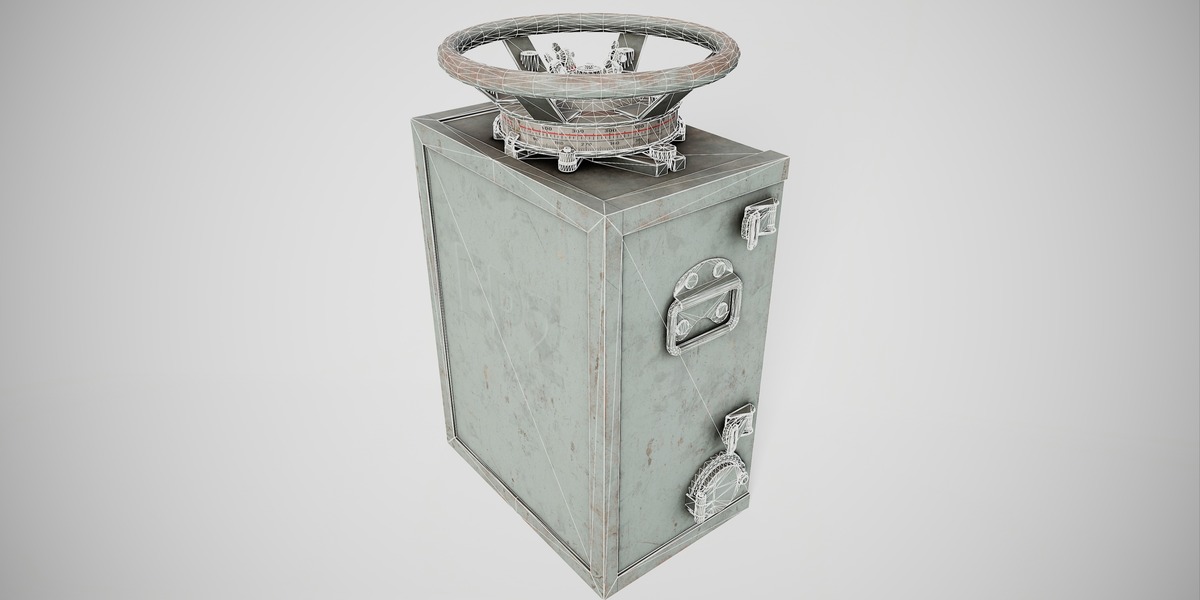
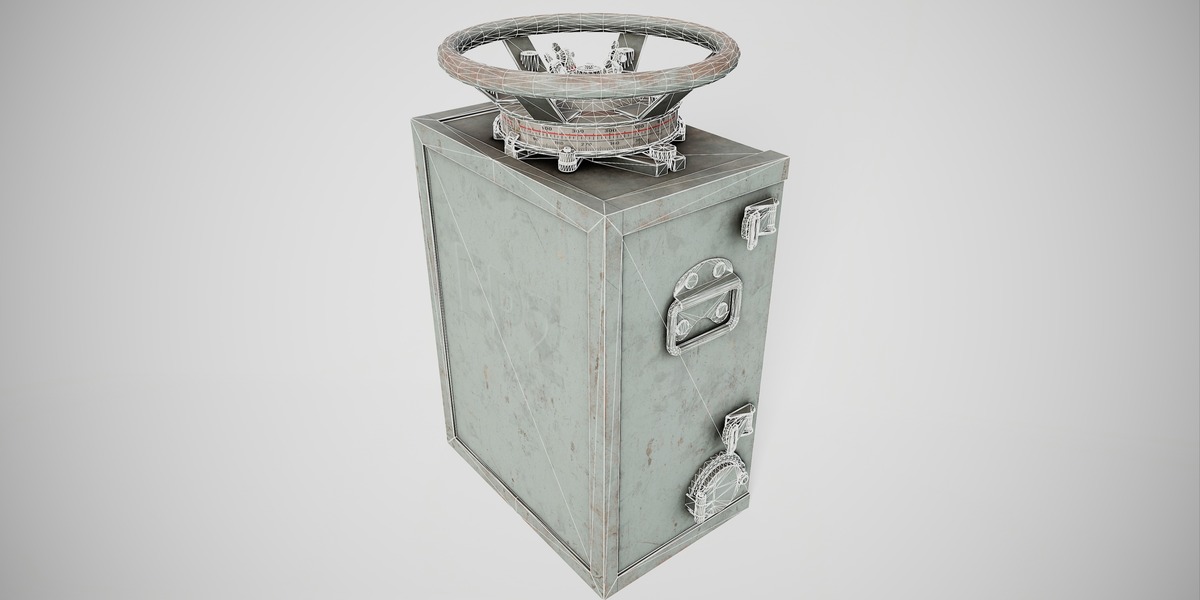
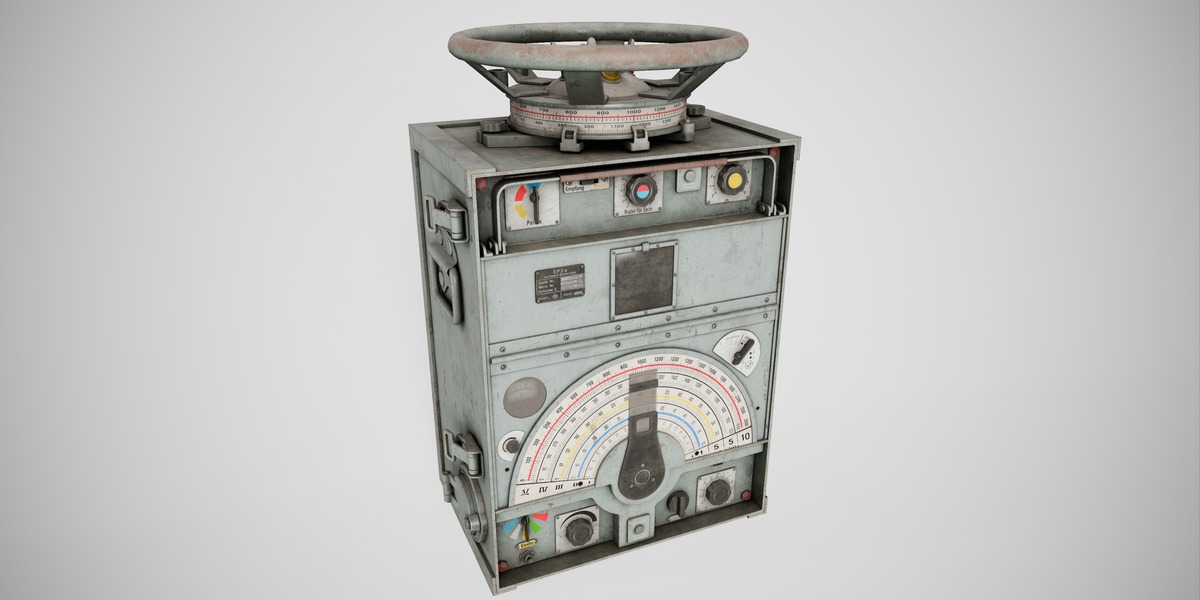
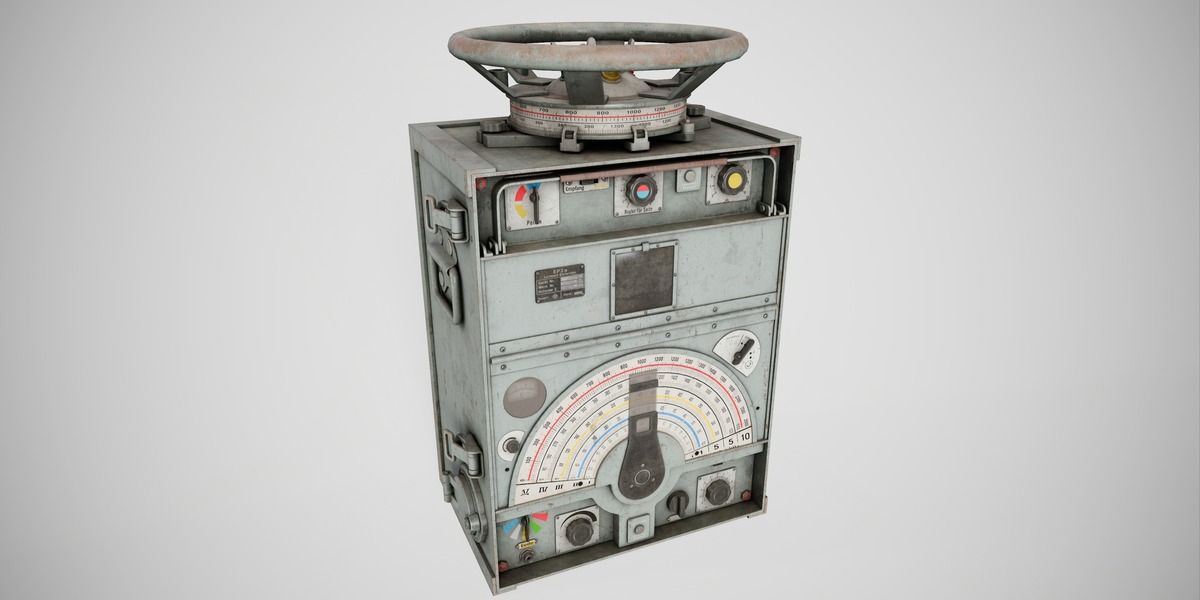
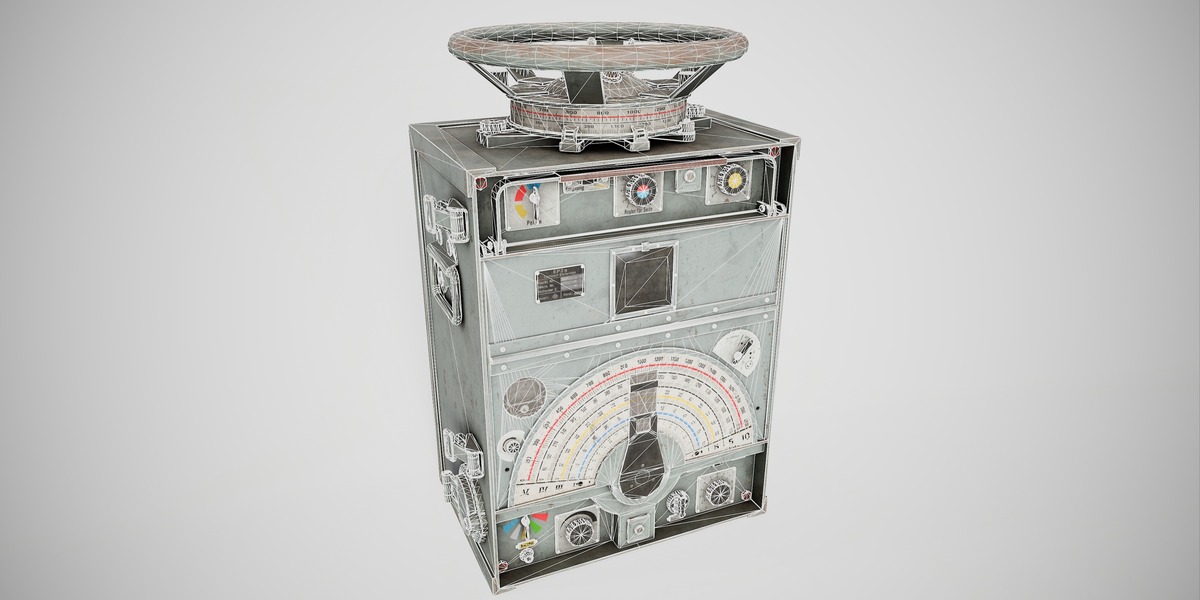
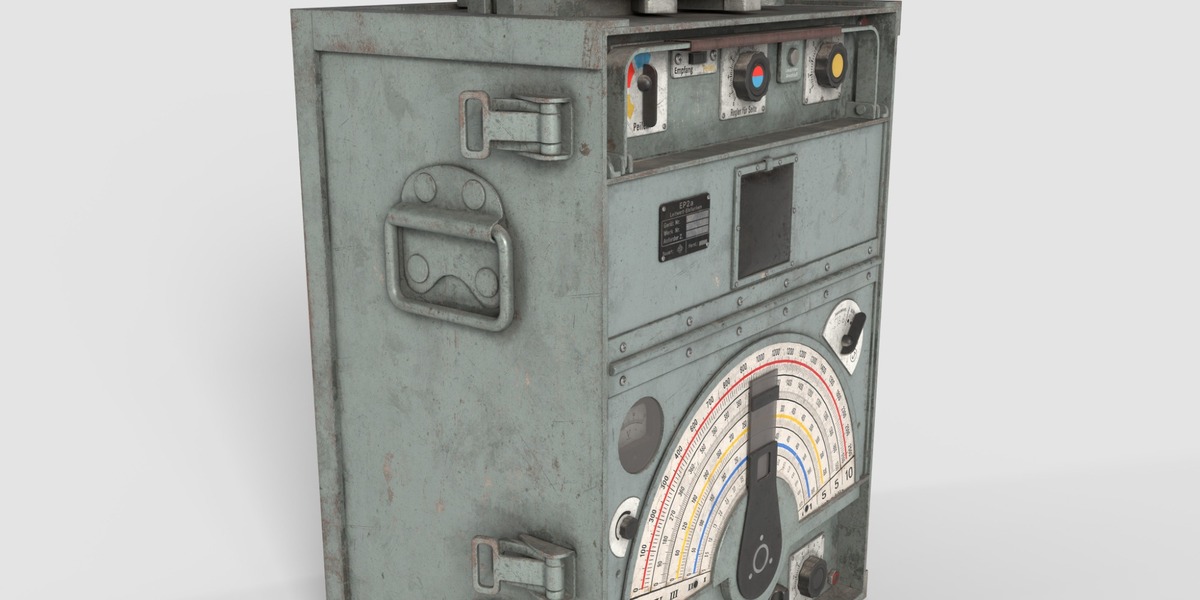
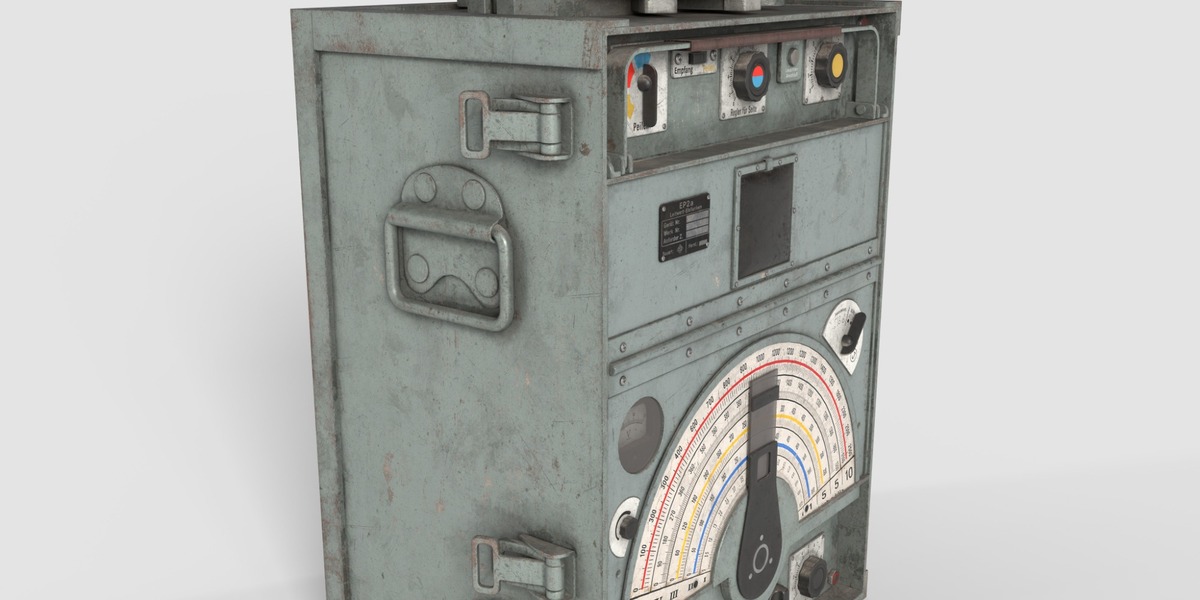
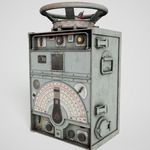
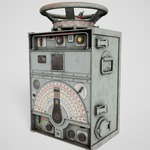
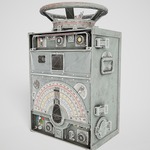
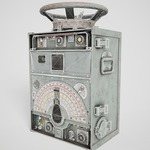
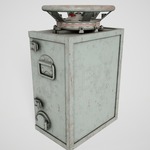
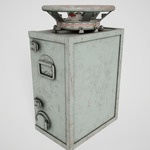
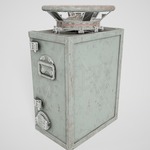
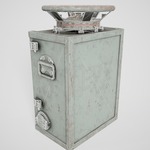
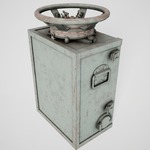
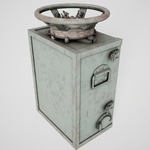
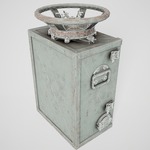
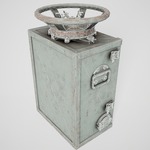
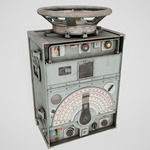
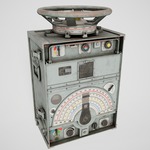
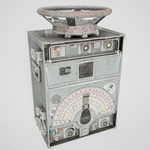
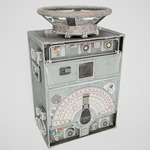
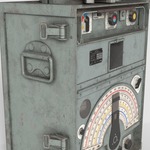
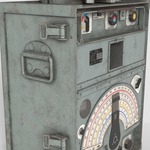
EP-2 - Military Radio - Documentation
Getting Started
1. Download and extract Ep-2.zip.
2. Open the included Blender file with Blender 5.1 or a compatible newer version.
3. Use the included FBX or OBJ exchange files when importing the model into another DCC application or game engine.
4. Keep the texture folders beside the model files so material paths can be resolved correctly.
Package Contents
- Main product archive: Ep-2.zip
- Blender source file
- FBX and OBJ exchange files
- PBR materials and texture maps
Technical Information
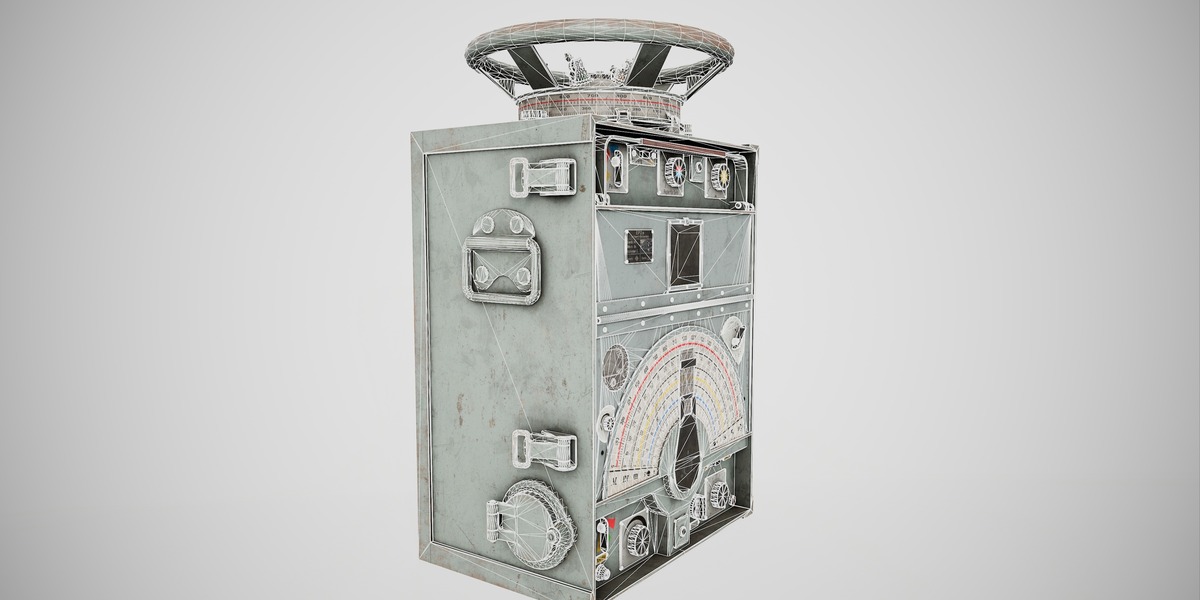
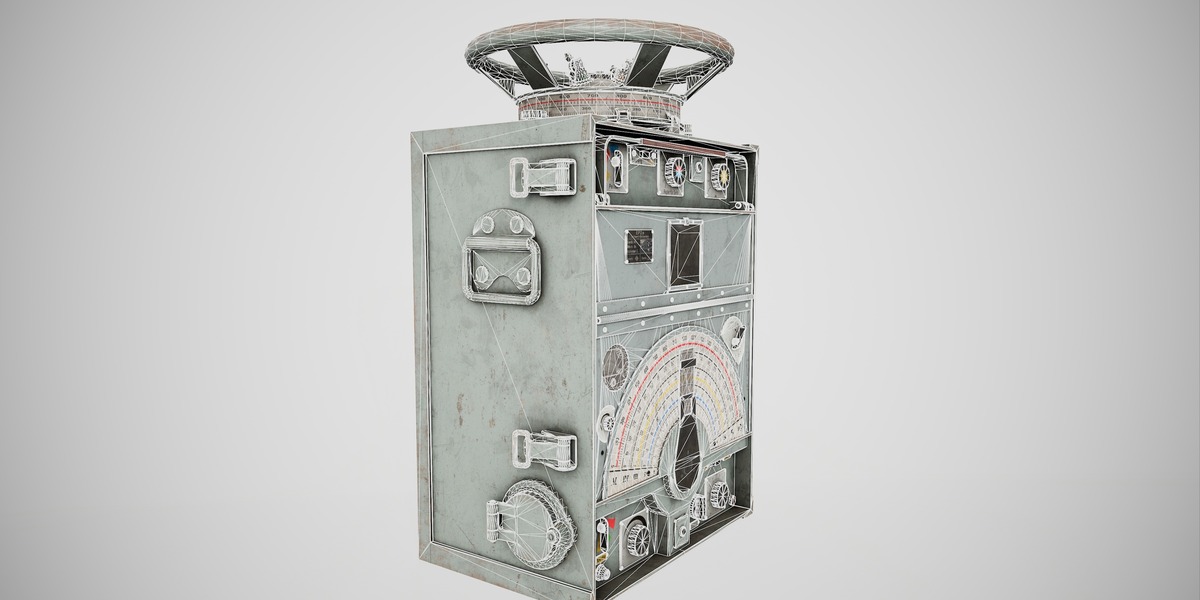
- Geometry: polygon_mesh
- Polygons: 39,938
- Vertices: 39,938
- Blender compatibility: 5.1
- Render engine: Cycles
- UVs: Unwrapped with a non-overlapping layout
- Materials: Included
- PBR texture maps: Included
Usage Notes
- The preview images demonstrate the asset and are not required at runtime.
- Review material paths after moving files to a different folder or project.
- Final publishing and license terms are governed by the marketplace license selected for this product.
$29.99
Have questions about this product?
Login to message
| Published | about 4 hours ago |
| Blender Version | 5.1 |
| Render Engine Used | Cycles |
| Misc Data | Uvs-Unwrapped, Normal-Mapped, Textured |
| License | Royalty Free |