 tuanlinhtinh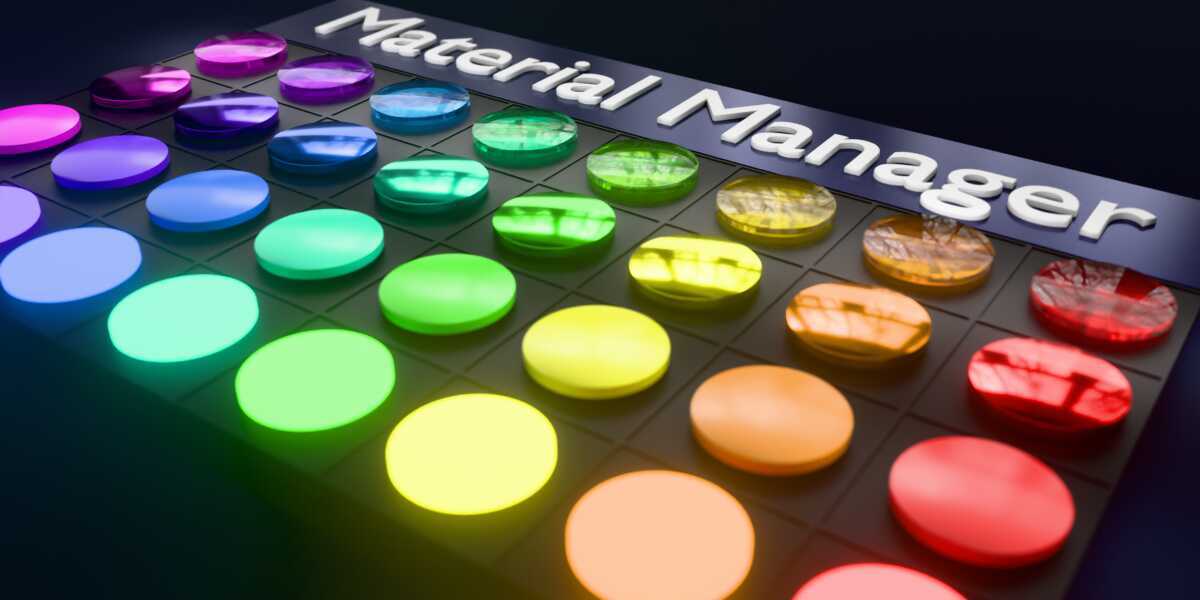
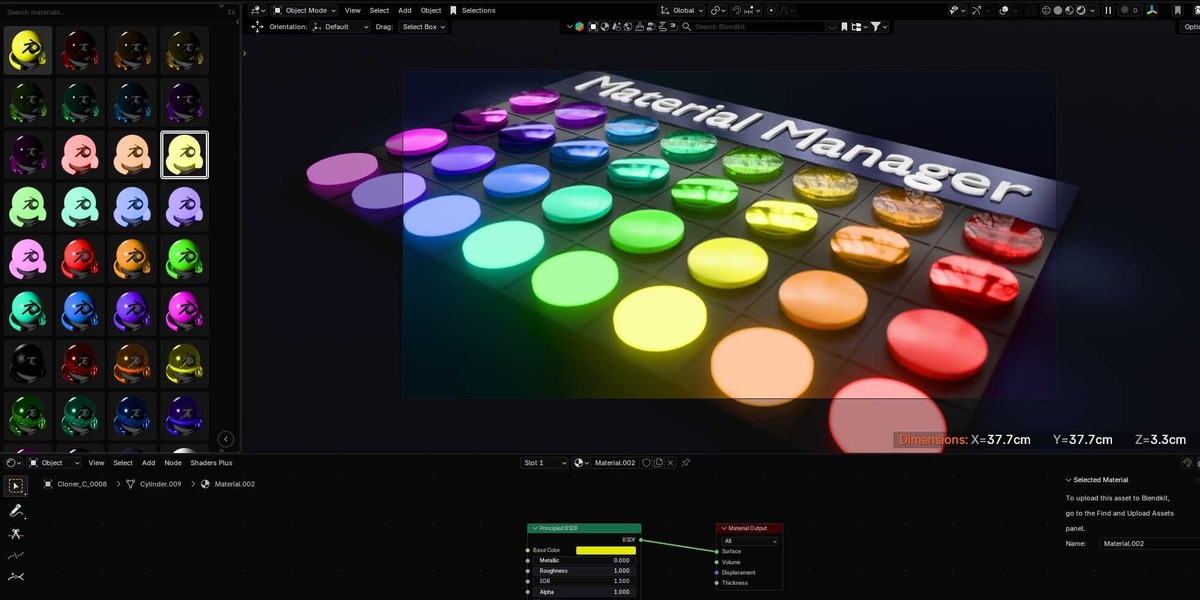


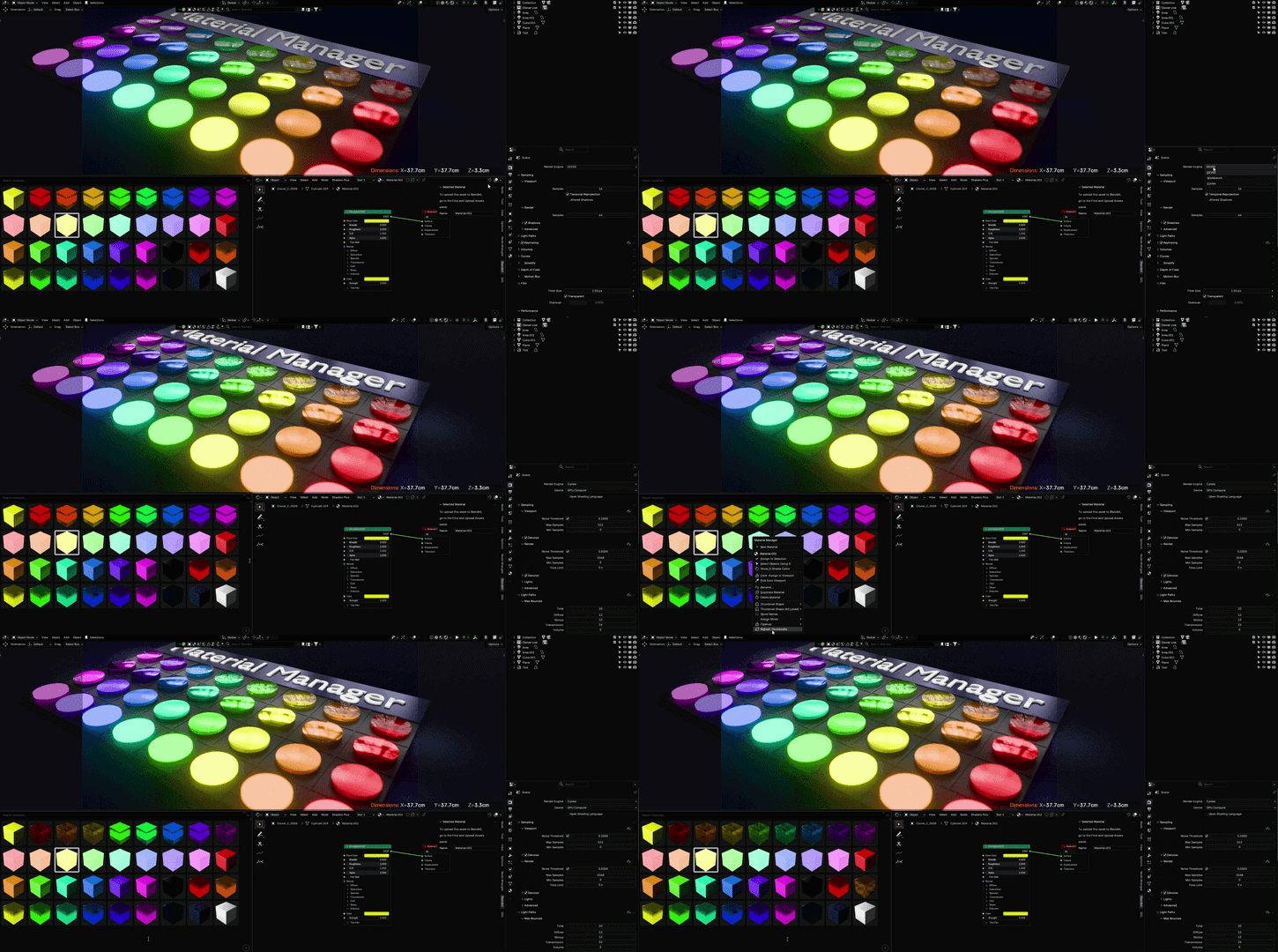
Since I used Blender for the first time, I'm confused about its materials management. Unlike 3dsmax or Cinema 4D, it doesn't have a proper panel to manage all materials in the scene.
After a lot of testing, I now introduce the ES Material Manager. 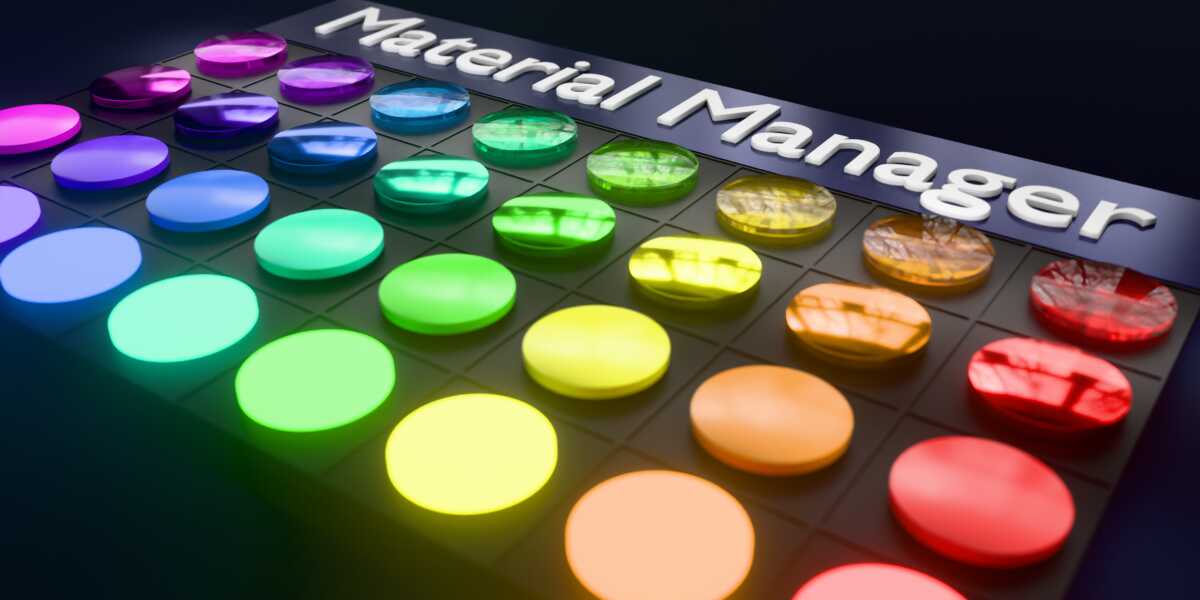
This is a familiar panel for those who are used to working with. It shows all materials that are being used in the scene.
Unlike other add-ons, this add-on can be used in a separate editor area, not a sidebar tab. So you can place it anywhere you want.
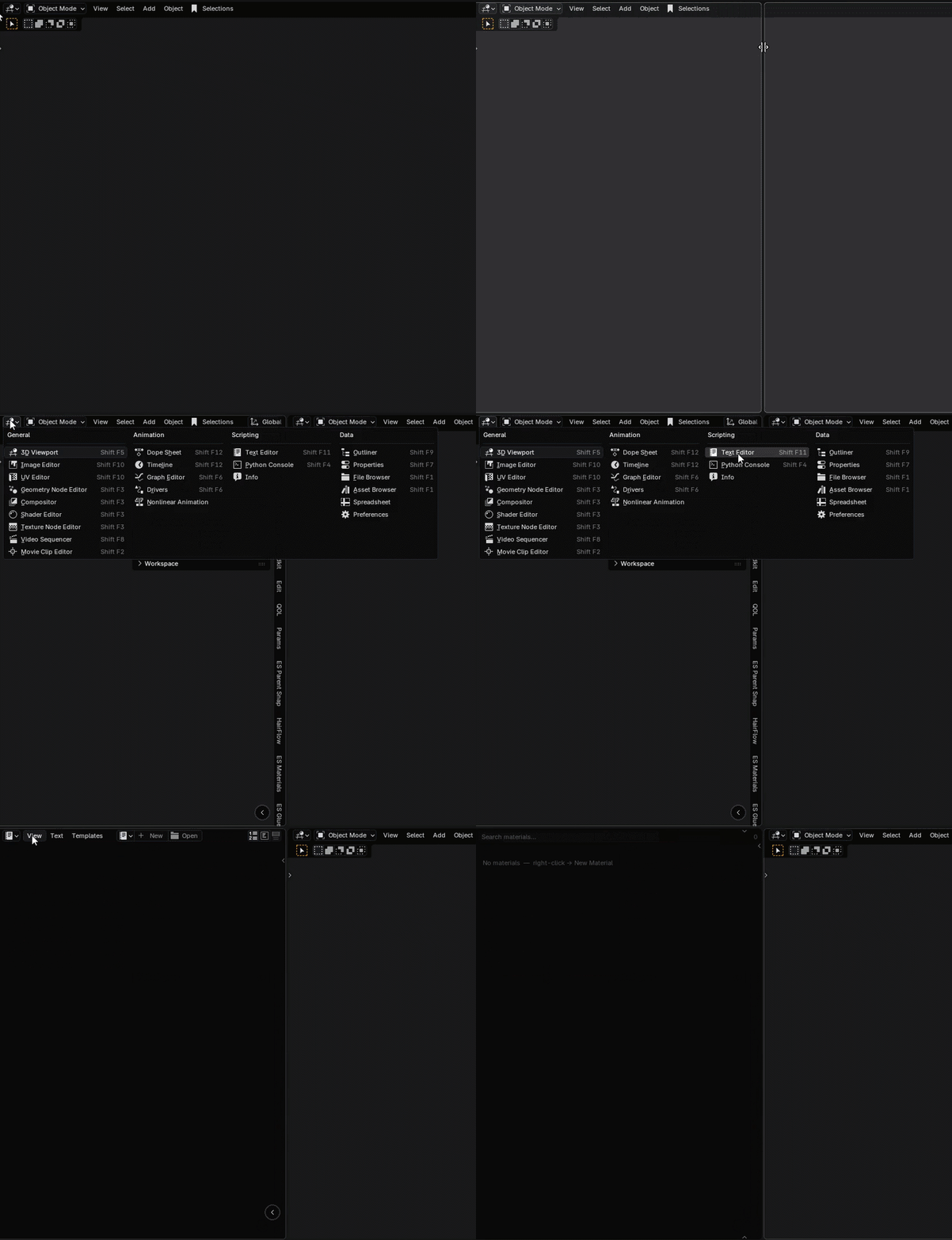
1. Create a new text editor, then select View -> Use as Material Manager
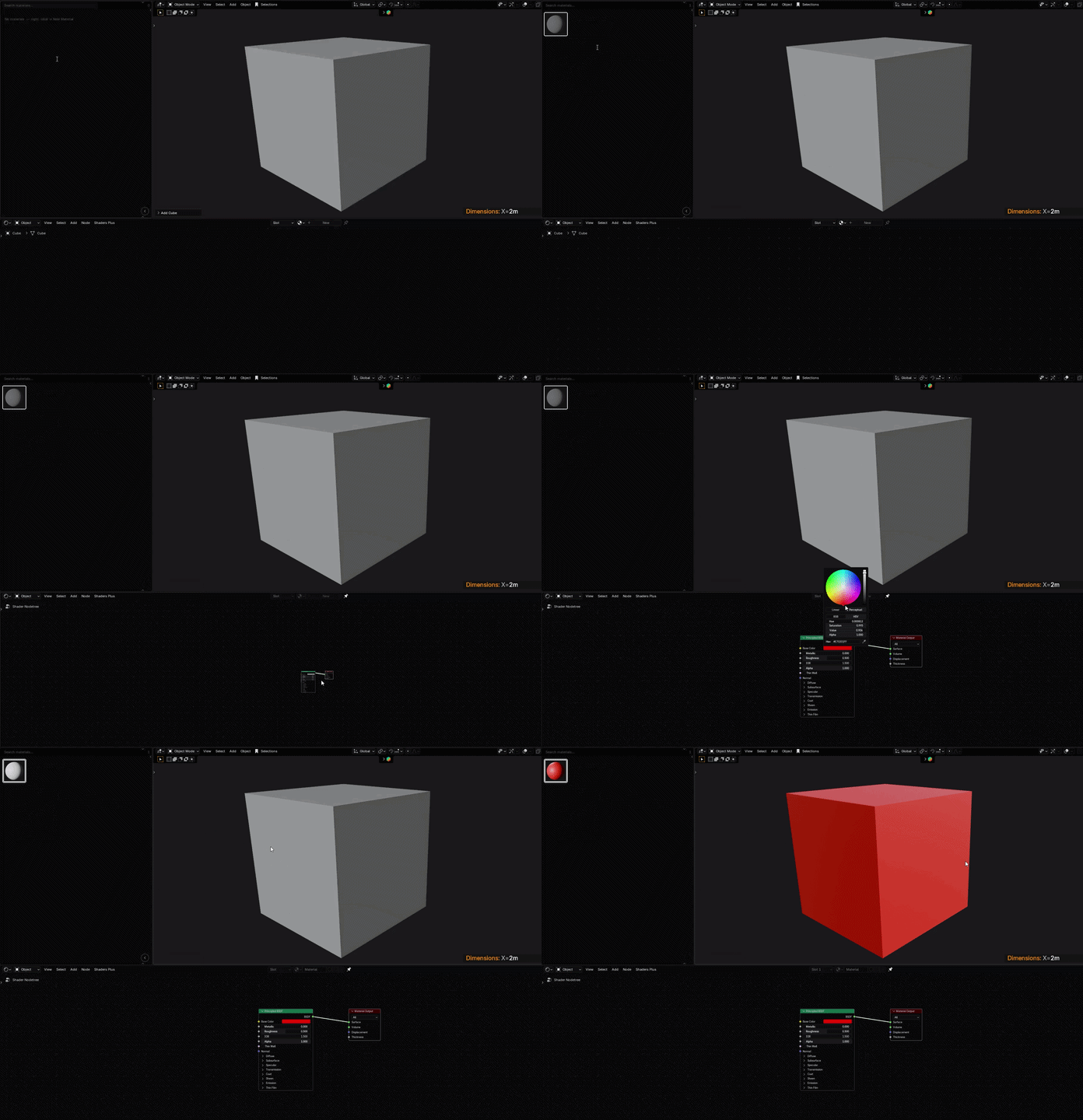
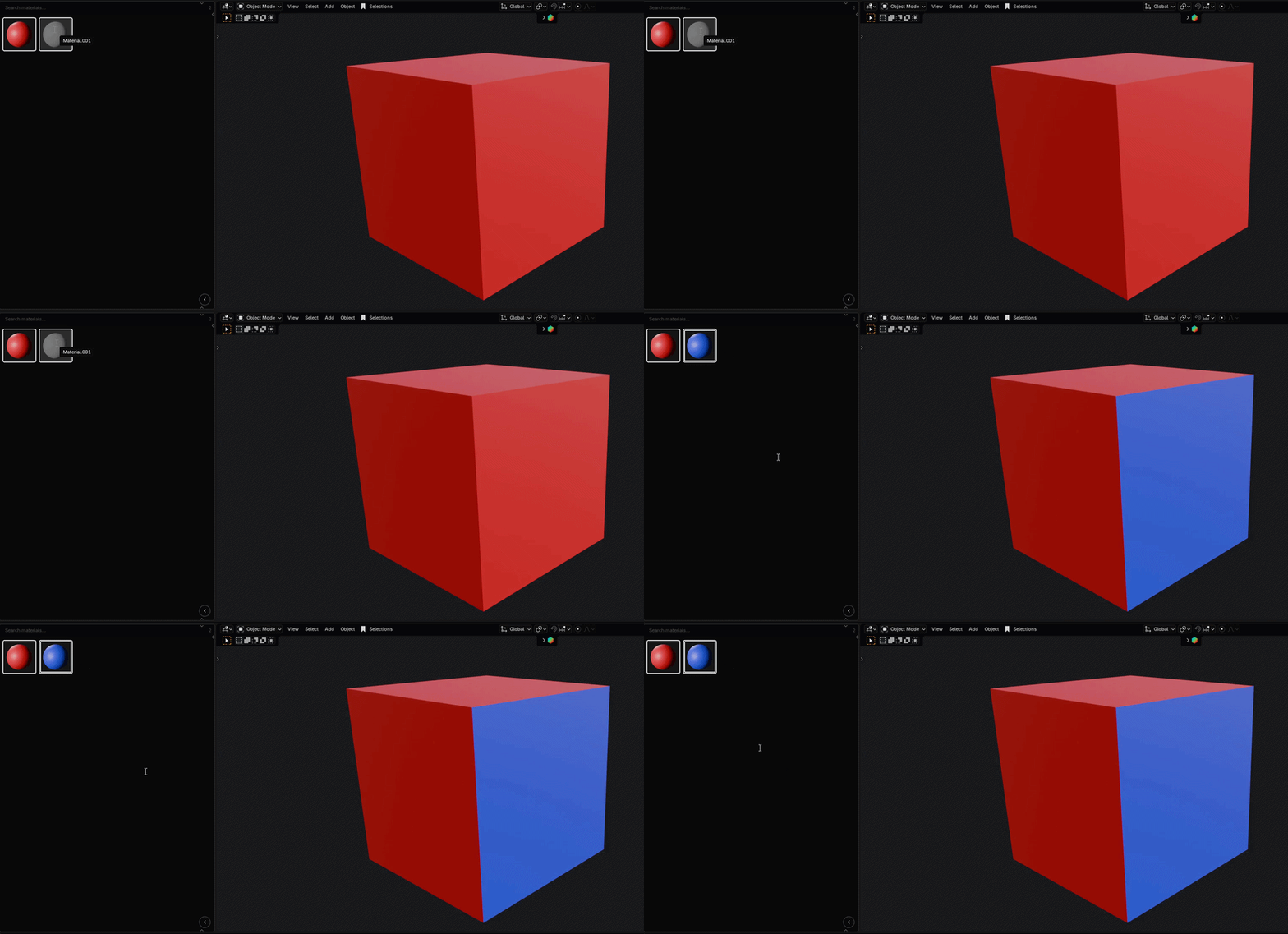
2. Create New Material. Drag and Drop directly onto the object
3. Hold Alt when dragging to apply material onto a single face
4. Option to show Material's name
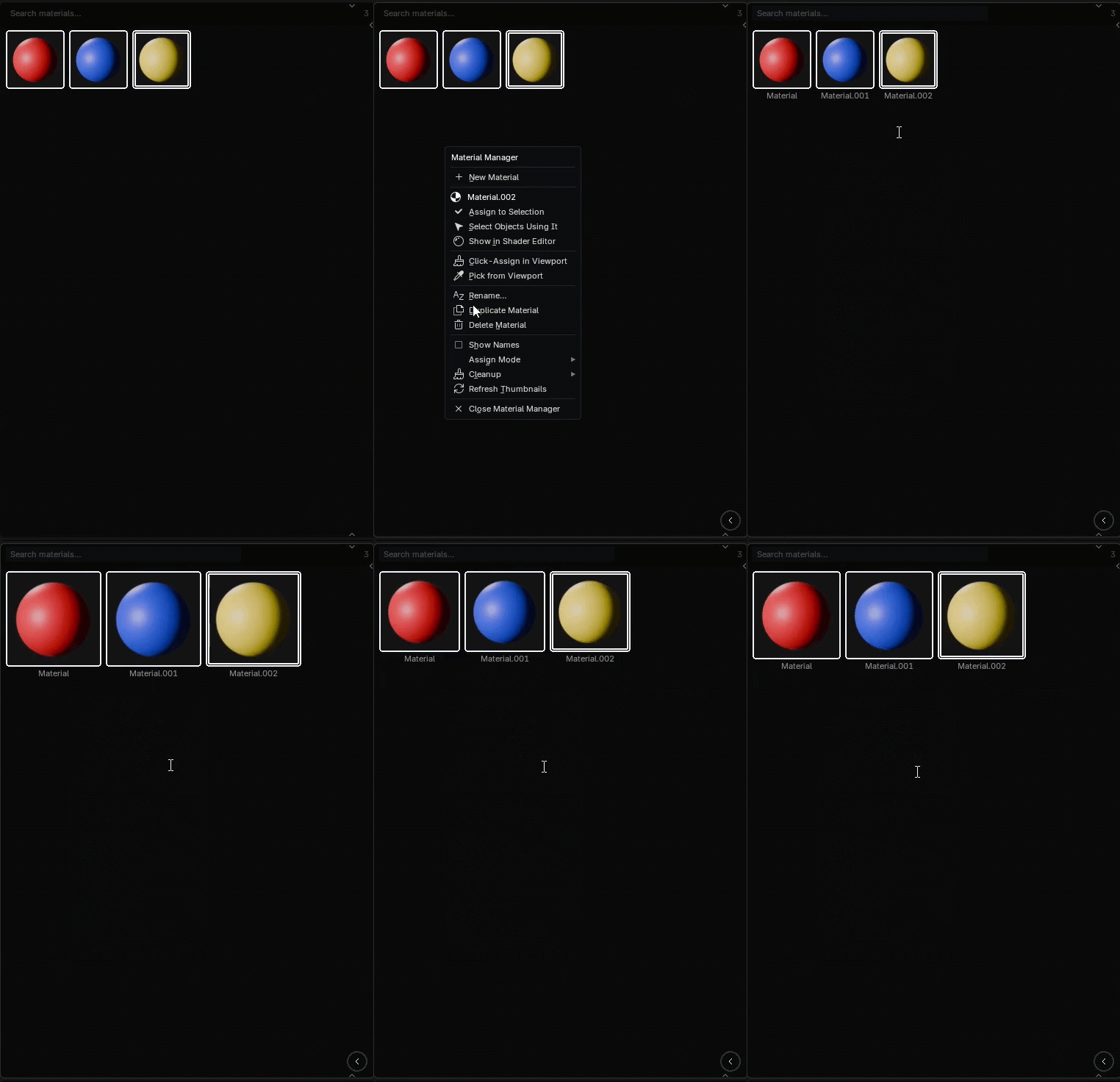
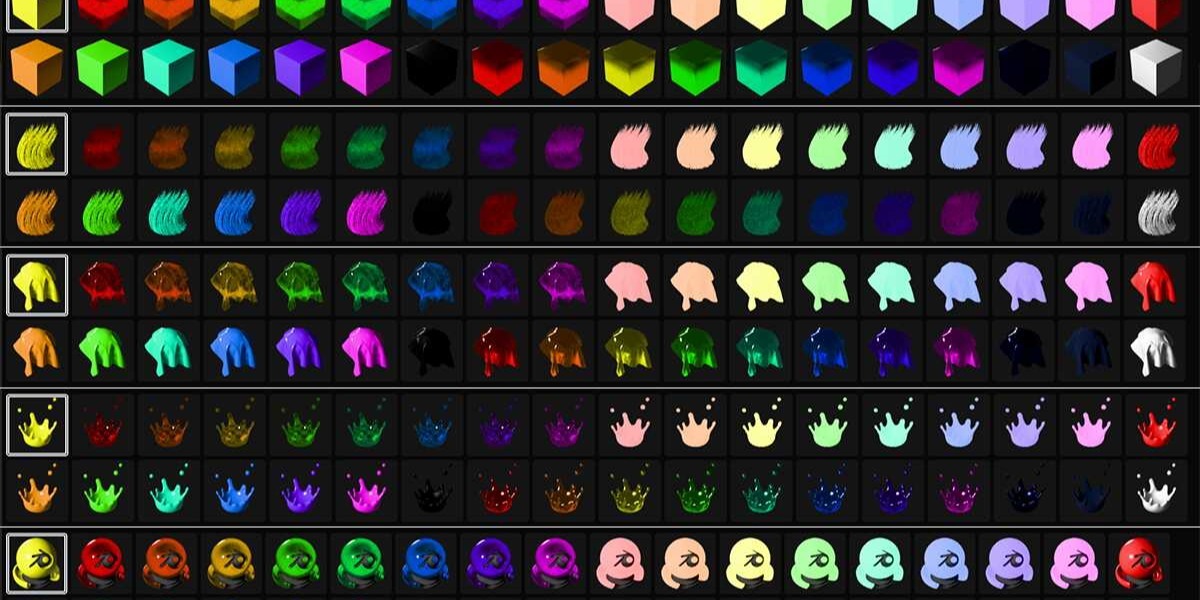
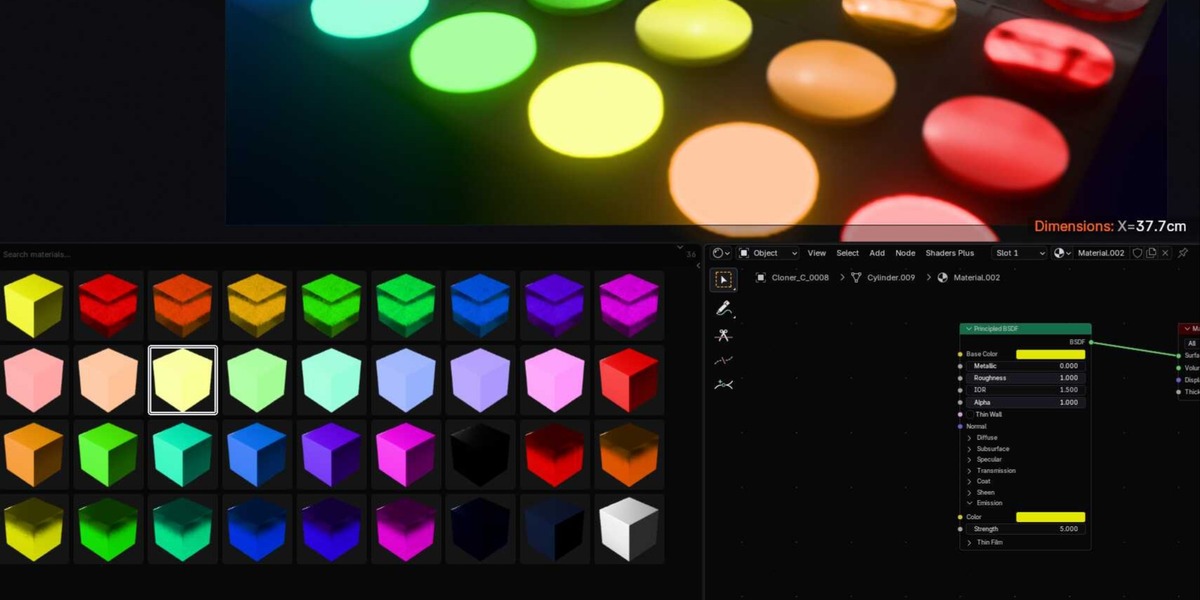
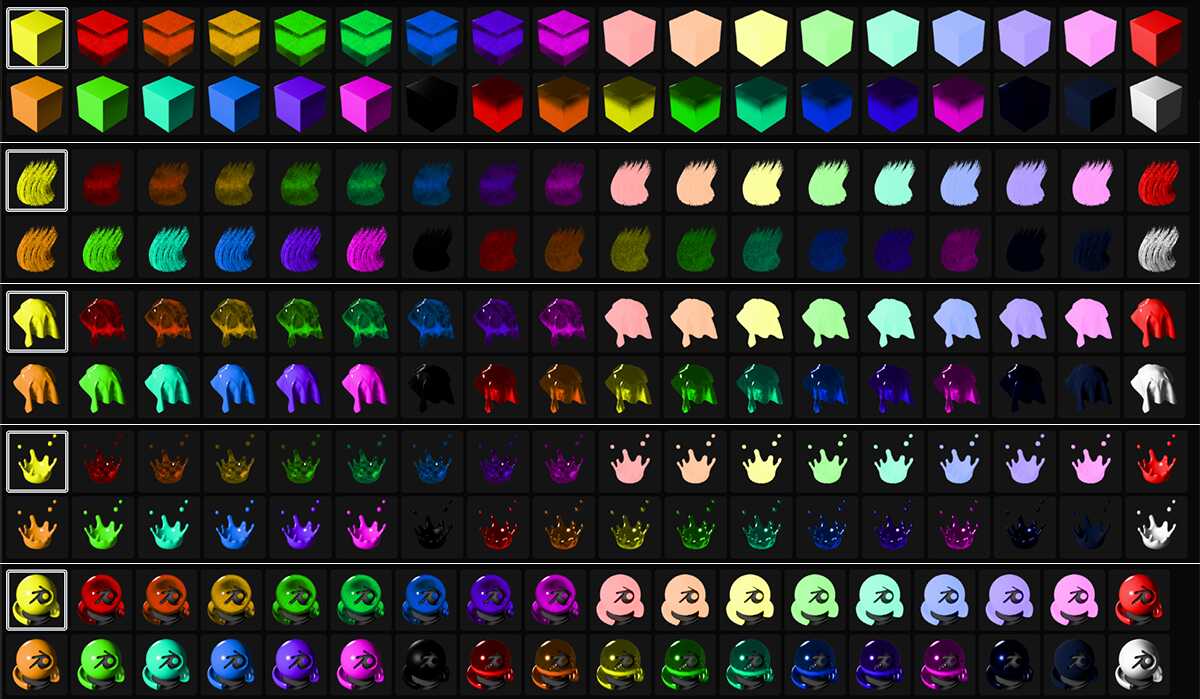
5. Change the preview to different shapes
6. Place the panel anywhere you want. Just create a text editor area
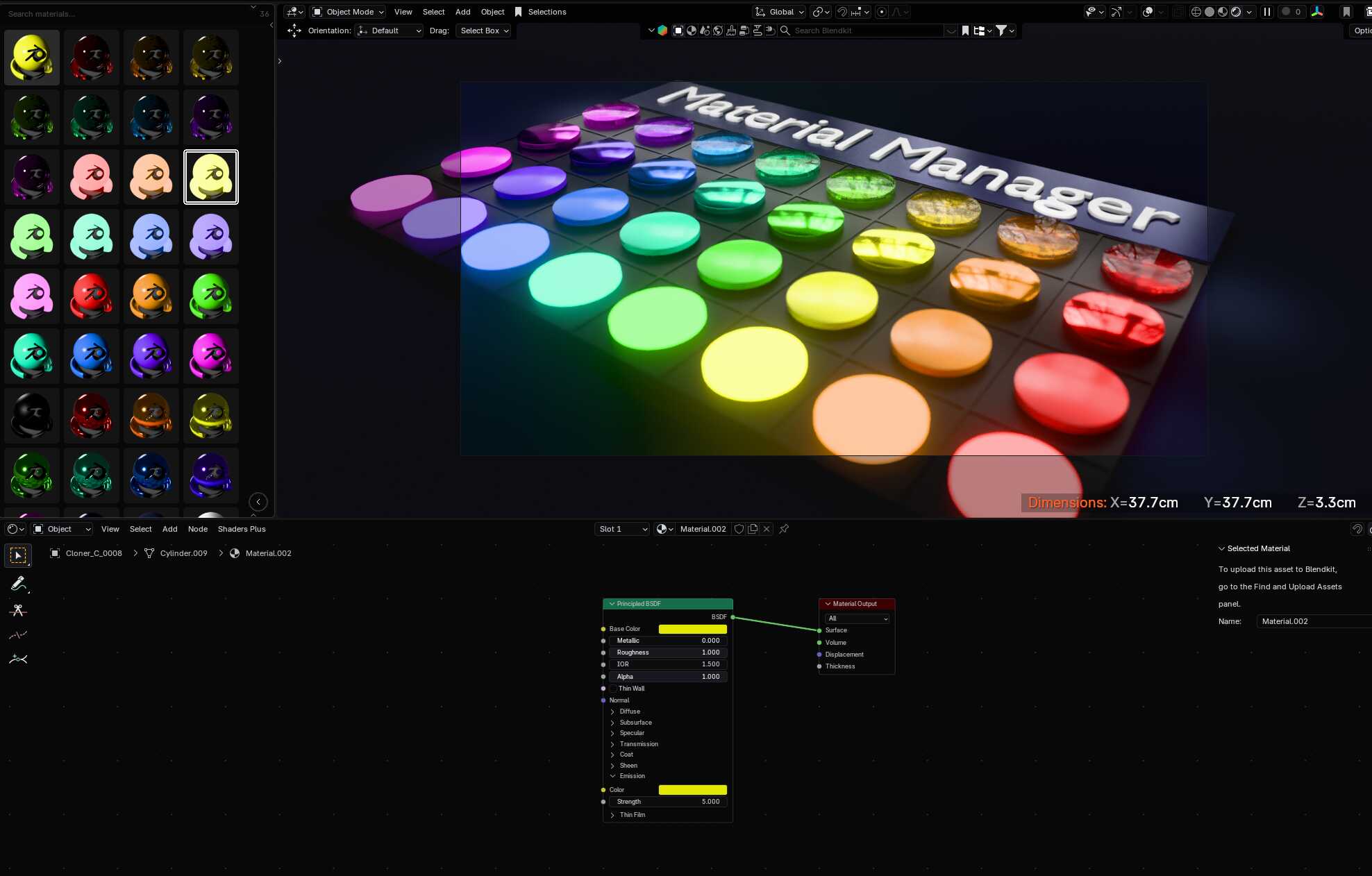
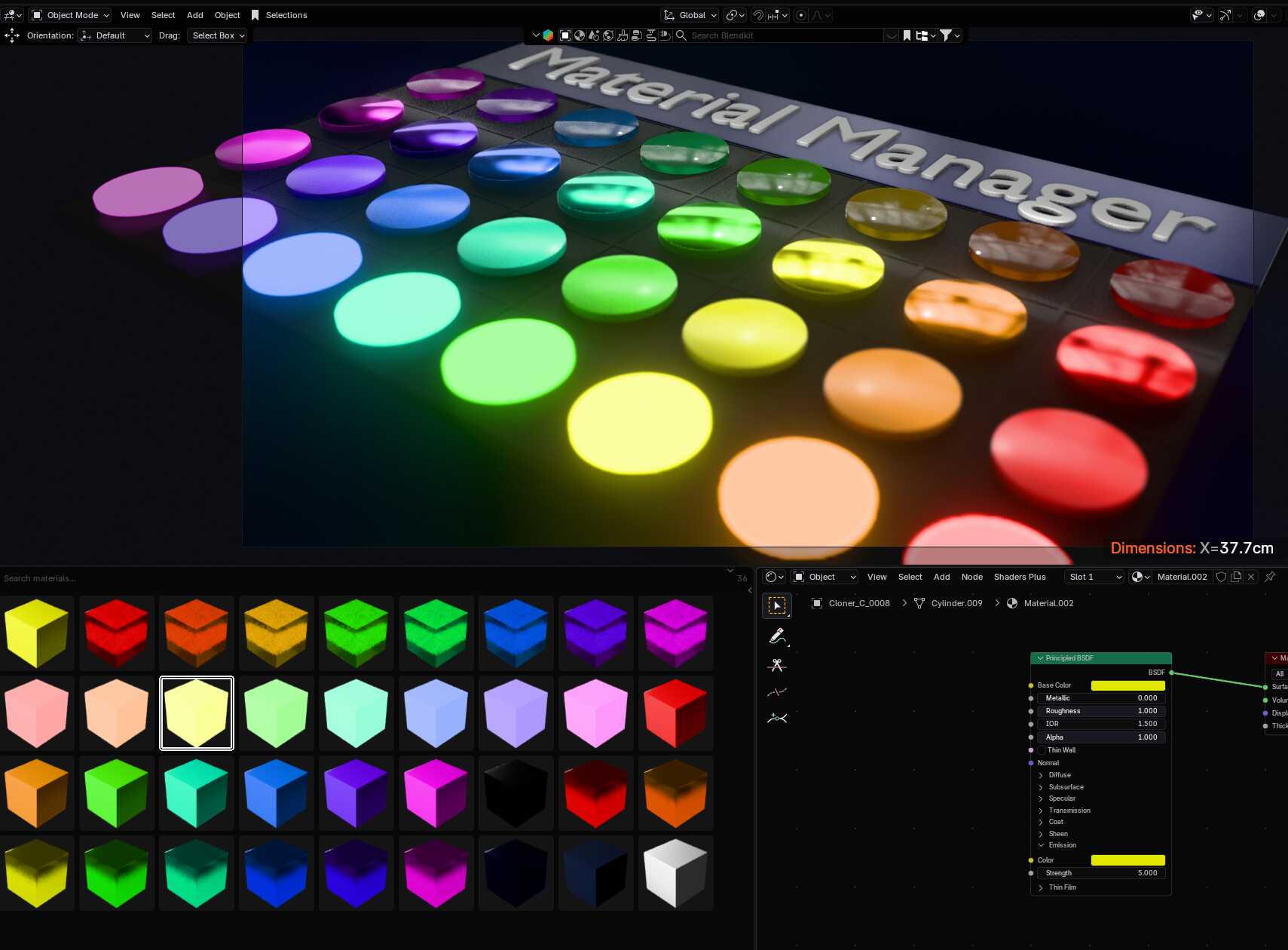
7. The Material previews correspond to the render engine you are using, so they take a little bit of time to refresh