 tuanlinhtinh


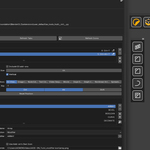
After years of using Blender, I got really tired of tilting my neck 90 degrees just to read vertical text on the sidebar—especially with dozens of add-ons cluttering the UI. Even with the introduction of Compact Tabs in Blender 5.2, navigation still feels clunky.
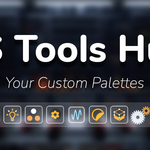
So after plenty of designing, prototyping, and testing, I’m excited to introduce ES Tools Hub: Real Floating Custom Icon Palettes.
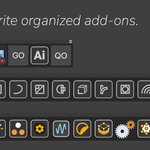
Create as many palettes as you want and assign custom icons to your favorite add-ons (or simply drop an icon.png into the add-on folder, and it will load automatically).

Hide unused tabs to keep your sidebar clean and organized.
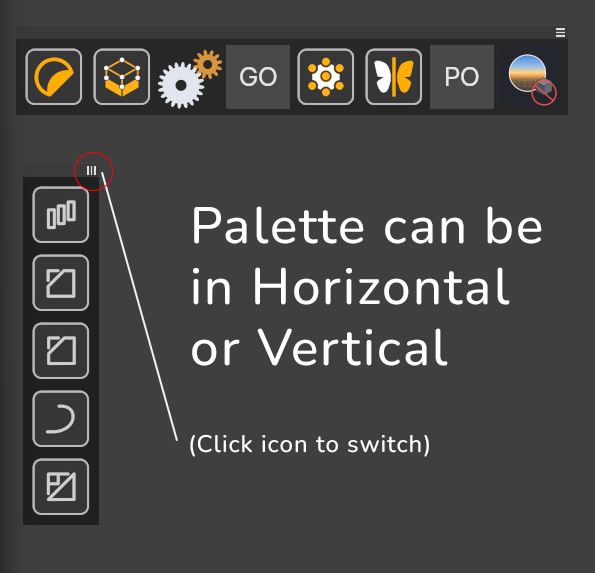
The best part? You can even build dedicated palettes for your most-used modifiers!
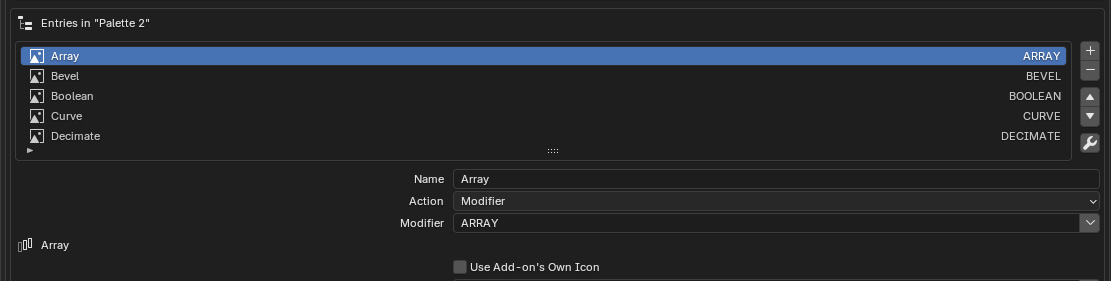
Speed up your workflow and save your neck.