European Street Details Kit: Manholes, Kerbs, Bollards
 francesac.design
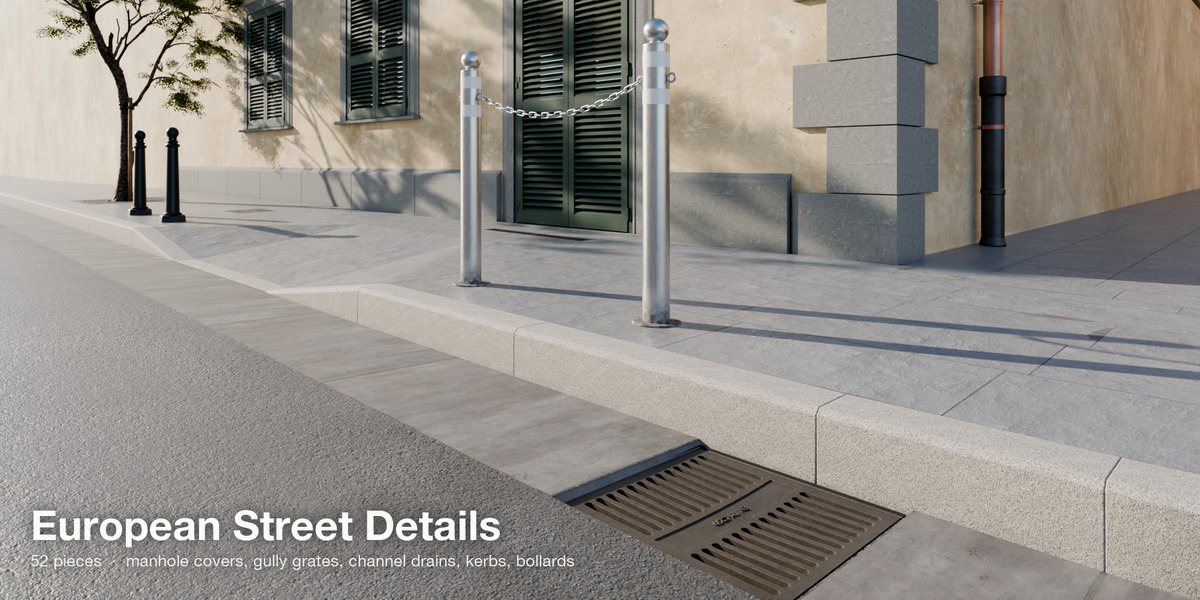
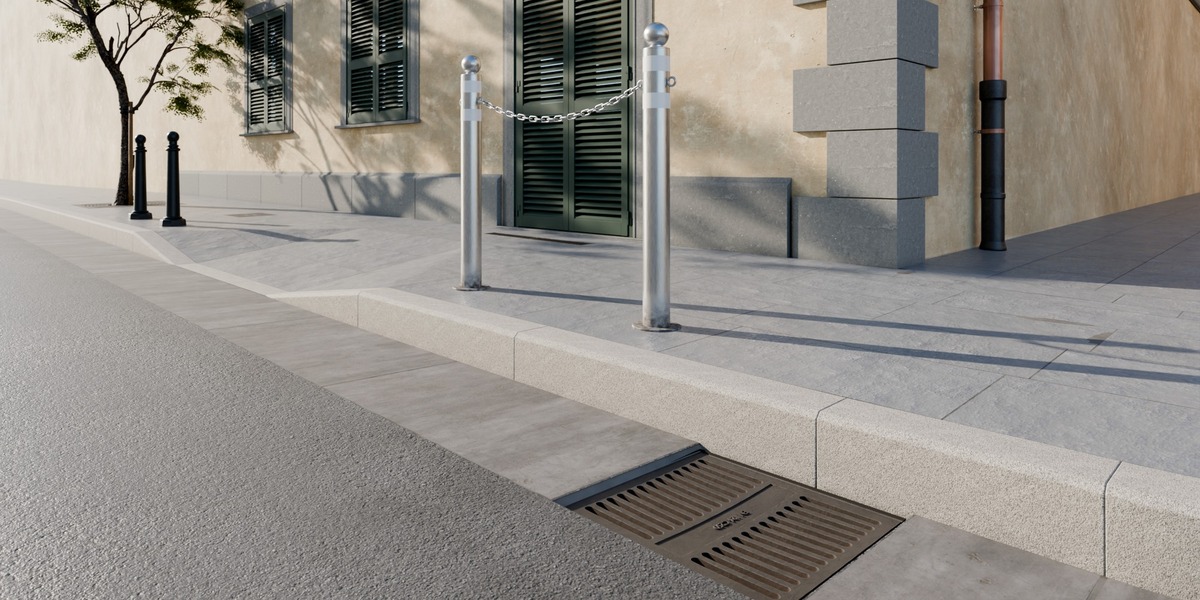
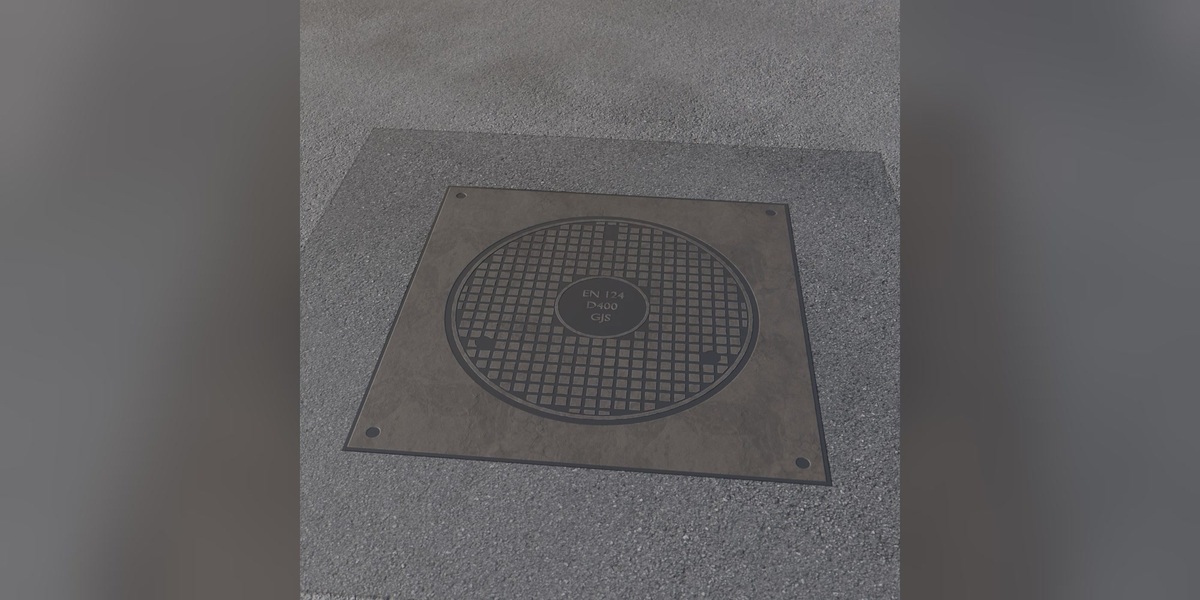
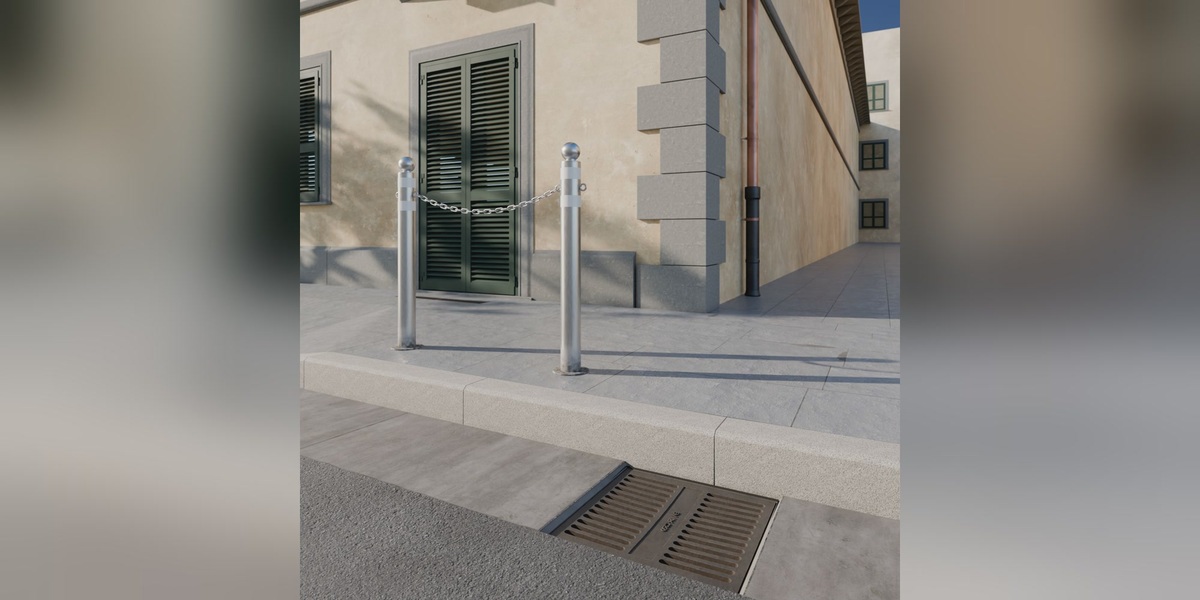
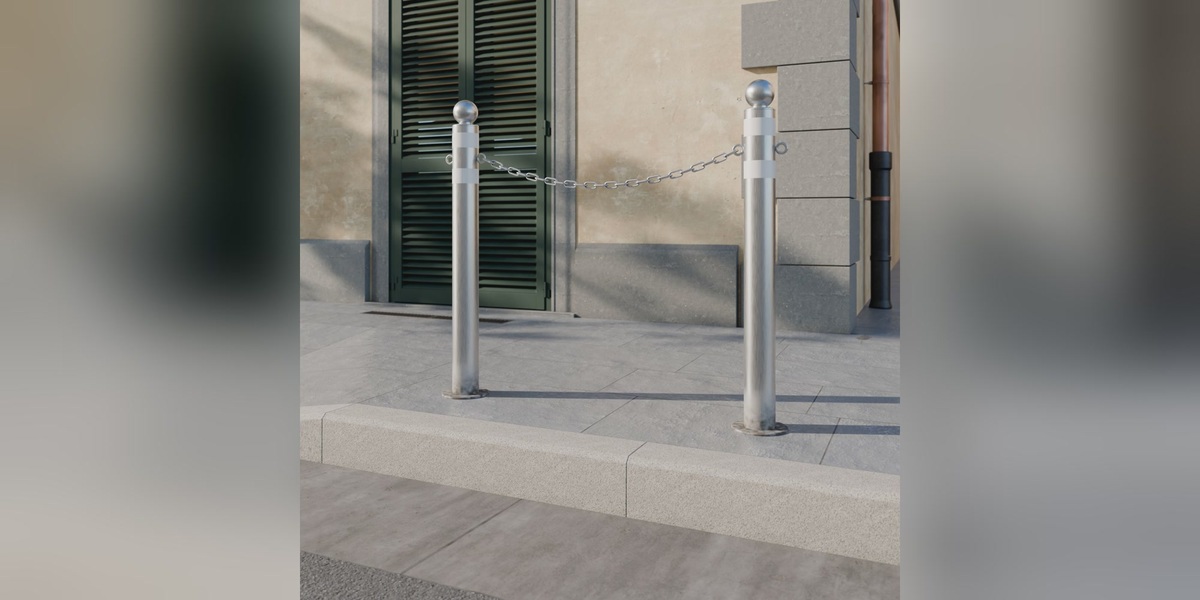
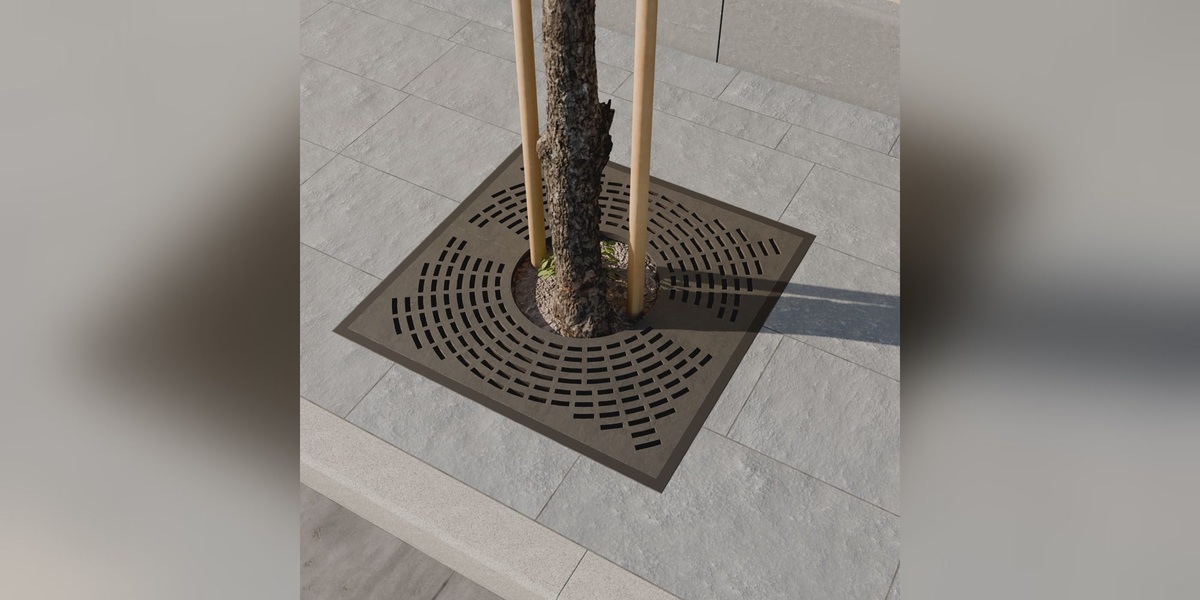
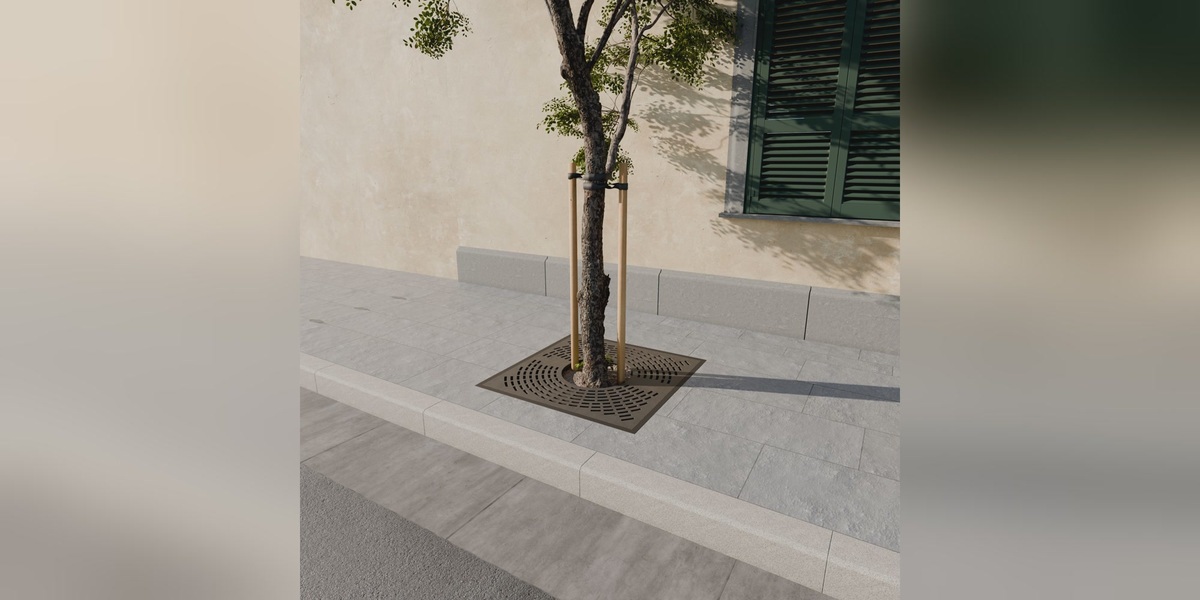
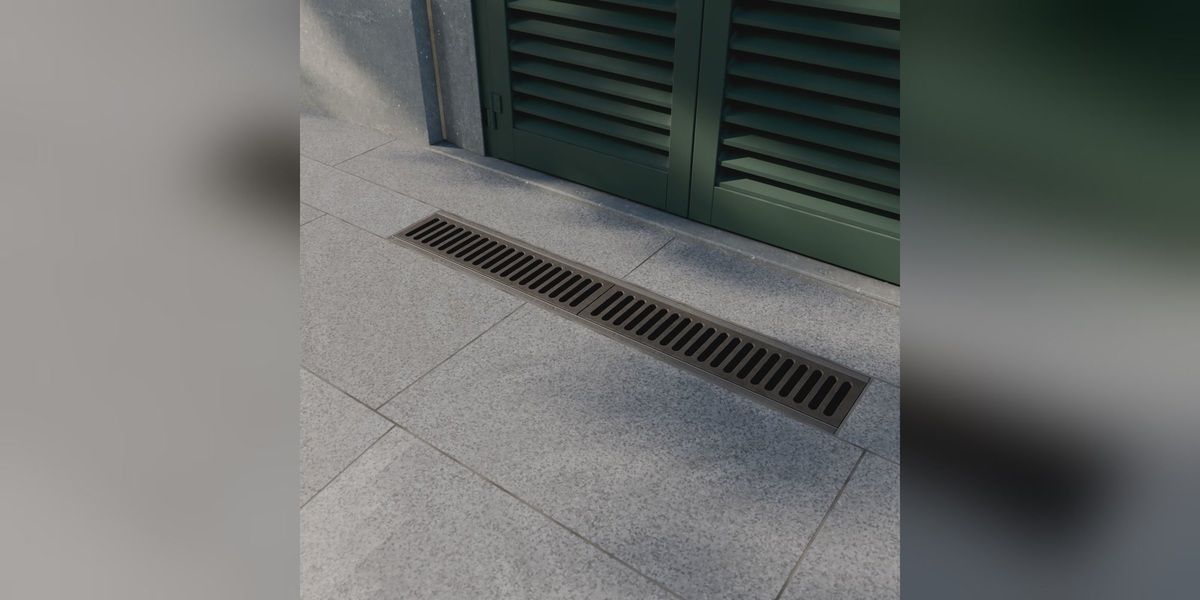
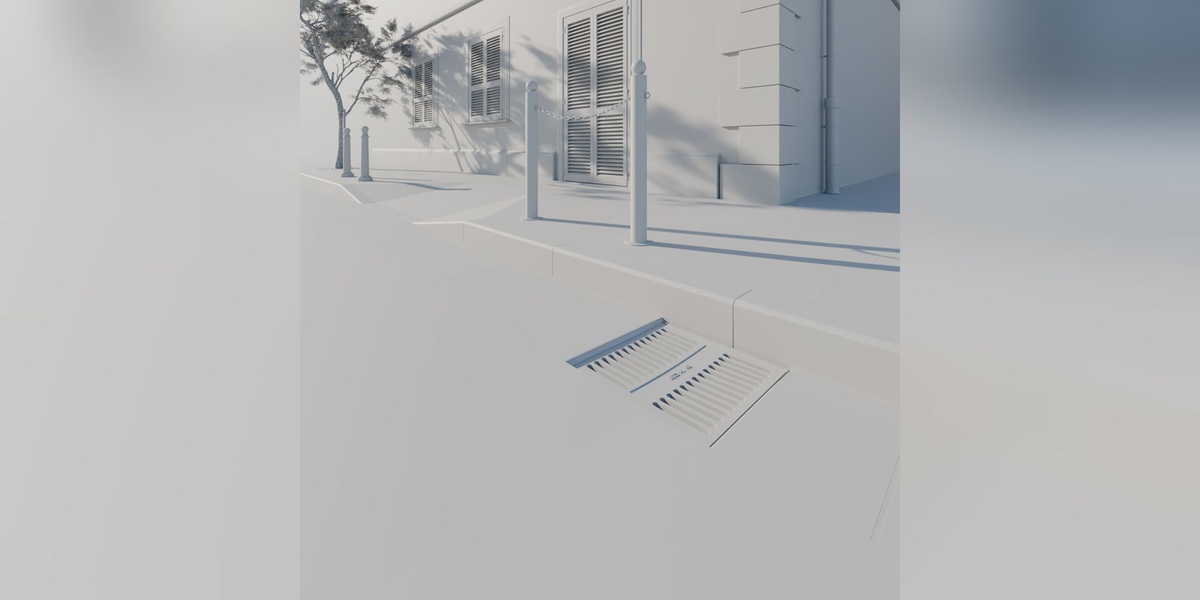
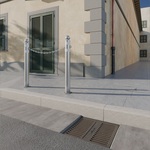
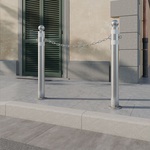
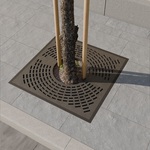
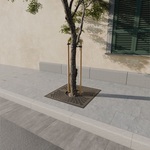
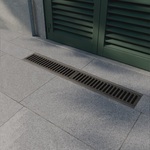
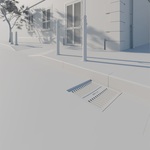
What you get
- Blender: European_Street_Details_High.blend and _Low.blend, each with all 52 pieces in two collections (castings, kerbs and bollards). Each piece is a collection with its own origin Empty; the materials are the original Blender ones, with the textures packed in the .blend.
- FBX (mm), OBJ+MTL and GLB (metres): the same two files. FBX and OBJ read their maps from the textures folder next to them; GLB has them inside.
- The rust in the cast-iron cavities and the dirt at the foot of each piece depend on its shape: they are in the Blender materials only. FBX, OBJ and GLB have the baked tiles, worn tops included.
Placing the pieces
- Covers, gully grates, channel drains and tree grates: the origin is at the centre of the top face. Put it on the surface the piece is laid in (road at z = 0, pavement at its own height): frame and body go below.
- In the files the pieces stand side by side on the ground, the castings flush at z = 0: in your scene, snap each origin to its surface.
- Kerbs: the origin is on the top edge of the road face. At 150 mm above the road the kerb stands at its usual height and its base goes 100 mm below. Straight modules are 1000 and 500 mm: duplicate and snap end to end.
- Curves start tangent to +x with their centre on the pavement side. Ramps and driveway drops come left and right: the left one goes down towards +x.
- Bollards and barriers: the origin is on the ground at the axis. The buried part is not modelled.
- Chain: put its origin on the axis of a ringed steel bollard and a second one 1000 mm along +x, same rotation: the end links pass through the rings at 800 mm.
UVs are at real-world scale (overlapping, 1 UV unit = one seamless tile). Normal maps: OpenGL. Saved with Blender 5.1, opens in 4.5 LTS or newer.
Have questions about this product?
Login to message
| Published | about 15 hours ago |
| Blender Version | 4.5 - 5.1 |
| Render Engine Used | Cycles |
| Misc Data | Uvs-Unwrapped, Low-High-Resolution, Normal-Mapped, Textured |
| License | Royalty Free |
Discover more products like this
ArchViz bollard curb street furniture storm drain drain manhole cover manhole cast iron kerb granite gully