Event People – Seated
 Andrea Verri
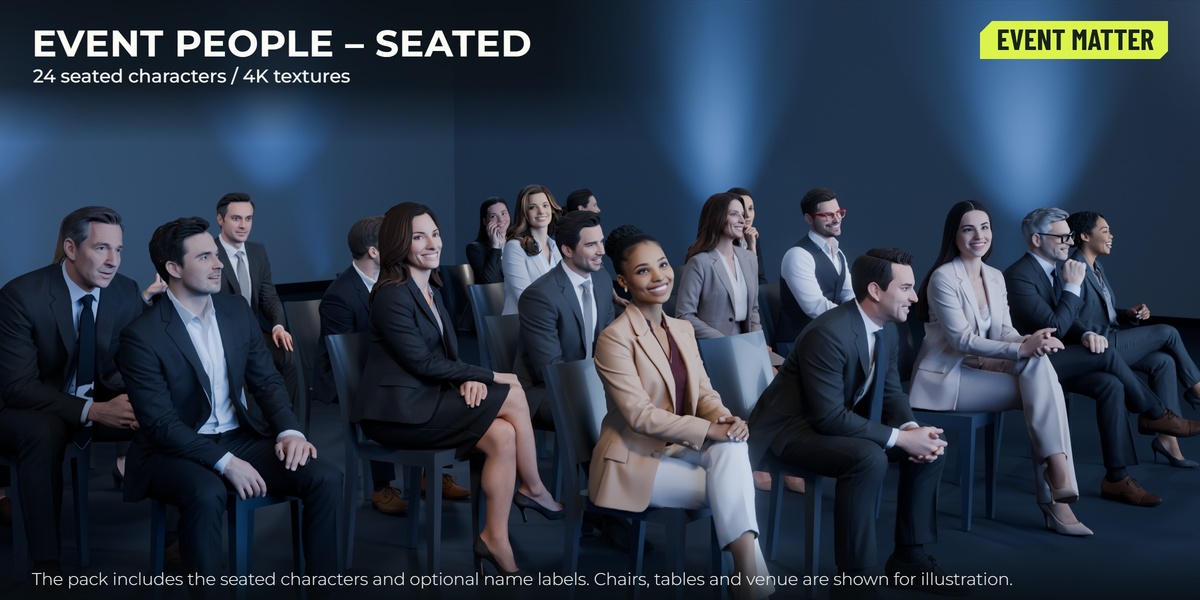
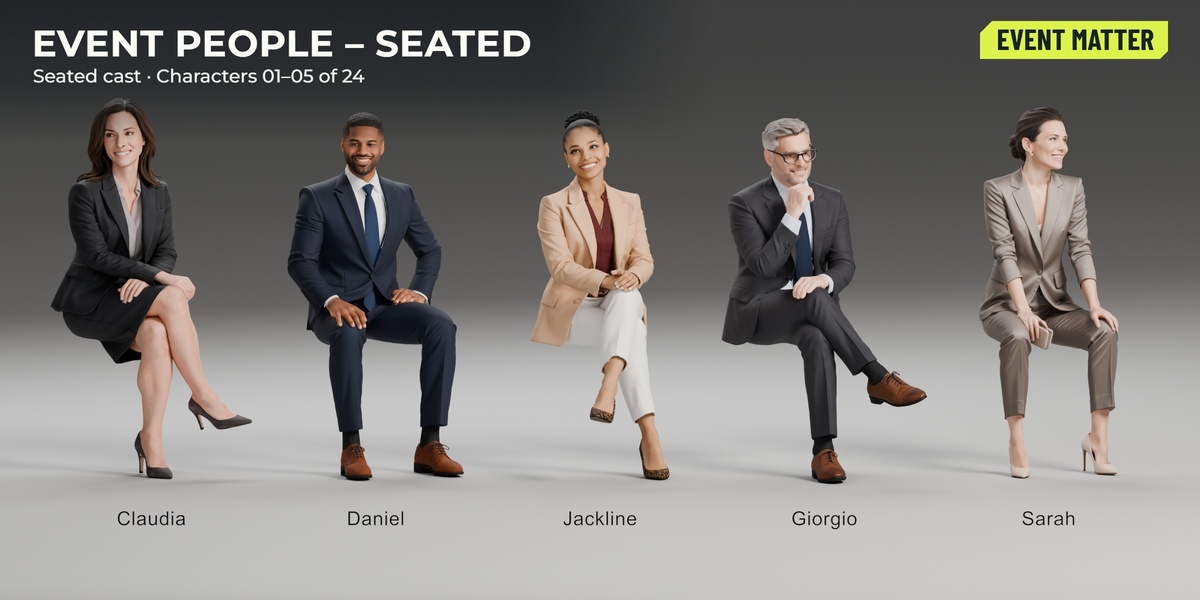
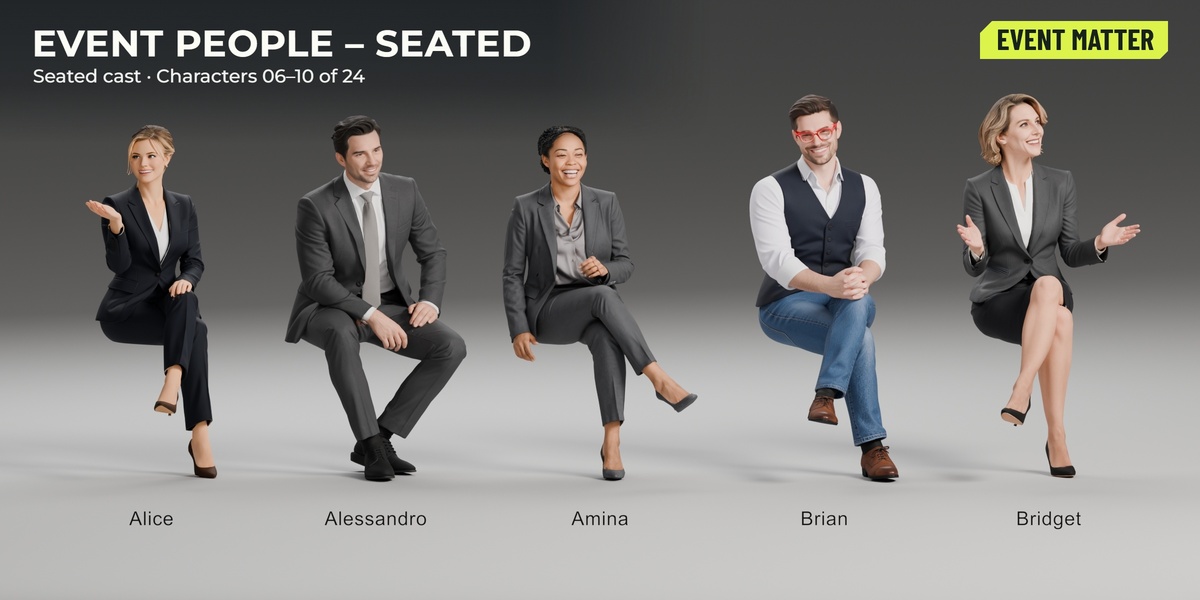
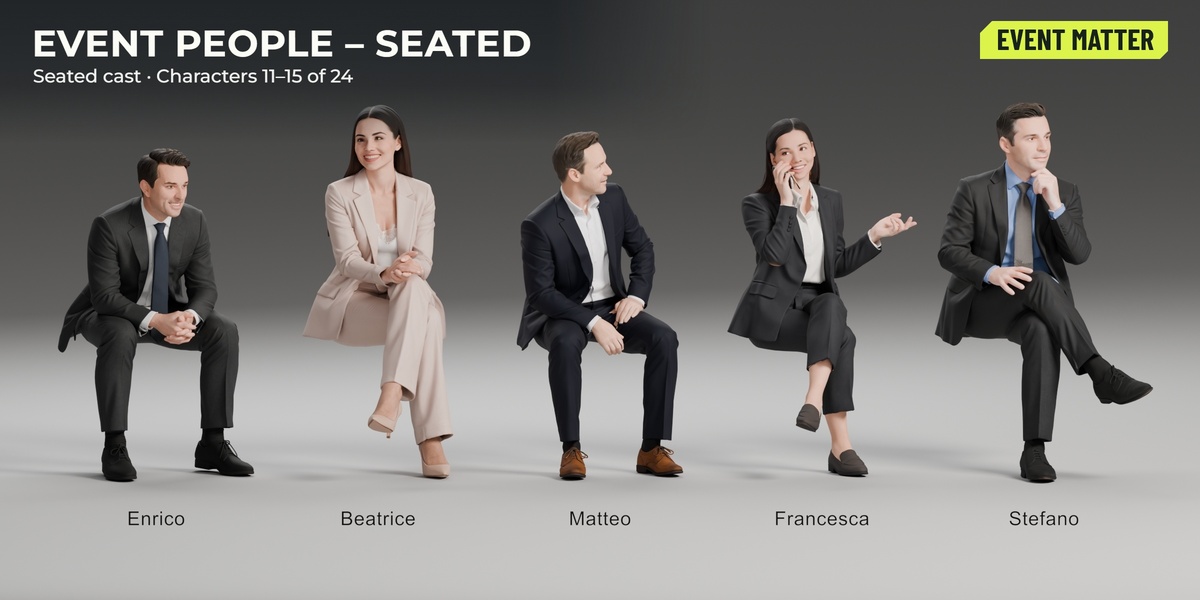
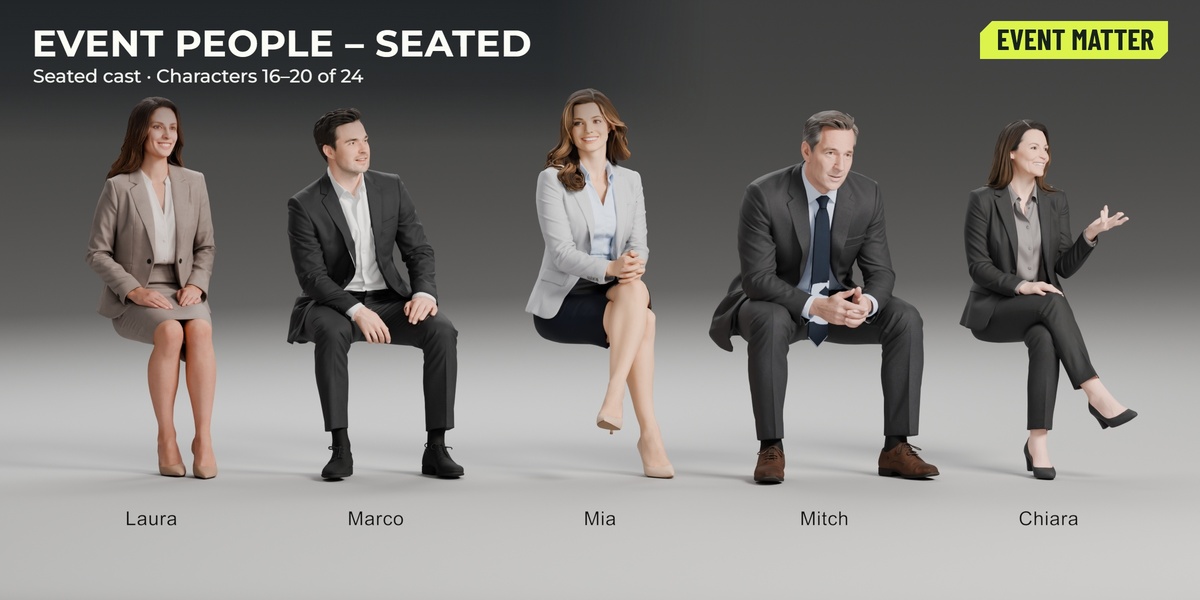
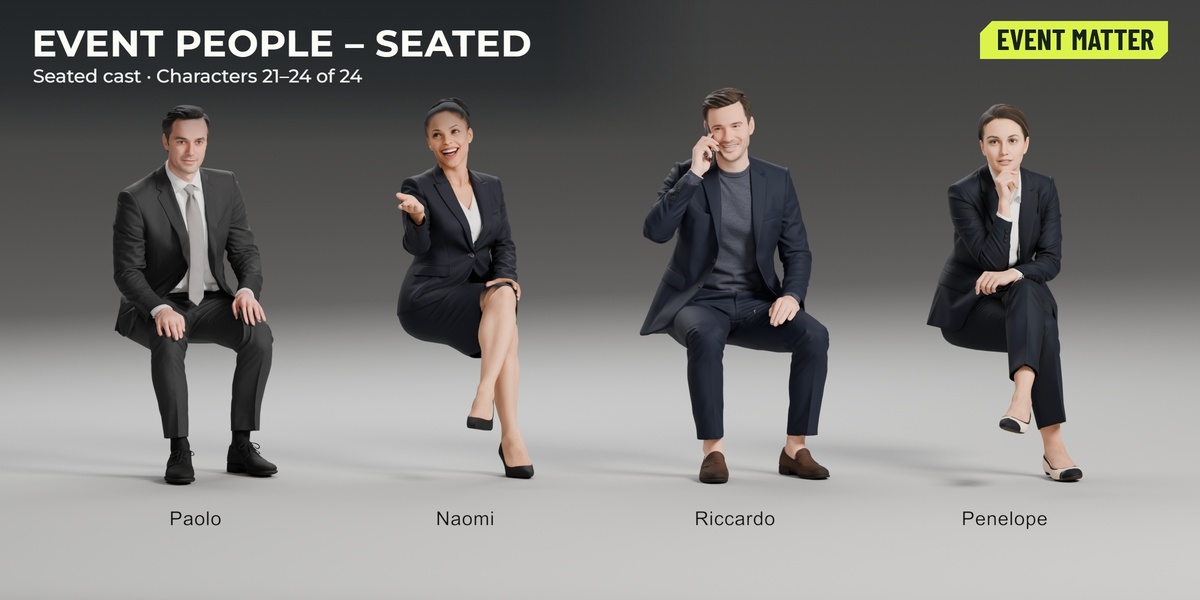
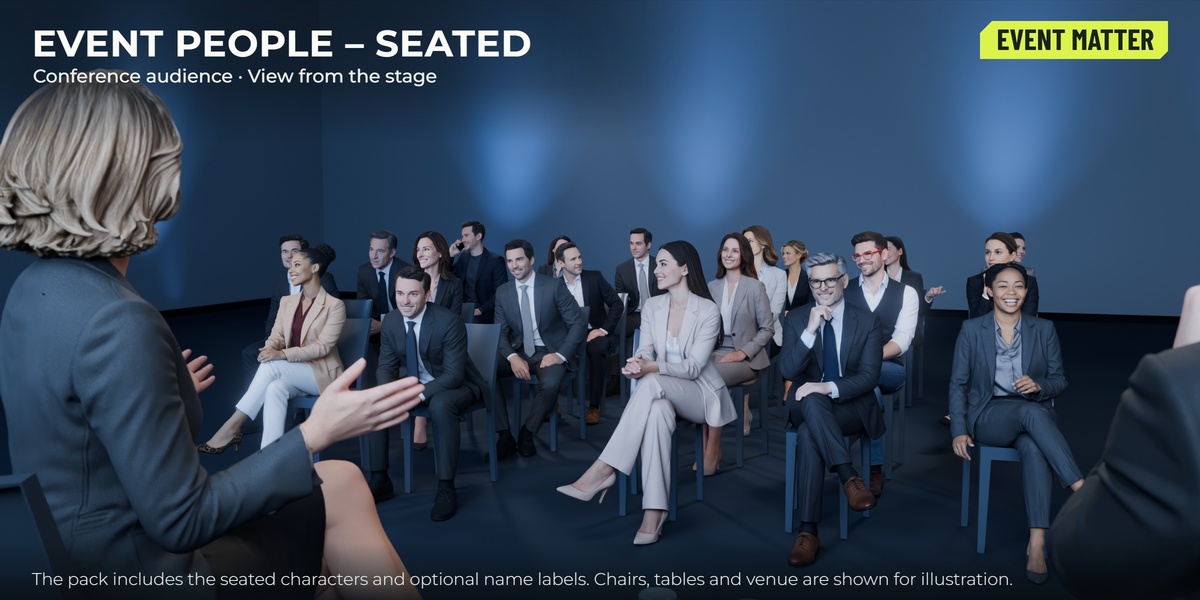
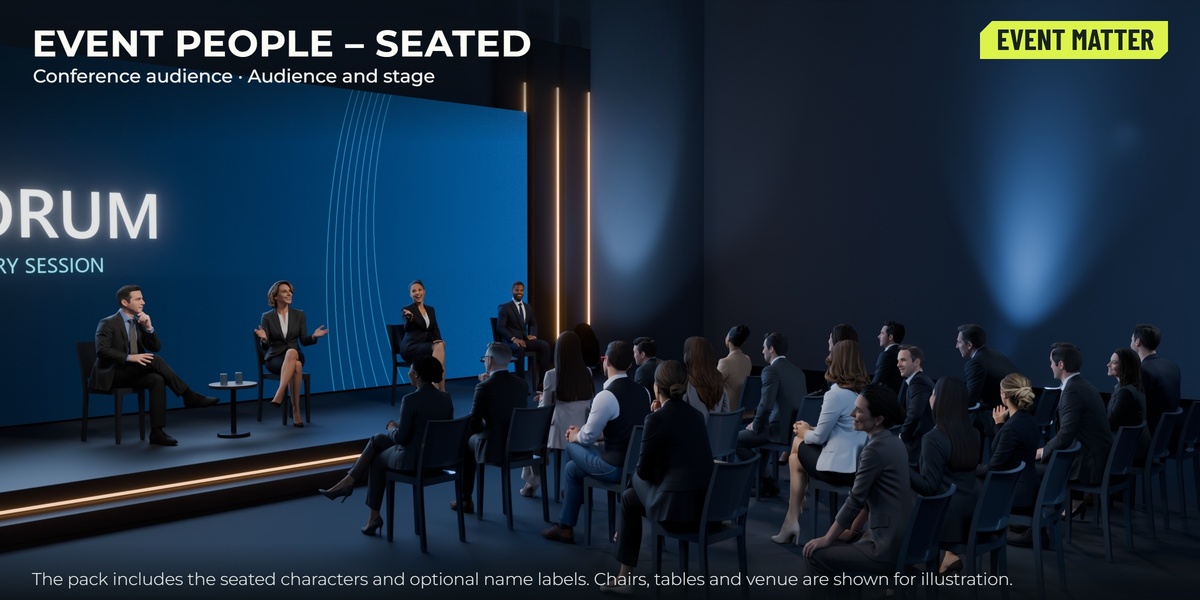
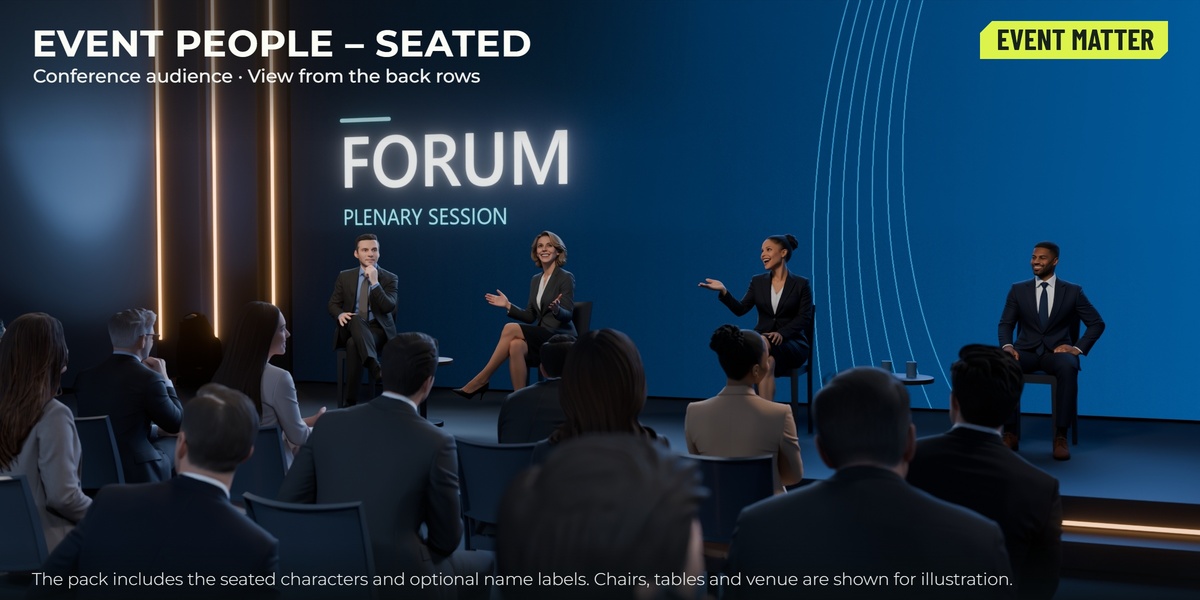
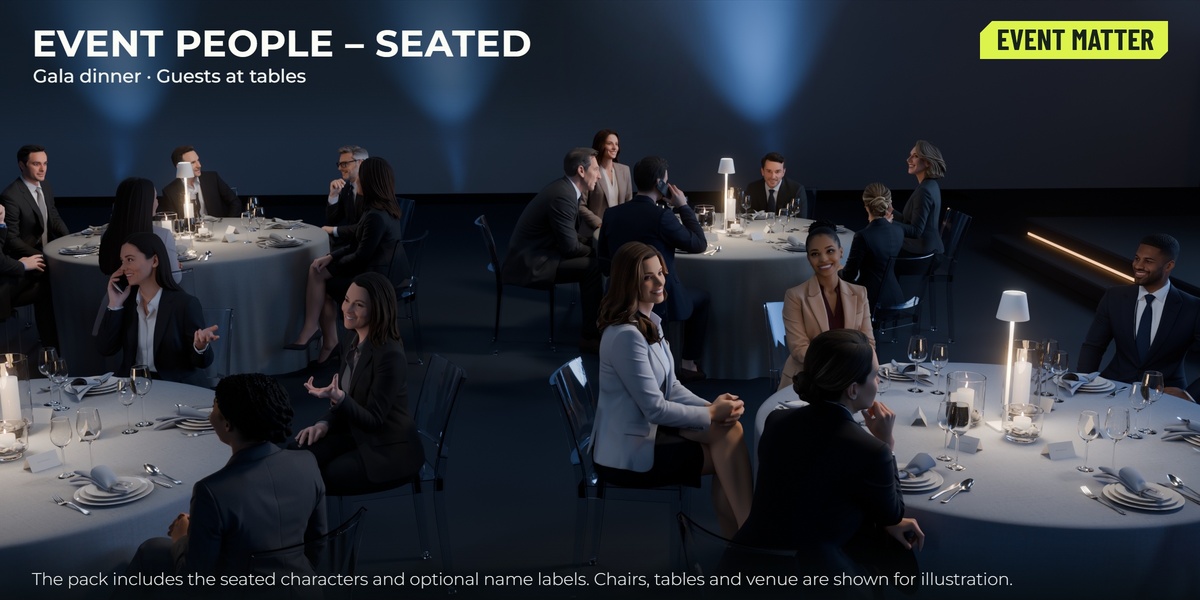
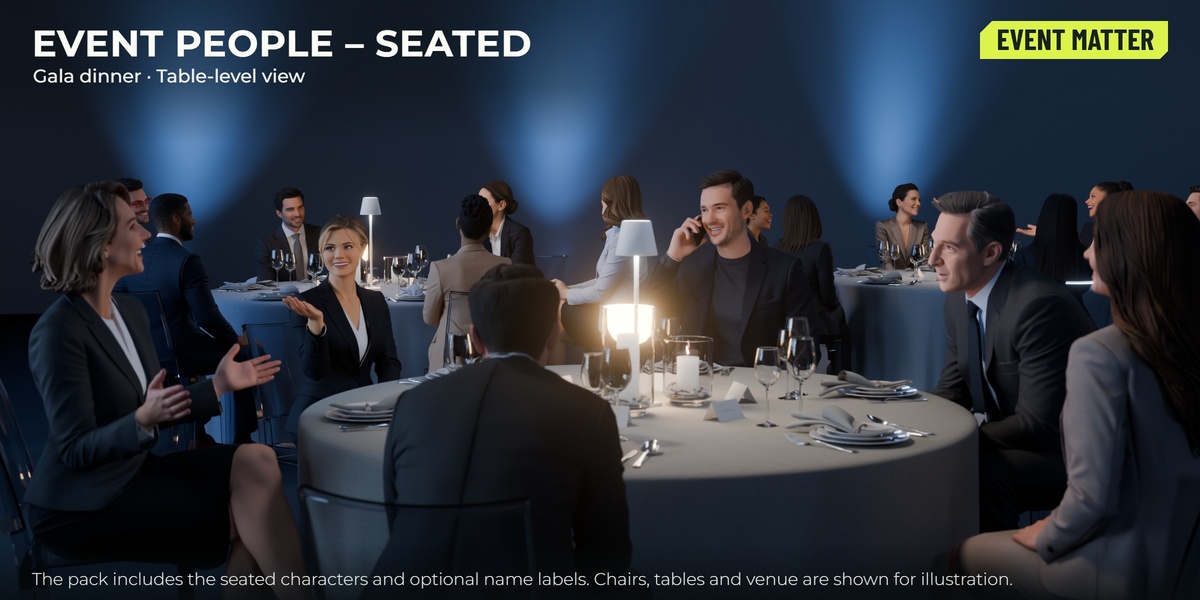



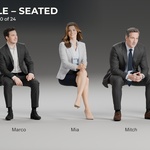
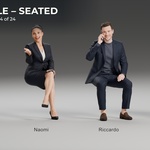

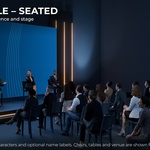
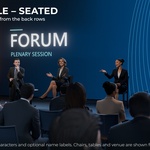
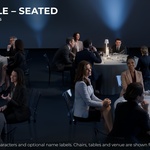
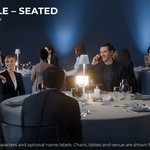
Install the asset library
Extract Seated Business People 30K.zip. Keep Seated Business People 30K.blend and blender_assets.cats.txt together in the extracted folder. In Blender, open Edit → Preferences → File Paths and add that folder under Asset Libraries. Open the Asset Browser, select the library, and drag a figure into your scene.
Append the complete cast
In your project, choose File → Append. Open the supplied .blend, then select Collection → Seated People 30K. Append Name Labels separately if you want the names. To preview the cast with its camera and lights, open the supplied .blend and switch to 02 Studio Preview.
Place the figures on chairs
The origin is at floor level under the pelvis. Use a seat height of 46 cm (18.1 in) as a starting point and check the seat and foot contact in a side view.
Use the cast with Event Seating Planner
Append Seated People 30K in the scene containing Event Seating Planner. In the grid modifier, turn off Use Proxies and assign the cast to Custom People Collection. Exclude the source collection from the View Layer to show the figures placed by the grid. Use Occupancy and Seed to change how the figures are distributed. Use People Offset X and People Offset Y for horizontal placement adjustments.
Have questions about this product?
Login to message
| Dev Fund Contributor | |
| Published | 38 minutes ago |
| Blender Version | 4.5 |
| Render Engine Used | Cycles |
| Misc Data | Uvs-Unwrapped, Normal-Mapped, Textured |
| License | Royalty Free |

Discover more products like this
3D audience office visualization gala dinner event visualization conference audience seated people seated crowd corporate event auditorium