Exact Decimate: Triangle Count Precision
 Corey Kinard

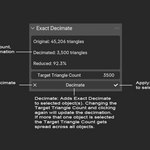
- Install and Enable addon in the Blender Preferences.
- Once enabled, Exact Decimate will be located under the Tool nPanel.
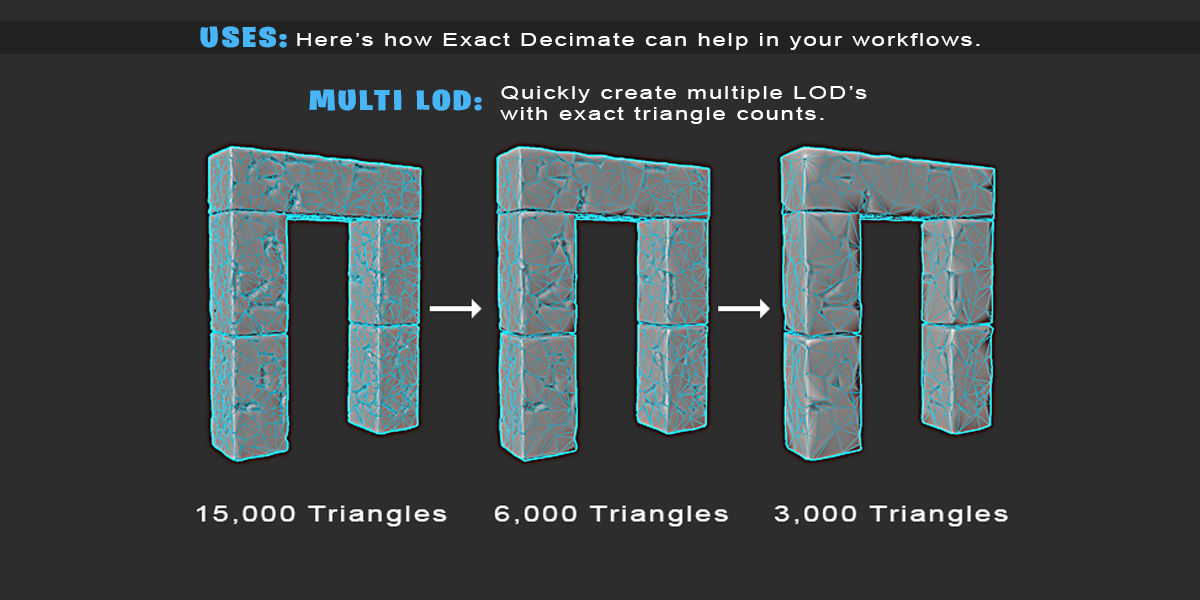
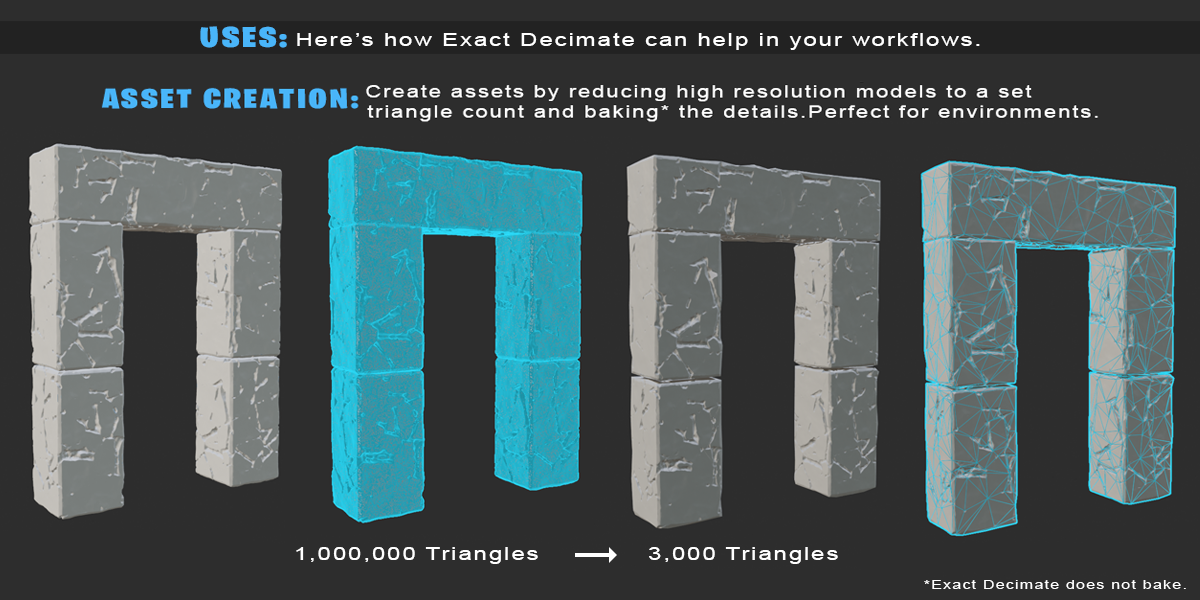
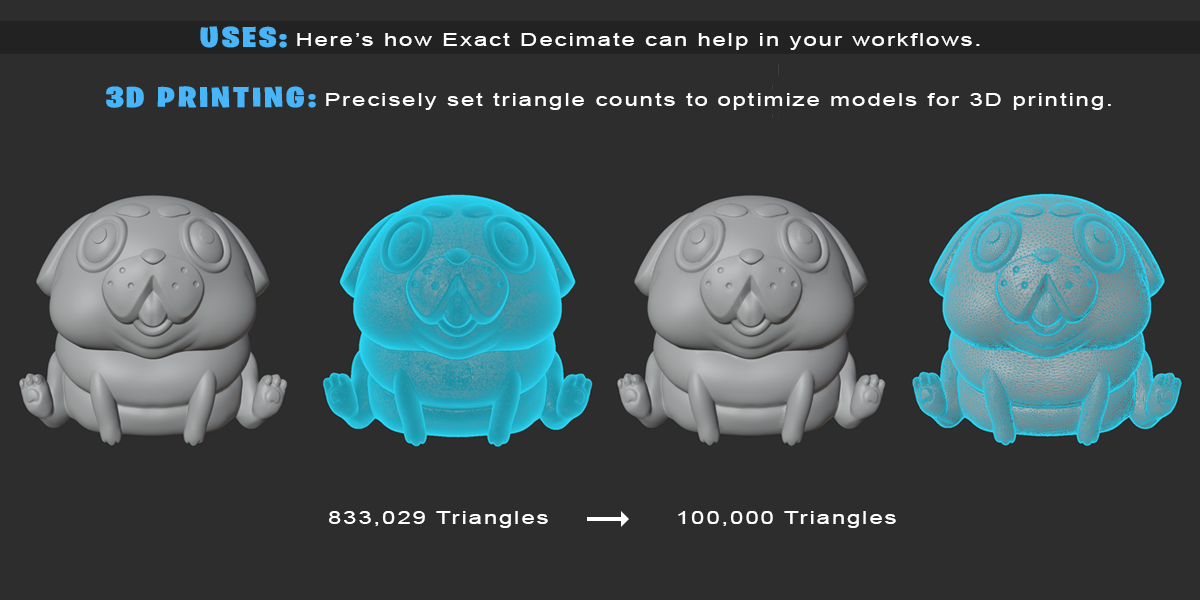
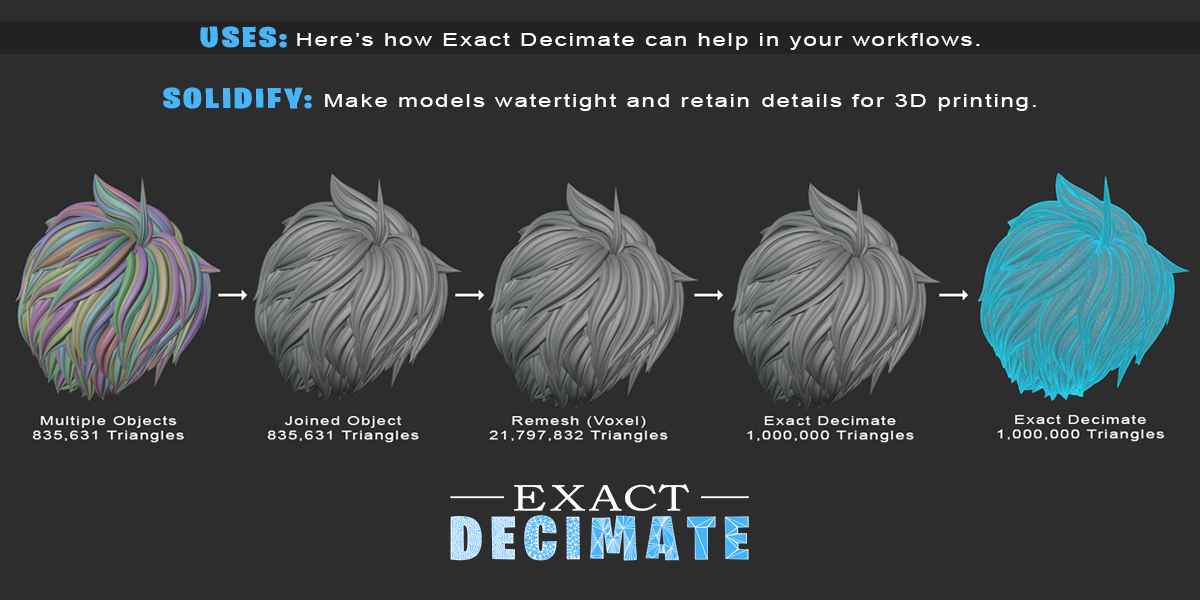
- Select your object(s), specify the desired triangle count then click Decimate.
- You can update the decimation triangle count by changing the target and clicking Decimate again.
- You may delete the Exact Decimate modifier by clicking the X next to Decimate.
- You can apply the Exact Decimate modifier by clicking the check next to Decimate.
