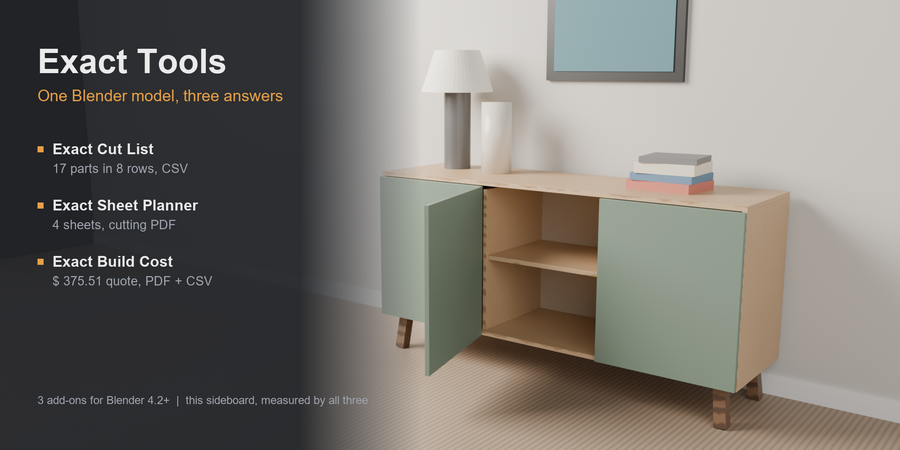
Exact Tools
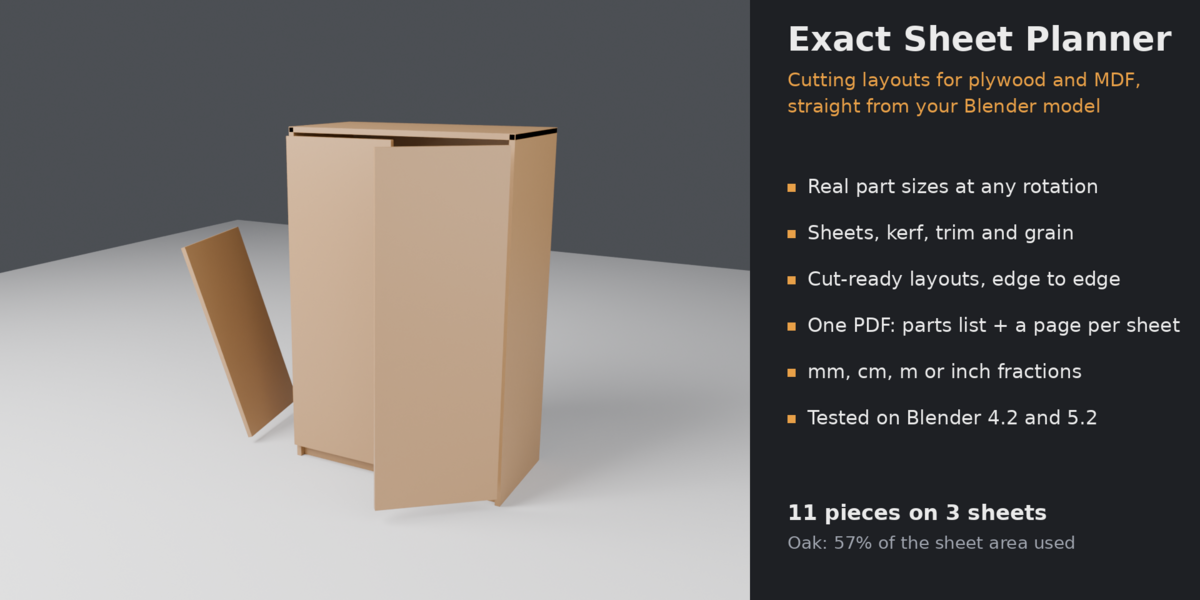
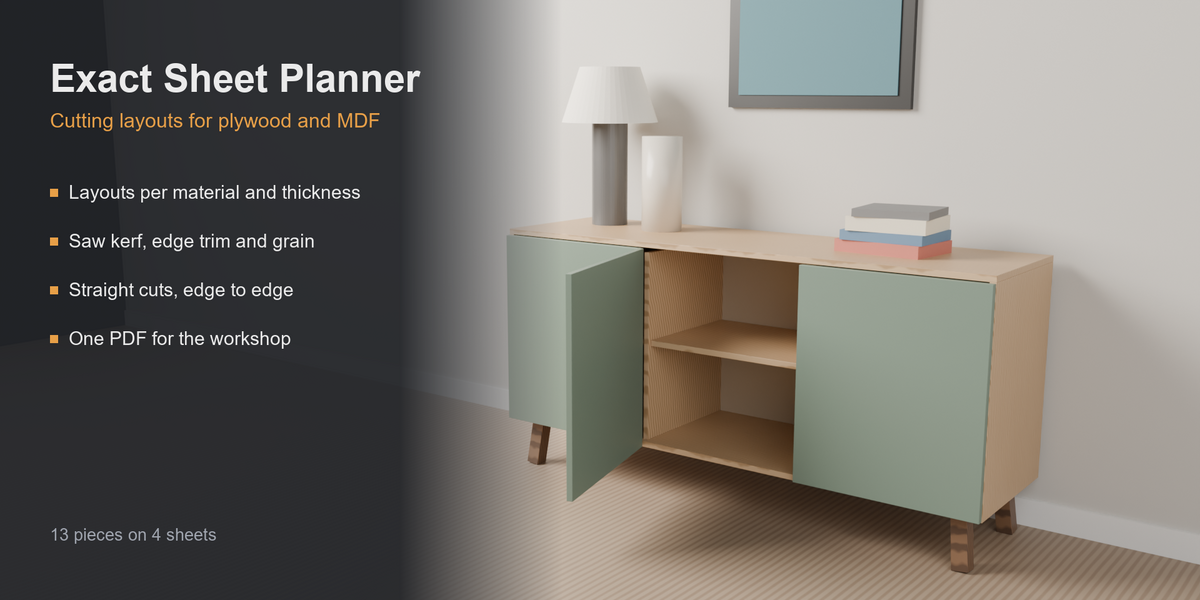
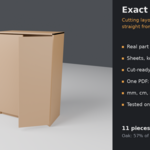
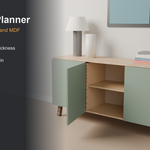
Model the furniture in Blender, press one button, get the drawings that tell you how to cut the sheets.
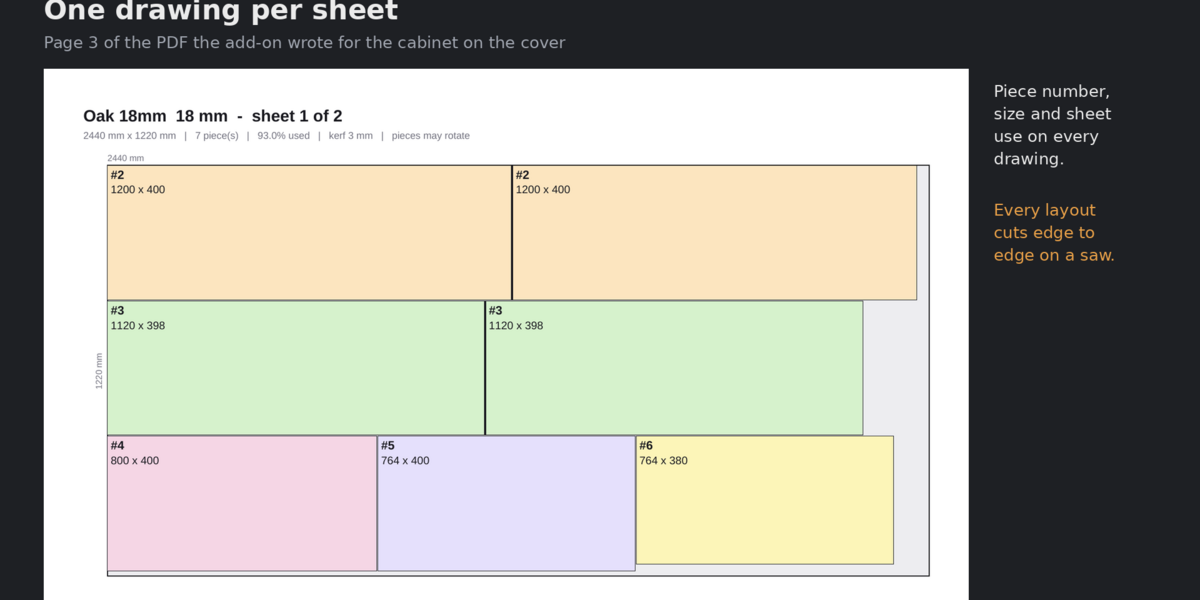
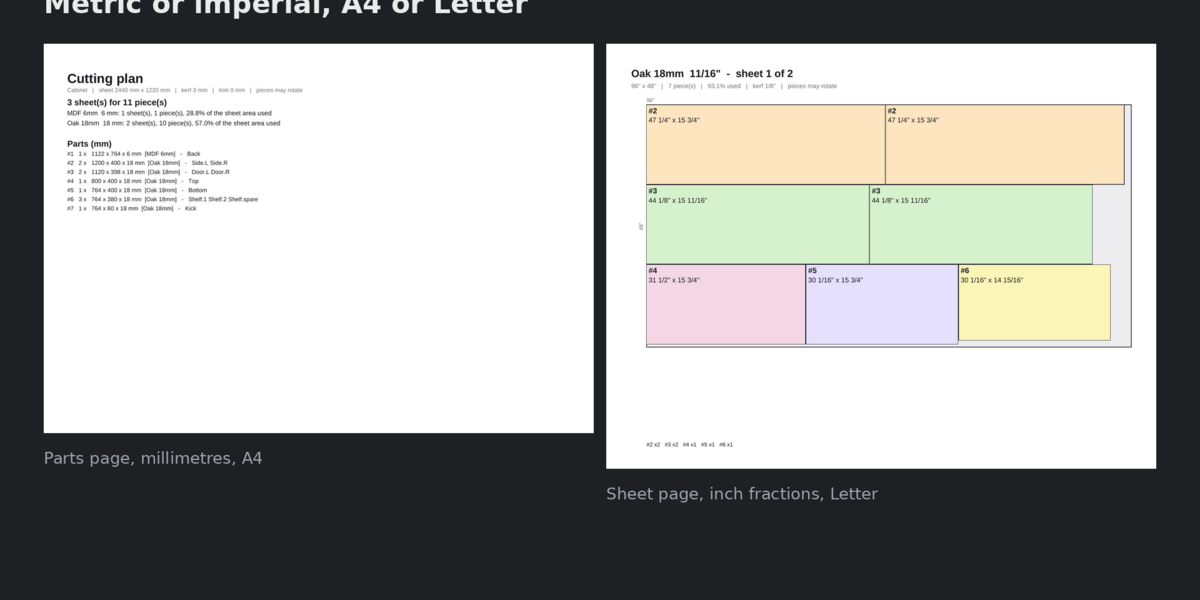
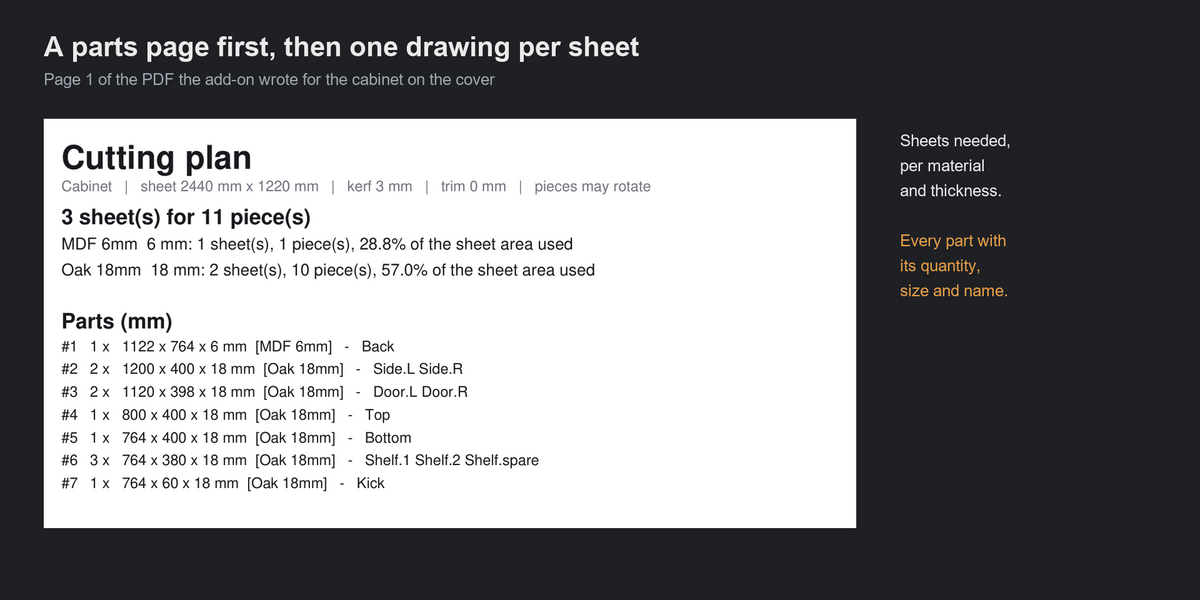
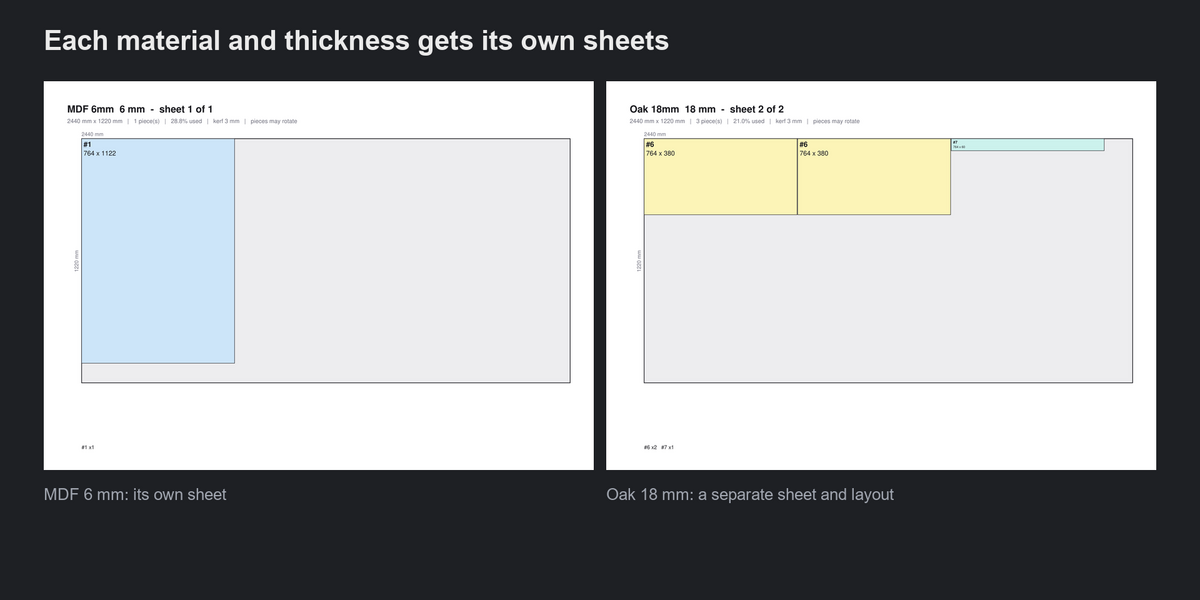
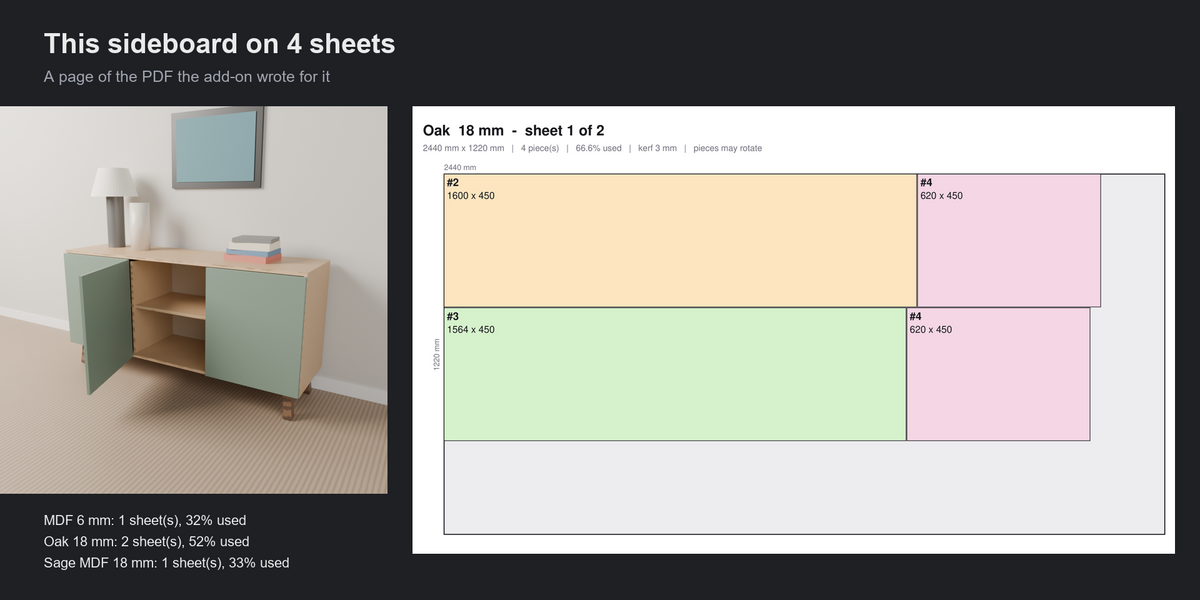
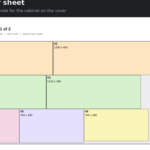
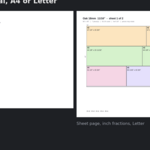
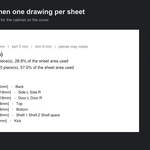
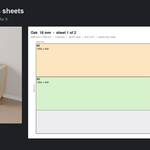
Exact Sheet Planner reads the real geometry of every part, lays the parts out on plywood or MDF sheets, and writes one PDF: a parts page and one drawing per sheet, with the piece number, the size and the share of the sheet used. Every layout can be cut on a panel saw or a table saw with straight cuts from edge to edge.
What it does
- True part sizes at any rotation. An open door, a shelf at an angle, a panel whose rotation was applied with Ctrl+A: each part is measured by the smallest box around it. Linked duplicates, collection instances, geometry-node instances and every separate piece inside one object count as parts. Modifiers (Solidify, Array, Mirror...) are applied.
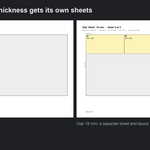
- Sheets by material and thickness. "Oak 18 mm" and "MDF 6 mm" get their own sheets.
- Sheet sizes: 2440 x 1220, 2500 x 1250, 2750 x 1830 and 3050 x 1525 mm; 96 x 48, 60 x 60 and 48 x 24 in; or any size you type.
- Saw kerf and edge trim are kept in the layout (kerf stays between neighbouring pieces).
- Grain: turn off "Allow rotation" and every piece keeps its length along the sheet length.
- Layouts you can cut. The planner uses guillotine cuts only: each piece is reached by straight cuts that run from edge to edge of the rectangle being cut. It tries 60 combinations of ordering, fit and split rules and keeps the layout with the fewest sheets.
- Honest warnings. A part longer than the sheet is named in the panel, the Text Editor and the PDF. Parts thicker than a limit you set (40 mm by default: legs, rails, solid lumber) are left out and listed. Parts that are not plain boxes, open meshes and zero-thickness planes are flagged.
- PDF in your units: mm, cm, m, or inches with fractions (1/8 to 1/64); A4 or Letter paper; vector drawing that stays sharp when printed or zoomed. No libraries needed.
- Choose the parts: selected objects, everything visible, or one collection.
How to use
- Install the .zip: Edit > Preferences > Get Extensions > Install from Disk (the arrow menu at the top right).
- Open the sidebar in the 3D Viewport (N) and the Sheet Plan tab.
- Pick the parts, the sheet size, the kerf, and press Plan Sheets.
- Read the summary in the panel and in the Text Editor ("Sheet Plan"), or press Export PDF.
Tested, not guessed
The packing code is checked by an automated test suite that ships with the source: 150 random jobs of up to 70 pieces, each checked for overlaps, the kerf between neighbours, the sheet edge and trim, grain mode, and that every layout can be cut edge to edge; exact tilings (four 1220 x 610 panels fill a 2440 x 1220 sheet without kerf and need two sheets with a 3 mm kerf); the PDF structure; and full scenes inside Blender with rotations, linked duplicates, collection sources, millimetre scene units and inch fractions. The suite passes on Blender 4.2 LTS and 5.2 LTS.
Compatibility
Blender 4.2 or newer (installs as an extension). Windows, macOS and Linux. Pure Python, no external libraries.
Limits
- The layout is a good one, not a proven optimum: nesting is a hard problem and the planner uses fast heuristics. Check the drawing before you cut.
- One sheet size per plan, and all materials use that size.
- It does not number the cuts, plan offcut reuse or draw edge banding.
- Curves, text and other non-mesh objects are skipped; convert them to mesh first.
- Boards that touch and share vertices inside one object are one piece; keep each board as its own piece (or its own object).
FAQ
Does it change my model? No. It only reads the geometry and writes a Text block named "Sheet Plan".
Do I need Exact Cut List too? No. The part measuring is built in. Exact Cut List is the one to get if you want a CSV cut list for a spreadsheet instead of sheet drawings.
A piece says it does not fit. It is longer or wider than the sheet minus the edge trim, in either direction (or in one direction when "Allow rotation" is off). Pick a bigger sheet, or split the part.
A part is missing from the plan. Parts thicker than "Sheet stock up to" (40 mm by default) are not sheet goods; they are listed on the summary page. Raise the limit if you need them.
Inches? Yes: choose inch as the unit, with fractions or decimals, and one of the inch sheet sizes (96 x 48 in is exactly 96 x 48; 2440 x 1220 mm is the metric sheet).
Changelog
1.0.0: first release.